

Cronitor vs Instatus: Features, Pricing and User Reviews 2026
What are Cronitor and Instatus?

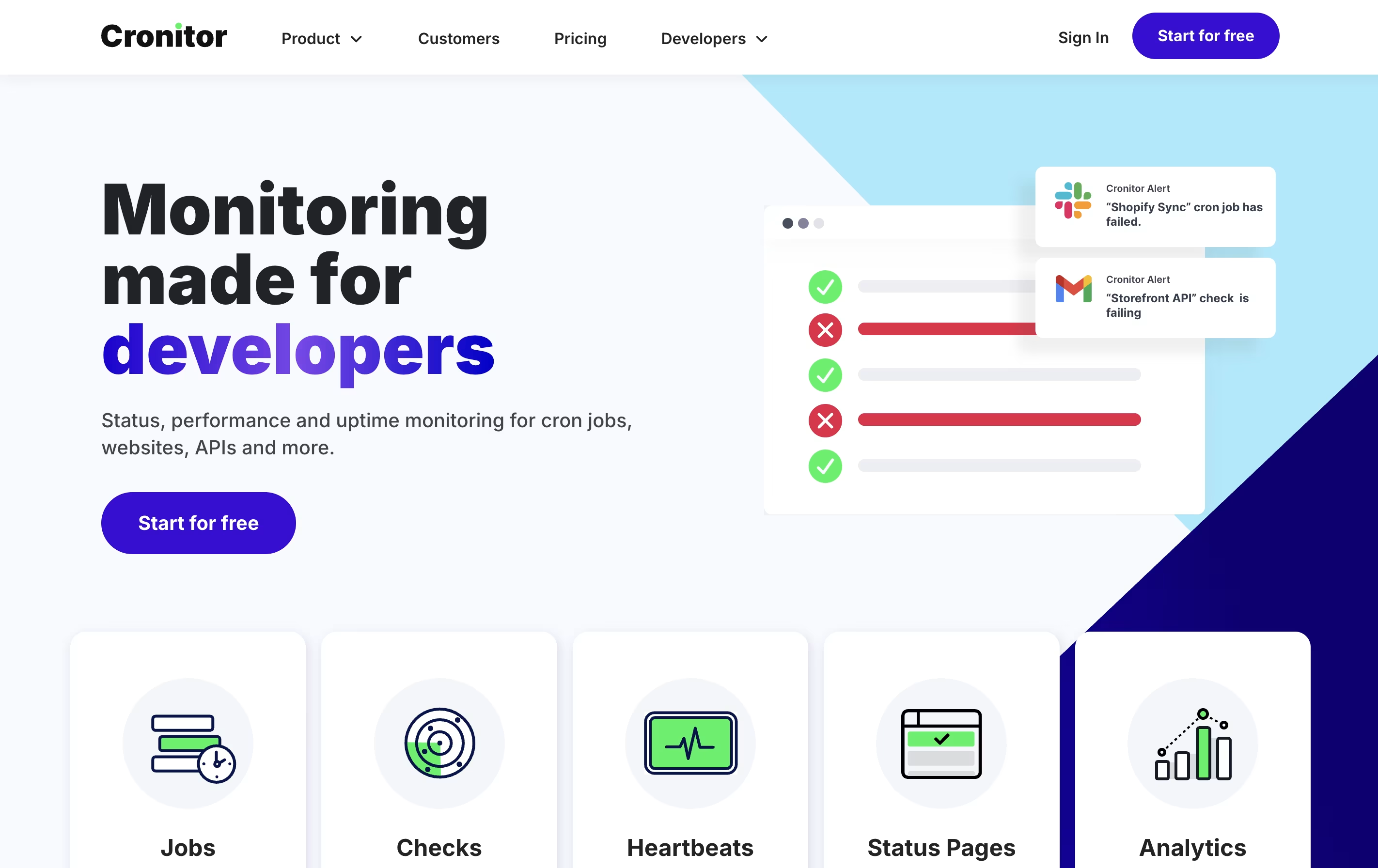
Cronitor is a web-based monitoring service that watches your scheduled tasks and services. It works like a safety system for your computer processes. You tell Cronitor what should happen and when, and it watches to make sure things run correctly.
The platform monitors several types of services. It tracks cron jobs and scheduled tasks to ensure they run on time. It watches websites and APIs to check they stay online and respond quickly. It also monitors background processes and heartbeat signals from your systems.
When Cronitor detects a problem, like a job that did not run or a website that went down, it sends alerts through email, Slack, SMS, or other channels you choose. This helps teams fix issues fast before they become bigger problems.

Instatus is a status page platform that lets you create a public or private page showing the current status of your services. It monitors your website, API, and other services, then automatically updates your status page when issues are detected. You can also manually post incidents and maintenance updates.
The tool includes features for team collaboration, on-call scheduling, and multi-channel alerts. When something goes wrong, the right team members get notified through email, SMS, phone calls, Slack, or Microsoft Teams. Your customers can subscribe to updates and see real-time information about service health.
Instatus status pages load fast and can be customized to match your brand. You can use your own domain, add custom colors, and even inject custom code if needed.
Features of Cronitor and Instatus
Monitor cron jobs and scheduled tasks automatically
Website and API uptime checks every 30 seconds
Heartbeat monitoring for background processes
Instant alerts via email, Slack, SMS, and more
Public and private status pages
Real-time performance dashboards
12-month data retention
Auto-discovery of existing jobs
Multiple alert integrations
Command line tools available
Monitor websites, APIs, SSL, DNS, and more
Checks every 30 seconds from global locations
Email, SMS, and phone call alerts
Integrates with Datadog, Pingdom, New Relic, Site24x7
Team collaboration with incident comments
On-call schedules and routing rules
Public, private, or password-protected pages
Custom domains and branding
Slack and Microsoft Teams integration
Multi-language support
Use Cases of Cronitor and Instatus
Pricing of Cronitor and Instatus
Cronitor offers three pricing levels to fit different needs.
The Hacker Plan is completely free and good for small projects and home labs. You get 5 monitors, email and Slack alerts, and a basic status page. However, SMS alerts and premium integrations are not included.
The Business Plan uses simple pay-as-you-go pricing based on what you actually use. It costs $2 per month for each monitor and $5 per month for each user. This plan includes unlimited API requests, 10 alert integrations, 12-month data storage, automatic email reports, and volume discounts. You can add SAML SSO for an extra $5 per month per user. Email and chat support are included.
The Enterprise Plan starts at $6,000 per year and provides enterprise-grade service. It includes custom features, custom integrations, a dedicated engineer, priority support, and flexible invoice billing for larger teams.
Instatus offers three pricing tiers to suit different team sizes and needs. The free plan gives you core features with support for up to 15 monitors, 5 team members, and 200 subscribers, making it perfect for small teams and startups.
The Starter plan is completely free and includes email alerts, checks every 2 minutes, and a public status page. You can monitor 15 services and have up to 5 team members and 2 on-call members.
The Pro plan costs $20 per month and unlocks 50 monitors, 30-second checks, email and SMS alerts, 50 team members, 20 on-call members, custom domain support, and toggleable public or private pages with up to 5,000 subscribers.
The Business plan is $300 per month and provides 1,000 monitors, SMS and phone call alerts, unlimited team members, 50 on-call members, SAML SSO, 3 custom domains, and support for 25,000 subscribers.
FAQs: Cronitor vs Instatus
Reviews: Cronitor vs Instatus
Based on 0 reviews
Based on 0 reviews
Compare Cronitor With Other Tools

UptimeRobot
Website Monitoring with Instant Downtime Alerts

Better Stack
Complete Monitoring and Incident Management Platform

Incident.io
AI-Powered Incident Management Platform

StatusCake
Website Monitoring for Uptime, Speed & Security

Hyperping
Simple Uptime Monitoring & Status Pages

Status.io
Hosted Status Pages for Incident and Maintenance Communication

PagerDuty
Real-Time Incident Management for DevOps and IT Teams

Checkly
Monitoring Platform for Developers

FireHydrant
Incident Management Platform for Teams
Compare Instatus With Other Tools
UptimeRobot
Website Monitoring with Instant Downtime Alerts
Incident.io
AI-Powered Incident Management Platform
Better Stack
Complete Monitoring and Incident Management Platform
StatusCake
Website Monitoring for Uptime, Speed & Security
Status.io
Hosted Status Pages for Incident and Maintenance Communication
PagerDuty
Real-Time Incident Management for DevOps and IT Teams

Statuspage
Status & Incident Communication Tool
Hyperping
Simple Uptime Monitoring & Status Pages
Checkly
Monitoring Platform for Developers





