ToolQuestor Logo
Cronitor
No reviews yet
0 Saved
Added:4/19/2026
Type:Saas
Monthly Traffic:-
Pricing:
FREEUSAGE_BASEDCUSTOM
AI-PoweredAutomationAnalyticsReportingPerformance MonitoringSecurity
Granola

Granola

FEATURED
Bubble

Bubble

FEATURED
BASE44

BASE44

FEATURED
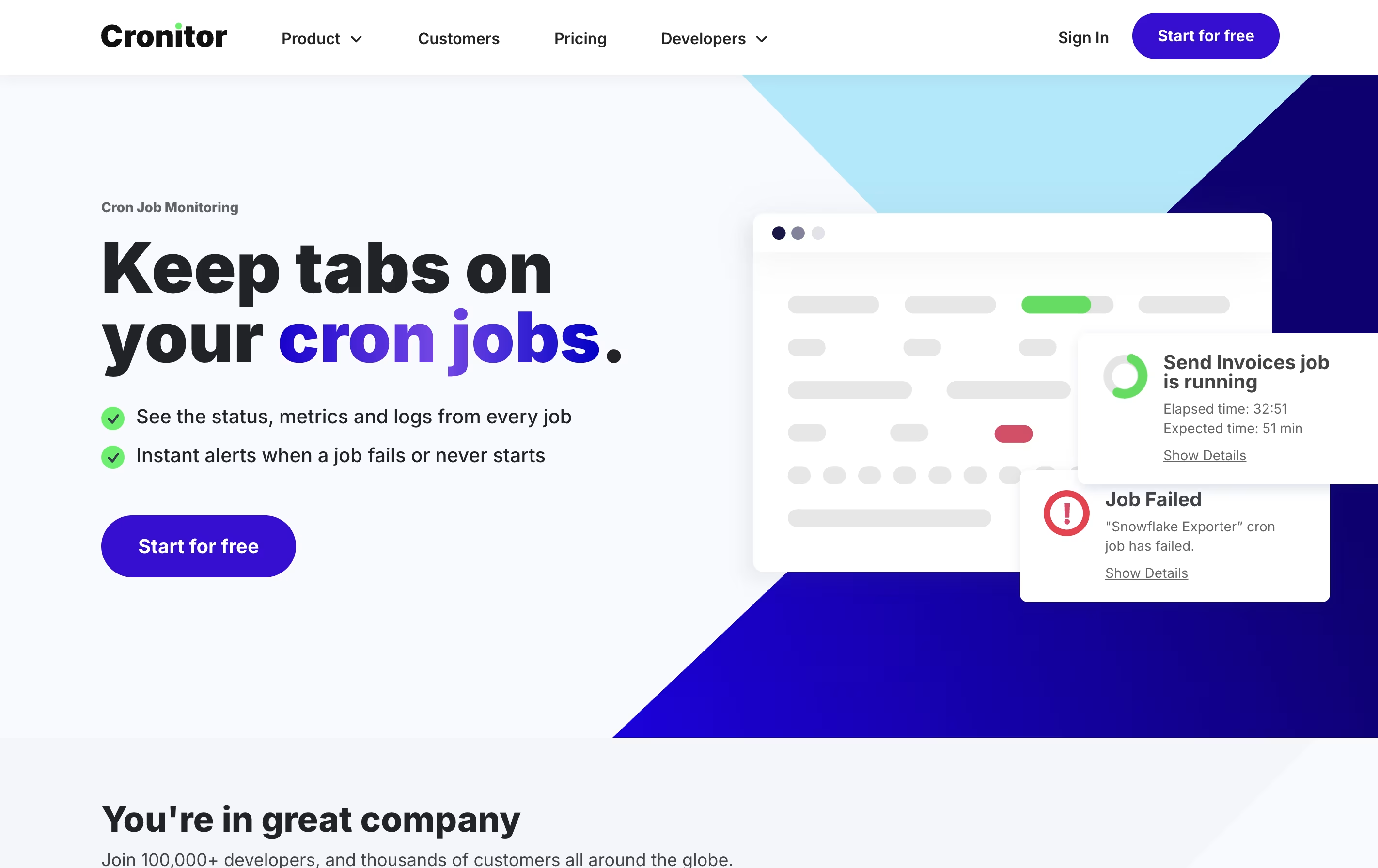
Cronitor screenshot 2
Cronitor screenshot 3
Cronitor screenshot 4
Cronitor screenshot 5

What is Cronitor

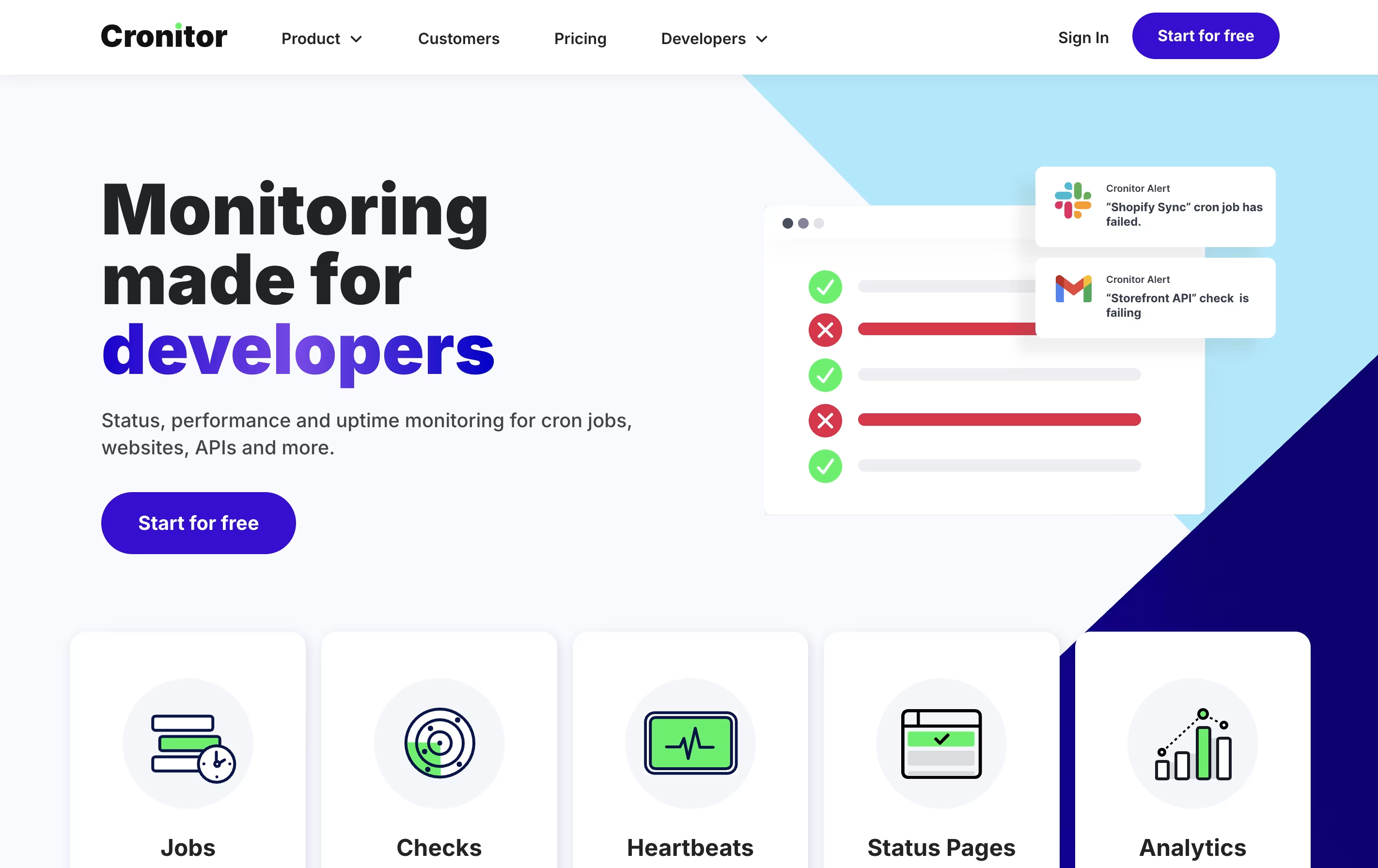
Cronitor is a web-based monitoring service that watches your scheduled tasks and services. It works like a safety system for your computer processes. You tell Cronitor what should happen and when, and it watches to make sure things run correctly.

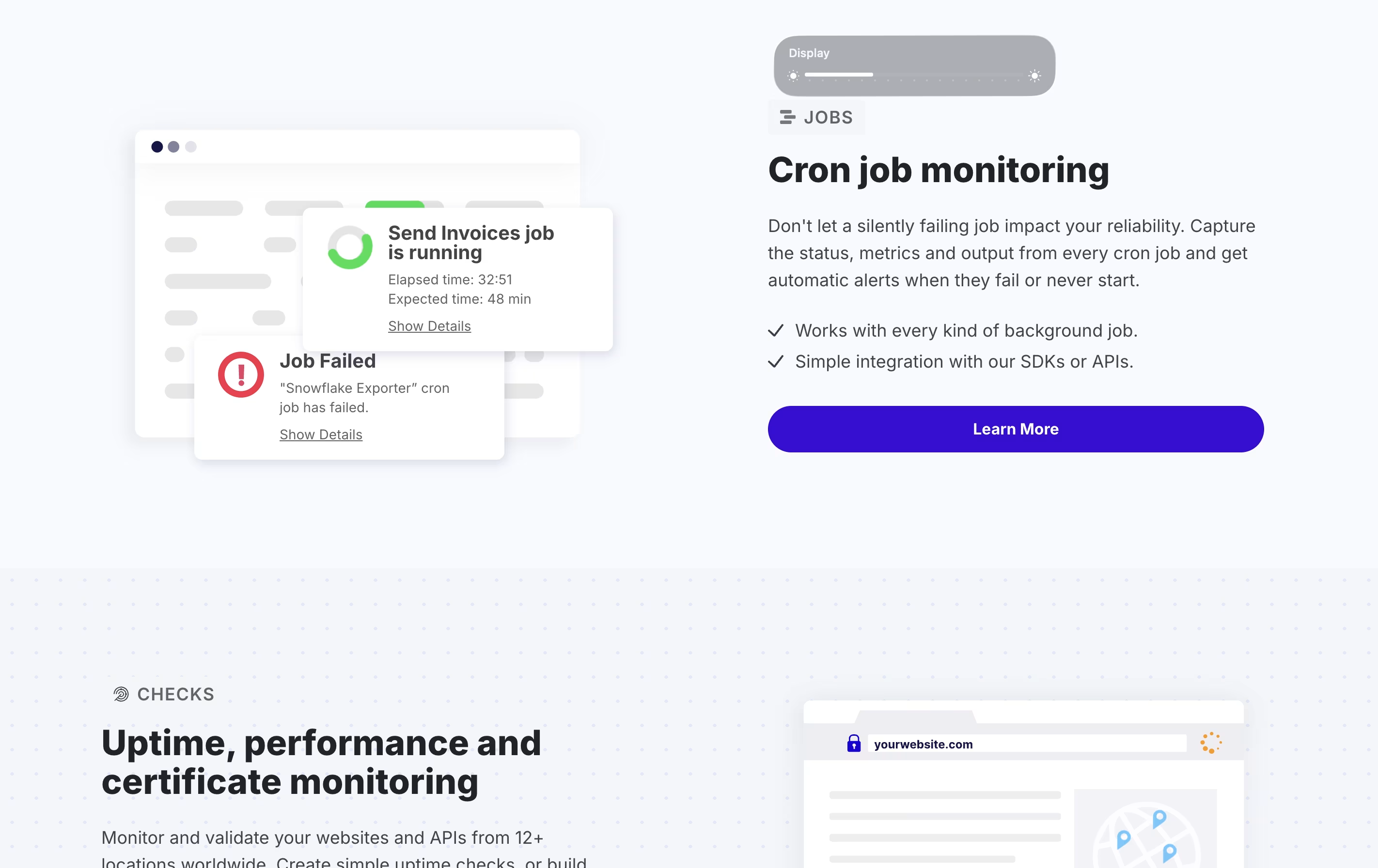
The platform monitors several types of services. It tracks cron jobs and scheduled tasks to ensure they run on time. It watches websites and APIs to check they stay online and respond quickly. It also monitors background processes and heartbeat signals from your systems.

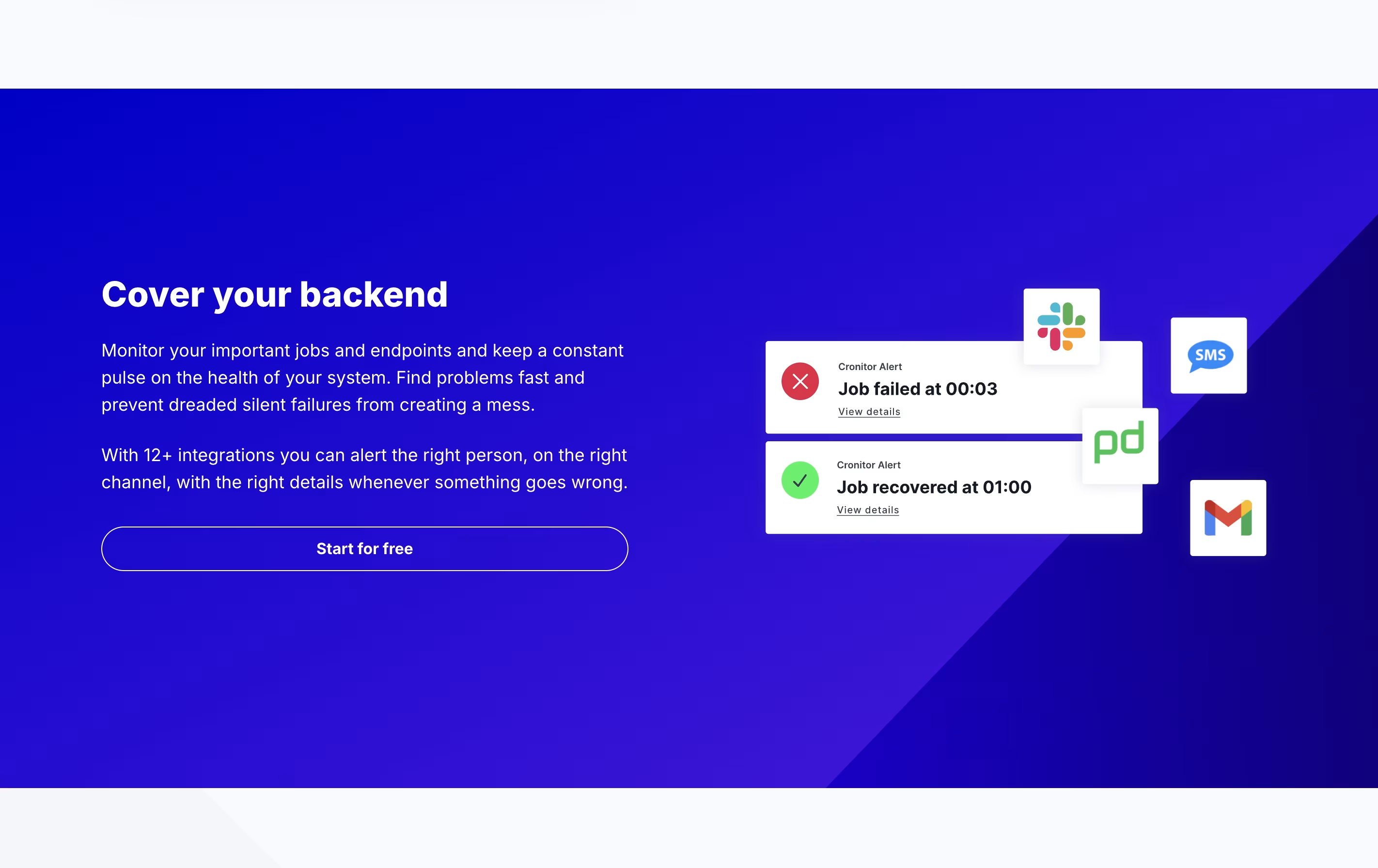
When Cronitor detects a problem, like a job that did not run or a website that went down, it sends alerts through email, Slack, SMS, or other channels you choose. This helps teams fix issues fast before they become bigger problems.

How to Use Cronitor

Using Cronitor is simple and requires just a few steps to start monitoring:

  • Sign up for a free account at the Cronitor website and get your unique API key from the dashboard.

  • Choose what you want to monitor - cron jobs, websites, APIs, or background tasks - and create a new monitor for each one.

  • For cron jobs, you can use the Cronitor CLI tool to automatically find and add all your existing jobs, or add them manually through the dashboard.

  • Set up your schedule by telling Cronitor when your job should run. The platform will then watch for it at those times.

  • Configure where you want alerts sent when problems happen. You can choose email, Slack, Microsoft Teams, SMS, PagerDuty, or webhooks.

  • Add monitoring to your code using simple API calls, SDKs for popular languages, or the command line tool.

  • Watch your dashboard to see everything running in real time with clear status indicators and performance data.

Features of Cronitor

  • Monitor cron jobs and scheduled tasks automatically

  • Website and API uptime checks every 30 seconds

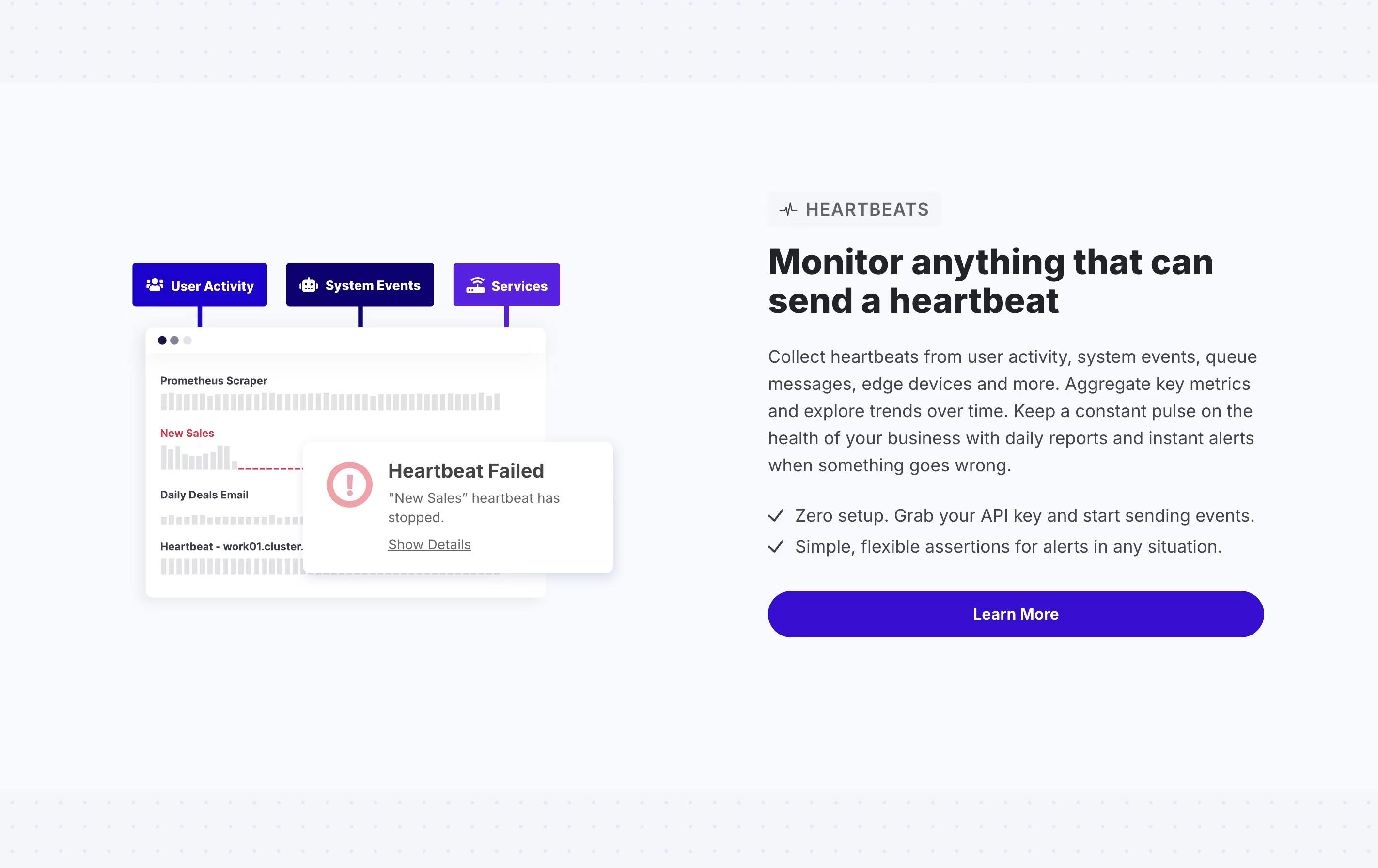
  • Heartbeat monitoring for background processes

  • Instant alerts via email, Slack, SMS, and more

  • Public and private status pages

  • Real-time performance dashboards

  • 12-month data retention

  • Auto-discovery of existing jobs

  • Multiple alert integrations

  • Command line tools available

Cronitor Pricing

Hacker

Free

What's included:
  • 5 monitors included
  • Email and Slack alerts
  • Basic status page
  • Limited monitoring for small projects
  • No SMS alerts
  • No premium integrations
Most Popular
Business

Custom

What's included:
  • $2 per month per monitor
  • $5 per month per user
  • Unlimited API requests
  • 10 alert integrations
  • 12-month data retention
  • Automatic email reports
  • Volume-based discounts
  • Multiple environments
  • SAML SSO (+$5/month per user)
  • Email and chat support
Enterprise

$6000 /yr

What's included:
  • Custom features
  • Custom integrations
  • Dedicated engineer
  • Priority support
  • Flexible invoice billing
  • All Business plan features
  • Enterprise-grade service

FAQ's About Cronitor

What types of things can Cronitor monitor?
Cronitor monitors cron jobs, scheduled tasks, background processes, websites, APIs, heartbeat signals, and webhooks. It works with popular platforms like Linux, Kubernetes, Windows, GitHub Actions, and Airflow through automatic integrations.
How does Cronitor detect when something goes wrong?
Cronitor watches for expected signals from your jobs and services. If a scheduled job does not run on time, takes too long, or sends a failure signal, Cronitor opens an alert issue and sends notifications to your team through your chosen channels.
Can I try Cronitor before paying?
Yes, the Hacker plan is completely free forever with 5 monitors. The Business plan includes a 14-day free trial. You can test all features before committing to paid plans, and there are no commitments - you can cancel anytime.
What alert options does Cronitor support?
Cronitor can send alerts through email, Slack, Microsoft Teams, SMS, PagerDuty, webhooks, Discord, Telegram, and more. You can set up multiple alert channels and choose which ones to use for each monitor.
How long does Cronitor keep monitoring data?
All paid plans include 12 months of data retention. This means you can review historical performance, track trends over time, and analyze patterns in your job executions and system health for a full year.

Share your experience with Cronitor

Loading...

See what users are saying about Cronitor

0.0

0 Reviews

5
0
4
0
3
0
2
0
1
0

No reviews yet

Be the first to review Cronitor

Embed Cronitor badges

Show your community that Cronitor is featured on Tool Questor. Add these beautiful badges to your website, documentation, or social profiles to boost credibility and drive more traffic.

Light Badge Preview