



UptimeRobot
Website Monitoring with Instant Downtime Alerts
UptimeRobot is a website monitoring service that checks your websites every 30 seconds and alerts you instantly when downtime occurs.



What is UptimeRobot
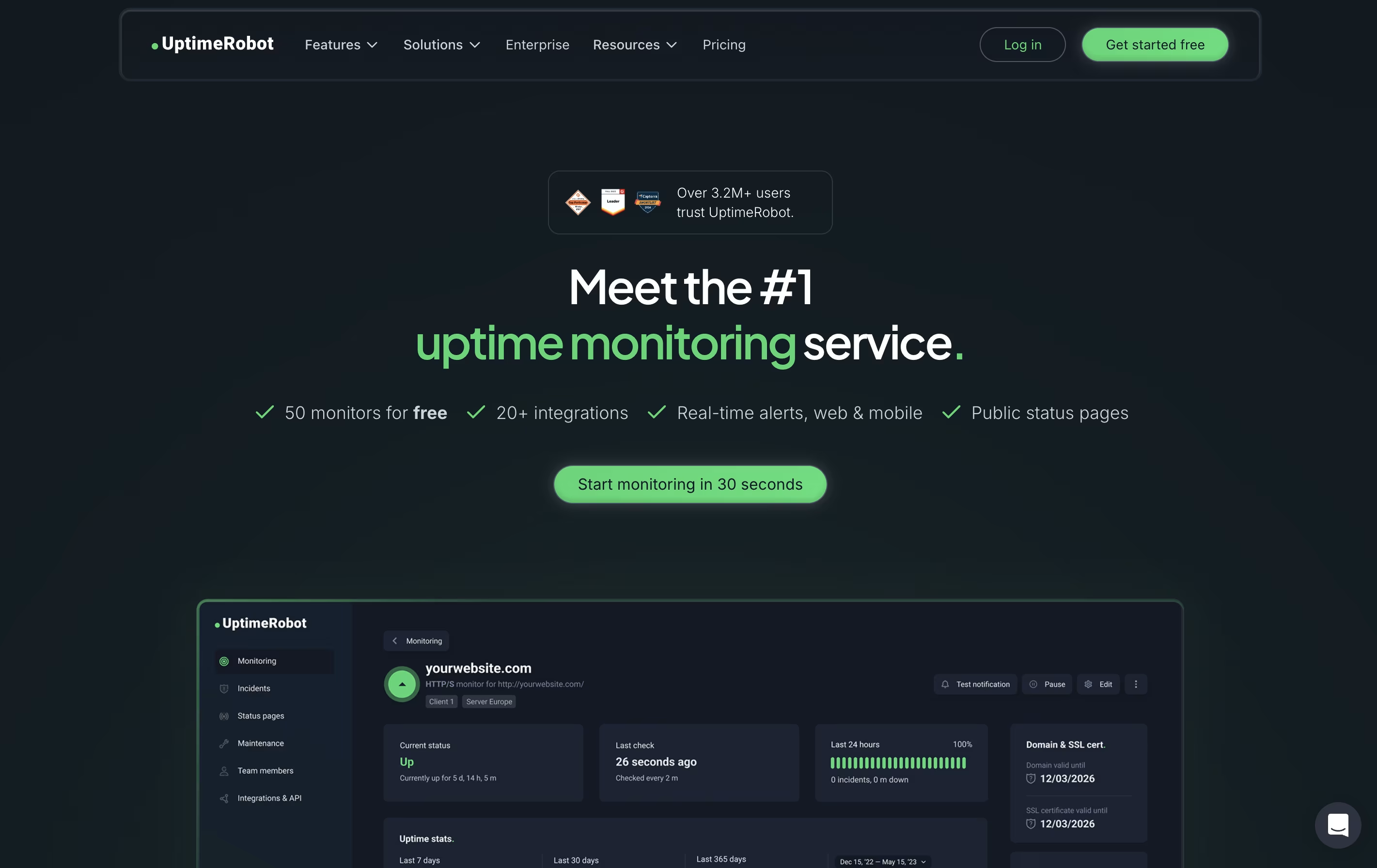
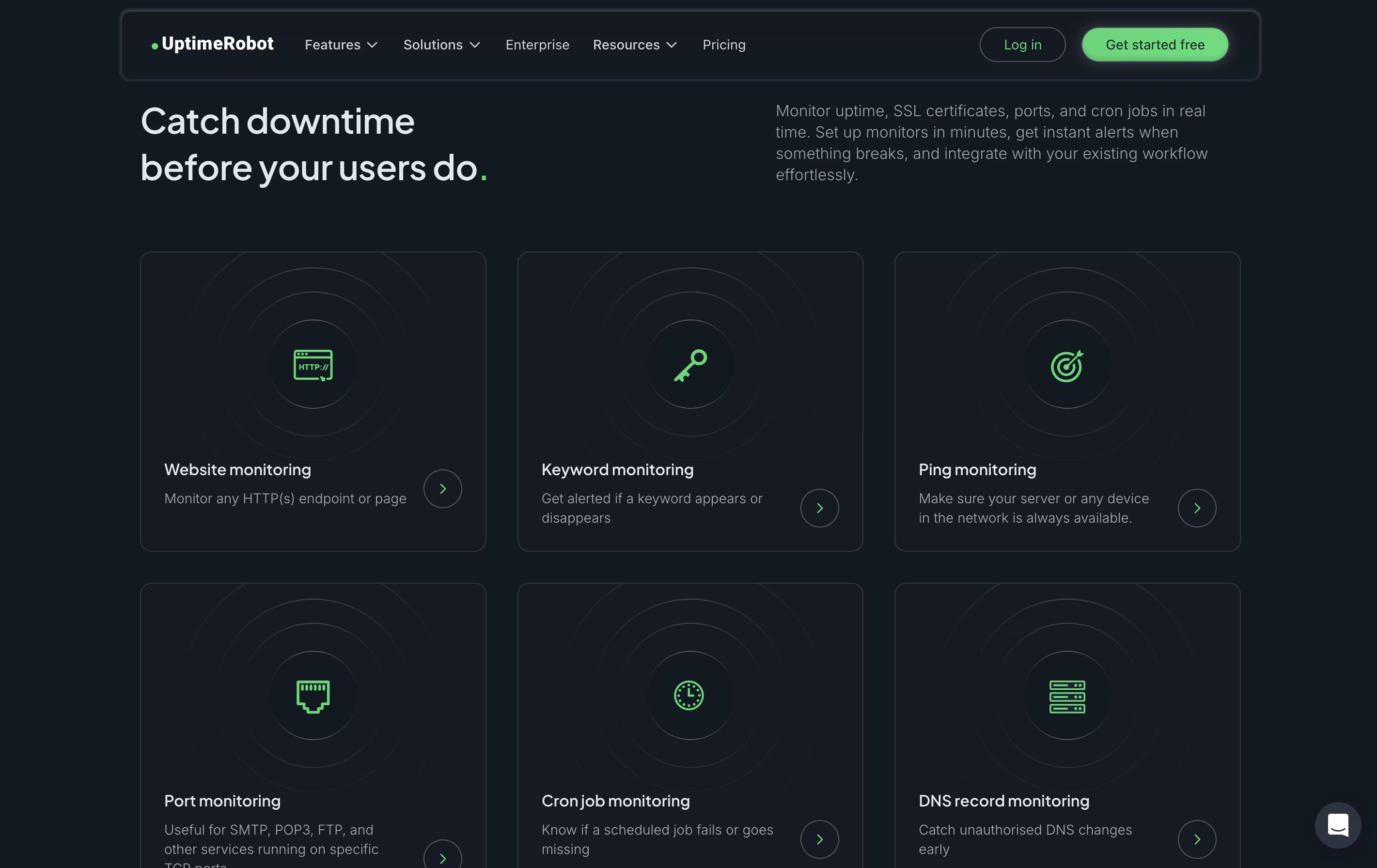
UptimeRobot is a monitoring tool that checks if your website or service is working properly. It sends automated requests to your website at regular intervals and notifies you immediately if it detects any problems. Unlike simple ping tools, UptimeRobot offers different types of checks including website monitoring, port monitoring, keyword tracking, and scheduled task verification.
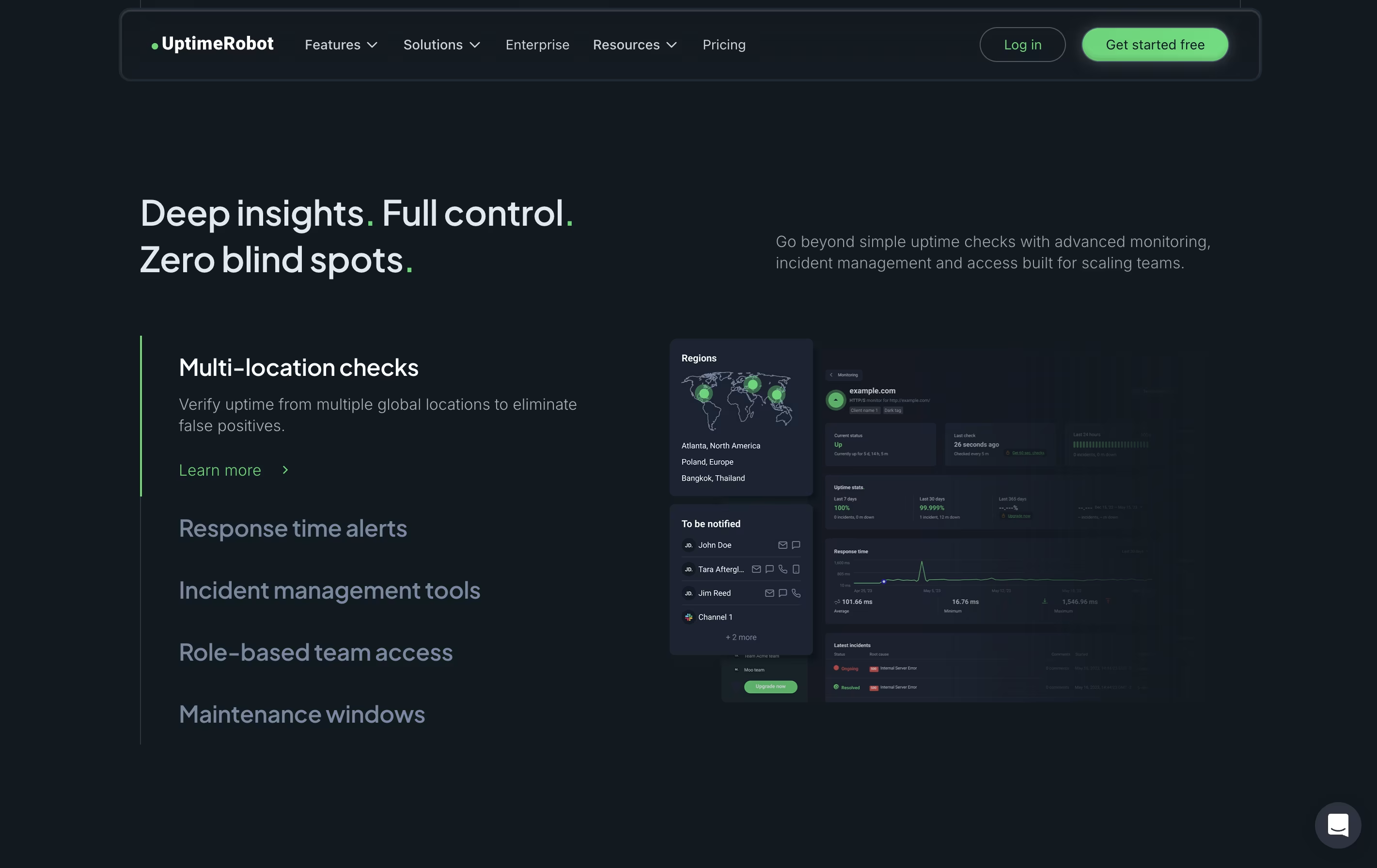
The service runs checks from multiple locations worldwide to avoid false alerts. If your site goes down, UptimeRobot verifies the problem from different places before sending you a notification. This smart approach reduces unnecessary alerts while ensuring real issues get reported quickly.
You can receive alerts through email, text messages, phone calls, or popular apps like Slack and Discord. The free plan includes 50 monitors, while paid plans offer faster checks and more features.
Features of UptimeRobot
Website and server monitoring with instant alerts
HTTP, ping, port, keyword, and heartbeat checks
SSL certificate and domain expiration tracking
Multi-location verification to prevent false alerts
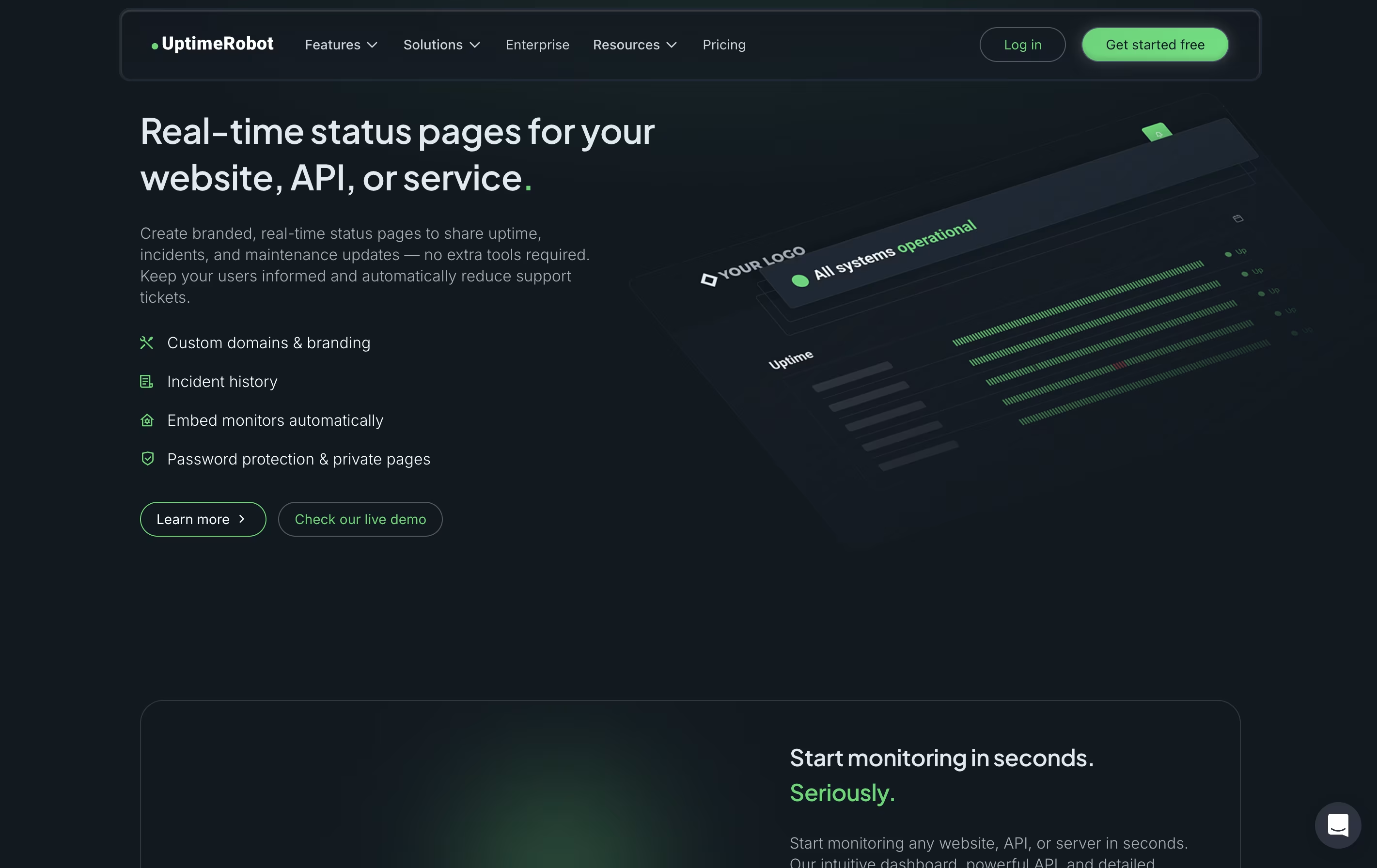
Status pages for public uptime sharing
Email, SMS, phone call, and app notifications
Slack, Discord, Teams, and Zapier integrations
Response time and performance tracking
Team collaboration with customizable access levels
Mobile apps for iOS and Android
UptimeRobot Pricing
Free
- 50 monitors
- 5 minute monitoring interval
- HTTP, port & ping monitoring
- Keyword monitoring
- SSL & domain expiration monitoring (limited)
- Basic status pages
- 5 integrations available
- Email notifications
Solo
- 10 monitors
- 60 second monitoring interval
- HTTP, port & ping monitoring
- Keyword monitoring
- Location-specific monitoring
- Slow response alerts
- DNS monitoring
- SSL & domain expiration monitoring
Team
- 100 monitors
- 60 second monitoring interval
- HTTP, port & ping monitoring
- Keyword monitoring
- Location-specific monitoring
- Slow response alerts
- DNS monitoring
- SSL & domain expiration monitoring
Enterprise
- 200 monitors
- 30 second monitoring interval
- HTTP, port & ping monitoring
- Keyword monitoring
- Location-specific monitoring
- Slow response alerts
- DNS monitoring
- SSL & domain expiration monitoring
UptimeRobot Use Cases
FAQ's About UptimeRobot









See what users are saying about UptimeRobot
0 Reviews
No reviews yet
Be the first to review UptimeRobot