ToolQuestor Logo
StatusCake

StatusCake

No reviews yet
0 Saved
Added:4/19/2026
Type:Saas
Monthly Traffic:-
Pricing:
FREEMIUMSUBSCRIPTION
Cloud-BasedSaaSWeb-BasedBrowser ExtensionReal-TimeAnalyticsDashboardSecurityReal-Time ProcessingReliable
Wispr Flow

Wispr Flow

FEATURED
Vidnoz AI

Vidnoz AI

FEATURED
Granola

Granola

FEATURED
StatusCake screenshot 2
StatusCake screenshot 3
StatusCake screenshot 4
StatusCake screenshot 5

What is StatusCake

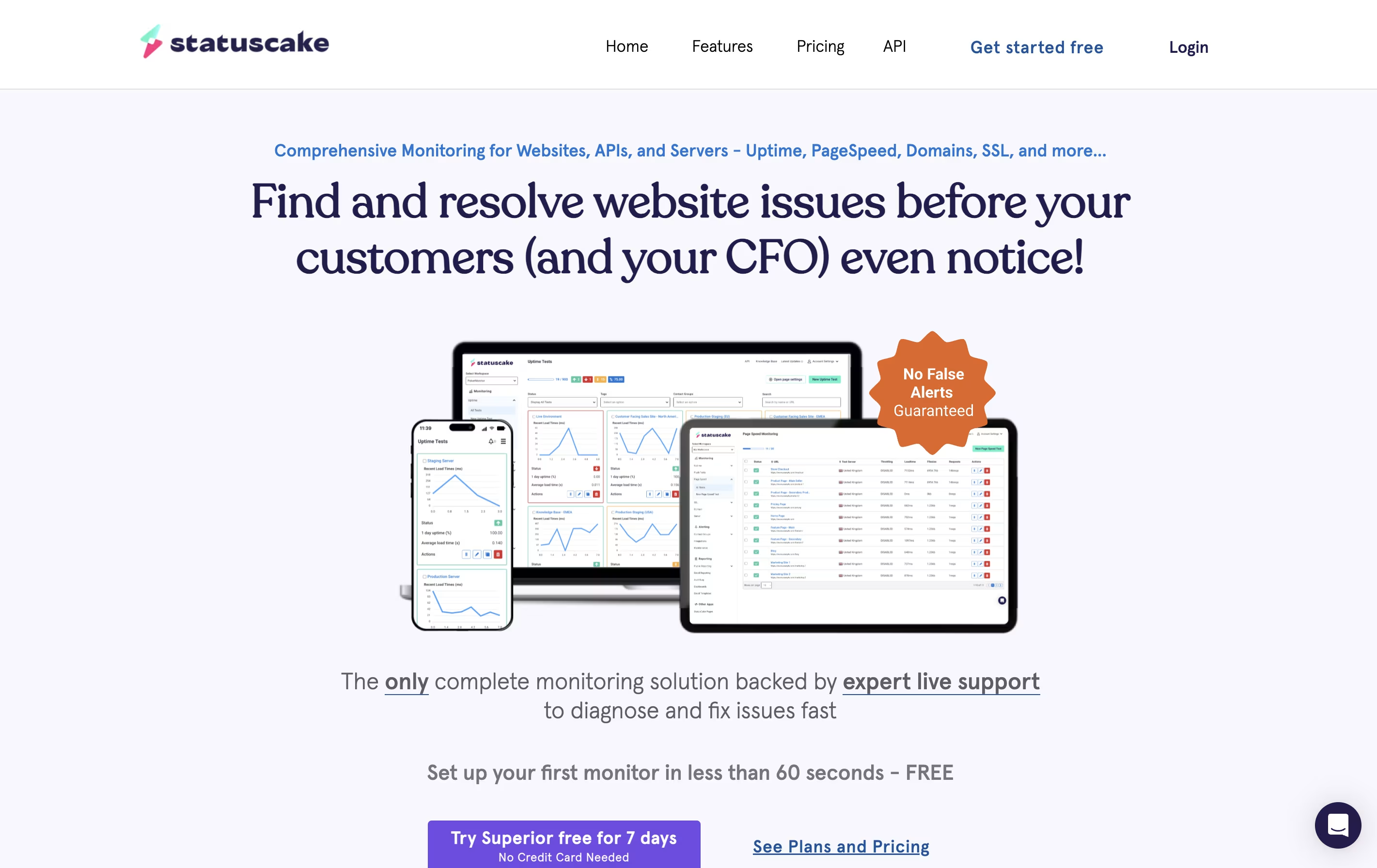
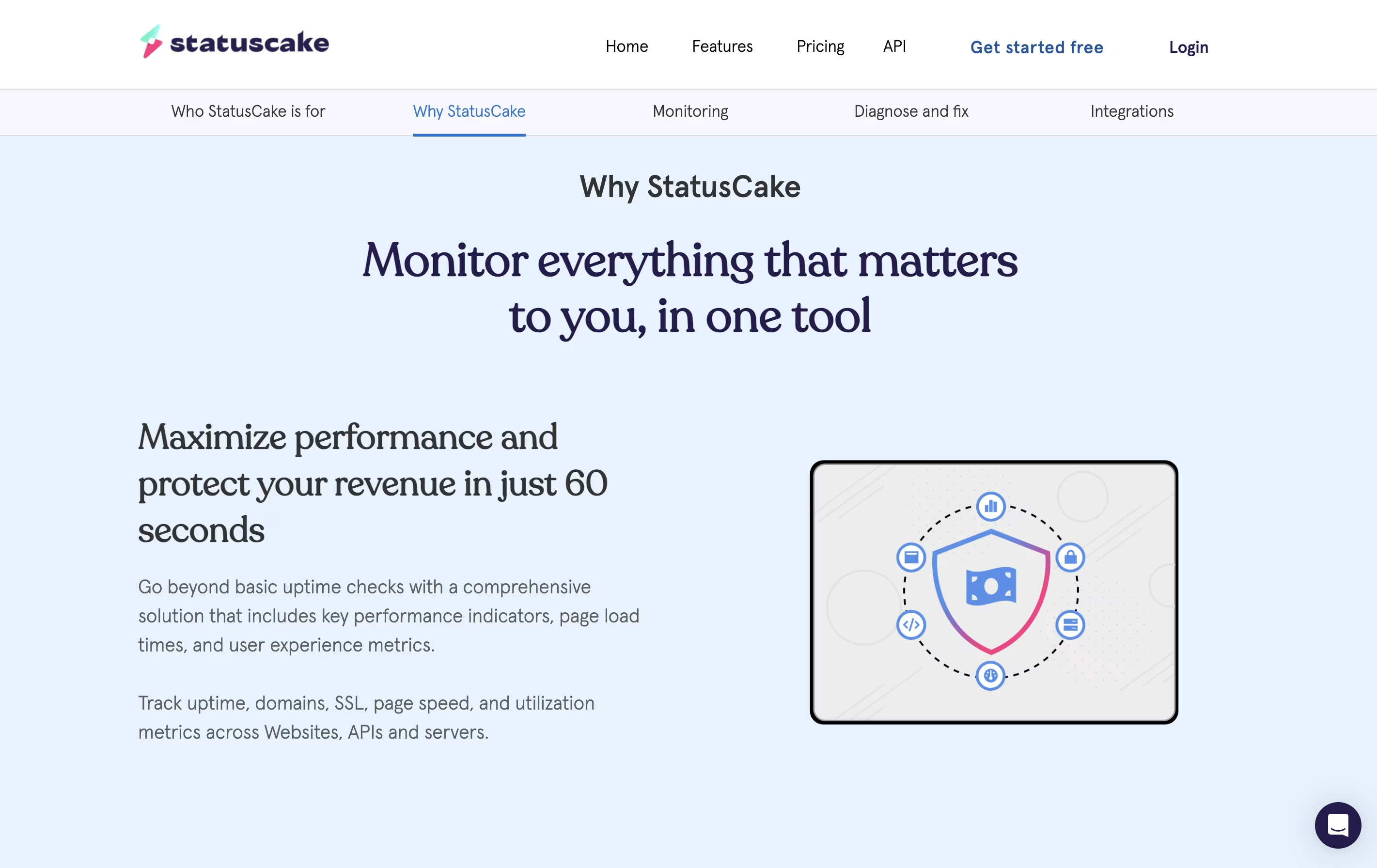
StatusCake is a cloud-based monitoring service that continuously checks your website's health and performance. It runs tests from multiple global locations to ensure your site is accessible to visitors worldwide. The platform monitors five key areas: uptime, page speed, SSL certificates, domain names, and server resources.

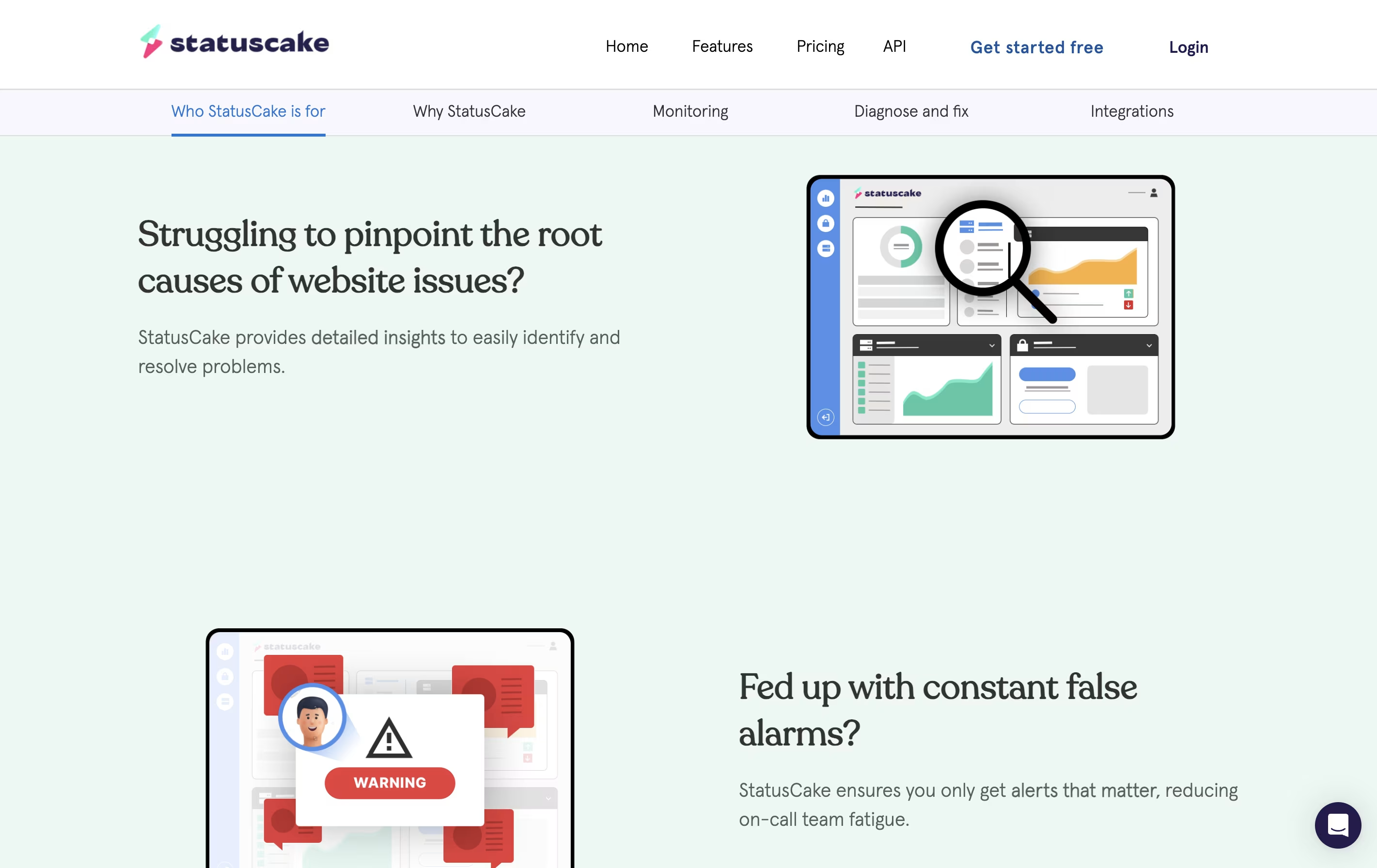
When StatusCake detects an issue, it verifies the problem using multiple servers to avoid false alarms. This means you only get notified when there's a real problem. The service tracks everything from simple website availability to detailed performance metrics like RAM usage and CPU load on your servers.

You can access StatusCake through a web dashboard that displays all your monitoring data in one place, making it easy to spot trends and respond quickly to issues.

How to Use StatusCake

Getting started with StatusCake is straightforward. Here's how to monitor your website:

  • Sign up for a free account at StatusCake and log into the dashboard.

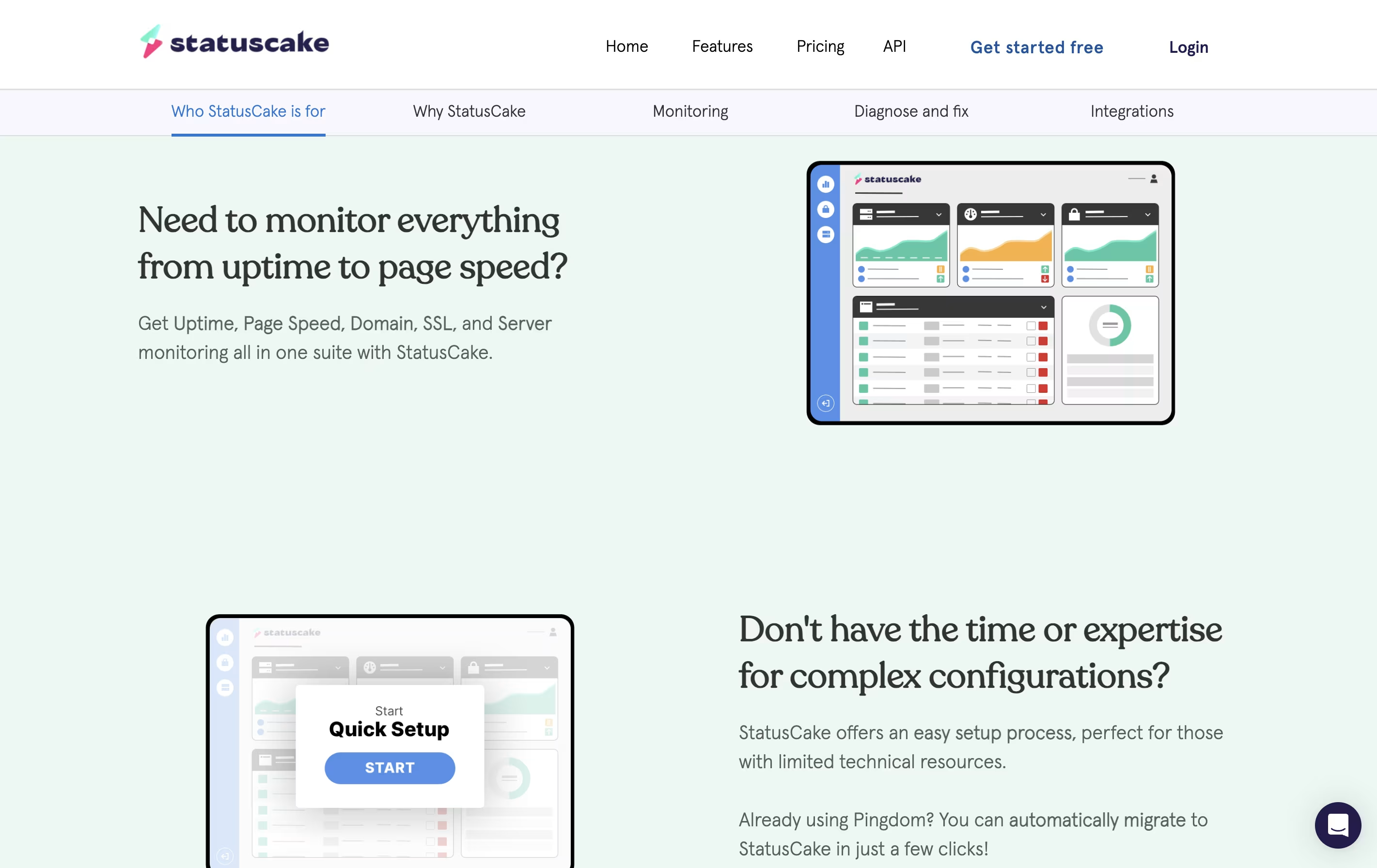
  • Click 'New Test' from the left menu and enter your website's URL that you want to monitor.

  • Choose how often you want StatusCake to check your site, from every 30 seconds to every 24 hours depending on your plan.

  • Set up a contact group with your email, phone number, or team chat app to receive alerts when problems occur.

  • Select which countries or regions you want to test from to match where your visitors are located.

  • Save your test and StatusCake will start monitoring immediately, showing results on your dashboard.

  • Review the detailed reports to see uptime history, response times, and any issues detected.

  • For advanced needs, add page speed tests, SSL monitoring, or server checks using the same simple process.

Features of StatusCake

  • Uptime checks from 30+ global locations every 30 seconds

  • Page speed analysis with detailed breakdowns

  • SSL and domain expiry monitoring

  • Server resource tracking (RAM, CPU, disk)

  • Email, SMS, and phone call alerts

  • Integration with Slack, Teams, Discord

  • Public status pages for customers

  • Custom maintenance windows

  • Virus scanning capabilities

  • API access for automation

StatusCake Pricing

Free

Free

What's included:
  • Single login for personal use
  • 10 uptime monitors
  • 5-minute test intervals
  • 1 page speed monitor
  • 1 domain monitor
  • 1 SSL monitor
  • Alerts through integrations
Most Popular
Superior

$24.49 /mo

What's included:
  • Logins for 2 team members
  • 100 uptime monitors
  • 1-minute test intervals
  • 15 page speed monitors
  • 50 domain monitors
  • 50 SSL monitors
  • 3 server monitors
  • SSL monitoring
  • Alerts through integrations
  • Reporting
Business

$79.99 /mo

What's included:
  • Logins for 10 team members
  • 300 uptime monitors
  • 30-second test intervals
  • 30 page speed monitors
  • 120 domain monitors
  • 100 SSL monitors
  • 10 server monitors
  • Alerts through integrations
  • Reporting
  • Team tools
Custom

Custom

What's included:
  • Unlimited logins
  • Limitless monitors
  • Constant check rate
  • Dedicated uptime & page speed locations
  • Service-creditable SLAs
  • Regular account reviews
  • Customizable features
  • Priority support

FAQ's About StatusCake

Is StatusCake free to use?
Yes, StatusCake offers a free forever plan with 10 uptime monitors, 1 page speed monitor, and 1 each for domain and SSL monitoring. Checks run every 5 minutes. You can upgrade to paid plans starting at $24.49/month for more monitors and faster check intervals.
How does StatusCake prevent false alerts?
StatusCake uses a confirmation system that verifies issues with multiple servers before sending alerts. When downtime is detected, several other servers in the same location confirm the problem. You only receive an alert if multiple servers agree there's an actual issue.
Can StatusCake monitor websites from different countries?
Yes, StatusCake monitors from over 30 countries across all continents. This helps you understand if your website is down in specific regions. You can choose which locations to test from, ensuring your monitoring matches where your actual visitors are located.
What types of alerts does StatusCake send?
StatusCake sends alerts through multiple channels including email, SMS text messages, phone calls, and integrations with popular tools like Slack, Microsoft Teams, Discord, PagerDuty, and more. You can set up different alert methods for different tests based on their importance.
Does StatusCake work with team members?
Yes, paid plans include multi-user access. The Superior plan supports 2 team members, the Business plan supports 10 team members, and Custom plans offer unlimited logins. Each team member can have different permissions to view or edit specific tests and settings.

Share your experience with StatusCake

Loading...

See what users are saying about StatusCake

0.0

0 Reviews

5
0
4
0
3
0
2
0
1
0

No reviews yet

Be the first to review StatusCake

Embed StatusCake badges

Show your community that StatusCake is featured on Tool Questor. Add these beautiful badges to your website, documentation, or social profiles to boost credibility and drive more traffic.

Light Badge Preview