ToolQuestor Logo
PagerDuty

PagerDuty

No reviews yet
0 Saved
Added:4/19/2026
Type:Saas
Monthly Traffic:-
Pricing:
FREEMIUMSUBSCRIPTION
AI-PoweredCloud-BasedCollaborationIntegrationAutomationAnalytics
Bubble

Bubble

FEATURED
Wispr Flow

Wispr Flow

FEATURED
BASE44

BASE44

FEATURED
PagerDuty screenshot 2
PagerDuty screenshot 3
PagerDuty screenshot 4
PagerDuty screenshot 5

What is PagerDuty

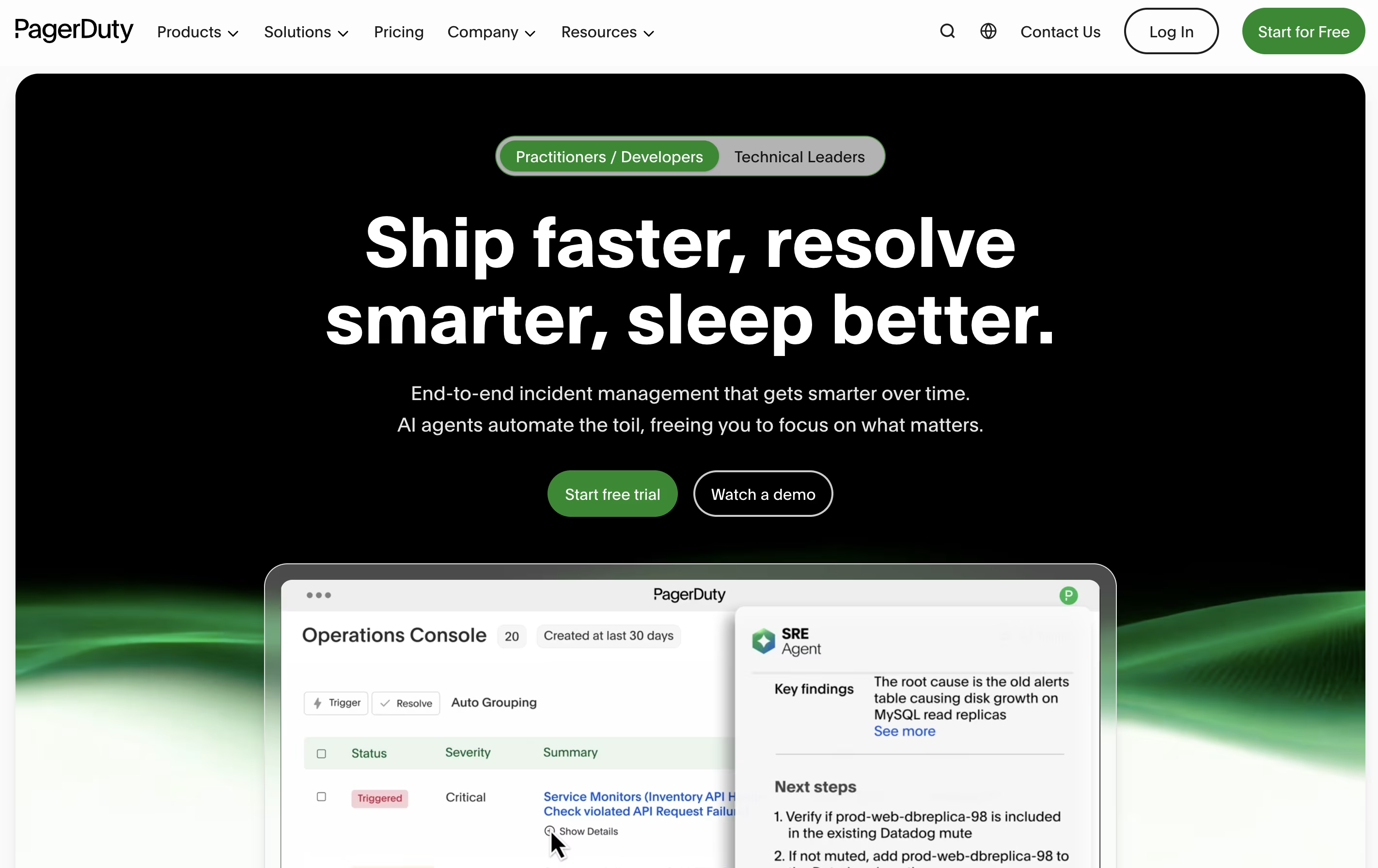
PagerDuty is a cloud platform designed to help teams manage and respond to incidents in real time. When something goes wrong with your systems or services, PagerDuty detects the problem and immediately alerts the right person or team to fix it.

The platform works by connecting to your existing monitoring tools and applications. When these tools detect an issue, PagerDuty receives the alert and determines who should be notified based on schedules you create. It can send notifications through multiple channels to ensure someone responds quickly.

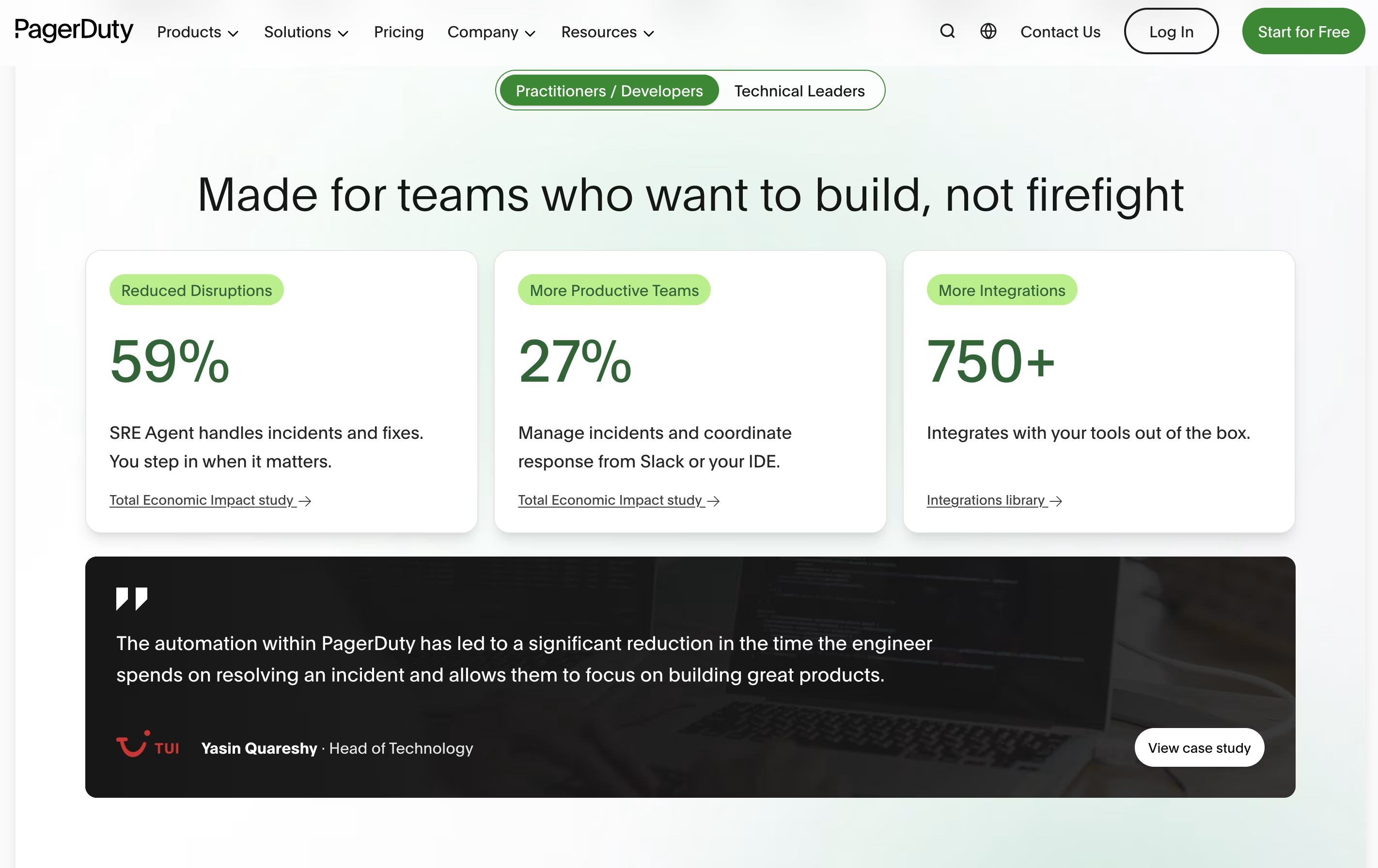
Beyond basic alerting, PagerDuty offers workflow automation, team collaboration features through chat tools, and detailed reports to help you learn from past incidents. It supports organizations of all sizes, from small startups to large enterprises managing complex systems.

How to Use PagerDuty

Getting started with PagerDuty involves a few straightforward steps:

  • Sign up for an account on the PagerDuty website and choose a plan that fits your team size and needs.

  • Connect your monitoring tools and applications through the integration menu. PagerDuty supports hundreds of popular services like Datadog, AWS CloudWatch, and Splunk.

  • Create on-call schedules that define who is responsible for handling incidents at different times. You can set up rotation patterns and override schedules for vacations or special circumstances.

  • Build escalation policies that determine what happens if the first person does not respond. The system will automatically contact the next person or team in line.

  • Set up notification rules to specify how team members receive alerts, whether by phone call, text message, email, or mobile app notifications.

  • Test your setup by creating a test incident to ensure alerts reach the right people at the right time.

Features of PagerDuty

  • Real-time alerts via phone, SMS, email, and mobile push

  • Automated on-call scheduling with rotation management

  • Escalation policies for backup coverage

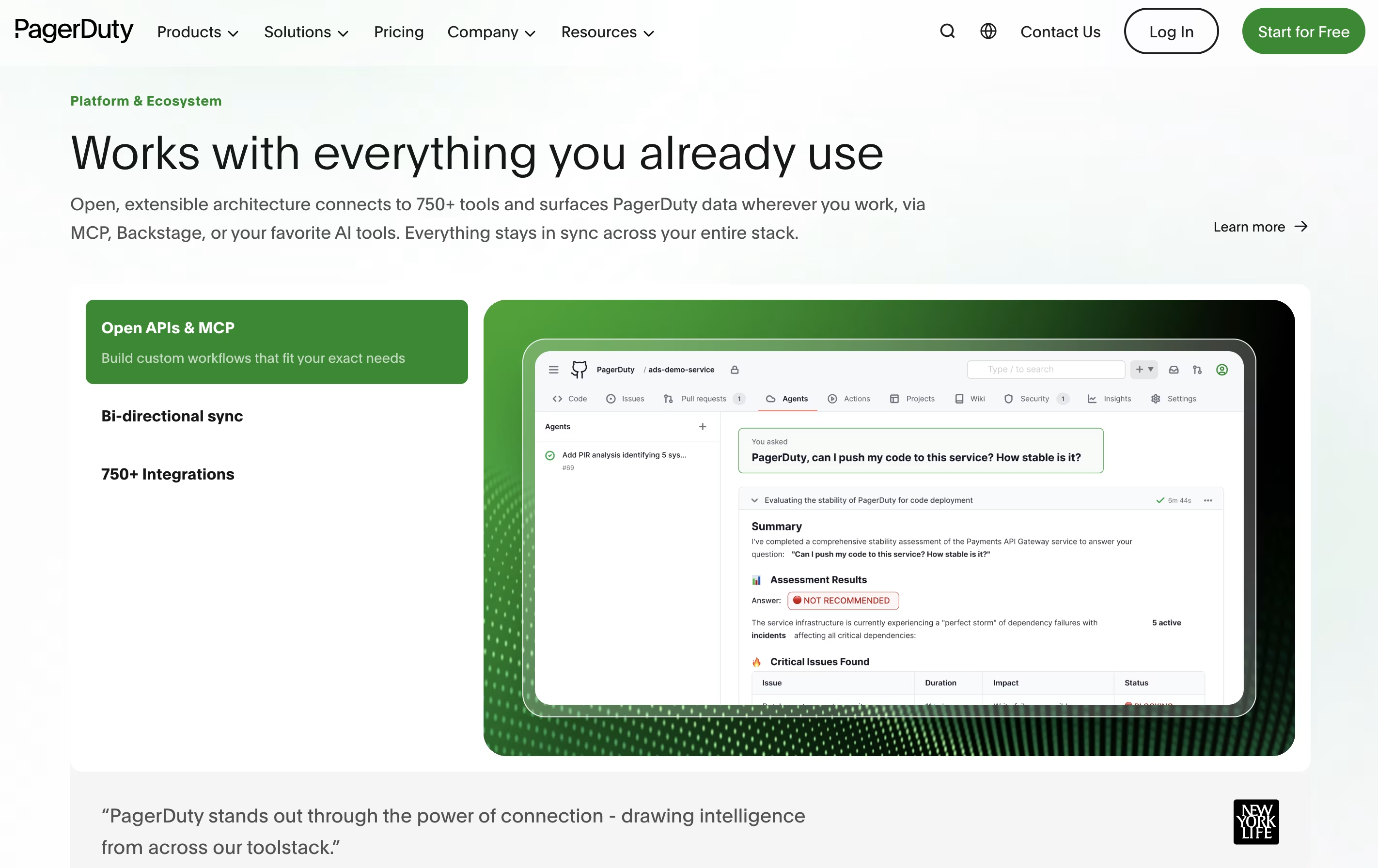
  • Integration with 700+ monitoring and collaboration tools

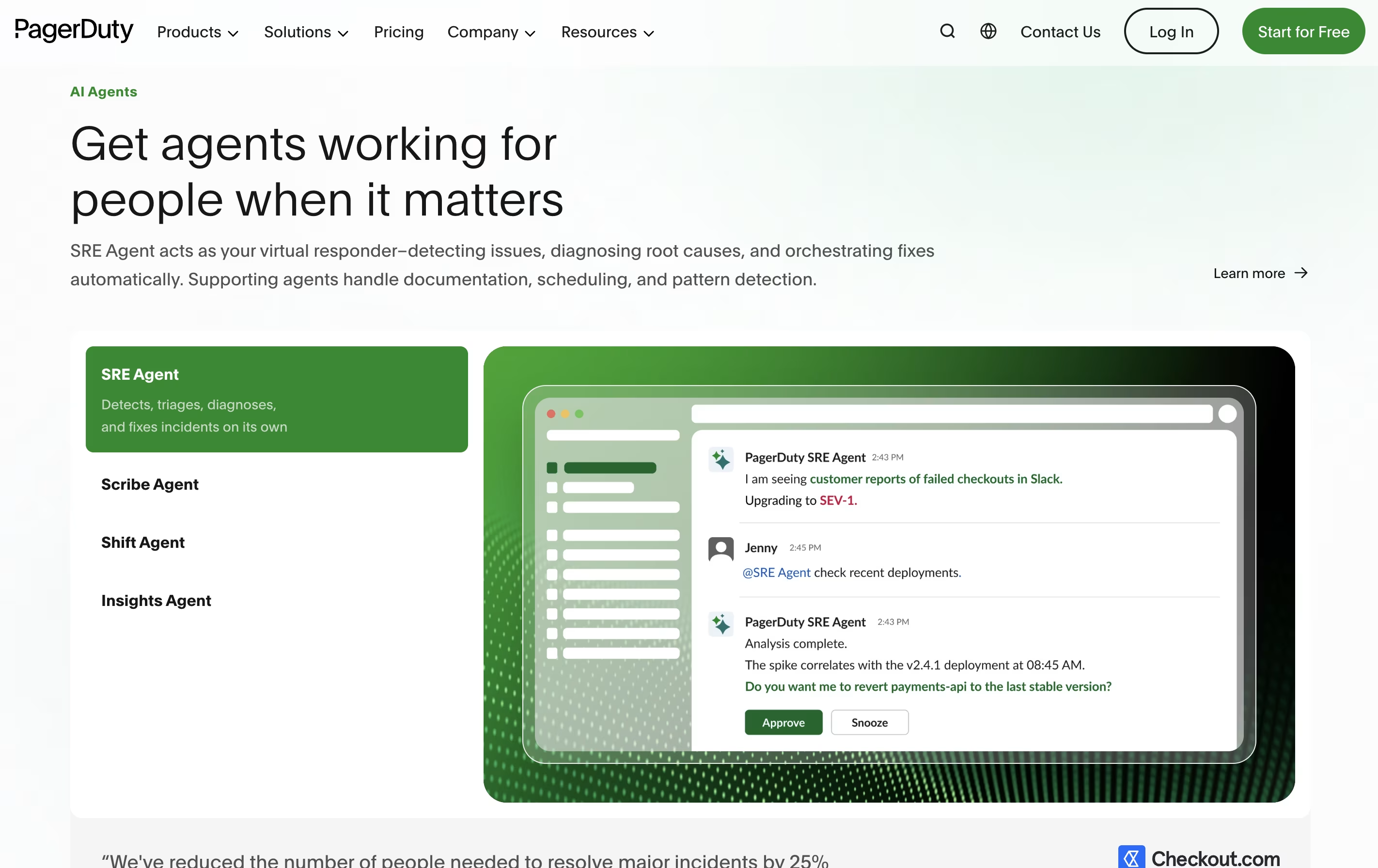
  • Incident workflows with automation and AI assistance

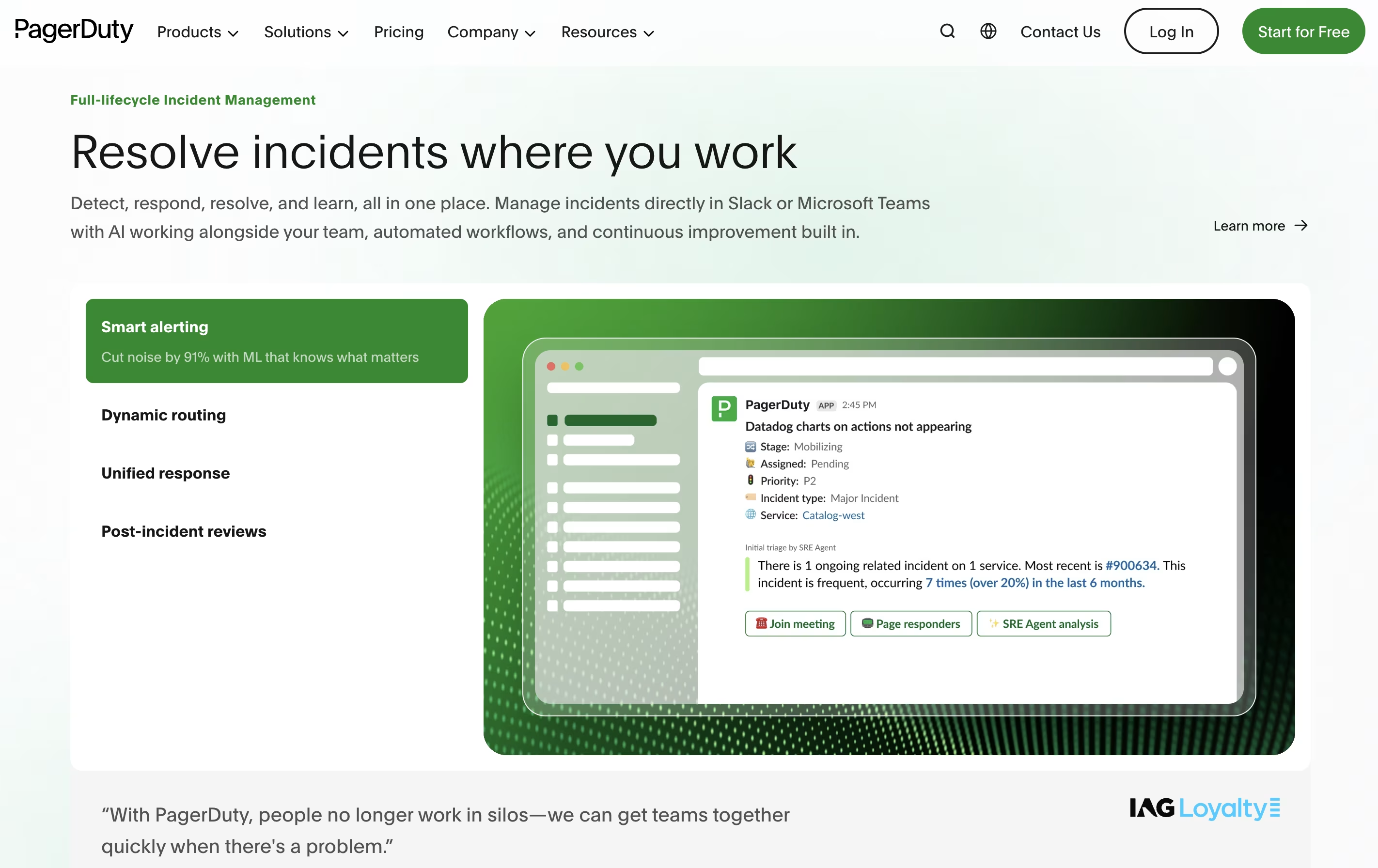
  • Slack and Microsoft Teams chat integration

  • Status pages for stakeholder communication

  • Post-incident analysis and learning tools

  • Mobile apps for on-the-go incident management

  • Advanced analytics and reporting

PagerDuty Pricing

Free

Free

What's included:
  • Up to 5 users
  • 100 international phone/SMS notifications per month
  • 1 on-call schedule
  • 1 escalation policy
  • API access included
  • 700+ integrations with monitoring and chat tools
  • Basic incident management
  • Mobile app access
Professional

$25

What's included:
  • Everything in Free
  • Basic chat experience (Slack, Microsoft Teams)
  • More international phone/SMS notifications
  • Multiple on-call schedules
  • Multiple escalation policies
  • Major incident workflow template
  • External status page (up to 250 subscribers)
  • 2 predefined incident roles
  • 3 predefined incident types
  • 2 teams
Most Popular
Business

$49

What's included:
  • Everything in Professional
  • Custom fields
  • Up to 3 custom incident types
  • Expanded triggers and actions for incident workflows
  • Advanced admin features
  • Advanced ITSM integrations
  • Multi-year historical data access
  • Internal status pages
  • External status page (up to 500 subscribers)
  • 5,000 PagerDuty Advance credits
Enterprise

Custom

What's included:
  • Everything in Business
  • Full chat experience with premium Slack actions
  • Advanced incident workflows with conditionals, loops, and delays
  • Up to 10 custom incident roles
  • Incident tasks
  • Up to 100 custom incident types
  • Post-incident reviews
  • 20,000 PagerDuty Advance credits
  • Bi-directional custom field sync with ServiceNow
  • Intune support for mobile app

FAQ's About PagerDuty

Is PagerDuty free to use?
Yes, PagerDuty offers a free plan for up to 5 users with basic on-call scheduling, 100 international notifications monthly, and access to 700+ integrations. Paid plans start at $25 per user monthly for additional features.
What is the difference between PagerDuty Professional and Business plans?
Professional ($25/user/month) offers basic incident response with limited workflows and external status pages. Business ($49/user/month) adds custom fields, advanced ITSM integrations, internal status pages, multi-year data access, and more automation credits for growing teams.
How does PagerDuty integrate with Slack and Microsoft Teams?
PagerDuty creates dedicated incident channels in Slack or Teams where teams can collaborate in real time. You can trigger workflows, manage incidents, add responders, and update status directly from chat using slash commands and interactive cards.
Can PagerDuty help prevent incidents from happening?
Yes, through its AIOps capabilities and intelligent alert grouping, PagerDuty reduces noise and helps identify patterns before they become major incidents. Automation features can trigger preventive actions, and post-incident reviews help teams learn and improve their systems.
Does PagerDuty work with my existing monitoring tools?
PagerDuty integrates with over 700 tools including popular monitoring platforms like Datadog, New Relic, Splunk, AWS CloudWatch, Azure Monitor, and many others. It also offers a full-featured API for custom integrations.

Share your experience with PagerDuty

Loading...

See what users are saying about PagerDuty

0.0

0 Reviews

5
0
4
0
3
0
2
0
1
0

No reviews yet

Be the first to review PagerDuty

Embed PagerDuty badges

Show your community that PagerDuty is featured on Tool Questor. Add these beautiful badges to your website, documentation, or social profiles to boost credibility and drive more traffic.

Light Badge Preview