

Best 7 Tools for System Performance Monitoring in 2026
Last Updated: April 19, 2026
Catching a system problem before users notice it depends on watching the right signals continuously. System Performance Monitoring tools track uptime, response times, and resource usage, alerting teams when something looks off.
IT and engineering teams use performance monitoring to catch issues early, before they turn into outages.
 Pulsetic
 PulseticWebsite Uptime Monitoring & Status Pages,
  Fugo
Fugo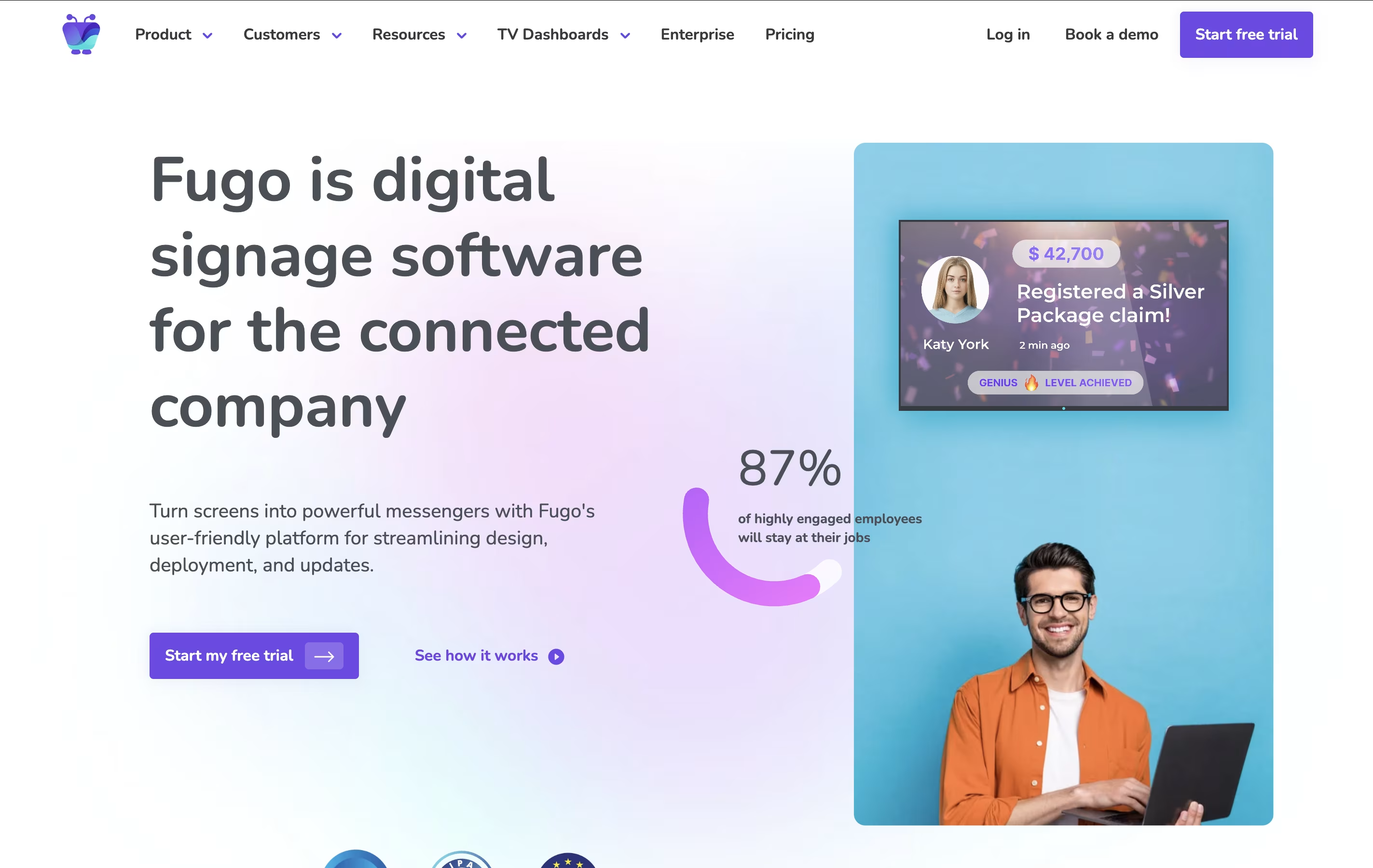 FugoEasy Digital Signage for Any Screen, and
  Better Stack
 Better StackComplete Monitoring and Incident Management Platform are the best for System Performance Monitoring. So, let’s take a closer look at all 7 tools.
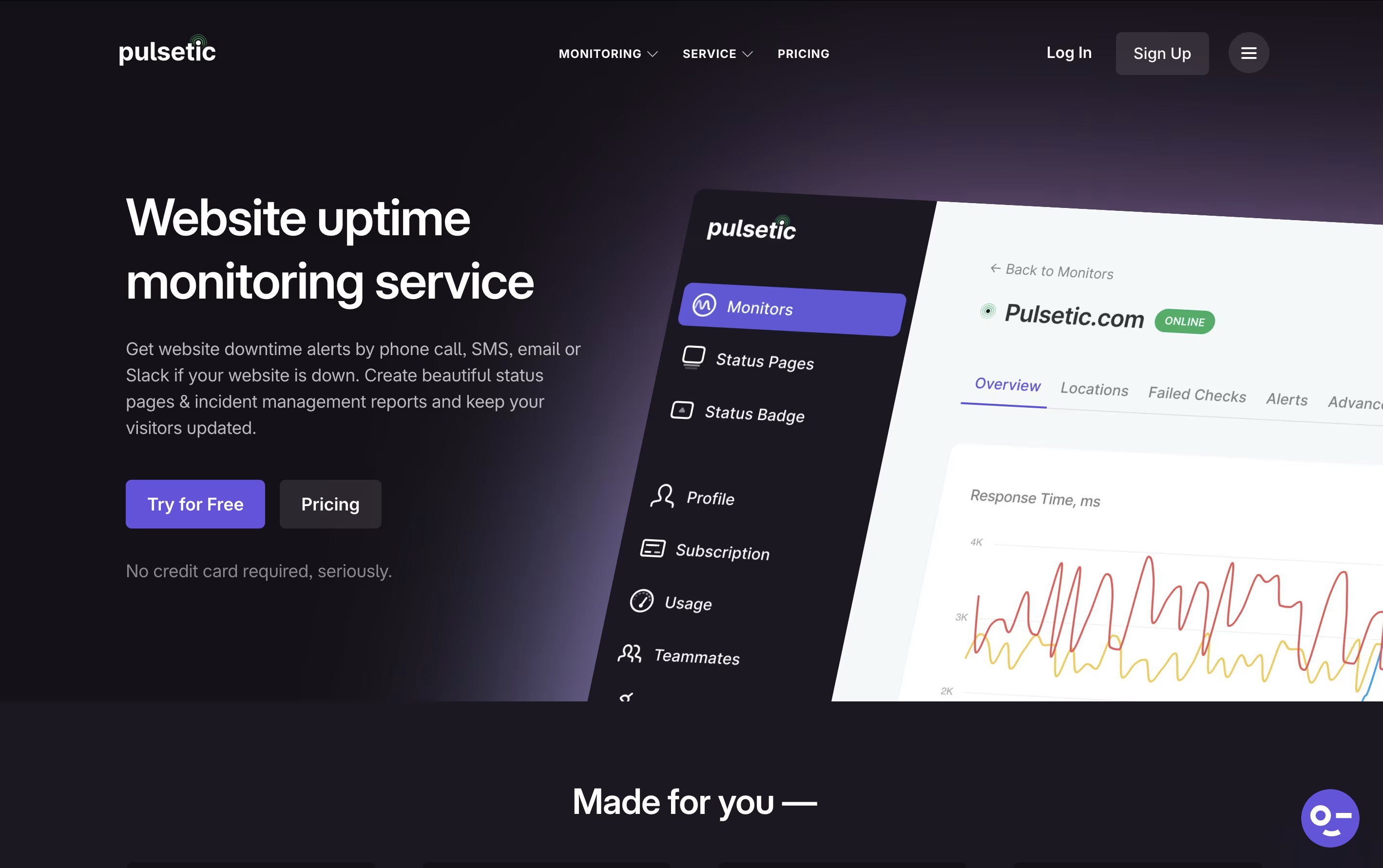
Pulsetic is a comprehensive website uptime monitoring service designed to help businesses ensure their websites stay online and perform well. Think of it as a digital watchdog that never sleeps, constantly checking if your website is accessible to visitors around the world. The platform monitors your site from multiple global locations and sends immediate notifications when downtime is detected.
What makes Pulsetic special is its focus on both monitoring and communication. Beyond just alerting you about problems, it helps you communicate with customers through customizable status pages and incident reports. The service tracks various metrics including response times, SSL certificate health, and server connectivity. Built by the team at Designmodo, Pulsetic combines powerful monitoring capabilities with an easy-to-use interface that doesn't require technical expertise to set up and manage effectively.
Fugo is a cloud-based digital signage platform that makes it easy to manage screens and content from anywhere. Unlike traditional digital signage that requires expensive hardware and complicated setup, Fugo works with almost any device - from TVs and tablets to specialized media players.
The platform includes a built-in design studio similar to Canva, but designed specifically for TV screens. You can create professional content, upload videos and images, connect live data feeds, and schedule everything to display automatically. Fugo also connects with your favorite business apps, so you can display real-time dashboards, social media feeds, and company updates without manual work.
What makes Fugo special is its simplicity. You don't need technical skills to get started. The software handles all the complex parts like screen resolution, content formatting, and device management, so you can focus on creating great content that engages your audience.
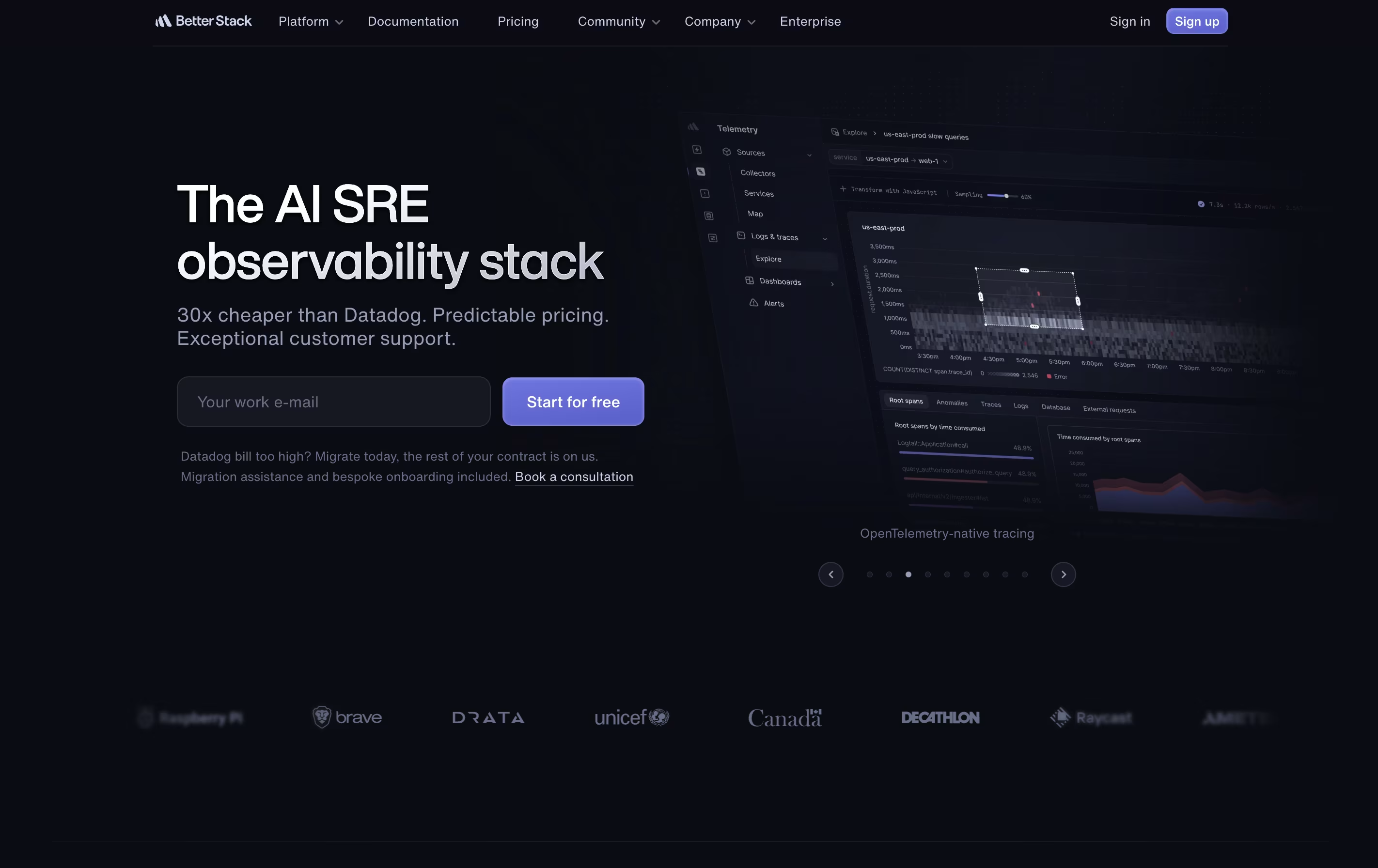
Better Stack is an all-in-one monitoring and incident management tool that watches over your digital services around the clock. It checks your websites and servers every 30 seconds, looking for problems like downtime or slow performance. When something goes wrong, it immediately alerts your team through phone calls, text messages, emails, or platforms like Slack and Teams.
Beyond basic monitoring, Better Stack collects and organizes all your application logs, making it easy to search through millions of log entries to find the cause of problems. It also creates public status pages so you can keep your customers informed during outages. The platform includes on-call scheduling features to make sure the right person gets notified at the right time.

Rootly is a tool that helps teams manage incidents from start to finish. When something breaks in your system, Rootly jumps into action. It creates dedicated channels, brings in the right people, and organizes all the information you need in one place.
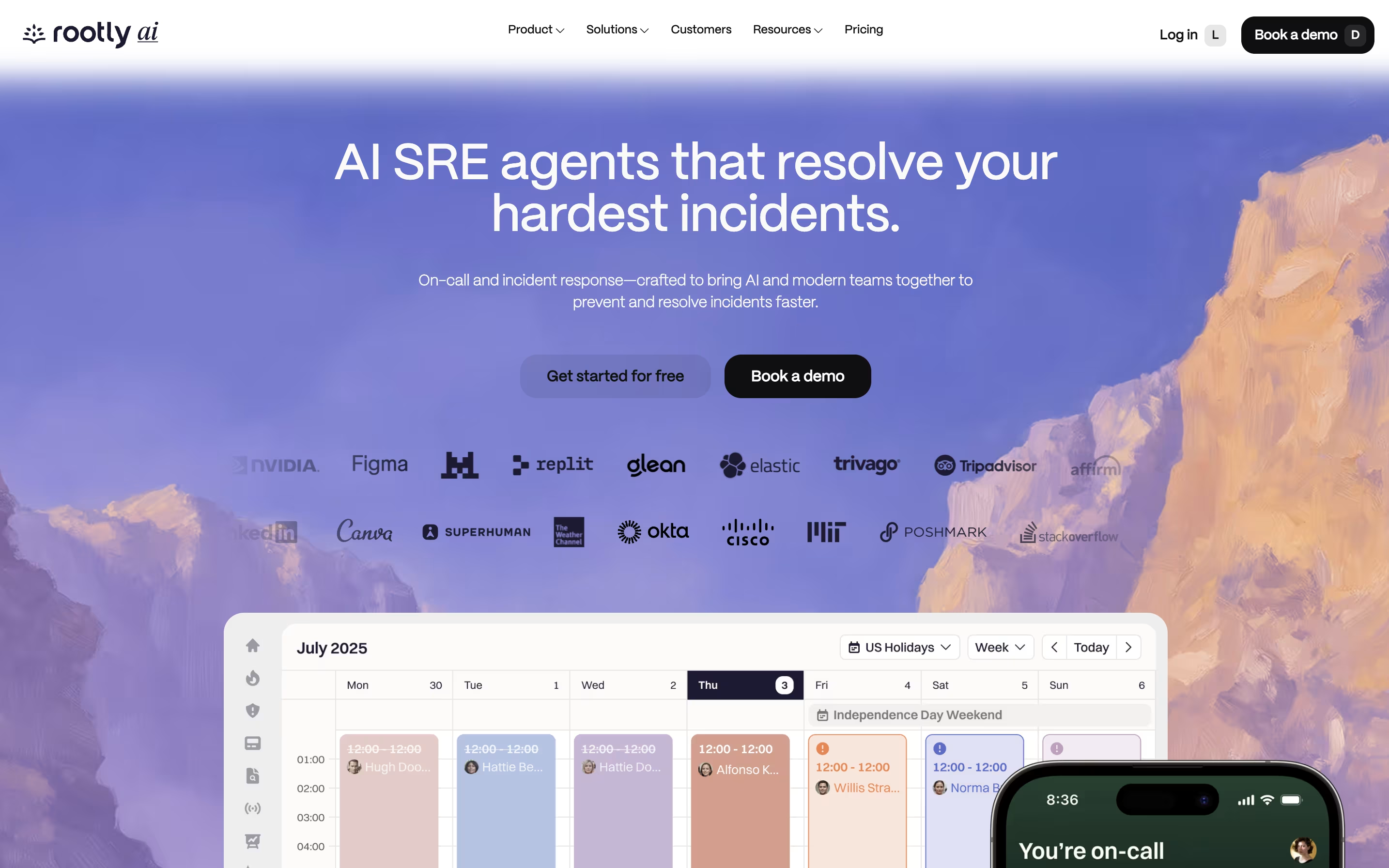
What makes Rootly different is its built-in AI features. The AI can suggest what might be wrong, write summaries, and even recommend fixes based on past incidents. It learns from every problem your team solves, getting smarter over time.
The platform connects with tools you already use, like Jira, PagerDuty, Datadog, and Zoom. Everything happens where your team already works, so you spend less time hunting for information and more time fixing problems.
FireHydrant is a tool that manages the complete incident response process for software teams. When something breaks in your application, FireHydrant helps you respond quickly and consistently. It starts with alerting and on-call management, then guides you through response with automated workflows called Runbooks.
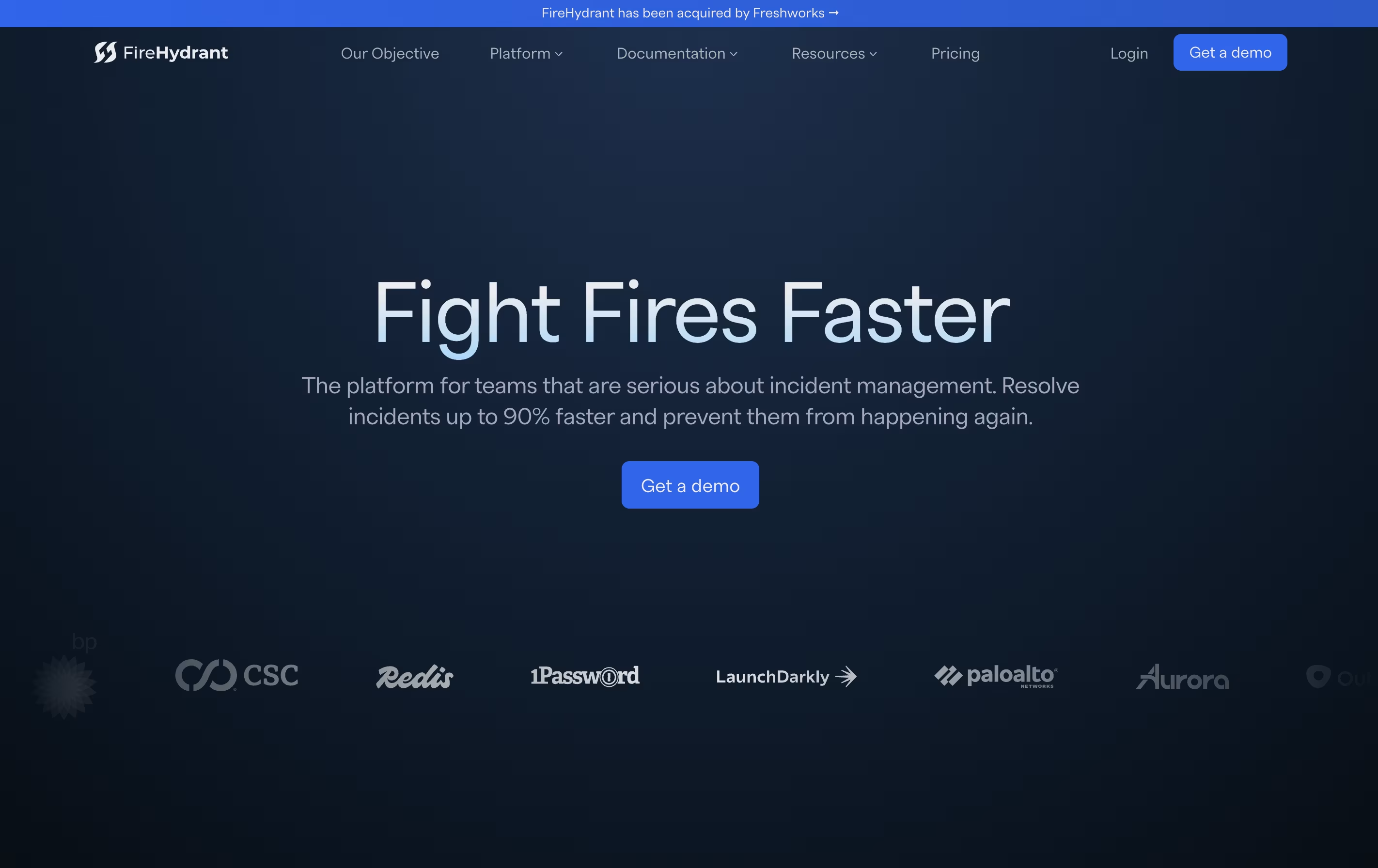
The platform works directly in Slack or Teams, so your team stays in one place during incidents. It automatically creates incident channels, pulls in the right people, sets up video calls, and keeps stakeholders updated. During an incident, FireHydrant tracks everything that happens, creating a timeline that makes post-incident reviews easier.
After incidents are resolved, the platform helps teams learn through guided retrospectives and shows metrics like response time and incident frequency.
Incident.io is a platform that brings together all the tools needed to manage technical incidents in one place. When something breaks, it automatically creates dedicated channels in Slack or Teams, brings in the right people based on schedules, and helps coordinate the response effort.
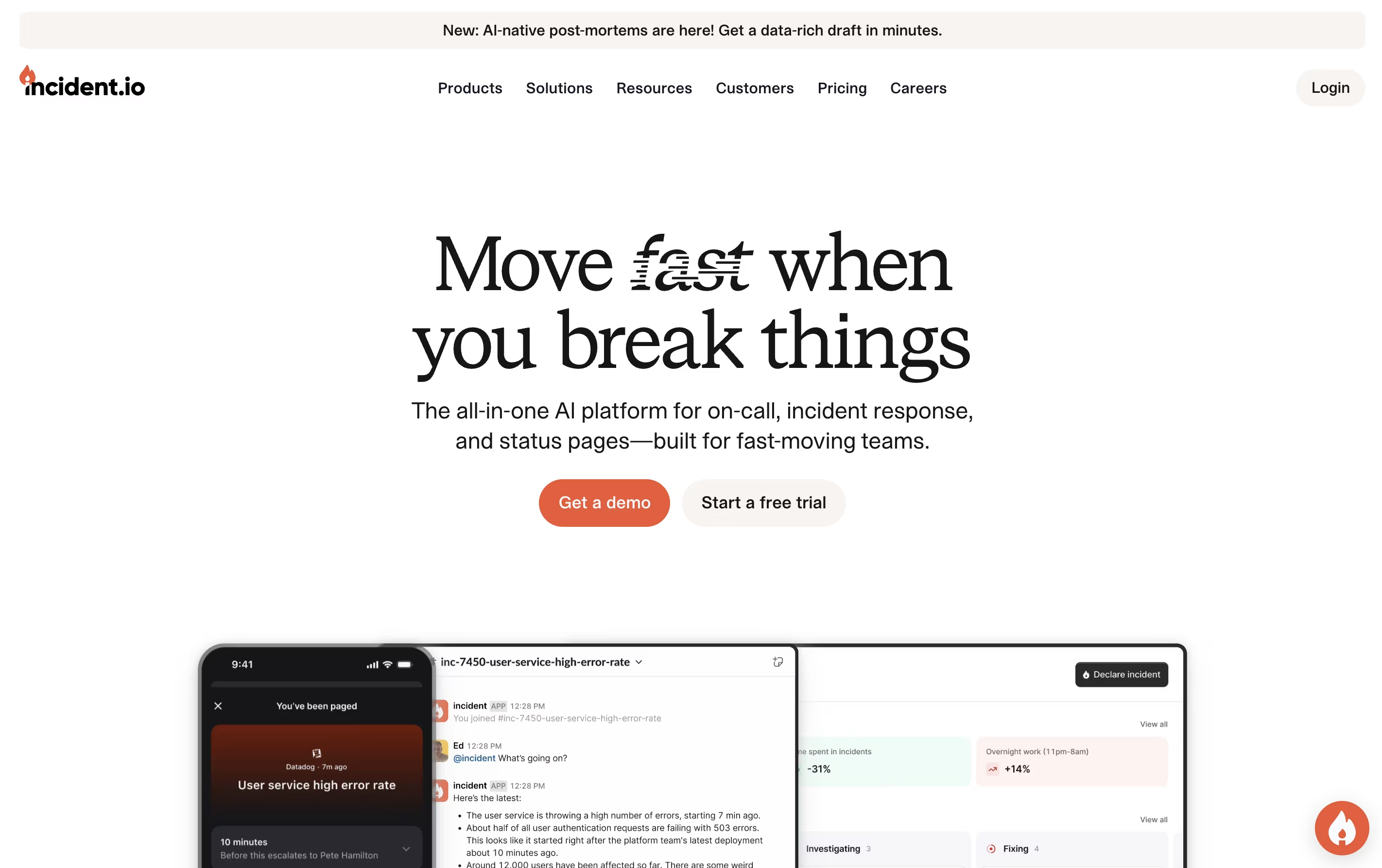
The platform uses AI to reduce alert noise, suggest fixes, and even investigate problems automatically. It tracks everything that happens during an incident to create detailed timelines without extra work. After incidents are resolved, teams can review what happened and learn from it.
There are multiple pricing levels, from a free Basic plan with core features to Enterprise plans for large organizations. The Pro version includes advanced analytics and private incident handling.

PagerDuty is a cloud platform designed to help teams manage and respond to incidents in real time. When something goes wrong with your systems or services, PagerDuty detects the problem and immediately alerts the right person or team to fix it.
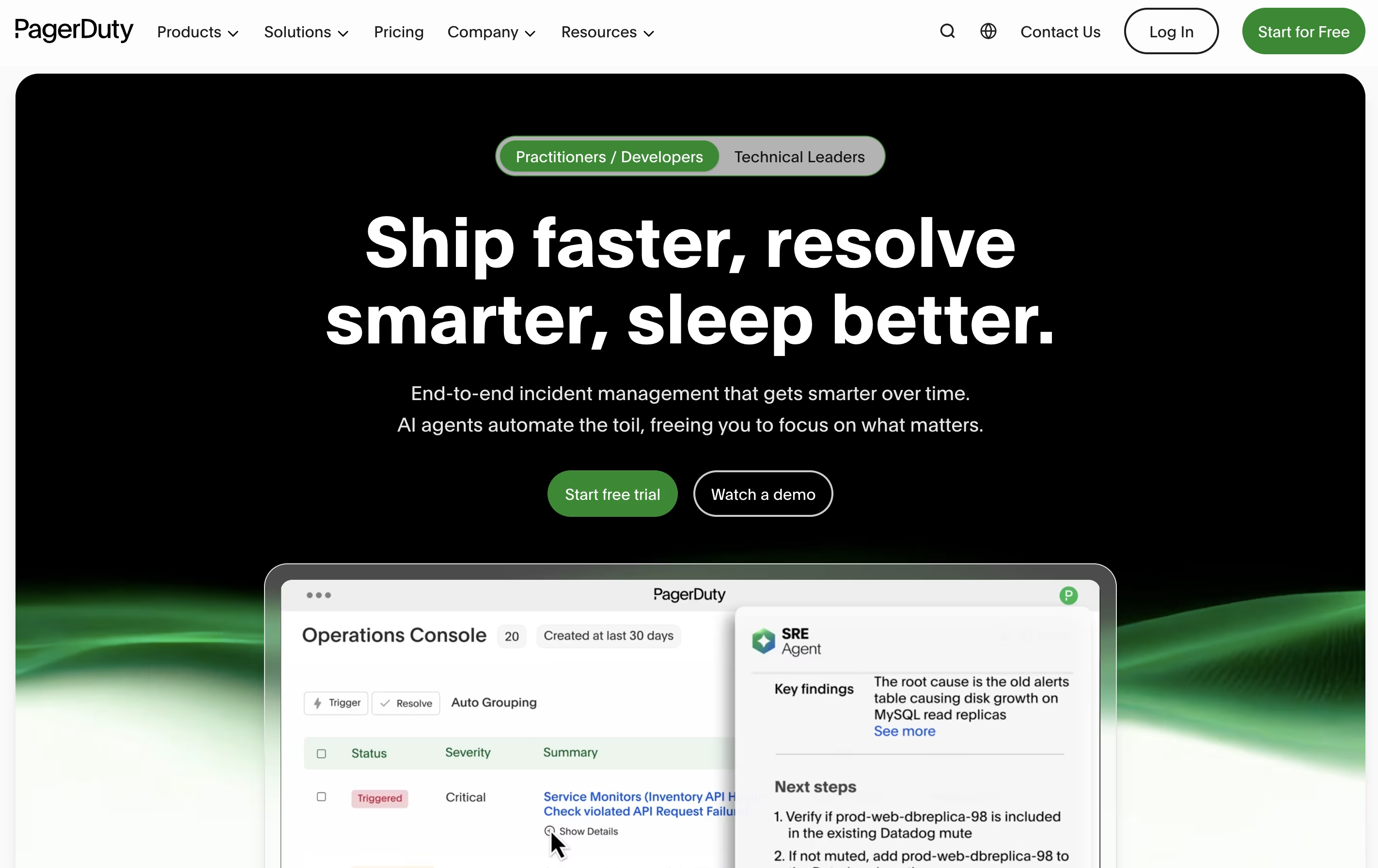
The platform works by connecting to your existing monitoring tools and applications. When these tools detect an issue, PagerDuty receives the alert and determines who should be notified based on schedules you create. It can send notifications through multiple channels to ensure someone responds quickly.
Beyond basic alerting, PagerDuty offers workflow automation, team collaboration features through chat tools, and detailed reports to help you learn from past incidents. It supports organizations of all sizes, from small startups to large enterprises managing complex systems.





