ToolQuestor Logo
Rootly
No reviews yet
0 Saved
Added:4/19/2026
Type:Saas
Monthly Traffic:-
Pricing:
SUBSCRIPTION
AI-PoweredMachine LearningReal-TimeCollaborationAutomationSecurity
Bubble

Bubble

FEATURED
BASE44

BASE44

FEATURED
Wispr Flow

Wispr Flow

FEATURED
Rootly screenshot 2
Rootly screenshot 3
Rootly screenshot 4
Rootly screenshot 5

What is Rootly

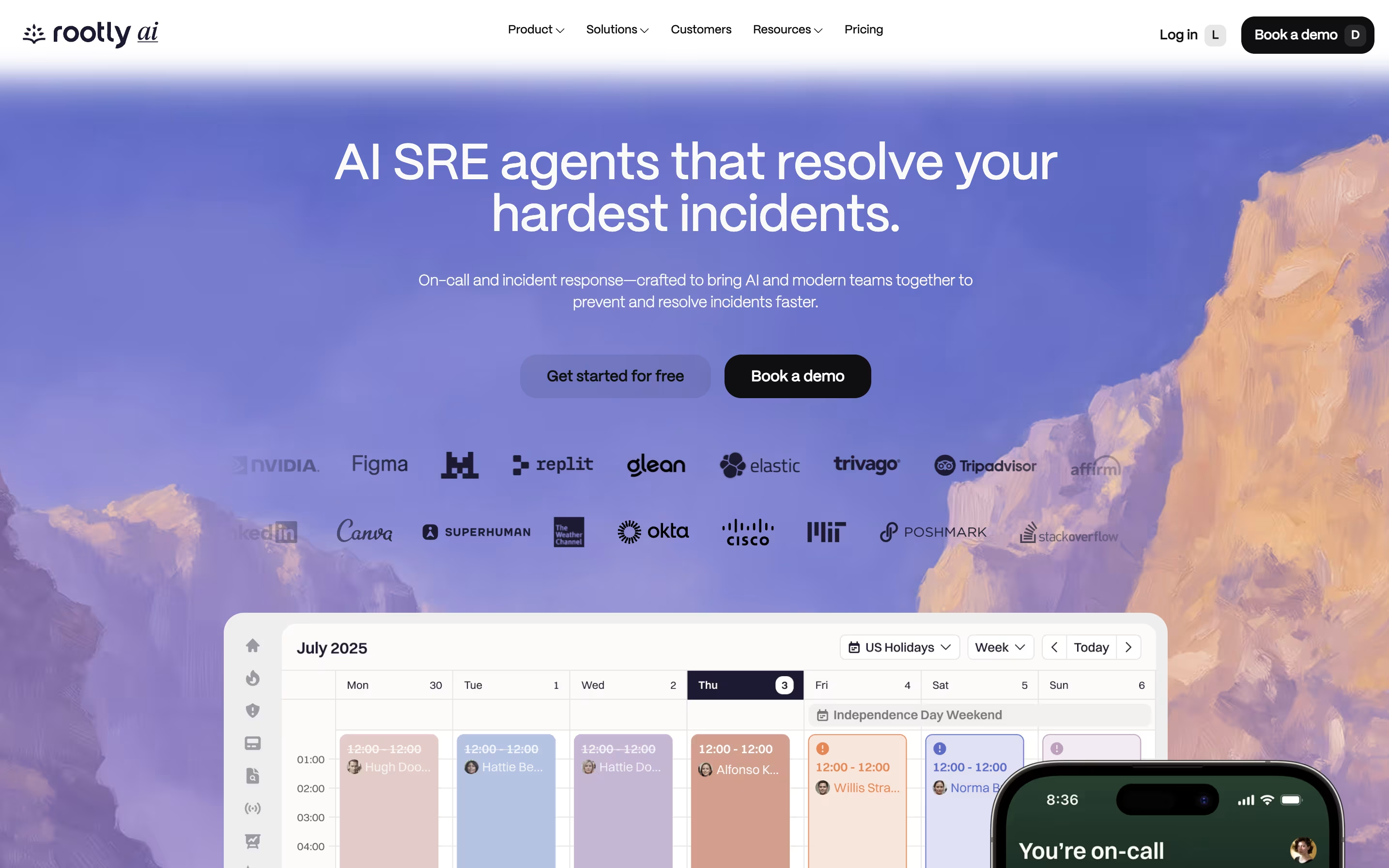
Rootly is a tool that helps teams manage incidents from start to finish. When something breaks in your system, Rootly jumps into action. It creates dedicated channels, brings in the right people, and organizes all the information you need in one place.

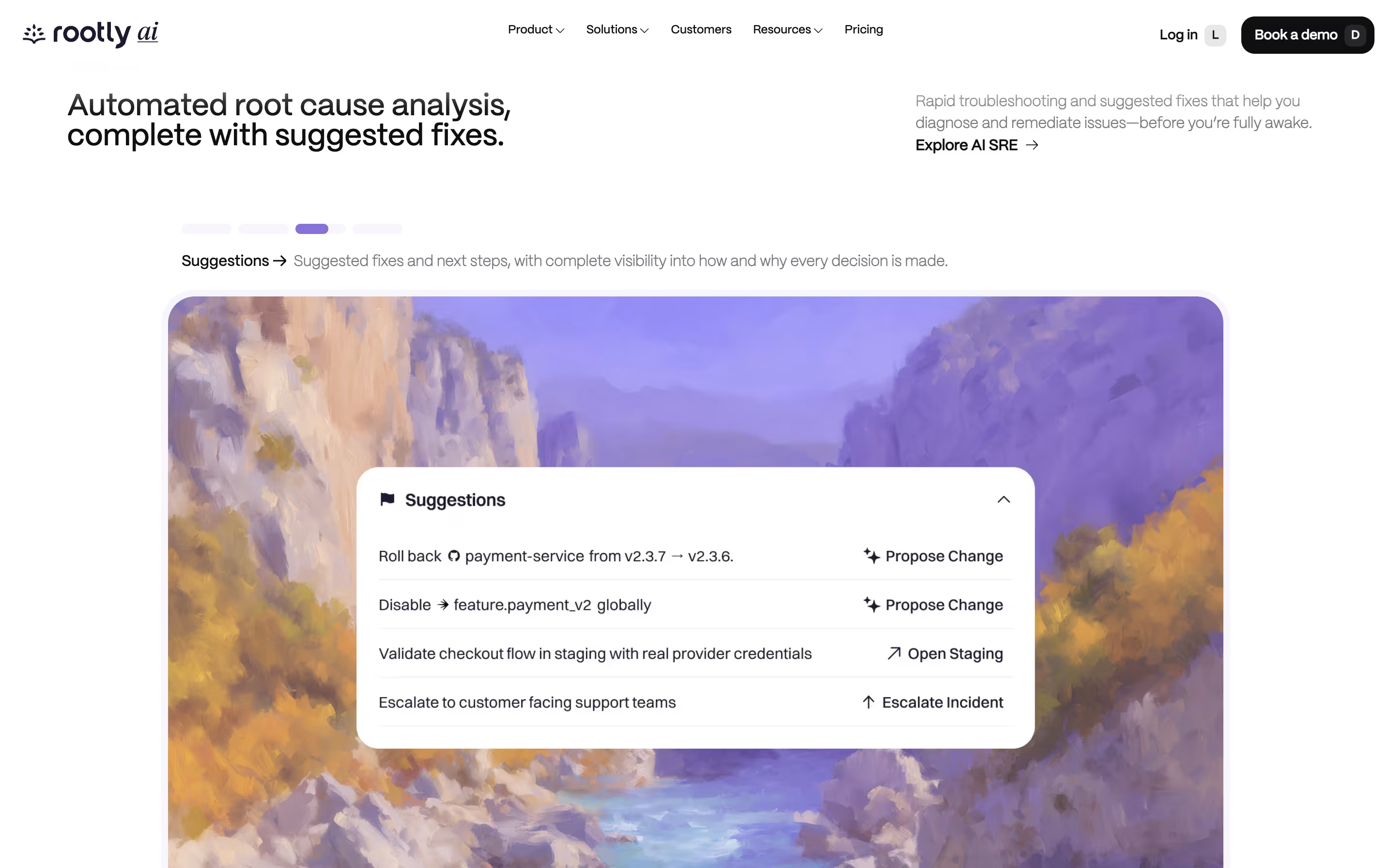
What makes Rootly different is its built-in AI features. The AI can suggest what might be wrong, write summaries, and even recommend fixes based on past incidents. It learns from every problem your team solves, getting smarter over time.

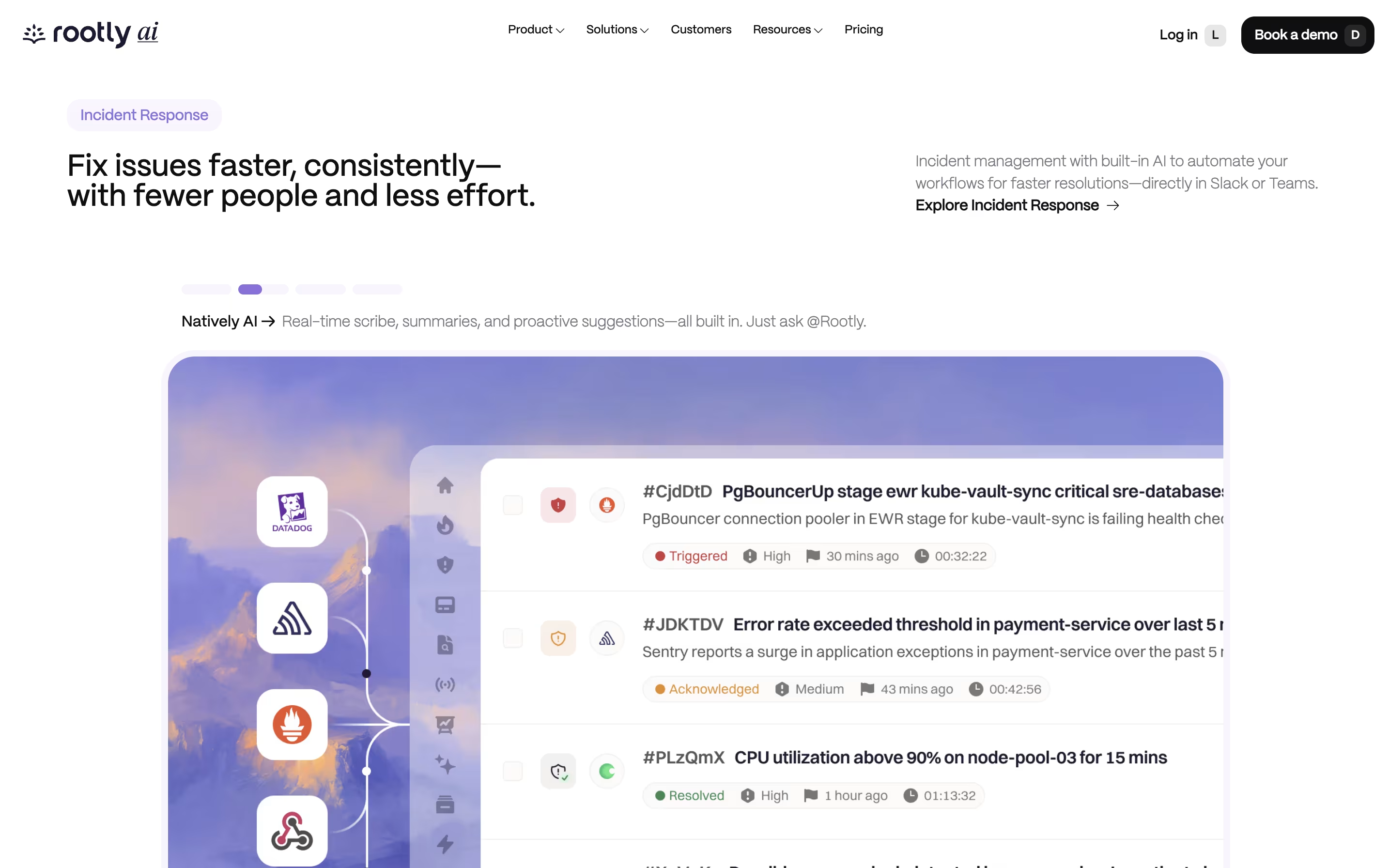
The platform connects with tools you already use, like Jira, PagerDuty, Datadog, and Zoom. Everything happens where your team already works, so you spend less time hunting for information and more time fixing problems.

How to Use Rootly

Getting started with Rootly is straightforward. Here are the basic steps:

  • Connect Rootly to your Slack or Microsoft Teams workspace. The setup takes about 5 minutes and comes with smart default settings that work for most teams.

  • When an incident happens, type a simple command like /rootly new or let Rootly detect issues automatically through connected monitoring tools like Datadog or Sentry.

  • Rootly immediately creates a dedicated channel, pulls in relevant people based on who is on-call, and starts organizing information automatically.

  • Use the AI assistant by typing @Rootly to ask questions, get summaries, or find similar past incidents. The AI provides suggestions based on your team's history.

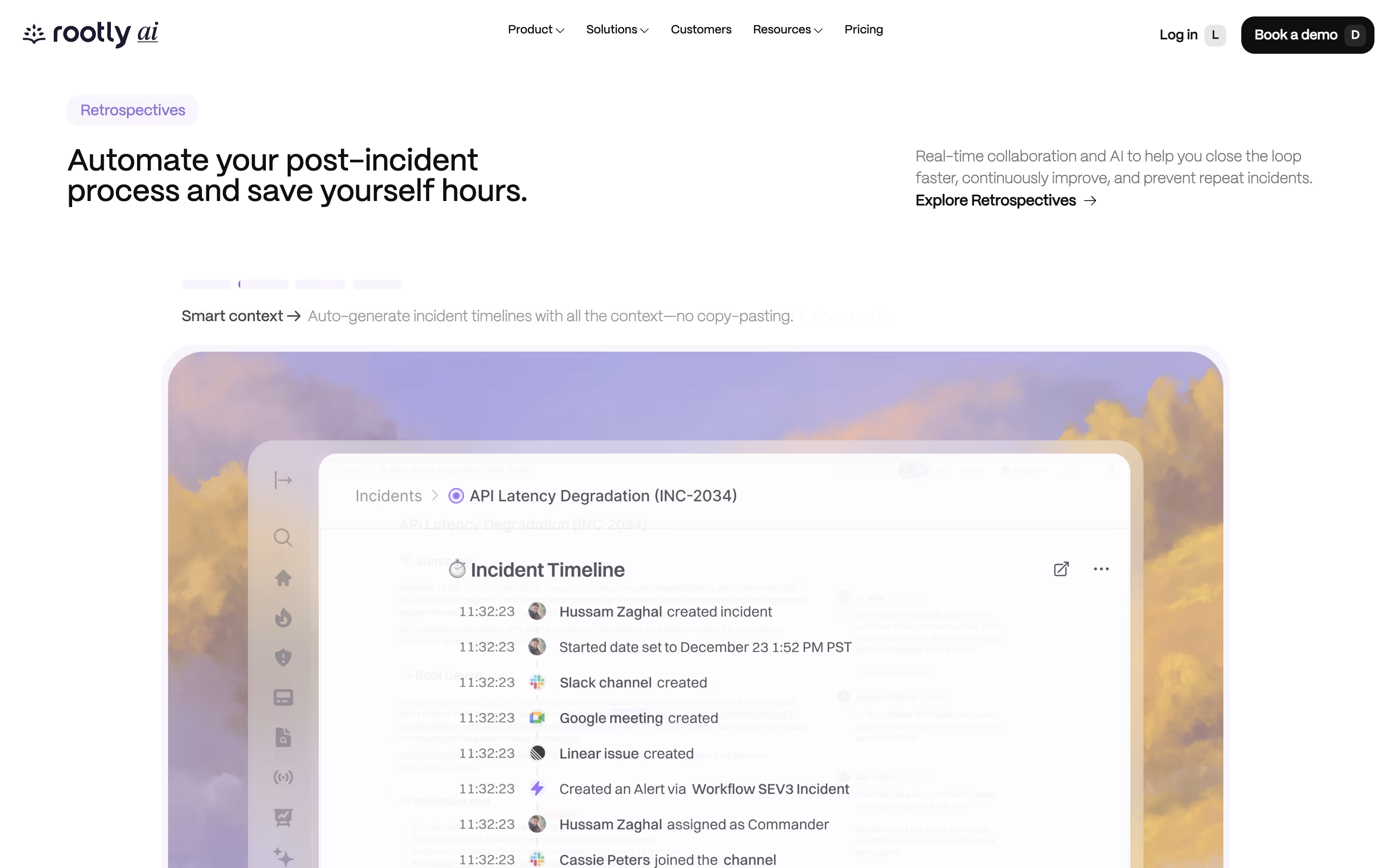
  • After resolving the incident, Rootly generates a timeline and helps create post-incident reports with minimal effort. You can sync action items to Jira or other project tools.

Features of Rootly

  • AI-powered root cause analysis and suggestions

  • Slack and Microsoft Teams native response

  • Automated incident channel creation

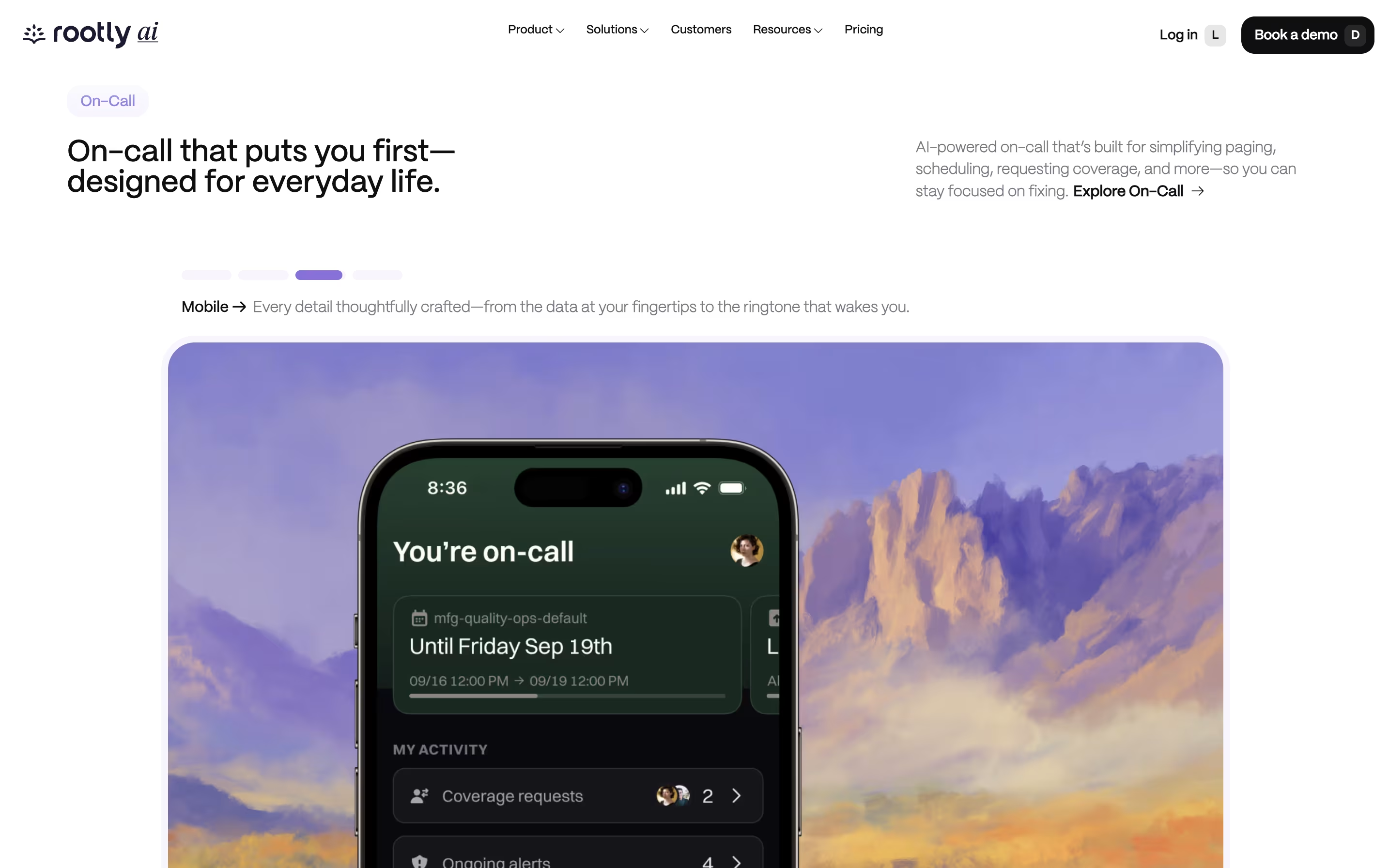
  • Built-in on-call scheduling and alerting

  • Multi-cloud reliability with redundancy

  • Real-time meeting transcription and scribe

  • Customizable workflows and playbooks

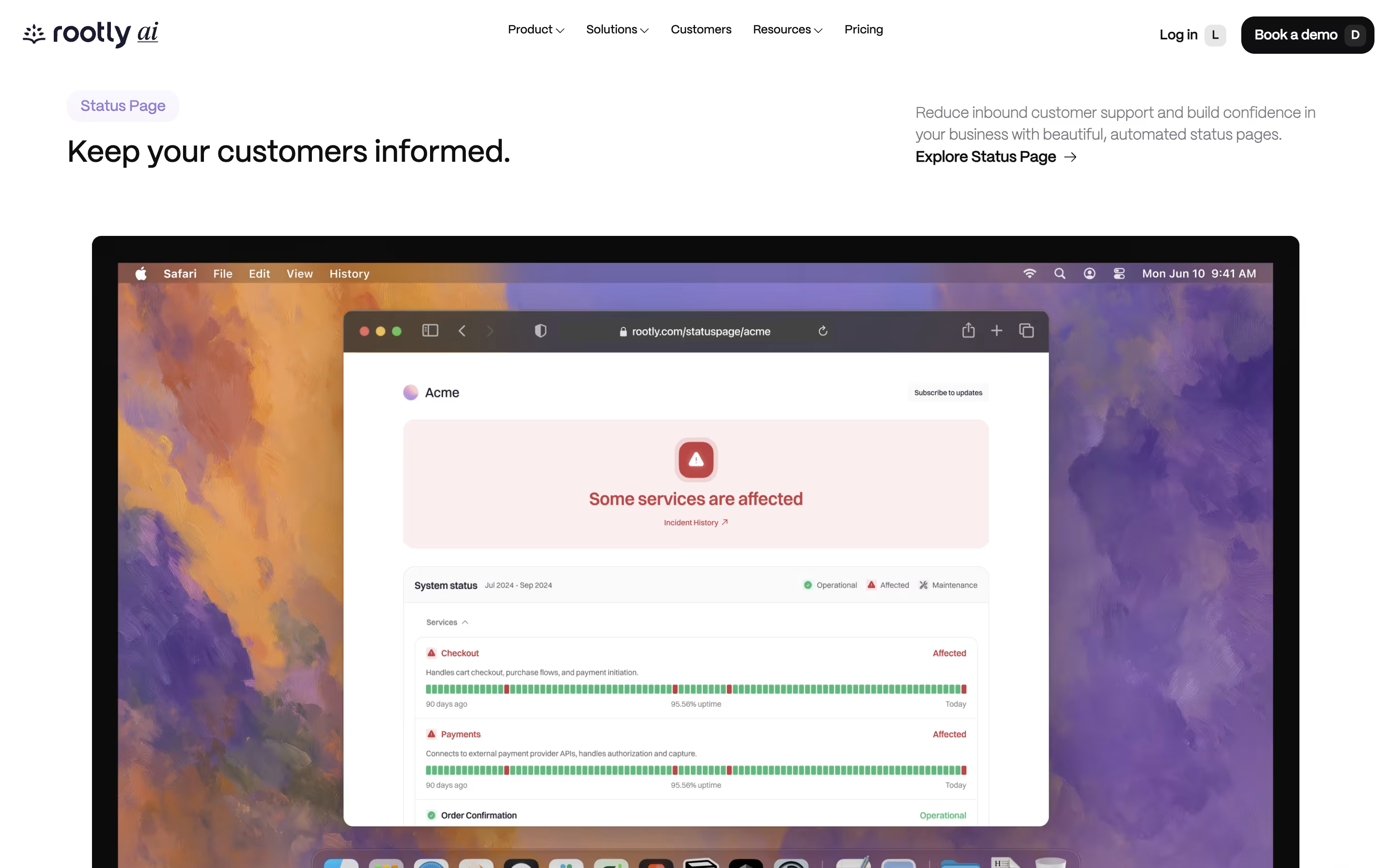
  • Automated status pages

  • Post-incident retrospectives with AI

  • iOS and Android mobile apps

Rootly Pricing

Most Popular
Essentials

$20

What's included:
  • Slack-native Incident Response
  • @Rootly AI Chat for real-time assistance
  • AI Similar Incidents detection
  • AI Scribe Meeting Bot with transcription
  • Playbooks & Runbooks automation
  • Incident Roles assignment
  • Action Item Tracking
  • Reminders and Nudges
  • Custom Fields
  • iOS/Android Mobile App
Enterprise

Custom

What's included:
  • Everything in Essentials
  • Response with Microsoft Teams
  • Custom and Dynamic Forms
  • Custom Incident Types and Status
  • Private Incidents feature
  • Communications Module (add-on)
  • 10 external and unlimited internal Status Pages
  • Custom Retrospective Processes
  • Custom Dashboards
  • Advanced Workflows

FAQ's About Rootly

What makes Rootly different from other incident management tools?
Rootly stands out with its AI-native approach and deep Slack/Teams integration. Unlike traditional tools, it automates the entire incident lifecycle from alert to retrospective. The AI provides real-time suggestions, identifies similar past incidents, and generates summaries automatically. Plus, Rootly is the only platform offering multi-cloud redundancy for on-call alerts, ensuring you never miss a critical page even during cloud outages.
How quickly can I get Rootly set up for my team?
Most teams go from signup to their first incident in under 5 minutes. Rootly comes with smart default settings based on best practices from hundreds of companies. The integration with Slack or Teams is simple, and the platform includes pre-built templates for common workflows. You can start with these defaults and customize as you learn what works best for your team.
Does Rootly replace PagerDuty or Opsgenie?
Rootly can replace these tools as it now includes built-in on-call management with scheduling, alerting, and escalation features. However, it also integrates seamlessly with PagerDuty and Opsgenie if you prefer to keep using them. Many teams migrate from these legacy tools to Rootly for the cost savings and modern features. Rootly offers automated migration to make the switch easy.
How does Rootly AI ensure data privacy and security?
Rootly takes privacy seriously with multiple safeguards. You can opt in or out of AI features with one click. All personally identifiable information is automatically scrubbed before any data is sent for AI processing. You can control exactly which Slack channels the AI can access, and choose which specific AI features to enable. For extra security, enterprise customers can connect their own AI provider keys. Rootly is SOC2, GDPR, and CCPA compliant.
Can Rootly integrate with our existing tools and workflows?
Yes, Rootly offers extensive integrations with over 30 popular tools including Jira, Confluence, GitHub, GitLab, Datadog, Sentry, Zoom, Google Workspace, and Microsoft 365. It provides a robust API and is the number one downloaded Terraform provider in incident management. This means you can automate Rootly configuration as code and integrate it deeply into your existing infrastructure and workflows.

Share your experience with Rootly

Loading...

See what users are saying about Rootly

0.0

0 Reviews

5
0
4
0
3
0
2
0
1
0

No reviews yet

Be the first to review Rootly

Embed Rootly badges

Show your community that Rootly is featured on Tool Questor. Add these beautiful badges to your website, documentation, or social profiles to boost credibility and drive more traffic.

Light Badge Preview