ToolQuestor Logo
Statuspage

Statuspage

No reviews yet
0 Saved
Added:4/19/2026
Type:Saas
Monthly Traffic:-
Pricing:
FREEFREEMIUMSUBSCRIPTION
Cloud-BasedBrowser ExtensionCollaborationCustomer SupportCommunication
Bubble

Bubble

FEATURED
OpenArt AI

OpenArt AI

FEATURED
BASE44

BASE44

FEATURED
Statuspage screenshot 2
Statuspage screenshot 3
Statuspage screenshot 4
Statuspage screenshot 5

What is Statuspage

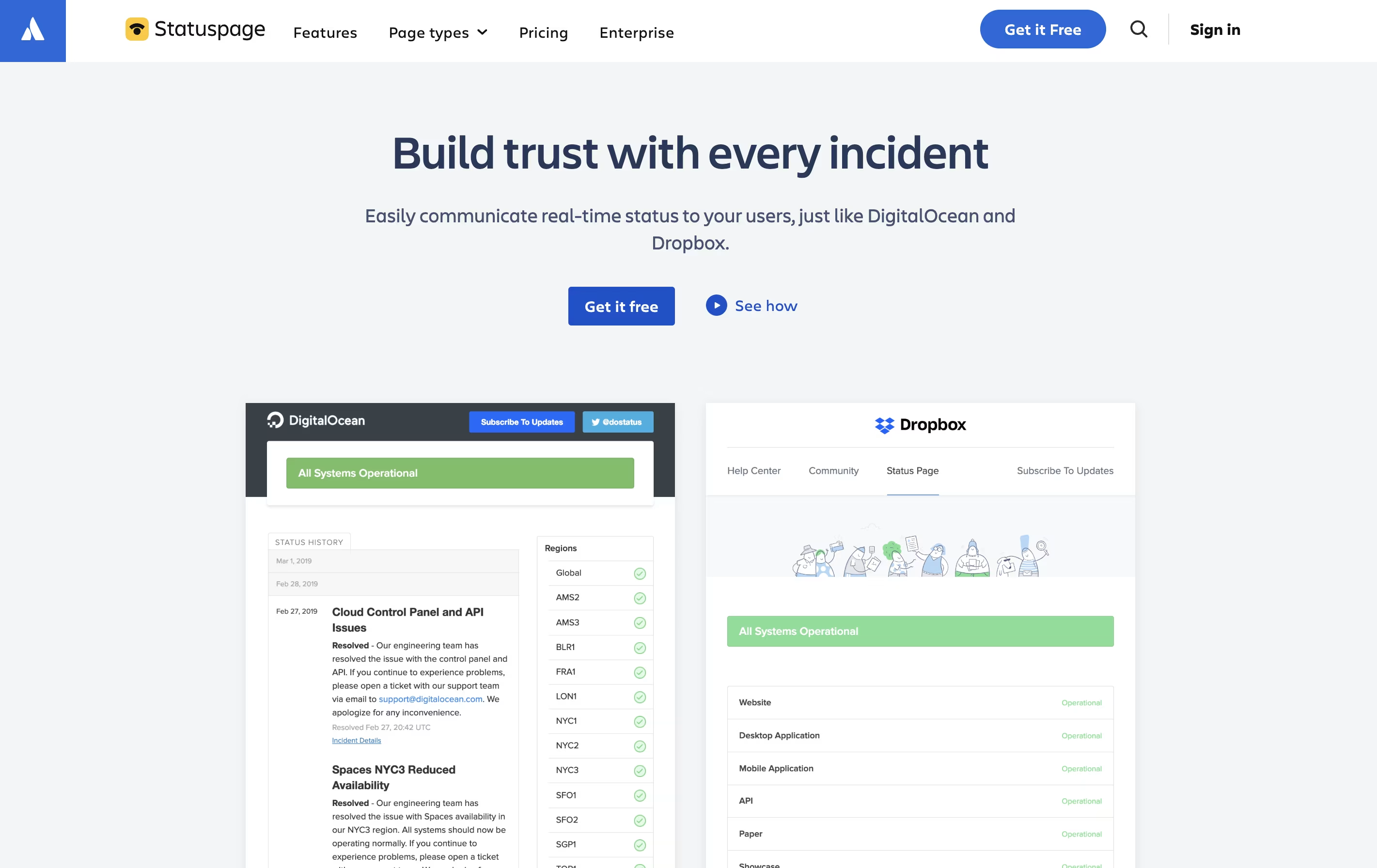
Statuspage is a web-based tool that creates status pages for your services and applications. When something goes wrong with your website, app, or service, you can quickly post an update that automatically notifies all your subscribers.

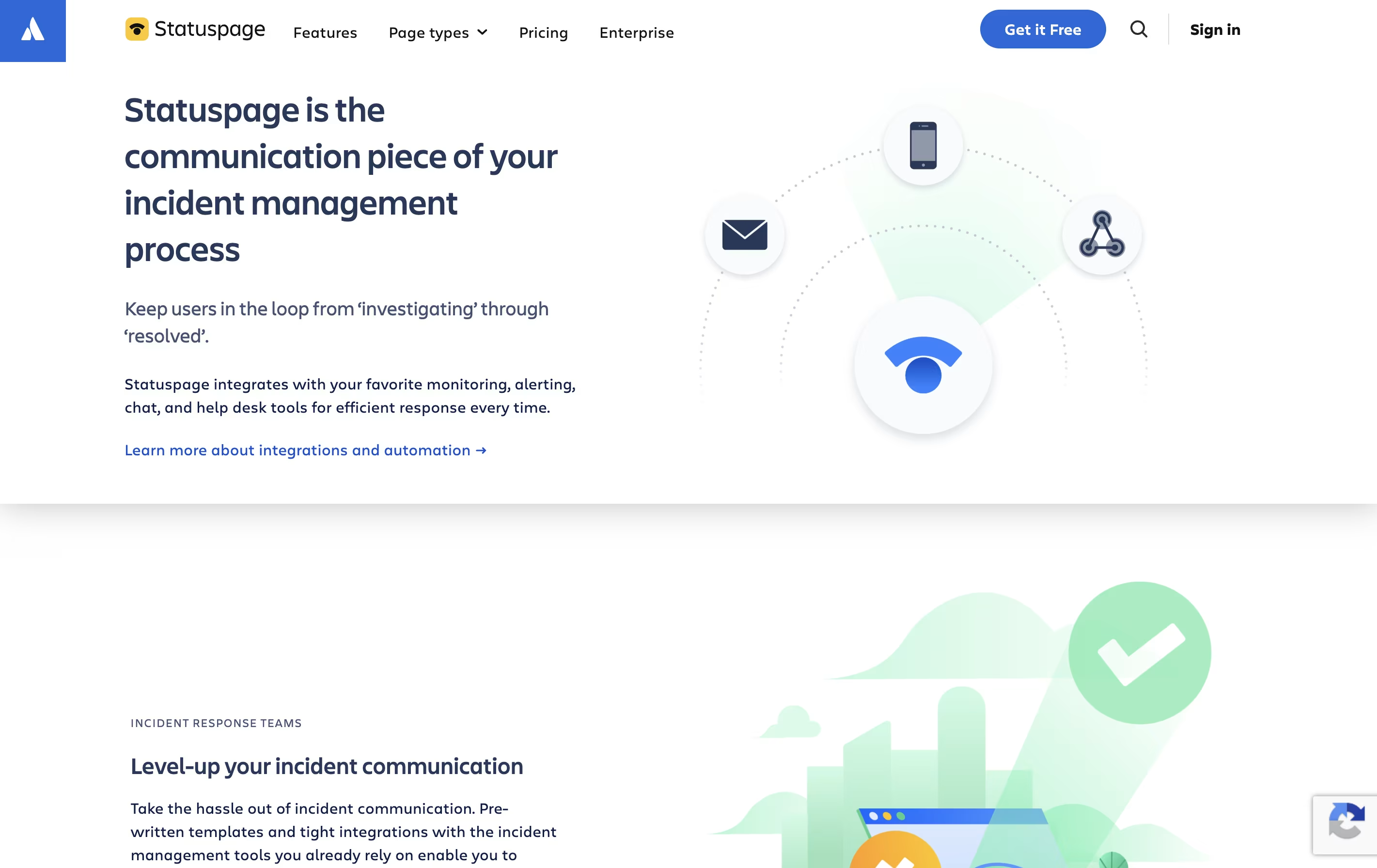
The platform does not monitor your systems directly. Instead, it connects with your existing monitoring tools like Datadog, New Relic, or PagerDuty. When these tools detect a problem, Statuspage can automatically update your status page and send notifications to users.

You can create public pages for external customers or private pages for internal teams. The tool includes features like incident templates, scheduled maintenance announcements, real-time metrics display, and historical uptime tracking. Everything works through a simple web interface that anyone on your team can use.

How to Use Statuspage

Getting started with Statuspage is simple. Here are the basic steps:

  • Sign up for an account and create your first status page. Choose between public, private, or audience-specific page types based on your needs.

  • Add components that represent different parts of your service, like API, website, mobile app, or database. Each component can have its own status.

  • Invite team members who need to create incidents and manage the page. Set up integrations with your monitoring tools for automatic updates.

  • When an incident occurs, create a new incident post. Give it a clear name, select affected components, and write an update message. Choose whether to notify subscribers.

  • Update the incident as you work to resolve it. Move through stages like investigating, identified, monitoring, and resolved. Each update can send notifications to subscribers.

  • Schedule planned maintenance in advance to keep users informed about upcoming work.

Features of Statuspage

  • Create public, private, or audience-specific status pages

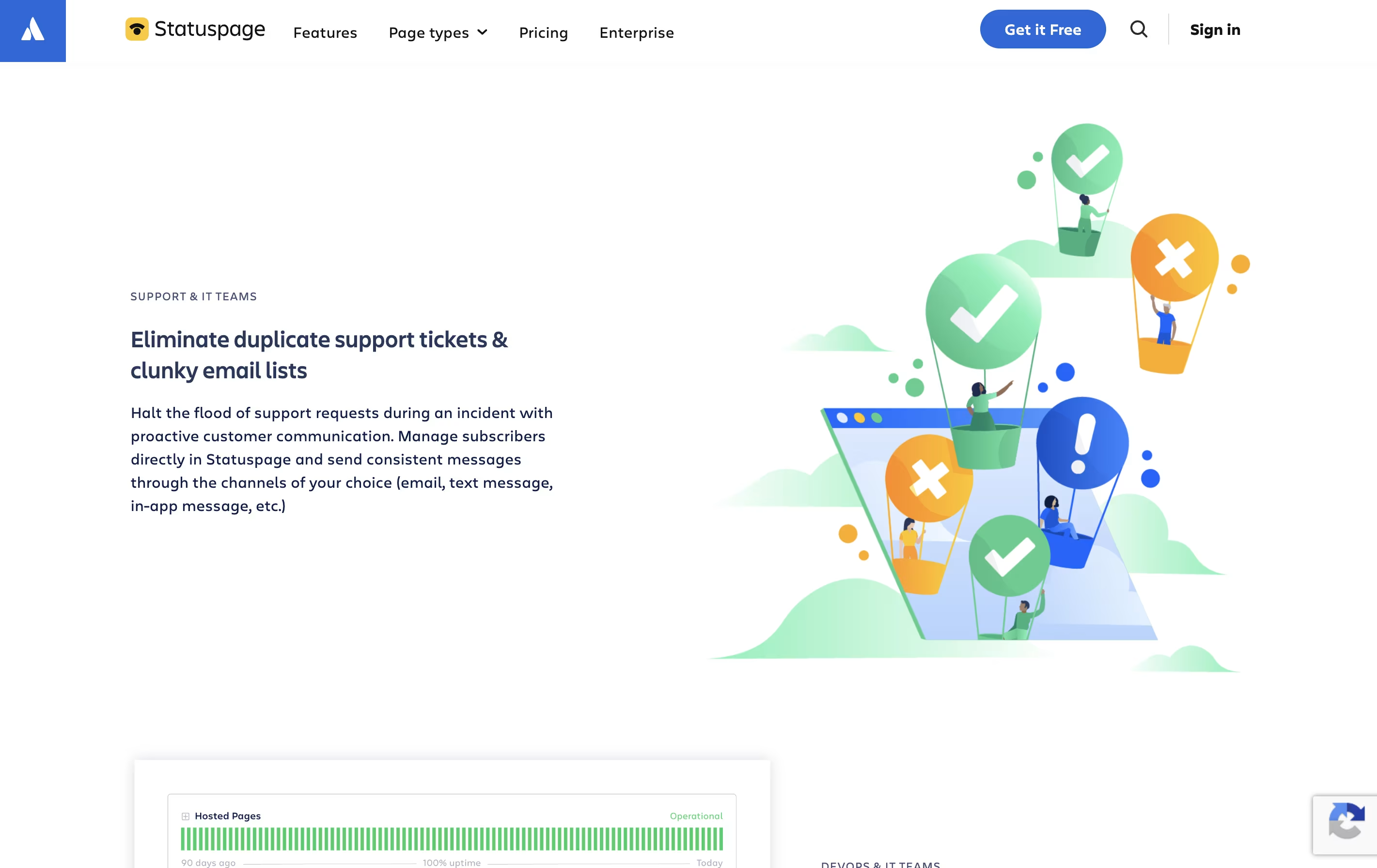
  • Automated incident notifications via email, SMS, and webhooks

  • Integration with monitoring tools and chat platforms

  • Scheduled maintenance announcements

  • Real-time system metrics display

  • Custom branding with CSS, HTML, JavaScript

  • Component-level status tracking

  • Incident templates for faster response

  • REST API access

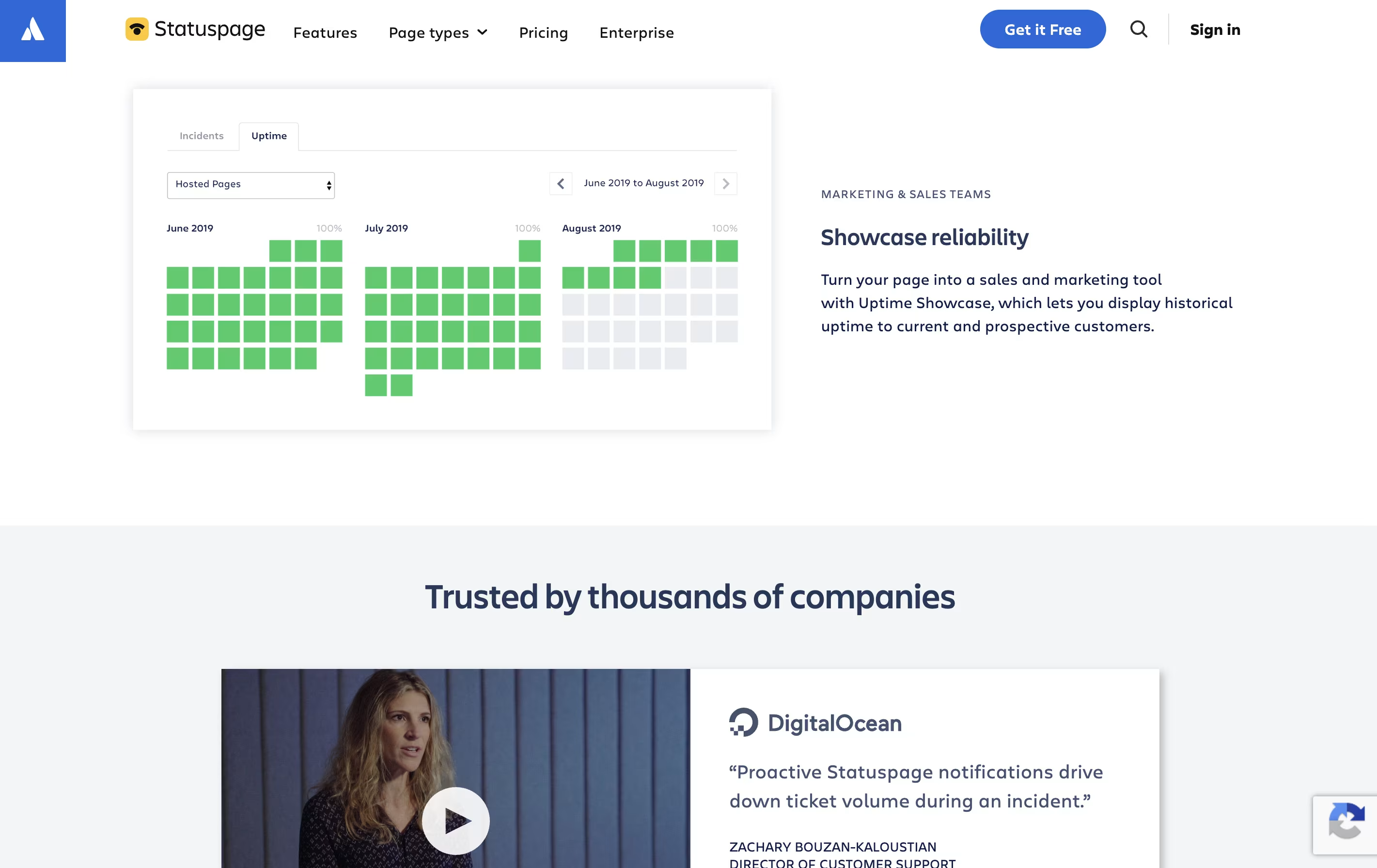
  • Historical uptime showcase

  • Third-party component monitoring

  • Team collaboration features

Statuspage Pricing

Free (Public Page)

Free

What's included:
  • 100 subscribers
  • 25 components
  • 2 team members
  • 2 metrics
  • Email notifications
  • Slack notifications
  • Microsoft Teams notifications
  • Access to REST APIs
Hobby (Public Page)

$29 /mo

What's included:
  • 250 subscribers
  • 5 team members
  • 5 metrics
  • Email notifications
  • Slack notifications
  • Microsoft Teams notifications
  • Basic customization
  • Custom domain
  • Access to REST APIs
Most Popular
Startup (Public Page)

$99 /mo

What's included:
  • 1,000 subscribers
  • 10 team members
  • 10 metrics
  • Email/SMS/webhook notifications
  • Slack notifications
  • Microsoft Teams notifications
  • Custom CSS
  • Custom domain
  • Access to REST APIs
  • Team member SSO (with Atlassian Guard)
Business (Public Page)

$399 /mo

What's included:
  • 5,000 subscribers
  • 25 team members
  • 25 metrics
  • Email/SMS/webhook notifications
  • Slack notifications
  • Microsoft Teams notifications
  • Custom CSS/HTML/JS
  • Custom domain
  • Access to REST APIs
  • Team member SSO (with Atlassian Guard)
Enterprise (Public Page)

$1499 /mo

What's included:
  • 25,000 subscribers
  • 50 team members
  • 50 metrics
  • Email/SMS/webhook notifications
  • Slack notifications
  • Microsoft Teams notifications
  • Custom CSS/HTML/JS
  • Custom domain
  • Access to REST APIs
  • Team member SSO (with Atlassian Guard)
Starter (Private Page)

$79 /mo

What's included:
  • 5 team members
  • 50 authenticated subscribers
  • 5 metrics
  • Email notifications
  • Custom CSS
  • Incident templates
  • Team member SSO (with Atlassian Guard)
  • Email support
Growth (Private Page)

$249 /mo

What's included:
  • 15 team members
  • 300 authenticated subscribers
  • 15 metrics
  • Email/SMS/webhook notifications
  • Custom CSS/HTML/JS
  • Incident templates
  • Component subscriptions
  • IP allowlisting
  • Team member SSO (with Atlassian Guard)
  • Email support
Corporate (Private Page)

$599 /mo

What's included:
  • 35 team members
  • 1,000 authenticated subscribers
  • 35 metrics
  • Email/SMS/webhook notifications
  • Custom CSS/HTML/JS
  • Incident templates
  • Component subscriptions
  • IP allowlisting
  • Team member SSO (with Atlassian Guard)
  • Yearly purchase orders & invoicing available
Enterprise (Private Page)

$1499 /mo

What's included:
  • 50 team members
  • 5,000 authenticated subscribers
  • 50 metrics
  • Email/SMS/webhook notifications
  • Custom CSS/HTML/JS
  • Alerting integrations
  • Incident templates
  • Component subscriptions
  • IP allowlisting
  • Team member SSO (with Atlassian Guard)
Audience-Specific Page

$300 /mo

What's included:
  • 25 team members (starting)
  • 10 groups (starting)
  • 500 users (starting)
  • 30 metrics (starting)
  • Email/SMS/webhook notifications
  • Custom CSS/HTML/JS
  • Manage API
  • Team member SSO (with Atlassian Guard)
  • Component subscriptions

FAQ's About Statuspage

What is the difference between public and private pages?
Public pages are for external customers and can be viewed by anyone. Private pages require authentication and are designed for internal employee communication about internal tools and services. Audience-specific pages allow you to show different content to different user groups.
Does Statuspage monitor my systems automatically?
No, Statuspage does not directly monitor your systems. However, it integrates with monitoring tools like Datadog, New Relic, Pingdom, and PagerDuty. These tools can automatically update your Statuspage when they detect issues, or you can use the API to send updates programmatically.
Can I use my own domain name for my status page?
Yes, starting with the Hobby plan for public pages, you can use a custom domain. This allows you to host your status page at something like status.yourcompany.com instead of the default statuspage.io subdomain.
How many notifications can I send with the free plan?
The free plan allows unlimited email notifications to your 100 subscribers. You can send as many incident updates and scheduled maintenance notifications as needed. SMS notifications require a paid plan starting at $99/month for public pages.
Can multiple team members manage the same status page?
Yes, all plans support multiple team members. The free plan includes 2 team members, while higher plans support more. Team members can create incidents, update component statuses, manage subscribers, and customize the page. Enterprise plans also include role-based access control for granular permissions.

Share your experience with Statuspage

Loading...

See what users are saying about Statuspage

0.0

0 Reviews

5
0
4
0
3
0
2
0
1
0

No reviews yet

Be the first to review Statuspage

Embed Statuspage badges

Show your community that Statuspage is featured on Tool Questor. Add these beautiful badges to your website, documentation, or social profiles to boost credibility and drive more traffic.

Light Badge Preview