
Macroscope vs Bugbot: Features, Pricing and User Reviews 2026
What are Macroscope and Bugbot?

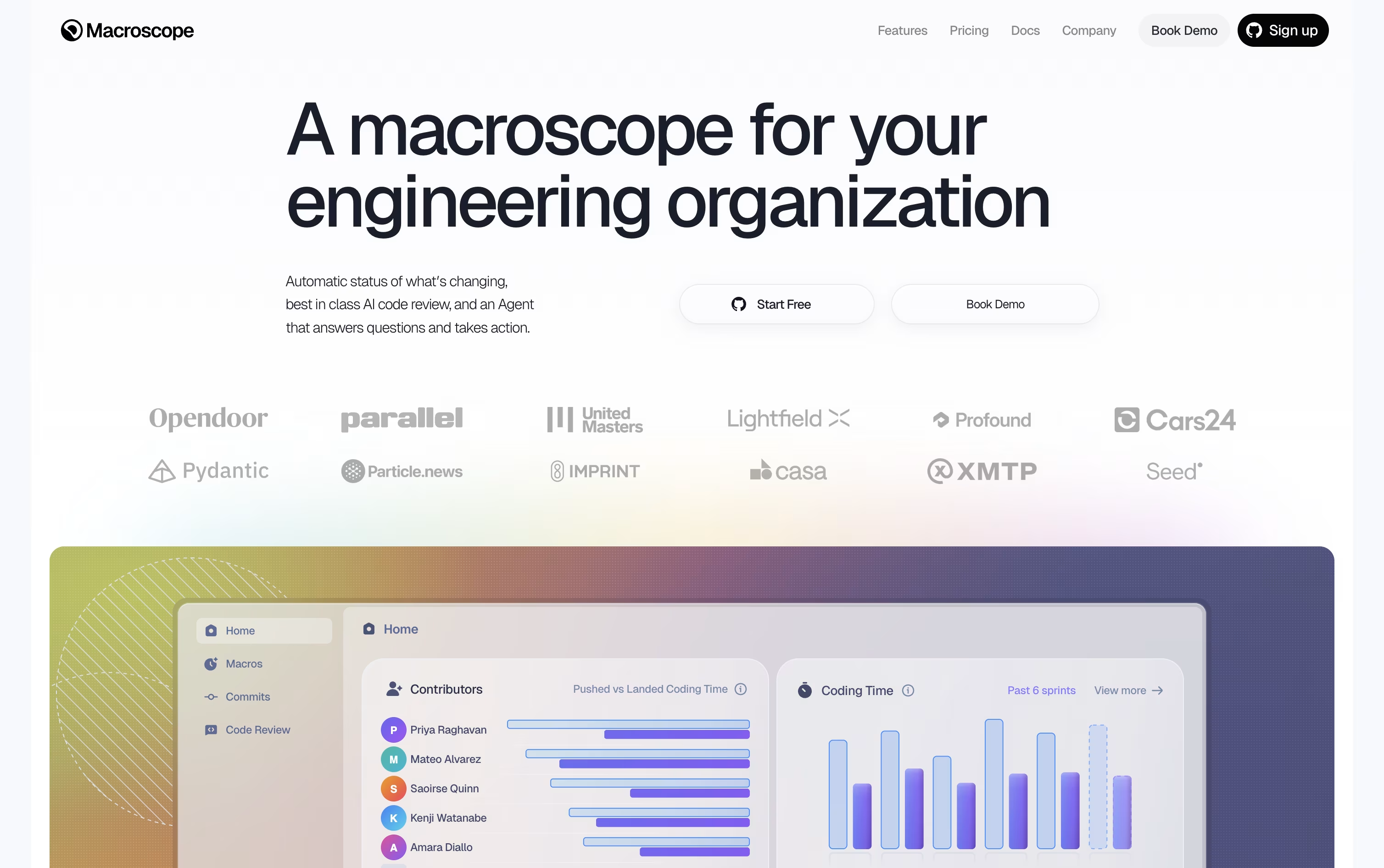
Macroscope is an AI tool built for engineering teams that work on GitHub. It reviews every pull request, points out real bugs, and writes clear summaries of what changed in the code.
It works by reading code as a graph instead of just plain text, so it understands how files and functions connect to each other. It also connects to tools like Slack, Jira, and Linear for extra context.
Teams can also ask a built in agent questions about the codebase, get weekly reports, and set up simple automations. New users get $100 in free usage to try the product before paying anything.

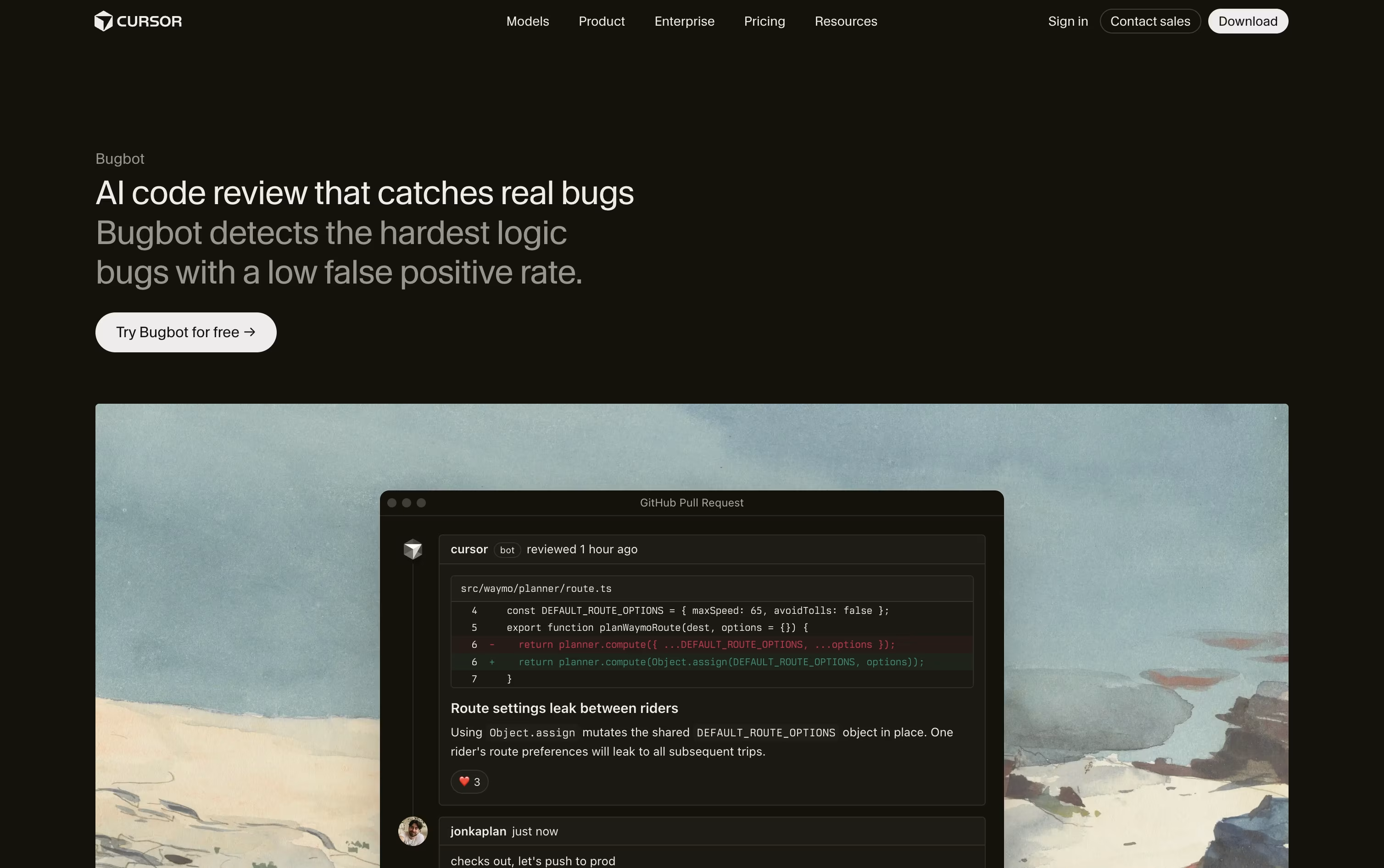
Bugbot is an AI powered code review tool built by Cursor. It checks every pull request on GitHub and GitLab to catch logic bugs, security issues, and edge cases before code gets merged. Instead of flagging small style problems, it focuses on real bugs that engineers would actually want to fix.
Bugbot reads the code changes along with the surrounding context, then leaves clear comments right inside the pull request explaining what is wrong and how to fix it.
Teams can also write custom rules so Bugbot checks for their own coding standards. It works alongside human reviewers, giving a fast first pass so teams can ship code with more confidence and less manual review work.
Features of Macroscope and Bugbot
Automatic pull request reviews with real bug detection
Auto fixes and auto approves safe changes
Codebase mapped as a connected graph
Weekly status digests and commit summaries
Built in agent for Slack and GitHub
Simple automations called Macros
Local CLI and webhook API access
Connects to Jira, Linear, Sentry, and more
SOC 2 Type II certified security
Automatic pull request reviews on GitHub and GitLab
Finds logic bugs, security issues, and edge cases
Inline comments with suggested fixes
One click fix in Cursor editor or Background Agent
Custom team and repository level rules
Adjustable review effort levels
Manual review triggers and pre push reviews
Powered by Composer 2.5
Dashboard with review stats
Use Cases of Macroscope and Bugbot
Pricing of Macroscope and Bugbot
Macroscope uses a usage based pricing model instead of one flat monthly fee. You only pay for what you actually use.
Agent: Costs $0.01 per credit, with 1,000 credits included each month.
Code Review: Costs $0.05 per KB of code reviewed, with a 10 KB minimum per review.
Status: Costs $0.05 per commit tracked and summarized.
The Teams plan gives every new account $100 of free usage to try Code Review, Status, and the Agent before paying anything, along with tools to set spend limits.
The Enterprise plan includes everything in Teams, plus discounted pricing for longer commitments, priority support, custom legal agreements, and a SOC 2 Type II report. Enterprise pricing is custom and requires contacting sales.
Bugbot is included across Cursor's plans, starting with the free Hobby plan which offers limited usage at no cost.
Pro ($20/month): Adds Bugbot on usage based billing along with extended Agent limits and access to frontier models.
Pro+ ($60/month): Same Bugbot access with three times the Agent limits of Pro.
Ultra ($200/month): Same Bugbot access with twenty times the Agent limits and priority access to new features.
Teams ($40/user/month): Includes full agentic code reviews with Bugbot, shared team context, and centralized billing.
Enterprise: Custom pricing that adds pooled usage, SCIM, audit logs, and priority support.
Yearly billing lowers each plan's monthly cost, for example Pro drops to $16 a month when billed yearly.
FAQs: Macroscope vs Bugbot
Reviews: Macroscope vs Bugbot
Based on 0 reviews
Based on 0 reviews
Compare Macroscope With Other Tools

CodeRabbit
AI-Powered Code Review for Teams

Greptile
AI Code Review for Every Pull Request

CodeAnt AI
Agentic Code & Security Platform

Cubic
Smarter AI Code Reviews for Dev Teams

Qodo
AI Code Review and Governance Platform

Codacy
Code Quality & Security for AI Teams

DeepSource
AI Code Review & Security Platform

Sourcery
AI Code Review & Security Scanning

Graphite
AI Code Review for Faster PR Merges
Compare Bugbot With Other Tools
Greptile
AI Code Review for Every Pull Request
CodeRabbit
AI-Powered Code Review for Teams
Qodo
AI Code Review and Governance Platform
Cubic
Smarter AI Code Reviews for Dev Teams
Codacy
Code Quality & Security for AI Teams
Sourcery
AI Code Review & Security Scanning
CodeAnt AI
Agentic Code & Security Platform
DeepSource
AI Code Review & Security Platform
Graphite
AI Code Review for Faster PR Merges