

Best 9 Code Security Scanning Tools in 2026
Last Updated: August 19, 2026
Vulnerabilities hiding in your codebase can turn into costly breaches if they go unnoticed until production. Code Security Scanning tools automatically analyze your source code, dependencies, and configurations to catch security flaws, exposed secrets, and outdated packages before they ship.
These tools are essential for engineering teams that need to stay ahead of threats without slowing down development. By integrating scans directly into your pipeline, you get continuous visibility into risks across every commit, pull request, and deployment, helping teams fix issues early and stay compliant with security standards.
 Bugbot
 BugbotAI Powered Code Review Agent by Cursor,
  CodeRabbit
 CodeRabbitAI-Powered Code Review for Teams, and
  Greptile
 GreptileAI Code Review for Every Pull Request are the best for Code Security Scanning. So, let’s take a closer look at all 9 tools.

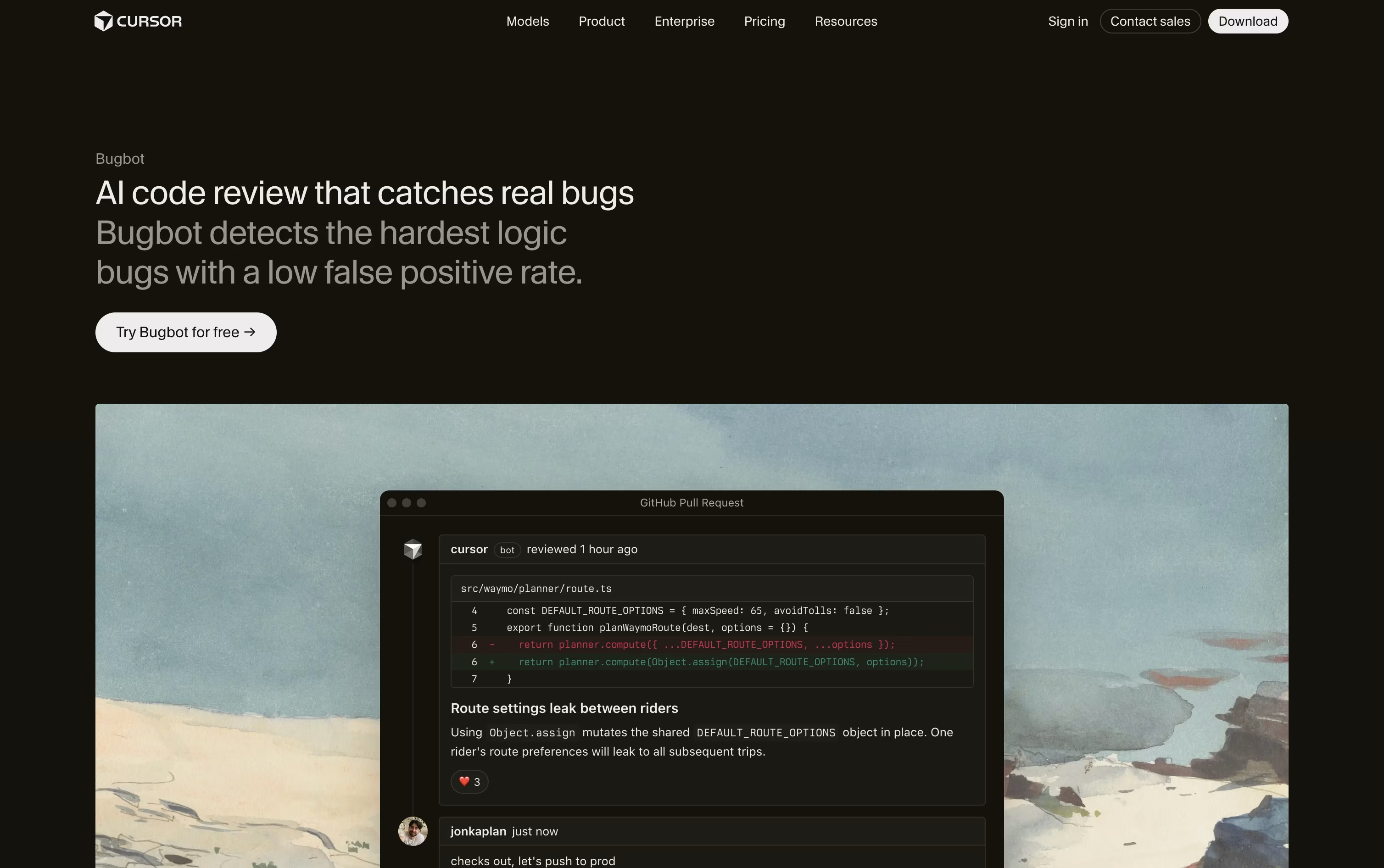
Bugbot is Cursor's AI powered pull request reviewer. It scans code changes on GitHub and GitLab, looking for logic bugs, security gaps, and edge cases that are easy for a person to miss.
Rather than pointing out minor style issues, it focuses on bugs engineers would actually want fixed before merging. It leaves comments right in the pull request with an explanation and a suggested fix.
You can send any flagged issue straight into the Cursor editor, or hand it to a Background Agent to fix on its own.
Custom rules, written as a BUGBOT.md file or set up by team admins, let Bugbot enforce your own coding standards across every repo.
It is included on a limited basis with the free Hobby plan. Individual plans starting at $20 a month unlock usage based Bugbot reviews, and Teams at $40 per user a month adds full agentic reviews with shared team context. Larger companies can get custom Enterprise pricing with extra controls.
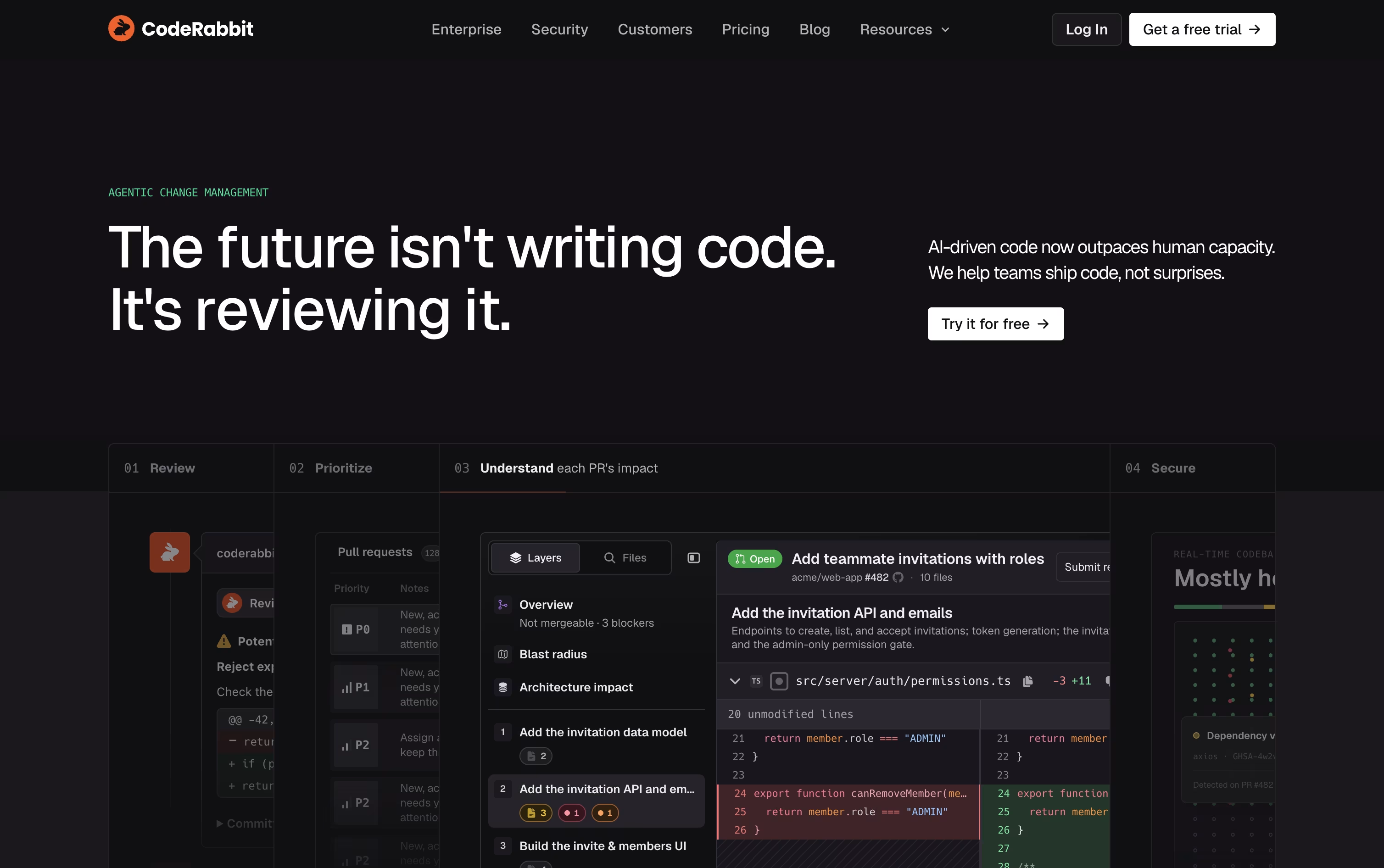
Think of CodeRabbit as an AI reviewer that sits inside your pull request process. It reads new and updated code, then leaves clear comments, summaries, and diagrams instead of a wall of raw diffs.
It blends large language models with over 40 static analysis and security tools, along with context from your codebase and prior feedback, to flag bugs, security risks, and style problems before they slip through.
Support spans GitHub, GitLab, Bitbucket, and Azure DevOps, along with IDE extensions for VS Code, Cursor, and Windsurf, a CLI for local reviews, and Slack and Discord agents for team chat.
Open source projects can use it for free. Paid plans start with Pro at $30 per user a month, or $24 a month if billed yearly, covering PR and CLI reviews, one-click fixes, and learnings.
Pro Plus runs $60 per user a month, or $48 billed yearly, and unlocks multi-repo analysis, custom pre-merge checks, unit test generation, and post-merge automation.
Larger teams can move to Enterprise for custom pricing, which adds SSO, RBAC, audit logs, API access, and self-hosting, and both paid plans include a 14-day free trial.
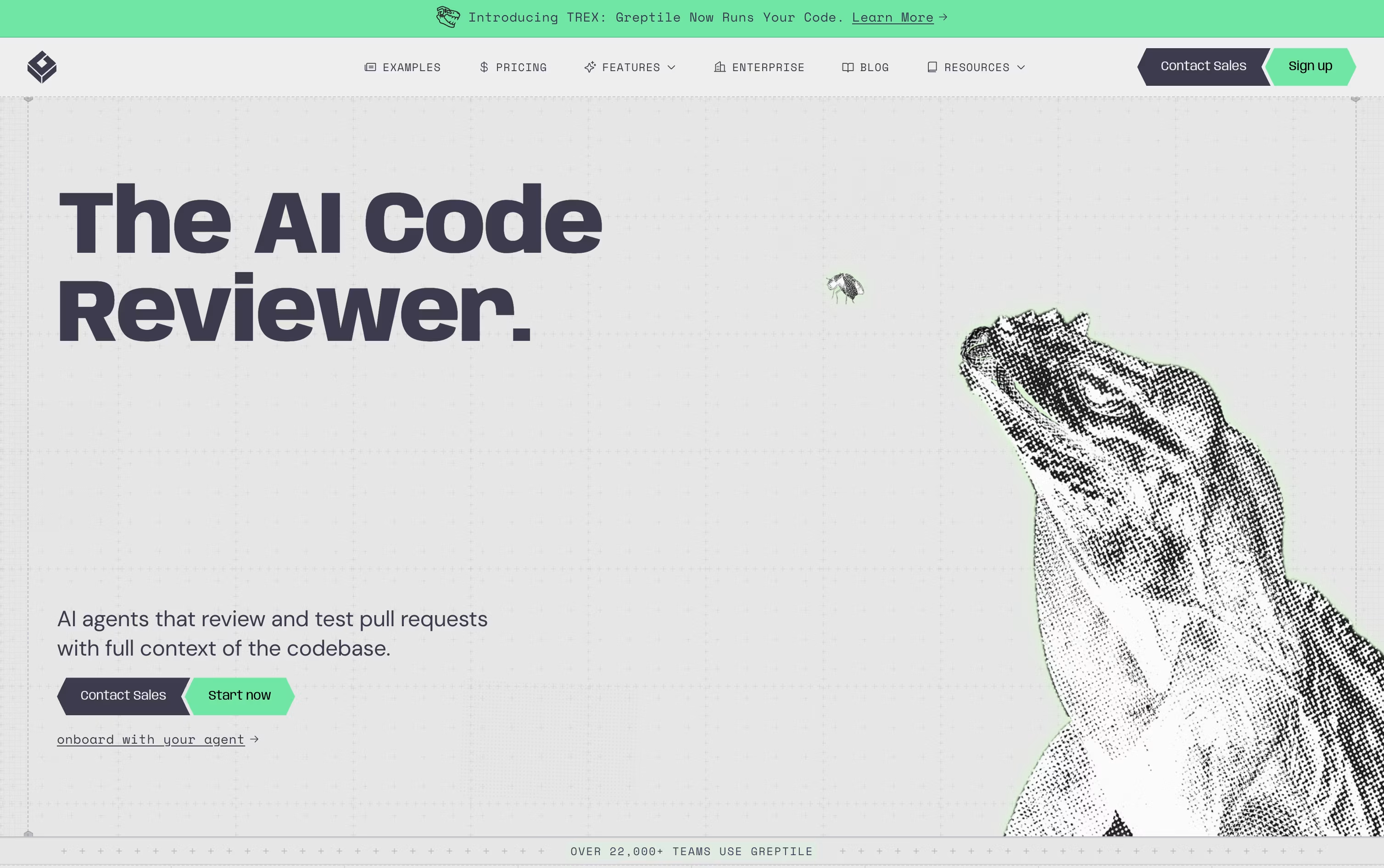
Rather than reviewing just the diff, Greptile builds a full map of your codebase, connecting files, functions, and dependencies, so it understands the wider impact of every change.
Each pull request is checked by a group of AI agents looking for bugs, security problems, performance issues, and style mistakes. Comments arrive quickly, usually within about three minutes, along with suggested fixes.
Its TREX feature goes further by writing and running actual tests in an isolated sandbox, which helps catch runtime bugs that a static review alone might miss.
On pricing, the Starter plan is free and gives individual developers 50 credits a month across unlimited repositories. The Pro plan is $30 per seat per month with a 14 day free trial, unlimited users, and custom review rules.
Enterprise pricing is custom and unlocks self hosting, SSO and SAML, and dedicated support, while qualifying open source projects and early stage startups can get free access or a 50% discount.

Development teams using AI coding tools often end up with more code than they can carefully review by hand. Qodo was built to close that gap by acting as an automated reviewer that understands the full codebase, not just the lines that changed.
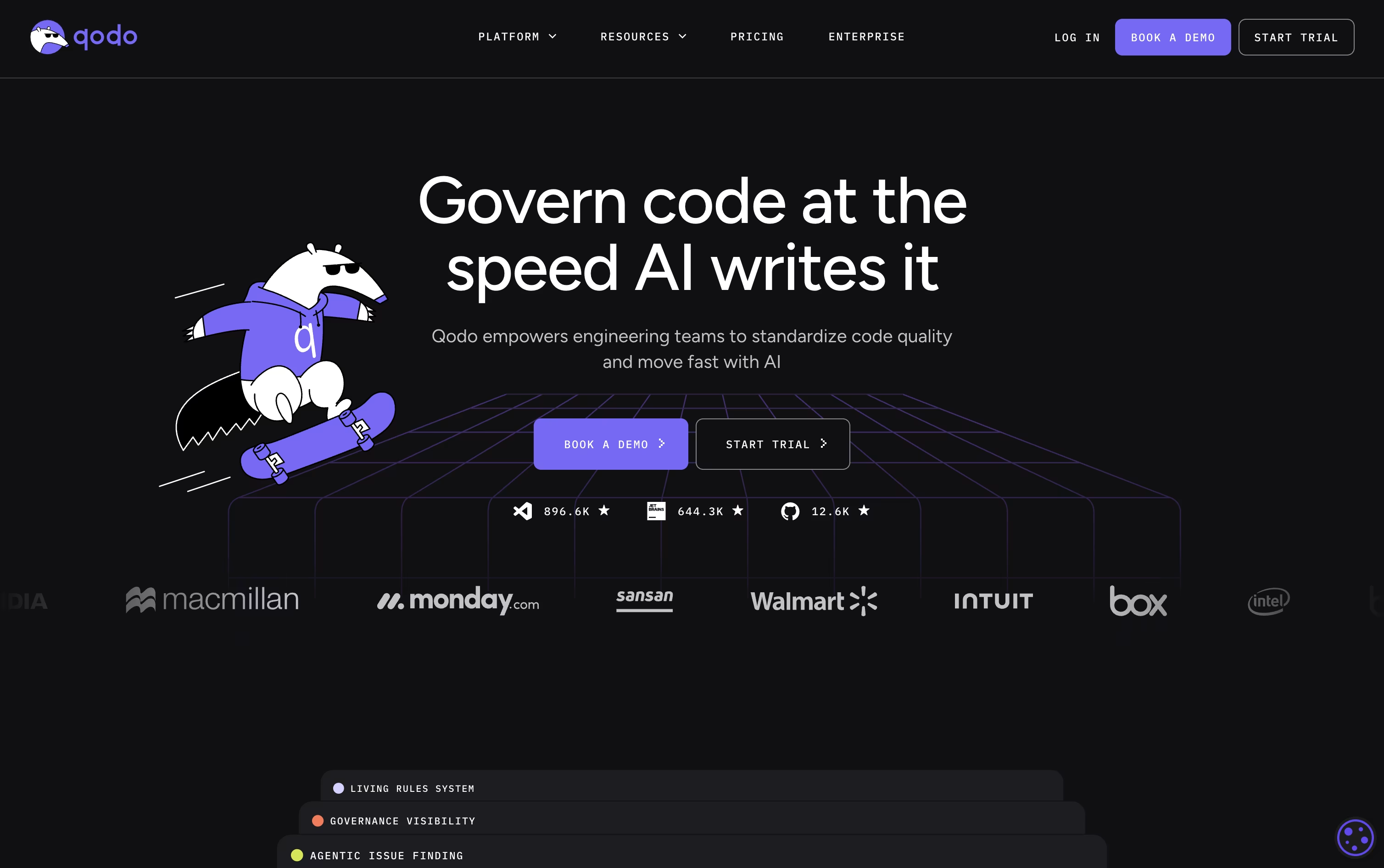
Multiple specialized AI agents work through each pull request together, flagging bugs, security risks, and rule breaks, then ranking them so the biggest problems stand out from small nitpicks.
Teams can also turn their own coding standards into living rules that get applied automatically, both to human-written code and to code produced by AI assistants.
Getting started costs nothing, with a 14-day trial that includes unlimited reviews and no card required. From there, Pro Team plans are billed on pooled team credits at $0.012 each, working out to roughly $30, $60, or $240 a month depending on how many reviews you need, and you can switch packs anytime with no yearly lock-in.
Bigger companies with 30 or more seats can choose Enterprise, adding SSO, audit logs, on-prem hosting, and dedicated support at a price set through a demo call.
Instead of only flagging style issues, DeepSource combines over 5,000 static analysis rules with an AI review agent to catch real bugs, security flaws, and bad patterns inside pull requests.
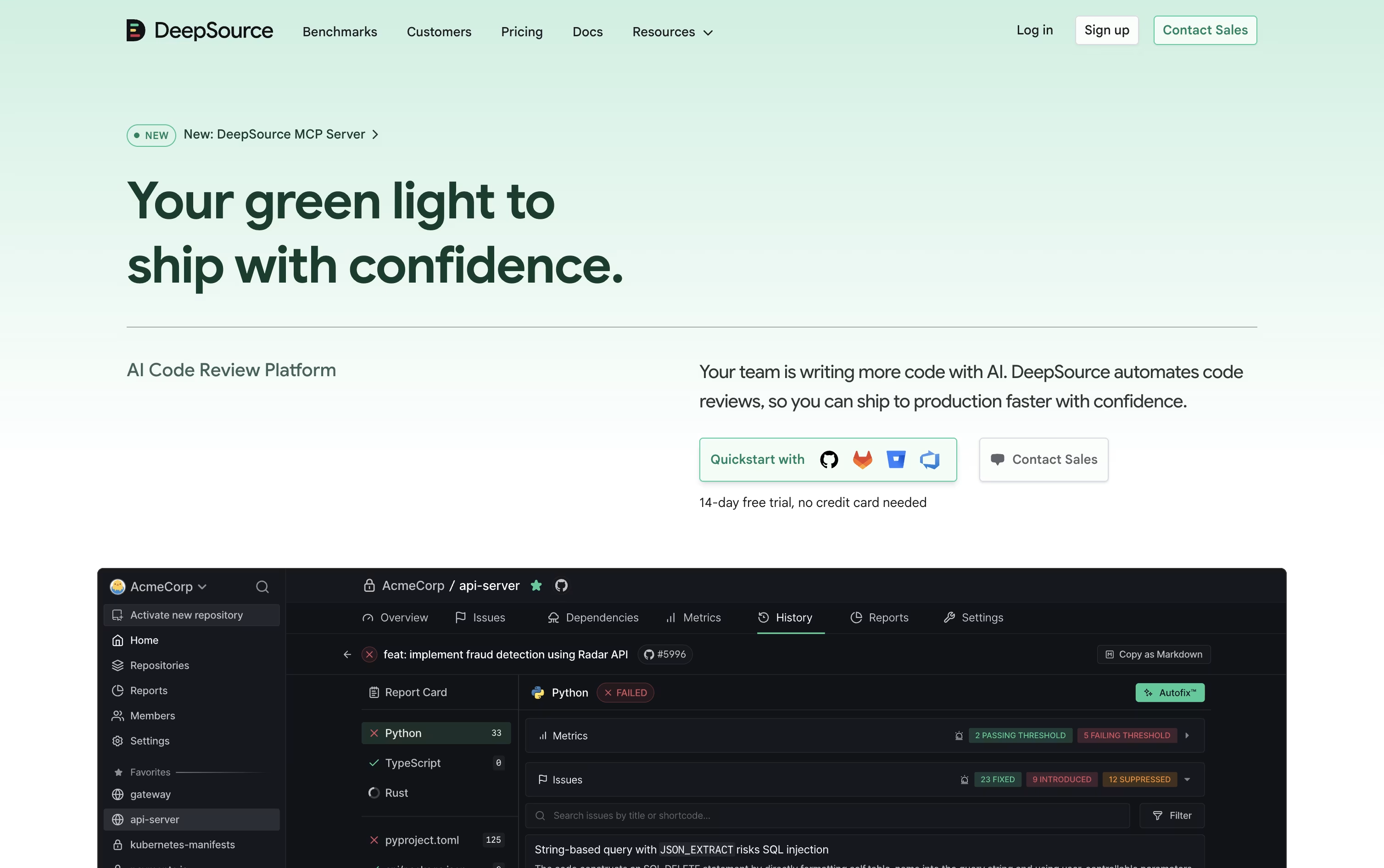
It also watches for leaked secrets, vulnerable dependencies, license risks, and untested code, and its Autofix feature can turn many of these findings into a ready to apply patch.
The tool fits into existing workflows through GitHub, GitLab, Bitbucket, and Azure DevOps, along with Slack, Jira, and code editors. Its MCP server lets AI agents like Claude Code or Cursor pull review data and act on it directly.
Open source projects can use DeepSource for free. Paid teams pay $30 per user each month, dropping to $24 per user a month on the yearly plan, which includes AI Review credits and a handful of free dependency scan targets.
Larger organizations can pick the Enterprise plan for custom pricing, gaining self hosted hosting, single sign on, and the ability to use their own AI model keys.
A free 14 day trial with extra AI Review credits is offered, with no card required to begin.

Most code review tools only look at what changed in a pull request. CodeAnt AI instead reads your whole codebase, your infrastructure files, and even your commit history, so its AI agents can trace real attack paths instead of guessing.
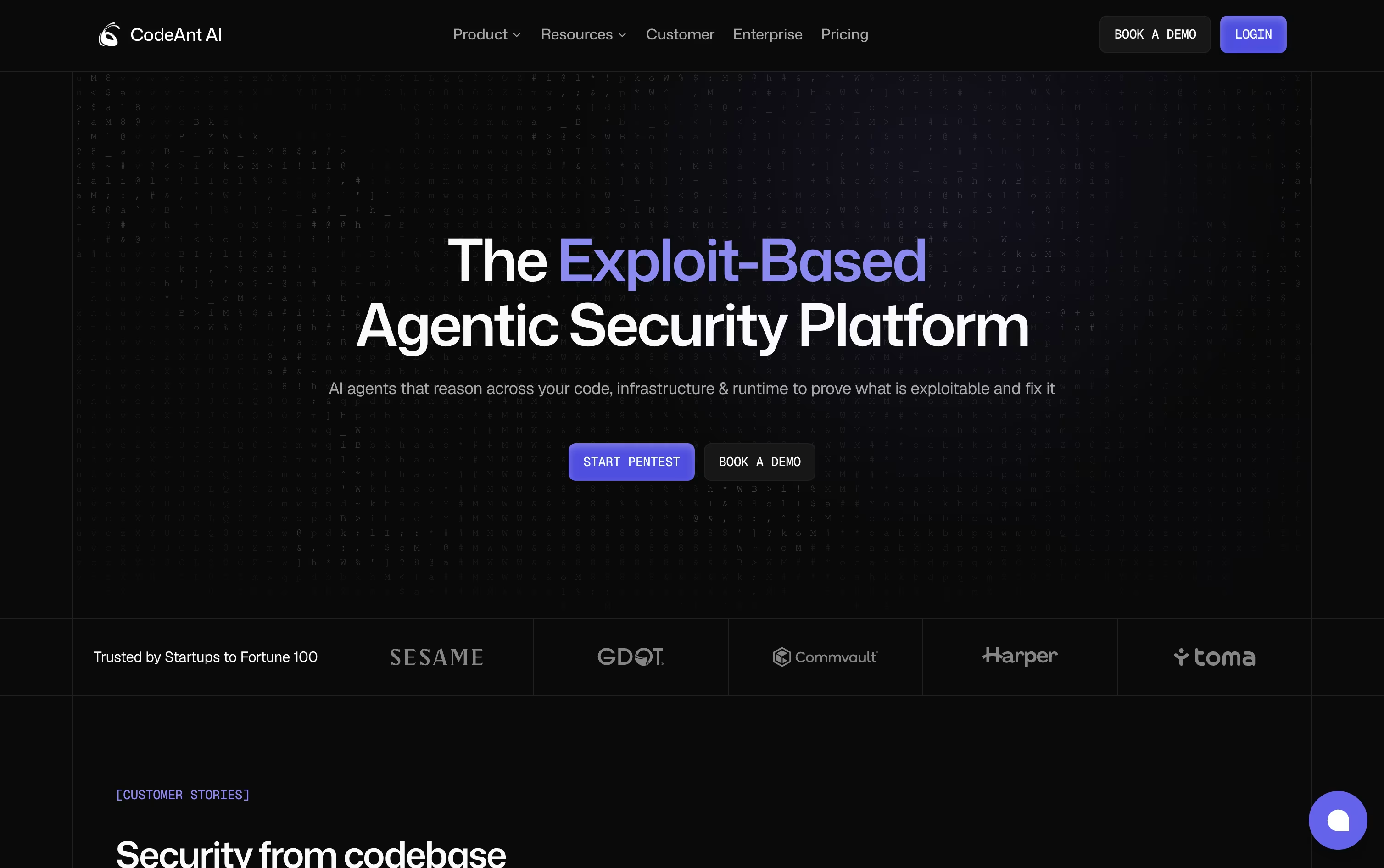
Every pull request gets an automatic review with plain language explanations, severity ranking, and fixes you can apply with a single click.
On the offensive side, CodeAnt AI runs autonomous pentests, chaining together exploits across 500 plus attack types to show what is genuinely exploitable, not just theoretically risky.
It also handles secret scanning, dependency checks, cloud misconfiguration detection, and dev metrics for tracking team output over time.
AI Code Review begins with a free 14 day trial, then runs $30 per user a month, or $24 on yearly billing. Code Security and Code Quality both start at $250 a month for 10 users, falling to $200 yearly, and Dev Metrics runs $25 per user monthly or $20 yearly.
AI Pentesting offers one free scan with low and medium findings always free, and an Enterprise tier with custom pricing is available across every product.

Sourcery reviews pull requests automatically on GitHub and GitLab, leaving summaries, diagrams, and line by line comments so nothing important gets missed before code is merged.
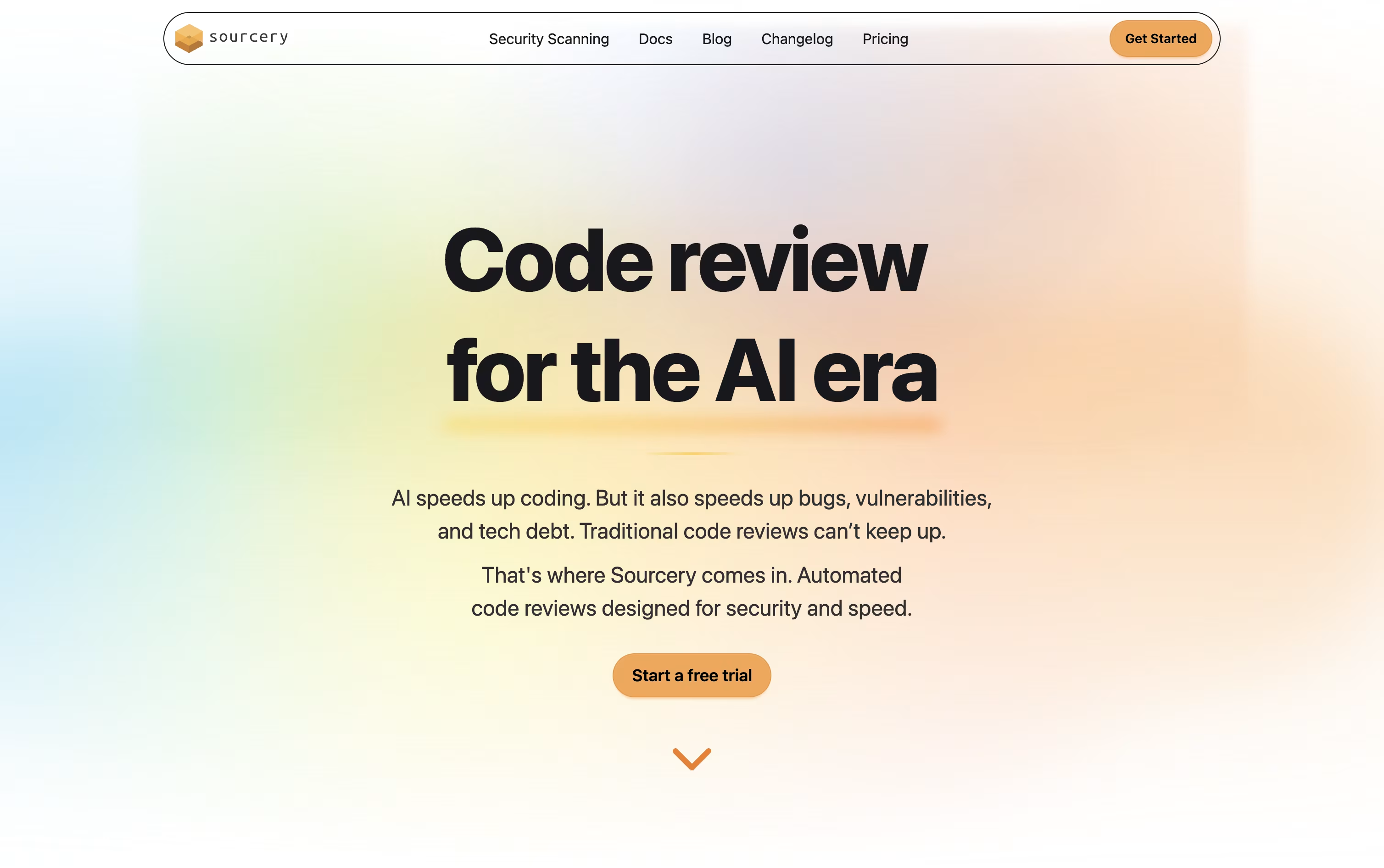
Inside your editor, it goes further with on-demand reviews, live refactoring suggestions, and an AI chat that understands the code you have open, plus a quality score for every function you write.
Public and open source repos get all of this for free, including basic security scans for up to 3 repositories.
Moving to Pro at $12 per seat a month unlocks private repo reviews and scanning for 10 repositories, while Team at $24 per seat a month adds daily scans, analytics, and the ability to bring your own AI model.
Larger organizations can reach out for Enterprise pricing, which adds self-hosting and a dedicated support manager.
Code is only held briefly during a scan and never used to train any model, which keeps the whole process private.

Codacy brings code quality, security scanning, and AI oversight into a single platform, aimed at engineering teams who lean on AI coding assistants.
Every time code is written, whether by a person or an AI agent, Codacy scans it for bugs, security risks, and style problems, and can suggest quick fixes.
Its AI guardrails feature is built specifically to catch risky code coming from tools like Copilot, Cursor, and Claude Code before it ever reaches your repository.
Individual developers can use the Developer plan completely free, with real-time scans and AI guardrails built right into the editor.
Teams of up to 30 developers can move to the Team plan for $21 a developer monthly, dropping to $18 a developer monthly on yearly billing, which unlocks cloud scanning, pull request reviews, and Jira and Slack integrations.
Bigger organizations get custom Business pricing with extra compliance and support features, and everyone can try Team free for 14 days.

Built for teams working inside large, complex codebases, Cubic is an AI code review tool that connects directly to GitHub and reviews pull requests within seconds of being opened.
Rather than posting generic comments, it points out real bugs, security issues, and logic errors, and it runs full codebase scans using groups of AI agents that double check each finding before reporting it.
Teams can set their own rules in plain English, and Cubic keeps learning from senior engineers past reviews along with everyday feedback from the team.
It also generates a searchable AI wiki with diagrams that documents the codebase automatically.
Pricing starts free with the Starter plan for 20 reviews a month. Team runs $30 per developer a month billed yearly, and Pro is $79 per developer a month, unlocking faster reviews, nightly scans, and more custom agents. Enterprise pricing is custom, and open source repositories use Cubic for free.
Related to