

Best 14+ AI Code Review Tools in 2026
Last Updated: August 19, 2026
Catching bugs, security issues, and style inconsistencies before code ships is a critical part of software quality. AI Code Review tools automatically analyze pull requests, flagging issues and suggesting fixes alongside human reviewers.
These tools are widely adopted by engineering teams and open source projects looking to maintain code quality as they scale. Automated review catches issues earlier, reducing the back and forth that often slows down the review process.
 Bugbot
 BugbotAI Powered Code Review Agent by Cursor,
  CodeRabbit
 CodeRabbitAI-Powered Code Review for Teams, and
  Greptile
 GreptileAI Code Review for Every Pull Request are the best for AI Code Review. So, let’s take a closer look at all 14+ tools.

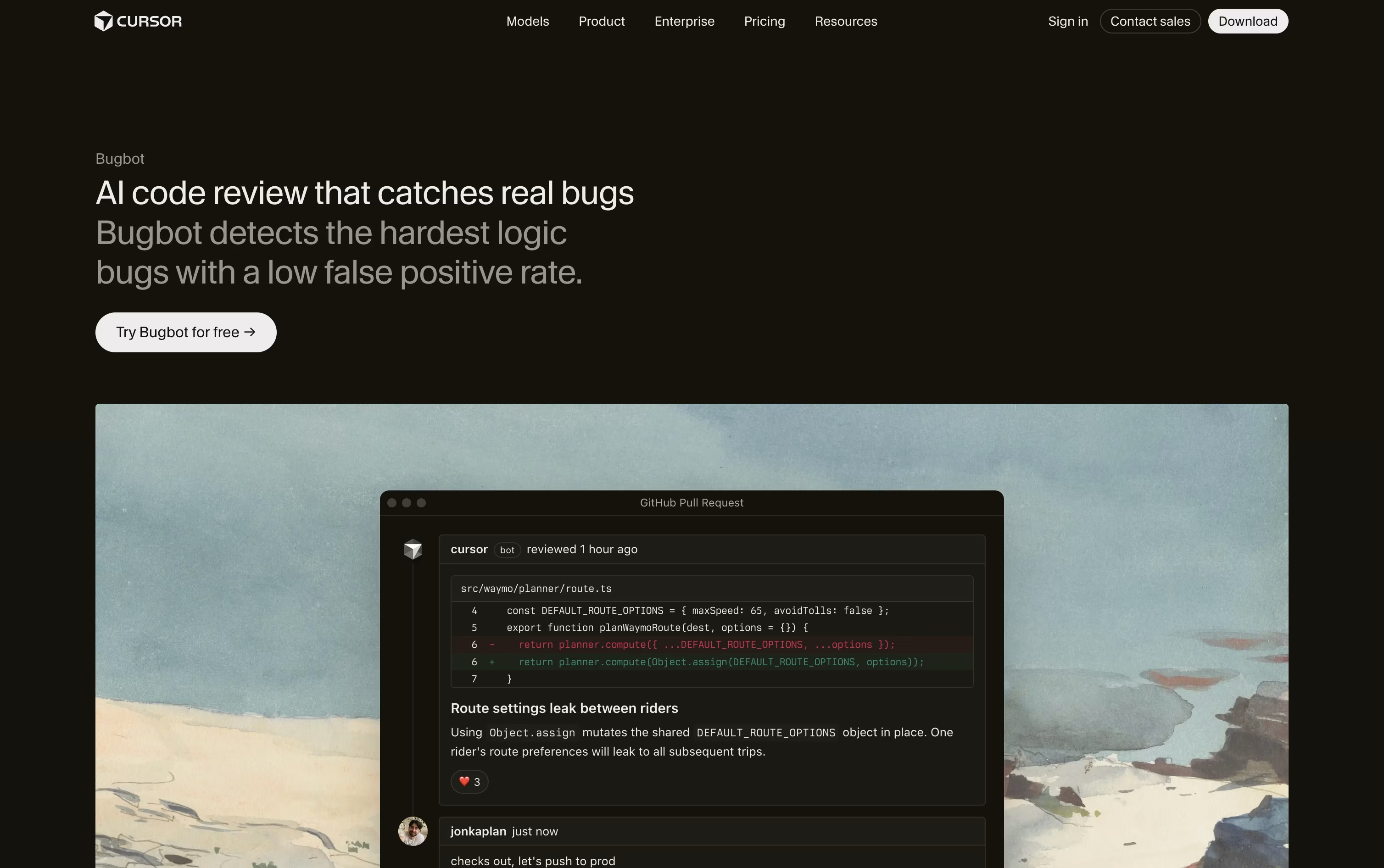
Bugbot is Cursor's AI powered pull request reviewer. It scans code changes on GitHub and GitLab, looking for logic bugs, security gaps, and edge cases that are easy for a person to miss.
Rather than pointing out minor style issues, it focuses on bugs engineers would actually want fixed before merging. It leaves comments right in the pull request with an explanation and a suggested fix.
You can send any flagged issue straight into the Cursor editor, or hand it to a Background Agent to fix on its own.
Custom rules, written as a BUGBOT.md file or set up by team admins, let Bugbot enforce your own coding standards across every repo.
It is included on a limited basis with the free Hobby plan. Individual plans starting at $20 a month unlock usage based Bugbot reviews, and Teams at $40 per user a month adds full agentic reviews with shared team context. Larger companies can get custom Enterprise pricing with extra controls.
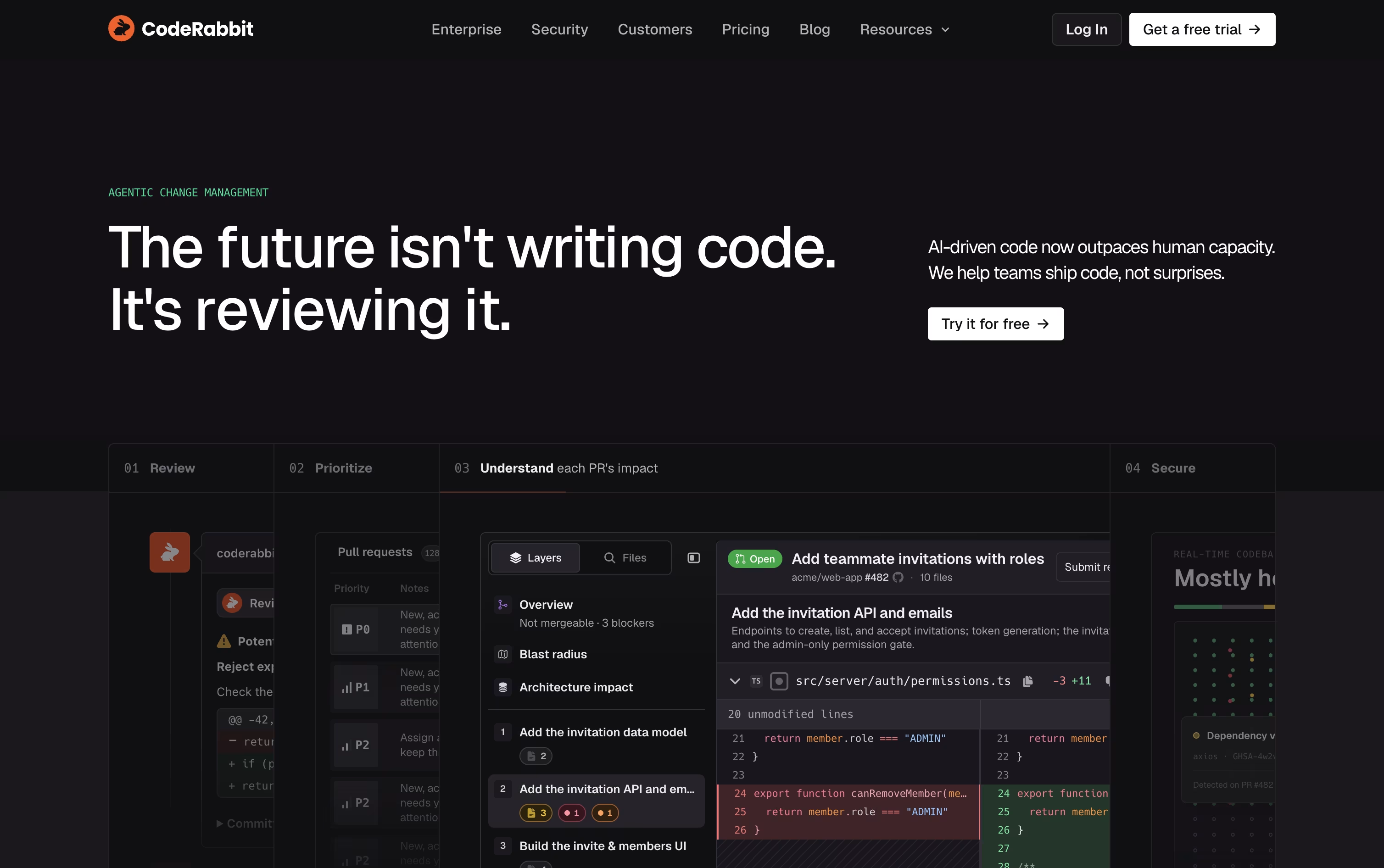
Think of CodeRabbit as an AI reviewer that sits inside your pull request process. It reads new and updated code, then leaves clear comments, summaries, and diagrams instead of a wall of raw diffs.
It blends large language models with over 40 static analysis and security tools, along with context from your codebase and prior feedback, to flag bugs, security risks, and style problems before they slip through.
Support spans GitHub, GitLab, Bitbucket, and Azure DevOps, along with IDE extensions for VS Code, Cursor, and Windsurf, a CLI for local reviews, and Slack and Discord agents for team chat.
Open source projects can use it for free. Paid plans start with Pro at $30 per user a month, or $24 a month if billed yearly, covering PR and CLI reviews, one-click fixes, and learnings.
Pro Plus runs $60 per user a month, or $48 billed yearly, and unlocks multi-repo analysis, custom pre-merge checks, unit test generation, and post-merge automation.
Larger teams can move to Enterprise for custom pricing, which adds SSO, RBAC, audit logs, API access, and self-hosting, and both paid plans include a 14-day free trial.
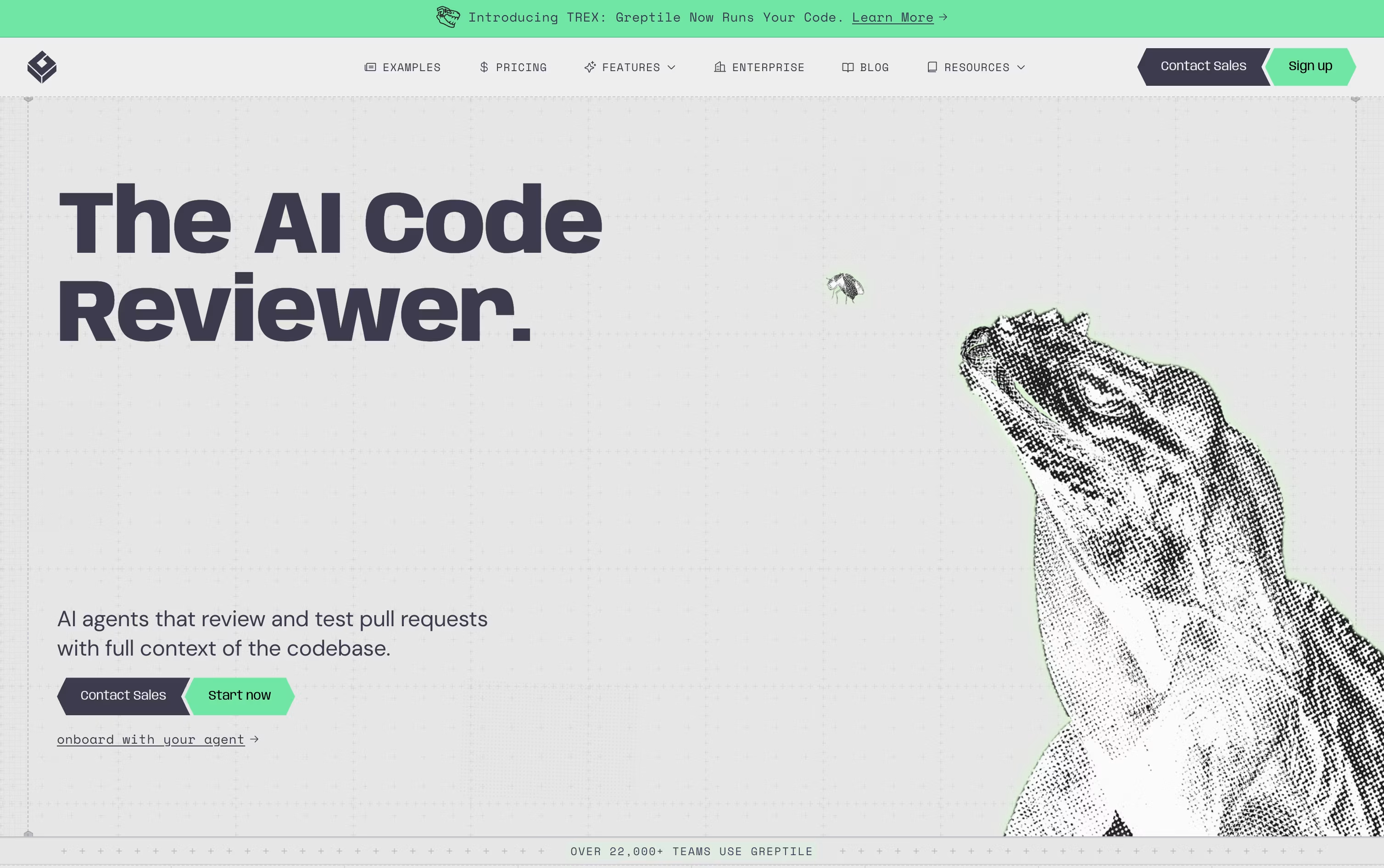
Rather than reviewing just the diff, Greptile builds a full map of your codebase, connecting files, functions, and dependencies, so it understands the wider impact of every change.
Each pull request is checked by a group of AI agents looking for bugs, security problems, performance issues, and style mistakes. Comments arrive quickly, usually within about three minutes, along with suggested fixes.
Its TREX feature goes further by writing and running actual tests in an isolated sandbox, which helps catch runtime bugs that a static review alone might miss.
On pricing, the Starter plan is free and gives individual developers 50 credits a month across unlimited repositories. The Pro plan is $30 per seat per month with a 14 day free trial, unlimited users, and custom review rules.
Enterprise pricing is custom and unlocks self hosting, SSO and SAML, and dedicated support, while qualifying open source projects and early stage startups can get free access or a 50% discount.

Insomnia is a desktop application that lets you test and work with APIs. Think of it as a specialized tool for developers who need to send requests to APIs and check the responses they get back. It supports all major API types, so you don't need different tools for different projects.
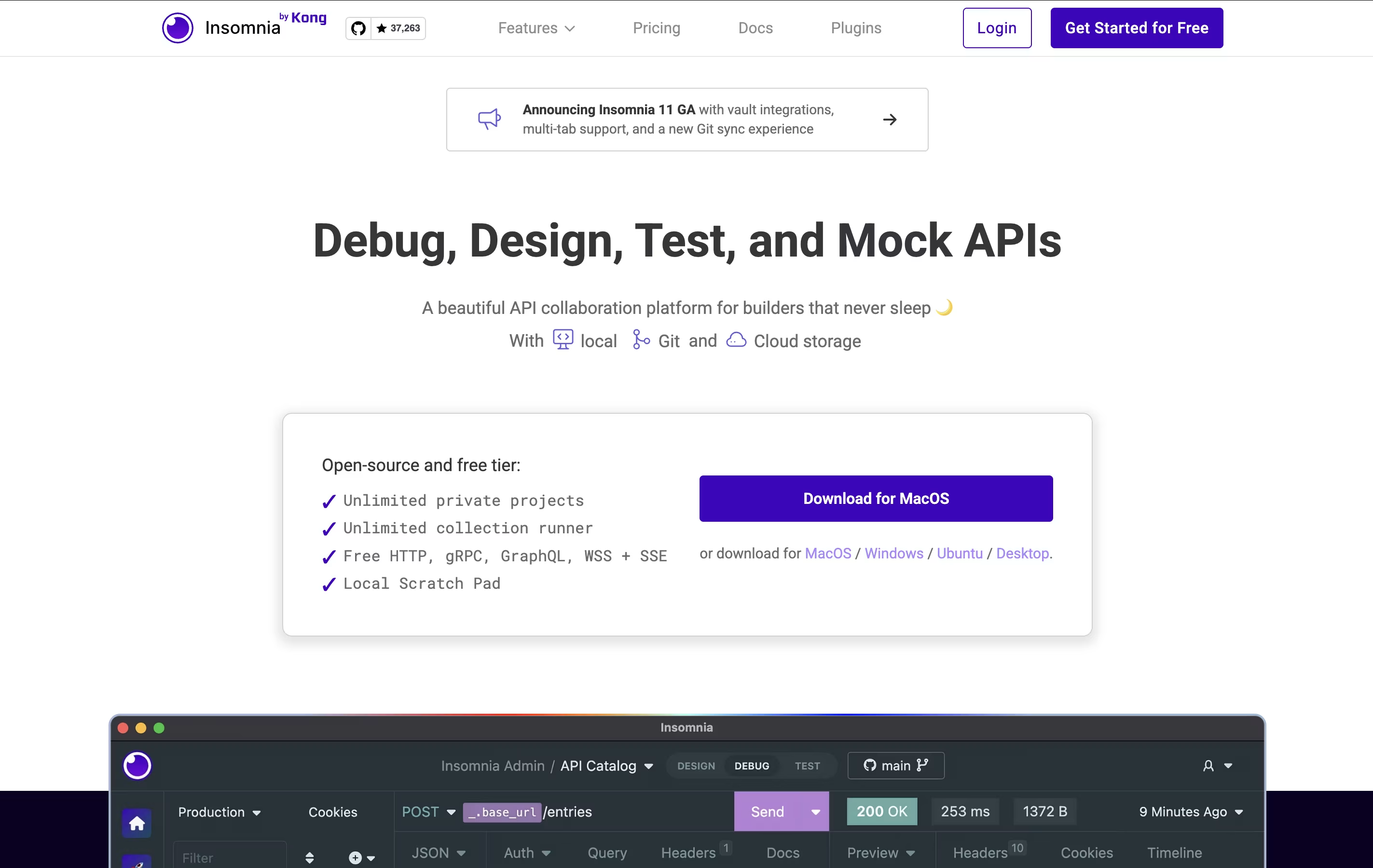
The tool includes helpful features like environment variables (which let you switch between different settings easily), code generation (which creates code snippets you can use), and authentication helpers (which handle login details). You can also create mock servers to test your APIs before they're fully built.
Insomnia offers both free and paid versions. The free version works great for most individual developers, while paid plans add team features and extra tools.

Postman is an all-in-one platform for working with APIs throughout their entire lifecycle. It provides tools to send API requests, view responses, write tests, create documentation, and monitor performance. Unlike basic HTTP clients, Postman offers a complete environment where teams can organize their work into collections, share them with teammates, and automate testing.
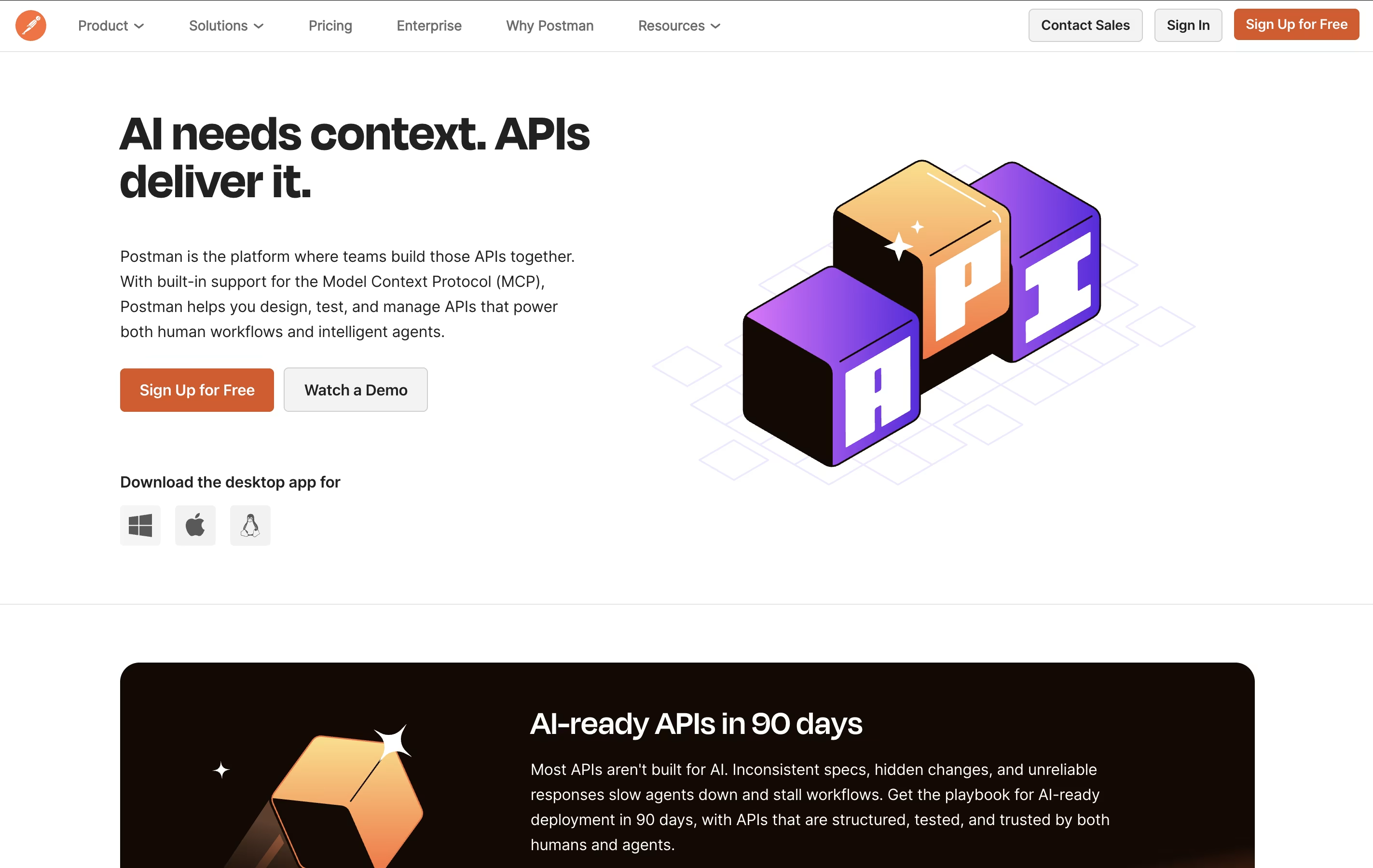
The platform includes an easy-to-use interface where you can build requests without writing code, though it also supports advanced scripting when needed. Postman works as a desktop app, web app, or through command-line tools for automation. It integrates with popular development tools and supports team collaboration through workspaces, making it ideal for both individual developers and large organizations building complex API systems.

Bruno is an "offline-first API client" that revolutionizes how developers test and manage APIs. Instead of forcing you to create accounts or store data in the cloud, Bruno saves everything directly on your device using a simple text format called "Bru."
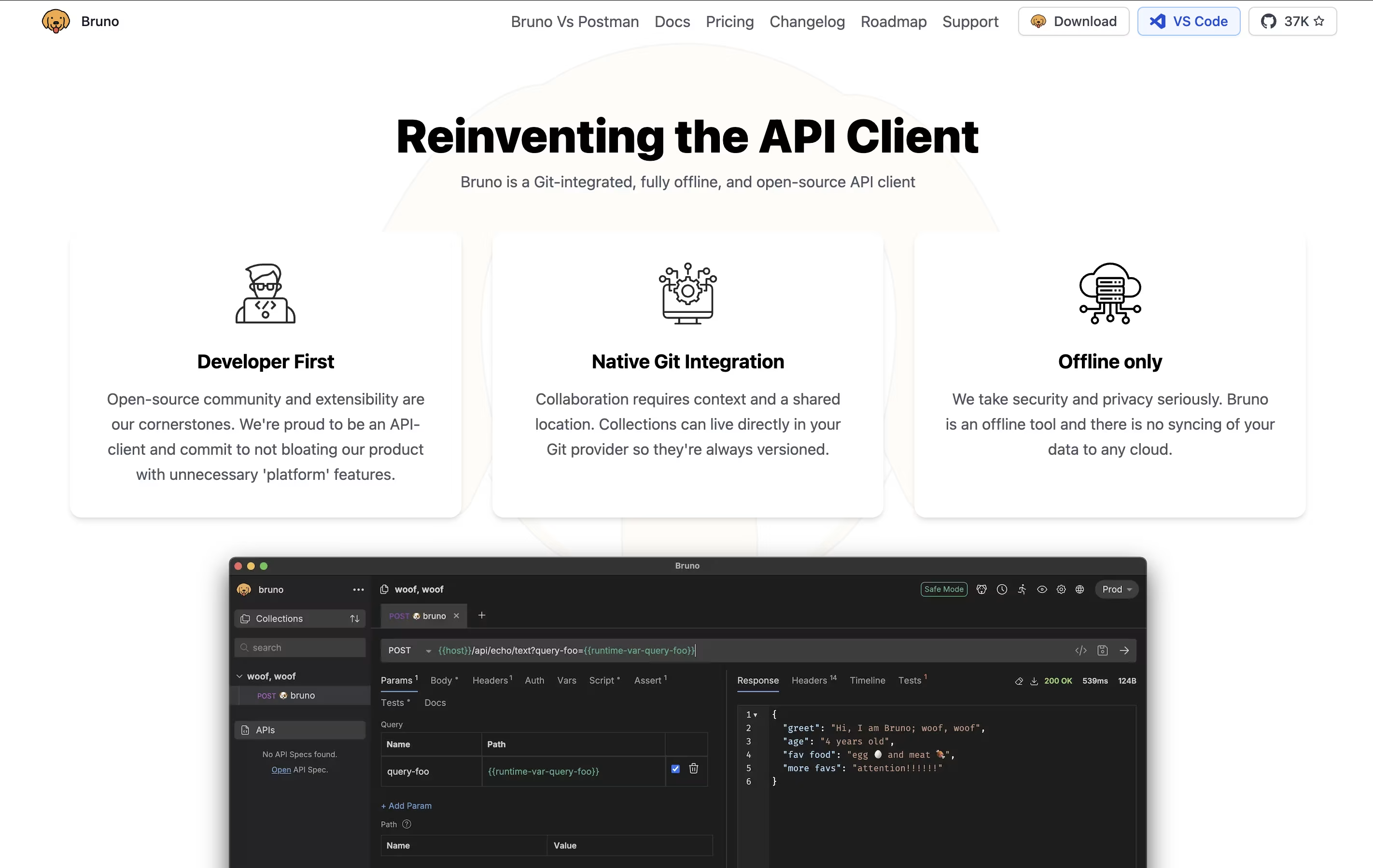
This approach means your API collections, tests, and sensitive data never leave your computer unless you choose to share them. Bruno supports all major API types including REST, GraphQL, and gRPC, making it versatile for any project.
The tool integrates seamlessly with Git and other version control systems, allowing teams to collaborate on API collections just like they do with code. Bruno also includes JavaScript-based testing, environment management, and command-line support for automation and continuous integration workflows.

Development teams using AI coding tools often end up with more code than they can carefully review by hand. Qodo was built to close that gap by acting as an automated reviewer that understands the full codebase, not just the lines that changed.
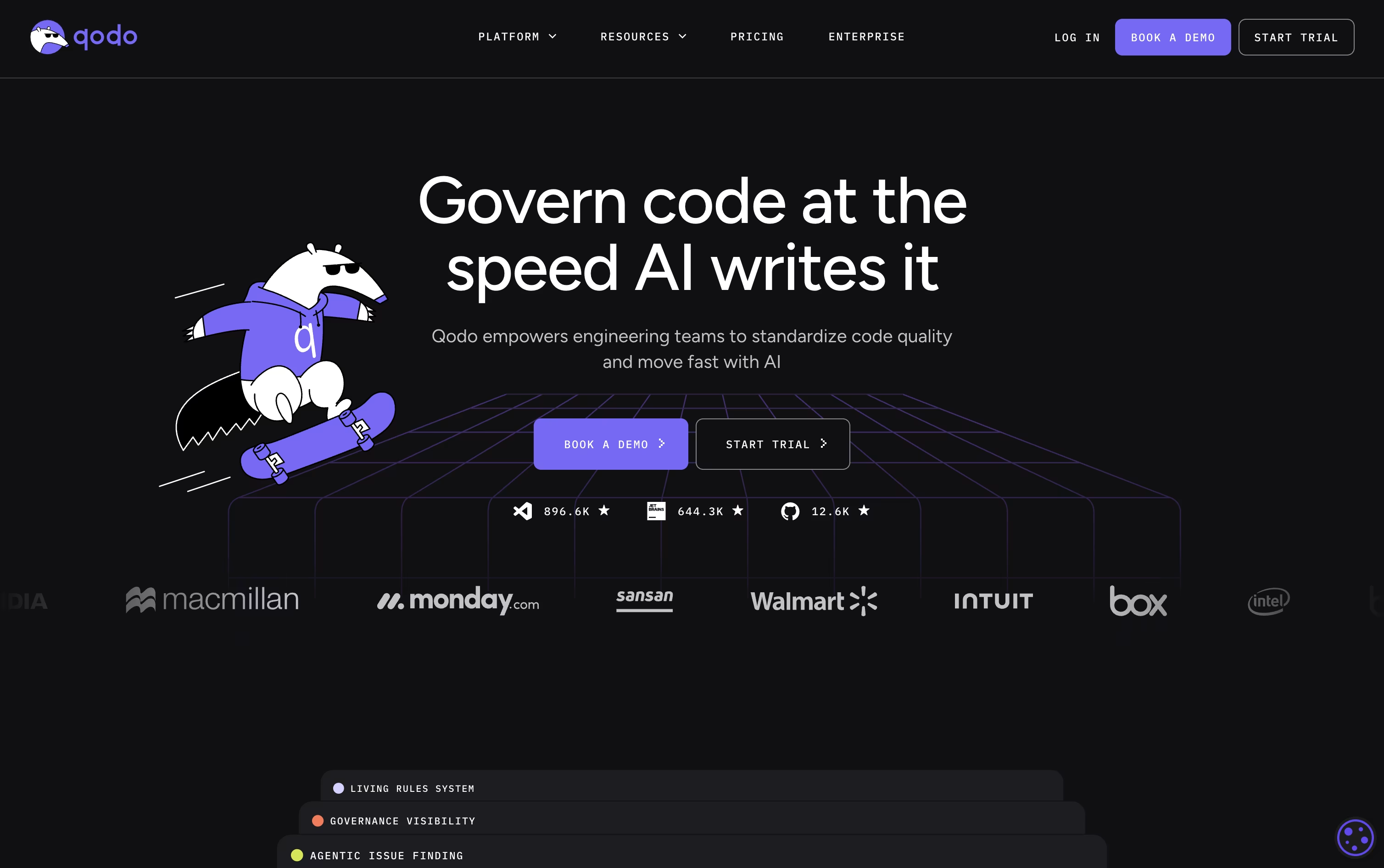
Multiple specialized AI agents work through each pull request together, flagging bugs, security risks, and rule breaks, then ranking them so the biggest problems stand out from small nitpicks.
Teams can also turn their own coding standards into living rules that get applied automatically, both to human-written code and to code produced by AI assistants.
Getting started costs nothing, with a 14-day trial that includes unlimited reviews and no card required. From there, Pro Team plans are billed on pooled team credits at $0.012 each, working out to roughly $30, $60, or $240 a month depending on how many reviews you need, and you can switch packs anytime with no yearly lock-in.
Bigger companies with 30 or more seats can choose Enterprise, adding SSO, audit logs, on-prem hosting, and dedicated support at a price set through a demo call.

Hoppscotch is an API development environment that runs in your web browser. You can test any API by sending requests and viewing the responses instantly. Unlike traditional tools, Hoppscotch is completely free and open-source, meaning anyone can use it or even contribute to improving it.
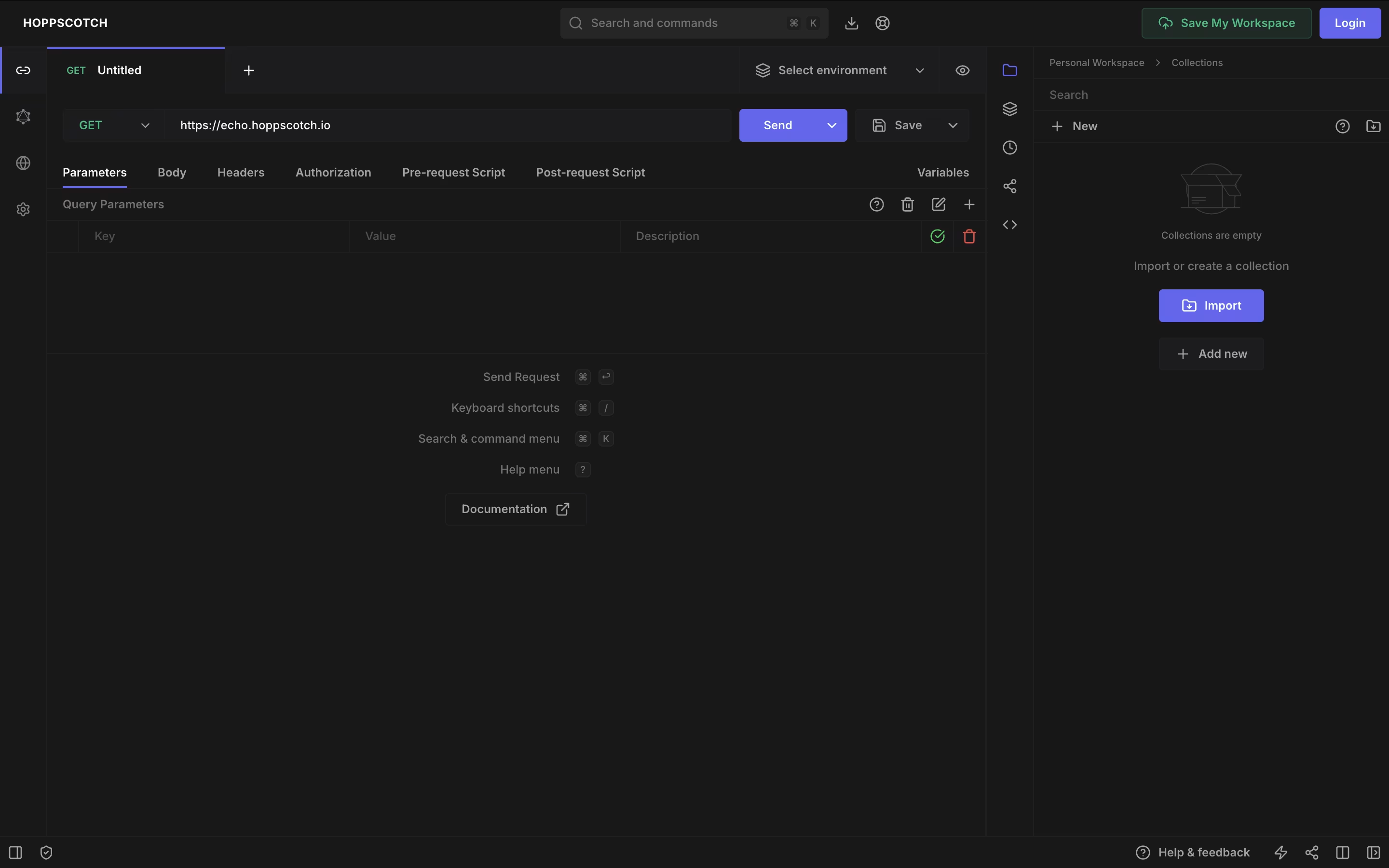
The platform supports various API types including REST, GraphQL, WebSocket, Socket.IO, MQTT, and Server-Sent Events. This makes it useful for testing modern real-time applications as well as standard web services. You can organize your API requests into collections, use environment variables for different setups, and write tests to check if APIs work correctly.
Hoppscotch offers both a free version with full features and an Organization plan for teams needing extra collaboration tools and support.

Amp is built around the idea of threads, which are ongoing conversations between you and the agent. Inside a thread, Amp can read your codebase, make edits, run tests, and carry out full tasks with little hand holding.
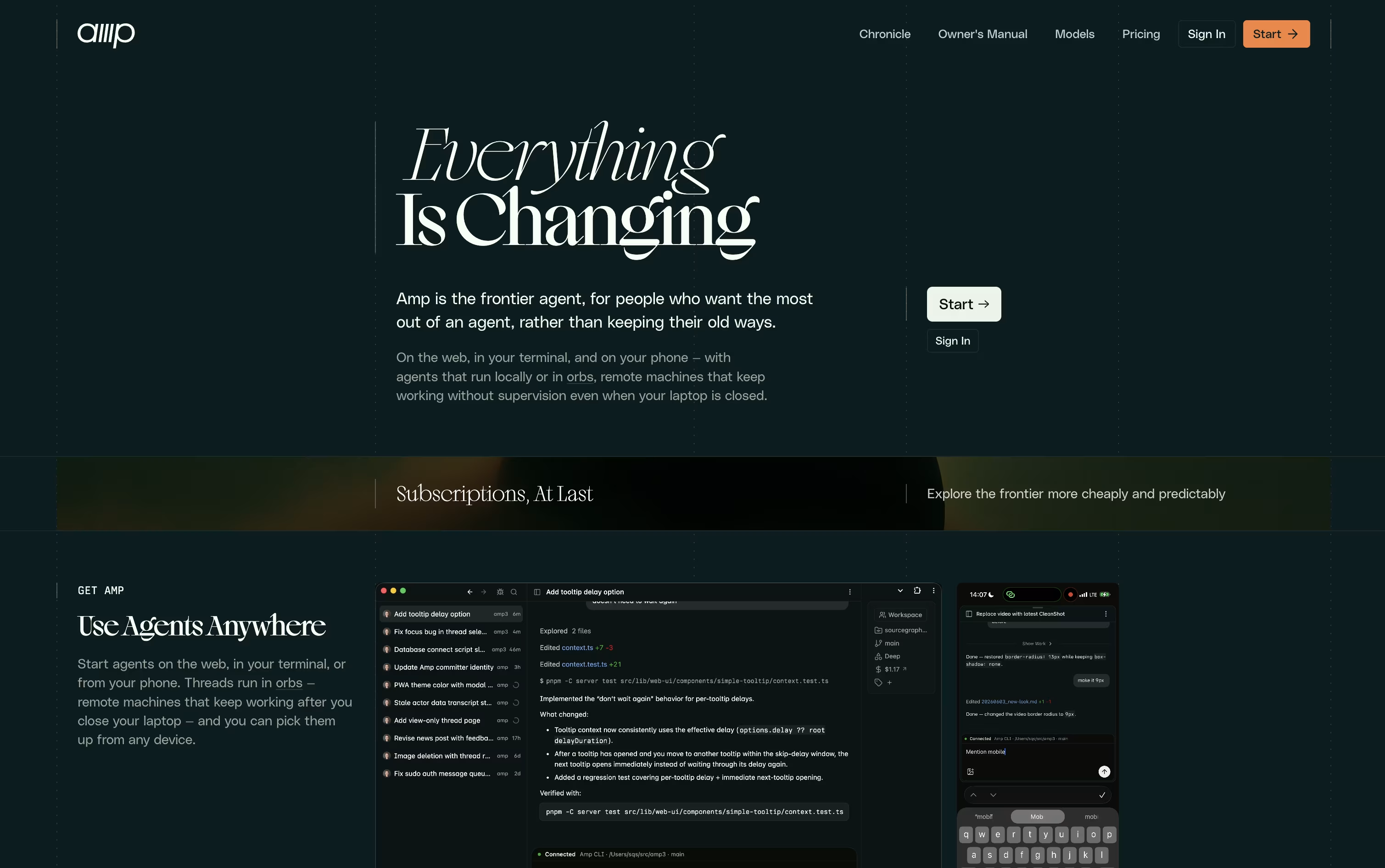
What sets Amp apart is orbs, remote machines that let tasks keep running even when your own computer is turned off. These come pre loaded with common developer tools so work can start right away.
You can choose from several modes depending on how much thinking power a task needs, ranging from quick fixes to deep, complex problem solving. Skills and plugins let you extend what Amp can do even further.
On pricing, the Megawatt plan is $20 a month and covers lighter workloads with orb hours and usage credit. Gigawatt costs $200 a month and adds bigger orbs along with access to every mode. A pay as you go option and a custom priced Enterprise plan round out the choices for larger teams.
Overall, Amp is designed for developers who want an assistant that can work independently and scale with the pace of newer AI models.
Instead of only flagging style issues, DeepSource combines over 5,000 static analysis rules with an AI review agent to catch real bugs, security flaws, and bad patterns inside pull requests.
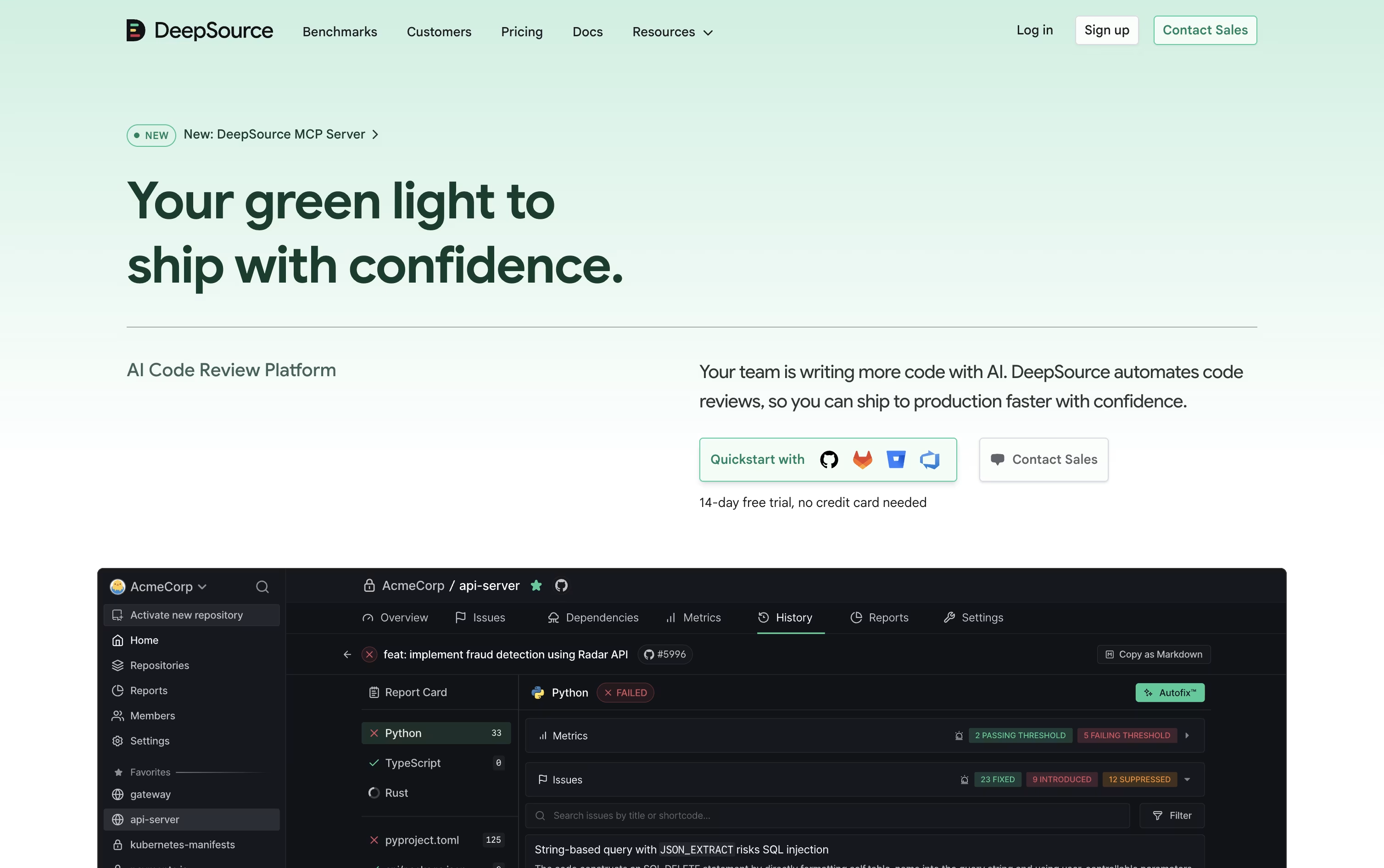
It also watches for leaked secrets, vulnerable dependencies, license risks, and untested code, and its Autofix feature can turn many of these findings into a ready to apply patch.
The tool fits into existing workflows through GitHub, GitLab, Bitbucket, and Azure DevOps, along with Slack, Jira, and code editors. Its MCP server lets AI agents like Claude Code or Cursor pull review data and act on it directly.
Open source projects can use DeepSource for free. Paid teams pay $30 per user each month, dropping to $24 per user a month on the yearly plan, which includes AI Review credits and a handful of free dependency scan targets.
Larger organizations can pick the Enterprise plan for custom pricing, gaining self hosted hosting, single sign on, and the ability to use their own AI model keys.
A free 14 day trial with extra AI Review credits is offered, with no card required to begin.

Think of Macroscope as an extra set of eyes on your GitHub repos. It checks every pull request for real bugs, not just style issues, and explains what actually changed in plain language.
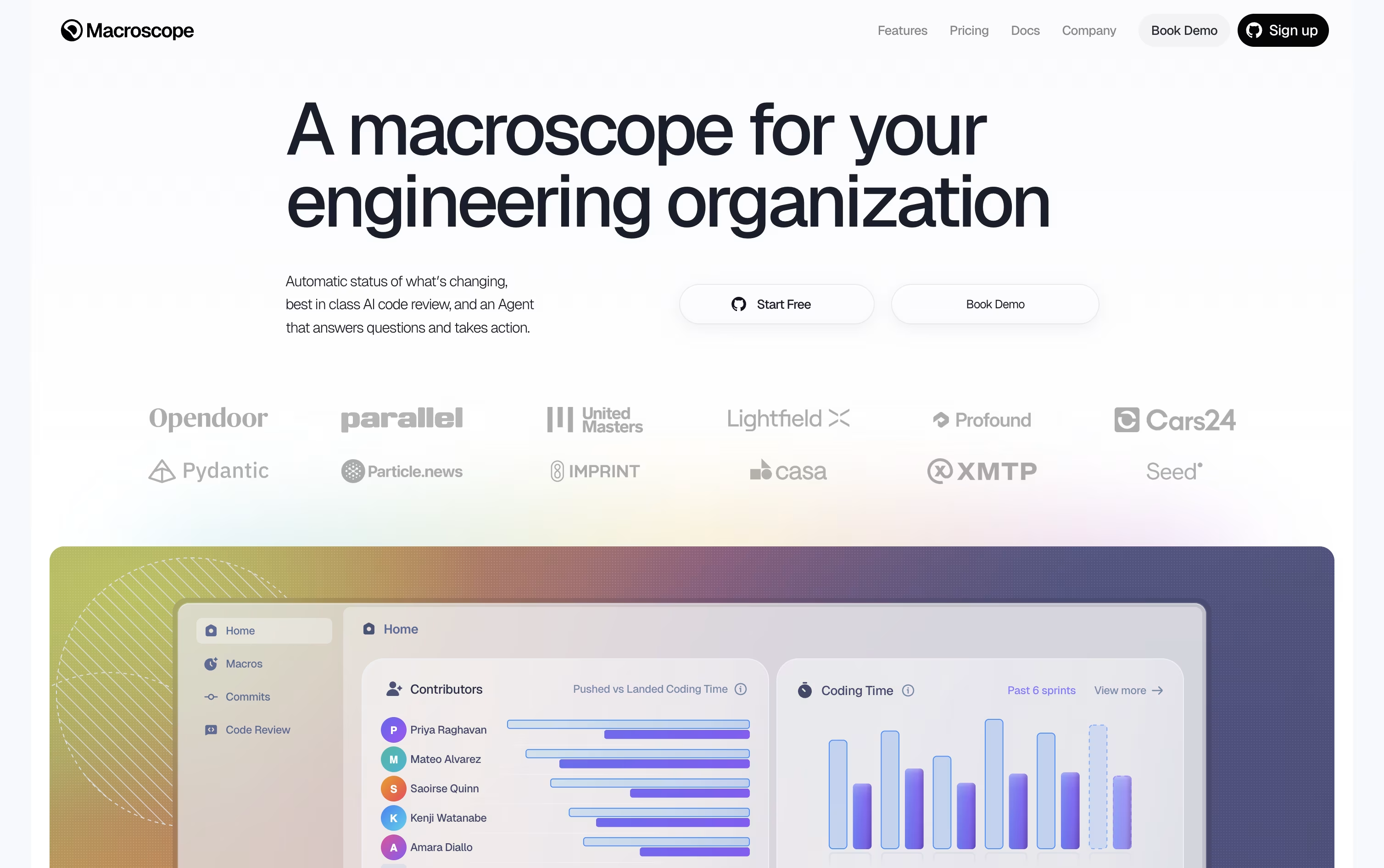
It does this by building a graph of the codebase, tracing how functions and files connect, so its comments and summaries are based on the real structure of the code.
It also acts as an assistant you can ask questions to in Slack or GitHub, and it can create tickets, open pull requests, or apply small fixes on its own.
Costs scale with use. Reviews are priced by the size of the code checked, status updates by the number of commits, and the agent by credits spent answering or acting.
Every new account starts with $100 of free usage, and bigger teams can switch to a custom priced Enterprise plan with extra support and legal agreements.

Most code review tools only look at what changed in a pull request. CodeAnt AI instead reads your whole codebase, your infrastructure files, and even your commit history, so its AI agents can trace real attack paths instead of guessing.
Every pull request gets an automatic review with plain language explanations, severity ranking, and fixes you can apply with a single click.
On the offensive side, CodeAnt AI runs autonomous pentests, chaining together exploits across 500 plus attack types to show what is genuinely exploitable, not just theoretically risky.
It also handles secret scanning, dependency checks, cloud misconfiguration detection, and dev metrics for tracking team output over time.
AI Code Review begins with a free 14 day trial, then runs $30 per user a month, or $24 on yearly billing. Code Security and Code Quality both start at $250 a month for 10 users, falling to $200 yearly, and Dev Metrics runs $25 per user monthly or $20 yearly.
AI Pentesting offers one free scan with low and medium findings always free, and an Enterprise tier with custom pricing is available across every product.

Sourcery reviews pull requests automatically on GitHub and GitLab, leaving summaries, diagrams, and line by line comments so nothing important gets missed before code is merged.
Inside your editor, it goes further with on-demand reviews, live refactoring suggestions, and an AI chat that understands the code you have open, plus a quality score for every function you write.
Public and open source repos get all of this for free, including basic security scans for up to 3 repositories.
Moving to Pro at $12 per seat a month unlocks private repo reviews and scanning for 10 repositories, while Team at $24 per seat a month adds daily scans, analytics, and the ability to bring your own AI model.
Larger organizations can reach out for Enterprise pricing, which adds self-hosting and a dedicated support manager.
Code is only held briefly during a scan and never used to train any model, which keeps the whole process private.

Codacy brings code quality, security scanning, and AI oversight into a single platform, aimed at engineering teams who lean on AI coding assistants.
Every time code is written, whether by a person or an AI agent, Codacy scans it for bugs, security risks, and style problems, and can suggest quick fixes.
Its AI guardrails feature is built specifically to catch risky code coming from tools like Copilot, Cursor, and Claude Code before it ever reaches your repository.
Individual developers can use the Developer plan completely free, with real-time scans and AI guardrails built right into the editor.
Teams of up to 30 developers can move to the Team plan for $21 a developer monthly, dropping to $18 a developer monthly on yearly billing, which unlocks cloud scanning, pull request reviews, and Jira and Slack integrations.
Bigger organizations get custom Business pricing with extra compliance and support features, and everyone can try Team free for 14 days.

Graphite helps engineering teams review and merge code faster by breaking big changes into a stack of small, connected pull requests instead of one large one.
Every pull request gets checked by an AI reviewer that looks for bugs, security gaps, and style issues, then suggests fixes that can be accepted in one click.
A built in AI chat on the pull request page can explain changes, answer questions, and help fix broken tests without leaving the page.
Pricing starts free with the Hobby plan for personal projects, moves to $25 a user a month for Starter, and $50 a user a month for Team, with 20 percent off when paid yearly.
The Team plan removes limits on AI reviews and chat and adds automations plus a merge queue, while Enterprise offers custom pricing with security controls like SAML and audit logs for bigger organizations.

Built for teams working inside large, complex codebases, Cubic is an AI code review tool that connects directly to GitHub and reviews pull requests within seconds of being opened.
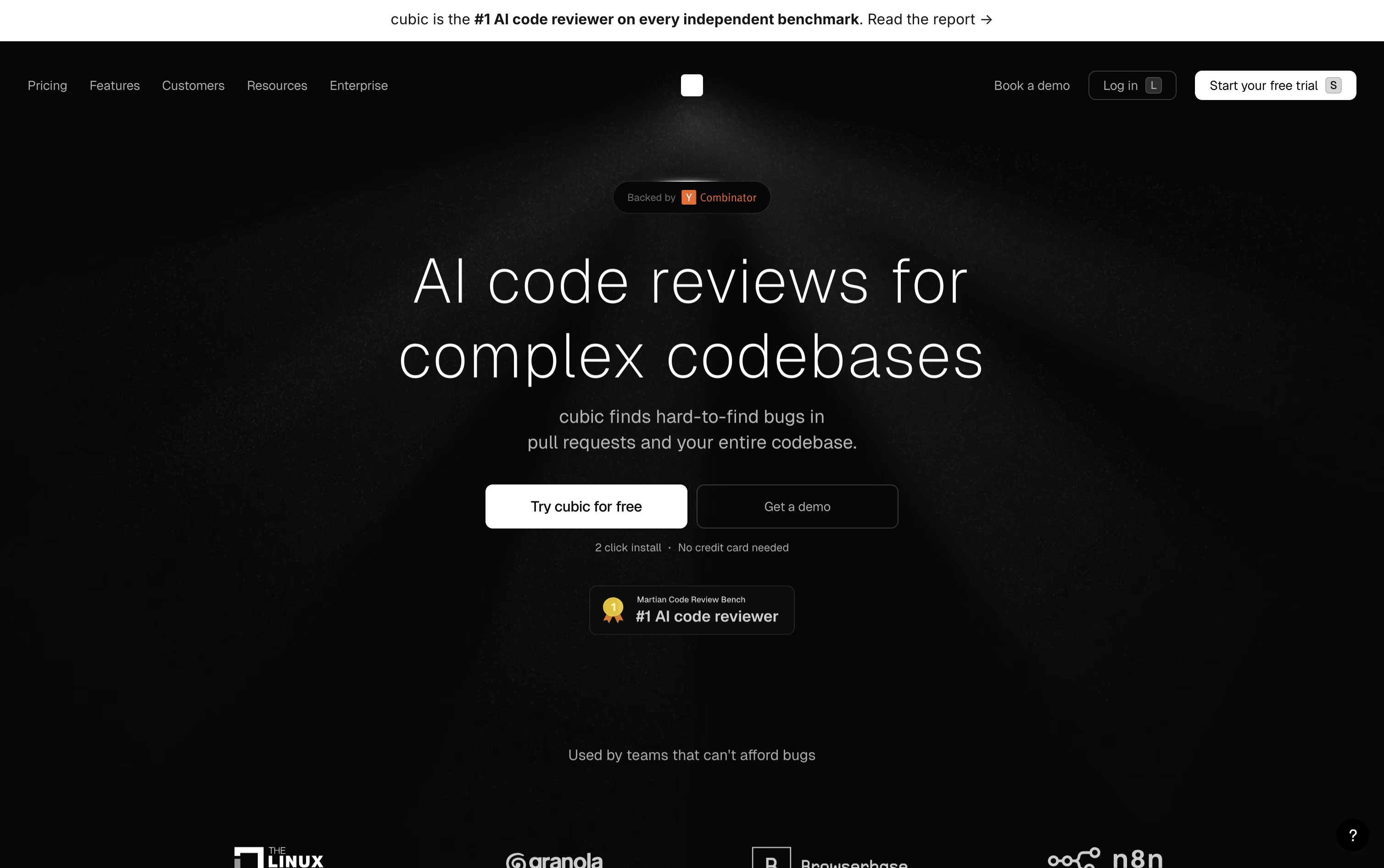
Rather than posting generic comments, it points out real bugs, security issues, and logic errors, and it runs full codebase scans using groups of AI agents that double check each finding before reporting it.
Teams can set their own rules in plain English, and Cubic keeps learning from senior engineers past reviews along with everyday feedback from the team.
It also generates a searchable AI wiki with diagrams that documents the codebase automatically.
Pricing starts free with the Starter plan for 20 reviews a month. Team runs $30 per developer a month billed yearly, and Pro is $79 per developer a month, unlocking faster reviews, nightly scans, and more custom agents. Enterprise pricing is custom, and open source repositories use Cubic for free.

Think of GitHub Copilot as a coding partner that sits inside your editor, terminal, and even GitHub.com. It offers code suggestions as you type and a chat panel for asking questions or fixing errors.
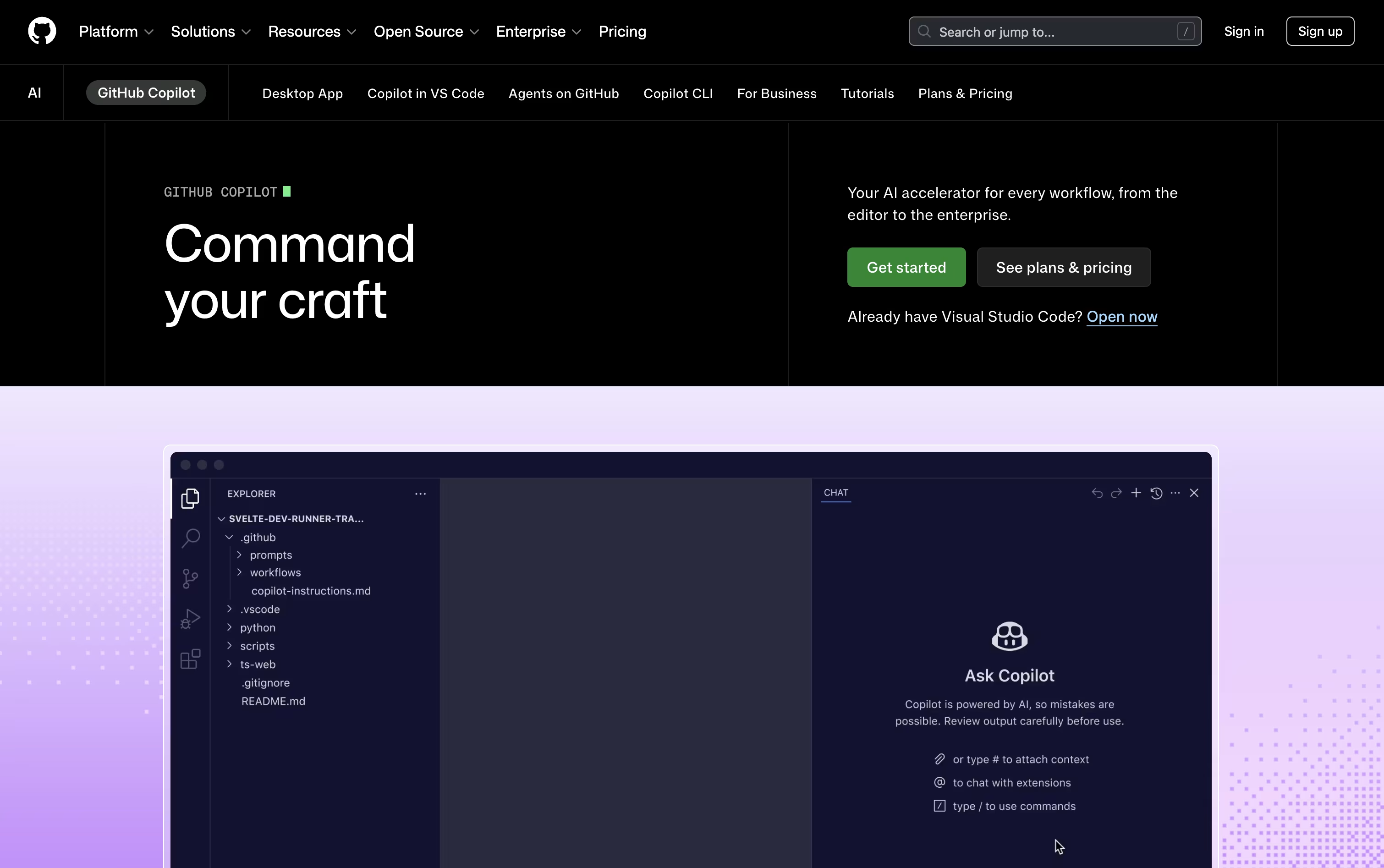
Its agent mode goes further, planning and editing across several files at once, while the cloud agent can take on an entire task, write the code, test it, and raise a pull request for review.
Getting started costs nothing. The free plan includes 2,000 completions each month, a couple of AI models, and access to the Copilot CLI, all without a credit card.
Stepping up to Pro at $10 a month removes the completion limit and adds the cloud agent, code review, and $15 worth of monthly AI credits, plus support for outside agents like Claude Code and OpenAI Codex.
Heavier users can pick Pro+ at $39 a month for premium models like Opus, or Max at $100 a month for priority access to new models and the biggest credit pool.
Organizations get Business at $19 per user a month or Enterprise at $39 per user a month, both offering shared credits and stronger admin controls.

Augment Code focuses on one main problem: helping AI tools truly understand large, messy, real world codebases instead of only small pieces of code. It does this through the Context Engine, which continuously indexes your code, its history, and the relationships between different parts of the system.
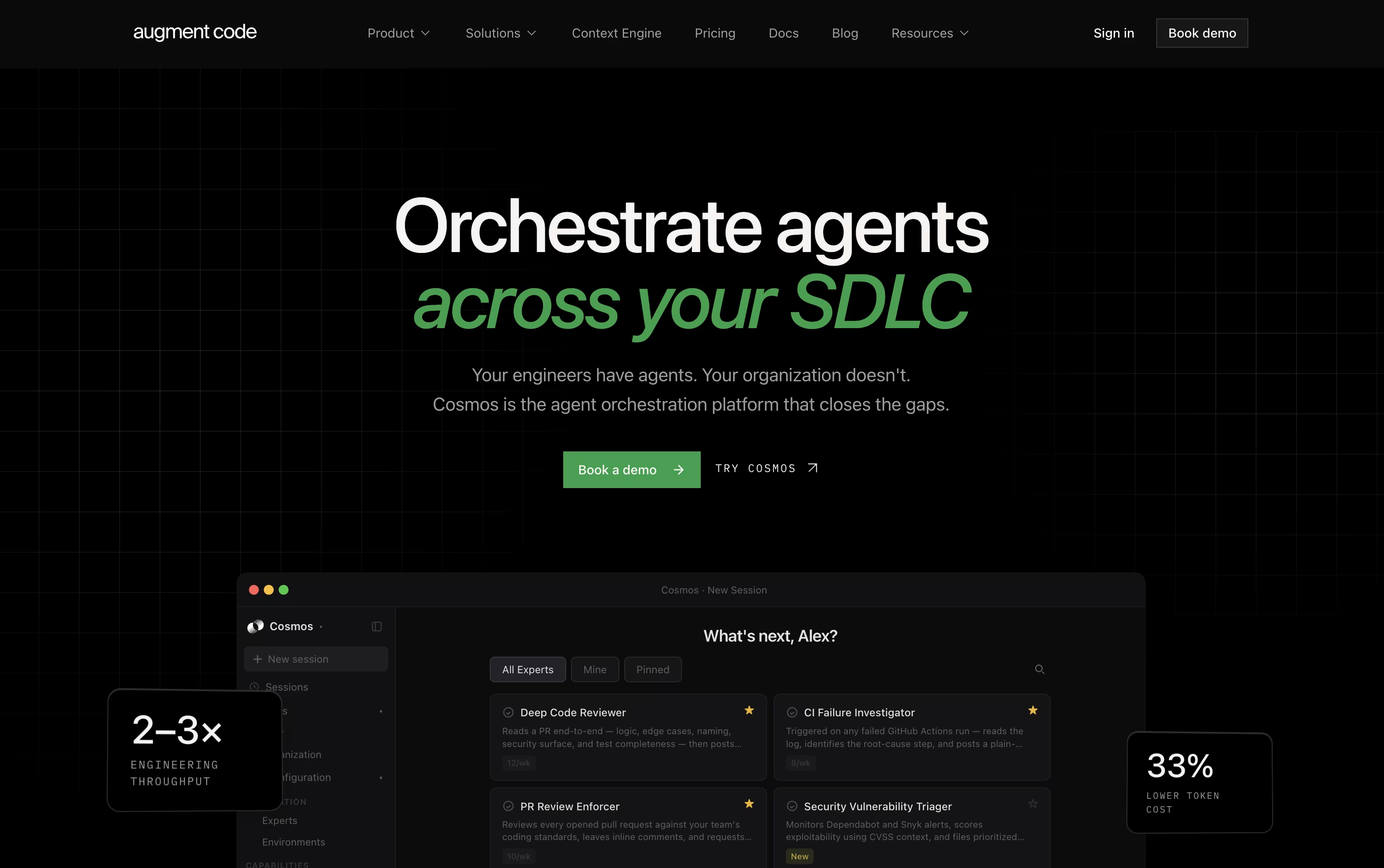
Teams use Cosmos, the platform's main workspace, to set up AI agents that handle everyday engineering tasks such as reviewing code changes, checking failed tests, fixing security alerts, and keeping dependencies current. These agents can work on their own or bring in a human when a decision needs judgment.
For developers who like working in the terminal, the Auggie CLI brings the same understanding of your codebase into day to day command line work.
On pricing, the Business plan is $100 a month for up to 50 users, including $100 of usage each month with the option to add more as needed.
Enterprise customers get custom pricing along with stronger security, compliance features, and dedicated support.
In short, it is designed for teams that want their AI agents to actually know the codebase they are working in.

Paw is a complete API testing and development tool designed for Mac computers. You can use it to create and send HTTP requests, then see detailed responses with headers, status codes, and body content. The app supports all common HTTP methods including GET, POST, PUT, DELETE, and PATCH.
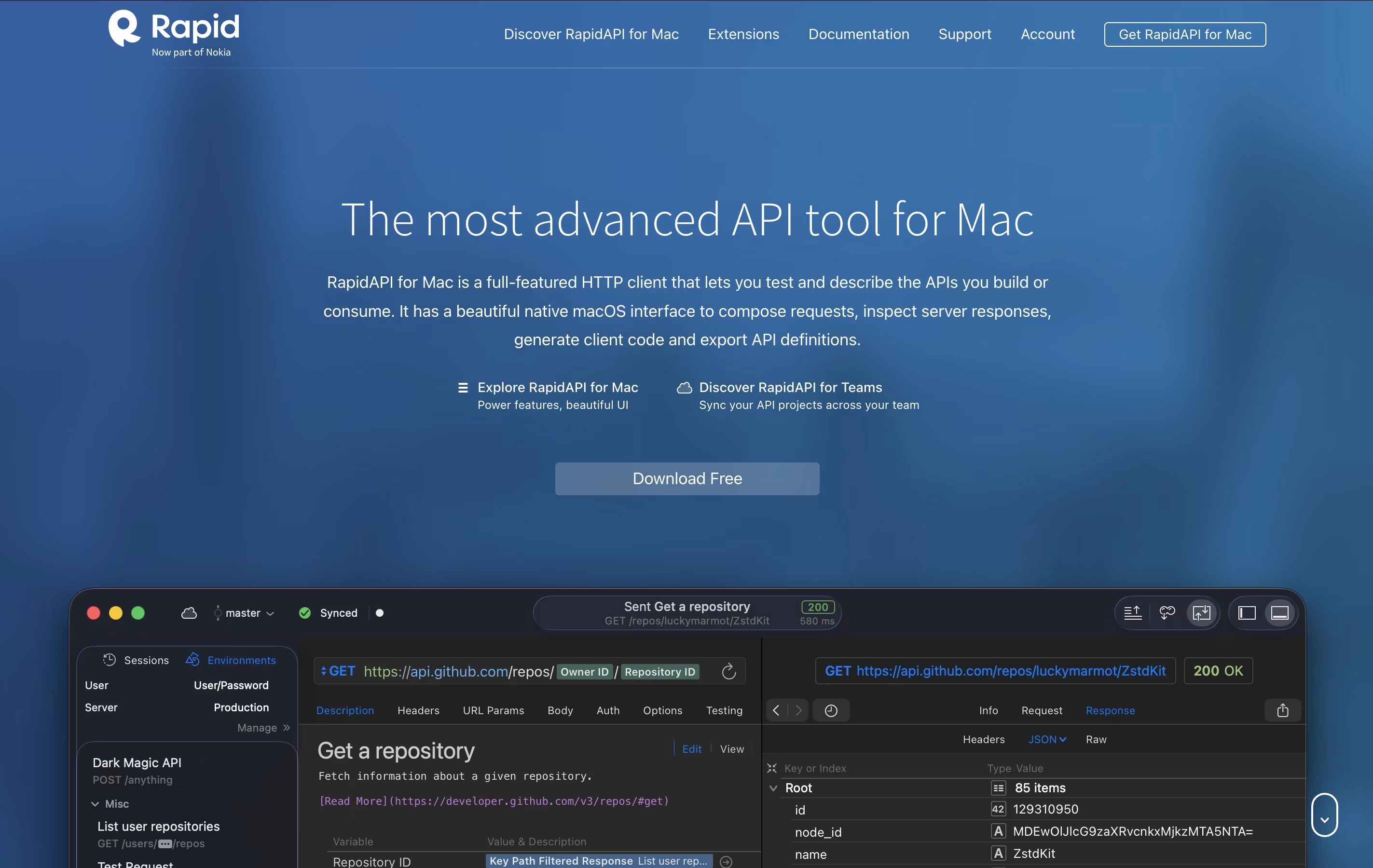
It includes features like dynamic values, environment management, and the ability to chain requests together. You can describe your APIs using JSON Schema and export documentation in standard formats. The tool also generates ready-to-use code snippets in languages like Swift, Python, JavaScript, and more.
There's a free version for personal use and team plans with cloud sync and collaboration features for organizations that need to work together.

SoapUI is a testing platform that checks how APIs and web services perform. You can use it to send requests to your API, check the responses, and make sure everything works as expected. It runs on Windows, Mac, and Linux computers because it is built using Java.
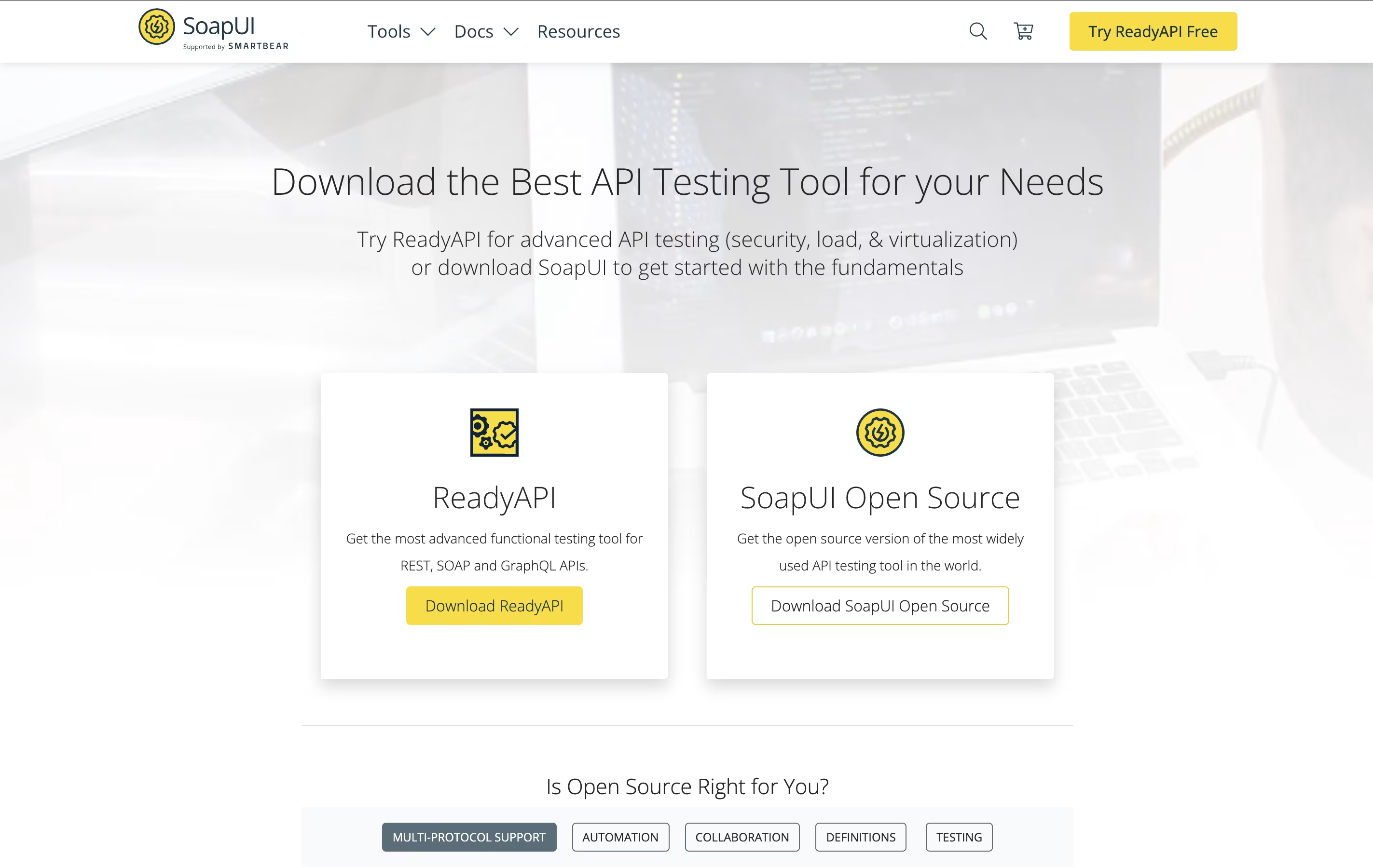
The tool lets you do functional testing to verify your API works correctly, load testing to see how it handles many users, and security testing to find weak points. You can also write custom test scripts using Groovy programming language for more complex scenarios.
SoapUI works well with popular tools like Jenkins for continuous testing in your development process. The open-source version is completely free, while ReadyAPI offers extra productivity features.





