

MkDocs vs Readme: Features, Pricing and User Reviews 2026

Readme
Interactive API Documentation & Developer Hubs
Readme
Interactive API Documentation & Developer Hubs
What are MkDocs and Readme?

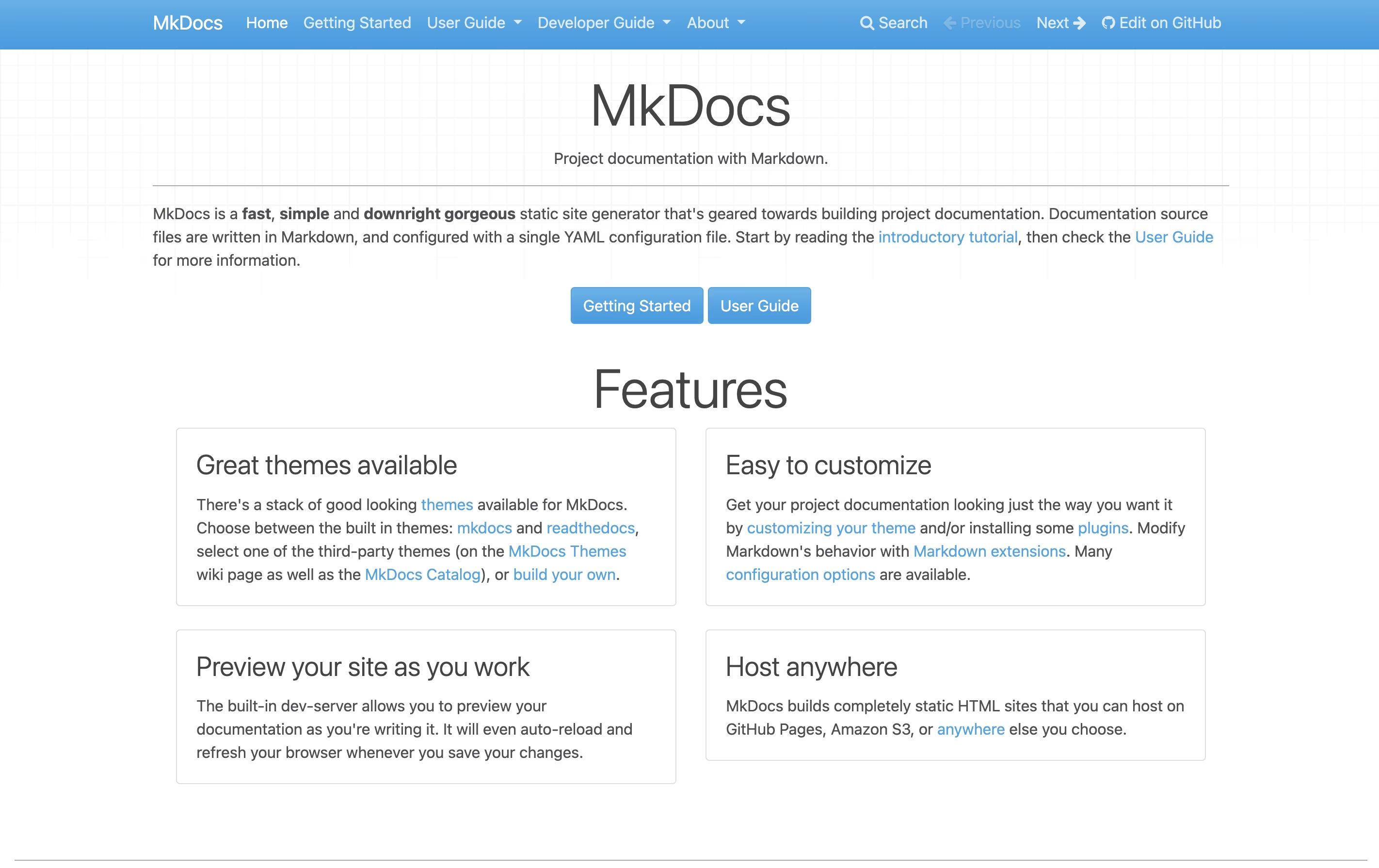
MkDocs is a documentation generator that converts Markdown files into complete static HTML websites. You write your content in Markdown, which is a simple text format that anyone can learn in minutes. MkDocs then processes these files and creates a full website with navigation, search, and beautiful design.
The tool includes a built-in development server that shows you live previews as you type. This means you see changes immediately without manually refreshing your browser. MkDocs comes with two built-in themes and supports many community-created themes like the popular Material for MkDocs.
Since MkDocs creates static files, your documentation loads quickly and can be hosted anywhere without needing complex server setups or databases.
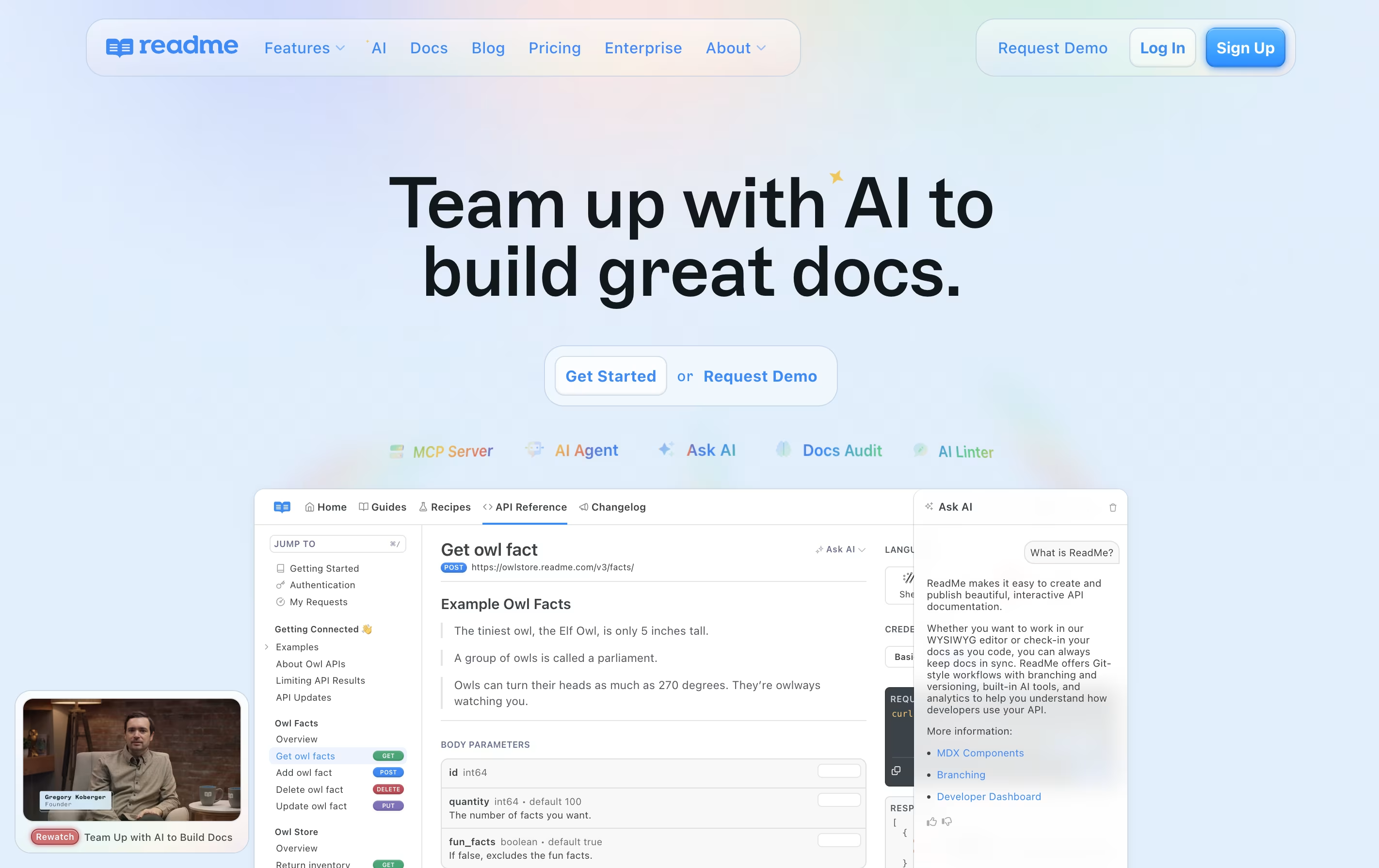
Readme is a platform that lets you create and publish interactive developer documentation for your APIs. Unlike traditional documentation tools, Readme automatically generates API references from your OpenAPI or Swagger files and keeps everything in sync with your code.
The platform includes a built-in editor where you can write guides, add code examples, and explain how your API works. Developers using your API can test endpoints directly from the documentation with the Try It feature, making it easier to understand how everything works.
Readme also provides analytics so you can see which parts of your documentation get the most views and where developers might be getting stuck, helping you improve your API experience over time.
Features of MkDocs and Readme
Markdown-based documentation writing
Live preview with automatic browser refresh
Built-in and third-party theme support
Single YAML configuration file
Plugin system for extended functionality
Generates fast static HTML sites
Integrated search without external services
Deploy anywhere (GitHub Pages, Netlify, etc.)
Open source and completely free
Active community support and development
Interactive API reference with Try It functionality
OpenAPI and Swagger file sync
Markdown editor for guides and tutorials
Multiple API version management
Custom domains and white-label branding
Real-time analytics and usage tracking
Team collaboration with reviews and branching
Changelog and discussion forums
SSO and advanced security
AI-powered documentation tools
Mobile responsive design
Use Cases of MkDocs and Readme
Pricing of MkDocs and Readme
MkDocs is completely free and open source software. There are no pricing tiers, subscription fees, or hidden costs of any kind. You can download, use, and modify MkDocs for any purpose, including commercial projects, without paying anything.
The software is released under the BSD license, which means you have full rights to use it however you want. You can create unlimited documentation sites, use it for personal or business projects, and even customize the source code if needed.
While MkDocs itself is free, you might choose to purchase premium themes or plugins from third-party developers. The most popular premium option is Material for MkDocs Insiders, which offers early access to new features through sponsorship. However, the standard Material theme remains free and fully functional.
Readme offers flexible pricing to match different team sizes and needs. The platform provides four main plans plus an optional AI booster.
The Free plan costs nothing and includes unlimited API versions, interactive API reference, markdown editor, and basic AI features like AI Dropdown and LLMs.txt support.
The Startup plan at $99 per month adds important features like custom domains, changelogs, discussion forums, MDX components, and the Agent Owlbert AI assistant with AI Doc Linting.
The Business plan at $399 per month removes Readme branding and adds advanced features including CSS/HTML customization, reusable content, metrics export, and branching for team workflows.
The Enterprise plan offers custom pricing with everything in Business plus dedicated design help, shared component libraries, custom JavaScript, audit logs, SSO, and full Docs Audit capabilities with Ask AI API access.
FAQs: MkDocs vs Readme
Reviews: MkDocs vs Readme
Based on 0 reviews
Based on 0 reviews
Compare MkDocs With Other Tools

Docusaurus
Build Beautiful Documentation Sites Free

Mintlify
AI-Powered Documentation Platform for Developers

GitBook
Create Beautiful Documentation with AI-Powered Features

Astro Starlight
Build Beautiful Documentation Fast

Hashnode
Free Developer Blogging Platform

Apidog

Confluence
Team Workspace for Documentation

Redocly
Beautiful API Documentation and Developer Portals

Fern
Auto-Generate SDKs and API Documentation
Compare Readme With Other Tools
Mintlify
AI-Powered Documentation Platform for Developers
Redocly
Beautiful API Documentation and Developer Portals
Apidog

Stoplight
Visual API Design and Documentation
Fern
Auto-Generate SDKs and API Documentation

Theneo
AI-Powered API Documentation Generator for Beautiful Developer Docs
GitBook
Create Beautiful Documentation with AI-Powered Features

Document360
AI-Powered Knowledge Base for Teams
Confluence
Team Workspace for Documentation





