

SuperTokens vs WorkOS: Features, Pricing and User Reviews 2026
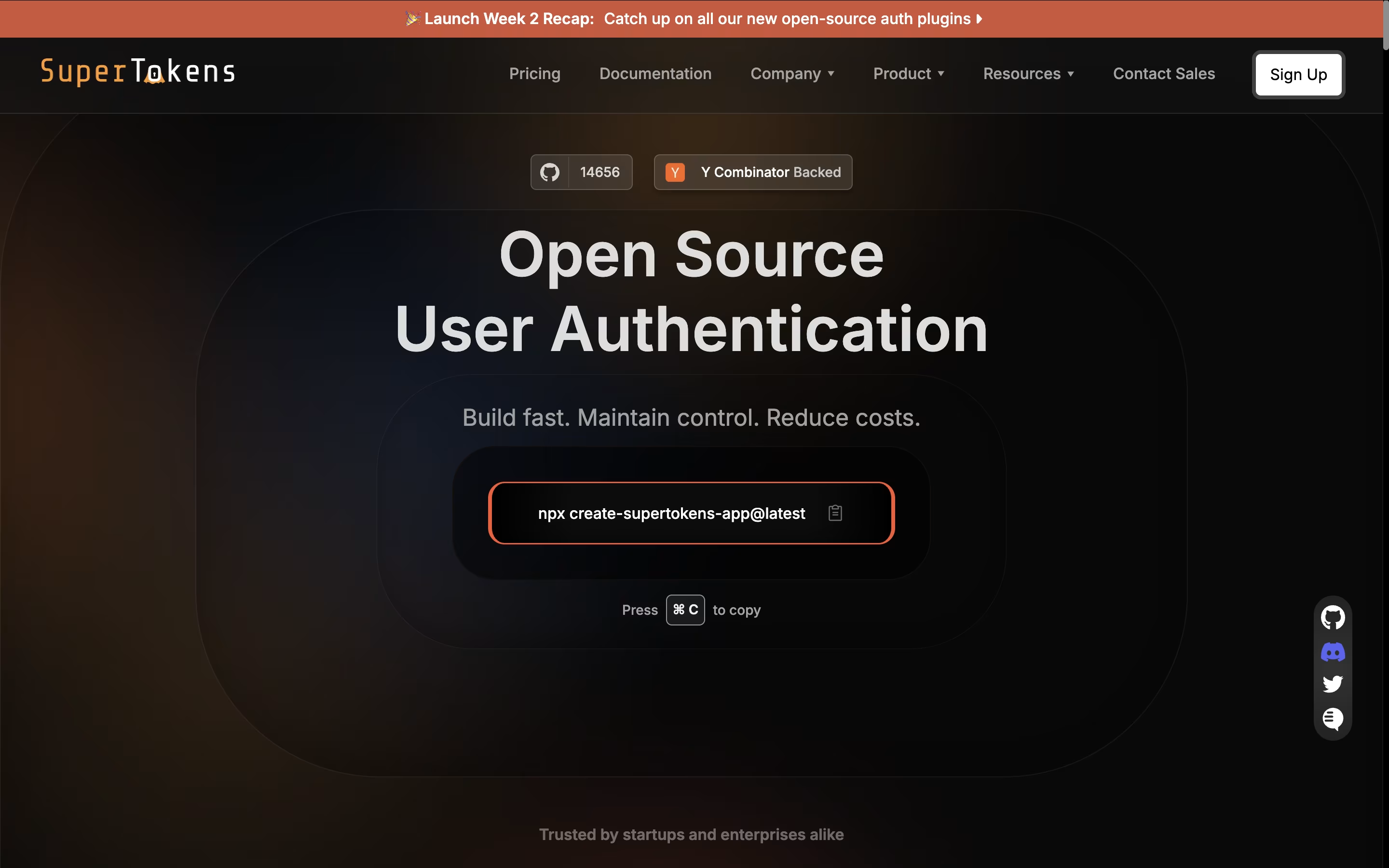
SuperTokens
Open Source Authentication Made Easy

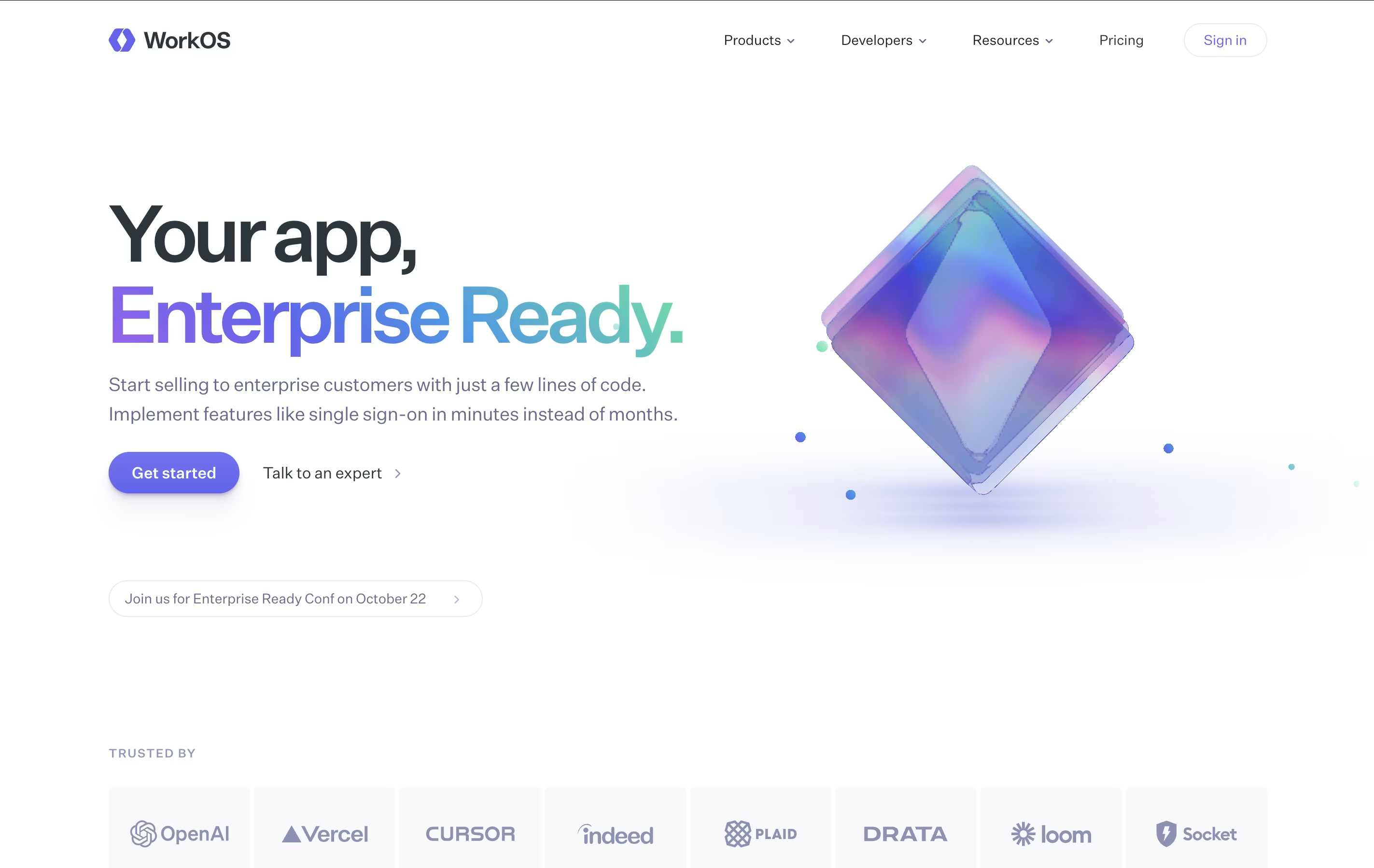
WorkOS
Enterprise Authentication for Developers
SuperTokens
Open Source Authentication Made Easy
WorkOS
Enterprise Authentication for Developers
What are SuperTokens and WorkOS?
SuperTokens is an authentication framework that handles user login, registration, and session management for your applications. It provides ready-made solutions for email password login, social login through providers like Google and Facebook, passwordless authentication using magic links or one-time codes, and more.
The tool uses a unique design where your backend sits between your frontend and SuperTokens. This gives you more control to customize the authentication process while keeping it secure. SuperTokens manages the complex security tasks automatically, including protecting against common attacks and handling session tokens.
You can choose to run SuperTokens on your own servers completely free, or use their managed cloud service that handles all the technical work for you.
WorkOS is an API platform that provides enterprise authentication and identity features for web applications. When you need to add features like company login systems or user management to your app, WorkOS provides the technical foundation.
The platform includes several key products. AuthKit handles user login and management with support for passwords, social logins, and security features. Single Sign-On lets enterprise customers use their company login systems. Directory Sync keeps user lists updated automatically from company directories. Audit Logs track important security events. Radar protects against bots and fake accounts.
Developers integrate WorkOS using APIs and software libraries for popular programming languages. The platform handles the complex technical work while you focus on building your main product.
Features of SuperTokens and WorkOS
Email, social, and passwordless login options
Self-hosted or managed cloud deployment
Session management with automatic token refresh
User management dashboard included
Works with any programming language
Social login for Google, Facebook, GitHub, Apple
Multi-factor authentication add-on available
Role-based access control
Open-source with active community
Free for unlimited users when self-hosted
Enterprise Single Sign-On with SAML and OIDC support
User authentication with social logins and passwords
Multi-factor authentication for added security
Automatic user directory synchronization
Role-based access control for permissions
Security event logging and audit trails
Bot and fraud protection with Radar
Self-service admin portal for customers
API-first design with modern SDKs
Support for major identity providers
Use Cases of SuperTokens and WorkOS
Pricing of SuperTokens and WorkOS
SuperTokens offers flexible pricing that works for projects of any size. The core features are completely free when you self-host the service, with no limits on the number of users. This makes it perfect for developers who want full control without ongoing costs.
For those who prefer a managed solution, SuperTokens provides a cloud service that is free for up to 5,000 monthly active users. After that, you pay only $0.02 per monthly active user, making costs predictable as you grow.
Additional features are available as add-ons. Multi-factor authentication costs $0.01 per monthly active user with a $100 monthly minimum. Dashboard users are $20 per user per month, with three free users included. Account linking is available at $0.005 per monthly active user with a $100 monthly minimum. Enterprise features like multi-tenancy, machine-to-machine authentication, and custom support packages are available through custom pricing.
WorkOS uses a flexible pricing model where you pay only for what you use, with volume discounts applied automatically.
AuthKit provides user management for free up to one million monthly active users. After that, the cost is $2,500 per month for each additional million users.
Single Sign-On and Directory Sync both charge per enterprise connection. The first connection costs $125 monthly, with discounts as you add more. Pricing drops to $100 per connection for 16-30 connections, $80 for 31-50 connections, $65 for 51-100 connections, and $50 per connection beyond 100.
Audit Logs charges $125 monthly per security monitoring connection, plus $99 per million events stored.
Radar includes the first 1,000 security checks free monthly, then $100 per 50,000 additional checks.
For larger teams, WorkOS offers annual credit packages with pre-payment discounts, guaranteed uptime, and dedicated support.
FAQs: SuperTokens vs WorkOS
Reviews: SuperTokens vs WorkOS
Based on 0 reviews
Based on 0 reviews
Compare SuperTokens With Other Tools

Clerk
Complete Authentication for Modern Apps
Kinde
Simple Authentication and User Management for Developers
Auth.js
Free Open-Source Authentication Library

Better Auth
Free TypeScript Authentication

Auth0
Secure Authentication & User Login Platform by Okta
FusionAuth
Developer Authentication Platform
Logto
Open-Source Authentication Platform with SSO and RBAC

Stack Auth
Open-Source Authentication Platform for Developers

Okta
Cloud Identity and Access Management Platform
Compare WorkOS With Other Tools
Okta
Cloud Identity and Access Management Platform
Clerk
Complete Authentication for Modern Apps
Kinde
Simple Authentication and User Management for Developers
Auth.js
Free Open-Source Authentication Library
Better Auth
Free TypeScript Authentication
Auth0
Secure Authentication & User Login Platform by Okta
MojoAuth
Secure Passwordless Authentication for Web and Mobile Apps
Logto
Open-Source Authentication Platform with SSO and RBAC
Stack Auth
Open-Source Authentication Platform for Developers





