

SuperTokens vs FusionAuth: Features, Pricing and User Reviews 2026

SuperTokens
Open Source Authentication Made Easy

FusionAuth
Developer Authentication Platform
SuperTokens
Open Source Authentication Made Easy
FusionAuth
Developer Authentication Platform
What are SuperTokens and FusionAuth?
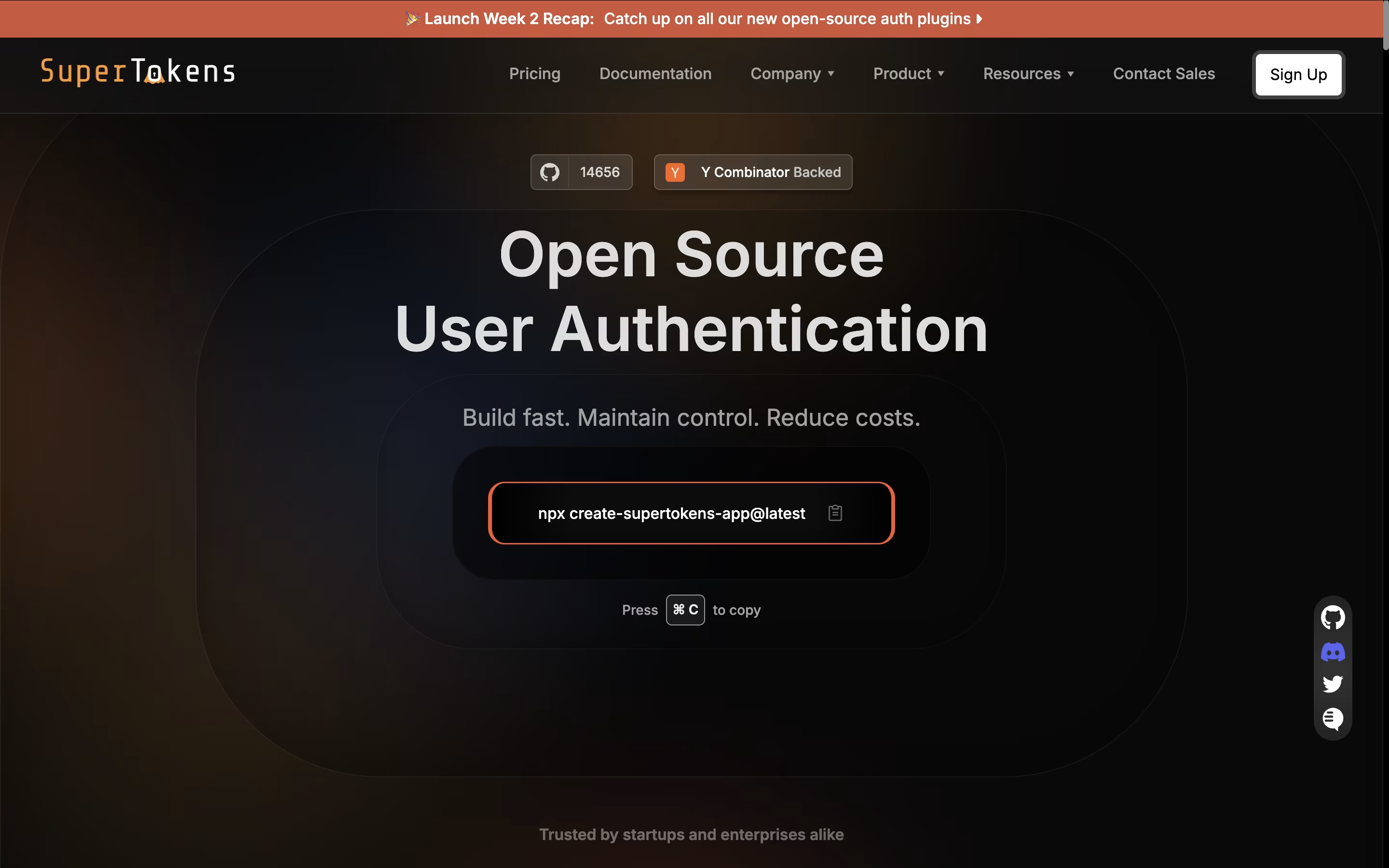
SuperTokens is an authentication framework that handles user login, registration, and session management for your applications. It provides ready-made solutions for email password login, social login through providers like Google and Facebook, passwordless authentication using magic links or one-time codes, and more.
The tool uses a unique design where your backend sits between your frontend and SuperTokens. This gives you more control to customize the authentication process while keeping it secure. SuperTokens manages the complex security tasks automatically, including protecting against common attacks and handling session tokens.
You can choose to run SuperTokens on your own servers completely free, or use their managed cloud service that handles all the technical work for you.
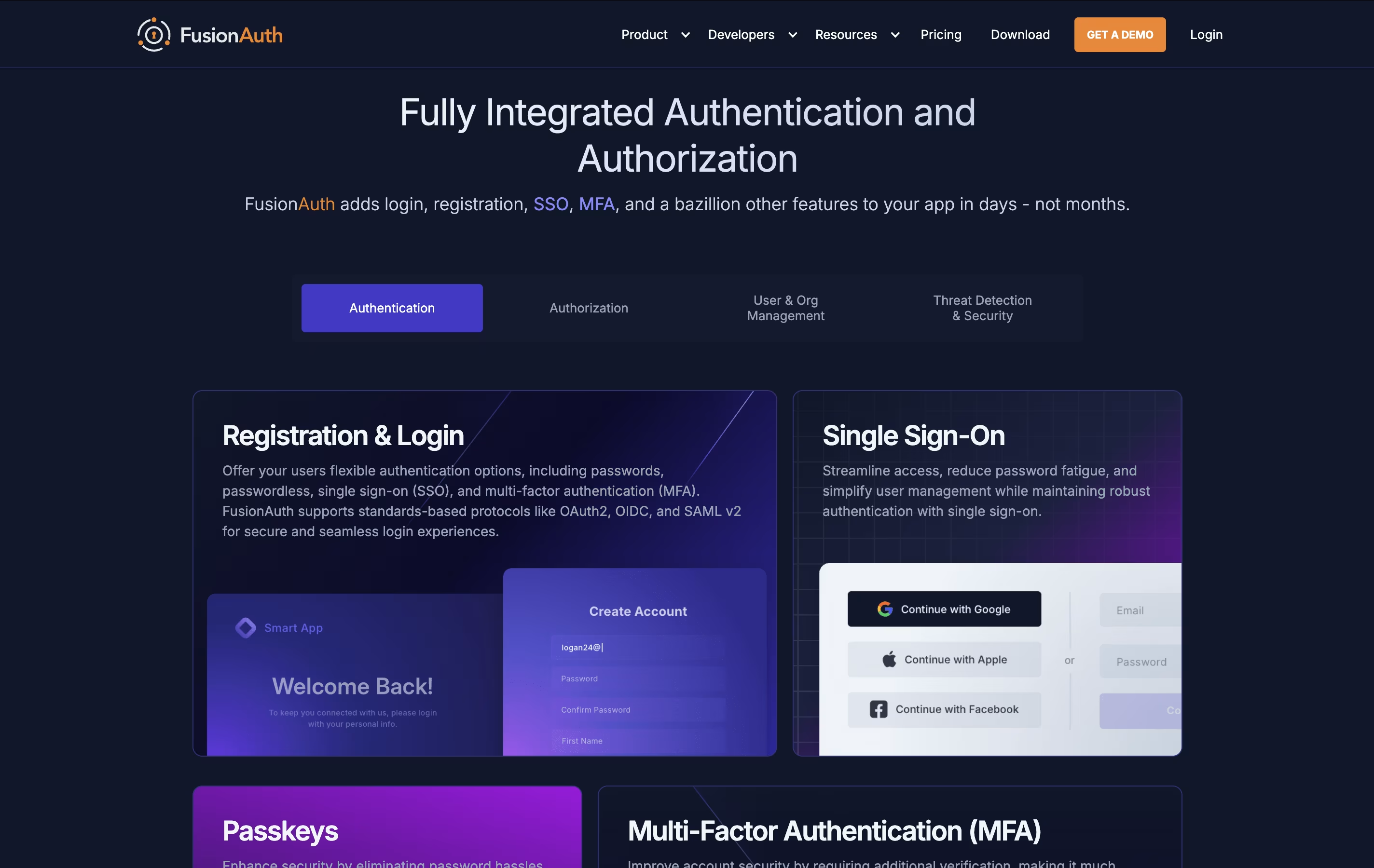
FusionAuth is a complete authentication system that manages who can access your application and what they can do. You can install it on your own computer, your company servers, or use their cloud service. This flexibility makes it different from most authentication tools that force you to use only their cloud.
The platform supports all modern login methods - traditional passwords, passwordless access, social media logins, and biometric authentication like fingerprints. It follows industry standards like OAuth2, OpenID Connect, and SAML, meaning it works smoothly with other software.
There is a free version with all core features, and paid plans add extra security, support, and cloud hosting. The free version has no user limits, making it suitable for projects of any size.
Features of SuperTokens and FusionAuth
Email, social, and passwordless login options
Self-hosted or managed cloud deployment
Session management with automatic token refresh
User management dashboard included
Works with any programming language
Social login for Google, Facebook, GitHub, Apple
Multi-factor authentication add-on available
Role-based access control
Open-source with active community
Free for unlimited users when self-hosted
Password and passwordless authentication options
Social login integration (Google, Facebook, Apple, LinkedIn)
Single sign-on across applications
Multi-factor authentication and biometric support
Breached password detection
User registration and profile management
Role-based permissions and access control
REST APIs and SDK libraries
Self-hosted or cloud deployment
Customizable login pages and email templates
Use Cases of SuperTokens and FusionAuth
Pricing of SuperTokens and FusionAuth
SuperTokens offers flexible pricing that works for projects of any size. The core features are completely free when you self-host the service, with no limits on the number of users. This makes it perfect for developers who want full control without ongoing costs.
For those who prefer a managed solution, SuperTokens provides a cloud service that is free for up to 5,000 monthly active users. After that, you pay only $0.02 per monthly active user, making costs predictable as you grow.
Additional features are available as add-ons. Multi-factor authentication costs $0.01 per monthly active user with a $100 monthly minimum. Dashboard users are $20 per user per month, with three free users included. Account linking is available at $0.005 per monthly active user with a $100 monthly minimum. Enterprise features like multi-tenancy, machine-to-machine authentication, and custom support packages are available through custom pricing.
FusionAuth offers flexible pricing to match different needs and deployment preferences.
Self-Hosted is completely free with unlimited users. Download and run FusionAuth on your own infrastructure with no ongoing costs. You get all core authentication features, making it perfect for development, testing, and production environments where you want full control.
Basic Plan starts at $37 per month and provides a single cloud server instance, ideal for development and testing environments. It includes one custom domain and basic cloud hosting.
Business Plan costs $225 per month and offers a dedicated server with nightly backups, availability across multiple zones, and support for up to five custom domains. This plan suits most production applications.
High Availability Plan begins at $500 per month with redundant servers, configurable backups, and up to 99.99% uptime guarantee with the Enterprise support plan. This includes 20 custom domains and deployment in any AWS region.
FAQs: SuperTokens vs FusionAuth
Reviews: SuperTokens vs FusionAuth
Based on 0 reviews
Based on 0 reviews
Compare SuperTokens With Other Tools

Clerk
Complete Authentication for Modern Apps

Kinde
Simple Authentication and User Management for Developers

Auth.js
Free Open-Source Authentication Library

Better Auth
Free TypeScript Authentication

Auth0
Secure Authentication & User Login Platform by Okta

Logto
Open-Source Authentication Platform with SSO and RBAC

Stack Auth
Open-Source Authentication Platform for Developers

WorkOS
Enterprise Authentication for Developers

Okta
Cloud Identity and Access Management Platform
Compare FusionAuth With Other Tools
Kinde
Simple Authentication and User Management for Developers
Clerk
Complete Authentication for Modern Apps
Logto
Open-Source Authentication Platform with SSO and RBAC
Stack Auth
Open-Source Authentication Platform for Developers
Auth.js
Free Open-Source Authentication Library
Auth0
Secure Authentication & User Login Platform by Okta
Better Auth
Free TypeScript Authentication
WorkOS
Enterprise Authentication for Developers
Okta
Cloud Identity and Access Management Platform





