

v0 vs Magic Patterns: Features, Pricing and User Reviews 2026
What are v0 and Magic Patterns?

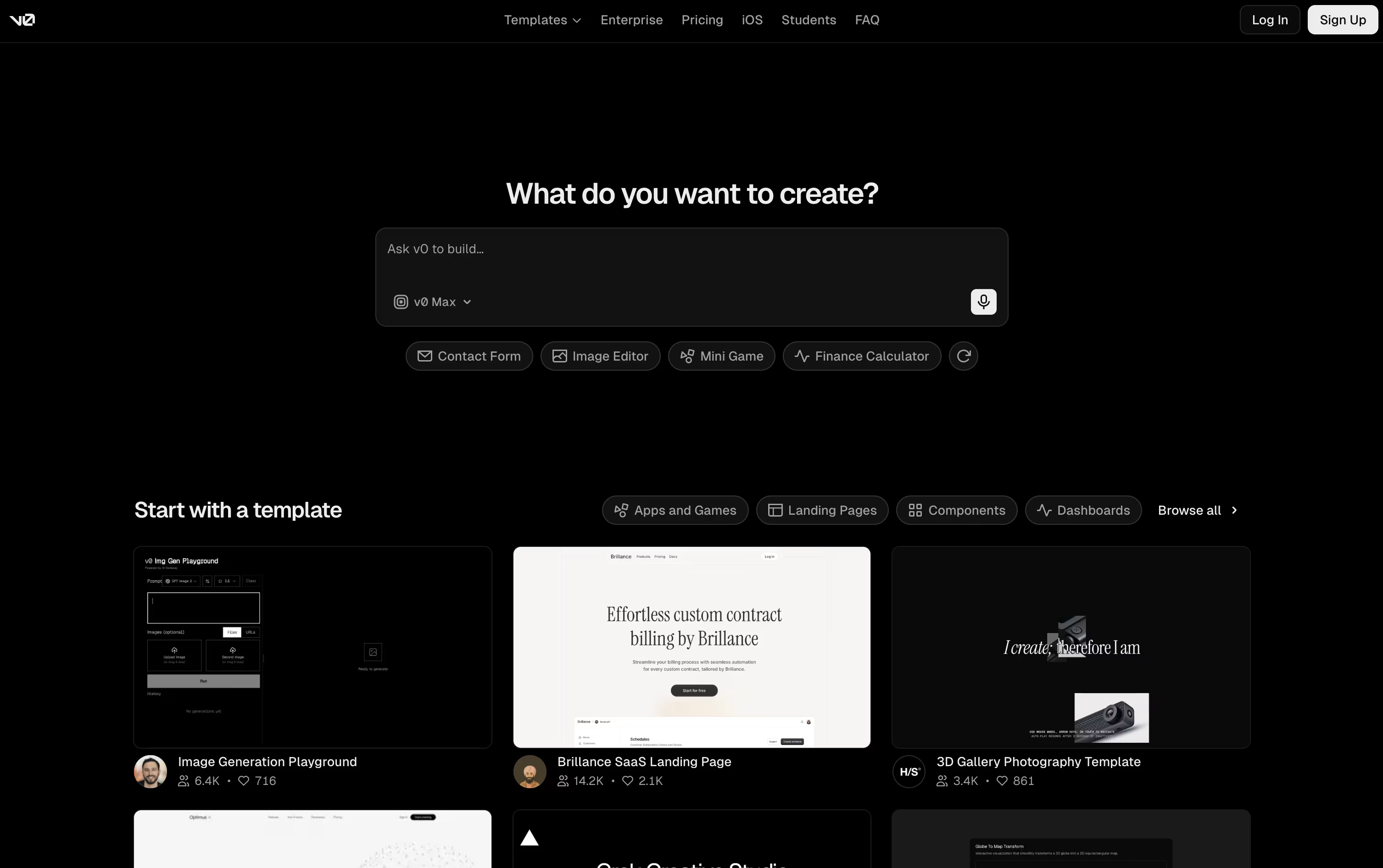
v0 is an AI tool made by Vercel that helps you build full websites and apps just by describing what you want. You can type a prompt, upload an image, or import a design from Figma, and v0 turns it into real working code.
It does not just create a simple mockup. v0 builds the full app, including the design, the backend logic, and the database connections. You get a live preview right away, so you can see your app working as it is built.
You can also connect v0 to GitHub, deploy your app to Vercel with one click, and keep editing with simple prompts or a visual Design Mode.
There is a free plan to get started, along with paid plans for teams and businesses that need more power and support.

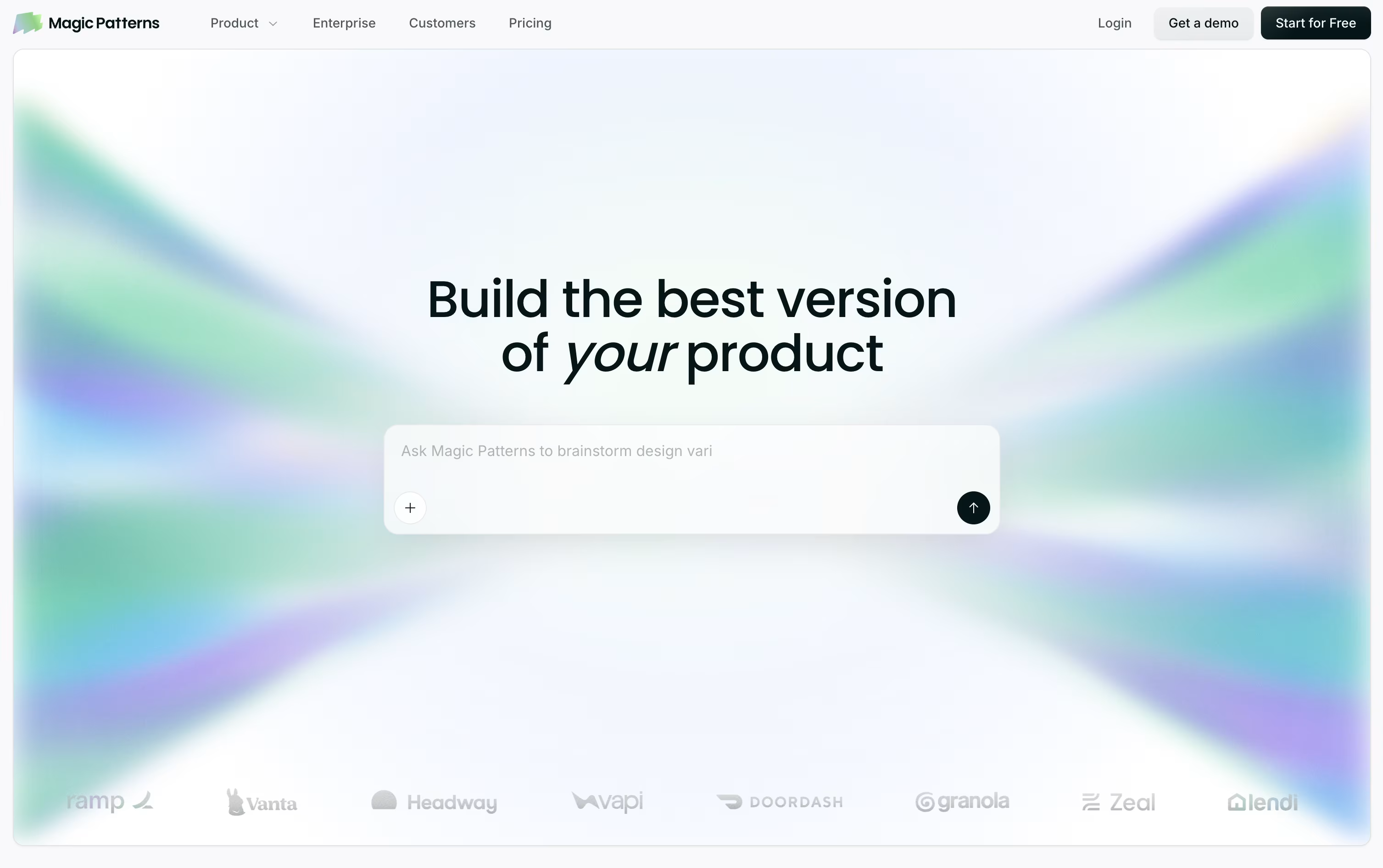
Magic Patterns is a design and prototyping tool built for product teams. You describe a screen or feature in plain words, or upload a screenshot or PRD, and it builds a working prototype that matches your product's look and feel.
Unlike tools that only make flat mockups, Magic Patterns writes real code behind the screens, using React, TypeScript, and Tailwind. This means what you see is close to what engineers can actually ship.
You can import your own design system from Figma, Storybook, GitHub, or a live website, so every new screen reuses your real components and colors instead of generic ones.
Teams use it to move from an idea to a testable prototype in hours, then hand off the code straight to engineers through GitHub, Figma export, or an MCP connection for AI coding tools.
Features of v0 and Magic Patterns
Prompt-to-app AI agent by Vercel
Builds Next.js, React, and Tailwind CSS code
Live previews of working apps
Visual Design Mode editor
GitHub sync with branches and pull requests
One-click deploy to Vercel
Database and API integrations
Ready-made templates
Team chat sharing and collaboration
iOS app for building on the go
Prompt, screenshot, or PRD to prototype
Real React, TypeScript, and Tailwind code
Import design systems from Figma or GitHub
Infinite canvas with drag-and-drop editing
Live multiplayer collaboration
GitHub sync and code export
Figma export in one click
MCP connection for AI coding tools
SSO, SCIM, and usage reporting
Chrome extension to import live sites
Use Cases of v0 and Magic Patterns
Pricing of v0 and Magic Patterns
v0 offers a Free plan at $0 a month, which includes $5 of monthly credits, GitHub sync, Design Mode, and Vercel deployment, limited to 7 messages a day.
The Plus plan costs $30 per user a month and unlocks access to all models, $30 of monthly credits per user, $2 of free daily credits, team-shared additional credits, centralized billing, and shared team chats.
The Business plan is $100 per user a month and includes everything in Plus, plus training opt-out by default so your data is not used to train models.
For larger organizations, Enterprise plans use custom pricing and add features like data never used for training, SAML SSO, role-based access control, priority performance, and guaranteed support SLAs.
v0 also offers usage-based pricing for its AI models, ranging from v0 Mini at $0.20 per million input tokens to v0 Max Fast at $10 per million input tokens.
Magic Patterns offers four plans to fit different needs.
Free ($0/month): Includes 100 monthly credits, good for trying the tool out.
Starter ($20/seat/month, or $17/seat/month billed annually): Adds 1,000 monthly credits, watermark removal, on-demand usage, MCP support, GitHub sync, and a team workspace for 10 users.
Business ($100/seat/month, or $85/seat/month billed annually): Everything in Starter, plus 5,000 monthly credits, access to the latest AI models, SSO, and usage reporting.
Enterprise (Custom pricing): Everything in Business, plus custom credit pools, priority support, a dedicated account manager, and SCIM access controls.
Annual billing saves 15% on both Starter and Business plans. Extra usage beyond monthly credits is billed at $0.02 per additional credit.
FAQs: v0 vs Magic Patterns
Reviews: v0 vs Magic Patterns
Based on 0 reviews
Based on 0 reviews
Compare v0 With Other Tools

Locofy
AI Design to Code for Frontend Teams

Builder.io
AI-Powered Visual Development Tool

UX Pilot
AI Powered UI Design & Prototyping

Banani
AI UI Design Tool for Fast Prototypes

Uizard
AI-Powered UI Design & Prototyping Tool

Visily
AI-Powered UI Design & Wireframe Tool
Google Stitch
Free AI UI Design Tool by Google

Claude Design
AI-Powered Visual Design Tool

Relume
AI Website Builder & Component Library
Compare Magic Patterns With Other Tools
UX Pilot
AI Powered UI Design & Prototyping
Banani
AI UI Design Tool for Fast Prototypes
Uizard
AI-Powered UI Design & Prototyping Tool
Claude Design
AI-Powered Visual Design Tool
Visily
AI-Powered UI Design & Wireframe Tool
Locofy
AI Design to Code for Frontend Teams
Builder.io
AI-Powered Visual Development Tool
Google Stitch
Free AI UI Design Tool by Google

Kombai
AI Design Engineer for Frontend Code





