

Best 13 Google Stitch Alternatives in 2026
Last Updated: August 15, 2026
Google Stitch is a free, browser based design tool from Google Labs. It turns simple text prompts, images, sketches, or even voice into full app and website screens, powered by Google's Gemini models.
The tool is built around vibe design, which means you can start from a goal or a feeling rather than a precise spec, and Stitch will generate design directions for you to explore and refine.
The best alternative to Google Stitch is  UX Pilot
 UX PilotAI Powered UI Design & Prototyping.
  Uizard
 UizardAI-Powered UI Design & Prototyping Tool and
  Visily
 VisilyAI-Powered UI Design & Wireframe Tool are also among the best options for User Interface Design.
So, here are the 12+ best alternatives to Google Stitch:
UX Pilot is an AI design platform built for product teams who need to move fast. You can start from a text prompt, a sketch, a PRD, a screenshot, or even a live website link, and the tool turns that input into structured design output.
It builds wireframes first, then converts them into high fidelity screens, full multi screen flows, and working React prototypes. Section edits, design reviews, and predictive heatmaps help you refine the output without starting over.
Inside Figma, the Nodey agent generates native layers that follow your existing design system, so screens come out on brand from the first draft. Clean code export and GitHub sync make handoff to developers simple.
The Free plan costs $0 forever, with 80 credits a day and 1 project, no card required.
Pro runs $29 a month, or $19 a month billed yearly, with 750 credits, 125 screens, and the website cloner.
Teams is $39 per user a month, or $31 per user a month yearly, adding shared credits and real time collaboration, while Enterprise uses custom pricing for brand fine-tuning, SSO, and dedicated support.
Uizard is an AI powered design tool that turns plain text descriptions, screenshots, or hand drawn sketches into editable, multi screen UI prototypes. It is built for people without design experience, though designers also use it for fast ideation.
The AI engine, called Autodesigner, generates full projects, individual screens, and themes from a written prompt, and you can keep editing by typing changes like "make the button blue" or "add a login screen."
Other tools include a Screenshot Scanner that turns any app or website screenshot into an editable design, a Wireframe Scanner for hand drawn sketches, and a Focus Predictor that shows a heatmap of where users are likely to look on a screen.
The Free plan costs $0 and includes 3 AI generations a month and up to 2 projects. The Pro plan is $19 a month, or $12 a month billed annually, and raises this to 500 AI generations, 100 projects, and developer handoff in React and CSS.
The Business plan costs $39 a month with 5,000 AI generations and a custom brand kit, while Enterprise uses custom pricing for larger teams needing unlimited use, SSO, and dedicated support.
Uizard was acquired by Miro in 2024 and continues to operate as its own web app for teams that want to move from idea to prototype quickly.
Visily is a design tool built for people who are not designers but still need to create wireframes, mockups, and prototypes. You can start with a text prompt, a screenshot, a sketch, or a template, and the AI turns it into an editable design.
The tool also handles diagrams, flowcharts, and user flows, and lets you turn those diagrams into full screen designs. Once your design is ready, you can add interactive links, hover states, and transitions to make it feel like a real app.
Teams can work together in real time, leaving comments, chatting, and editing the same board at once. Visily also connects with Slack, Notion, and Jira, so updates stay in the tools your team already uses.
The Starter plan is free and includes 300 AI credits a month with limited boards. The Pro plan starts at $14 per editor a month and unlocks unlimited boards, more AI credits, and Figma export. The Business plan is $29 per editor a month and adds custom teams, single sign-on, and priority support, while Enterprise pricing is custom.
Because designs are fully editable rather than static images, teams can keep refining their work, export it to Figma for final polish, or generate code directly from the design.

Banani is an AI powered design tool that turns text prompts, images, sketches, or product documents into ready to edit UI designs. It is built for product teams, founders, and non-designers who want polished screens without waiting days for a designer.
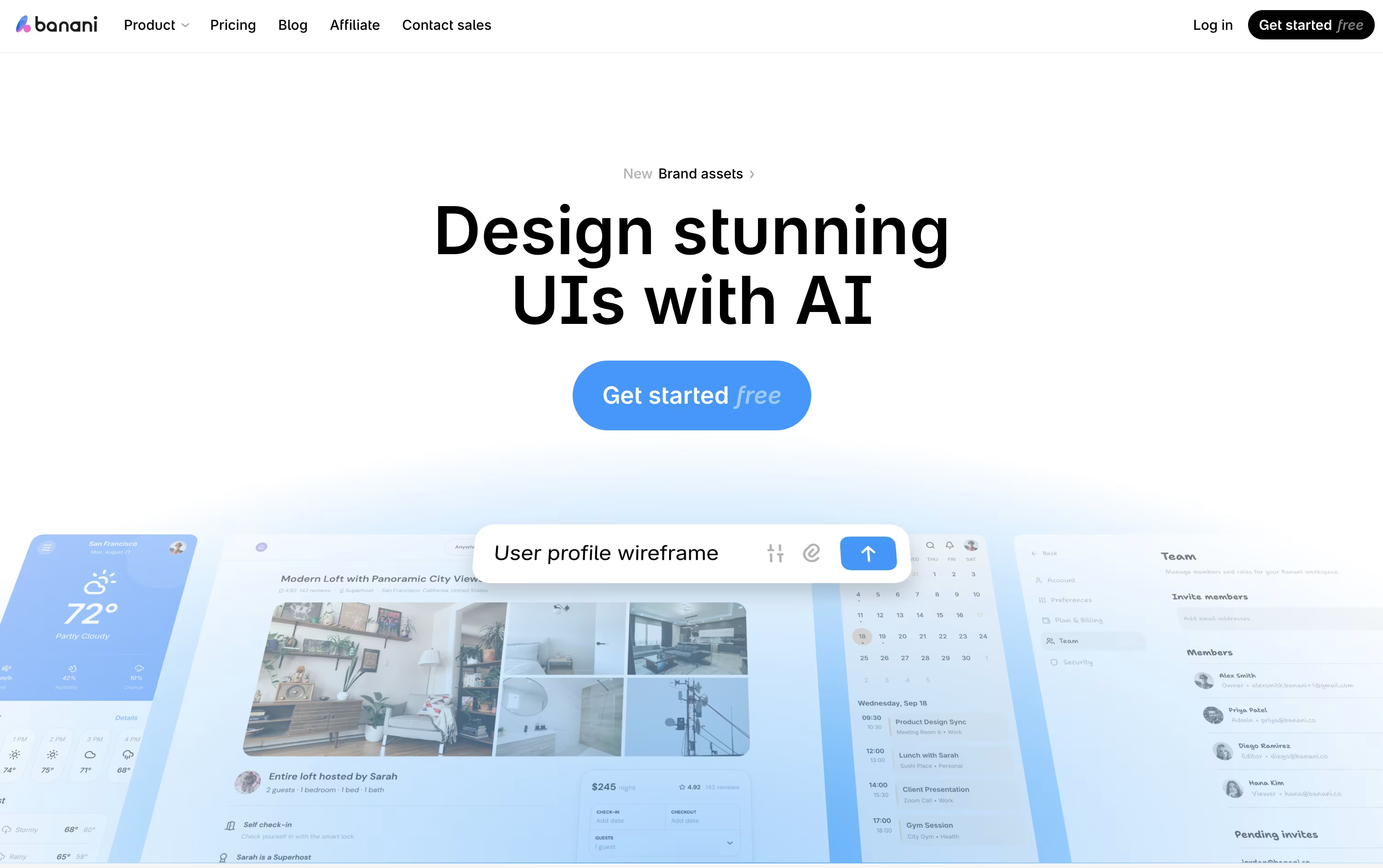
You describe what you need, upload a reference, or share a PRD, and Banani builds a full multi screen prototype you can click through like a real app.
Every screen stays fully editable. You can chat with the AI to adjust layouts, colors, or copy, or click on any element to generate the next step in the flow.
The free plan gives you 12 monthly credits and 3 daily credits to get started. The Plus plan costs $20 a month, or $12 a month billed yearly, and adds agent mode, more credits, and unlimited Figma export.
The Pro plan runs $50 a month, or $30 a month billed yearly, with unlimited credits and priority support, while the Enterprise plan offers custom pricing with SSO and dedicated integrations.
Designs export straight to Figma or clean code, and MCP support lets coding agents like Claude Code or Cursor work with your designs directly.

Claude Design lets you turn a plain idea, a screenshot, or a document into a finished visual, without opening a design program. You describe what you need in chat and Claude builds it on a live canvas you can keep shaping.
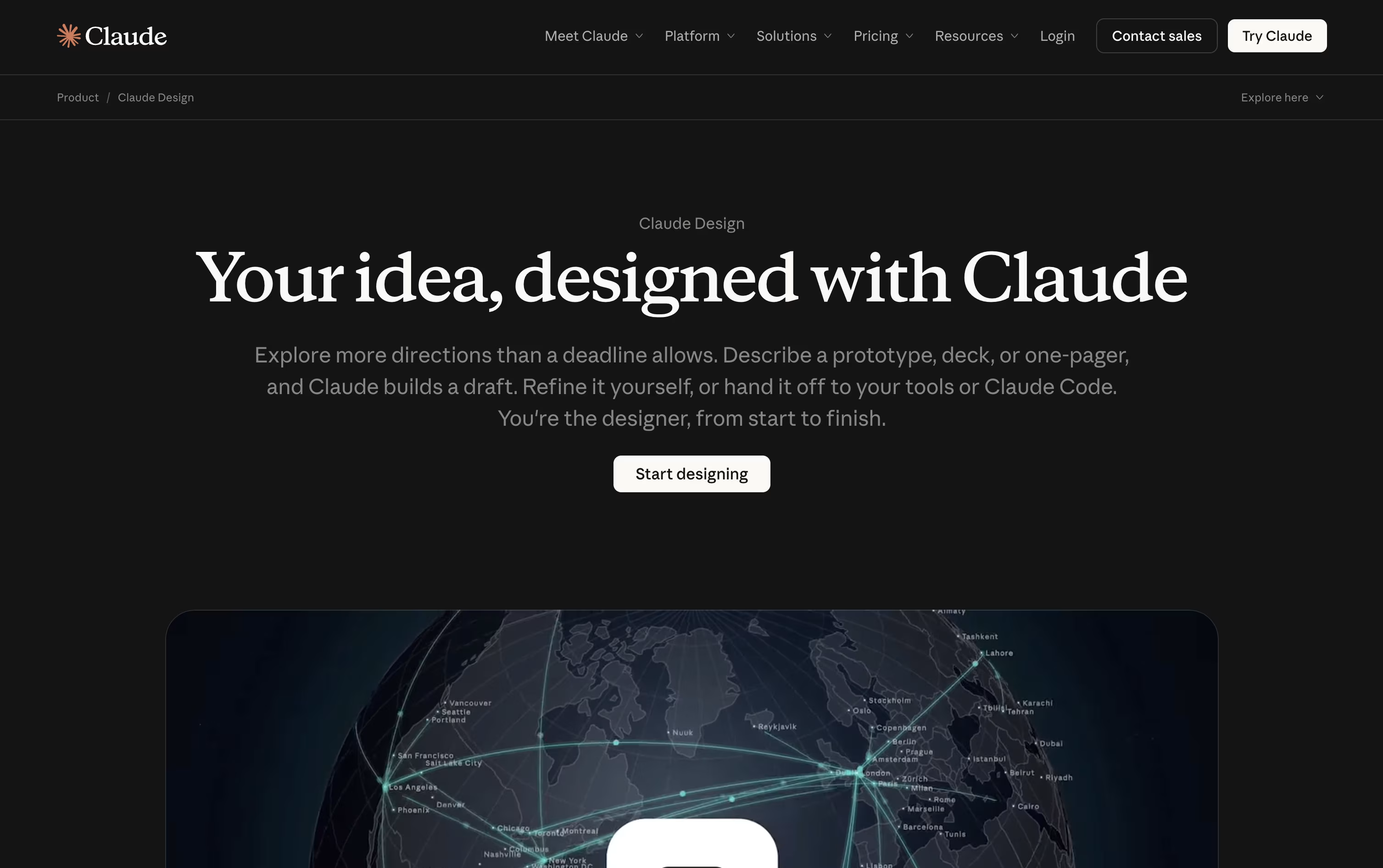
Changes happen through more chat, comments on a single element, or by dragging pieces around yourself. Claude checks everything against your imported colors, fonts, and components, so the result looks like your brand rather than a generic template.
It ties in closely with Claude Code, so a design can be handed off to be built, and a codebase can be turned into a working prototype.
Claude Design is included at no extra cost with a Claude subscription. Pro starts at $17 a month billed annually, or $20 billed monthly. Max starts from $100 a month with 5x or 20x more usage. Team seats start at $20 per person a month, and Enterprise pricing is a custom seat rate plus usage.
Exports cover PDF, PPTX, PNG, video, and shareable links, so finished work moves easily into other tools your team already uses.
Magic Patterns is a design and prototyping tool built for product teams who want to move fast without losing quality. You describe a screen, feature, or flow in plain language, or upload a screenshot, PRD, or existing design, and it builds an interactive prototype that looks and feels like a real product screen.
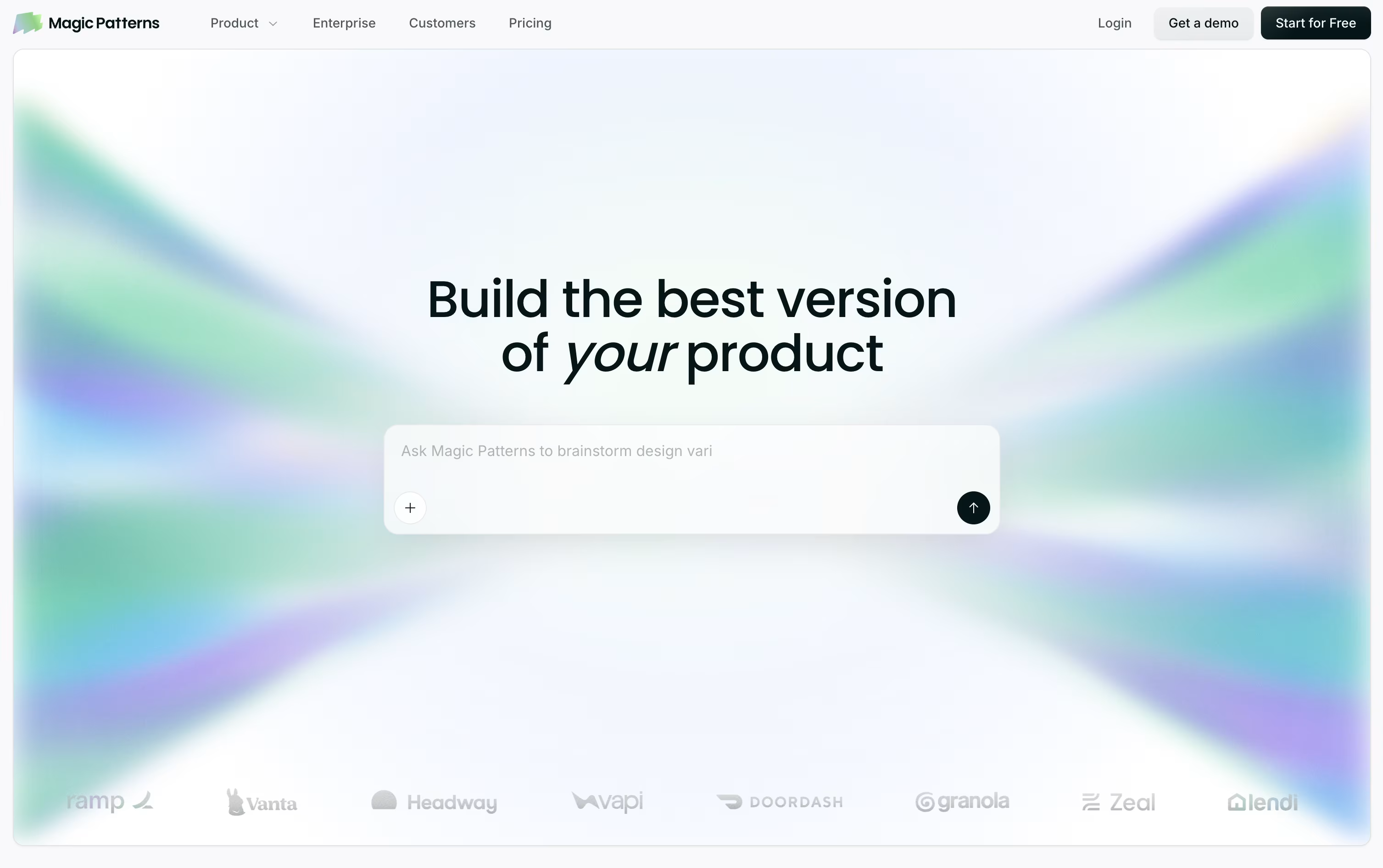
What sets it apart is that it writes real code behind every screen, using React, TypeScript, and Tailwind, so the output is close to something an engineer could actually ship rather than a flat mockup.
You can import your own design system from Figma, Storybook, GitHub, or a live website, and the tool reuses your real components, colors, and spacing on every new screen it creates.
Pricing starts with a free plan that includes 100 monthly credits, good for trying it out. The Starter plan costs $20 per seat a month, or $17 with annual billing, and adds a team workspace for 10 users, GitHub sync, and MCP support.
The Business plan costs $100 per seat a month, or $85 annually, and adds access to the latest AI models, SSO, and usage reporting. Enterprise pricing is custom and adds dedicated support, custom credit pools, and stronger security controls.
Because it hands off clean code through GitHub, Figma, or an MCP connection, teams can go from an idea to a working prototype and then straight into engineering without redoing the work.
Figma Make is Figma's built-in tool for turning prompts, designs, and files into working prototypes and functional apps. You describe what you want to build, attach a design or image if you have one, and it generates an interactive preview you can click through right away.
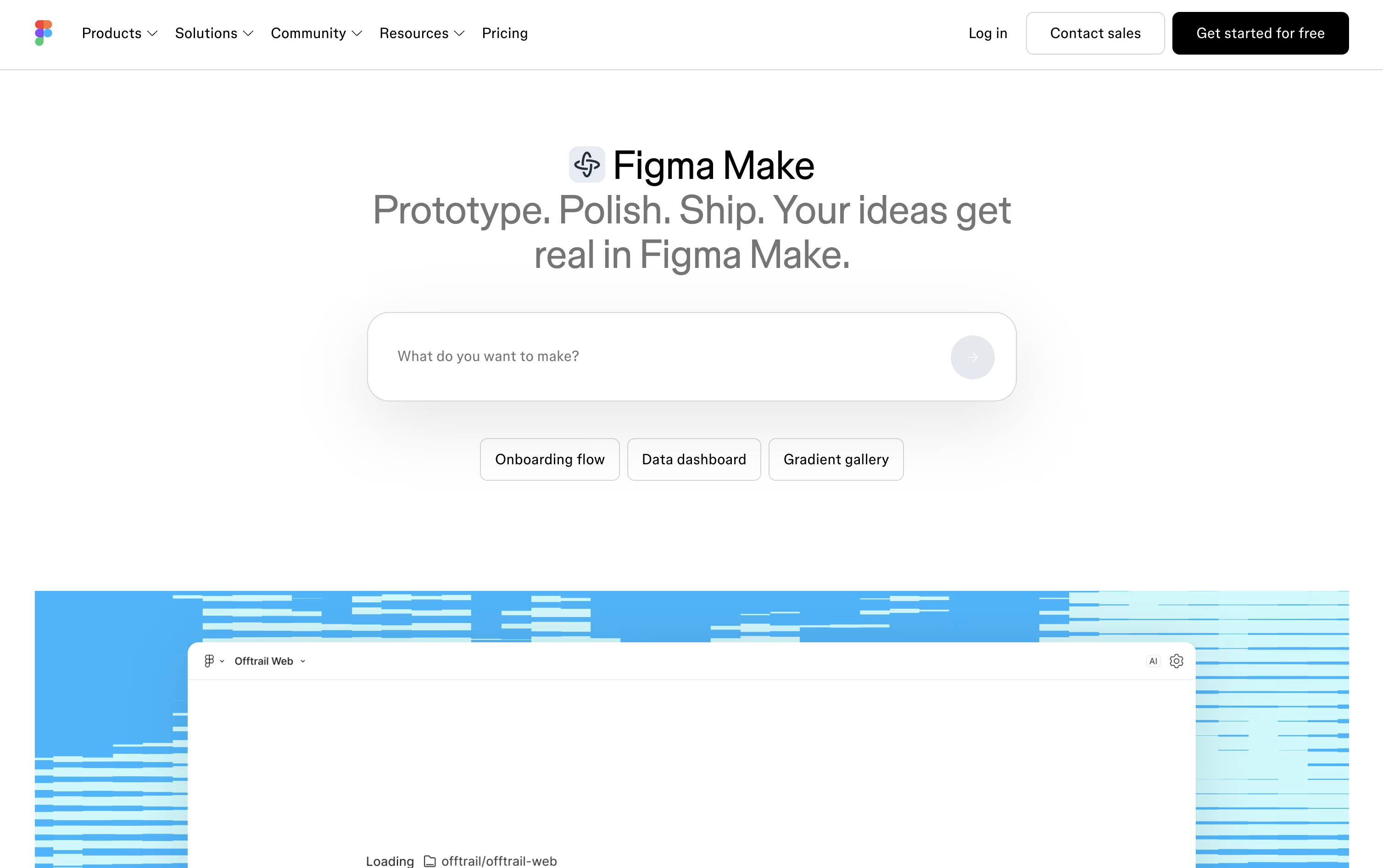
From there you can keep chatting to refine the result, click directly on elements to adjust colors, spacing, and typography, or open the generated code and edit it yourself. Plan mode breaks bigger builds into a reviewable step by step outline before anything is generated.
Make kits let teams reuse brand styles and components so every project stays consistent, while MCP connectors pull in real data from tools like Notion, Slack, GitHub, and Jira.
Figma Make is not sold as its own subscription. It comes with the Full seat on Figma's paid plans. The free Starter plan lets you try the basics with limited AI credits, the Professional Full seat costs $20 a month (or $16 billed yearly) with 3,000 AI credits a month, Organization runs $55 a month with 3,500 credits, and Enterprise is $90 a month with 4,250 credits and enterprise level security.
Finished apps can be shared as a public link, published to Figma Community, or copied back into Figma Design as layers for further collaboration.

Kombai is an AI tool built for frontend development, acting like a design engineer that helps turn ideas into working interfaces.
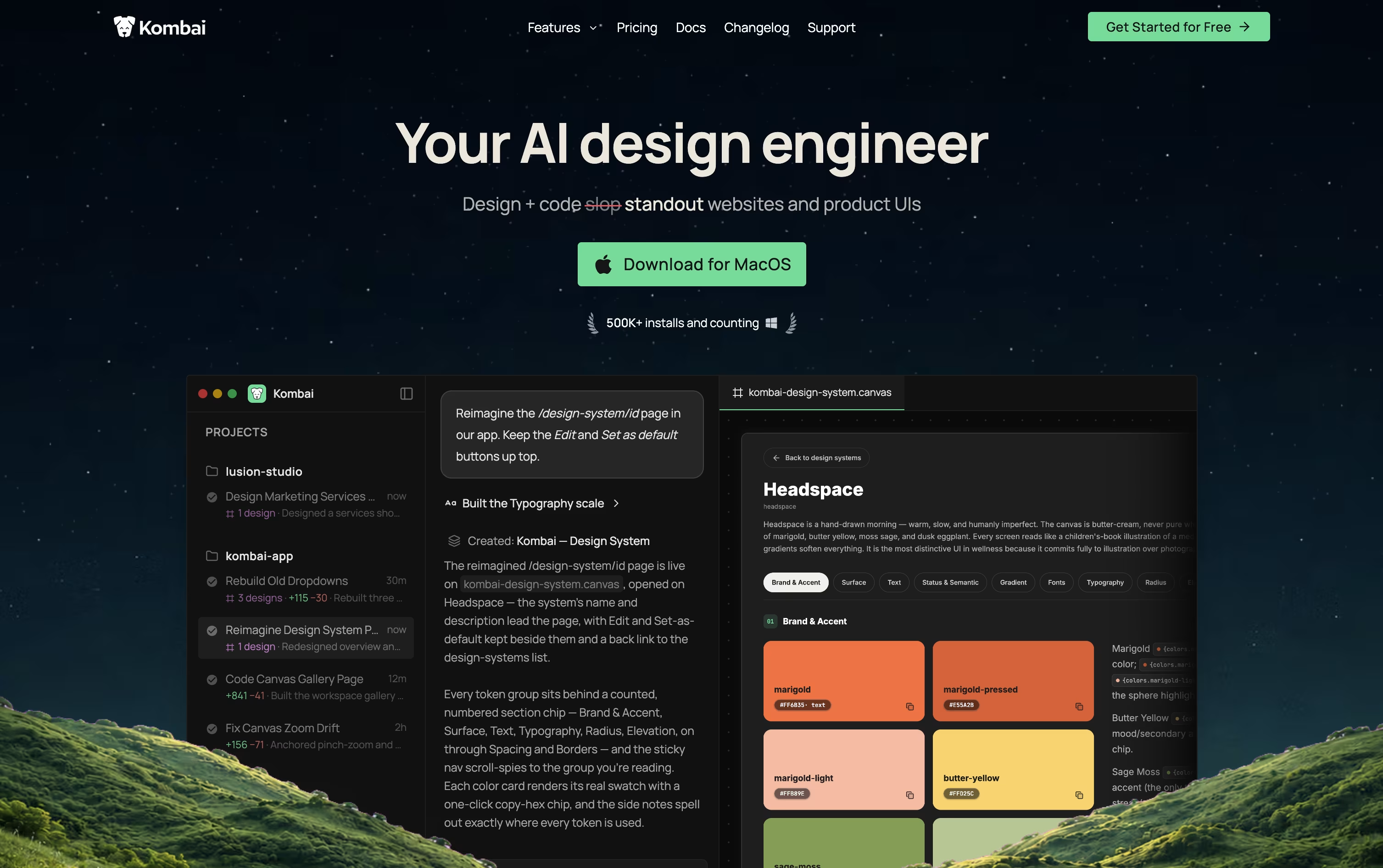
You can start from a text prompt, a Figma file, or a website link, and Kombai creates several design options on an infinite canvas, which you can edit and refine using natural language or visual tools.
Once a design is ready, Kombai converts it into production ready code, using Context Graphs to understand your existing project and reuse your components, styles, and coding patterns.
A built in browser lets you preview the running app, make quick visual edits to text and styles, and run automatic tests on your UI flows.
Pricing starts with a free plan offering 300 monthly credits and the core toolset. The Pro plan costs $20 a month, or $16 a month billed yearly, and adds more credits and priority support. The Team plan costs $40 per user a month, or $32 per user a month yearly, and adds shared credits and admin tools for up to 20 seats. Enterprise plans use custom pricing with added security and support options.
Overall, Kombai aims to keep design, code, and preview connected in one workflow instead of separate tools.

Sleek is a design tool made only for mobile app screens. Instead of learning Figma or hiring a designer, you type what you want, or upload a photo or sketch, and the tool builds real iOS and Android screens for you.
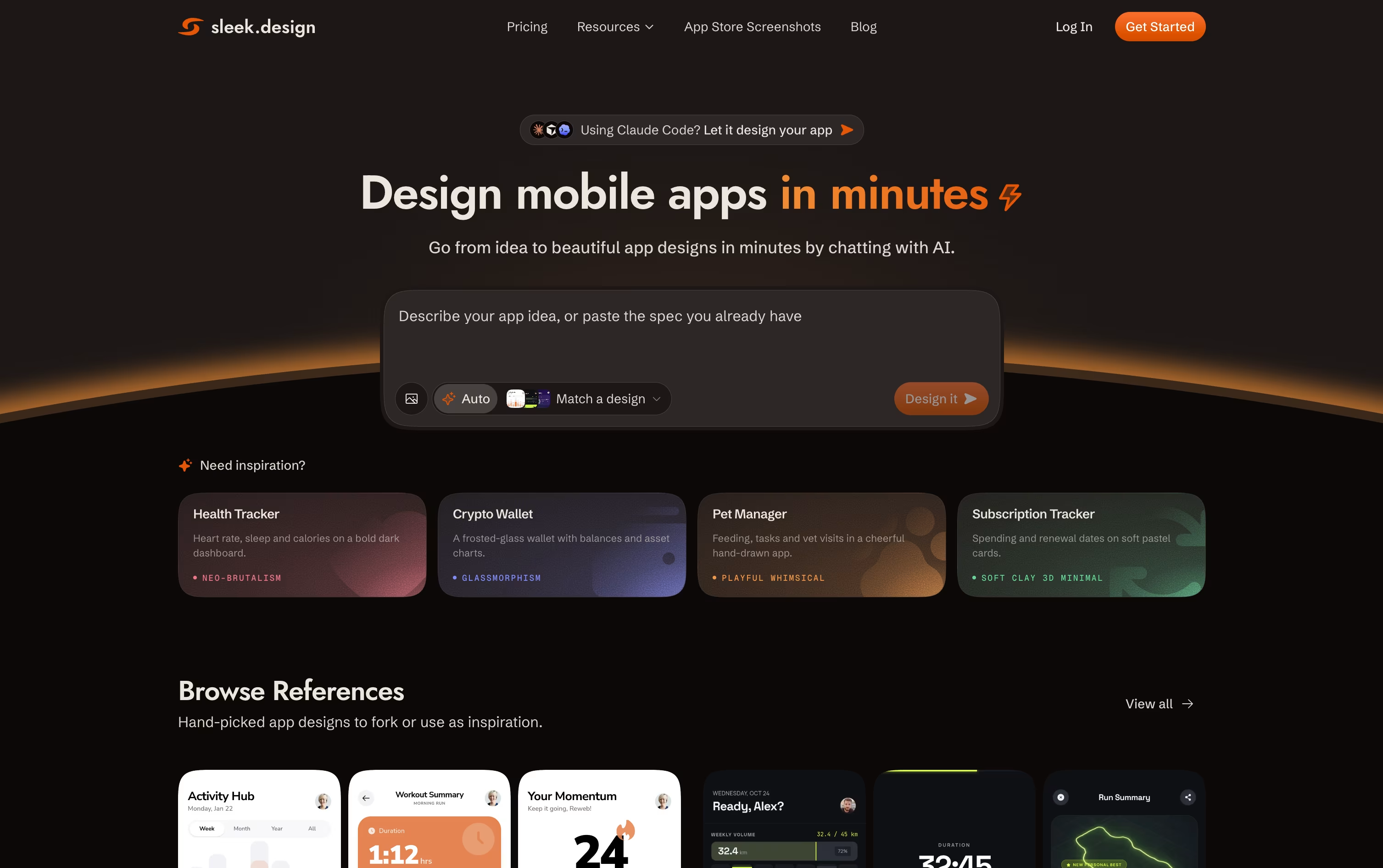
Because it focuses only on mobile apps, the screens follow real mobile patterns like spacing, cards, and navigation instead of generic layouts. You can pick a style before you start, and later change colors, layout, or add screens just by chatting with it.
The Free plan lets you try Sleek with one project and limited exports. The Starter plan costs $39 a month, or $20 a month when billed yearly, and unlocks 5 projects with unlimited exports.
The Pro plan costs $69 a month, or $30 a month yearly, and adds unlimited projects along with API and agent access, so tools like Claude Code and Cursor can design screens for you. The Team plan, at $99 per user a month, adds collaboration and priority support.
Once your screens are ready, you can export them straight to Figma or as code, making it easy to hand off work to developers or move fast on a new app idea.

v0 is Vercel's AI agent for building full-stack web apps. You describe what you want in plain language, or upload a screenshot, mockup, or Figma file, and it writes real code using Next.js, React, Tailwind CSS, and shadcn/ui.
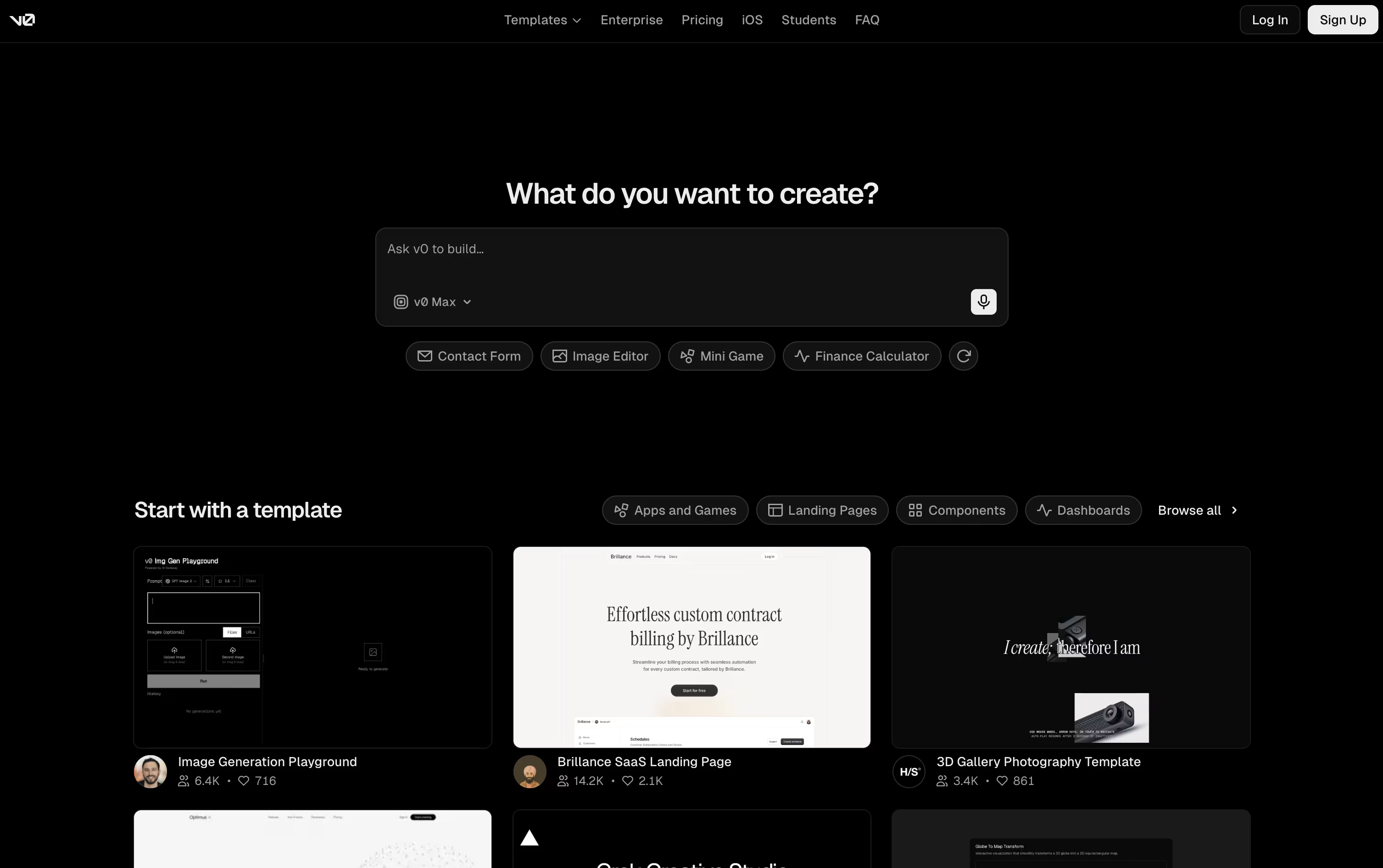
Instead of just showing a static design, v0 plans the work, writes the frontend and backend, connects databases and APIs, and gives you a live working preview right away.
You can keep refining your app through more prompts, the visual Design Mode, or a built-in code editor. It also connects to GitHub, so it can create branches, commits, and pull requests as you work.
The Free plan costs $0 a month and includes $5 of credits, GitHub sync, Design Mode, and app deployment to Vercel, with a limit of 7 messages a day.
The Plus plan is $30 per user a month and unlocks all models, more credits, and team features like shared chats and centralized billing. Business costs $100 per user a month and adds training opt-out by default.
Larger teams needing SSO, role-based access, and guaranteed support can choose the Enterprise plan, which has custom pricing.
Relume is an AI powered platform for building the early stages of a marketing website. Describe your project in a few sentences and Relume creates a sitemap, then turns it into a wireframe using real, editable components instead of generic templates.
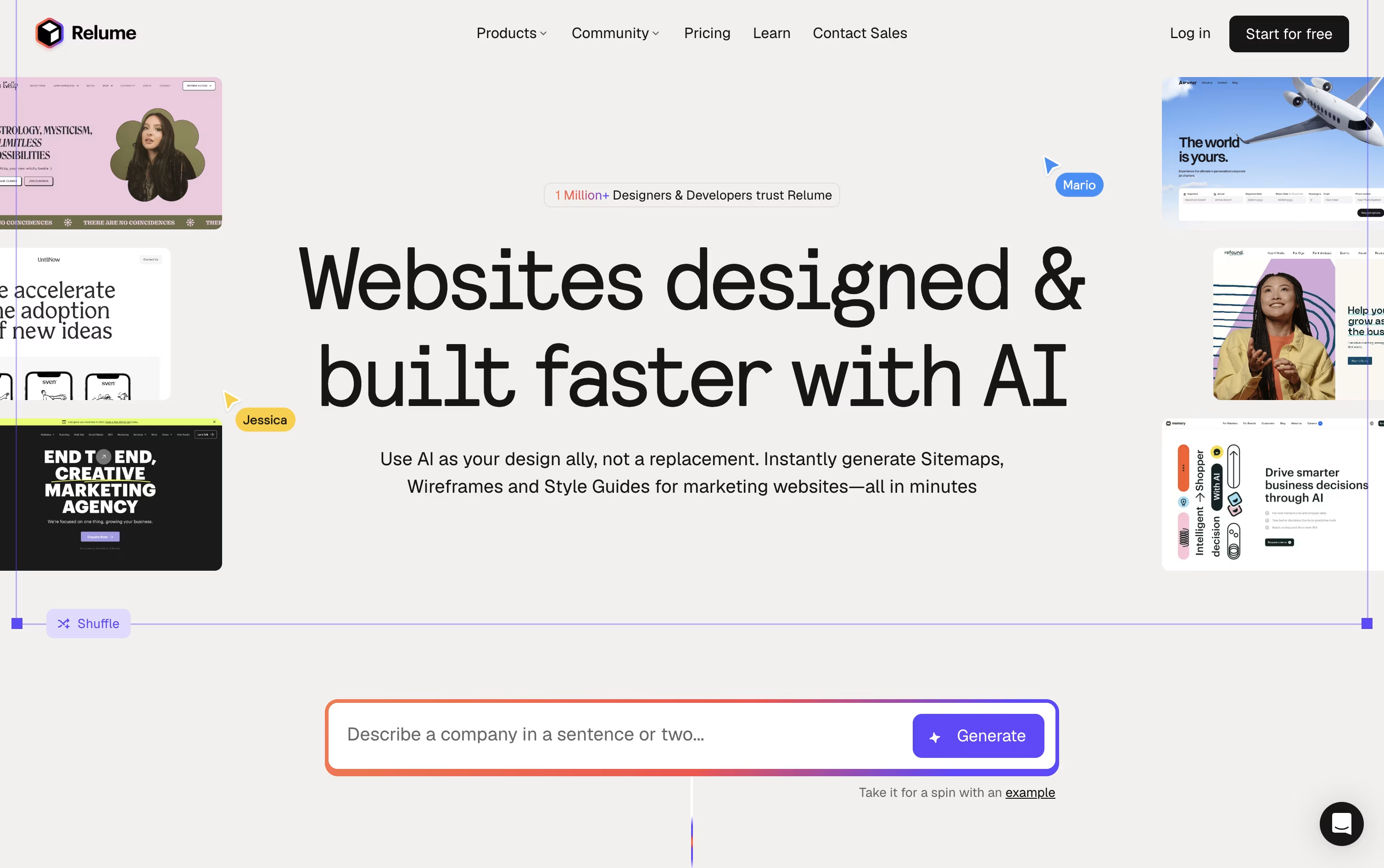
A built in Style Guide Builder generates matching colors, fonts, and UI styles from your brand, and you get access to over 1,000 components for Figma, Webflow, and React, refreshed every month.
The free plan includes 1 project, 1 page, and Figma export only. Starter costs $26 a month, or $18 a month billed yearly, and adds 5 pages, Webflow and React export, and unlimited AI usage.
Pro costs $58 a month, or $40 a month billed yearly, and removes the project and page limits for good, fitting full time freelancers with several client sites.
Team costs $52 a month per person, or $36 a month per person billed yearly, for a minimum of 3 people, and adds a shared workspace and branded sharing on top of Pro.
A newer feature, Relume Library MCP, connects the component library to AI code editors like Cursor and VS Code, letting developers pull in real components while they write code.

Locofy takes a Figma or Penpot design and turns it into real frontend code, so developers do not have to rebuild a screen from scratch. It works for full apps, single screens, or individual components.
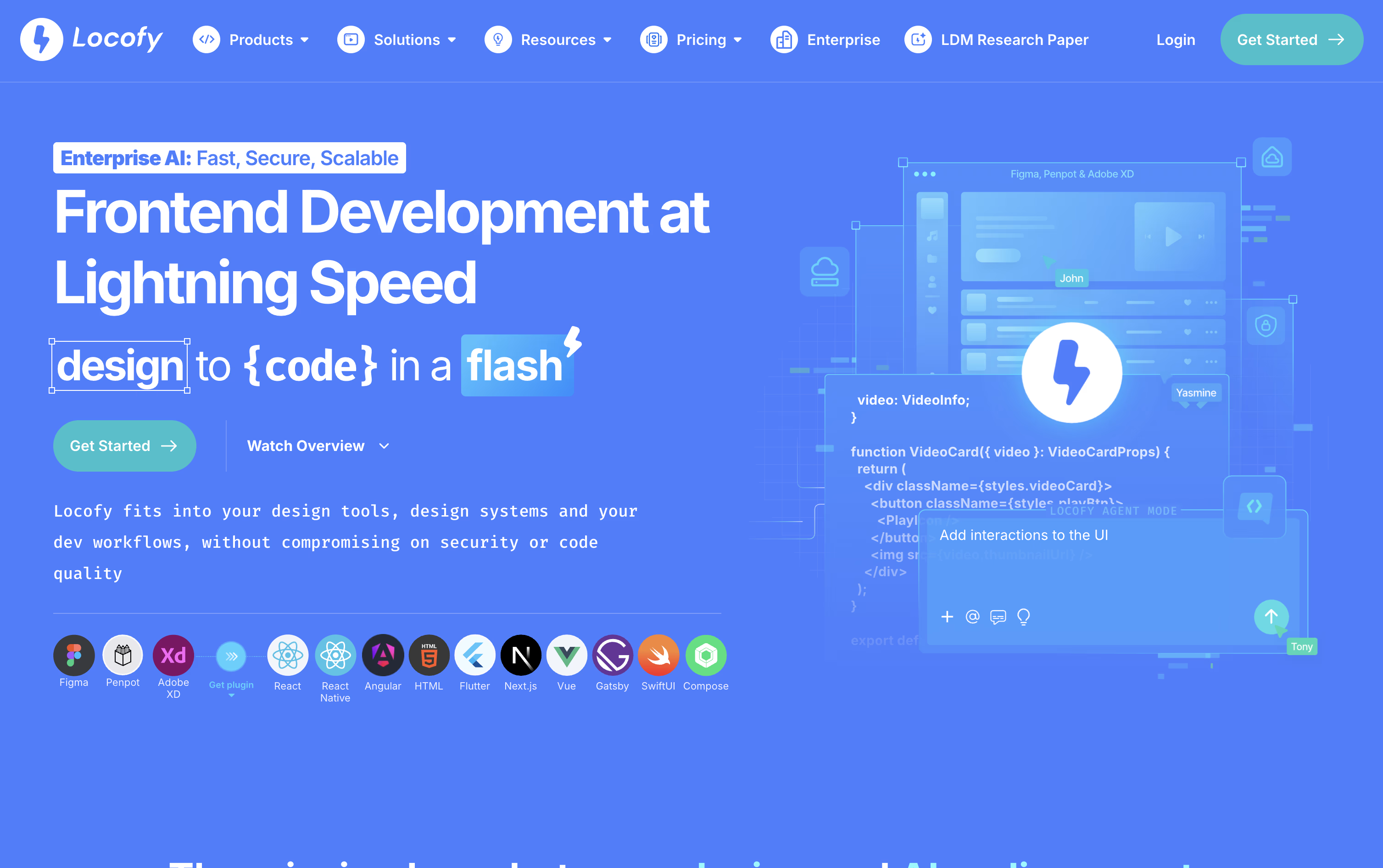
The conversion is powered by Locofy's own Large Design Models, trained on millions of real designs, which helps the tool understand layout, spacing, and components in a way that general AI models often miss.
You can use Locofy through a Figma or Penpot plugin, by pasting a design link, through a command line tool, or right inside AI coding tools like Cursor and Claude Code using MCP. Once the code is generated, Agent Mode lets you refine it further with simple written instructions, and teams can save their own coding standards as reusable Skills.
Pricing starts with a free plan that unlocks Hobby features for 7 days before switching over automatically. The Hobby plan is $40 a month for light use, while the $80 a month Pro plan adds more tokens, more frames per project, and a promise that your content is never used to train the platform.
Larger teams can move to the Enterprises plan, which uses custom pricing and adds private cloud hosting, self hosted deployment, GitHub integration, and dedicated support.

Builder.io connects to your actual codebase, design system, and Git repository, turning visual edits and AI prompts into real, mergeable code instead of disconnected prototypes.
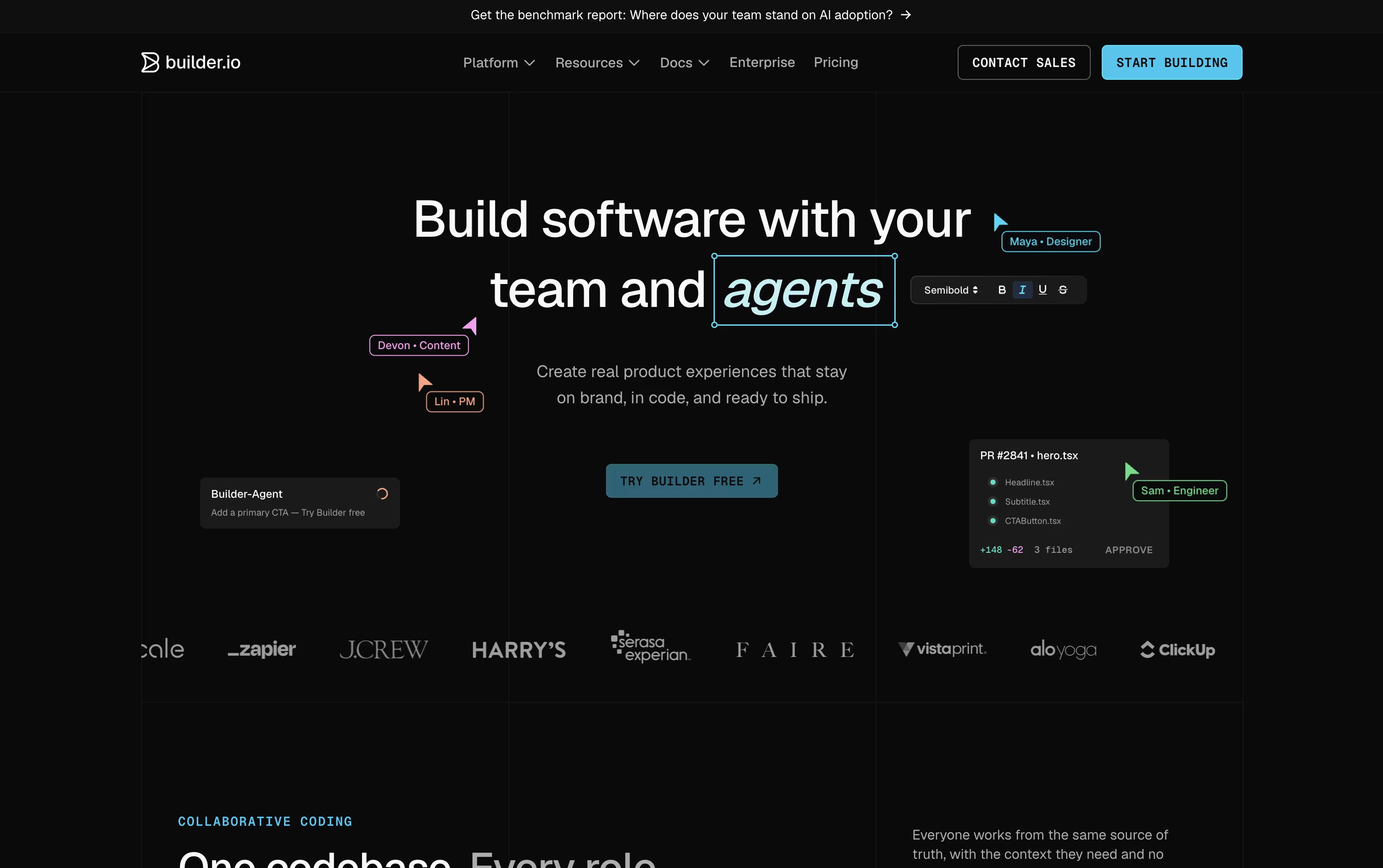
It comes in two parts. Fusion lets you build apps, features, and UIs from a prompt, a Figma file, or an existing repo. Publish is a visual headless CMS for building and shipping content and marketing pages.
Teams can start free with 1 user and 60 monthly Agent Credits, upgrade to Pro at $30 a user a month for more credits and built-in MCP servers, or move to Team at $50 a user a month for roles, peer reviews, and priority support.
Annual billing lowers the price to $24 and $40 a user a month for Pro and Team.
Larger organizations can use Enterprise, a custom plan that adds single sign-on, role-based access, private infrastructure, and dedicated support.





