CodeEdit
CodeEdit is a free, open-source code editor built natively for macOS that provides fast, smooth editing for any programming language.


What is CodeEdit
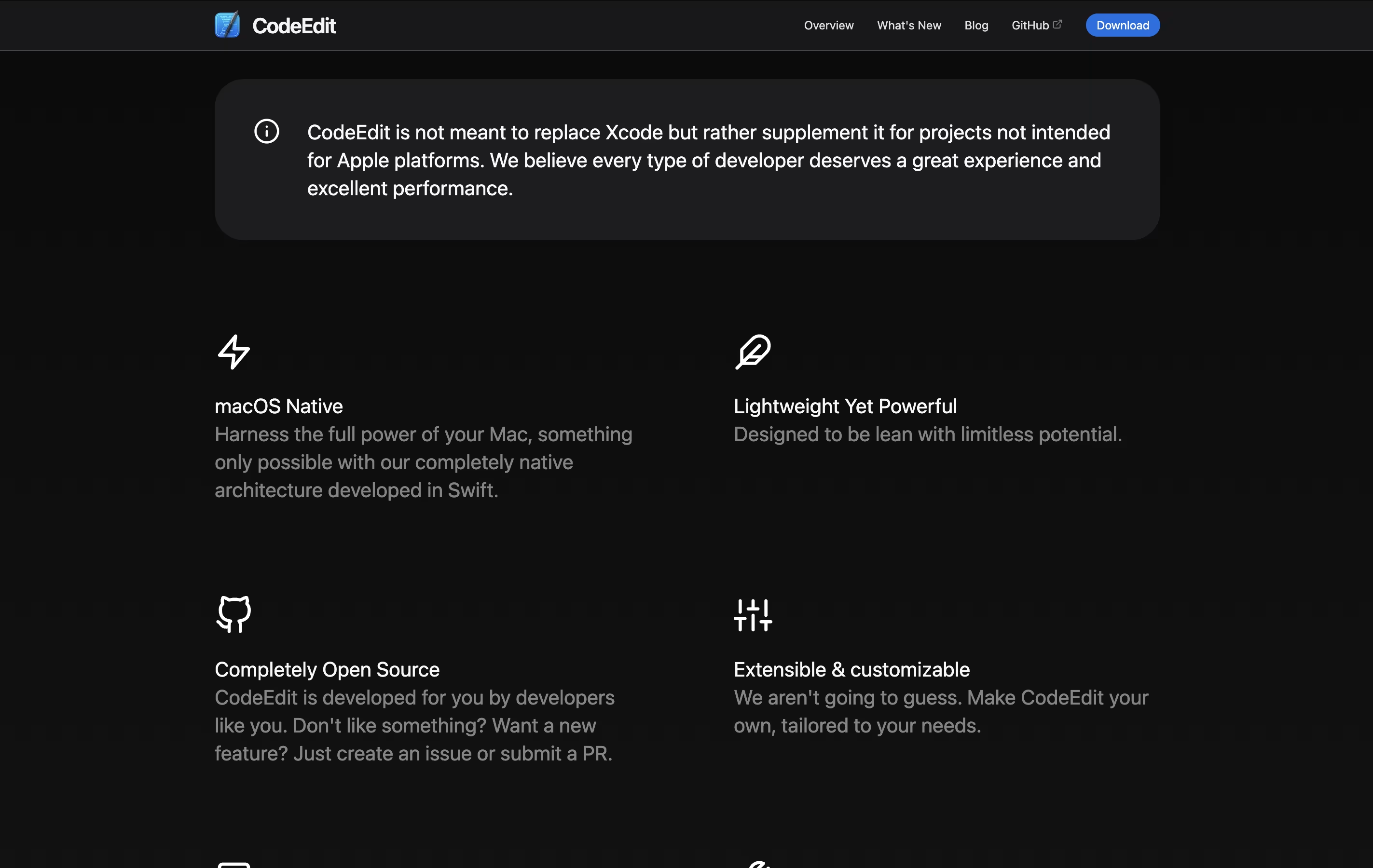
CodeEdit is a native code editor for macOS that helps you write and edit code in any programming language. It is built to be lightweight yet powerful, similar to how Apple builds its own apps. Unlike editors like VS Code that run on Electron, CodeEdit uses native Mac technology for better speed and efficiency.
The editor includes features like syntax highlighting, code completion, project search and replace, a built-in terminal, and Git support. It also has debugging tools and task running capabilities. There is a growing extension system that lets you add new features and language support.
CodeEdit is completely free and always will be. It is open source under the MIT license.
How to Use CodeEdit
Getting started with CodeEdit is simple. Here is how to use it:
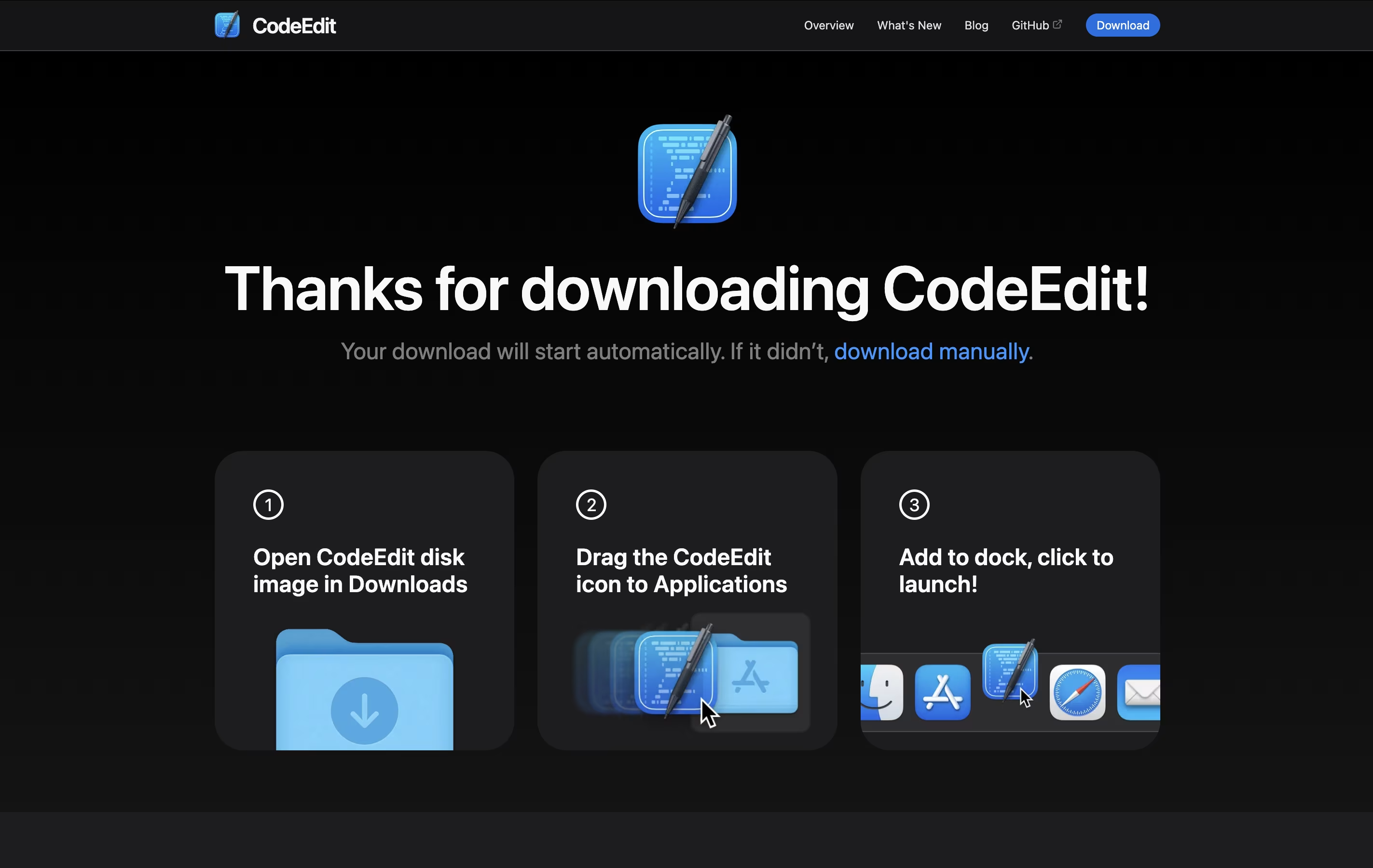
Download CodeEdit from the official website or GitHub. You need macOS Ventura (13.0) or newer to run it.
Open the app and either create a new document or open an existing project folder.
The editor will automatically detect the programming language based on the file type and apply syntax highlighting.
Use the built-in terminal at the bottom to run commands without leaving the editor.
Access the file explorer on the left side to navigate your project files easily.
Install language servers from the settings menu to enable advanced features like auto-completion and jump to definition.
Customize your experience by changing themes, adjusting editor settings, and installing extensions through the extension system.
Use Git integration to commit changes, view diffs, and manage branches directly from the editor.
Features of CodeEdit
Native macOS app built with Swift for maximum performance
Syntax highlighting for multiple programming languages
Code completion and auto-suggestions
Integrated terminal with full emulator support
Git integration with visual diff and branch management
Project-wide search and replace
Debugging with breakpoints and variable inspection
Extension system for adding new features
Customizable themes and editor settings
Open source and free forever
CodeEdit Pricing
Free
Free
- Complete access to all features
- Native macOS performance
- Syntax highlighting for all languages
- Code completion and auto-suggestions
- Integrated terminal emulator
- Full Git integration
- Project search and replace
- Debugging tools
- Extension system access
- Customizable themes and settings
CodeEdit Use Cases
Who Can Benefit from CodeEdit
CodeEdit Repository
View on Github| Stars | 22,951 |
| Forks | 1,178 |
| Repository Age | 4 years |
| Last Commit | 3 months ago |
FAQ's About CodeEdit
Share your experience with CodeEdit
See what users are saying about CodeEdit
0 Reviews
No reviews yet
Be the first to review CodeEdit
Embed CodeEdit badges
Show your community that CodeEdit is featured on Tool Questor. Add these beautiful badges to your website, documentation, or social profiles to boost credibility and drive more traffic.