ToolQuestor Logo
Pomerium
No reviews yet
0 Saved
Added:10/24/2025
Type:Saas
Monthly Traffic:-
Pricing:
FREEMIUMSUBSCRIPTION
Cloud-BasedAPI AvailableOpen SourceSelf-HostedSecurity
Granola

Granola

FEATURED
OpenArt AI

OpenArt AI

FEATURED
Bubble

Bubble

FEATURED
Pomerium screenshot 2
Pomerium screenshot 3
Pomerium screenshot 4
Pomerium screenshot 5

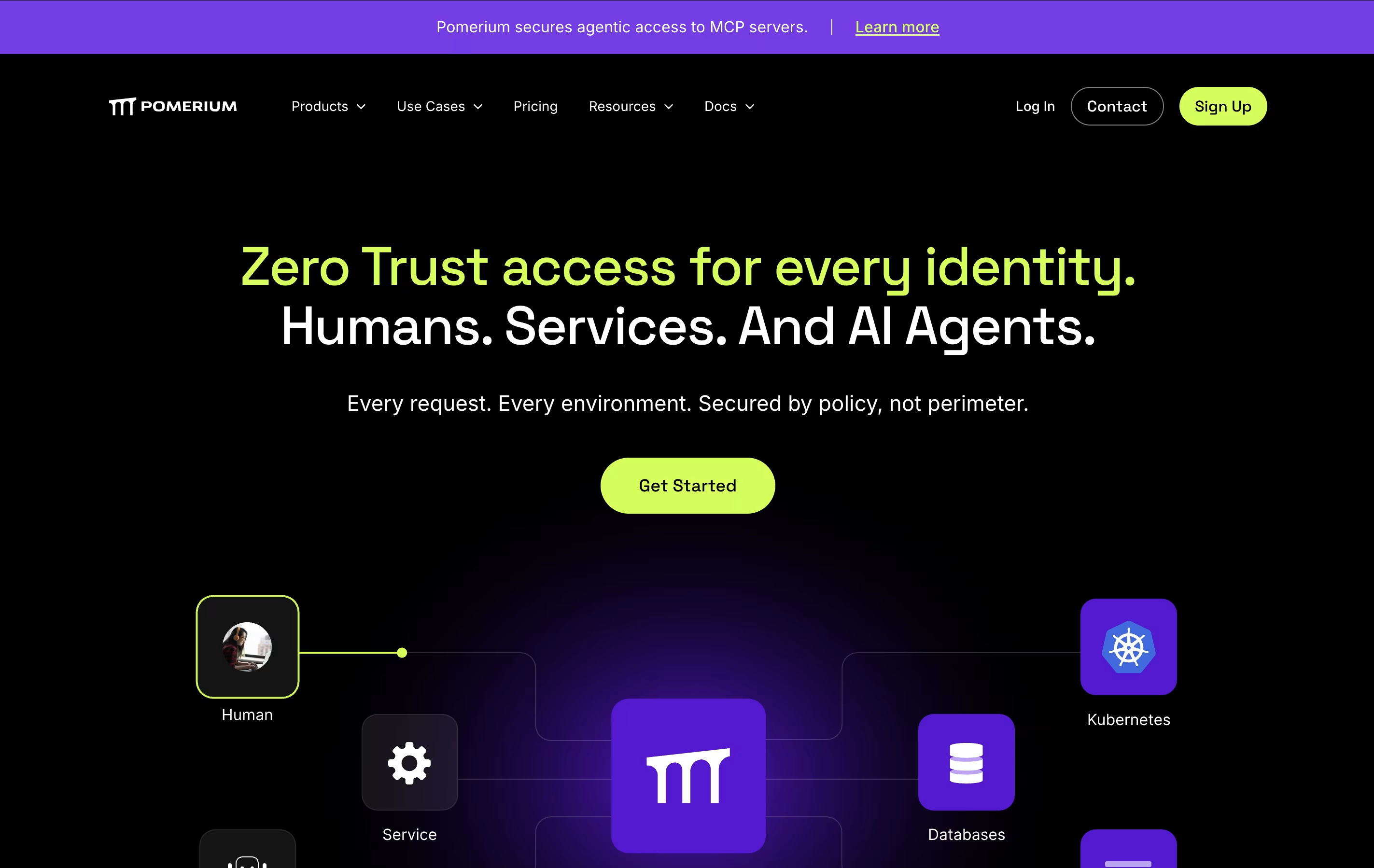
What is Pomerium

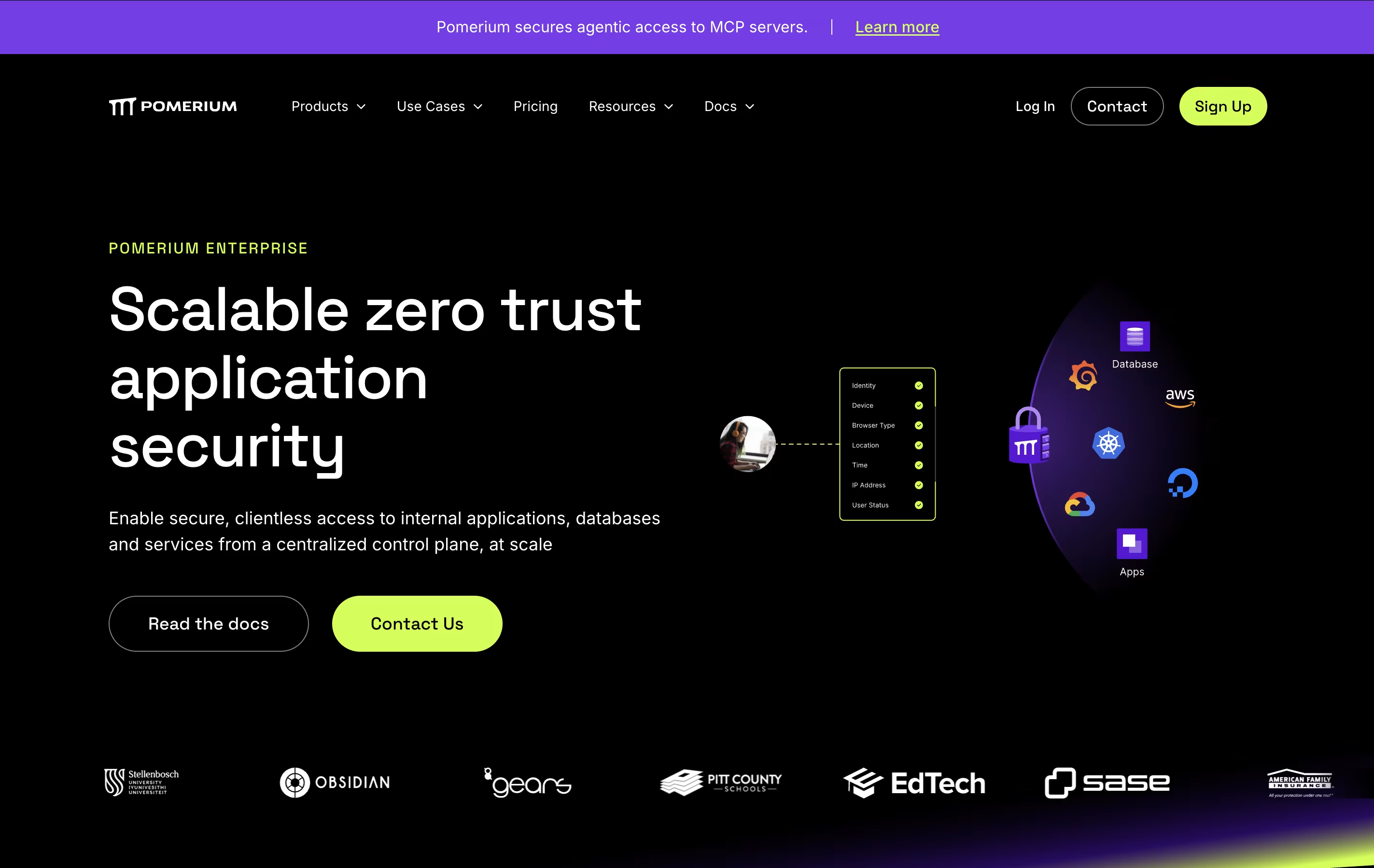
Pomerium is a zero trust access proxy that sits between users and internal applications. It verifies identity and permission before allowing access to any resource. The tool works by connecting to your existing identity provider like Google, Okta, Azure, or others.

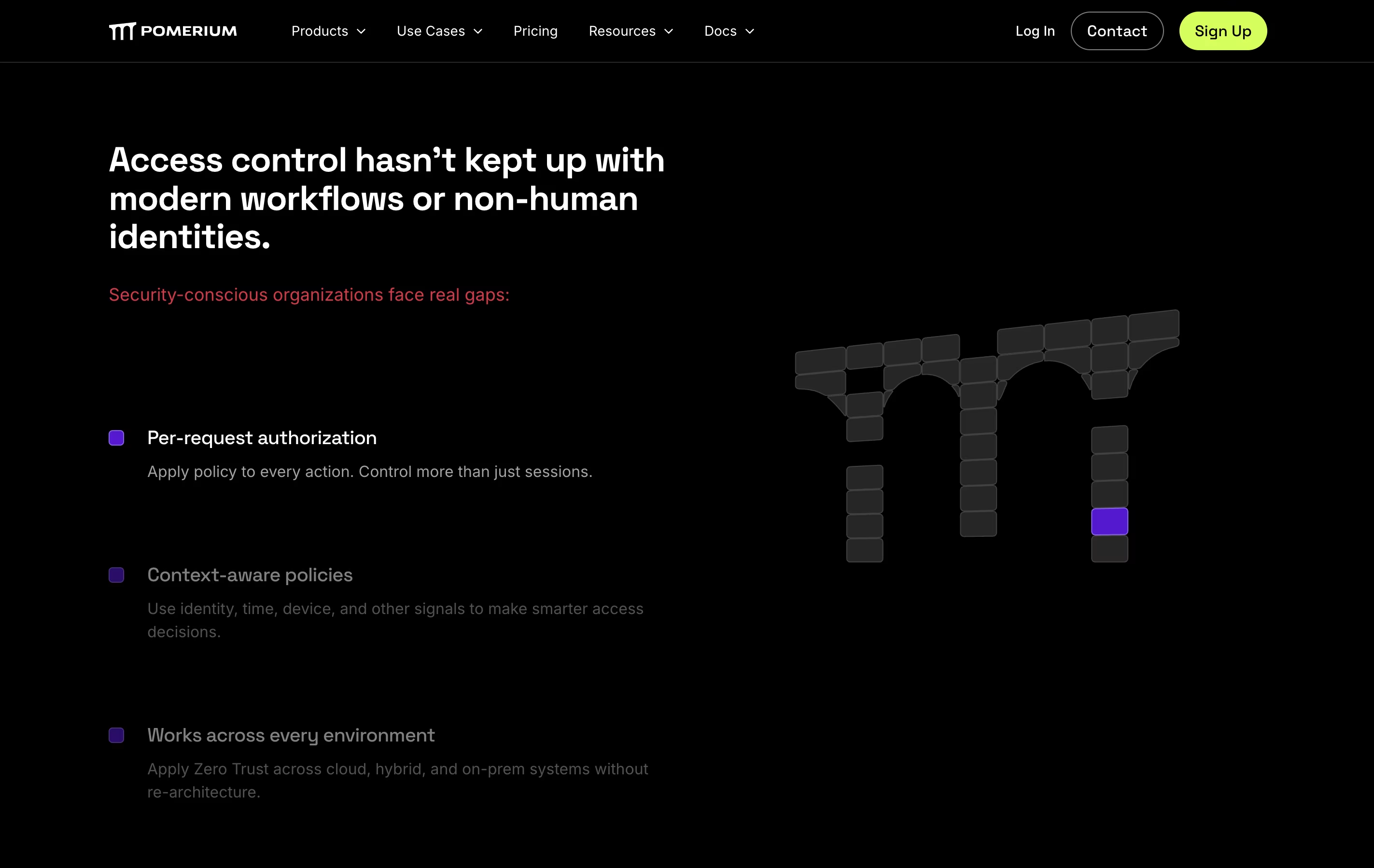
When someone tries to access an application, Pomerium checks their identity, device status, and other factors against your security rules. Only if everything matches will it grant access. This happens in real time for every request, not just once during login.

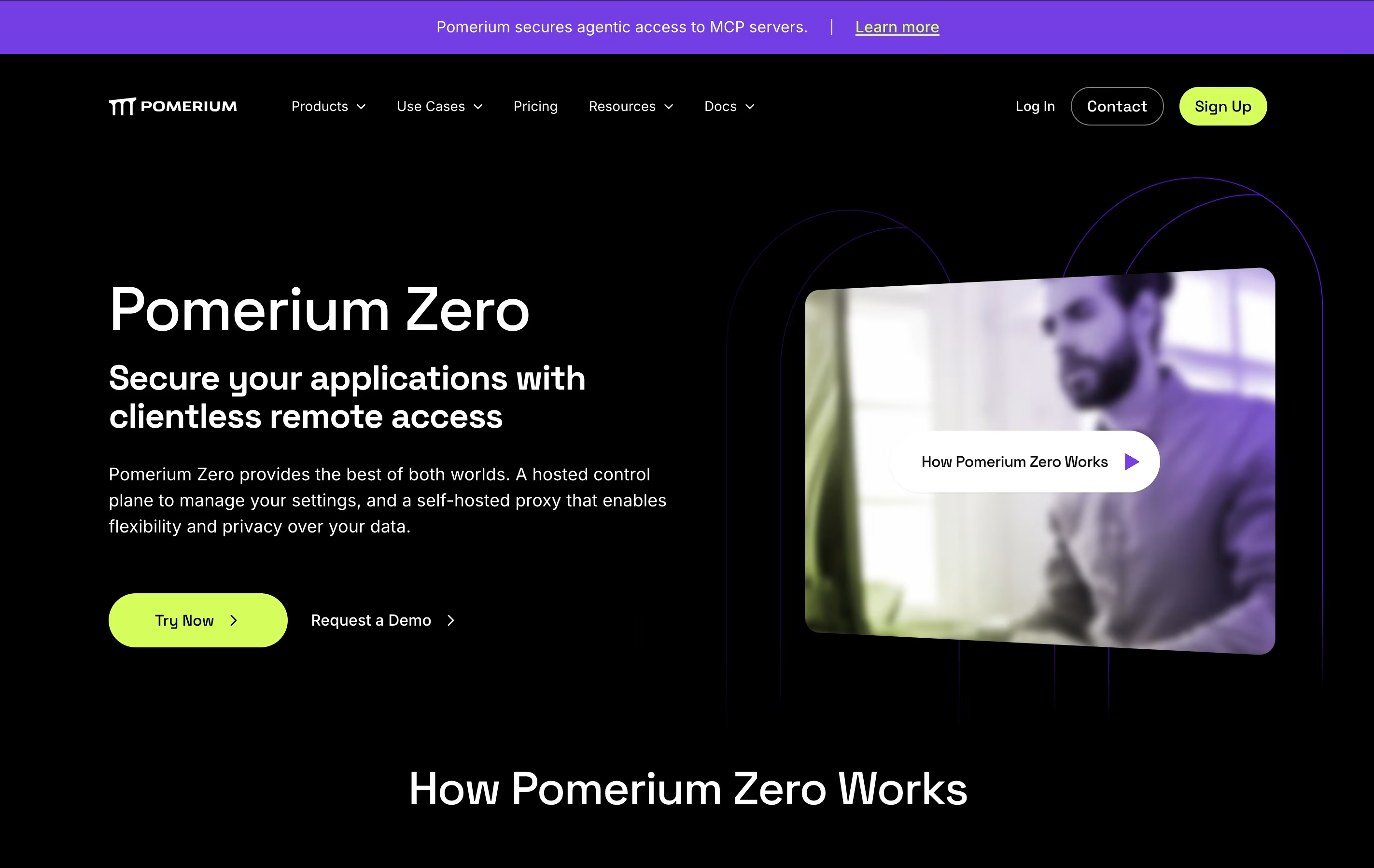
Pomerium is open source and can be self-hosted, meaning your data stays under your control. It offers both free and paid versions, with the paid options adding team features and support for larger organizations.

How to Use Pomerium

Getting started with Pomerium is straightforward. Here are the steps:

  • Install Pomerium: Download and install Pomerium on your server or use their hosted control plane option. You can deploy it using Docker, Kubernetes, or directly on a virtual machine.

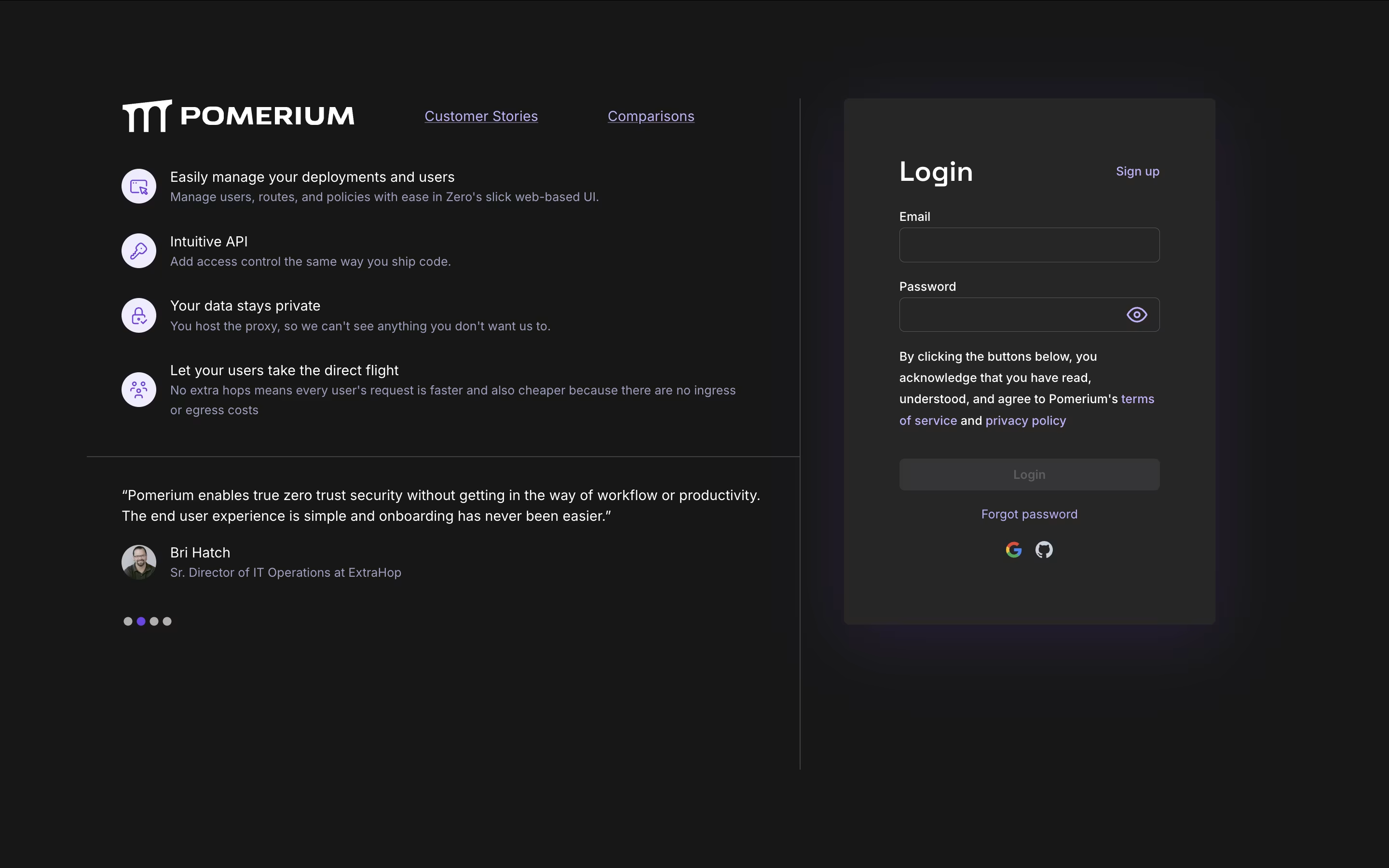
  • Connect your identity provider: Link Pomerium to your existing login system such as Google Workspace, Okta, Azure Active Directory, or GitHub. This lets users sign in with their normal work credentials.

  • Set up routes and policies: Define which applications Pomerium should protect and create rules about who can access them. You can base rules on email, group membership, device type, time of day, and more.

  • Test access: Try accessing a protected application through your browser. Pomerium will redirect you to sign in through your identity provider, then grant or deny access based on your policies.

  • Monitor and adjust: Review access logs and update policies as your security needs change.

Features of Pomerium

  • Zero trust architecture with continuous verification

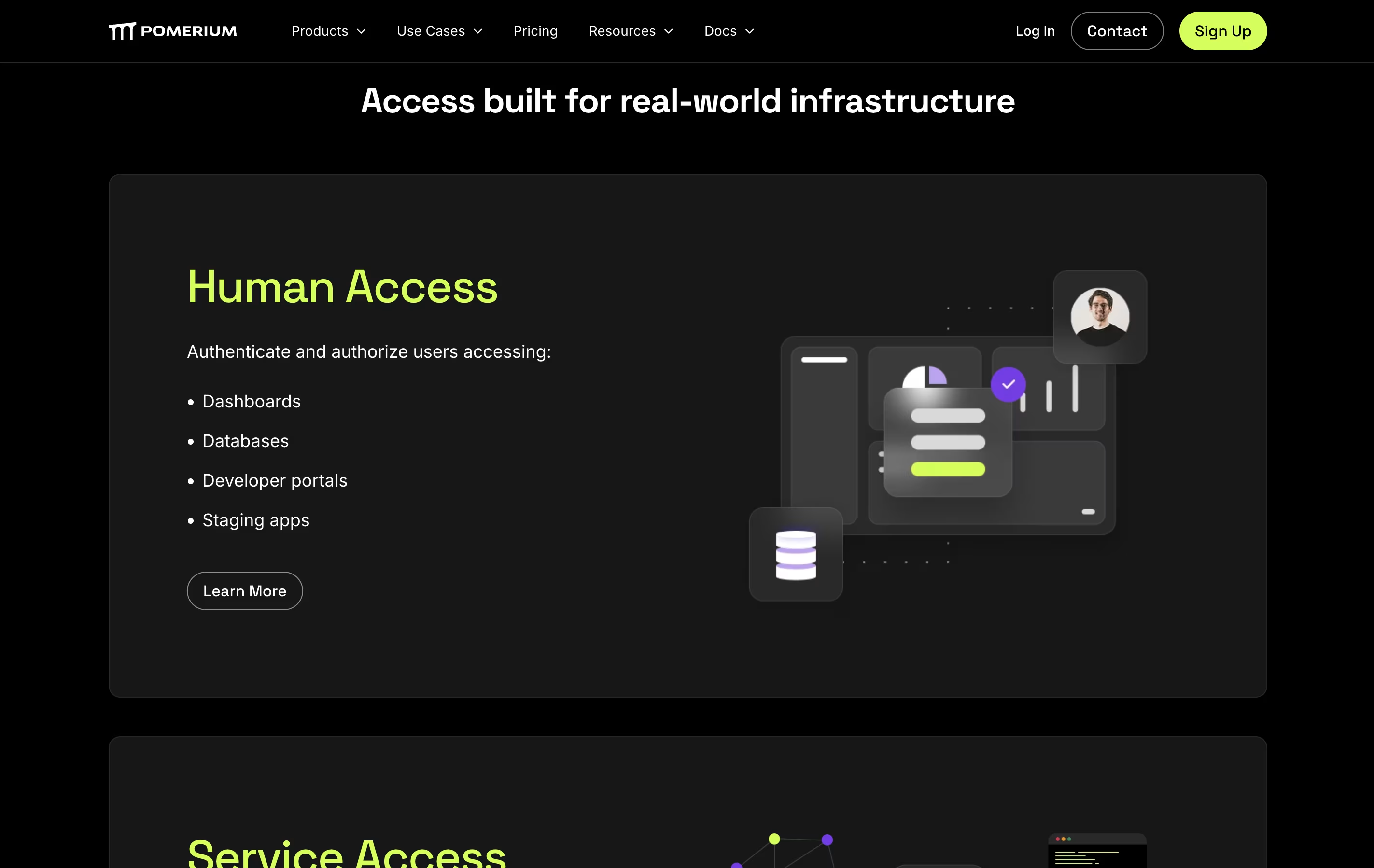
  • VPN replacement with clientless browser access

  • Support for Google, Okta, Azure, GitHub, and more identity providers

  • Self-hosted proxy keeps data private

  • Kubernetes native integration and API security

  • Context-aware policies using identity, device, and location

  • Real-time access decisions for every request

  • Open source with active community

  • JWT-based authentication and authorization

  • Single sign-on across applications

Pomerium Pricing

Zero Personal

Free

What's included:
  • Secure remote application access
  • Managed control plane for easy setup
  • Self-hosted reverse proxy
  • Data remains under your control
  • Basic zero trust features
  • Community support
  • Ideal for personal use and hobbyists
Most Popular
Zero Business

$7

What's included:
  • All Zero Personal features
  • Increased usage limits
  • Self-hosted data plane
  • Hosted control plane
  • Team collaboration features
  • Advanced security policies
  • Business-grade support
  • Compliance features
  • $9/month when billed monthly
Enterprise

Custom

What's included:
  • Fully self-hosted on-premise solution
  • Complete API access
  • No usage limits
  • Priority support with SLA
  • Advanced security features
  • Multi-cluster deployment
  • Custom integrations
  • Dedicated account management
  • Advanced compliance features

Pomerium Repository

View on Github
Stars4,493
Forks315
Repository Age6 years
Last Commit1 month ago

FAQ's About Pomerium

Is Pomerium free to use?
Yes, Pomerium offers a free Zero Personal plan for individuals and hobbyists with unlimited basic usage. For businesses, Zero plans start at $7/month per user (annual billing). Enterprise plans with custom pricing are available for large organizations needing on-premise deployment.
How is Pomerium different from a VPN?
Unlike VPNs that create network tunnels, Pomerium works at the application layer without client software. It provides identity-based access with zero trust verification for every request. VPNs trust anyone on the network, while Pomerium continuously verifies identity, context, and permissions in real time.
What identity providers does Pomerium support?
Pomerium integrates with all major identity providers including Google Workspace, Microsoft Azure AD, Okta, GitHub, GitLab, Auth0, OneLogin, AWS Cognito, and Ping Identity. It also works with any provider supporting OAuth 2.0 and OpenID Connect protocols.
Do users need to install software to use Pomerium?
No, Pomerium is completely clientless. Users access protected applications directly through their web browser. After signing in with their identity provider, they can access authorized applications without installing VPN clients or other software.
Can I self-host Pomerium?
Yes, Pomerium is fully self-hosted with your data remaining in your infrastructure. The open-source version gives complete control. Zero plans offer a hosted control plane for easier management while keeping your data plane self-hosted. Enterprise plans support fully on-premise deployment.

Share your experience with Pomerium

Loading...

See what users are saying about Pomerium

0.0

0 Reviews

5
0
4
0
3
0
2
0
1
0

No reviews yet

Be the first to review Pomerium

Embed Pomerium badges

Show your community that Pomerium is featured on Tool Questor. Add these beautiful badges to your website, documentation, or social profiles to boost credibility and drive more traffic.

Light Badge Preview
Pomerium – Zero Trust Access Proxy for Secure Application Access