ToolQuestor Logo
turboSMTP

turboSMTP

No reviews yet
0 Saved
Added:11/7/2025
Type:Saas
Monthly Traffic:-
Pricing:
FREEMIUMSUBSCRIPTION
Cloud-BasedSaaSAPI AvailableEnterpriseDevelopersIntegrationAutomationAnalyticsEmail Marketing
OpenArt AI

OpenArt AI

FEATURED
Vidnoz AI

Vidnoz AI

FEATURED
BASE44

BASE44

FEATURED
turboSMTP screenshot 2
turboSMTP screenshot 3
turboSMTP screenshot 4
turboSMTP screenshot 5

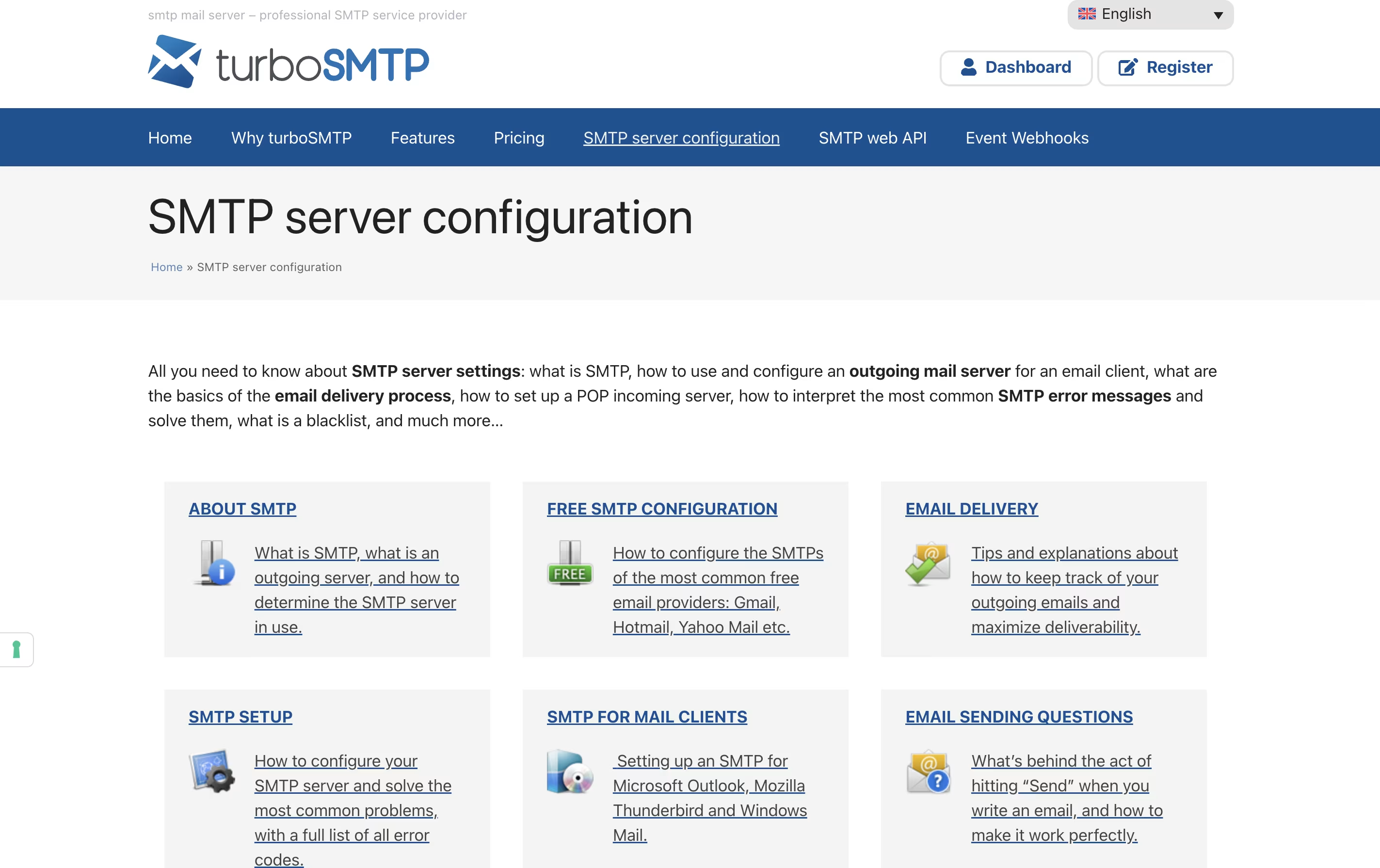
What is turboSMTP

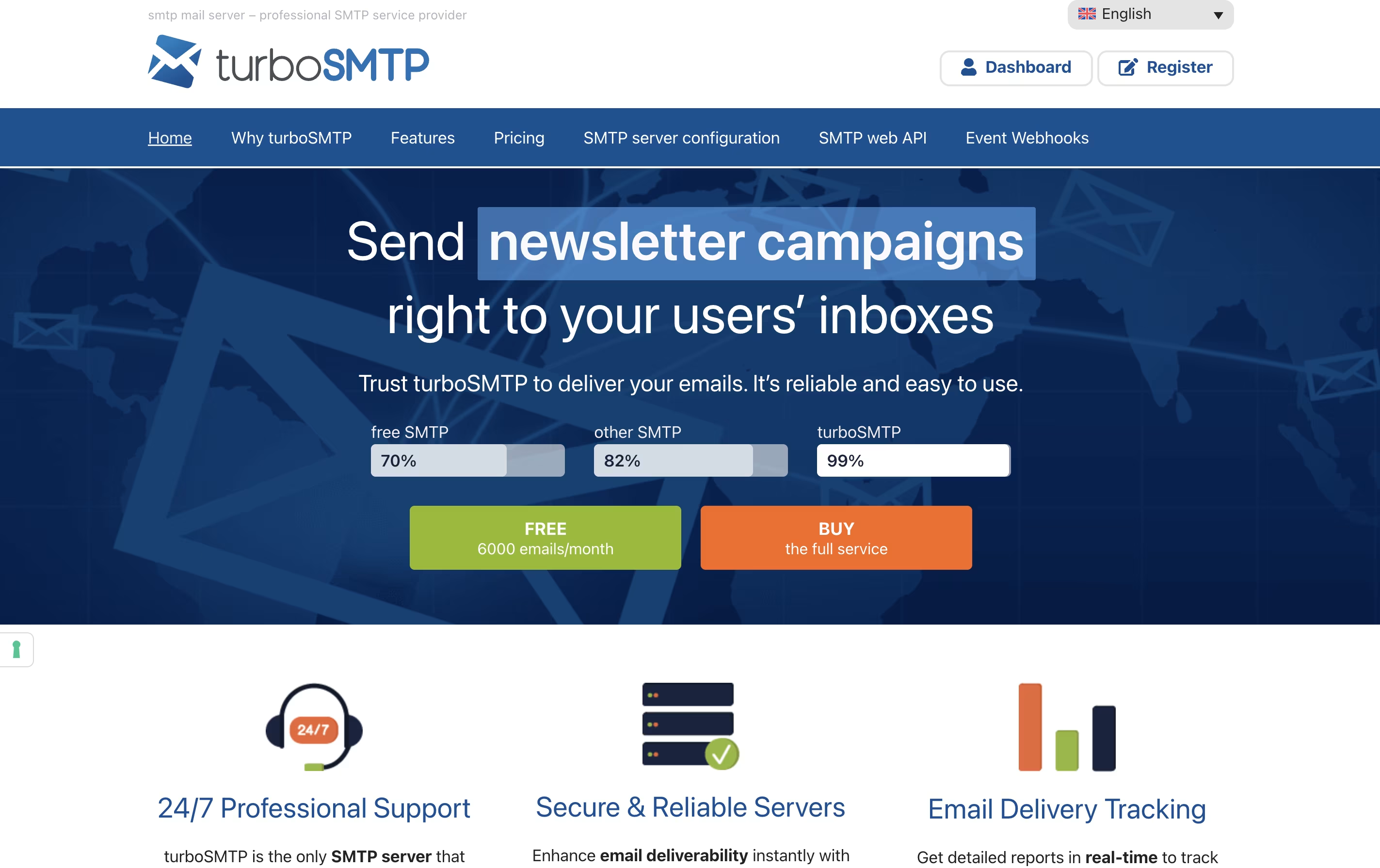
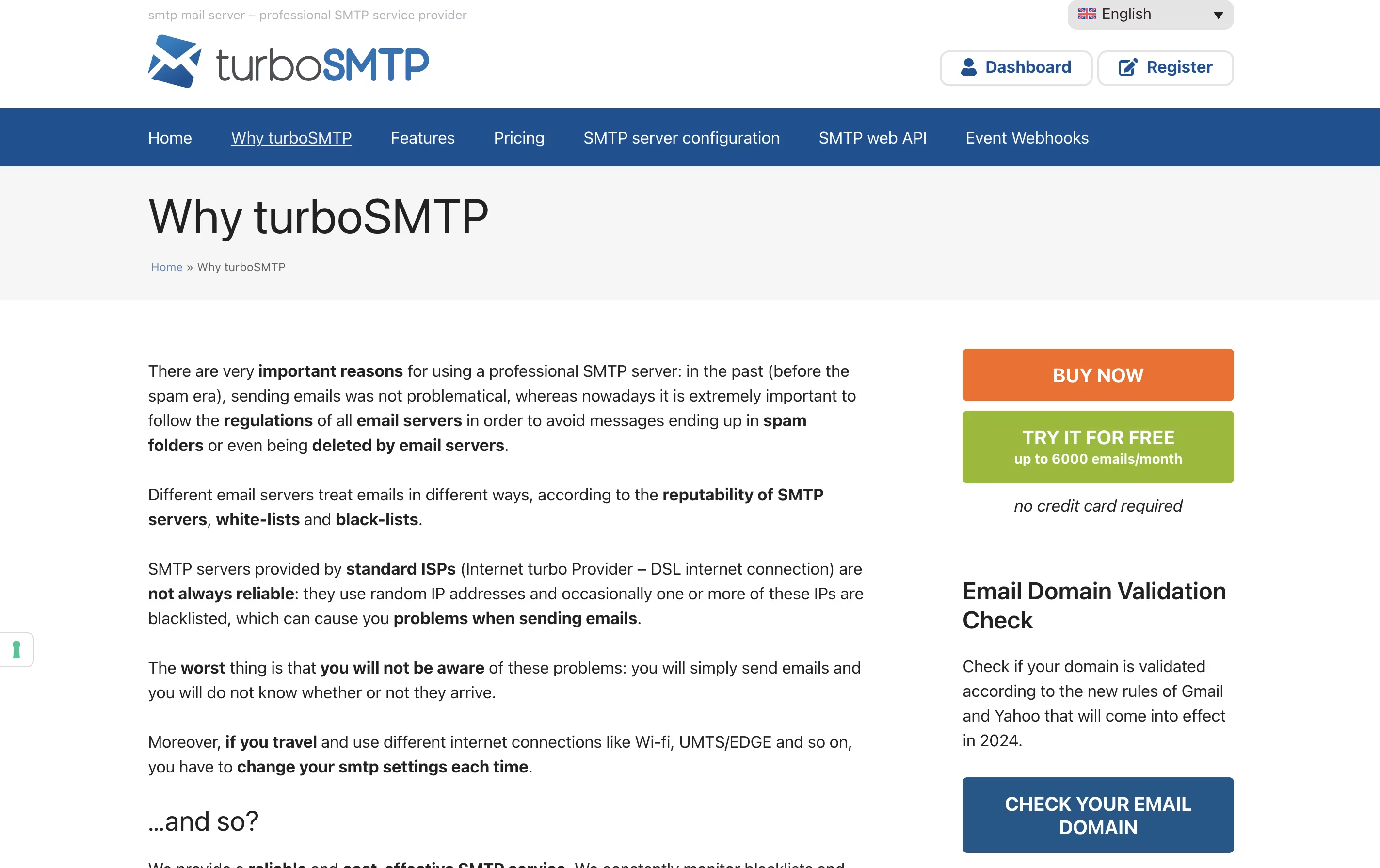
turboSMTP is an email relay service that acts as a bridge between your email program and your recipients. When you send an email through turboSMTP, it goes through their secure servers which have good relationships with internet providers worldwide.

The service includes tracking tools so you can see who opened your emails and which links they clicked. It also checks email addresses before sending to avoid bounces. turboSMTP offers both shared servers for regular users and dedicated IP addresses for businesses that send large volumes.

You can connect turboSMTP to your website, email program like Outlook, or marketing tools through simple settings or programming interfaces. The service works anywhere in the world and supports sending from any email address you own.

How to Use turboSMTP

Getting started with turboSMTP is straightforward. Here's how to use it effectively:

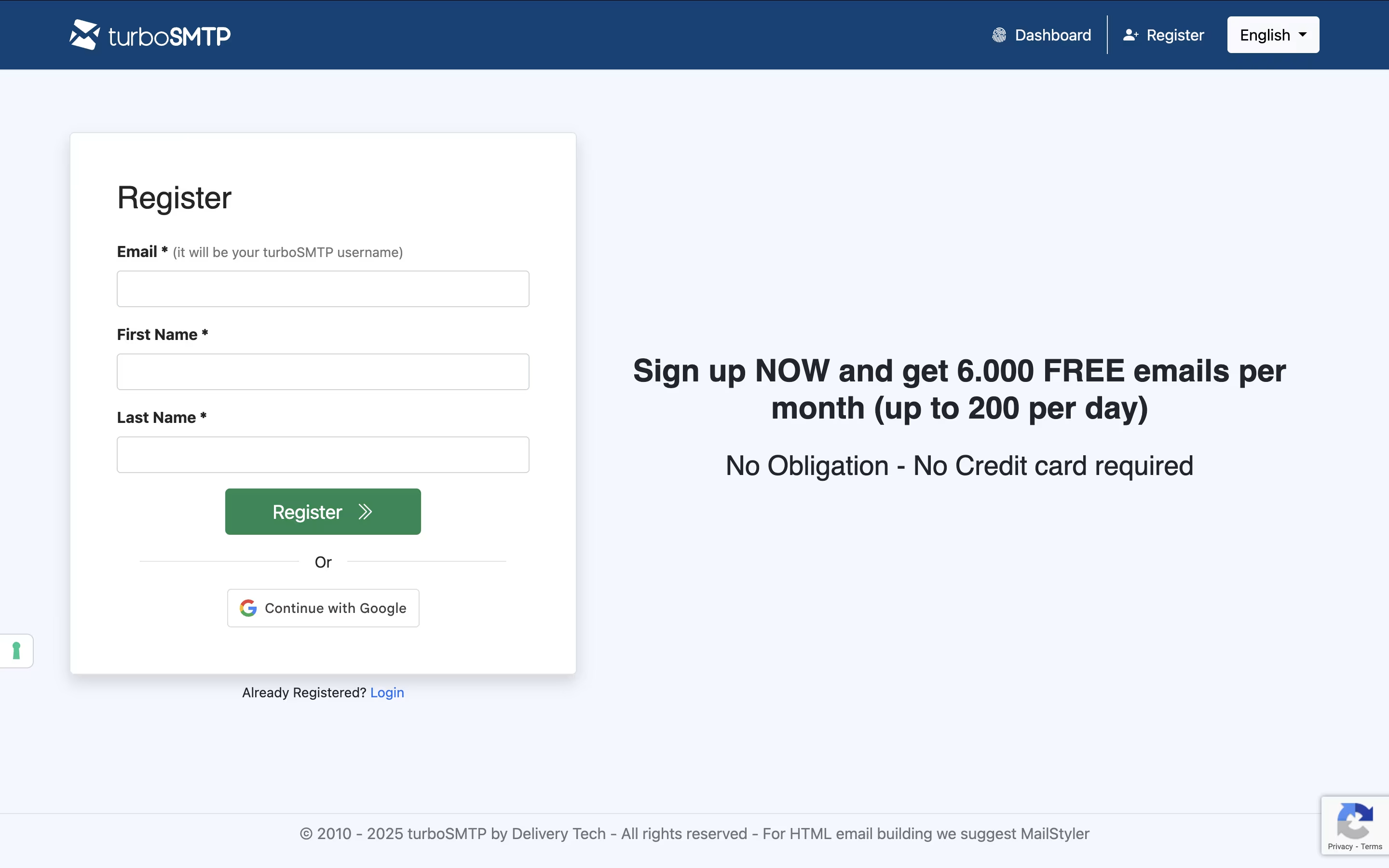
  • Sign up for a free account on their website to get 6,000 monthly emails at no cost. You can test the service before buying.

  • Connect your email program or website by entering the SMTP server details provided in your dashboard. Most setups take just a few minutes.

  • Verify your sender email addresses through the validation process. This helps prevent your emails from being marked as spam.

  • Upload your contact list and check it with their email validation tool. This removes invalid addresses that could hurt your delivery rate.

  • Send your first campaign and monitor results in real-time through the dashboard. You can see delivery status, opens, clicks, and bounces.

  • For developers, use their API to send emails automatically from your application. Complete documentation and code examples are available.

Features of turboSMTP

  • Professional SMTP relay with 99.9% uptime guarantee

  • Real-time email tracking and analytics

  • Email address validation tool included

  • API access for developers

  • Dedicated IP addresses available

  • Custom tracking domains

  • Unlimited bandwidth with no caps

  • Subaccount management for teams

  • 24/7 multilingual support

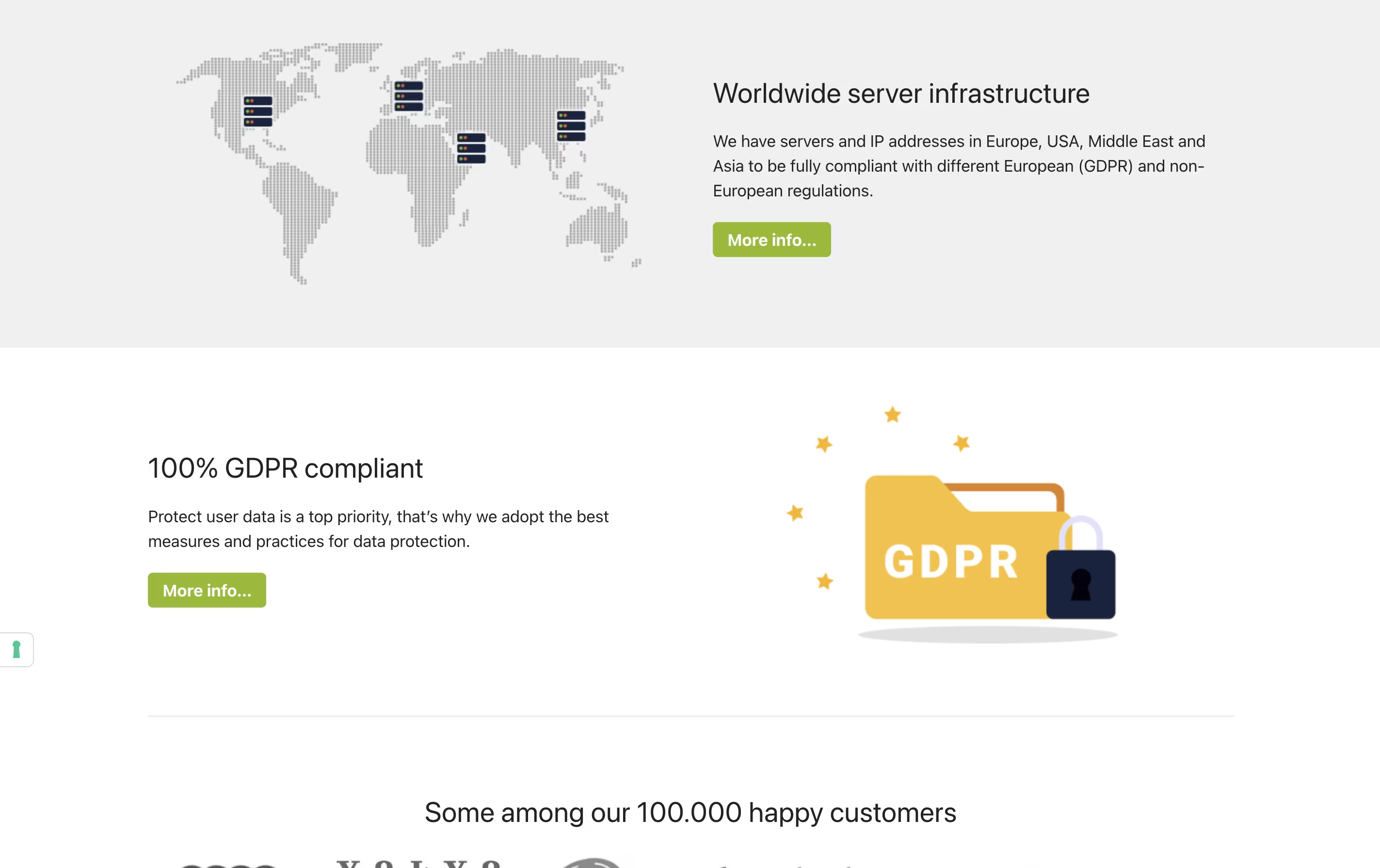
  • GDPR compliant with European servers

  • Compatible with all major email programs

turboSMTP Pricing

Free

Free

What's included:
  • 6,000 emails per month
  • 200 emails per day limit
  • APIs and SMTP Relays
  • Libraries and Documentation
  • Delivery Optimization Tools
  • Email validation ($1 preloaded / 125 emails)
  • 1 Subaccount
  • 1 Custom Tracking Domain
Basic

$14.95 /mo

What's included:
  • 10,000 emails per month
  • APIs and SMTP Relays
  • Libraries and Documentation
  • Delivery Optimization Tools
  • Email validation ($1 preloaded / 125 emails)
  • 1 Subaccount
  • 1 Custom Tracking Domain
  • Statistics for the last 30 days
Most Popular
Professional

$79.95 /mo

What's included:
  • 100,000 emails per month
  • APIs and SMTP Relays
  • Libraries and Documentation
  • Delivery Optimization Tools
  • Email validation (3,000 credits/month included)
  • 100 Subaccounts
  • Unlimited Custom Tracking Domains
  • Statistics for the last 365 days
  • MailStyler template editor included
  • Premium Support
Enterprise

Custom

What's included:
  • Custom email volume
  • APIs and SMTP Relays
  • Libraries and Documentation
  • Delivery Optimization Tools
  • Email validation (3,000+ credits/month included)
  • 100+ Subaccounts
  • Unlimited Custom Tracking Domains
  • Statistics for the last 365 days
  • MailStyler template editor included
  • Premium Support with dedicated account manager

FAQ's About turboSMTP

Is turboSMTP free to use?
Yes, turboSMTP offers a free plan with 6,000 emails per month (200 per day) for 12 months. This includes API access, email validation credits, and basic features. You can upgrade to paid plans starting at $14.95/month for higher volumes and advanced features.
How is turboSMTP different from regular email services?
Regular email services often have sending limits and may block your emails. turboSMTP uses trusted servers with special relationships to internet providers, ensuring better delivery rates. It also provides tracking, validation tools, and works from anywhere without changing settings.
Can I use turboSMTP with my current email program?
Yes, turboSMTP works with all major email programs including Outlook, Gmail, Apple Mail, and Thunderbird. You simply update your SMTP settings once, and it works everywhere you connect to the internet. It also integrates with websites and apps.
What happens if my emails bounce or get marked as spam?
turboSMTP automatically tracks bounces and complaints. Their email validation tool checks addresses before sending to reduce bounces. If you get spam complaints, their team helps you improve your practices. Professional plans include dedicated IPs for better reputation control.
Do I need technical skills to use turboSMTP?
No technical skills are required for basic use. Setting up your email program takes just a few minutes with their step-by-step guides. For developers wanting API integration, they provide complete documentation, code examples, and 24/7 technical support in multiple languages.

Share your experience with turboSMTP

Loading...

See what users are saying about turboSMTP

0.0

0 Reviews

5
0
4
0
3
0
2
0
1
0

No reviews yet

Be the first to review turboSMTP

Embed turboSMTP badges

Show your community that turboSMTP is featured on Tool Questor. Add these beautiful badges to your website, documentation, or social profiles to boost credibility and drive more traffic.

Light Badge Preview