

Best 8 Tools for Real-Time Code Completion in 2026
Last Updated: August 24, 2026
Real-Time Code Completion suggests the next line, function, or block of code as you type, based on the context of your file and project. It cuts down on repetitive typing and helps you move through boilerplate and common patterns much faster.
Good completion tools go beyond simple autocomplete by understanding variable names, imports, and the logic already present in your codebase. The result is suggestions that actually fit what you are building, rather than generic snippets pulled from nowhere.
 Cursor
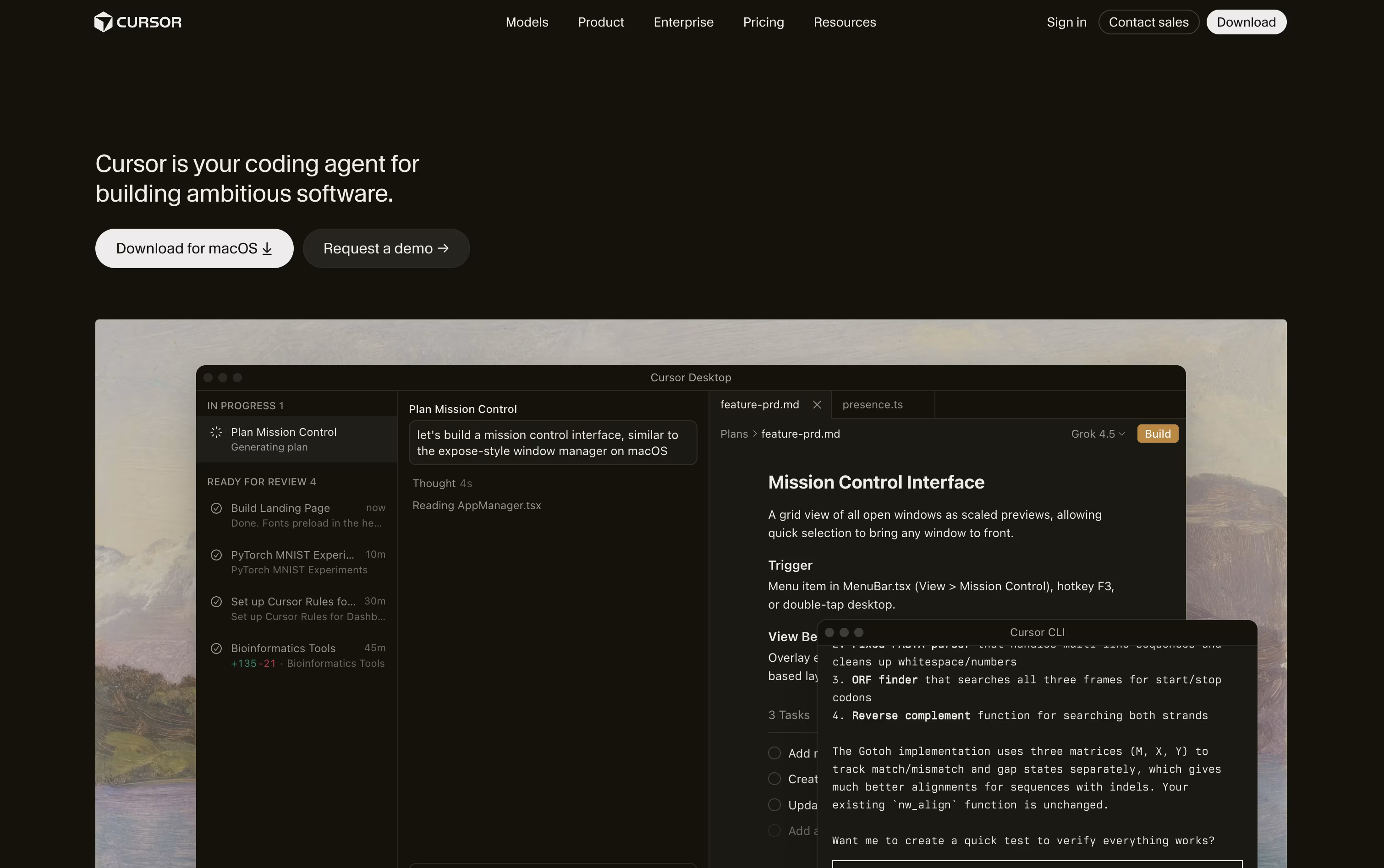 CursorAI-Native Code Editor for Developers,
  Zed
Zed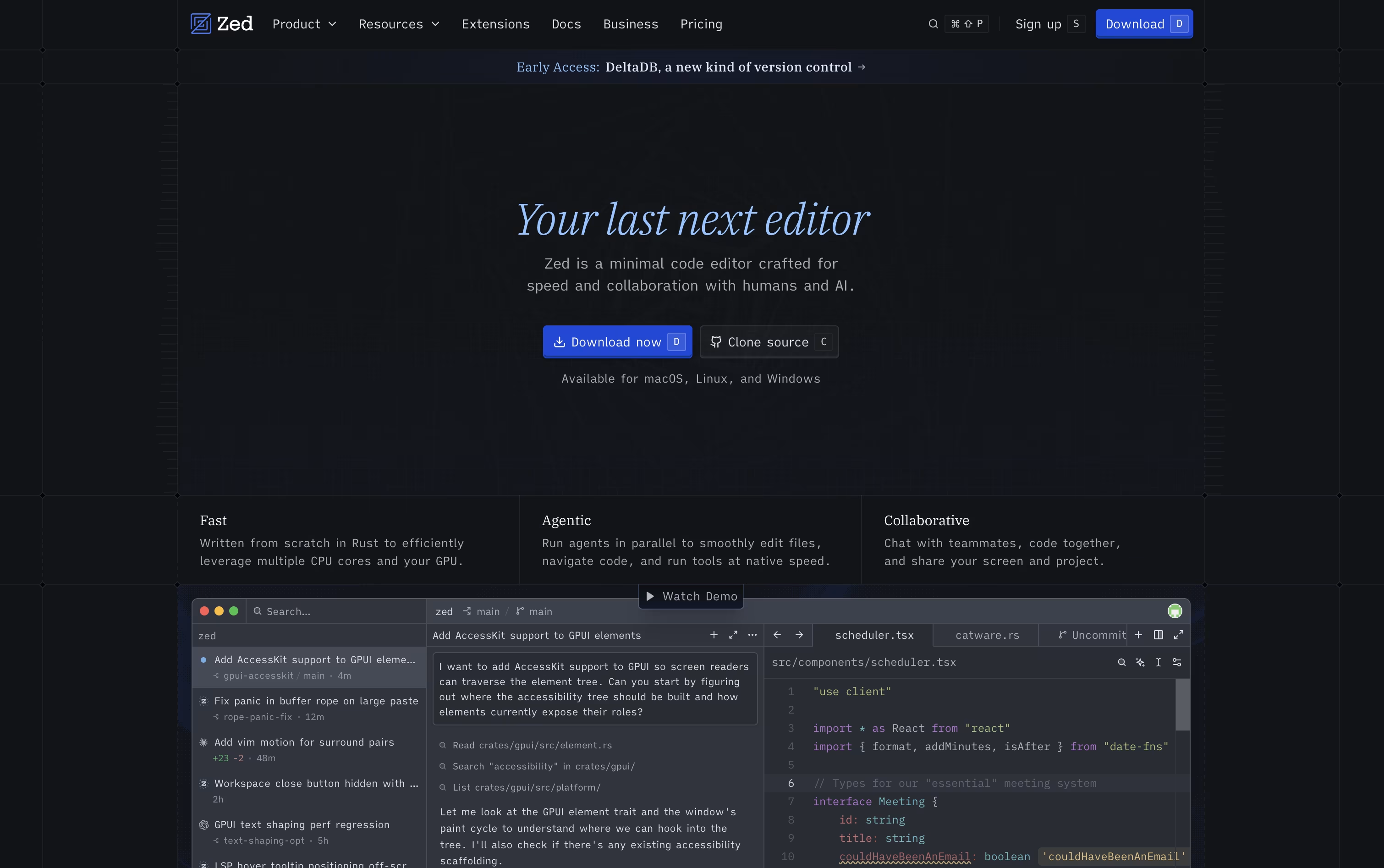 ZedRust Code Editor with AI and Collaboration, and
  Kilo Code
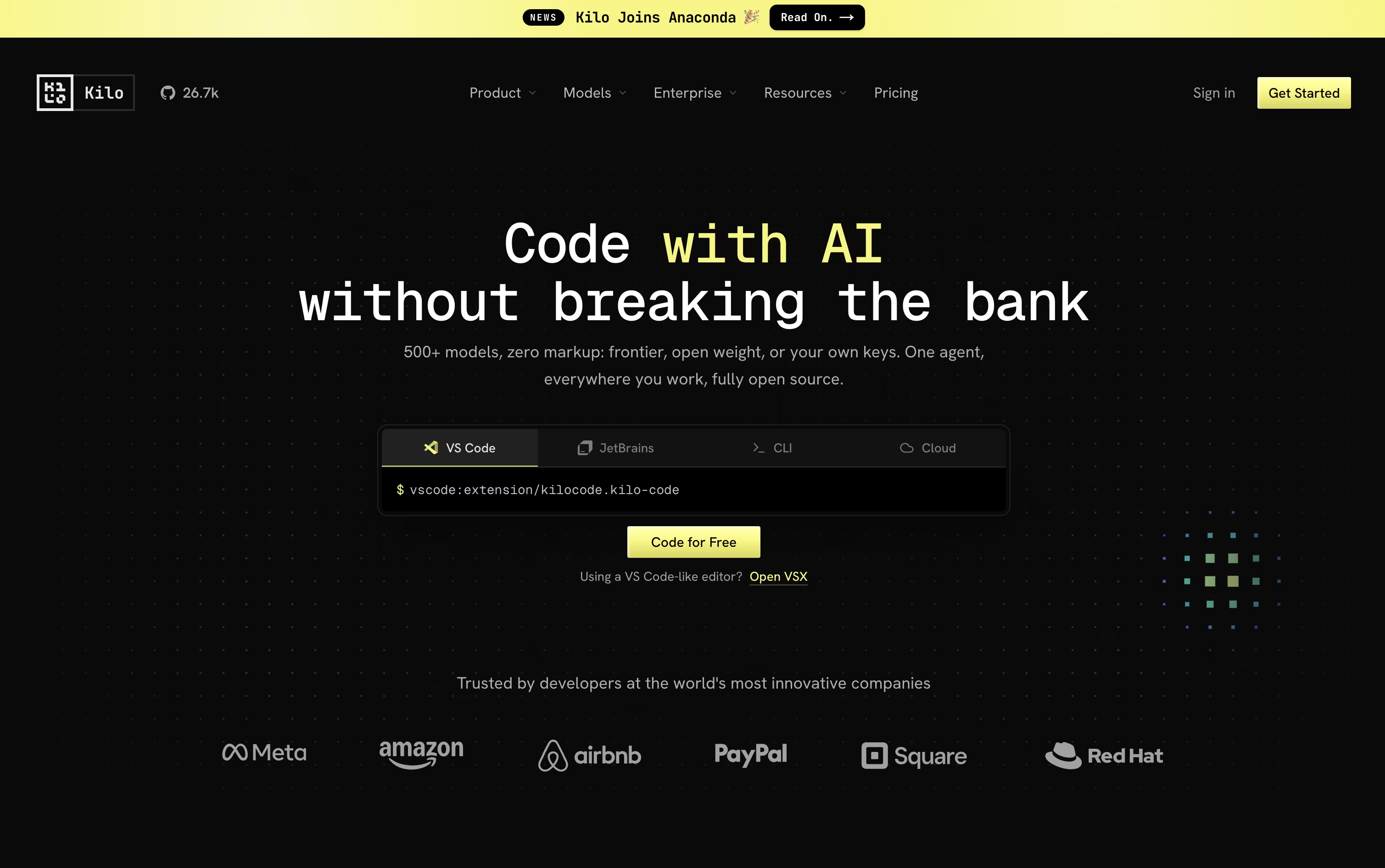 Kilo CodeOpen Source AI Coding Agent Platform are the best for Real-Time Code Completion. So, let’s take a closer look at all 8 tools.

Cursor turns coding into something you direct rather than type line by line. You explain what you need, and an agent reads through your project, builds a plan, edits the right files, and runs the commands to check its own work.
Quick edits still get a fast, smart autocomplete, while bigger tasks like fixing bugs or adding features go to full agent mode, which can work across many files at once.
Getting started costs nothing on the free Hobby plan, which includes limited agent use and access to Composer. Stepping up to Pro costs $20 a month and adds extended agent limits, top AI models, cloud agents, and outside tool connections through MCP.
Heavier users can choose Pro+ at $60 a month or Ultra at $200 a month for much higher usage limits. Teams can pick Standard at $40 per user a month or Premium at $120 per user a month, both with shared billing and single sign-on.
Bigger organizations can ask for custom Enterprise pricing with extra controls and audit logs. Cursor runs on desktop, in a terminal, on the web, and on mobile.
Zed is a code editor built to move as fast as you think. Written in Rust with a custom graphics engine, it keeps typing, scrolling, and searching smooth even on large codebases.
It also supports real-time collaboration, letting teammates see each other's cursors and edits live, and it comes with built-in AI agents that can search, edit, and fix code across a project from a simple written request.
The Personal plan is free forever, offering 2,000 accepted edit predictions and unlimited use with your own API keys or outside agents such as Claude Agent and Codex.
Stepping up to Pro costs $10 a month and unlocks unlimited edit predictions plus $5 of built-in AI usage, with any extra usage billed after that.
Teams needing more control can choose Business at $30 per seat a month, which adds org-wide AI policies, governance, spend visibility, and role-based access.
Kilo Code is an AI coding agent built to feel the same wherever you use it, whether that is your code editor, a terminal window, the cloud, or your phone, with sessions that carry over between them.
Give it a task in plain language and it breaks the work down, changes code across many files, runs commands, and checks its own results, switching between coding, planning, debugging, and review modes as needed.
Model choice is wide open too, with access to over 500 AI models from more than 60 providers. You can bring your own provider keys or run local models, and Kilo never adds a markup on top of what the provider charges.
Using Kilo Code as an individual is free, and that includes the open source VS Code extension, the JetBrains plugin, and the CLI. You only pay separately for the AI models and cloud compute you actually use.
For groups that want shared billing and usage reporting, the Teams plan is $15 per user each month, and larger companies can request Enterprise pricing that adds SSO, audit logs, and dedicated support.

Qoder is an AI development platform that goes beyond autocomplete, aiming to actually plan, write, test, and fix code the way a developer would. It reads your whole codebase using Enhanced Context Engineering, keeping track of architecture, dependencies, and project history as it works.
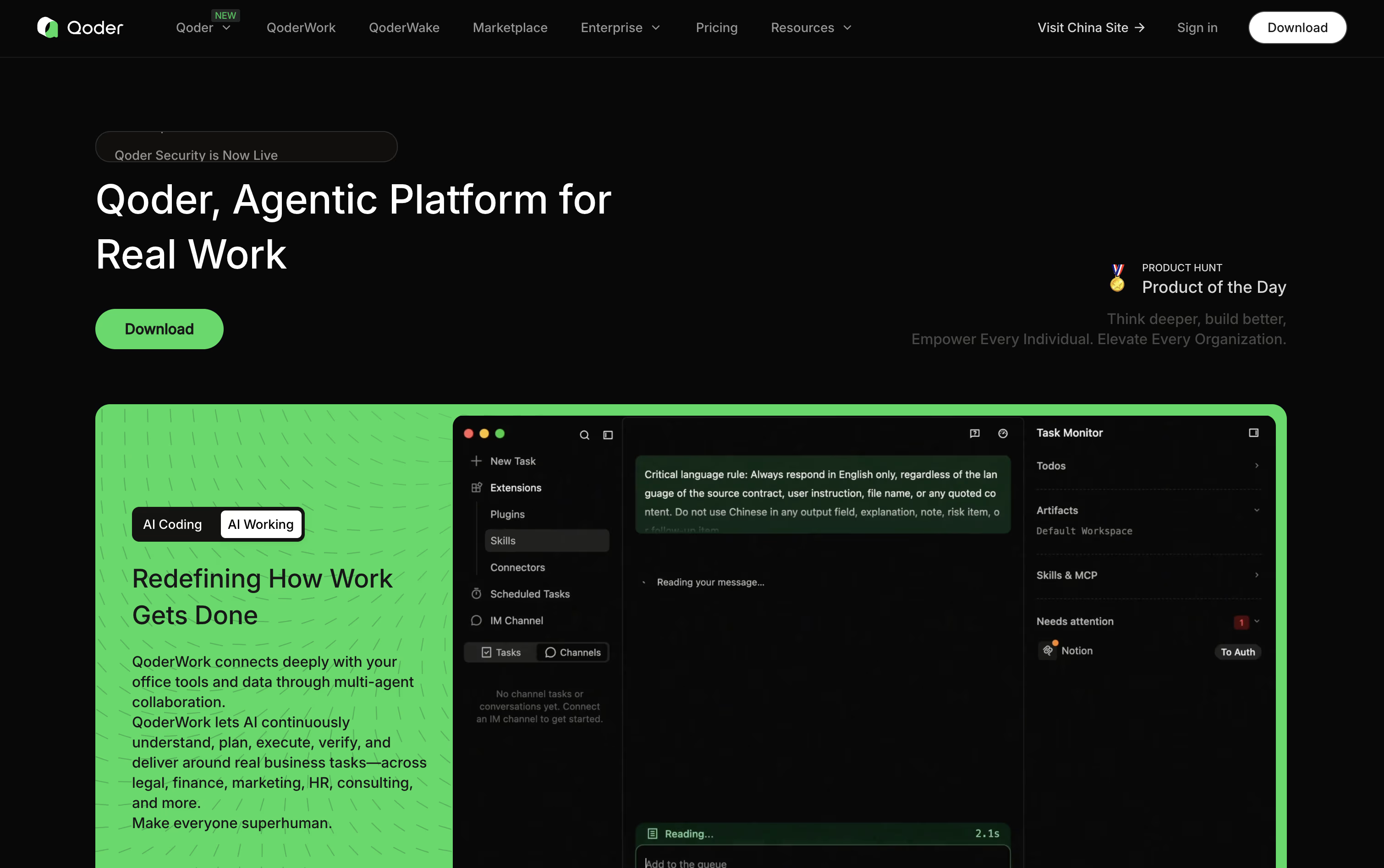
Quest Mode is the standout feature, letting you describe a goal and let Qoder's agents carry it out over long, unattended runs while you check progress on a task board.
Repo Wiki adds another layer, automatically writing and updating documentation so both you and the agents understand how the project fits together.
Pricing starts free with a two week, 300 credit trial. Pro costs $20 a month for 2,000 credits, Pro+ is $60 a month for 6,000 credits, and Ultra runs $200 a month for 20,000 credits.
For companies, Teams costs $40 per seat a month and Enterprise costs $20 per seat with credits bought separately, plus features like SSO and audit logs.
A CLI, JetBrains plugin, mobile app, and cloud agents round out the toolkit for teams working at scale.

Think of GitHub Copilot as a coding partner that sits inside your editor, terminal, and even GitHub.com. It offers code suggestions as you type and a chat panel for asking questions or fixing errors.
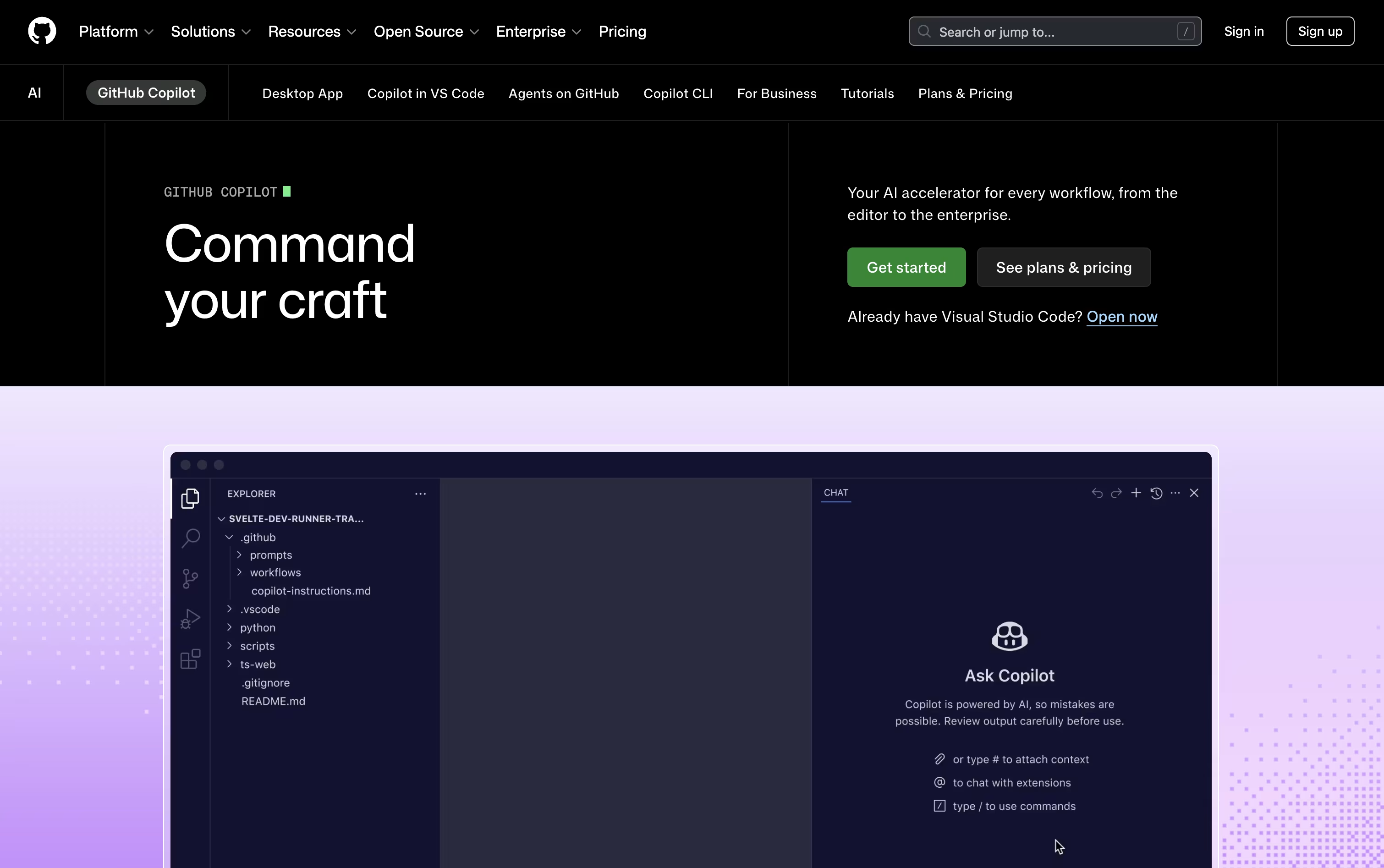
Its agent mode goes further, planning and editing across several files at once, while the cloud agent can take on an entire task, write the code, test it, and raise a pull request for review.
Getting started costs nothing. The free plan includes 2,000 completions each month, a couple of AI models, and access to the Copilot CLI, all without a credit card.
Stepping up to Pro at $10 a month removes the completion limit and adds the cloud agent, code review, and $15 worth of monthly AI credits, plus support for outside agents like Claude Code and OpenAI Codex.
Heavier users can pick Pro+ at $39 a month for premium models like Opus, or Max at $100 a month for priority access to new models and the biggest credit pool.
Organizations get Business at $19 per user a month or Enterprise at $39 per user a month, both offering shared credits and stronger admin controls.

Augment Code focuses on one main problem: helping AI tools truly understand large, messy, real world codebases instead of only small pieces of code. It does this through the Context Engine, which continuously indexes your code, its history, and the relationships between different parts of the system.
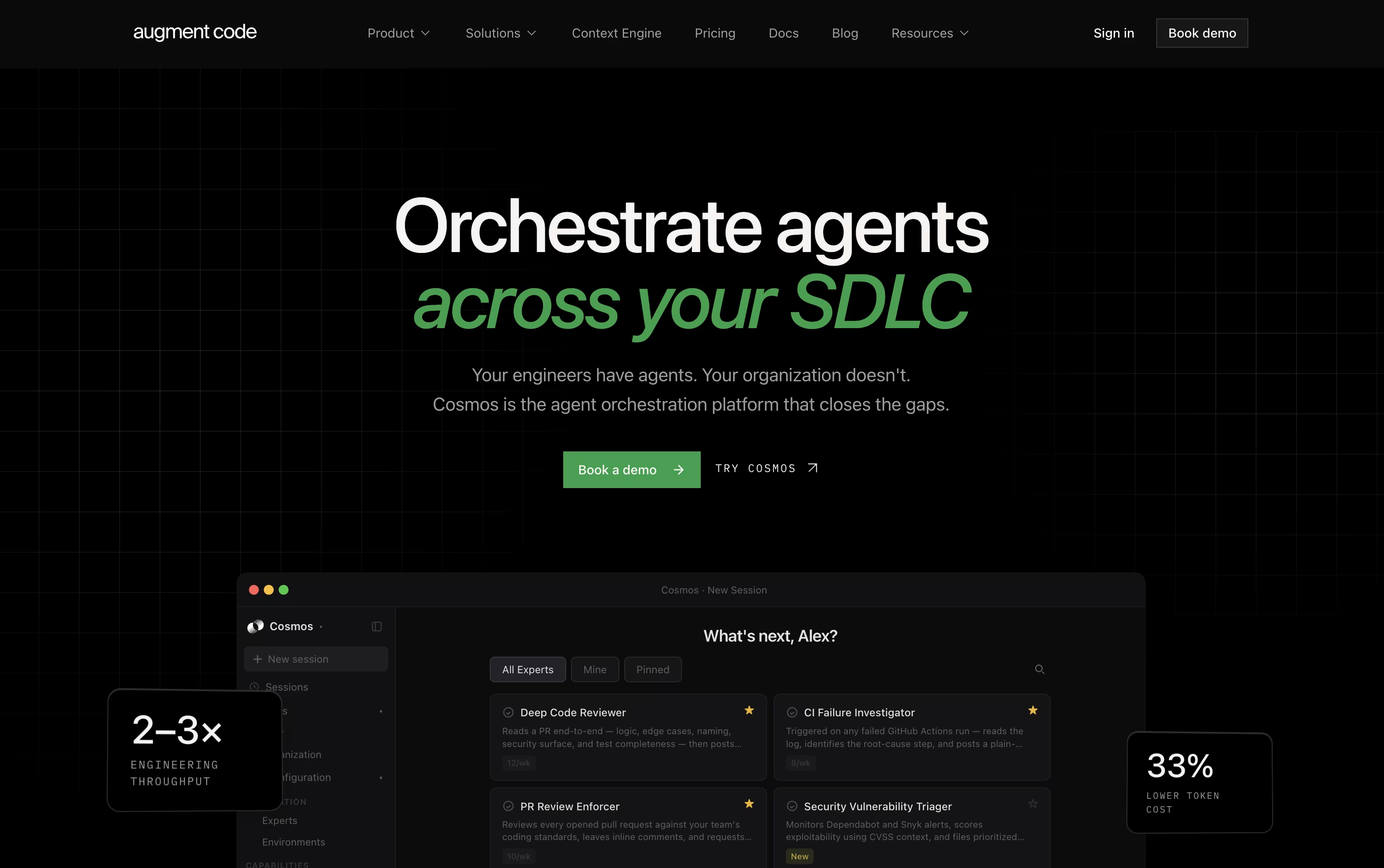
Teams use Cosmos, the platform's main workspace, to set up AI agents that handle everyday engineering tasks such as reviewing code changes, checking failed tests, fixing security alerts, and keeping dependencies current. These agents can work on their own or bring in a human when a decision needs judgment.
For developers who like working in the terminal, the Auggie CLI brings the same understanding of your codebase into day to day command line work.
On pricing, the Business plan is $100 a month for up to 50 users, including $100 of usage each month with the option to add more as needed.
Enterprise customers get custom pricing along with stronger security, compliance features, and dedicated support.
In short, it is designed for teams that want their AI agents to actually know the codebase they are working in.

Trae is a coding IDE and work assistant from ByteDance that does more than suggest lines of code. It plans out a task, edits files across your whole project, runs tests, and fixes problems along the way.
You describe what you need in plain language, by voice, or with a screenshot, and Trae turns that into a set of steps it carries out for you. A built in terminal and preview browser let you see results right inside the app.
Beyond coding, Trae Work covers everyday office tasks like research and report writing, and it works across desktop, web, and mobile, so a task started on your phone can be finished later at your desk.
Pricing starts with a Free plan that includes limited monthly usage. Paid plans move up from Lite at $3 a month, to Pro at $10 a month with a 7 day trial, Pro+ at $30 a month, and Ultra at $100 a month with early model access. Choosing yearly billing cuts 25 percent off any paid plan.
Teams needing more can reach out to BytePlus for custom enterprise pricing and extra security options.

Think of Cline as a coding partner that lives right inside your editor. It looks through your codebase, works out how the files connect, and takes on tasks you describe in plain English, whether that means fixing a bug or building out a new feature.
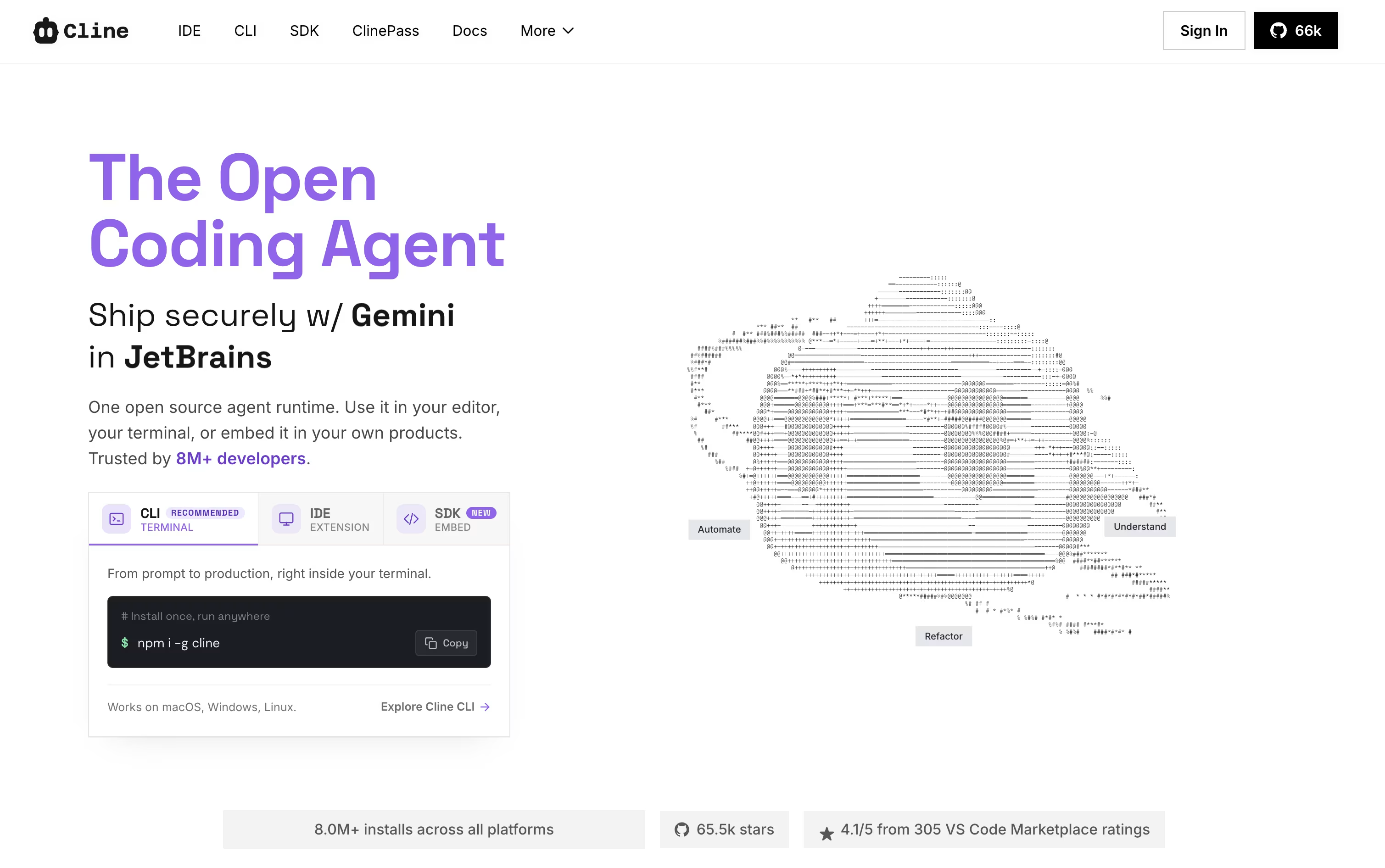
Two modes shape how it works. Plan mode looks around the project and lays out an approach first, while Act mode does the actual work, one step at a time, with your approval built in unless you switch on auto-approve.
It is not limited to editing files either. Cline can run terminal commands, open a browser to check how a web page behaves, and link up with outside tools and services through MCP. Every change comes with a checkpoint, so undoing something is simple.
Using the open-source edition costs nothing beyond what you spend on your own AI provider, whether that is OpenAI, Anthropic, Google, or others. If you would rather skip managing API keys, ClinePass is available for $4.99 in the first month and $9.99 a month after that, bundling in a set of open-weight models.
Larger teams can move to the Enterprise plan instead, which brings single sign-on, centralized billing, access controls, audit logs, and dedicated support, all priced individually by contacting sales.





