

Dadan vs CleanShot X: Features, Pricing and User Reviews 2026

Dadan
AI Video Messaging Platform for Teams
Dadan
AI Video Messaging Platform for Teams
What are Dadan and CleanShot X?
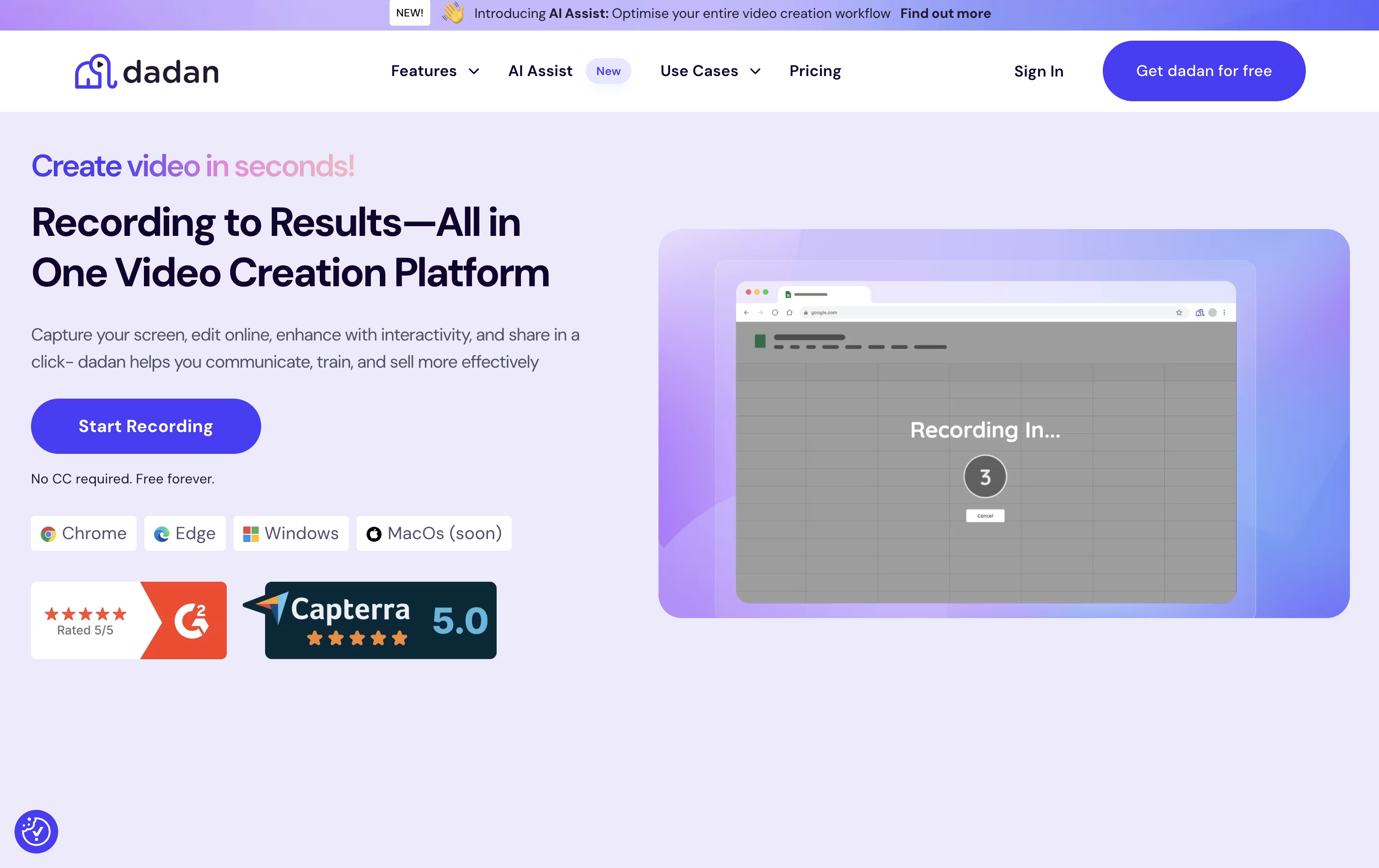
Dadan is a tool that lets you create and share video messages quickly and easily. You can record your screen, camera, or both together, then edit and share the video without downloading files or using complicated software.
The platform uses AI to help you work faster. It can automatically create transcripts of your videos, generate titles and descriptions, add chapters, and create meeting notes. You can also add interactive features like forms, quizzes, and polls directly into your videos to keep viewers engaged.
Dadan works through a browser extension, desktop app, or mobile app. When you share a video, viewers get a link they can watch on any device. They can leave comments, react with emojis, or even reply with their own video message.
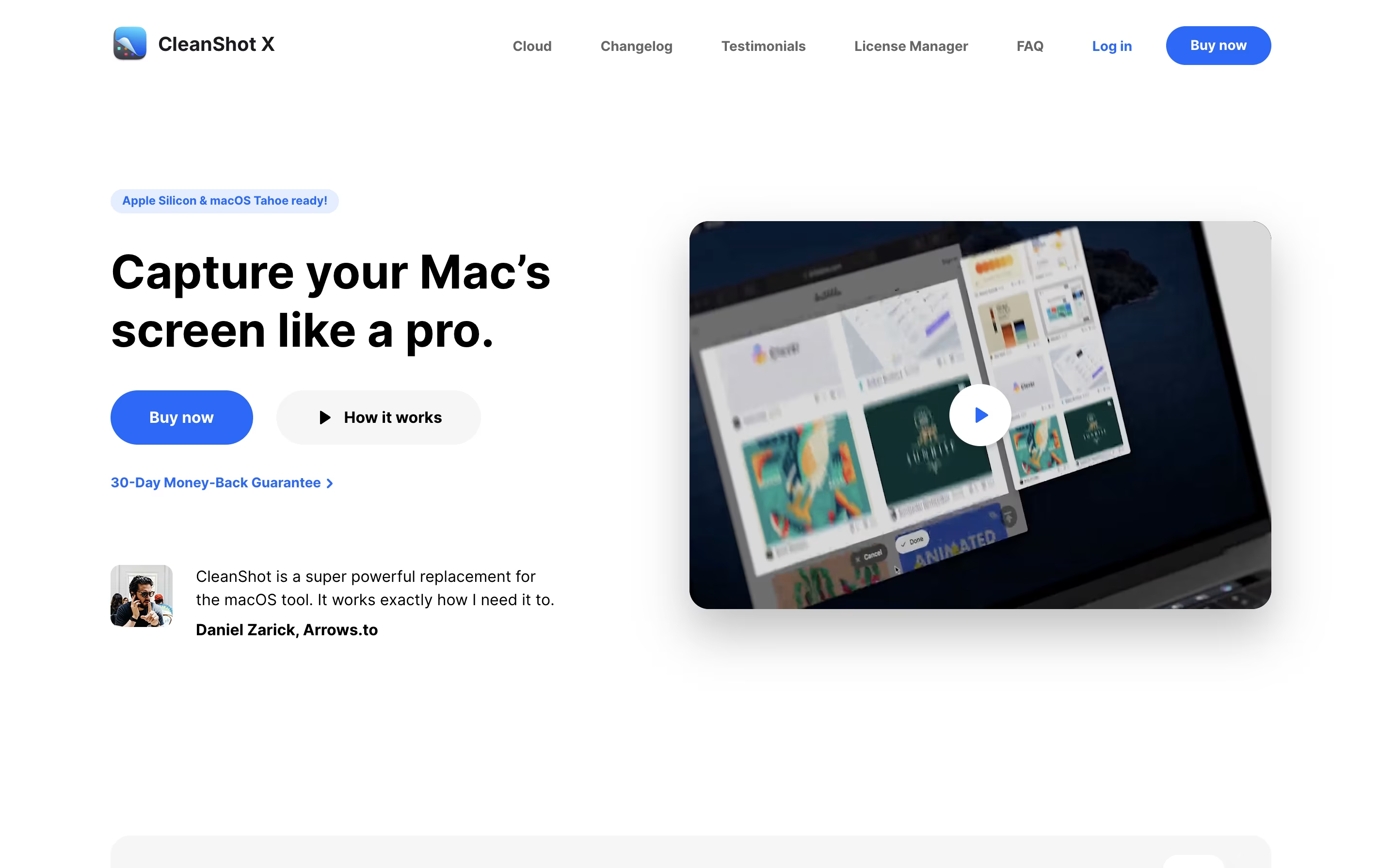
CleanShot X is an all-in-one screenshot and screen recording application designed for macOS. It goes far beyond basic screen capture by offering professional editing tools, cloud storage, and intelligent features that save time and improve the quality of your captures.
You can take screenshots of specific areas, full screens, windows, or even entire scrolling pages. The app includes a built-in editor with annotation tools like arrows, text, shapes, highlights, and blur effects. It can also hide desktop icons automatically, add custom backgrounds, and freeze your screen to capture tricky elements like dropdown menus.
For screen recordings, CleanShot X lets you create videos or GIFs with system audio, mouse clicks, and keyboard shortcuts visible. Everything integrates smoothly with its cloud service for instant sharing via links.
Features of Dadan and CleanShot X
Screen and webcam recording in HD and 4K
AI-powered transcription and auto-captions
Built-in video editor with trim, blur, and zoom
Interactive quizzes, polls, and forms
Time-stamped comments and video replies
Analytics for views and engagement tracking
Meeting recording and auto-generated notes
Calendar integration for scheduled recordings
Custom branding and white-label options
Password-protected sharing with expiration dates
Multiple screenshot modes with smart window detection
Professional annotation and editing tools
Automatic desktop icon hiding
Screen freeze for difficult captures
Scrolling capture for long pages
Screen recording with audio and GIF creation
Cloud storage with instant shareable links
OCR text extraction from images
Custom backgrounds and branding
Capture history to retrieve recent screenshots
Use Cases of Dadan and CleanShot X
Pricing of Dadan and CleanShot X
Dadan offers flexible pricing plans to fit different needs and budgets. The Free plan is perfect for individuals just starting with video messaging. You get 25 videos, up to 5 minutes each, 10GB storage, basic editing features, and 10 minutes of transcription monthly.
The Professional plan costs $11 per user per month and includes unlimited videos with unlimited duration, 50GB storage, 5GB video upload limit per file, 120 minutes of transcription monthly, advanced analytics, interactions, and AI Assist features. There is a 14-day free trial available.
For teams needing more power, the Business plan starts at $14 per user per month (minimum 3 licenses) and adds 25GB upload limit per file, password protection, 600 minutes of transcription monthly, custom branding, an account manager, and personalized onboarding.
CleanShot X offers flexible pricing to match different needs. The basic plan provides excellent value for individual users.
App + Cloud Basic costs $29 as a one-time payment. This includes the full Mac app to keep forever, one year of free updates, and 1GB of cloud storage. After the first year, you can optionally renew for $19 per year to get continued updates, or simply keep using the version you have without renewing. Students and existing PixelSnap 2 users receive special discounts.
App + Cloud Pro is designed for teams and power users at $8 per user per month when billed annually, or $10 per month when billed monthly. This includes access to the Mac app for all team members, unlimited cloud storage, custom domain and branding options, password-protected links with self-destruct controls, and advanced team management features including single sign-on.
FAQs: Dadan vs CleanShot X
Reviews: Dadan vs CleanShot X
Based on 0 reviews
Based on 0 reviews
Compare Dadan With Other Tools

Tella
AI Screen Recorder with Smart Video Editing

Screen Studio
Professional Mac Screen Recorder

Screen Charm
Mac Screen Recorder with Auto-Zoom

Focusee
AI Screen Recorder with Auto Zoom & Instant Editing

Camtasia
Professional Screen Recording Software

ScreenPal
Easy Screen Recorder & Video Editor

Loom
Easy Video Messaging for Teams

Screencastify
Simple Screen Recording Tool

Cap
Open Source Screen Recording with AI Features
Compare CleanShot X With Other Tools
Loom
Easy Video Messaging for Teams
Screen Charm
Mac Screen Recorder with Auto-Zoom
Tella
AI Screen Recorder with Smart Video Editing
Screen Studio
Professional Mac Screen Recorder
Cap
Open Source Screen Recording with AI Features

ShareX
Free Screenshot & Screen Recording Tool

Snapify
Simple Screen Recording & Video Sharing
Camtasia
Professional Screen Recording Software
ScreenPal
Easy Screen Recorder & Video Editor





