

CleanShot X vs Snapify: Features, Pricing and User Reviews 2026
What are CleanShot X and Snapify?
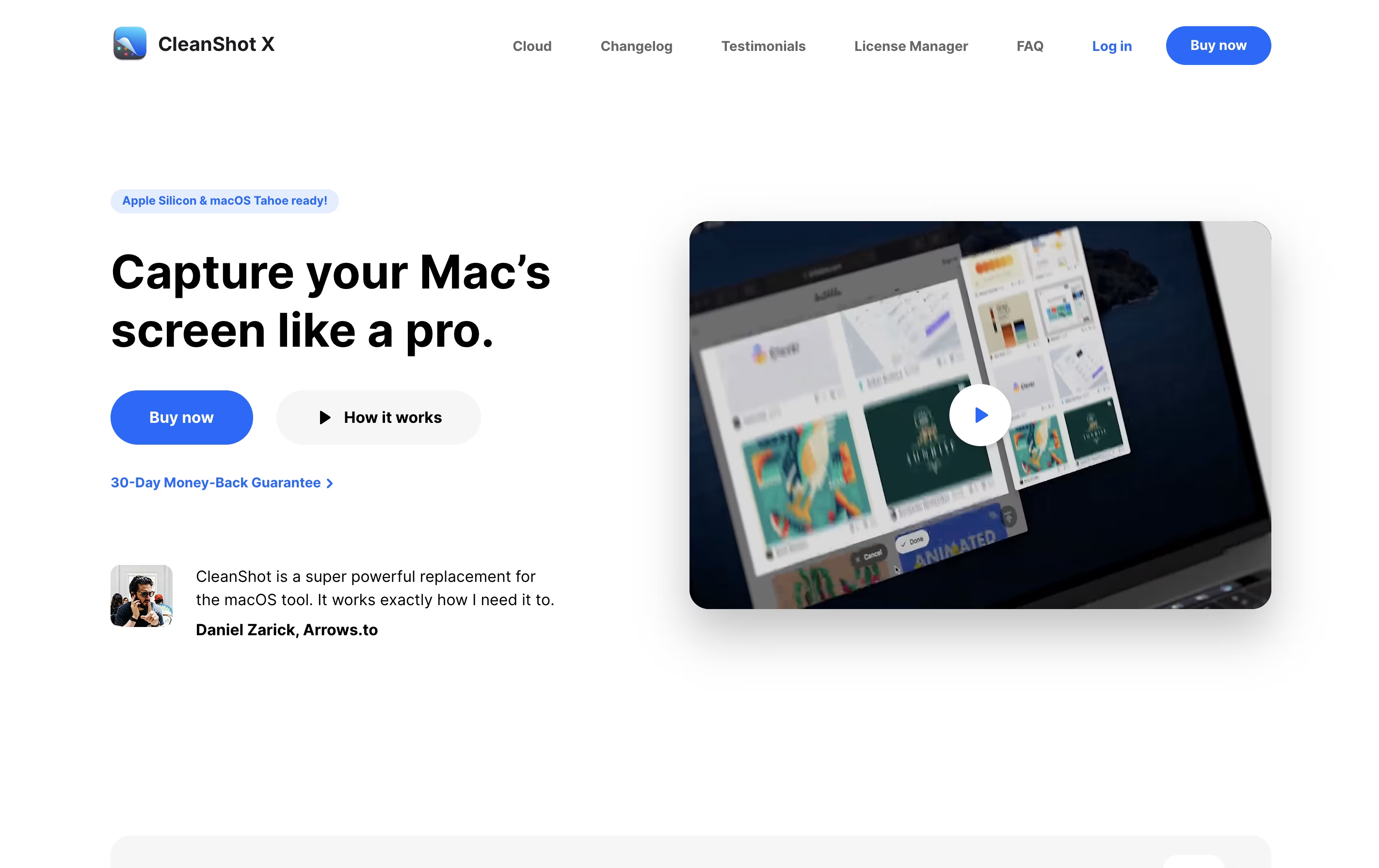
CleanShot X is an all-in-one screenshot and screen recording application designed for macOS. It goes far beyond basic screen capture by offering professional editing tools, cloud storage, and intelligent features that save time and improve the quality of your captures.
You can take screenshots of specific areas, full screens, windows, or even entire scrolling pages. The app includes a built-in editor with annotation tools like arrows, text, shapes, highlights, and blur effects. It can also hide desktop icons automatically, add custom backgrounds, and freeze your screen to capture tricky elements like dropdown menus.
For screen recordings, CleanShot X lets you create videos or GIFs with system audio, mouse clicks, and keyboard shortcuts visible. Everything integrates smoothly with its cloud service for instant sharing via links.

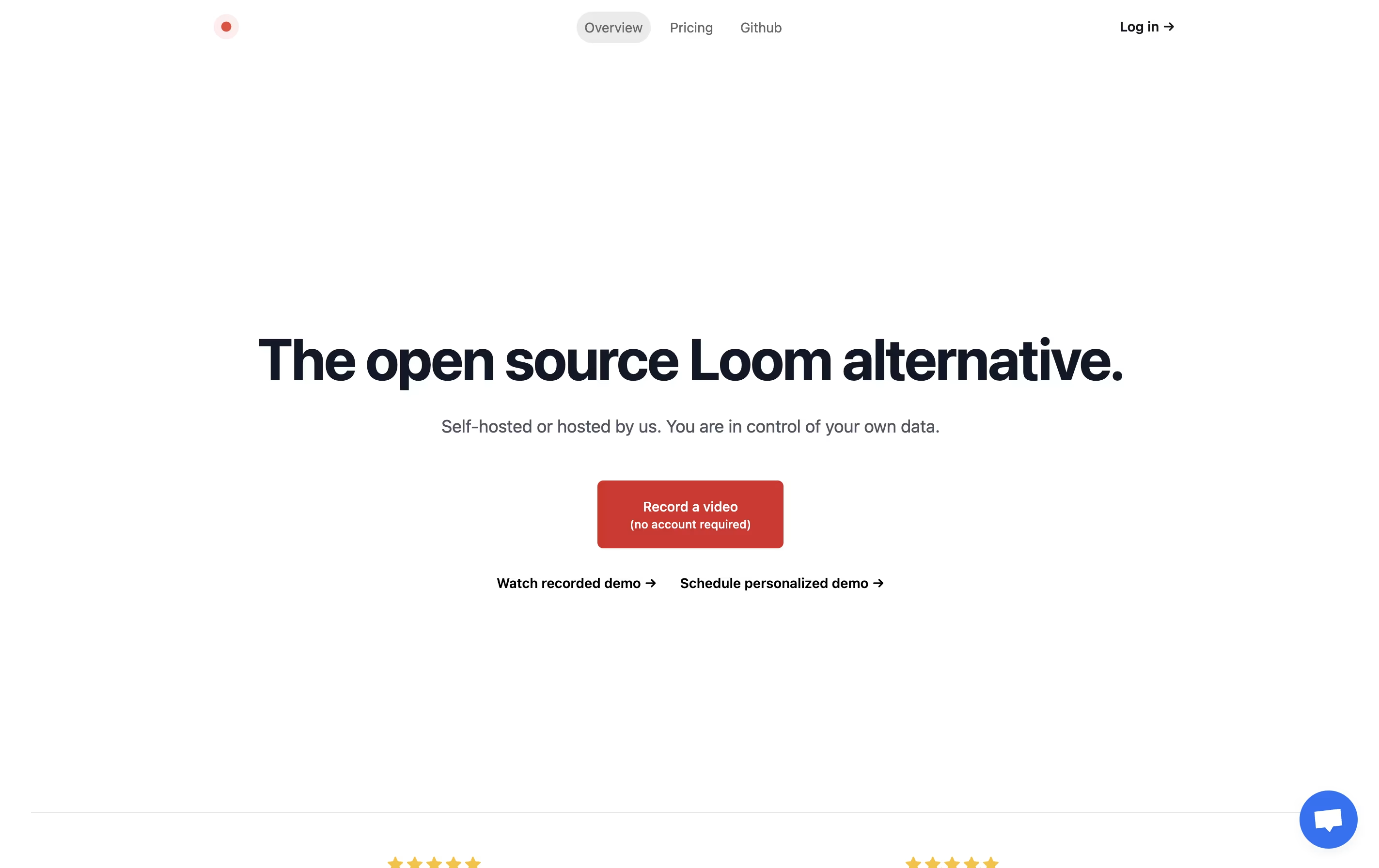
Snapify is a web-based screen recording platform that captures your screen activity, webcam, and audio simultaneously. You can use it to create video messages, tutorials, product demos, or bug reports in seconds. The tool runs entirely online, so there is no software to install on your computer.
One of the best features is instant sharing. After you finish recording, Snapify generates a unique link that you can send to anyone. They can watch your video immediately without signing up or downloading anything. The tool also supports self-hosting, which means companies can run Snapify on their own servers for better privacy and control. There is a free option for basic use and a paid plan for unlimited recordings and extra features.
Features of CleanShot X and Snapify
Multiple screenshot modes with smart window detection
Professional annotation and editing tools
Automatic desktop icon hiding
Screen freeze for difficult captures
Scrolling capture for long pages
Screen recording with audio and GIF creation
Cloud storage with instant shareable links
OCR text extraction from images
Custom backgrounds and branding
Capture history to retrieve recent screenshots
One-click screen, camera, and audio recording
Instant video sharing with unique links
No viewer account required
Multiple capture modes available
Video download capability
External video upload support
Self-hosting option for privacy
Cloud hosting available
Open-source and free to use
WebM format support
Unlimited recordings on paid plan
Team collaboration friendly
Use Cases of CleanShot X and Snapify
Pricing of CleanShot X and Snapify
CleanShot X offers flexible pricing to match different needs. The basic plan provides excellent value for individual users.
App + Cloud Basic costs $29 as a one-time payment. This includes the full Mac app to keep forever, one year of free updates, and 1GB of cloud storage. After the first year, you can optionally renew for $19 per year to get continued updates, or simply keep using the version you have without renewing. Students and existing PixelSnap 2 users receive special discounts.
App + Cloud Pro is designed for teams and power users at $8 per user per month when billed annually, or $10 per month when billed monthly. This includes access to the Mac app for all team members, unlimited cloud storage, custom domain and branding options, password-protected links with self-destruct controls, and advanced team management features including single sign-on.
Snapify offers simple and affordable pricing for different needs. The basic version is completely free and allows you to use most features with some limitations. This is perfect for individuals who need to create occasional screen recordings.
The Pro plan costs $10 per month when billed monthly. This plan includes unlimited recordings, video downloads, and the ability to upload external videos. There are no hidden fees or usage limits on the Pro plan.
For larger organizations with special needs, Snapify offers Enterprise pricing with custom quotes. The Enterprise plan includes personalized onboarding, dedicated support, and special features for teams. Contact their team directly to discuss your requirements and get a price that fits your organization.
FAQs: CleanShot X vs Snapify
Reviews: CleanShot X vs Snapify
Based on 0 reviews
Based on 0 reviews
Compare CleanShot X With Other Tools

Loom
Easy Video Messaging for Teams

Screen Charm
Mac Screen Recorder with Auto-Zoom

Tella
AI Screen Recorder with Smart Video Editing

Screen Studio
Professional Mac Screen Recorder

Cap
Open Source Screen Recording with AI Features

ShareX
Free Screenshot & Screen Recording Tool

Camtasia
Professional Screen Recording Software

ScreenPal
Easy Screen Recorder & Video Editor

Screencastify
Simple Screen Recording Tool
Compare Snapify With Other Tools
Tella
AI Screen Recorder with Smart Video Editing
Screen Studio
Professional Mac Screen Recorder
Loom
Easy Video Messaging for Teams
Screen Charm
Mac Screen Recorder with Auto-Zoom
Cap
Open Source Screen Recording with AI Features

Focusee
AI Screen Recorder with Auto Zoom & Instant Editing
Camtasia
Professional Screen Recording Software
ScreenPal
Easy Screen Recorder & Video Editor
Screencastify
Simple Screen Recording Tool





