

Snapify vs Screen Charm: Features, Pricing and User Reviews 2026
What are Snapify and Screen Charm?

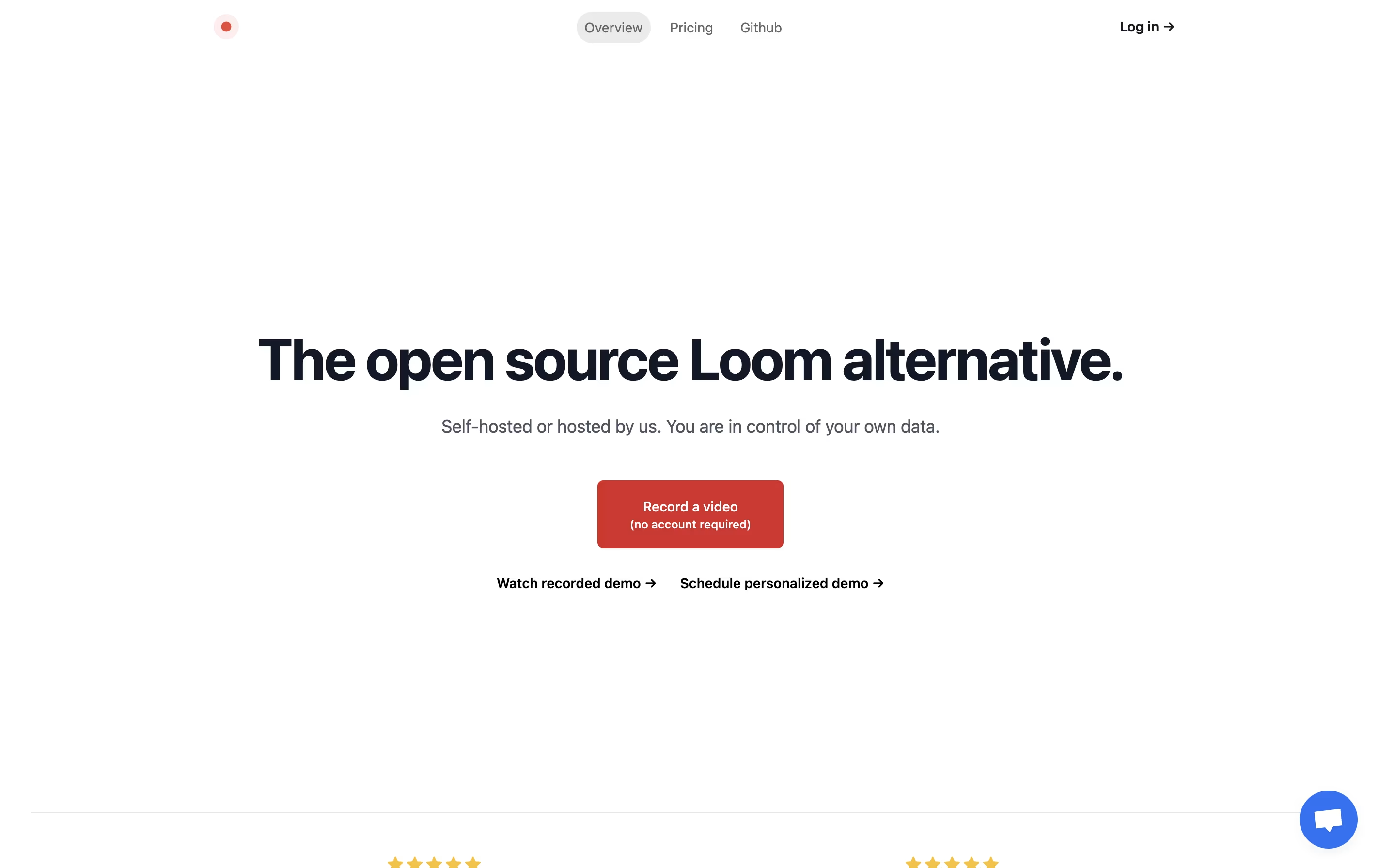
Snapify is a web-based screen recording platform that captures your screen activity, webcam, and audio simultaneously. You can use it to create video messages, tutorials, product demos, or bug reports in seconds. The tool runs entirely online, so there is no software to install on your computer.
One of the best features is instant sharing. After you finish recording, Snapify generates a unique link that you can send to anyone. They can watch your video immediately without signing up or downloading anything. The tool also supports self-hosting, which means companies can run Snapify on their own servers for better privacy and control. There is a free option for basic use and a paid plan for unlimited recordings and extra features.

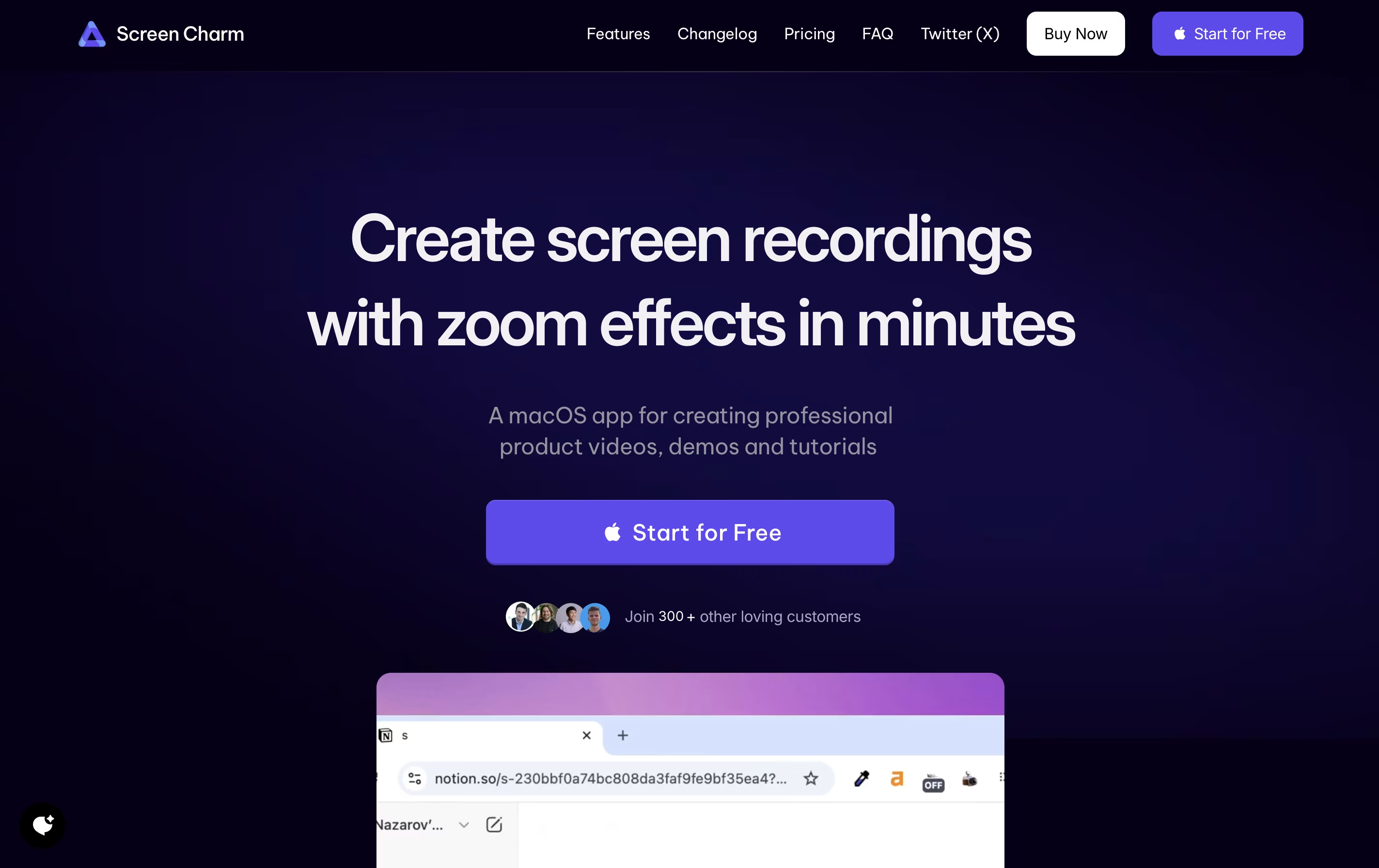
Screen Charm is a desktop application built exclusively for macOS that records your screen with professional polish. It captures your screen activity, microphone audio, and system sounds all at once, eliminating the need for complicated setups.
The standout feature is its smart zoom effect. As you move your cursor or click, the recording automatically zooms in to highlight what you're showing. This keeps viewers focused on the important parts without manual editing later.
You can also add your webcam feed with custom backgrounds, making your tutorials more personal and engaging. The built-in editor lets you trim clips and add text overlays right after recording. Everything exports in stunning 4K quality or any resolution you choose.
Features of Snapify and Screen Charm
One-click screen, camera, and audio recording
Instant video sharing with unique links
No viewer account required
Multiple capture modes available
Video download capability
External video upload support
Self-hosting option for privacy
Cloud hosting available
Open-source and free to use
WebM format support
Unlimited recordings on paid plan
Team collaboration friendly
Smart auto-zoom follows cursor automatically
4K UHD video export quality
Webcam overlay with custom backgrounds
Simultaneous microphone and system audio recording
Built-in video editor with trim and text tools
Smooth cursor movement tracking
Click effects for emphasis
Native macOS application for optimal performance
One-time payment with lifetime updates
Unlimited video exports
Use Cases of Snapify and Screen Charm
Pricing of Snapify and Screen Charm
Snapify offers simple and affordable pricing for different needs. The basic version is completely free and allows you to use most features with some limitations. This is perfect for individuals who need to create occasional screen recordings.
The Pro plan costs $10 per month when billed monthly. This plan includes unlimited recordings, video downloads, and the ability to upload external videos. There are no hidden fees or usage limits on the Pro plan.
For larger organizations with special needs, Snapify offers Enterprise pricing with custom quotes. The Enterprise plan includes personalized onboarding, dedicated support, and special features for teams. Contact their team directly to discuss your requirements and get a price that fits your organization.
Screen Charm uses a straightforward pricing model with a single one-time payment option. There are no monthly subscriptions or recurring fees.
The app is free to download and use for recording. You can test all features to ensure it meets your needs. However, exporting your recorded videos requires purchasing the Lifetime Deal for $49.90.
This one-time payment includes:
Unlimited exports with no restrictions
Lifetime updates for all future features and improvements
4K UHD quality exports
Microphone support for voiceovers
Camera support with background customization
All Screen Charm features present and future
The company also offers a 30-day refund policy, so if you're not satisfied, you can request a full refund within 30 days of purchase.
FAQs: Snapify vs Screen Charm
Reviews: Snapify vs Screen Charm
Based on 0 reviews
Based on 0 reviews
Compare Snapify With Other Tools
CleanShot X
Professional Mac Screenshot Tool

Tella
AI Screen Recorder with Smart Video Editing

Screen Studio
Professional Mac Screen Recorder

Loom
Easy Video Messaging for Teams

Cap
Open Source Screen Recording with AI Features

Focusee
AI Screen Recorder with Auto Zoom & Instant Editing

Camtasia
Professional Screen Recording Software

ScreenPal
Easy Screen Recorder & Video Editor

Screencastify
Simple Screen Recording Tool
Compare Screen Charm With Other Tools
Tella
AI Screen Recorder with Smart Video Editing
Screen Studio
Professional Mac Screen Recorder
Loom
Easy Video Messaging for Teams
Camtasia
Professional Screen Recording Software
ScreenPal
Easy Screen Recorder & Video Editor
Screencastify
Simple Screen Recording Tool
Focusee
AI Screen Recorder with Auto Zoom & Instant Editing
CleanShot X
Professional Mac Screenshot Tool
Cap
Open Source Screen Recording with AI Features





