

Descript vs InVideo: Features, Pricing and User Reviews 2026

What are Descript and InVideo?

Descript is an audio and video editor that works differently from most editing tools. With a complex timeline replaced by text-based editing, you edit by changing the text. Record or upload a video, and Descript creates an automatic transcript. Delete or change a word in the transcript, and it changes the video too.
The tool includes many AI features built right in. Studio Sound cleans up noisy audio, Remove Filler Words cuts out ums and uhs, and Eye Contact makes it look like you were staring straight at the camera. Underlord, its AI co-editor, can carry out full editing tasks from a simple written instruction.
Descript also supports remote recording, captions, translation, dubbing, and clip creation for social media, making it useful for podcasters, YouTubers, marketers, and teams that produce a lot of spoken content.
There is a free plan to get started, plus paid plans that unlock more editing time, higher resolution exports, and advanced AI tools.

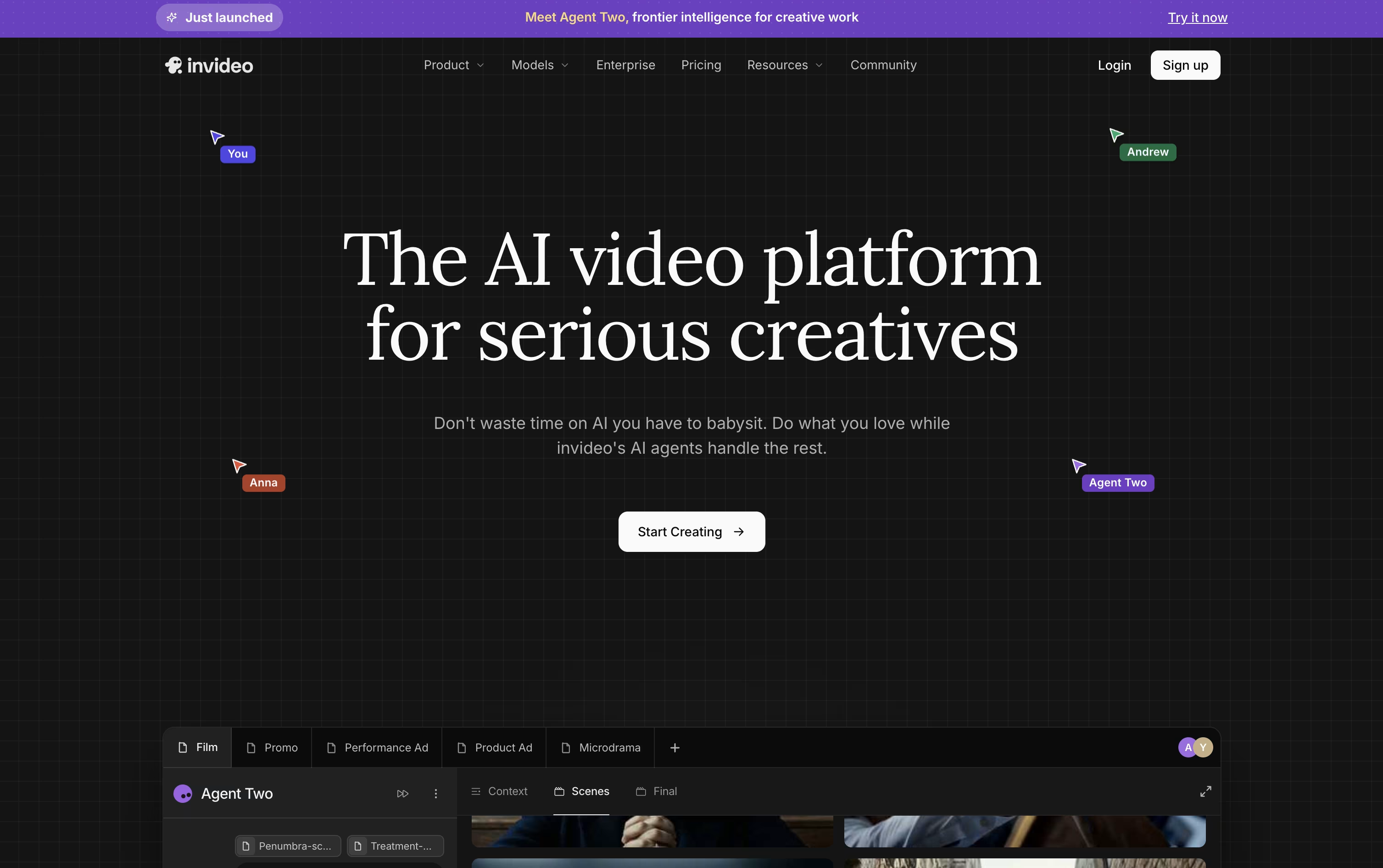
InVideo AI is a video creation platform that turns text prompts, scripts, articles, or URLs into complete, ready-to-publish videos. It works as an agentic production system that plans scenes, writes scripts, generates visuals, adds voiceovers, music, and captions, then puts everything together on its own.
The platform's Agent Two system holds long-term memory of characters, locations, and style rules across an entire project, so creators do not need to repeat details in every scene. Expert Agents can take on roles like director of photography or costume stylist, working together much like a real film crew.
InVideo offers plans for individuals, teams, and enterprises, with access to over 200 AI models and a large stock media library, making it useful for solo creators, marketers, agencies, and studios alike.
Features of Descript and InVideo
Edit video and audio by editing text
Studio Sound for automatic audio cleanup
Remove filler words with one click
Eye Contact and Green Screen AI tools
Underlord AI co-editor for full edits
Voice cloning and custom AI avatars
Remote recording with multiple guests
Translation and dubbing in many languages
Automatic social clips and captions
Real-time team collaboration and comments
Text, script, and URL to video generation
Agent Two with long-term project memory
Expert Agents for specific production roles
Custom Playbooks for repeat workflows
Access to 200+ AI models
AI avatars and voice clones
Conversational, text-based video editing
Large iStock and Storyblocks media library
Team and multiplayer collaboration tools
iOS and Android apps with cloud sync
Use Cases of Descript and InVideo
Pricing of Descript and InVideo
Descript offers five plans to fit different needs, from solo creators to large teams.
Free ($0): 1 hour of media a month, 100 one-time AI credits, and 720p exports.
Hobbyist ($24/person/month): 10 media hours, 400 AI credits a month, and watermark-free 1080p exports.
Creator ($35/person/month): The most popular plan, with 30 media hours, 800 AI credits, full Underlord access, and 4K exports.
Business ($65/person/month): 40 media hours, 1,500 AI credits a month, team-wide Brand Studio, and priority support with an SLA.
Enterprise (Custom): Tailored AI credits and media limits, advanced security, SSO, and dedicated support.
Annual billing lowers the per-month cost on paid plans by up to 35 percent, and no credit card is needed to start on the Free plan.
InVideo AI uses a credit-based subscription model with four individual plans, plus separate Team and Enterprise options.
Plus ($20/month): 75 credits, 4 AI avatars, 20 GB storage, and 100 iStock assets, built for exploring the platform.
Max ($100/month): The most popular plan, with 390 credits, 16 avatars, 100 GB storage, and 200 iStock assets.
Generative ($200/month): The best value plan, offering 800 credits, 40 avatars, 2 TB storage, and 1,000 iStock assets.
Elite ($1,000/month): Built for power creators, with 4,250 credits, 200 avatars, 10 TB storage, and 5,000 iStock assets.
Annual billing brings a 10 to 15 percent discount across all individual plans. Team plans (2 to 30 seats) cost $50 or $500 per seat monthly, while Enterprise uses custom pricing with a minimum of 10 seats, adding SSO, SOC2 and GDPR compliance, and a dedicated success manager.
FAQs: Descript vs InVideo
Reviews: Descript vs InVideo
Based on 0 reviews
Based on 0 reviews
Compare Descript With Other Tools

VEED
AI-Powered Online Video Editing Platform

HeyGen
Create Realistic AI Avatar Videos Fast

Synthesia
AI Avatar Video Creation Platform

RecCloud
AI Tools for Video, Audio & Editing

Vidnoz AI
AI Avatar Video & Voice Maker

Kling AI
Cinematic AI Video & Image Generator

Pika
AI Video Generator for Social Media Clips

Pictory
Create Professional Videos with AI Fast

PixVerse
Turn Text and Images Into AI Video
Compare InVideo With Other Tools
Pictory
Create Professional Videos with AI Fast
HeyGen
Create Realistic AI Avatar Videos Fast
Synthesia
AI Avatar Video Creation Platform

Renderforest
AI Video, Logo & Website Maker
VEED
AI-Powered Online Video Editing Platform

Fliki
Create AI Videos with Lifelike Voices
Vidnoz AI
AI Avatar Video & Voice Maker

Steve AI
AI-Powered Video Creation Made Easy

Creatify
AI-Powered Video Ad Creation Platform


