

Glide vs Bubble: Features, Pricing and User Reviews 2026
What are Glide and Bubble?

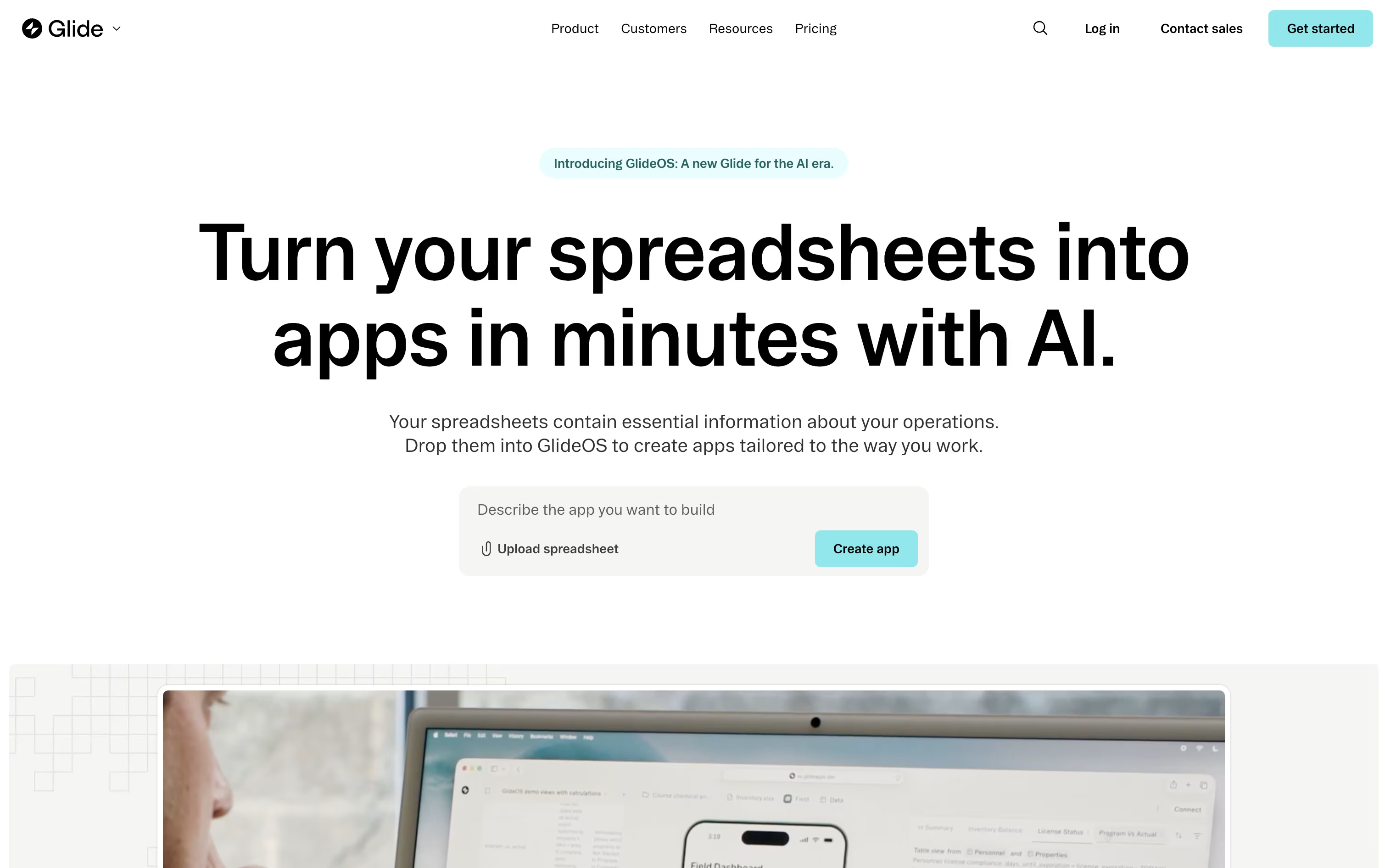
Glide is a no-code and AI-powered platform for building custom business apps. It turns spreadsheets, databases, or simple text prompts into working software without needing a developer. Teams use it to replace messy spreadsheets and email chains with organized tools like inventory trackers, sales apps, dashboards, and internal portals.
You can connect data from Google Sheets, Airtable, or SQL databases, then design the app using drag and drop components. Glide AI can also build a full app for you in minutes based on a spreadsheet or a written description, then answer questions about your data.
It offers a free plan for beginners and paid plans with more apps, users, and enterprise features.

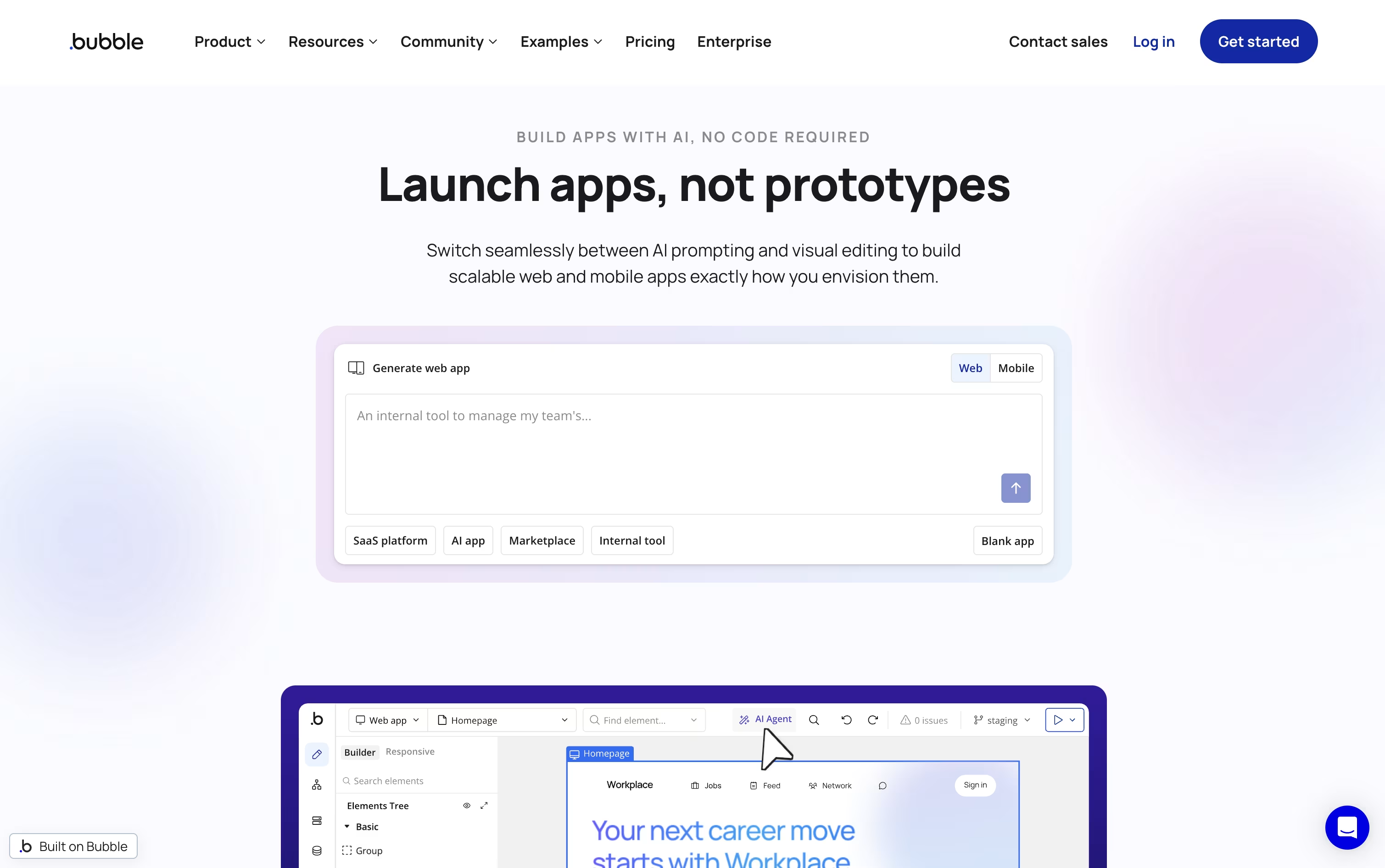
Bubble is a no-code platform that lets you build real web and mobile apps without writing traditional code. You get a drag-and-drop editor, a built-in database, and a workflow system that lets you set up logic like what happens when someone clicks a button or submits a form.
You can start from a blank page, a template, or describe your app in plain words and let the AI App Generator create a working starting point for you. From there, you can refine everything visually.
Bubble also has native mobile app support, so you can build for iOS and Android using the same database and logic as your web app, all from one platform.
Features of Glide and Bubble
AI app generation from spreadsheets or prompts
Connects to Google Sheets, Airtable, and SQL databases
Drag and drop visual app editor
Automated workflows and triggers
Built-in AI agents for chat and data tasks
400+ app integrations
Row and column level security controls
Public REST API access
Responsive apps for desktop and mobile
Free plan plus paid tiers for teams
Drag and drop visual editor
Built-in database with privacy rules
Visual workflow and logic builder
AI App Generator from text prompts
In-editor AI Agent assistant
Native iOS and Android app builder
Thousands of plugins available
API Connector for external services
SOC 2 Type II compliant hosting
Version control and team collaboration
Use Cases of Glide and Bubble
Pricing of Glide and Bubble
Glide offers pricing for both individuals and businesses, with monthly or yearly billing that saves 20%.
Free Plan: Build unlimited draft apps with up to 25,000 rows, one editor, and community support, at no cost.
Explorer ($19/month billed yearly): Publish 1 app for up to 100 users, with workflows, integrations, and AI support included.
Maker ($49/month billed yearly): Publish up to 3 apps with unlimited personal users, custom branding, and custom domains.
Business ($199/month billed yearly): Built for companies, with unlimited apps, 30 team users, API access, and a 14 day free trial.
Enterprise (Custom Pricing): Adds single sign-on, enterprise data connectors, dedicated account managers, and priority support for large organizations.
Extra usage beyond plan limits is billed at $0.02 per update, and additional business users cost $5 to $6 per user depending on billing cycle.
Bubble offers three ways to deploy your app, Web and Mobile, Web Only, or Mobile Only, each with five plans.
Free ($0/month): Good for apps still under construction, with a development version, one editor, and basic mobile testing.
Starter ($69/month, or $59/month billed annually): Adds a live website, custom domain, recurring workflows, and mobile build submissions.
Growth ($249/month, or $209/month billed annually): Adds premium version control, two-factor authentication, more editors, and higher workload limits.
Team ($649/month, or $549/month billed annually): Adds sub apps, more editors, custom branches, and longer server log retention.
Enterprise (custom pricing): Adds custom workload units, dedicated hosting, a dedicated support team, and invoice billing.
Bubble also offers educational, student, and non-profit discounts, plus agency accounts for client work.
FAQs: Glide vs Bubble
Reviews: Glide vs Bubble
Based on 0 reviews
Based on 0 reviews
Compare Glide With Other Tools

Base44
Build Full Web Apps with AI, No Code

Softr
No-Code Platform for Business Software

Rork
Build Native Mobile and Web Apps with AI

Anything
No-Code AI App and Website Builder

Rocket
AI-Powered Vibe Solutioning Platform

Zite
AI No-Code Platform for Business Tools

Emergent
Build Full-Stack Apps with AI Agents

FlutterFlow
Visual Builder for Real Flutter Apps

Manus
The AI Agent That Plans and Executes Tasks
Compare Bubble With Other Tools
Base44
Build Full Web Apps with AI, No Code
Anything
No-Code AI App and Website Builder
Rocket
AI-Powered Vibe Solutioning Platform
Zite
AI No-Code Platform for Business Tools
Emergent
Build Full-Stack Apps with AI Agents
Softr
No-Code Platform for Business Software
Rork
Build Native Mobile and Web Apps with AI
Manus
The AI Agent That Plans and Executes Tasks

Bolt
Build Full-Stack Apps with AI Prompts Fast



