

Glide vs FlutterFlow: Features, Pricing and User Reviews 2026
What are Glide and FlutterFlow?

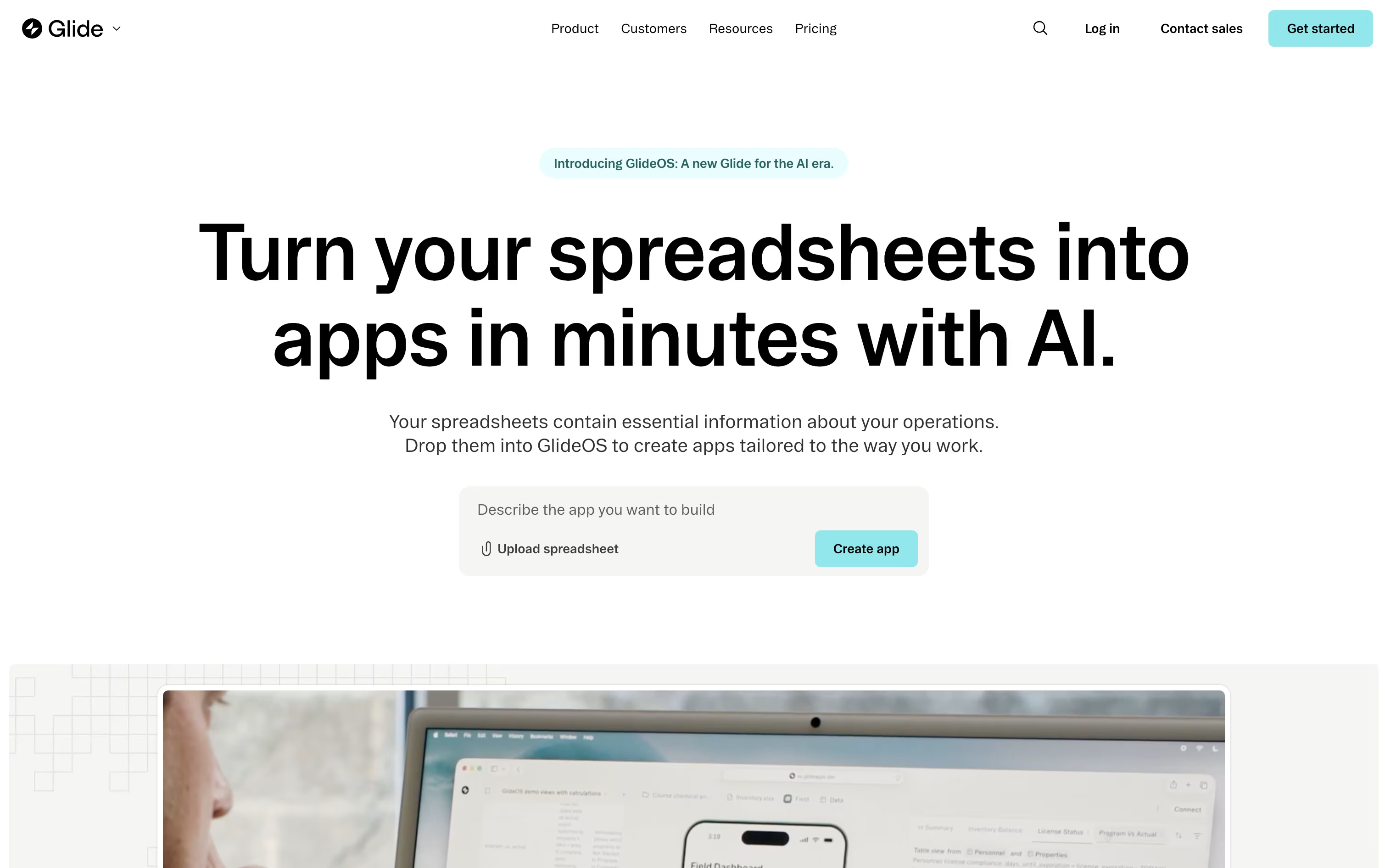
Glide is a no-code and AI-powered platform for building custom business apps. It turns spreadsheets, databases, or simple text prompts into working software without needing a developer. Teams use it to replace messy spreadsheets and email chains with organized tools like inventory trackers, sales apps, dashboards, and internal portals.
You can connect data from Google Sheets, Airtable, or SQL databases, then design the app using drag and drop components. Glide AI can also build a full app for you in minutes based on a spreadsheet or a written description, then answer questions about your data.
It offers a free plan for beginners and paid plans with more apps, users, and enterprise features.

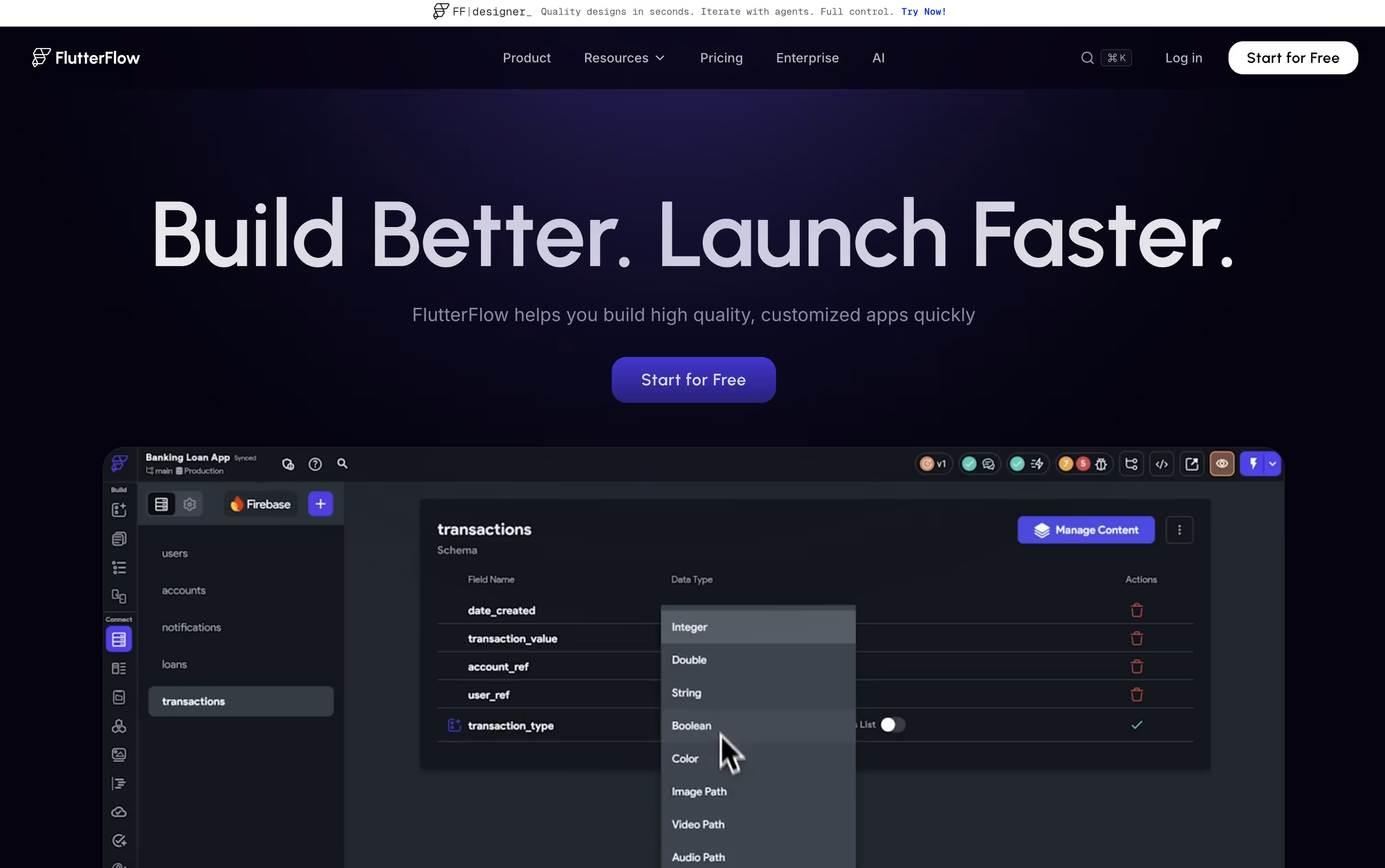
FlutterFlow is a visual app builder that lets you design and build mobile, web, and desktop apps by dragging and dropping widgets instead of writing code line by line. It is built on Google's Flutter framework, so every app you create uses real, clean code that you can export and keep, with no lock-in.
You can connect your app to Firebase, Supabase, or your own backend, add business logic with a visual editor, and test it right in the browser or on a real device. FlutterFlow also includes AI tools that generate pages, write logic, and check your app for bugs automatically. It works well for beginners building their first app and developers who want to move faster.
Features of Glide and FlutterFlow
AI app generation from spreadsheets or prompts
Connects to Google Sheets, Airtable, and SQL databases
Drag and drop visual app editor
Automated workflows and triggers
Built-in AI agents for chat and data tasks
400+ app integrations
Row and column level security controls
Public REST API access
Responsive apps for desktop and mobile
Free plan plus paid tiers for teams
Drag-and-drop visual app builder
Real, exportable Flutter code
Firebase and Supabase integration
Visual logic and Action Flow Editor
AI page and component generation
FlutterFlow MCP for AI coding agents
Test Pilot automated AI testing
Real-time team collaboration and branching
One-click App Store and Play Store publishing
1,000+ templates and 200+ widgets
Use Cases of Glide and FlutterFlow
Pricing of Glide and FlutterFlow
Glide offers pricing for both individuals and businesses, with monthly or yearly billing that saves 20%.
Free Plan: Build unlimited draft apps with up to 25,000 rows, one editor, and community support, at no cost.
Explorer ($19/month billed yearly): Publish 1 app for up to 100 users, with workflows, integrations, and AI support included.
Maker ($49/month billed yearly): Publish up to 3 apps with unlimited personal users, custom branding, and custom domains.
Business ($199/month billed yearly): Built for companies, with unlimited apps, 30 team users, API access, and a 14 day free trial.
Enterprise (Custom Pricing): Adds single sign-on, enterprise data connectors, dedicated account managers, and priority support for large organizations.
Extra usage beyond plan limits is billed at $0.02 per update, and additional business users cost $5 to $6 per user depending on billing cycle.
FlutterFlow offers a Free plan plus three paid plans, billed monthly or yearly, with about 25% savings on yearly billing.
Free ($0/month): Build up to 2 projects with the visual builder, templates, and web publishing.
Basic ($23.40/month): Unlimited projects, full code download, APK download, and one-click app store deployment.
Growth (from $48/month): Adds GitHub integration, real-time collaboration for 2 users, and localization tools.
Business (from $90/month): Built for teams of up to 5, with more branches, automated tests, and CLI access.
FlutterFlow Enterprise offers custom pricing for larger organizations needing added security and dedicated support. Students and educators can also apply for a full year of FlutterFlow Premium at no cost.
FAQs: Glide vs FlutterFlow
Reviews: Glide vs FlutterFlow
Based on 0 reviews
Based on 0 reviews
Compare Glide With Other Tools

Base44
Build Full Web Apps with AI, No Code

Softr
No-Code Platform for Business Software

Rork
Build Native Mobile and Web Apps with AI

Anything
No-Code AI App and Website Builder

Bubble
No-Code Platform for Web & Mobile Apps

Rocket
AI-Powered Vibe Solutioning Platform

Zite
AI No-Code Platform for Business Tools

Emergent
Build Full-Stack Apps with AI Agents

Manus
The AI Agent That Plans and Executes Tasks
Compare FlutterFlow With Other Tools
Base44
Build Full Web Apps with AI, No Code
Rork
Build Native Mobile and Web Apps with AI
Anything
No-Code AI App and Website Builder
Rocket
AI-Powered Vibe Solutioning Platform
Emergent
Build Full-Stack Apps with AI Agents
Softr
No-Code Platform for Business Software
Bubble
No-Code Platform for Web & Mobile Apps
Zite
AI No-Code Platform for Business Tools
Manus
The AI Agent That Plans and Executes Tasks



