

Letterly vs VoiceInk: Features, Pricing and User Reviews 2026
What are Letterly and VoiceInk?

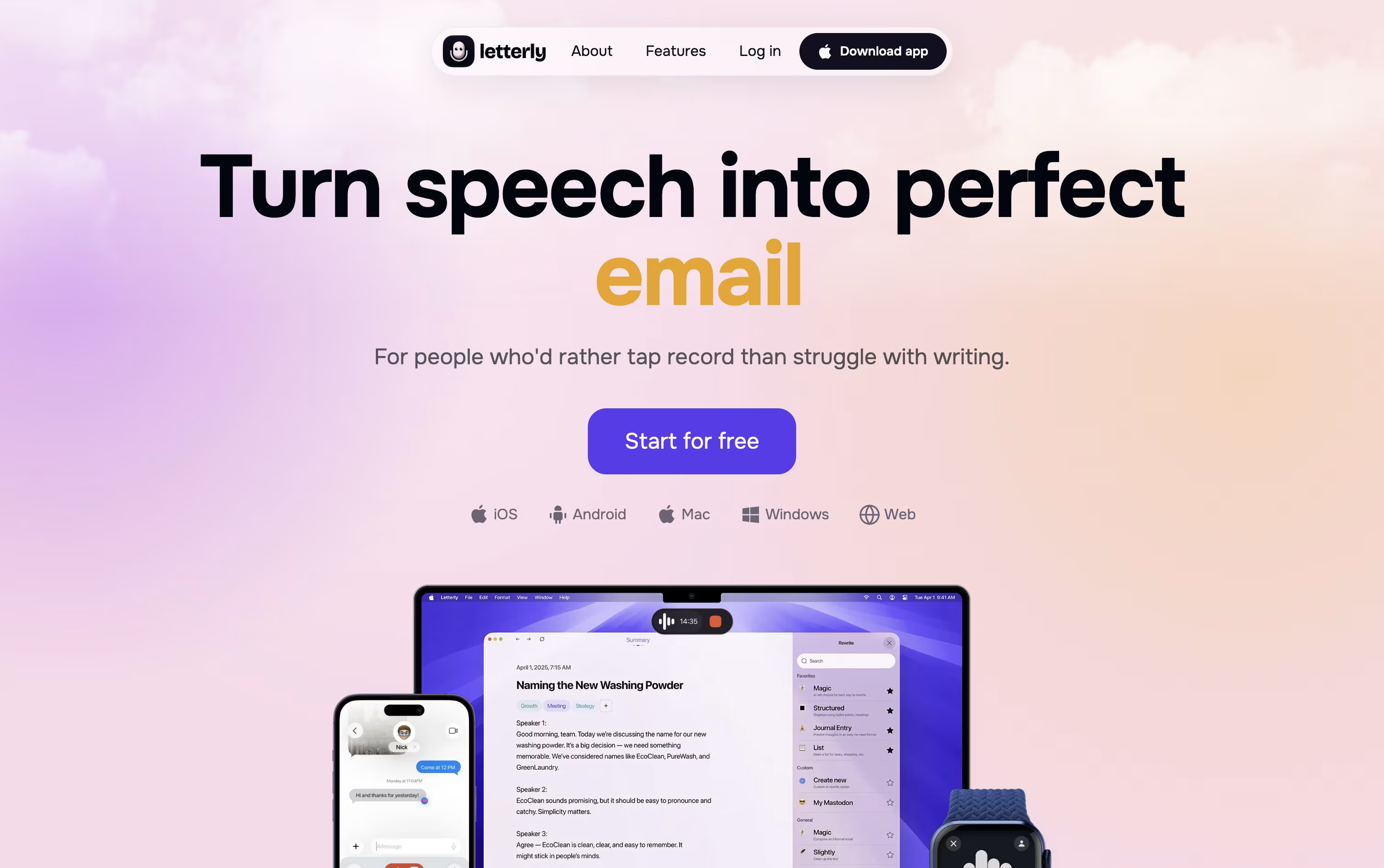
Letterly is a voice dictation and note taking app that turns your spoken words into clean, polished text. Instead of typing, you simply talk, and the AI removes filler words, fixes grammar, and organizes your thoughts into paragraphs, bullet points, or headings.
It works well for quick notes, meeting transcripts with multiple speakers, or dictating directly into apps like Gmail, Slack, and Notion. The app supports over 90 languages and works across web, iOS, Android, macOS, and Windows, keeping everything synced across your devices.
You can also connect Letterly to AI assistants and coding tools through MCP, or automate note sharing with Zapier, making it a solid pick for anyone who thinks faster than they type.
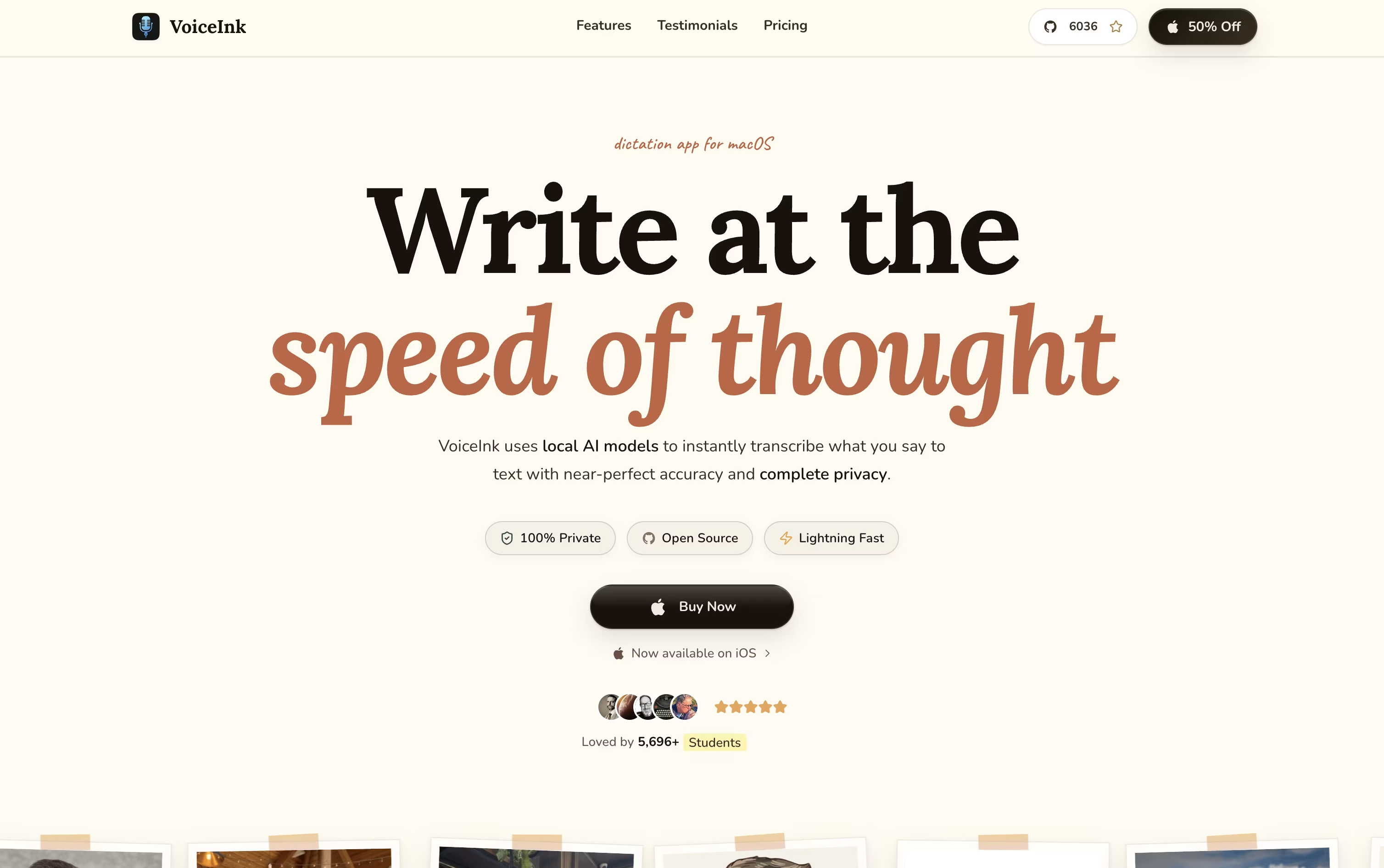
VoiceInk is a native voice-to-text app for Mac and iPhone that lets you speak instead of type in almost any app. You press a shortcut, talk, and your words appear as clean, well formatted text right where your cursor is.
It works fully offline by default, so your voice never leaves your device, though you can turn on cloud models if you want extra accuracy or speed.
VoiceInk also learns the app you are using through its Modes feature, switching settings automatically for email, chat, coding, or social posts. It fixes filler words, adds punctuation, and can rewrite text in a style that fits the moment.
It is fully open source and built by an independent developer, with an active community shaping new updates.
Features of Letterly and VoiceInk
Accurate speech to text, even with noise or accents
Multi speaker meeting transcripts with summaries
25+ rewrite styles for notes, emails, posts
System wide dictation on Mac, Windows, iOS, Android
Text replacements for emails, signatures, links
90+ languages with translation support
Zapier and MCP integrations
Cross device live sync
Offline recording support
Private by default, no AI training on your data
Fully offline local transcription
Optional cloud models with your own key
Modes that adapt to each app
AI cleanup of filler words and punctuation
Conversational VoiceInk Assistant
Personal dictionary for names and terms
Works in almost any Mac or iOS app
Open source and privacy focused
iOS keyboard extension support
Searchable transcript history
Use Cases of Letterly and VoiceInk
Pricing of Letterly and VoiceInk
Letterly offers three simple pricing options to fit different needs.
Monthly Plan ($19.99/month): Billed every month with no free trial, giving you full access on a flexible basis.
Annual Plan ($79.99/year): Comes with a 7 day free trial, then renews yearly. This works out to about $6.67 a month, saving roughly $159.89 compared to paying monthly.
Lifetime Plan ($199.99 one time): A single payment for permanent access, with no recurring charges.
Every plan includes best in class transcription, unlimited recordings and AI rewrites, and access across unlimited devices on both mobile and desktop. The Lifetime plan tends to pay for itself compared to the Annual plan after about two and a half years of use.
VoiceInk uses simple one time pricing with no monthly subscription. Every plan includes lifetime access, lifetime updates, and a 14 day money back guarantee.
Solo ($29): Works on 1 Mac, ideal for everyday personal use.
Personal ($49): Covers up to 2 Macs, the most popular choice.
Extended ($69): Covers up to 3 Macs for multi-device setups.
Startup License ($199): A team plan covering up to 10 Macs or seats.
A free trial download is also available before buying. VoiceInk requires an Apple Silicon Mac running macOS 14.4 or later, and there are no hidden recurring fees on any plan.
FAQs: Letterly vs VoiceInk
Reviews: Letterly vs VoiceInk
Based on 0 reviews
Based on 0 reviews
Compare Letterly With Other Tools

Deepgram
AI Voice Platform for Speech Recognition APIs

RecCloud
AI-Powered Speech to Text, Subtitles & Video Creation Platform

Wispr Flow
Turn Your Speech Into Clean Text
AudioPen
Turn Rambling Speech Into Clean Text

Monologue
AI Voice Dictation for Clean Text

Willow Voice
Smarter AI Voice Dictation Tool

Typeless
AI Voice Keyboard That Writes for You

Superwhisper
AI Voice Dictation for Any App

Aqua Voice
Fast, Accurate AI Voice Dictation
Compare VoiceInk With Other Tools
Wispr Flow
Turn Your Speech Into Clean Text
Deepgram
AI Voice Platform for Speech Recognition APIs
RecCloud
AI-Powered Speech to Text, Subtitles & Video Creation Platform
Monologue
AI Voice Dictation for Clean Text
Typeless
AI Voice Keyboard That Writes for You
Aqua Voice
Fast, Accurate AI Voice Dictation
Superwhisper
AI Voice Dictation for Any App
VoiceTypr
Private Offline AI Voice Dictation

Voibe
Private AI Dictation for Mac & Windows