

VoiceInk vs Monologue: Features, Pricing and User Reviews 2026
What are VoiceInk and Monologue?
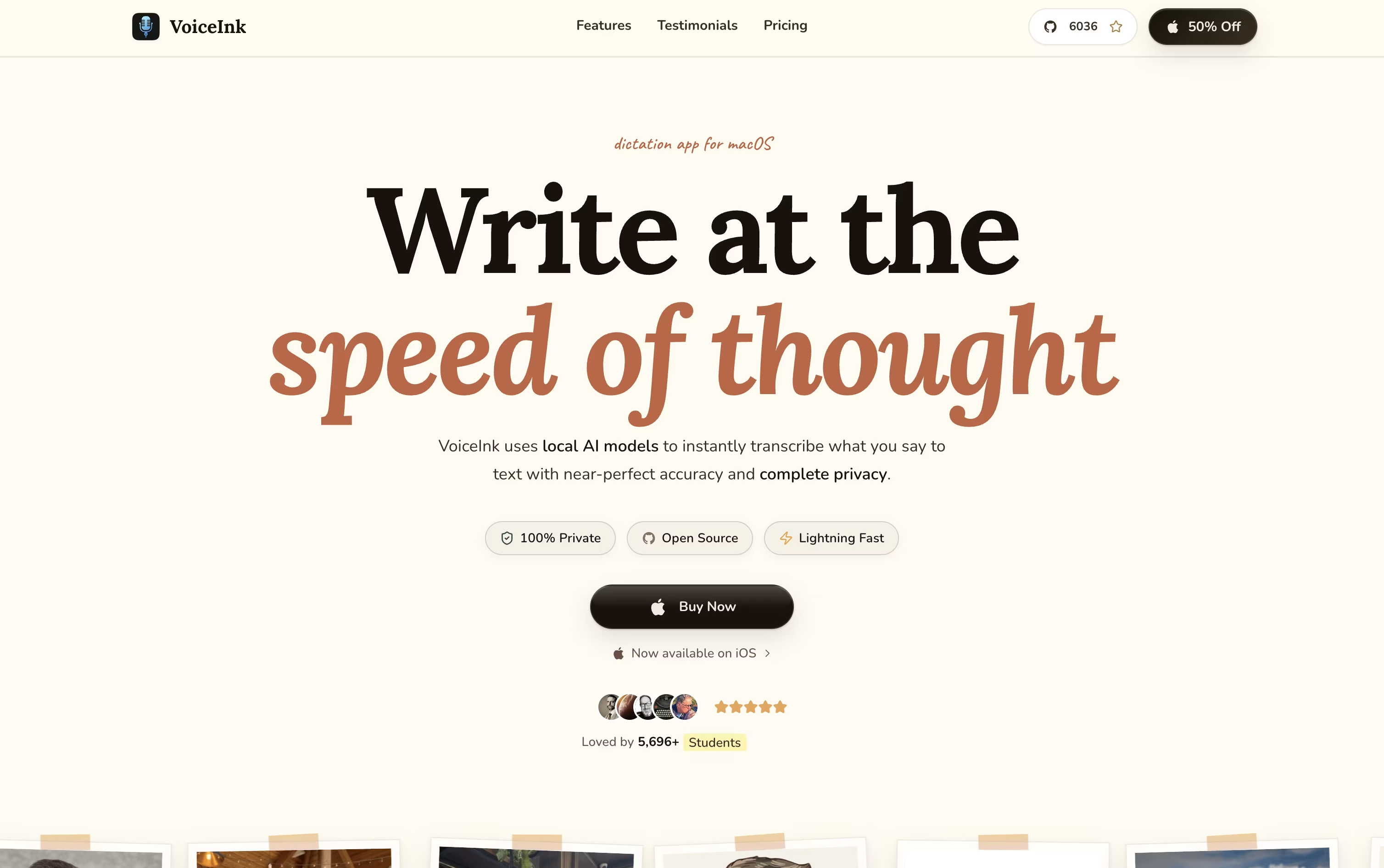
VoiceInk is a native voice-to-text app for Mac and iPhone that lets you speak instead of type in almost any app. You press a shortcut, talk, and your words appear as clean, well formatted text right where your cursor is.
It works fully offline by default, so your voice never leaves your device, though you can turn on cloud models if you want extra accuracy or speed.
VoiceInk also learns the app you are using through its Modes feature, switching settings automatically for email, chat, coding, or social posts. It fixes filler words, adds punctuation, and can rewrite text in a style that fits the moment.
It is fully open source and built by an independent developer, with an active community shaping new updates.

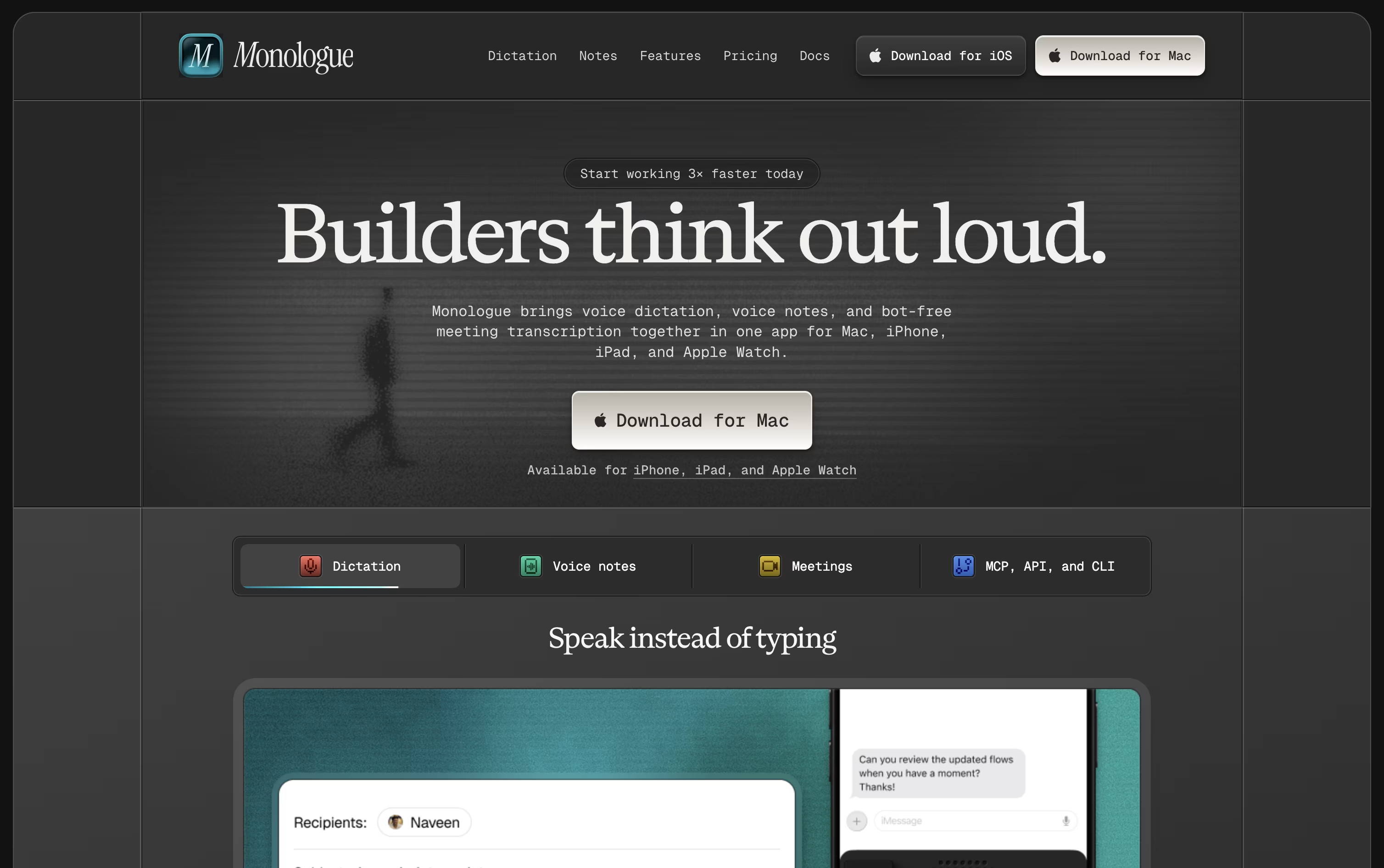
Monologue is a voice dictation tool built by Every that turns your spoken words into clean, polished text. Instead of just transcribing what you say, it removes filler words, fixes phrasing, and formats the text to match the app you are typing in.
It works across Mac, iPhone, iPad, and Apple Watch, so you can dictate emails, notes, code comments, or messages from any device. A built in dictionary learns your names, terms, and slang over time, and Modes let you set rules for how different apps should sound.
Monologue also includes Notes, a feature for recording meetings, calls, and voice memos, giving you full transcripts along with AI generated summaries you can tag and organize.
For developers, it offers an API, CLI, and MCP support, so notes and transcripts can be pulled into coding agents like Claude Code.
Features of VoiceInk and Monologue
Fully offline local transcription
Optional cloud models with your own key
Modes that adapt to each app
AI cleanup of filler words and punctuation
Conversational VoiceInk Assistant
Personal dictionary for names and terms
Works in almost any Mac or iOS app
Open source and privacy focused
iOS keyboard extension support
Searchable transcript history
AI voice dictation with automatic cleanup
Auto dictionary for names and slang
Deep context aware formatting
Custom modes for different apps
100+ languages supported
Monologue Notes for meetings and memos
Speaker labeling and AI summaries
API, CLI, and MCP for developers
Works on Mac, iPhone, iPad, Apple Watch
Offline transcription option
Use Cases of VoiceInk and Monologue
Pricing of VoiceInk and Monologue
VoiceInk uses simple one time pricing with no monthly subscription. Every plan includes lifetime access, lifetime updates, and a 14 day money back guarantee.
Solo ($29): Works on 1 Mac, ideal for everyday personal use.
Personal ($49): Covers up to 2 Macs, the most popular choice.
Extended ($69): Covers up to 3 Macs for multi-device setups.
Startup License ($199): A team plan covering up to 10 Macs or seats.
A free trial download is also available before buying. VoiceInk requires an Apple Silicon Mac running macOS 14.4 or later, and there are no hidden recurring fees on any plan.
Monologue offers a free trial plus a paid Pro plan with monthly or yearly billing.
Free Trial ($0): Includes 1,000 dictation words, 10 recorded notes, offline transcription, context aware formatting, and 100+ languages.
Pro Monthly ($15/month): Unlocks unlimited dictation, unlimited recorded notes, bot-free meeting notes, and support for Mac, iPhone, iPad, and Apple Watch.
Pro Yearly ($144/year, or $12/month): Same Pro features as the monthly plan, but billed annually for a 20% saving, about $36 a year.
Monologue Pro is also bundled inside the Every subscription alongside other Every products like Cora and Spiral, though that bundle price is not publicly listed.
FAQs: VoiceInk vs Monologue
Reviews: VoiceInk vs Monologue
Based on 0 reviews
Based on 0 reviews
Compare VoiceInk With Other Tools

Wispr Flow
Turn Your Speech Into Clean Text

Deepgram
AI Voice Platform for Speech Recognition APIs

RecCloud
AI-Powered Speech to Text, Subtitles & Video Creation Platform

Typeless
AI Voice Keyboard That Writes for You

Aqua Voice
Fast, Accurate AI Voice Dictation
Superwhisper
AI Voice Dictation for Any App
VoiceTypr
Private Offline AI Voice Dictation

Voibe
Private AI Dictation for Mac & Windows
AudioPen
Turn Rambling Speech Into Clean Text
Compare Monologue With Other Tools
Wispr Flow
Turn Your Speech Into Clean Text
Superwhisper
AI Voice Dictation for Any App
Typeless
AI Voice Keyboard That Writes for You
Deepgram
AI Voice Platform for Speech Recognition APIs
RecCloud
AI-Powered Speech to Text, Subtitles & Video Creation Platform
Voibe
Private AI Dictation for Mac & Windows
Aqua Voice
Fast, Accurate AI Voice Dictation

Willow Voice
Smarter AI Voice Dictation Tool
VoiceTypr
Private Offline AI Voice Dictation