

Make vs Latenode: Features, Pricing and User Reviews 2026
What are Make and Latenode?

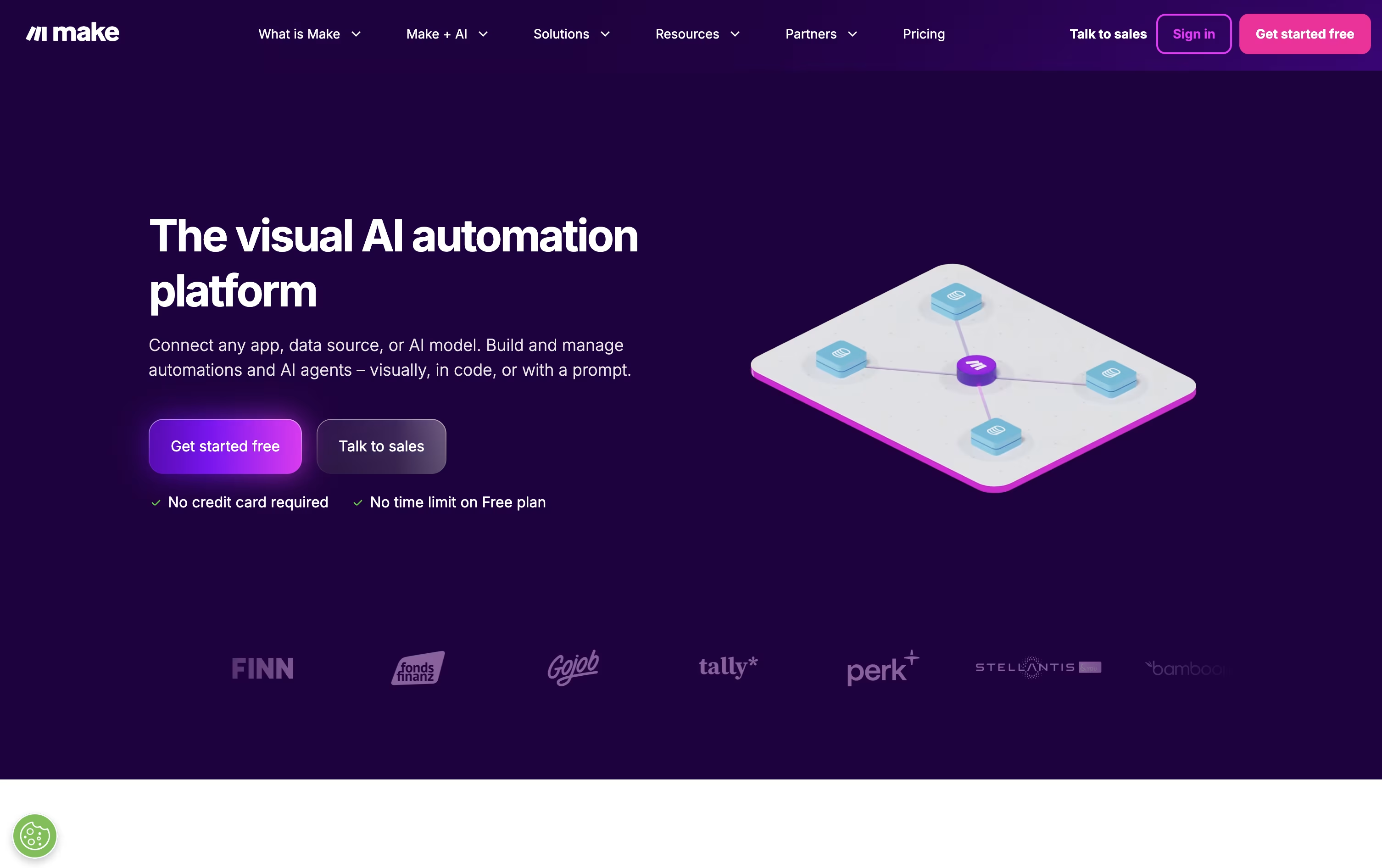
Make is a cloud-based platform that lets you connect apps and automate tasks without writing code. You build workflows, called scenarios, on a visual canvas by dragging and connecting modules that represent triggers and actions.
This makes it easy to see how data moves from one app to another, even in complex multi-step processes with branching paths.
Make also includes AI tools such as Maia, a helper that builds and edits scenarios from plain language instructions, and Make AI Agents, which can be given natural language goals and use tools to complete tasks. With support for over 3,000 apps and features like routers, filters, and error handling, Make suits both simple automations and advanced AI-driven workflows for teams of any size.

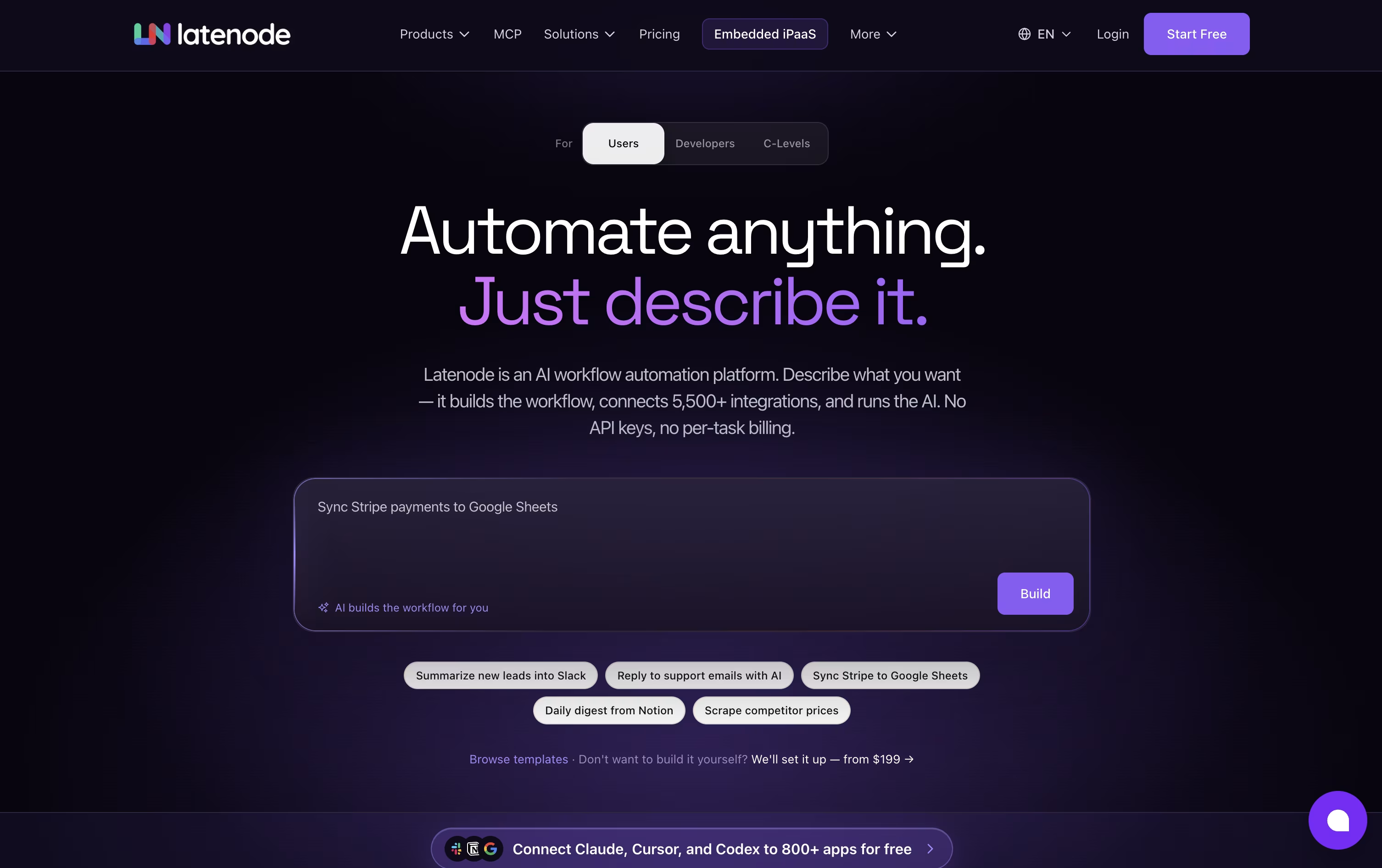
Latenode is an AI-native workflow automation platform that lets you build automations, AI agents, and data pipelines using a visual builder combined with real code. It connects thousands of apps and AI models in one place.
You can drag and drop nodes to create workflows, or describe what you want in plain language and let the AI Builder set it up for you. Latenode also supports full JavaScript, headless browser automation, and multimodal RAG for handling documents and data.
Pricing is based on runtime, not the number of steps in a workflow. There is a free plan with 10,000 CPU seconds every month, and a Pay as you go option that adds more capacity and unlimited scenarios once you scale.
Features of Make and Latenode
Visual drag-and-drop scenario builder
3,000+ app integrations
AI Agents built with natural language
Maia AI assistant for building scenarios
MCP server and client support
Routers, filters, and iterators for logic
Make Grid for automation visibility
Full REST API access
Mobile apps for iOS and Android
Advanced error handling and rollback
Visual drag-and-drop workflow builder
AI agents that reason and take actions
Hundreds of built-in AI models
Full JavaScript and NPM support
Multimodal RAG for documents and data
Headless browser automation
5,500+ app integrations
MCP server support
Runtime-based CPU-second pricing
Free plan with no credit card needed
Use Cases of Make and Latenode
Pricing of Make and Latenode
Make offers five pricing plans based on how many credits you use each month.
Free ($0/month): Includes up to 1,000 credits, a visual workflow builder, and access to 3,000+ apps.
Core ($10.59/month at 10,000 credits): Adds unlimited active scenarios, minute-level scheduling, and access to the Make API.
Pro ($18.82/month at 10,000 credits): The recommended plan, adding priority execution, custom variables, and full-text log search.
Teams ($34.12/month at 10,000 credits): Builds on Pro with team roles and shared scenario templates.
Enterprise (Custom pricing): Adds single sign-on, custom functions, 24/7 support, and advanced security features.
Paying annually lowers the monthly cost by about 15% on Core, Pro, and Teams. Prices scale with your monthly credit usage, so a higher credit tier such as 150,000 credits per month raises the cost of each paid plan.
Latenode offers a Free plan that costs $0 a month forever, with no credit card needed. It includes 10,000 CPU seconds every month, 5 active workflows, and access to the visual builder, AI agents, RAG, and headless browser automation.
Once you need more, the Pay as you go plan has no base fee. You still get the first 10,000 CPU seconds free each month, then pay a small tiered rate per extra CPU second used, starting at $0.00012 and dropping as low as $0.00005 at higher volumes. This plan also unlocks unlimited scenarios, more workers, longer execution time, and 30 days of history.
Some paid nodes use Plug-n-Play tokens, priced at $1 per token, charged separately based on actual provider usage.
FAQs: Make vs Latenode
Reviews: Make vs Latenode
Based on 0 reviews
Based on 0 reviews
Compare Make With Other Tools

Zapier
AI Automation for Apps and Workflows

n8n
Automate Workflows with AI and Code Fast

Activepieces
AI Workflow & Agent Automation

Bit Flows
Self-Hosted WordPress AI Automation

Albato
No-Code Automation & AI Integrations

Integrately
Easy No-Code Workflow Automation

Pabbly Connect
Automate Apps Without Coding

Zoho Flow
AI Workflow Automation & Integration

IFTTT
Automate Apps, Devices, and Smart Home Tasks
Compare Latenode With Other Tools
n8n
Automate Workflows with AI and Code Fast
Zapier
AI Automation for Apps and Workflows
Activepieces
AI Workflow & Agent Automation
Bit Flows
Self-Hosted WordPress AI Automation

Robomotion
Agentic RPA & AI Automation Platform
Albato
No-Code Automation & AI Integrations
Integrately
Easy No-Code Workflow Automation
Pabbly Connect
Automate Apps Without Coding
Zoho Flow
AI Workflow Automation & Integration





