

Best 12+ Tools for Application Integration in 2026
Last Updated: September 12, 2026
Most workflows rely on several different apps that need to share data to work well together. Application Integration tools connect separate tools so information flows between them automatically.
Operations teams and developers use application integration to reduce manual data transfer between systems.
 n8n
n8n n8nAutomate Workflows with AI and Code Fast,
  Make
Make MakeVisual Automation and AI Agent Platform, and
  Zapier
 ZapierAI Automation for Apps and Workflows are the best for Application Integration. So, let’s take a closer look at all 12+ tools.

n8n lets you automate work by connecting apps, data, and AI models through a visual, node based editor. Instead of separate scripts, you build one workflow that runs the whole process.
What makes it flexible is the option to stay fully visual or drop in custom JavaScript or Python code whenever you need finer control, along with strong support for AI agents and RAG style pipelines.
Rather than charging per user, n8n prices its plans by how many workflow executions you use each month. Starter starts at $24 a month, Pro is $60, and Business is $960, with a discount if you pay yearly.
Enterprise pricing is custom and built for organizations needing tighter governance, unlimited projects, and dedicated support.
You can self-host n8n for complete control of your data or use the hosted cloud version, and Starter and Pro come with a no-card-required free trial.
Make gives you a visual way to automate work across apps, using a canvas where you drag modules and connect them into full workflows called scenarios.
Built-in AI tools set it apart. Maia writes and adjusts scenarios based on simple instructions, and Make AI Agents can be given a goal and left to use tools and make their own calls to reach it.
There are five pricing tiers. Free covers 1,000 credits monthly at $0, and at 10,000 credits, Core runs $10.59, Pro runs $18.82, and Teams runs $34.12 each month.
Pro, the most popular choice, adds priority runs and full log search, while Teams brings in team roles and reusable templates. Enterprise is priced individually and covers SSO, custom functions, and round the clock support.
Choosing annual billing cuts around 15% off the monthly rate for Core, Pro, and Teams, with costs climbing as your monthly credit needs grow.
Most people open Zapier to stop doing the same task by hand every day. You pick a trigger, such as a new form entry or a new email, and Zapier moves the information into your other apps for you.
AI steps can be added along the way to summarize text, sort information, or make a decision, and the AI can even be given tools so it works through a task on its own.
Zapier MCP takes this further, letting AI tools like Claude or ChatGPT reach into your connected apps and complete actions right from a chat.
Getting started costs nothing, since the Free plan covers 100 tasks a month with unlimited Zaps, Tables, and Forms. Professional moves that up to $29.99 a month, or $19.99 a month paid yearly, adding multi step Zaps and premium apps.
Bigger teams can take the Team plan at $103.50 a month for 25 users, or contact sales for a custom Enterprise setup. Zapier also runs separate Agents and Chatbots plans, each with a free tier and paid options between $20 and $100 a month.

With Activepieces, you build automations called flows using a visual, no-code canvas. A trigger starts the flow, and a chain of actions carries out the work automatically.
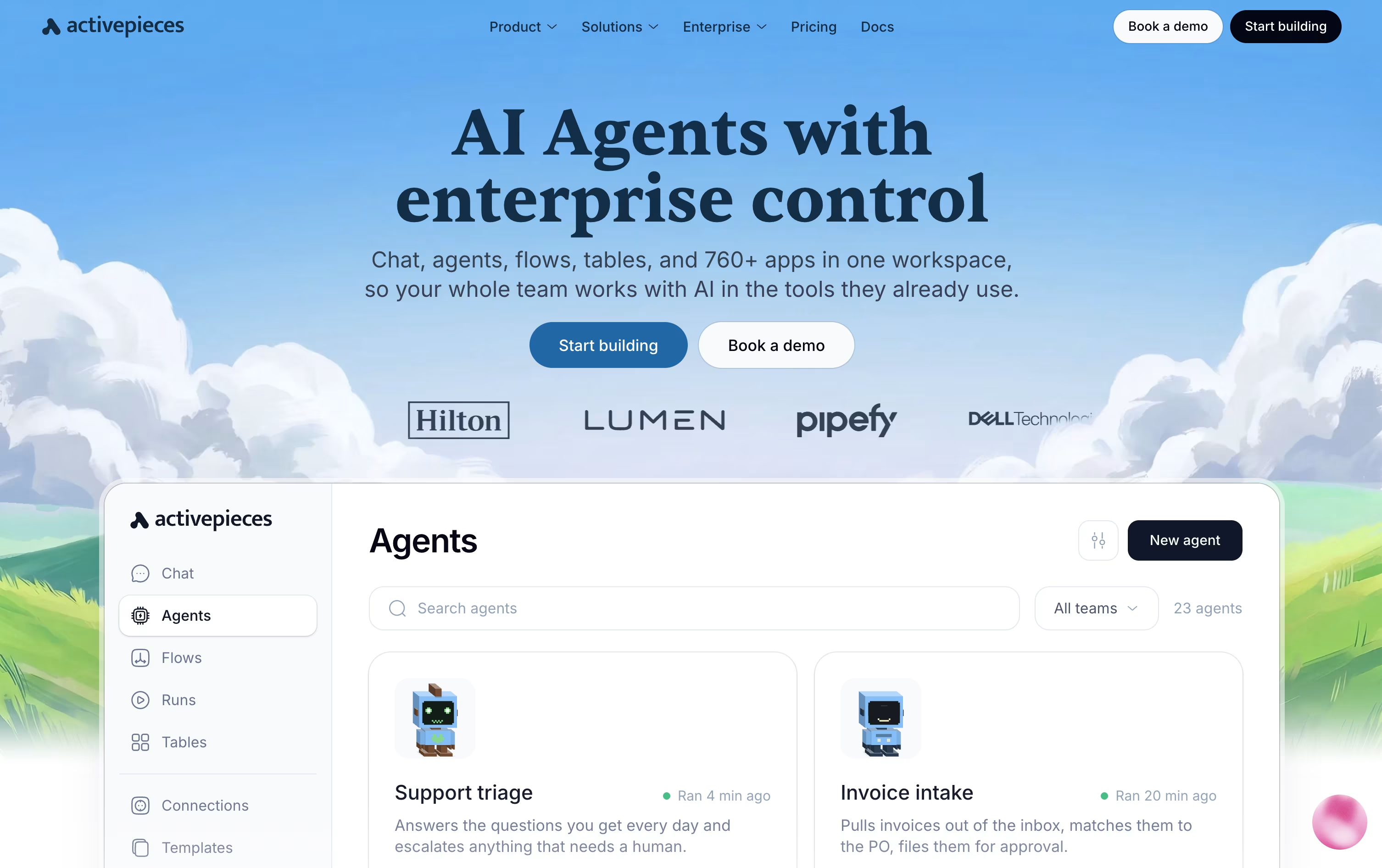
The platform also supports full AI agents that can think through a task and act on it across your connected apps, pausing for human approval when needed through tools like Slack or email.
Everything you connect doubles as a tool for outside AI assistants through the Model Context Protocol, and native Tables let you store and manage data right alongside your automations.
Costs are based on credits rather than a flat fee. The Free plan gives 100 credits a day at no cost, and Plus moves to 10,000 credits a month for $20, or $16 billed yearly.
The Team plan costs $200 a month with 25 users and single sign-on included, while Ultimate is priced individually for larger organizations that need deeper security controls.
Anyone wanting full control can also self-host the free, open-source Community Edition.

If you want automation without leaving WordPress or sending your data to another company's servers, Bit Flows is built for exactly that. It is a drag and drop workflow builder that lives inside your WordPress dashboard.
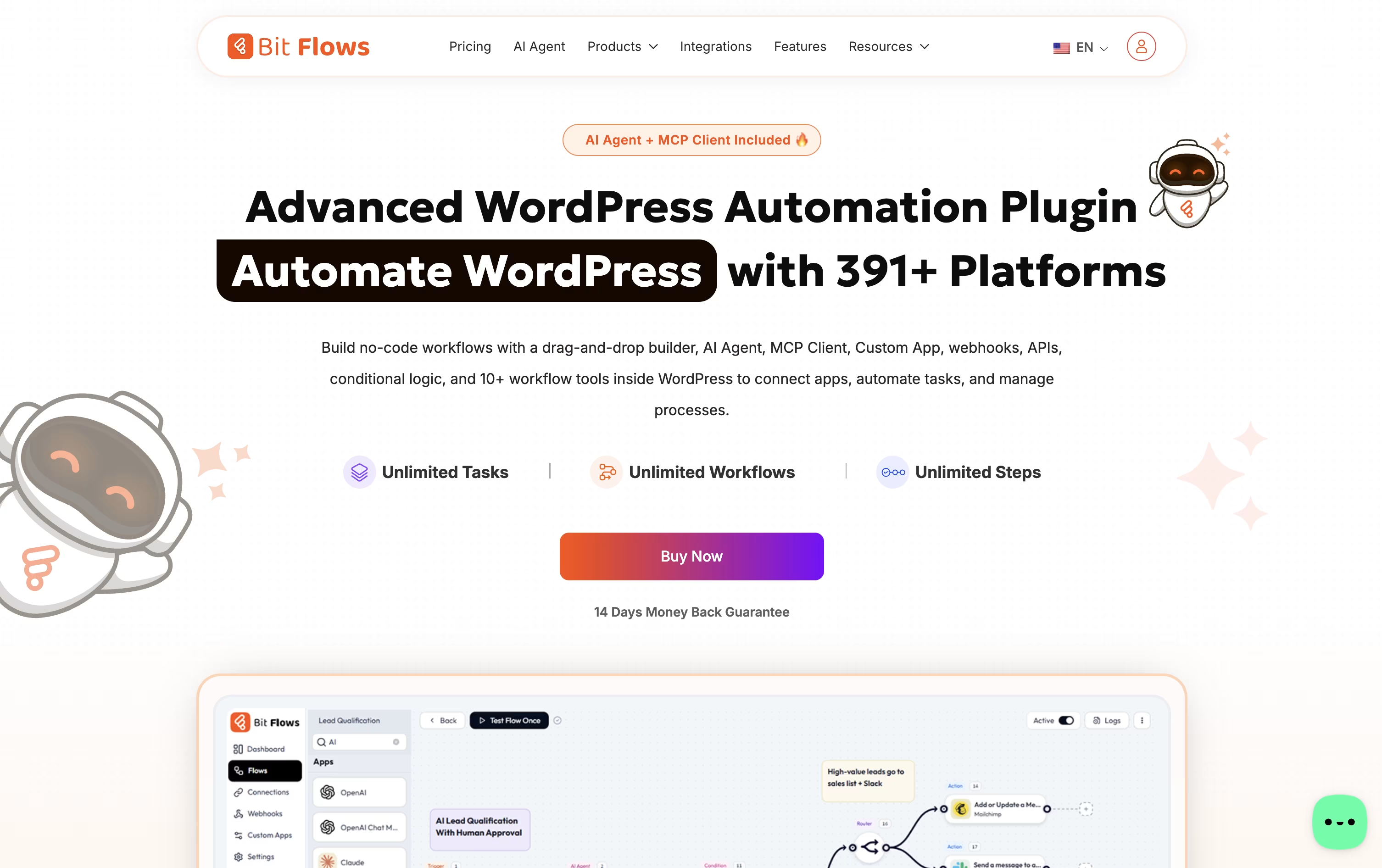
You can connect WordPress plugins, WooCommerce or Shopify orders, forms, CRMs, spreadsheets, chat apps, and AI models such as ChatGPT, Claude, or Gemini, all inside one visual flow.
Every plan includes unlimited workflows, steps, and task runs, and features like the AI Agent, MCP Client, and Human in the Loop approval steps help you build smarter, safer automations.
For pricing, yearly licenses run from $59 for one site up to $129 for unlimited sites, while one-time lifetime licenses run from $159 up to $499 for unlimited sites with premium lifetime support.
Bit Apps also sells a full bundle of its plugins, including Bit Flows, for a one-time $1,149, down from a combined value of $2,966.
A free version on WordPress.org covers the essential builder so you can try it before upgrading.

Parabola is built for the recurring, messy data work that operations and finance teams handle every week, like reconciliations, invoice checks, and inventory matching.
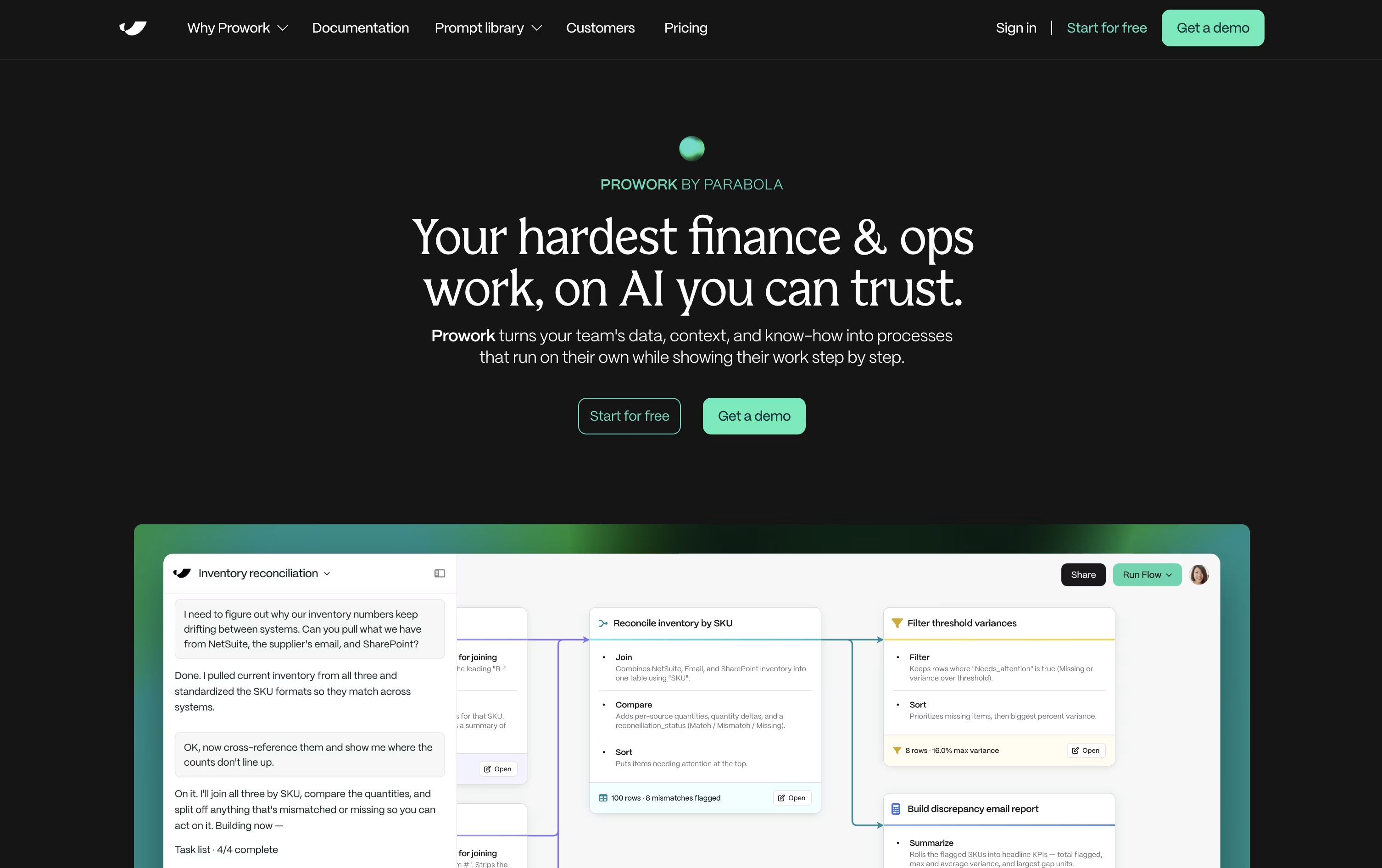
You explain the task in everyday language, and Prowork, Parabola's AI builder, turns it into a visual Flow made of clear, inspectable steps rather than a hidden script.
Live data previews appear at each step, so you can catch mistakes early and adjust the logic yourself whenever something needs to change.
Anyone can start for free with the Basic plan, which includes one user, 1,000 credits, and unlimited AI, plus the option to add pay-as-you-go credits later.
Teams that need more can move to the custom-priced Business plan, which brings in Parabola's Applied AI team, deeper integrations, permissions, version history, SSO, and SOC 2 Type II security.
Since every step of a Flow stays visible, it also doubles as documentation that new team members can actually follow.
Think of Automa as a digital worker: AI handles the thinking, and RPA handles the clicking, typing, and repeating. It automates work on the web, on your desktop, and even on mobile apps.
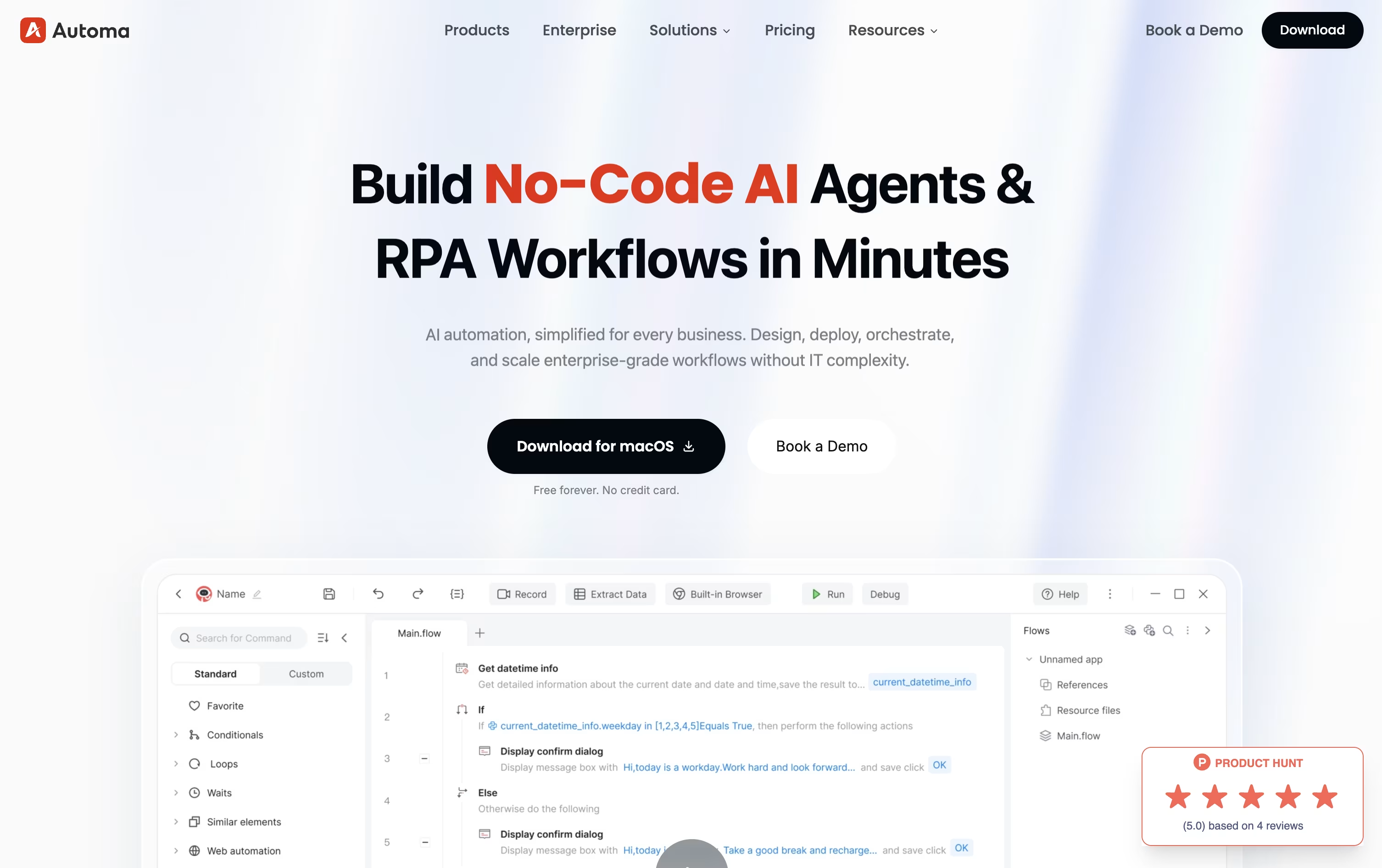
Workflows can be built by hand with a drag-and-drop editor, by recording your screen, or by typing a plain language request that AI turns into a working automation.
Getting started costs nothing on the Free plan, which includes one self-built app, limited access to third-party apps, custom triggers, and simple debugging, with no credit card required.
Stepping up to Pro runs $29 a month, or $14.50 a month with annual billing, and adds unlimited apps, Magic Flows, AI-powered element capture, OCR, CAPTCHA solving, and a virtual desktop for automation, plus a 14-day trial.
Businesses that need more control can move to the custom-priced Enterprise plan, which layers on single sign-on, role-based permissions, audit trails, custom APIs, and round-the-clock support across cloud, on-premise, or hybrid setups.

IFTTT gives you an easy way to connect apps, devices, and online services without writing any code. Automations, called Applets, follow a simple if this, then that setup.
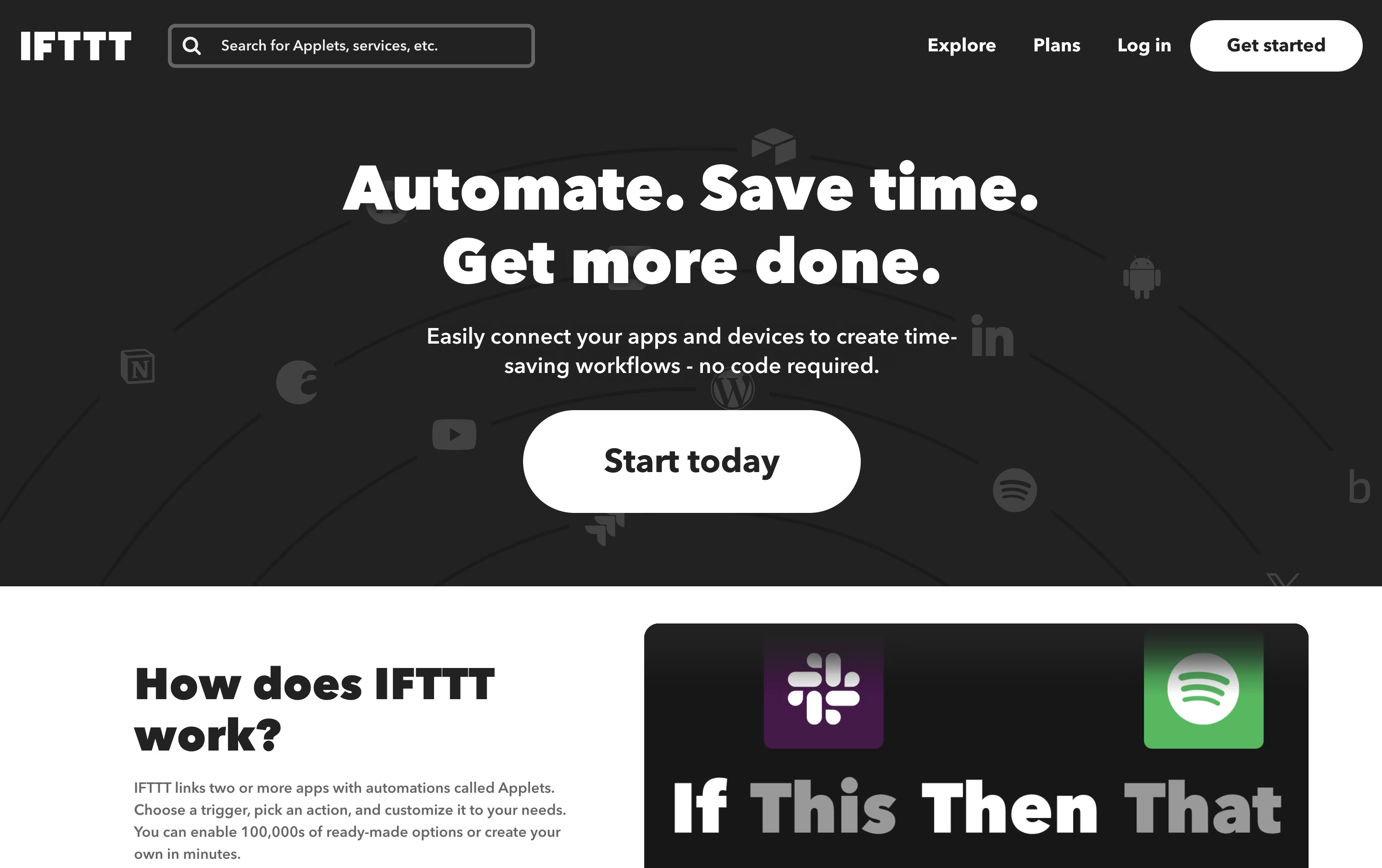
Anyone can start for free, since the Free plan costs $0 forever and comes with 2 Applets and unlimited runs.
Stepping up to Pro costs $4.99 a month, or $2.99 a month on the yearly plan at $35.88, opening up 20 Applets, faster performance, multi-action Applets, and webhooks for custom connections.
For heavier use, Pro+ costs $14.99 a month, or $8.99 a month yearly at $107.88, and adds unlimited Applets, AI services, several connected accounts, and filter code for custom logic.
With support for AI tools like Claude and Gemini, plus IFTTT MCP for natural language automation, it fits both personal routines and small business workflows.
Think of Zoho Flow as a bridge between all the apps and systems your business uses. It links a trigger, like a new deal being closed, to a set of actions that run automatically, such as creating an invoice or notifying your team.
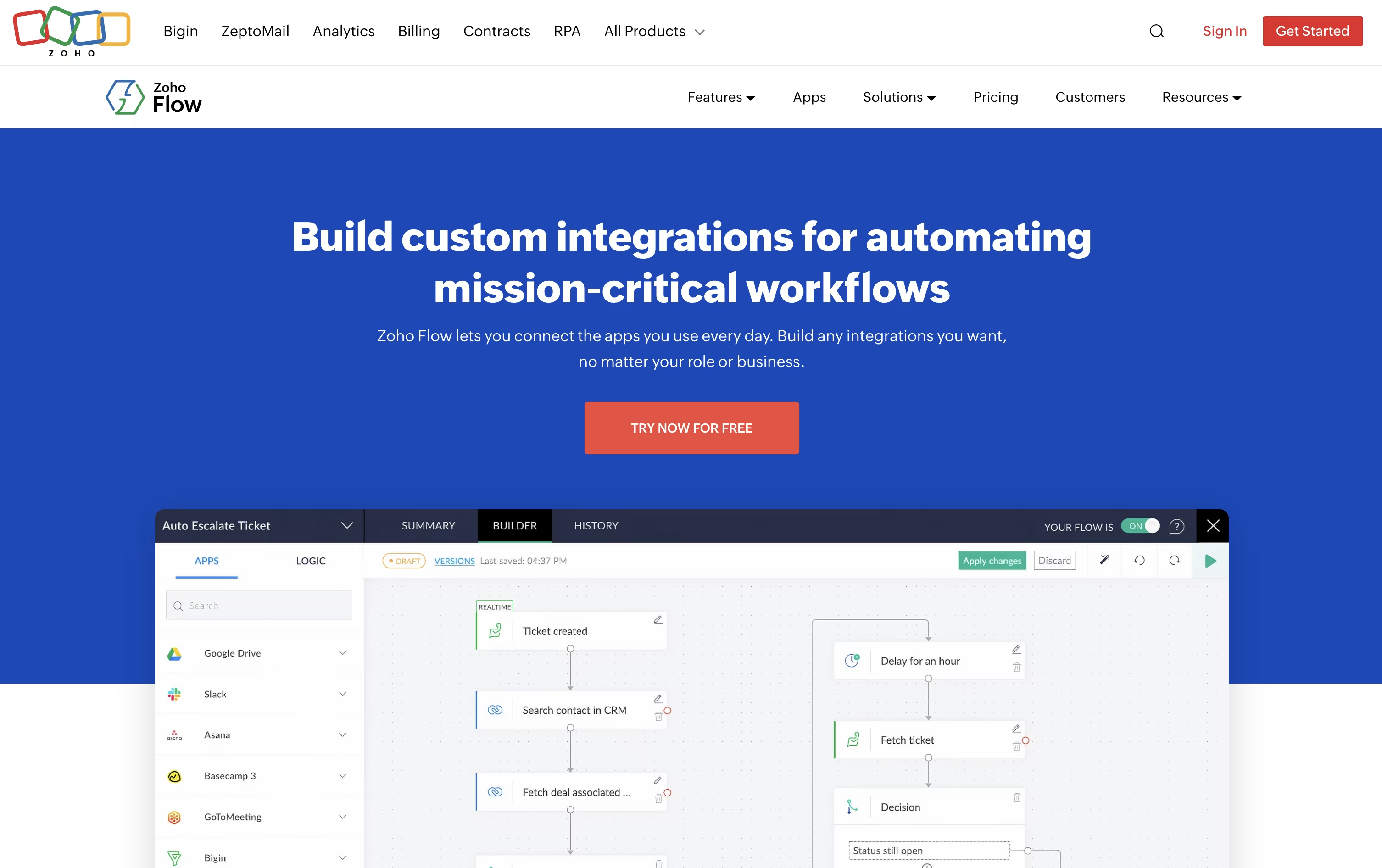
Over a thousand apps are supported out of the box, and a secure on premise agent lets it reach local databases, SAP systems, and other in house tools that normally stay behind a firewall.
Its AI assistant Zia can build a flow just from a plain English description, add smart writing and summarizing steps, and even make routing decisions inside a flow based on live data.
The Free plan costs $0 a month and covers 100 tasks with 5 flows. Standard runs $29 a month, or $25 a month if billed yearly, and unlocks 5,000 tasks, custom functions, and Zia AI tools.
Professional is $49 a month, or $41 a month yearly, the most popular tier, adding 10,000 tasks, premium apps, on premise connections, subflows, and automatic rerun of failed steps.
New users can try premium features free for 15 days without entering a credit card.

Pabbly Connect lets you connect apps and automate repetitive tasks without touching a line of code, using a straightforward trigger then action setup.
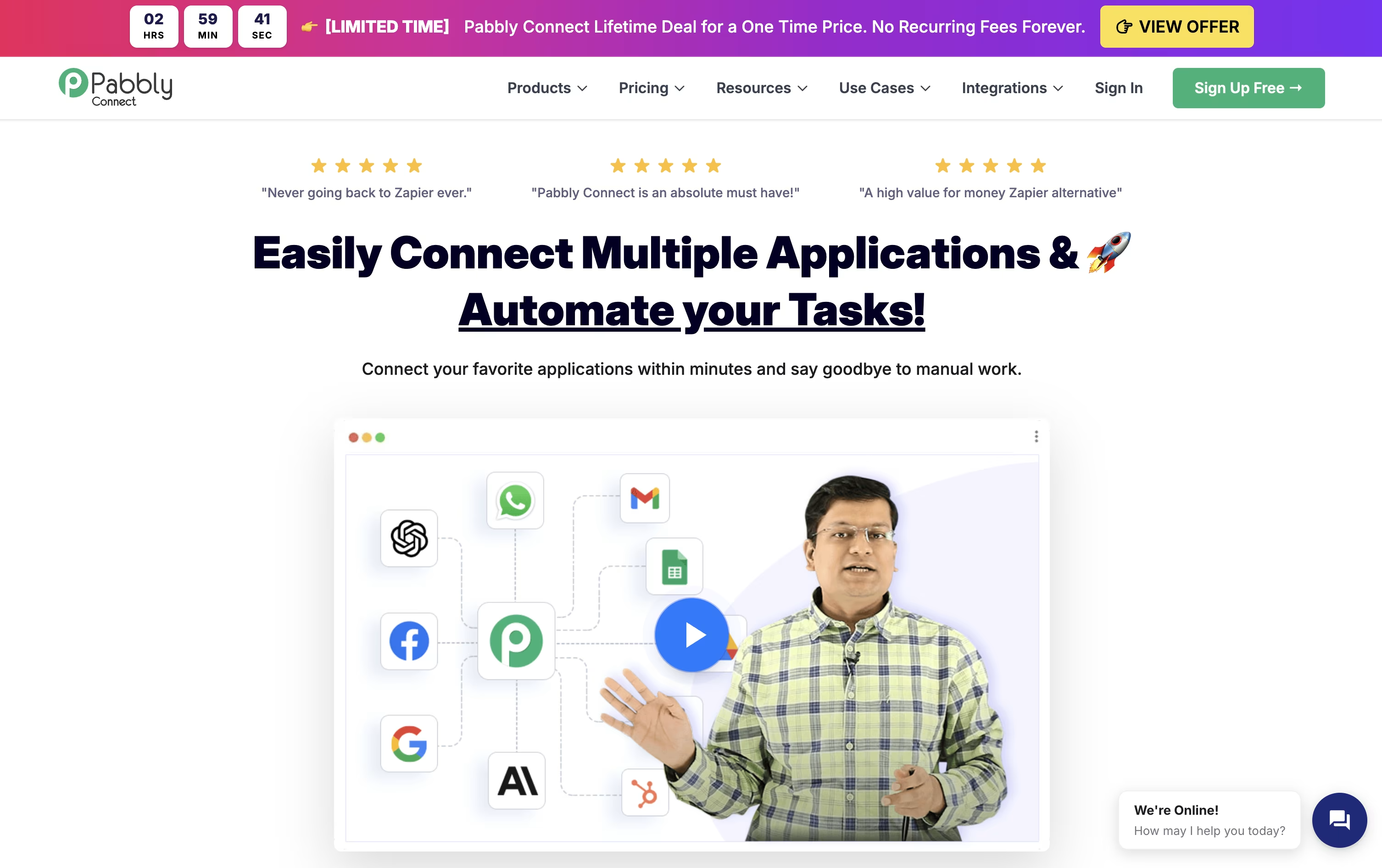
Internal steps such as filters, routers, formatters, and delays don't use up your task quota, so only the actions that actually send data to another app are counted and billed.
It also comes with modern AI tools, including an AI Assistant, an MCP Server that lets AI clients call your workflows directly, and AgenticAI, which builds automations from a plain English description.
Made by Magnet Brains, the platform holds SOC 2 and ISO 27001 certifications and serves more than 14,000 businesses worldwide.
On pricing, the Free plan gives 100 tasks a month at no cost, Standard runs $19 a month for 10,000 tasks, and Unlimited is $79 a month with no task cap, cheaper still with yearly billing.
Lifetime, one-time payment plans start at $349 for anyone who wants to skip recurring fees altogether.

Robomotion blends traditional RPA with AI agents, so it can handle both exact repeatable steps and tasks that need judgment or reading unstructured data.
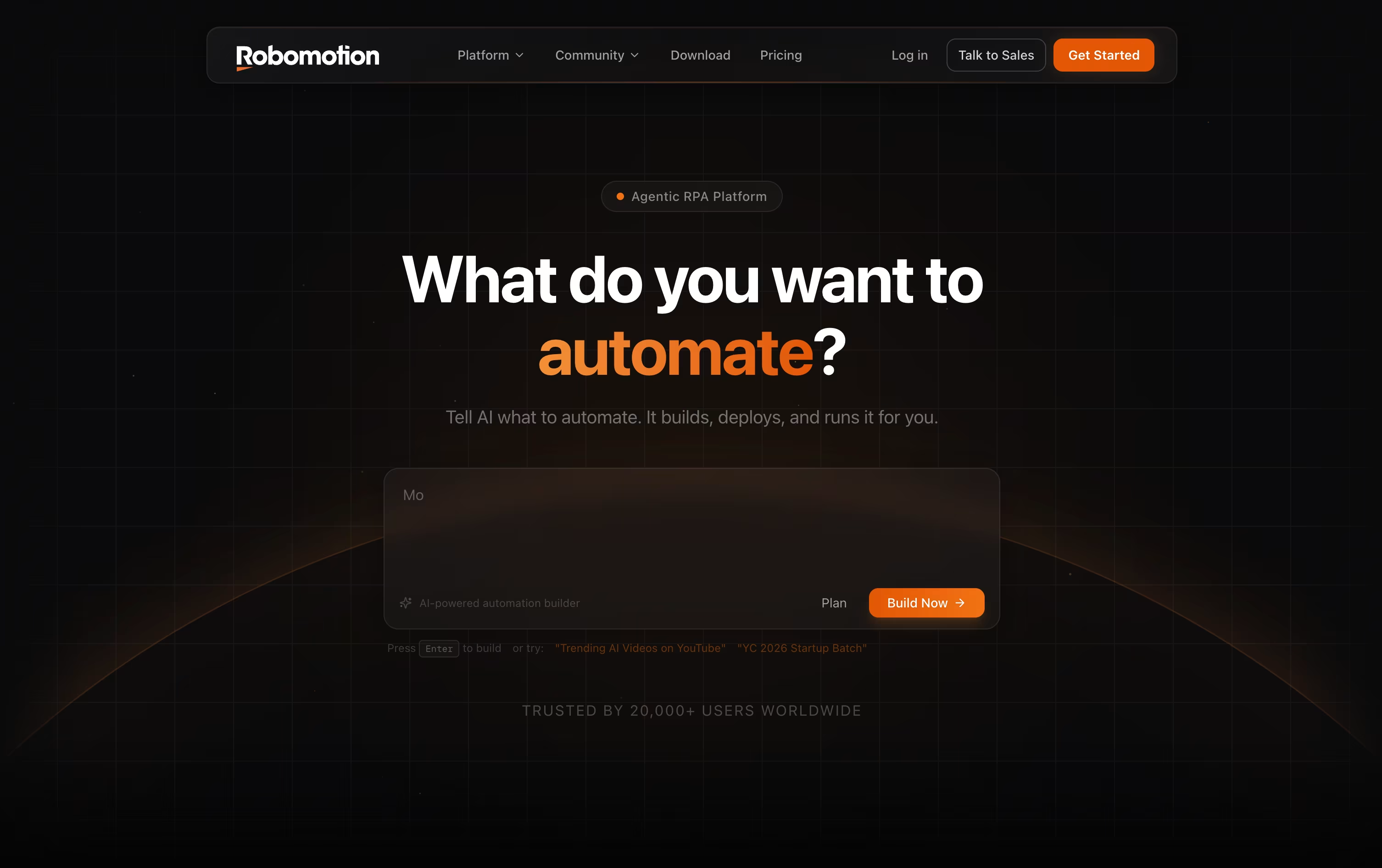
Instead of dragging every node onto the canvas yourself, you can type out what you want automated and let the AI Assistant put the flow together, which you can then edit.
Robots run on your own machine, in the cloud, or a mix of both, on Windows, macOS, Linux, and even Raspberry Pi.
The Cloud Free plan costs nothing and includes a 14 day trial, while Solo runs $49 a month, Pro is $129 a month, and Team costs $399 a month for growing teams.
If you need everything to live inside your own infrastructure, Self-Hosted plans start at $499 a month for Starter and $999 a month for Growth, with an Enterprise tier priced on request.
More than 220 integrations plus support for OpenAI, Gemini, and Claude models mean it can plug into CRMs, banks, tax portals, and other everyday business systems.
If you have outgrown simple no-code tools, Latenode gives you a visual builder plus real code, so you are not stuck when a workflow gets complicated. Nodes snap together on a canvas to form automations, AI agents, and data pipelines.
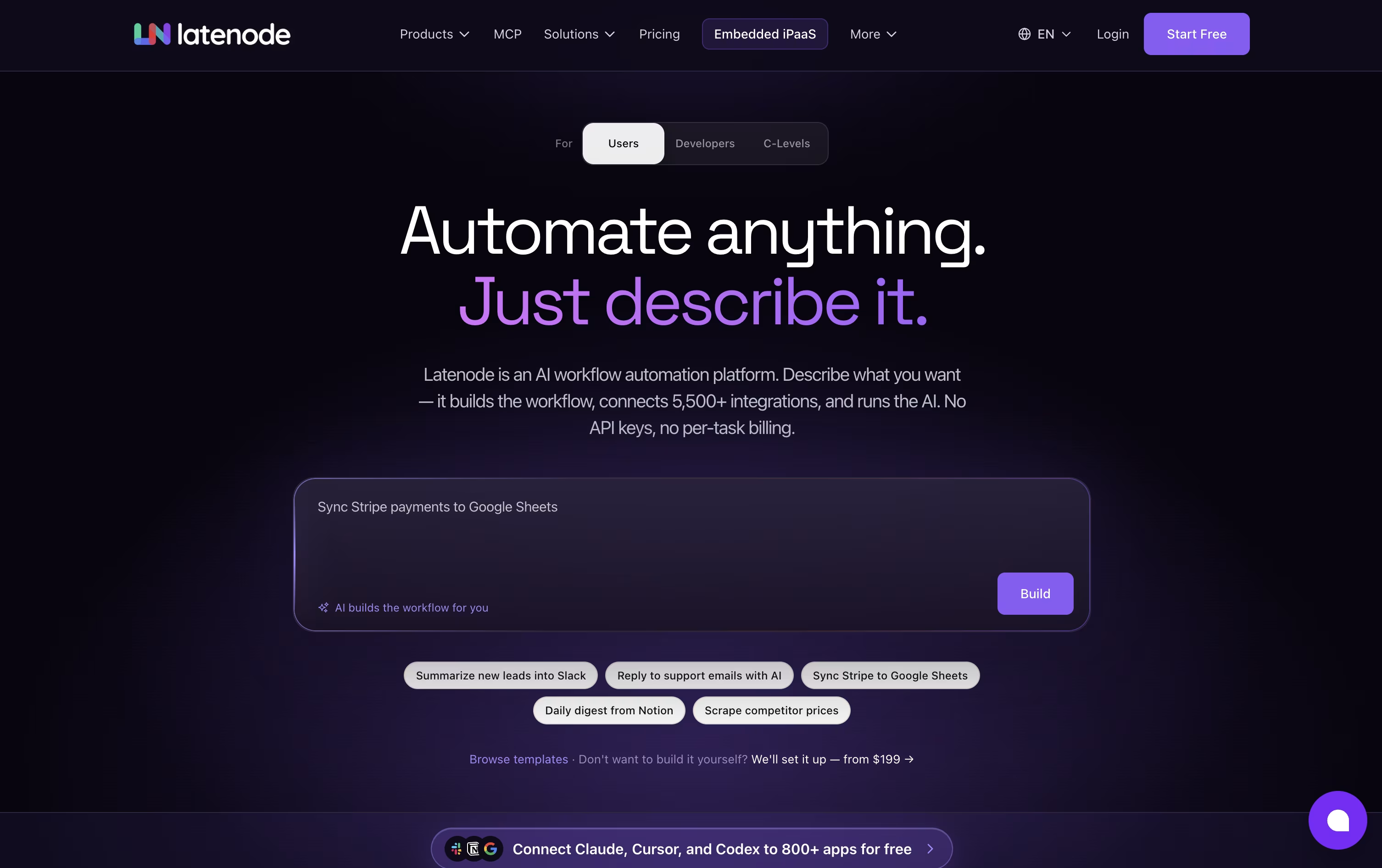
You can write JavaScript with NPM packages inside any step, and an AI Copilot is on hand to help generate or debug that code. There is also an AI Builder that can turn a written description of what you want into a ready scenario.
Access to hundreds of AI models, including GPT, Claude, and Gemini, is built right in, so you don't need to sign up for each one separately. Latenode also links to over 1,200 apps, plus tools for browser automation, document search through RAG, and an MCP server for external AI clients.
Cost is tied to runtime, measured in CPU seconds, instead of the number of nodes in a scenario. The Free plan hands you 10,000 CPU seconds every month at no charge.
Once you need more room, Pay as you go keeps that same free allowance, then bills a small, shrinking rate per extra CPU second, while opening up unlimited scenarios and longer execution windows.
Nodes that use paid outside providers are billed separately with Plug-n-Play tokens at $1 each, so those costs never get mixed into your runtime bill.

Rather than making you build automations from scratch, Integrately hands you a library of millions of ready-made workflows that you can activate in one click after connecting your accounts.
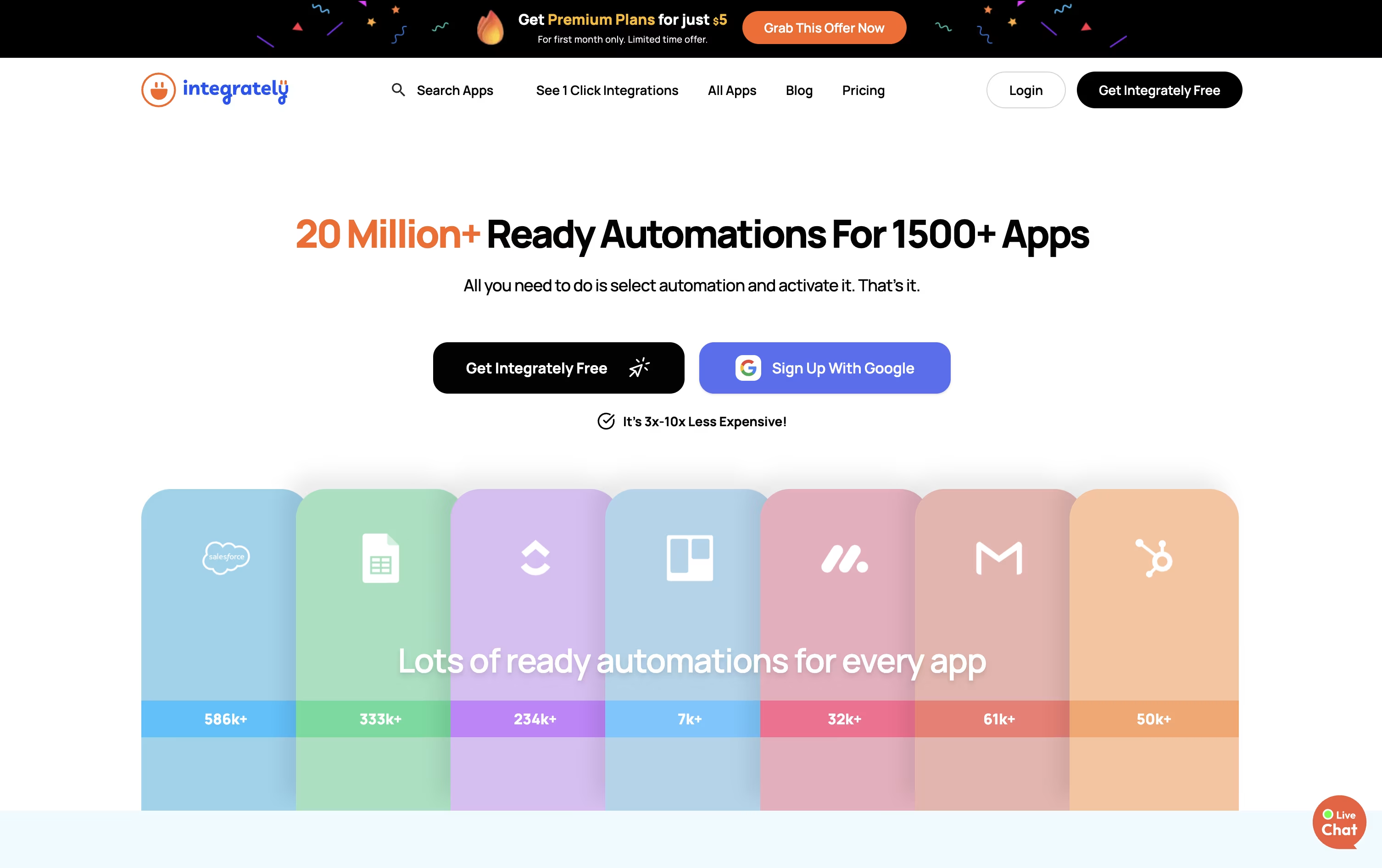
It connects with over 1,500 apps spanning CRM, email marketing, online stores, forms, and everyday work tools, and its AI Automation Builder can turn a plain language request into a working automation.
The Free plan gives you 100 tasks a month at no cost, plus a 14-day trial of paid features. Starter costs $29.99 a month, or $19.99 a month if billed yearly, and adds webhooks, filters, and 2,000 tasks.
Professional, priced at $49 a month or $39 annually, is described as covering most required features, with unlimited automations, branching, and 10,000 tasks. Growth and Business step up to 30,000 and 150,000 tasks with unlimited users and folder permissions.
Live chat support comes with every plan, and the top two tiers add a dedicated account manager. Since checks and triggers do not use up tasks, Integrately can be far more efficient than task-counting competitors like Make.

Think of Albato as a no-code bridge between your apps. You choose a starting trigger, line up actions across its library of 1,000+ connectors, and the workflow keeps running without you touching it again.
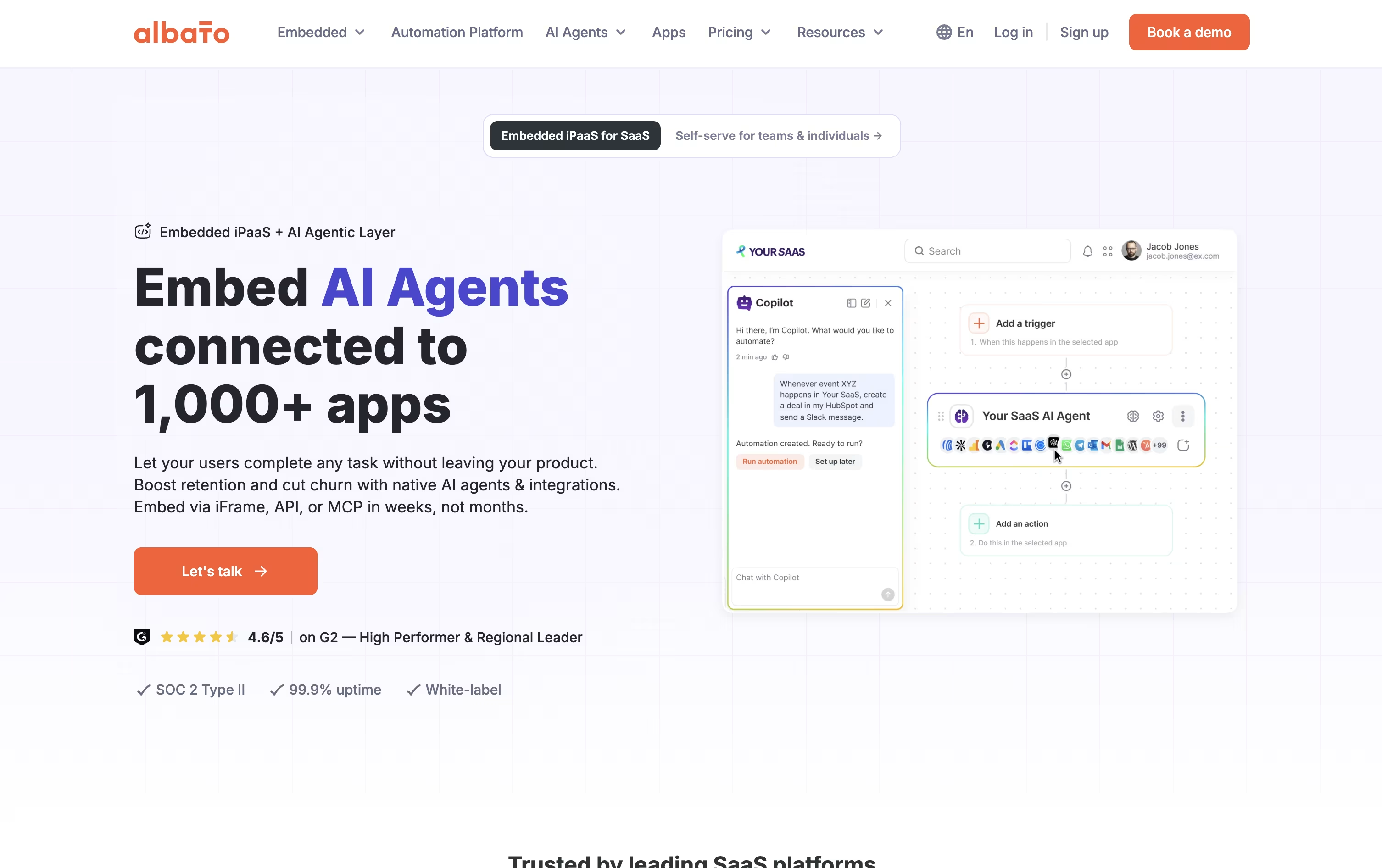
It is not just plain automation either. Albato AI handles text and data tasks inside a workflow, Copilot turns a written request into a working automation, and AI Agents can decide which action to take based on your instructions.
Missing an app? The App Integrator lets anyone add a new connection using a public API, so the library keeps growing with what you actually need.
On price, the Free plan gives 100 transactions with 5 automations of 2 steps each, enough to test the waters. Pro removes those caps for $22 a month, or $15 a month if billed yearly, and throws in AI Agents plus a 7-day trial.
Teams runs $93 a month, or $65 annually, with 5 seats and shared workspaces for agencies, and a Custom plan handles bigger volumes with a dedicated success manager.
For SaaS businesses, Albato Embedded offers the same integrations and AI agents white-labeled under your own product, starting from $5,000 a month.

Workato is an enterprise automation platform that works as an Integration Platform as a Service, or iPaaS. It connects your business applications together and automates the tasks between them. You can build workflows without writing code, using a drag-and-drop interface that makes setup quick and simple.
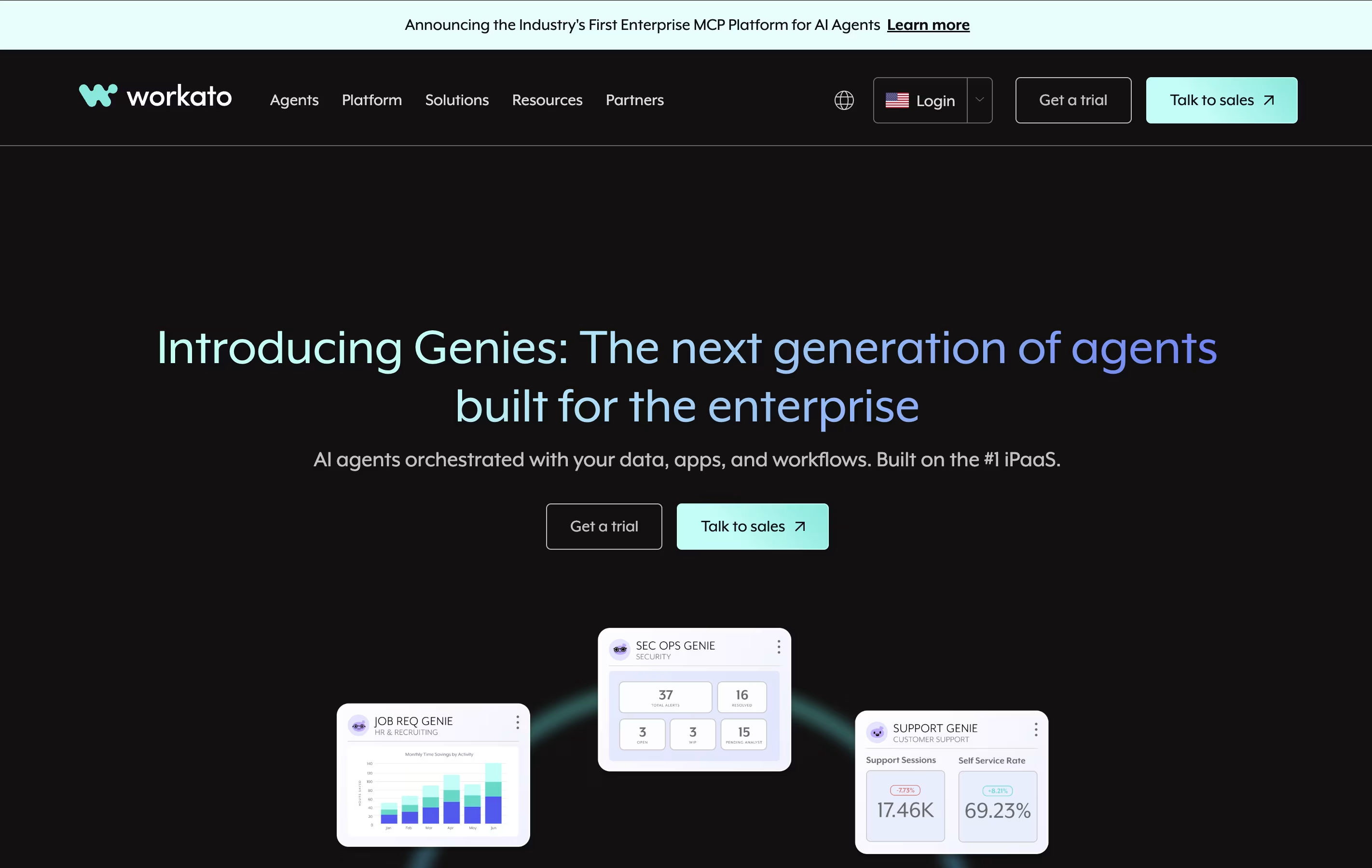
The platform offers over 1,200 ready-made connections to popular business tools like Salesforce, Slack, Google Workspace, and Microsoft 365. These connections allow data to flow automatically between systems in real time. Workato handles everything from simple data transfers to complex multi-step business processes.
Workato uses "recipes" as the name for its automated workflows. Each recipe includes a trigger that starts the automation and actions that happen automatically. It is built for both business users and IT teams to work together on automation projects.

SnapLogic is an Integration Platform as a Service that connects your business apps and data sources together. Think of it as a bridge that lets different software talk to each other. Instead of hiring programmers to build custom connections, SnapLogic gives you ready-made building blocks called Snaps.
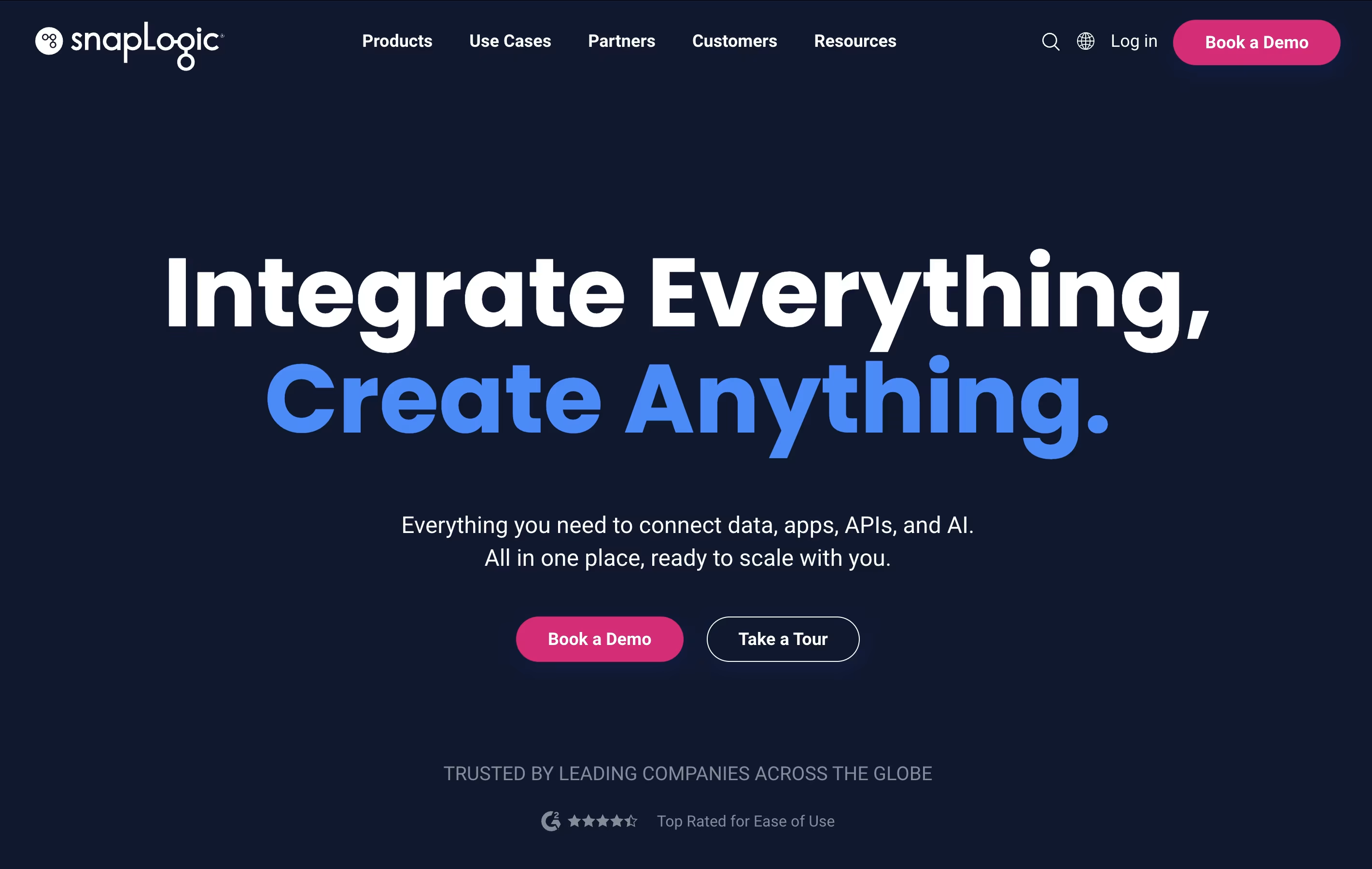
These Snaps are like puzzle pieces that connect to popular apps such as Salesforce, Workday, and Microsoft systems. You can drag and drop them to build workflows that move data between systems automatically. The platform runs in the cloud but can also connect to software installed on your own computers.
SnapLogic includes AI helpers that write code for you, suggest improvements, and even create smart agents that work on their own.

Boomi is an integration platform as a service that connects different applications, databases, and systems in your business. Think of it as a translator that helps all your software speak the same language. Whether you use Salesforce for customer management, SAP for business operations, or cloud services like AWS, Boomi can link them together.
The platform offers four main services: Integration connects your apps and data, API Management helps you build and control programming interfaces, Data Management keeps your information organized and accurate, and AI Agent Management lets you control artificial intelligence tools safely.
Unlike traditional integration tools, Boomi runs entirely in the cloud, which means you do not need to install or maintain special hardware. It updates automatically and scales with your business needs.

Celigo is an integration platform as a service that connects different business applications so they can share information and work together. Instead of manually entering the same data into multiple systems, Celigo automatically moves information between your tools in real time.
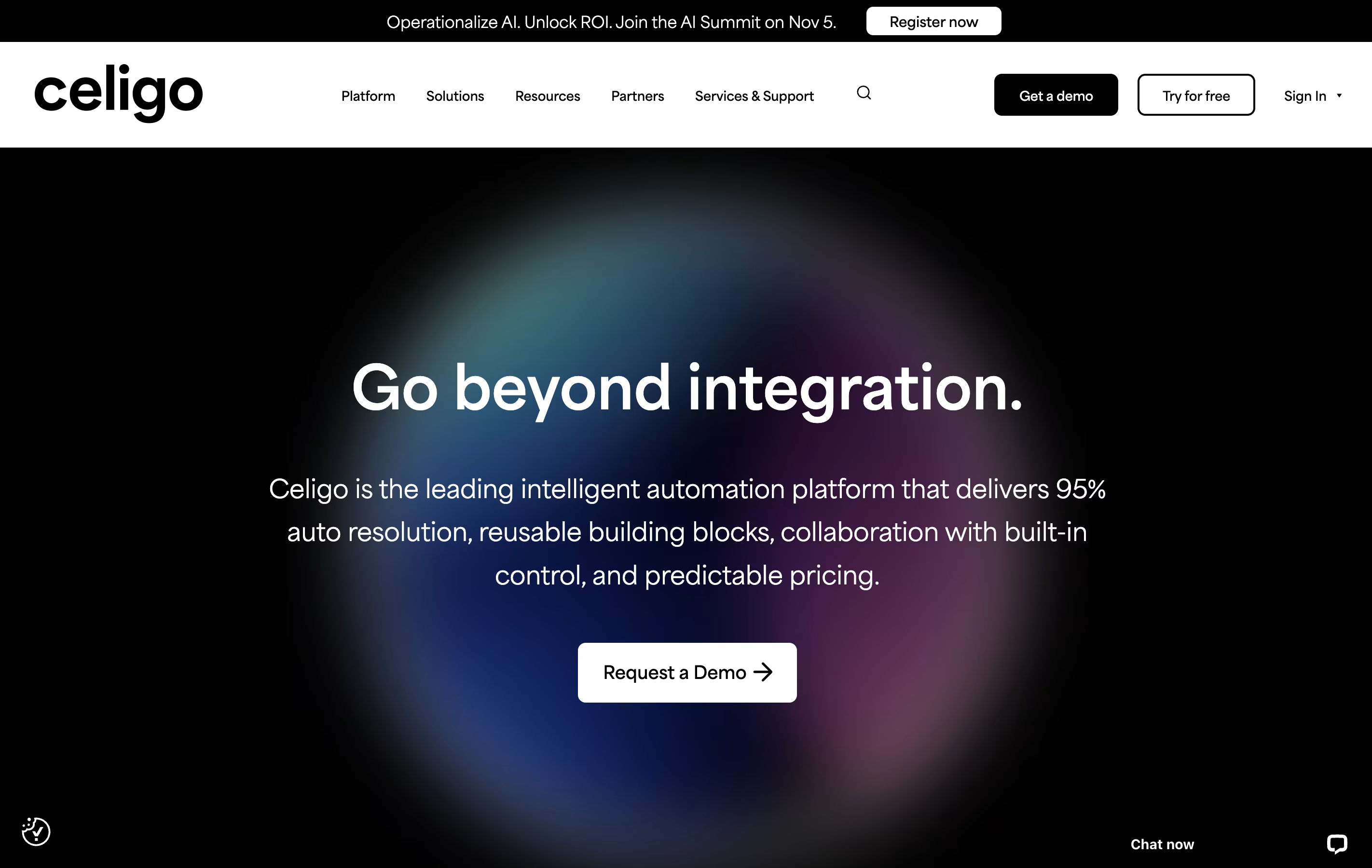
The platform uses artificial intelligence to understand and fix connection problems automatically. It comes with over 700 ready-made connections for popular business software like accounting systems, sales tools, and online stores. You can set up these connections without writing code, using simple point-and-click tools.
Celigo handles all types of data transfers including real-time updates, scheduled batches, and file exchanges. Whether you run a small business or a large company, the platform grows with your needs without surprise costs.

Tray.io is an integration platform as a service that connects different business applications and automates tasks between them. You can build workflows using a visual drag-and-drop interface without writing code, though developers can add custom scripts when needed.
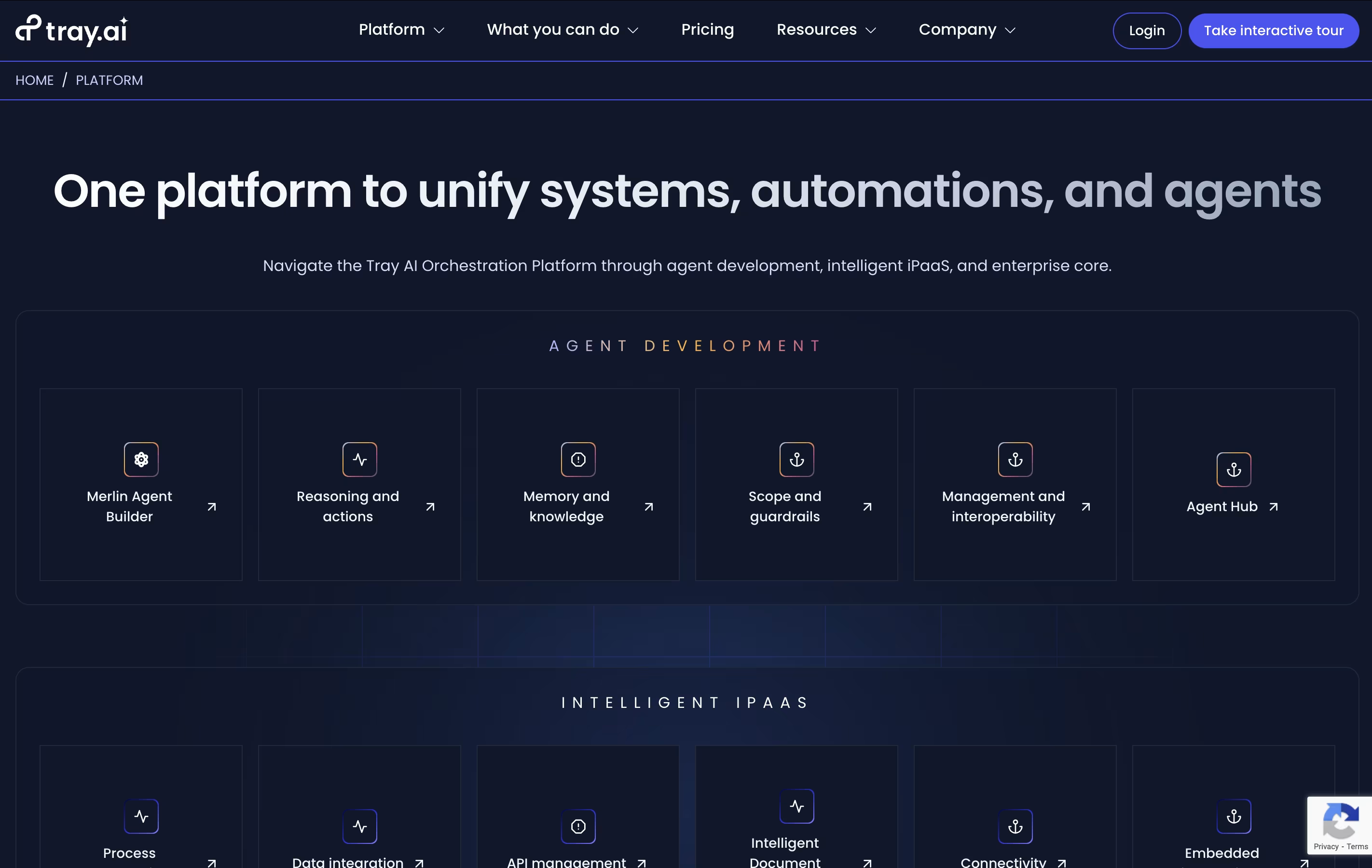
The platform includes Merlin Agent Builder, which lets you create AI agents that can understand requests, make decisions, and take actions across your connected systems. These agents work in Slack, Microsoft Teams, or through web interfaces.
Tray.io works with popular tools like Salesforce, HubSpot, Google Workspace, Slack, and hundreds more. You can sync data, trigger automated responses, and create complex processes that adapt to your business needs. The platform handles everything from simple two-app connections to enterprise-wide automation projects.





