

Meku vs Tempo: Features, Pricing and User Reviews 2026
What are Meku and Tempo?

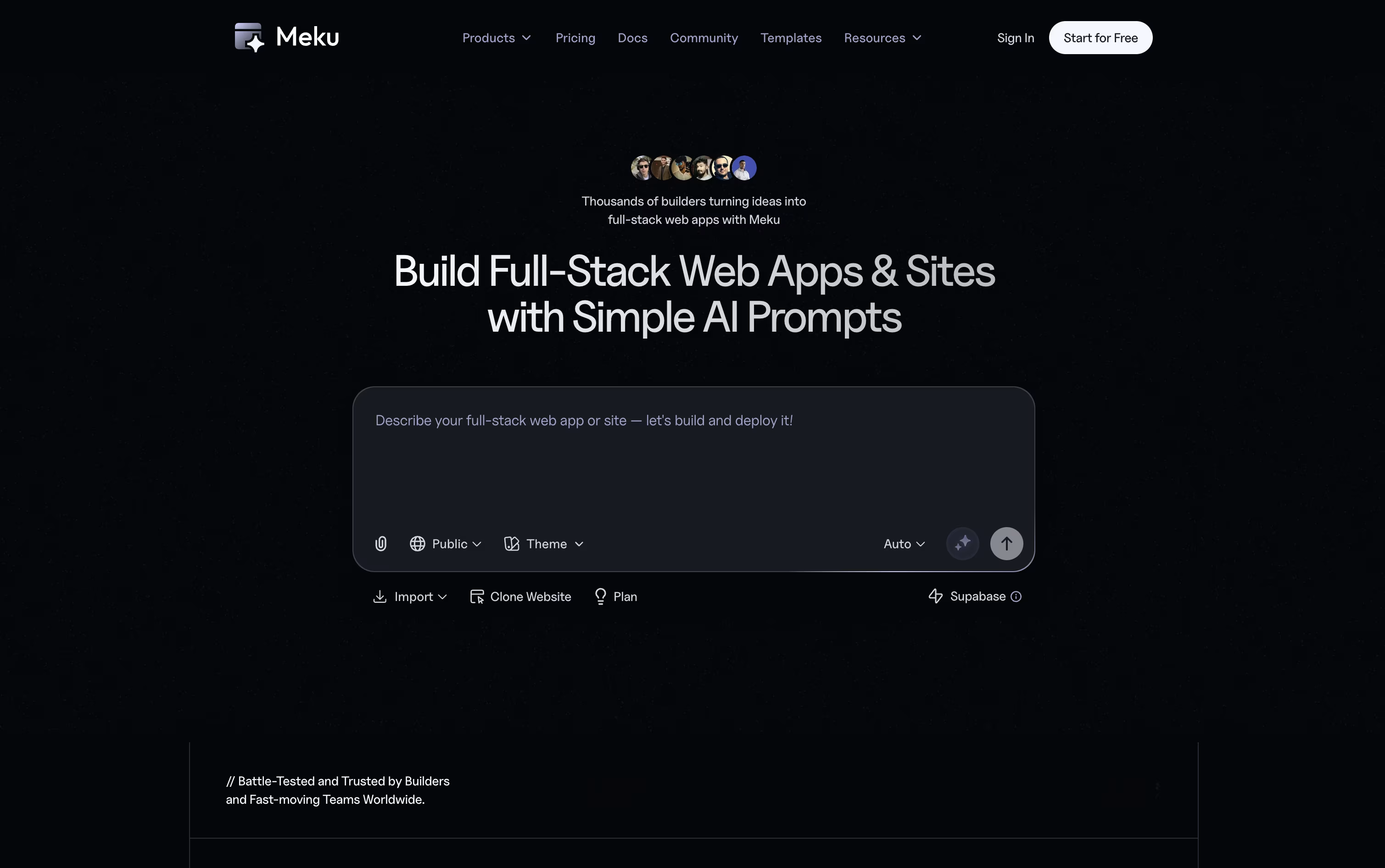
Meku is a tool that turns simple text prompts into full working websites and apps. You describe what you want to build, and Meku creates a working version for you in under a minute. Unlike many no-code tools, Meku gives you clean code you can keep and use anywhere.
You can chat with it to make changes, add pages, or fix bugs, and see live updates as you work. It also connects with tools like GitHub and Supabase, so you can add logins, databases, and other features.
Once your project is ready, you can launch it with one click or download the full code to host it yourself.

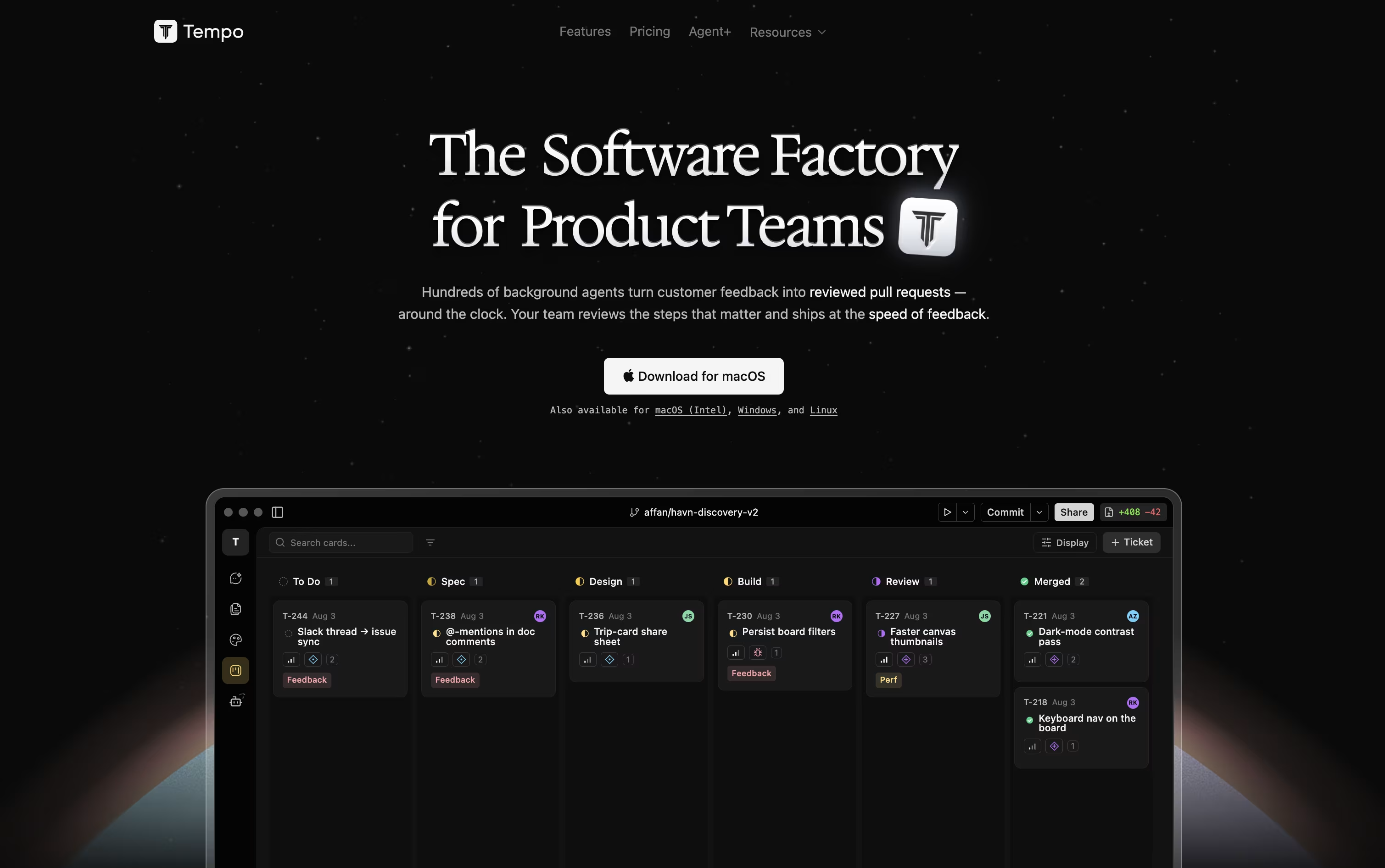
Tempo is a collaborative workspace for product teams that brings design, planning, coding, and AI agents together in one place. Instead of switching between separate tools, everything connects to your actual codebase, so nothing gets lost between handoffs.
It has four main parts. Canvas lets you design on live React components that update as code changes. Docs is a simple writing space for plans and specs. Issues is a task board for tracking work. Chat lets you work with AI agents that can read your project and make changes safely in their own branch.
Tempo works best with React apps built using Vite, Next.js, or Expo, and is available as a web app and desktop app.
Features of Meku and Tempo
Turn text prompts into working websites and apps
Chat based editing with live previews
Figma design import support
Website reference for design ideas
Built in database and login support with Supabase
GitHub push, pull, and sync
One click deploy with custom domains
Full code ownership and export
Ready made templates for quick starts
Team workspaces for shared projects
Live design canvas on real React code
Docs editor for PRDs and specs
Built-in Kanban issue tracker
AI chat agents with Claude and OpenAI models
Custom automated agents with triggers
Figma to React code conversion
SaaS starter templates with payments and auth
Desktop apps for macOS, Windows, Linux
Works with React, Next.js, and Expo
Isolated git branches for safe agent changes
Use Cases of Meku and Tempo
Pricing of Meku and Tempo
Meku offers a free plan plus three paid plans that grow with your needs.
Free Plan ($0/month): Try Meku with 100 credits a month, three public projects, and one workspace, at no cost.
Starter Plan ($16/month, or $12/month billed yearly): Adds private projects, code export, GitHub sync, and Supabase support.
Pro Plan ($25/month, or $19/month billed yearly): The most popular choice, with 2,000 credits, premium templates, and room for up to ten team members.
Growth Plan ($49/month, or $39/month billed yearly): Built for bigger teams, with 5,000 credits, 100 active projects, and support for up to 25 members.
All paid plans include email support, custom domains, and full code export.
Tempo offers three main plans. The Starter plan is free and includes 100 AI messages a month, up to 10 team members, 250 Kanban issues, 50 documents, and the option to connect your own AI provider.
The Team plan costs $20 per seat per month and removes most limits, giving unlimited team members, unlimited issues, and unlimited documents, along with the same option to bring your own AI provider.
For businesses that want AI agents and human experts to build features for them, Agent+ starts at $500 per month. It includes 1 to 3 features delivered daily, review from real engineers and designers, delivery in 48 to 72 hours, and unlimited revisions.
There is also an optional Tempo Inference add-on for $30 per month, which gives extra AI usage billed at API cost once you go over the included credits.
FAQs: Meku vs Tempo
Reviews: Meku vs Tempo
Based on 0 reviews
Based on 0 reviews
Compare Meku With Other Tools

Reflex
Build Full-Stack Apps in Pure Python

Bolt
Build Full-Stack Apps with AI Prompts Fast

Lovable
Build Full Apps With Simple Prompts

camelAI
AI Software Engineer That Deploys Apps

Zite
AI No-Code Platform for Business Tools

Replit

Base44
Build Full Web Apps with AI, No Code

Anything
No-Code AI App and Website Builder

Bubble
No-Code Platform for Web & Mobile Apps
Compare Tempo With Other Tools
Reflex
Build Full-Stack Apps in Pure Python
camelAI
AI Software Engineer That Deploys Apps
Replit
Bolt
Build Full-Stack Apps with AI Prompts Fast
Lovable
Build Full Apps With Simple Prompts
Base44
Build Full Web Apps with AI, No Code
Anything
No-Code AI App and Website Builder
Bubble
No-Code Platform for Web & Mobile Apps

Manus
The AI Agent That Plans and Executes Tasks

