

Sleek Design vs Visily: Features, Pricing and User Reviews 2026

Sleek Design
AI-Powered Mobile App Design Tool Online
Sleek Design
AI-Powered Mobile App Design Tool Online
What are Sleek Design and Visily?
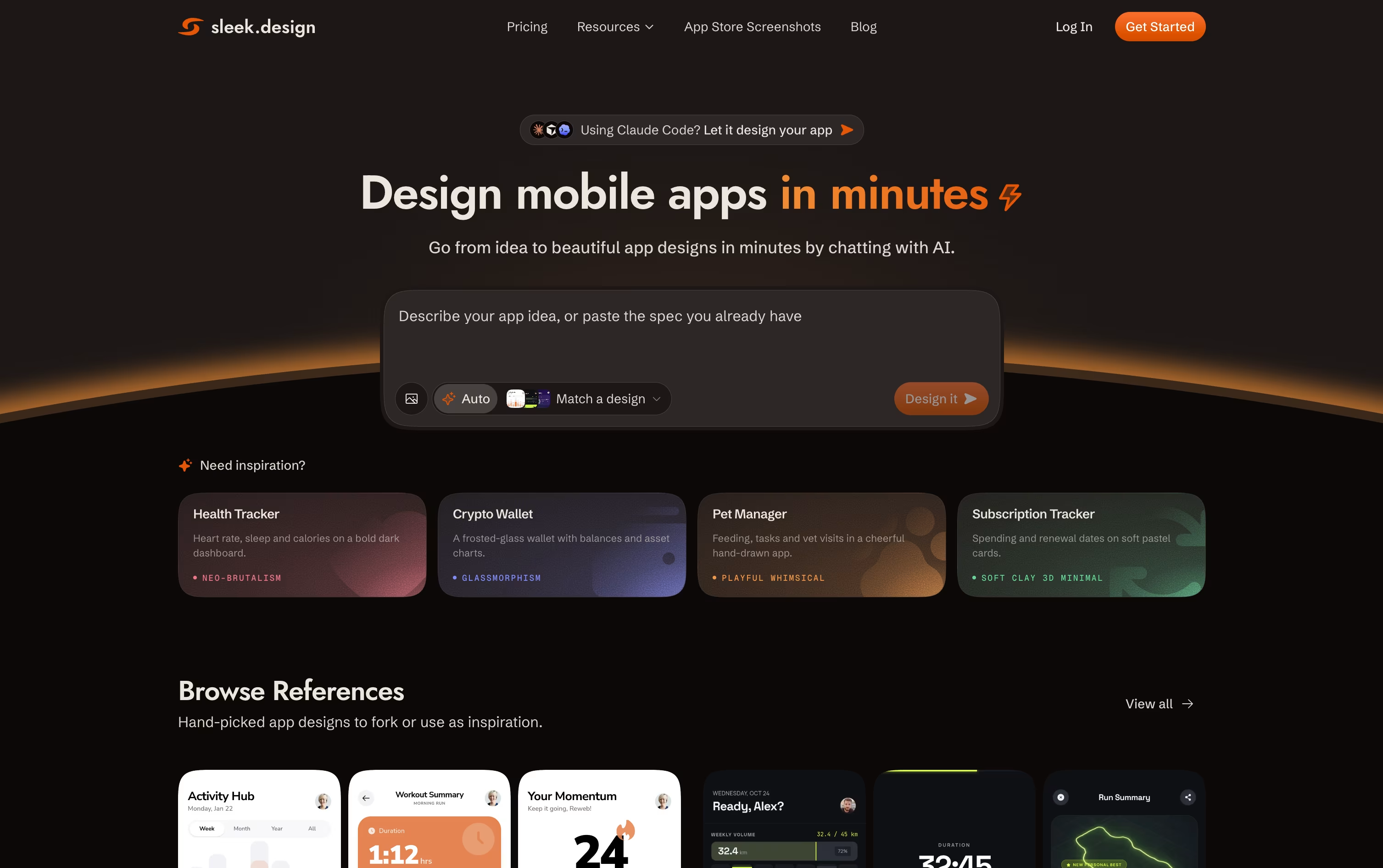
Sleek is a design tool made only for mobile app screens. You describe your app idea in plain words, or upload an image or sketch, and it creates real editable screens for iOS and Android in minutes.
Unlike general design tools that cover websites, slides, and apps together, Sleek focuses only on mobile screens. This means the layouts, spacing, and style follow real mobile app patterns instead of generic templates.
You can chat with Sleek to change colors, layout, or components after the first design is made. When you are happy with the result, you can export it straight to Figma or as code for developers.

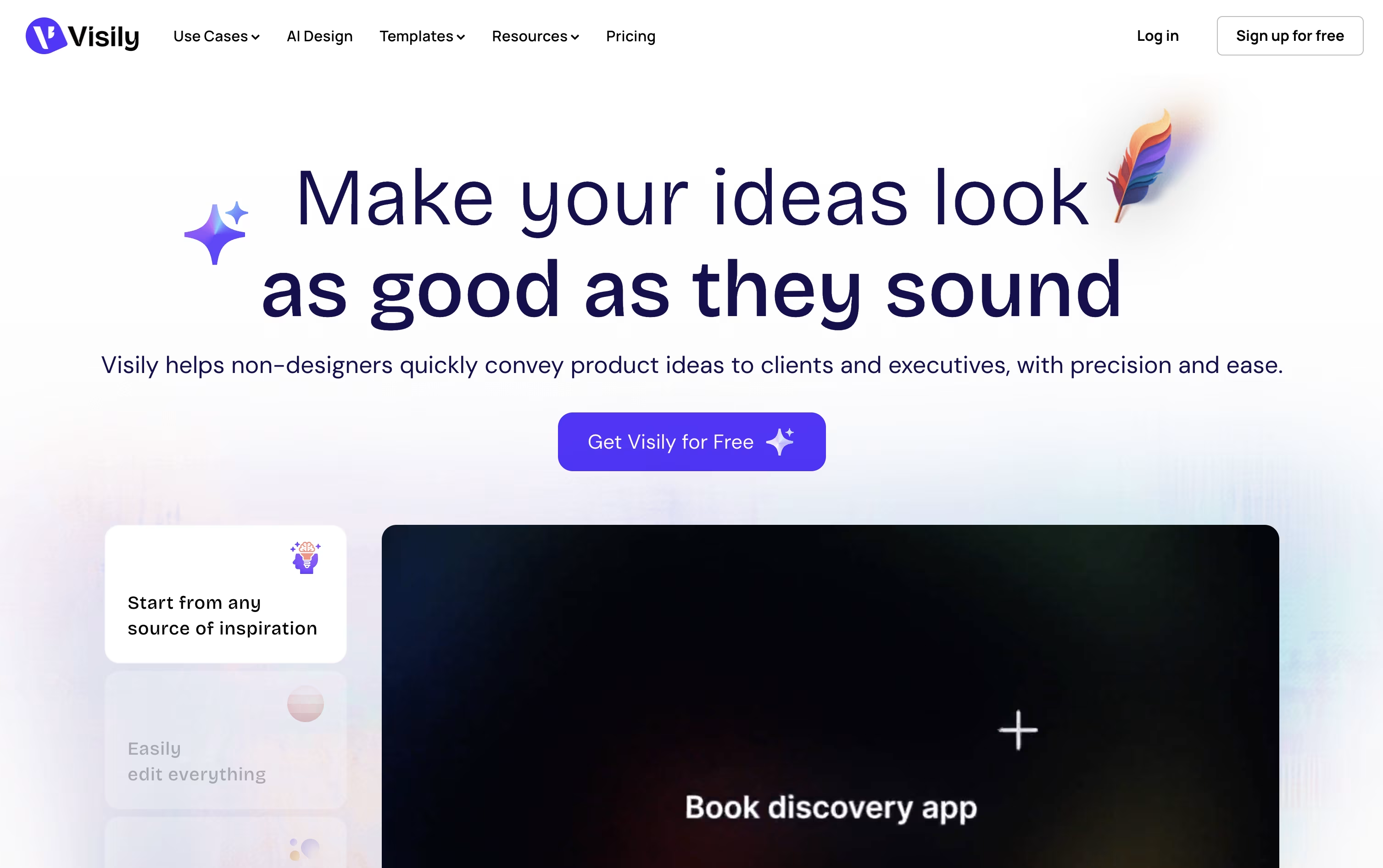
Visily is a design tool that helps you create wireframes, mockups, diagrams, and prototypes without needing design skills. You can start from a text prompt, a screenshot, a sketch, or one of many ready-made templates.
The AI turns your starting point into a fully editable design, so you are never stuck with a blank canvas. You can then adjust layouts, colors, and components freely on a shared canvas.
It is made for product managers, founders, and teams who need to turn ideas into clear visuals quickly, without learning tools like Figma. Diagrams, flowcharts, and interactive prototypes are all built into the same workspace.
Teams can collaborate in real time, leave comments, and export finished work to Figma or code, making it easy to hand designs off to developers or designers.
Features of Sleek Design and Visily
Text prompt to mobile screens
Image and sketch to design
Style presets like Glassmorphism and Neo-Brutalism
Chat-based iteration and edits
Figma export with editable layers
Code export in HTML or React
REST API and agent skill support
Template library by app category
Screenshot Composer via Chrome extension
Team collaboration on higher plans
AI-powered text, screenshot, and sketch to design
Smart Components for fast editing
Full diagramming and flowchart tools
Interactive prototyping with real screens
Real-time team collaboration and comments
1,500+ ready-made templates
Figma import and export
Code generation from designs
Chrome, Edge, and Firefox extension
Free and paid plans available
Use Cases of Sleek Design and Visily
Pricing of Sleek Design and Visily
Sleek offers a Free plan with limited trial credits, one project, and limited exports so you can test the tool before paying.
Starter ($39/month or $20/month yearly): 3,000 AI credits, about 100 screens, 5 projects, and unlimited code and Figma exports.
Pro ($69/month or $30/month yearly): The most popular plan, with 20,000 AI credits, about 650 screens, unlimited projects, and REST API and agent access for tools like Claude Code and Cursor.
Team ($99/user/month or $40/user/month yearly): Everything in Pro plus 30,000 AI credits, team collaboration, priority support, and centralized billing.
Yearly billing gives four months free compared with paying monthly.
Visily offers a range of plans to fit different needs, from solo users to large organizations.
Starter (Free): Includes 300 AI credits a month, limited boards and elements, and watermarked exports, good for trying the tool out.
Pro ($14/editor/month, billed annually): Unlocks unlimited boards, 3,000 AI credits a month, deep AI design tools, Figma export and import, and code export.
Business ($29/editor/month, billed annually): Adds 10,000 AI credits a month, custom teams, SAML single sign-on, and priority support.
For larger organizations, Visily also offers a custom Enterprise plan with tailored AI credits, a dedicated account manager, and advanced security settings, with pricing available on request.
FAQs: Sleek Design vs Visily
Reviews: Sleek Design vs Visily
Based on 0 reviews
Based on 0 reviews
Compare Sleek Design With Other Tools

UX Pilot
AI Powered UI Design & Prototyping

Uizard
AI-Powered UI Design & Prototyping Tool

Magic Patterns
AI-Powered UI Prototyping Tool

Banani
AI UI Design Tool for Fast Prototypes

Claude Design
AI-Powered Visual Design Tool

Kombai
AI Design Engineer for Frontend Code

Google Stitch
Free AI UI Design Tool by Google

Figma Make
AI Prompt to App & Prototype Tool

Relume
AI Website Builder & Component Library
Compare Visily With Other Tools
UX Pilot
AI Powered UI Design & Prototyping
Uizard
AI-Powered UI Design & Prototyping Tool
Banani
AI UI Design Tool for Fast Prototypes
Claude Design
AI-Powered Visual Design Tool
Google Stitch
Free AI UI Design Tool by Google
Magic Patterns
AI-Powered UI Prototyping Tool
Relume
AI Website Builder & Component Library
Figma Make
AI Prompt to App & Prototype Tool
Kombai
AI Design Engineer for Frontend Code





