

Slides vs Pitch: Features, Pricing and User Reviews 2026
Slides
Create Modern HTML Presentations Online

Pitch
Collaborative Presentation Software for Modern Teams
Slides
Create Modern HTML Presentations Online
Pitch
Collaborative Presentation Software for Modern Teams
What are Slides and Pitch?
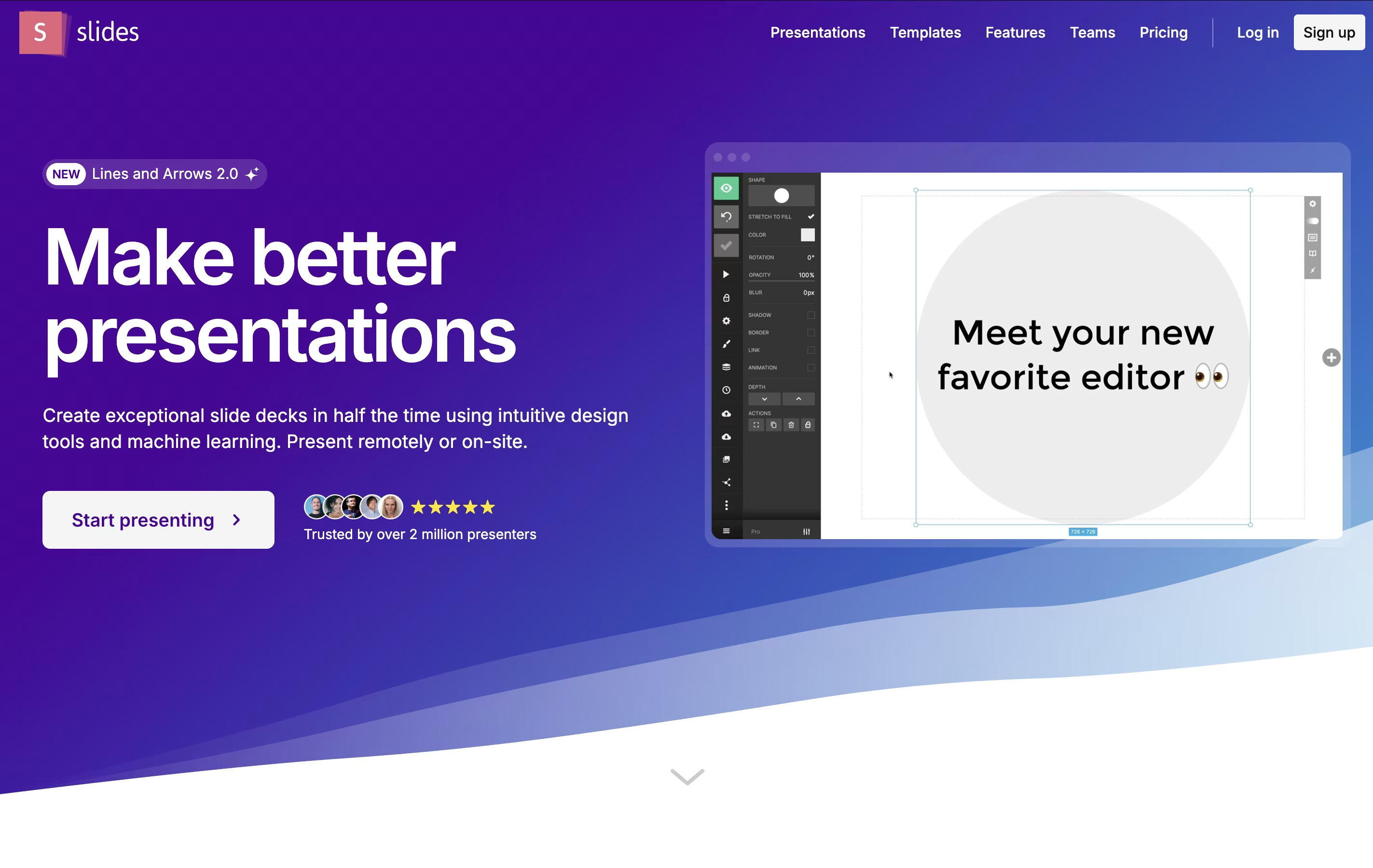
Slides is a cloud-based presentation tool that creates HTML presentations using the reveal.js framework. Instead of creating static slides, it generates interactive web presentations that can include animations, code highlighting, and multimedia content. Each presentation is stored as an HTML document, making it viewable on any device with a web browser.
The platform offers both visual editing and code editing modes. Users can create presentations using a drag-and-drop interface or write custom HTML and CSS. Slides supports features like nested slides, speaker notes, live presenting, and real-time collaboration. Presentations can be shared via simple links, embedded on websites, or exported for offline use. The platform is particularly popular with developers because it supports syntax highlighting and allows for code demonstrations within presentations.
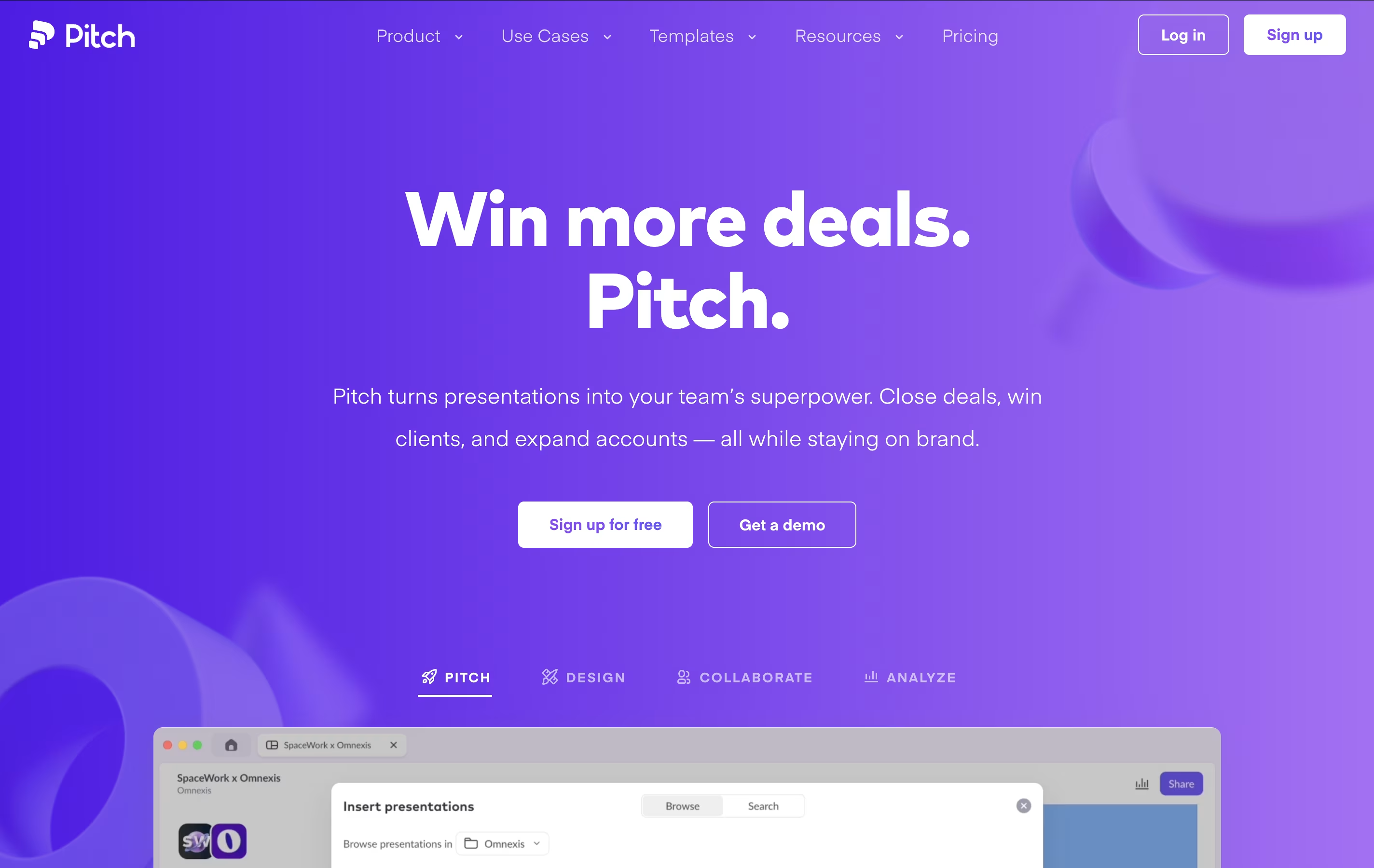
Pitch is a complete presentation platform that goes beyond basic slide creation. It provides teams with AI-powered tools, professional templates, and real-time collaboration features to build presentations that actually get results.
The platform offers several key advantages over traditional tools like PowerPoint or Google Slides. You can start with AI-generated presentations, customize them with beautiful templates designed by experts, and collaborate with your team in real-time. Pitch also includes advanced sharing features like analytics to see who viewed your presentation and how they engaged with it.
The software works on any device - web, desktop, or mobile - and includes features like custom branding, interactive embeds, video uploads, and integrations with popular tools like Slack, HubSpot, and Notion.
Features of Slides and Pitch
HTML, CSS, JavaScript-based presentations
Visual drag-and-drop editor with code editing mode
Real-time collaboration and commenting
Advanced animations and transitions
Syntax highlighting for multiple programming languages
Media embedding and interactive content
Speaker notes and presenter mode
PDF export and reveal.js compatibility
Team management and template sharing
Mobile responsive design
Custom CSS styling capabilities
API access for developers
AI presentation generator with custom prompts
100+ professional templates by design experts
Real-time collaboration with team members
Advanced analytics and engagement tracking
Custom branding with fonts and colors
Video embeds from YouTube, Vimeo, Loom
Interactive charts and data visualization
Pitch rooms for complete client interactions
Cross-device sync and offline access
Integrations with Slack, HubSpot, Notion
Use Cases of Slides and Pitch
Pricing of Slides and Pitch
Slides offers flexible pricing to accommodate different user needs. The Free plan provides essential features for individual users, including the ability to create and share public presentations with basic templates and limited storage.
The Pro plan unlocks advanced features such as private presentations, custom themes, unlimited storage, priority support, and advanced export options. Pro users also get access to the CSS editor, HTML source code editing, and team collaboration features.
For organizations, Team plans include everything in Pro plus team management tools, shared template libraries, brand customization options, and administrative controls. Team pricing is based on the number of users and includes bulk management features.
All plans include the core presentation features, cloud hosting, and cross-device compatibility. Annual subscriptions typically offer significant discounts compared to monthly billing. Custom enterprise solutions are available for large organizations with specific requirements.
Pitch offers flexible pricing to suit teams of all sizes, from individuals to large enterprises.
The Free plan is perfect for getting started and includes unlimited presentations, AI presentation creation, custom templates, and basic sharing for up to 5 team members.
The Pro plan costs $8 per month per user (billed annually) and includes 2 seats in the base price. It adds advanced analytics with 25 tracked links, custom fonts, unbranded exports, video uploads, and interactive embeds.
The Business plan is $20 per month per user (billed annually) with 5 seats included. It provides unlimited advanced links, unlimited shared pitch rooms, unlimited external guests, and priority support.
For larger organizations, the Enterprise plan offers custom pricing with advanced security features like SAML-based SSO, dedicated success management, and tailored onboarding. All plans come with a 15% discount when billed yearly, making Pitch an affordable solution for professional presentations.
FAQs: Slides vs Pitch
Reviews: Slides vs Pitch
Based on 0 reviews
Based on 0 reviews
Compare Slides With Other Tools

Visme
All-in-One Design Platform for Everyone

24Slides
Professional Presentation Design Service

Premast
Professional Presentation Templates & Design Tools

Genially
Create Interactive Presentations & Content

Storydoc
AI Presentation Maker for Interactive Business Presentations

Chronicle
AI-Powered Presentation Tool

Chat Slide
Transform Documents to Professional Presentations & Videos Instantly

Beautiful.ai
AI-Powered Presentation Software
Compare Pitch With Other Tools
Beautiful.ai
AI-Powered Presentation Software
Visme
All-in-One Design Platform for Everyone
Chronicle
AI-Powered Presentation Tool
Storydoc
AI Presentation Maker for Interactive Business Presentations
Premast
Professional Presentation Templates & Design Tools
24Slides
Professional Presentation Design Service
Genially
Create Interactive Presentations & Content
Chat Slide
Transform Documents to Professional Presentations & Videos Instantly





