

Slides vs Storydoc: Features, Pricing and User Reviews 2026
Slides
Create Modern HTML Presentations Online

Storydoc
AI Presentation Maker for Interactive Business Presentations
Slides
Create Modern HTML Presentations Online
Storydoc
AI Presentation Maker for Interactive Business Presentations
What are Slides and Storydoc?
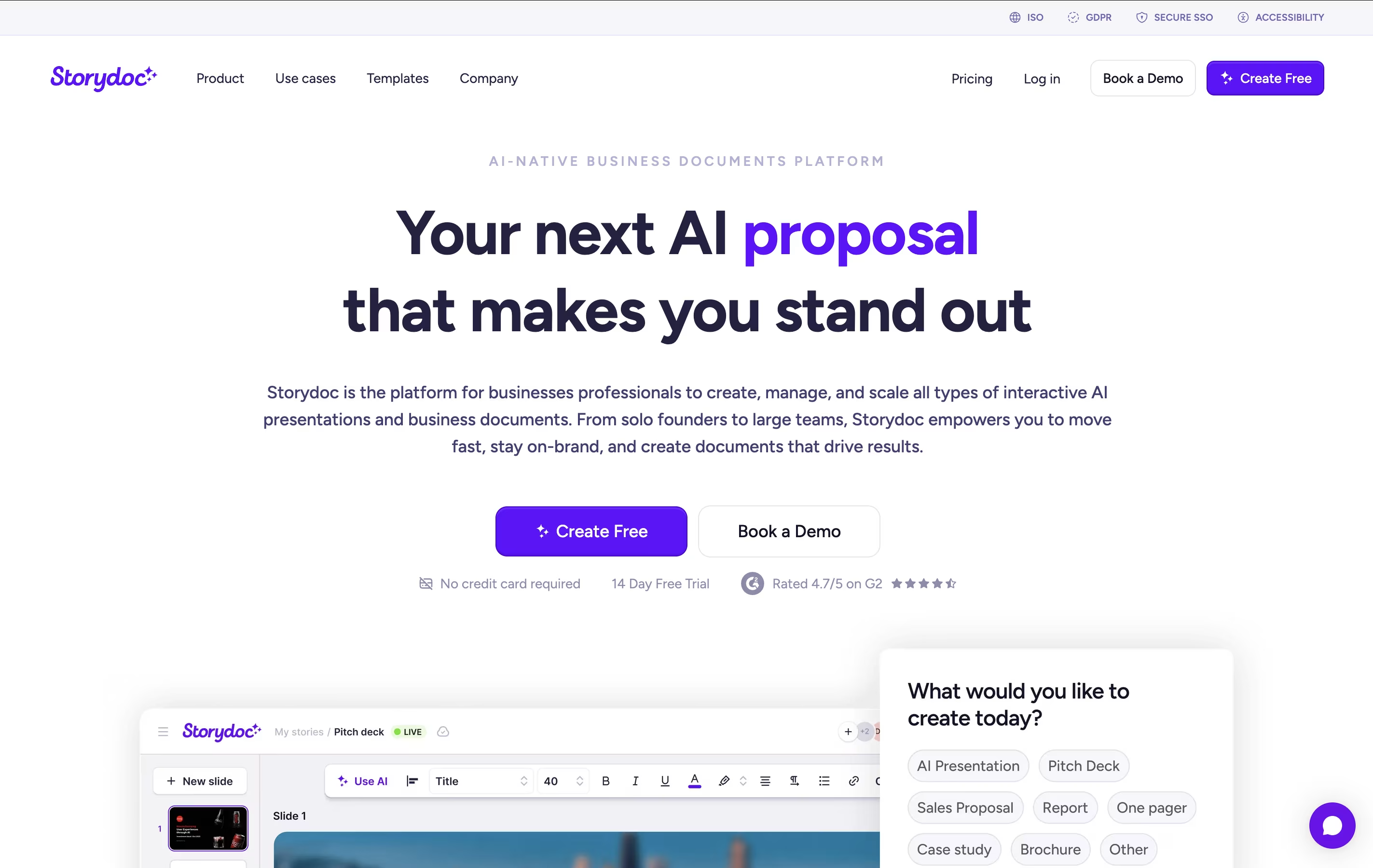
Slides is a cloud-based presentation tool that creates HTML presentations using the reveal.js framework. Instead of creating static slides, it generates interactive web presentations that can include animations, code highlighting, and multimedia content. Each presentation is stored as an HTML document, making it viewable on any device with a web browser.
The platform offers both visual editing and code editing modes. Users can create presentations using a drag-and-drop interface or write custom HTML and CSS. Slides supports features like nested slides, speaker notes, live presenting, and real-time collaboration. Presentations can be shared via simple links, embedded on websites, or exported for offline use. The platform is particularly popular with developers because it supports syntax highlighting and allows for code demonstrations within presentations.
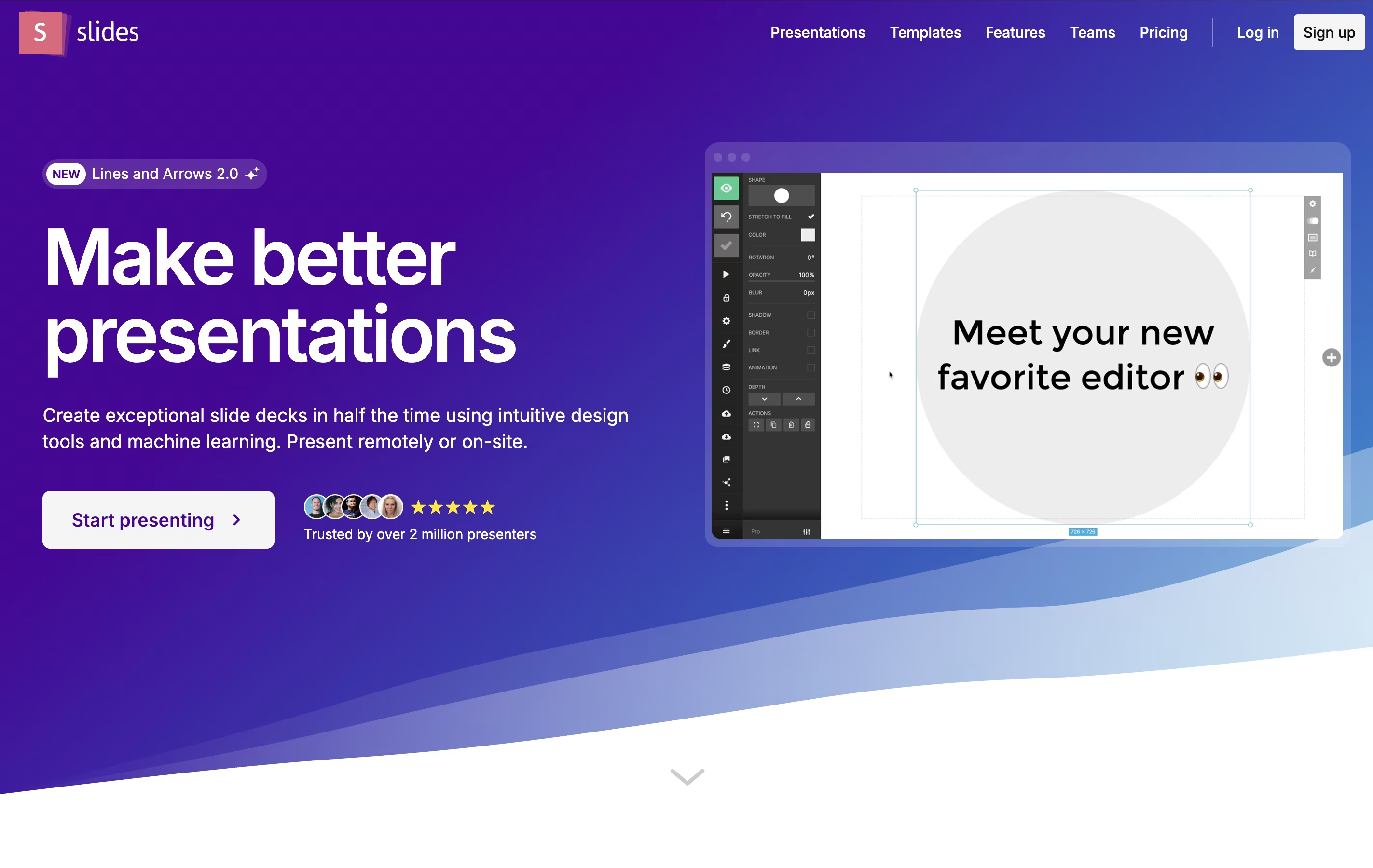
Storydoc is an AI-powered presentation platform that turns regular slide decks into interactive web experiences. Unlike PowerPoint or Google Slides that create static files, Storydoc builds web-based presentations that feel like modern websites.
The platform combines artificial intelligence with smart design tools to help you create presentations that actually get results. It includes features like real-time analytics, CRM integration, and mobile optimization. You can embed videos, calendars, forms, and other interactive elements directly into your presentations.
Storydoc is designed for business professionals who need presentations that convert viewers into customers. Whether you're creating sales decks, pitch presentations, proposals, or reports, the tool helps you build content that stands out and drives action. It offers templates for different business needs and lets you personalize content for each viewer automatically.
Features of Slides and Storydoc
HTML, CSS, JavaScript-based presentations
Visual drag-and-drop editor with code editing mode
Real-time collaboration and commenting
Advanced animations and transitions
Syntax highlighting for multiple programming languages
Media embedding and interactive content
Speaker notes and presenter mode
PDF export and reveal.js compatibility
Team management and template sharing
Mobile responsive design
Custom CSS styling capabilities
API access for developers
AI-powered presentation generation and content creation
Interactive elements like videos, forms, and calendars
Real-time engagement analytics and viewer tracking
CRM integration for automated personalization
Mobile-optimized responsive design
Brand customization with automatic styling
Template library for different business needs
Team collaboration and sharing tools
Lead capture and conversion features
Use Cases of Slides and Storydoc
Pricing of Slides and Storydoc
Slides offers flexible pricing to accommodate different user needs. The Free plan provides essential features for individual users, including the ability to create and share public presentations with basic templates and limited storage.
The Pro plan unlocks advanced features such as private presentations, custom themes, unlimited storage, priority support, and advanced export options. Pro users also get access to the CSS editor, HTML source code editing, and team collaboration features.
For organizations, Team plans include everything in Pro plus team management tools, shared template libraries, brand customization options, and administrative controls. Team pricing is based on the number of users and includes bulk management features.
All plans include the core presentation features, cloud hosting, and cross-device compatibility. Annual subscriptions typically offer significant discounts compared to monthly billing. Custom enterprise solutions are available for large organizations with specific requirements.
Storydoc offers flexible pricing plans to fit different business needs, starting with a generous 14-day free trial that lets you explore all features.
Starter Plan ($40/month per user): Perfect for individuals and small teams. Includes basic presentation creation, templates, analytics, and limited integrations. You can create up to 5 active presentation templates.
Pro Plan ($60/month per user): Designed for growing businesses. Features unlimited presentations, advanced AI tools, priority support, CRM integrations, and custom branding options.
Team Plans: Custom pricing for organizations with 10 or more users. Includes advanced security features, team management tools, single sign-on (SSO), and dedicated customer success support.
All plans include the core interactive presentation features, mobile optimization, and basic analytics. Annual billing comes with a 25% discount. Enterprise customers can also access custom integrations, white-label options, and API access for larger implementations.
FAQs: Slides vs Storydoc
Reviews: Slides vs Storydoc
Based on 0 reviews
Based on 0 reviews
Compare Slides With Other Tools

Visme
All-in-One Design Platform for Everyone

24Slides
Professional Presentation Design Service

Premast
Professional Presentation Templates & Design Tools

Pitch
Collaborative Presentation Software for Modern Teams

Genially
Create Interactive Presentations & Content

Chronicle
AI-Powered Presentation Tool

Chat Slide
Transform Documents to Professional Presentations & Videos Instantly

Beautiful.ai
AI-Powered Presentation Software
Compare Storydoc With Other Tools
Beautiful.ai
AI-Powered Presentation Software
Visme
All-in-One Design Platform for Everyone
Pitch
Collaborative Presentation Software for Modern Teams
Genially
Create Interactive Presentations & Content
24Slides
Professional Presentation Design Service
Premast
Professional Presentation Templates & Design Tools
Chronicle
AI-Powered Presentation Tool
Chat Slide
Transform Documents to Professional Presentations & Videos Instantly


