

StatusPal vs UptimeRobot: Features, Pricing and User Reviews 2026

UptimeRobot
Website Monitoring with Instant Downtime Alerts
UptimeRobot
Website Monitoring with Instant Downtime Alerts
What are StatusPal and UptimeRobot?

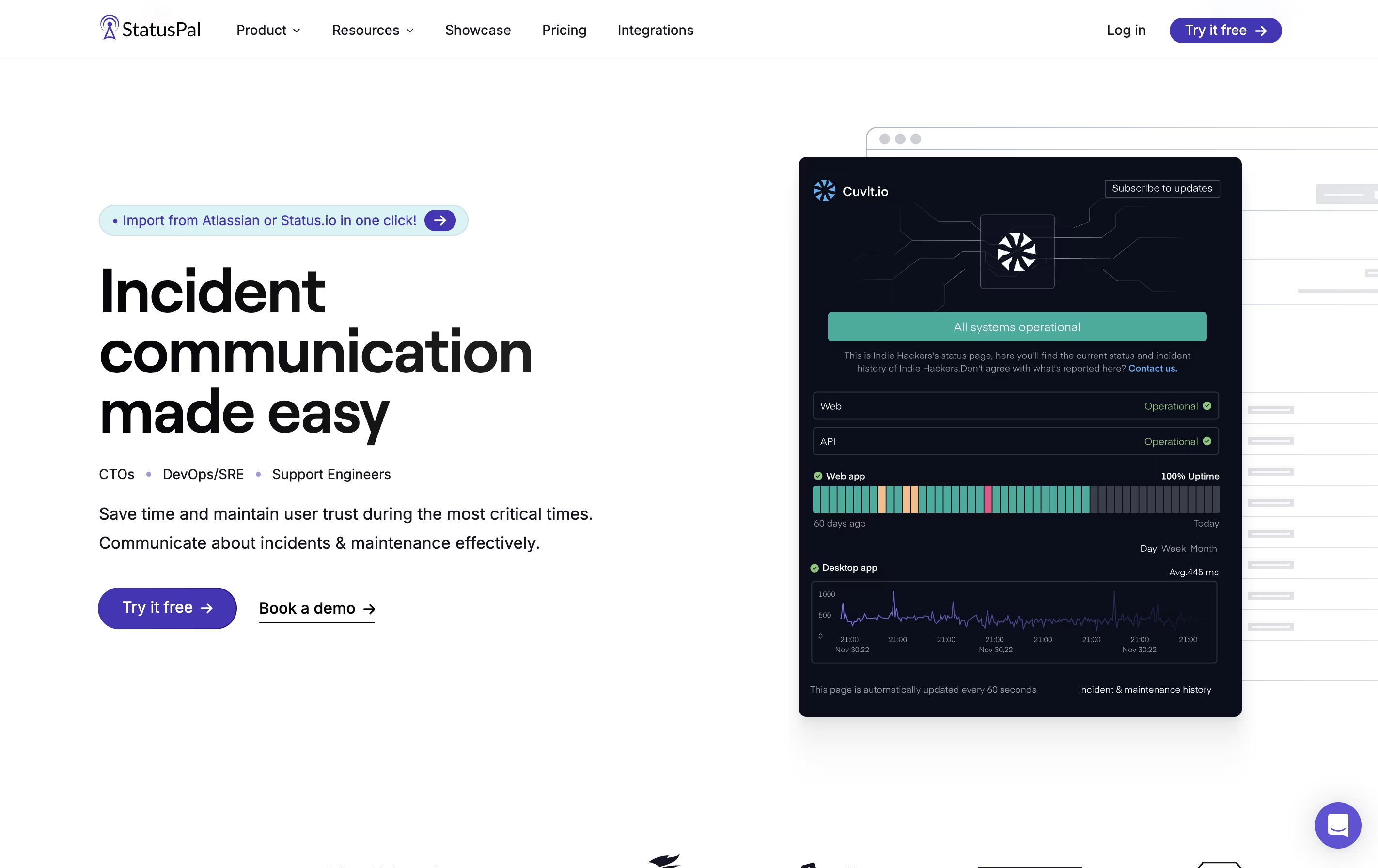
StatusPal is a tool that creates customized status pages for your online services. When you experience downtime or need to perform maintenance, you can quickly post updates that all your users can see. The platform shows which services are working normally and which ones have problems.
It connects with monitoring tools to detect issues automatically. When something goes wrong, StatusPal can create incident reports and send alerts without manual work. Users can subscribe to get notifications through email, SMS, or messaging apps like Slack.
There are different pricing plans available. All plans include unlimited status pages, which is helpful if you manage multiple products or services. The platform also supports multiple languages and offers private status pages for internal teams.
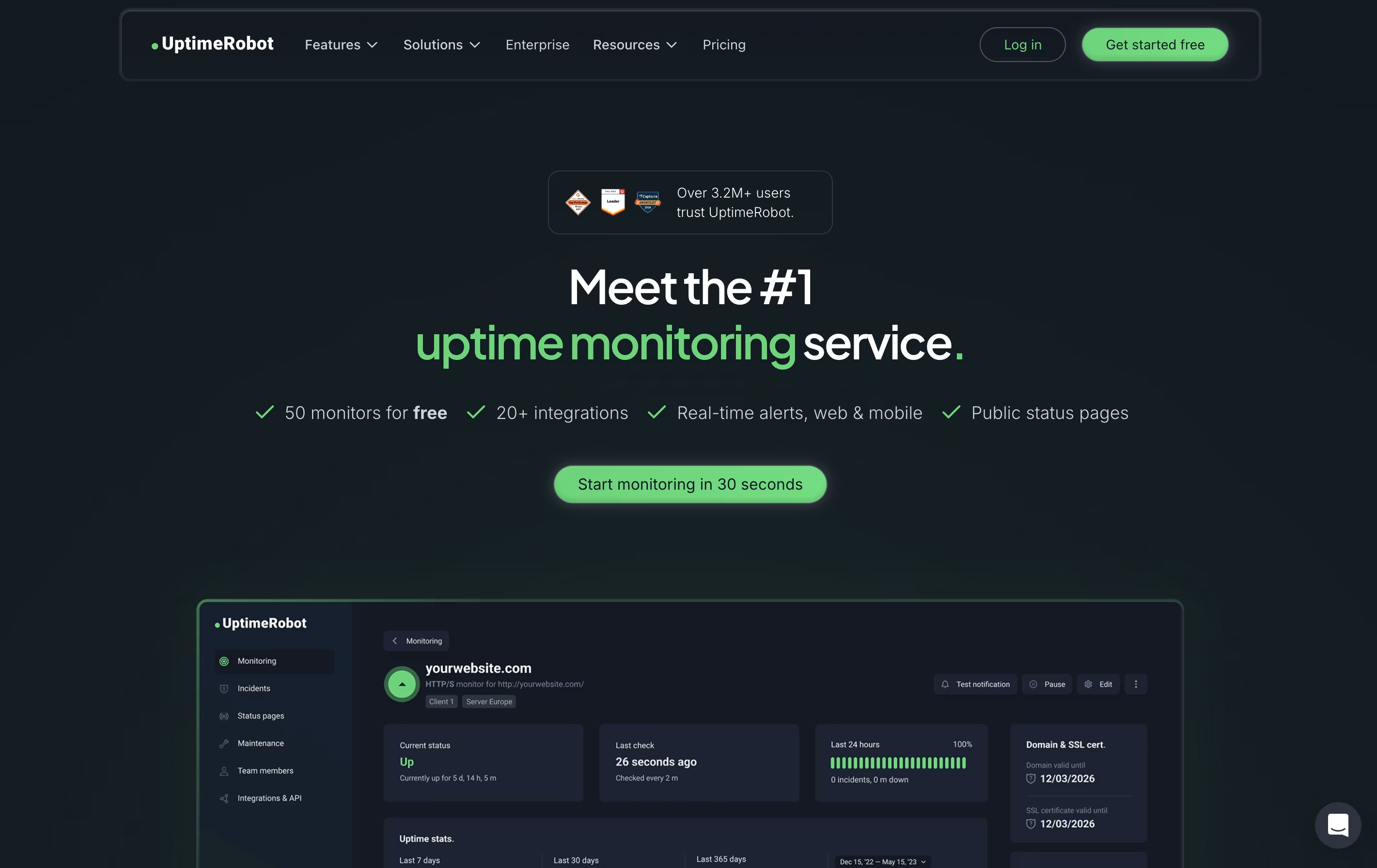
UptimeRobot is a monitoring tool that checks if your website or service is working properly. It sends automated requests to your website at regular intervals and notifies you immediately if it detects any problems. Unlike simple ping tools, UptimeRobot offers different types of checks including website monitoring, port monitoring, keyword tracking, and scheduled task verification.
The service runs checks from multiple locations worldwide to avoid false alerts. If your site goes down, UptimeRobot verifies the problem from different places before sending you a notification. This smart approach reduces unnecessary alerts while ensuring real issues get reported quickly.
You can receive alerts through email, text messages, phone calls, or popular apps like Slack and Discord. The free plan includes 50 monitors, while paid plans offer faster checks and more features.
Features of StatusPal and UptimeRobot
Unlimited public and private status pages
Real-time notifications via email, SMS, and chat apps
Built-in service monitoring with automated alerts
Integration with 40+ tools including Slack, PagerDuty, and Zapier
Multi-language support for global teams
Single Sign-On with major providers
Custom domain and branding options
Recurring maintenance scheduling
API and webhook support
Terraform provider for infrastructure as code
Website and server monitoring with instant alerts
HTTP, ping, port, keyword, and heartbeat checks
SSL certificate and domain expiration tracking
Multi-location verification to prevent false alerts
Status pages for public uptime sharing
Email, SMS, phone call, and app notifications
Slack, Discord, Teams, and Zapier integrations
Response time and performance tracking
Team collaboration with customizable access levels
Mobile apps for iOS and Android
Use Cases of StatusPal and UptimeRobot
Pricing of StatusPal and UptimeRobot
StatusPal offers four pricing tiers to meet different needs. All plans include unlimited status pages.
The Hobby plan costs $46 per month and includes 5 team members, 500 subscribers, and 10 monitored services. This plan works well for individuals and small projects.
The Startup plan at $99 per month is the most popular choice. It supports 20 team members, 1,000 subscribers, 30 monitored services, and adds private status pages plus 2 languages.
The Business plan costs $299 per month with 50 team members, 4,000 subscribers, 100 monitored services, 3 languages, and includes SSO.
For larger organizations, the Enterprise plan offers custom pricing with unlimited team members, subscribers, and monitored services. It includes all features plus SSO role provisioning and audience-specific pages.
A 14-day free trial is available with no credit card required.
UptimeRobot offers pricing plans designed for different needs and budgets.
The Free Plan costs nothing and includes 50 monitors with checks every 5 minutes. You get basic features like keyword monitoring and simple status pages. This plan works well for hobby projects and personal websites.
Solo Plan at $8 per month provides 10 monitors with 60-second checks. It adds location-specific monitoring, slow response alerts, and DNS monitoring with access to 9 integrations.
The Team Plan costs $34 monthly and is the most popular choice. It includes 100 monitors, 60-second intervals, all 12 integrations, full-featured status pages, and space for 3 team members.
Enterprise Plan at $64 per month offers 200 monitors with 30-second checks, 5 team seats, and priority features for businesses needing maximum monitoring coverage.
All paid plans can be purchased annually to save around 20 percent on costs.
FAQs: StatusPal vs UptimeRobot
Reviews: StatusPal vs UptimeRobot
Based on 0 reviews
Based on 0 reviews
Compare StatusPal With Other Tools

Incident.io
AI-Powered Incident Management Platform

Better Stack
Complete Monitoring and Incident Management Platform

Status.io
Hosted Status Pages for Incident and Maintenance Communication

PagerDuty
Real-Time Incident Management for DevOps and IT Teams

FireHydrant
Incident Management Platform for Teams

Rootly
AI-Powered Incident Management Platform

Statuspage
Status & Incident Communication Tool

StatusCake
Website Monitoring for Uptime, Speed & Security

Instatus
Fast Status Pages for Modern Teams
Compare UptimeRobot With Other Tools
Better Stack
Complete Monitoring and Incident Management Platform
Incident.io
AI-Powered Incident Management Platform
StatusCake
Website Monitoring for Uptime, Speed & Security

Hyperping
Simple Uptime Monitoring & Status Pages
Status.io
Hosted Status Pages for Incident and Maintenance Communication

Cronitor
Simple Monitoring for Cron Jobs and APIs
PagerDuty
Real-Time Incident Management for DevOps and IT Teams
Instatus
Fast Status Pages for Modern Teams

Checkly
Monitoring Platform for Developers


