ToolQuestor Logo
StatusPal

StatusPal

No reviews yet
0 Saved
Added:4/19/2026
Type:Saas
Monthly Traffic:-
Pricing:
FREEMIUMSUBSCRIPTION
Cloud-BasedSaaSWeb-BasedCollaborationAutomationAnalyticsSecurityCommunicationWorkflow Automation
BASE44

BASE44

FEATURED
Wispr Flow

Wispr Flow

FEATURED
Granola

Granola

FEATURED
StatusPal screenshot 2
StatusPal screenshot 3
StatusPal screenshot 4
StatusPal screenshot 5

What is StatusPal

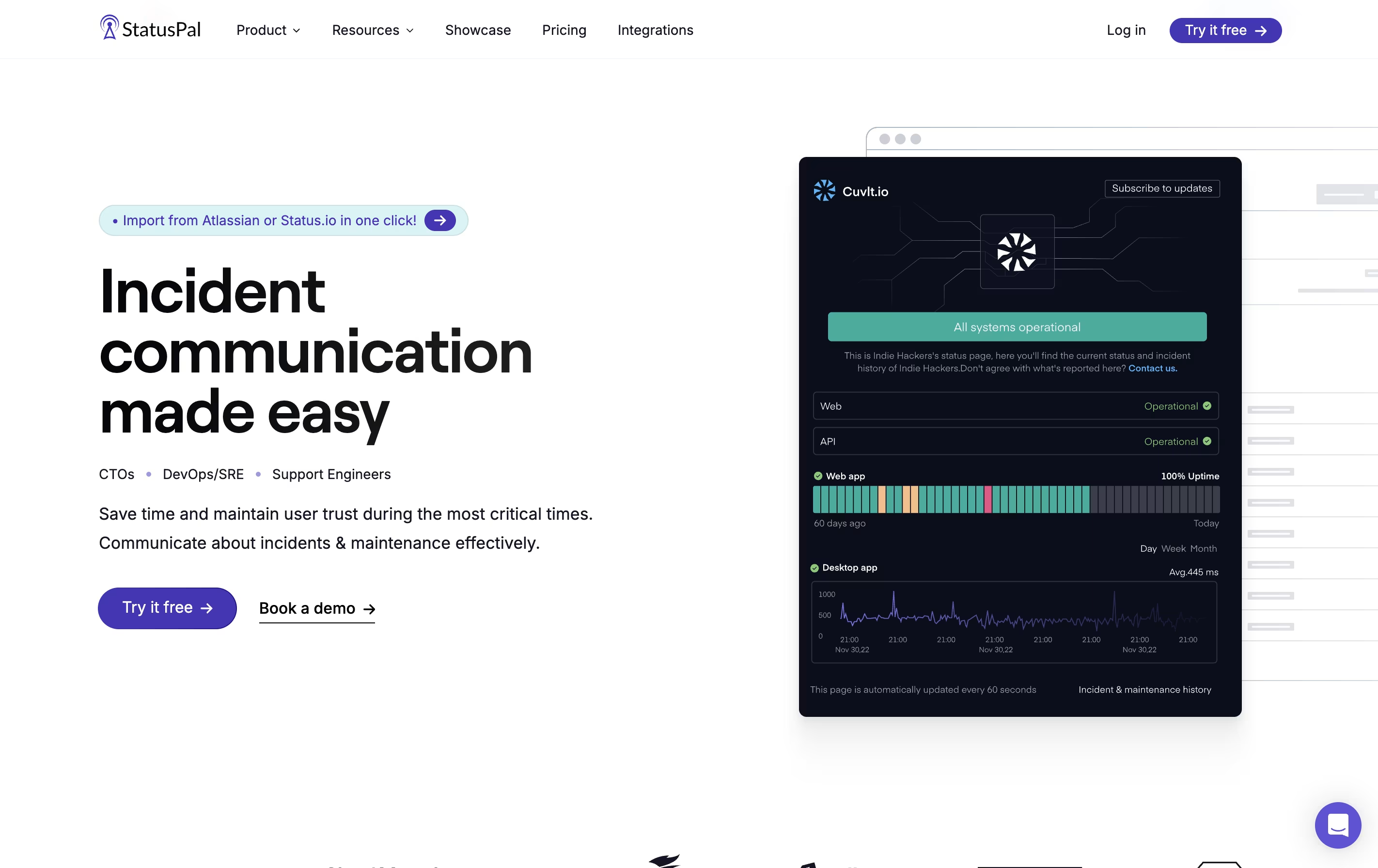
StatusPal is a tool that creates customized status pages for your online services. When you experience downtime or need to perform maintenance, you can quickly post updates that all your users can see. The platform shows which services are working normally and which ones have problems.

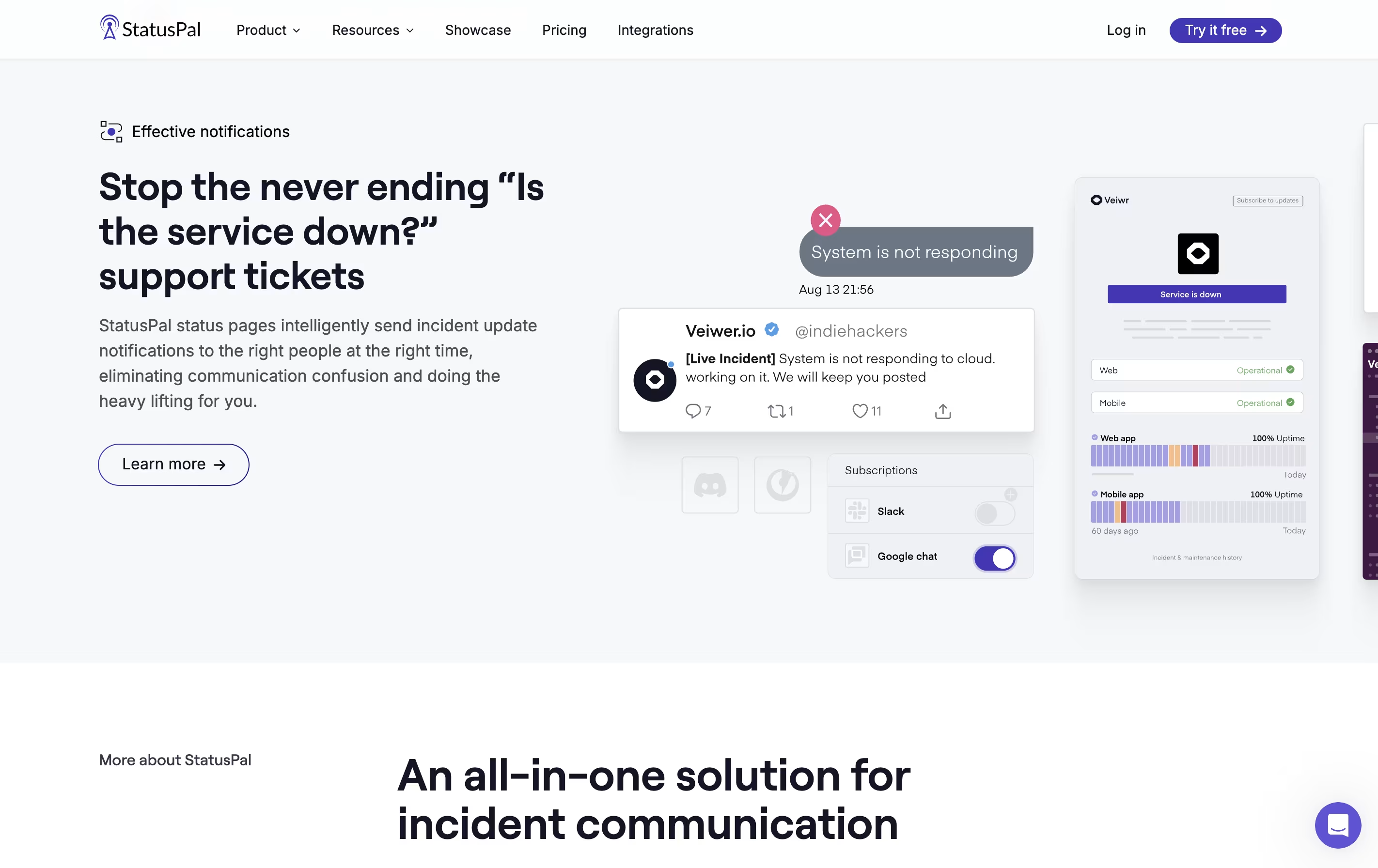
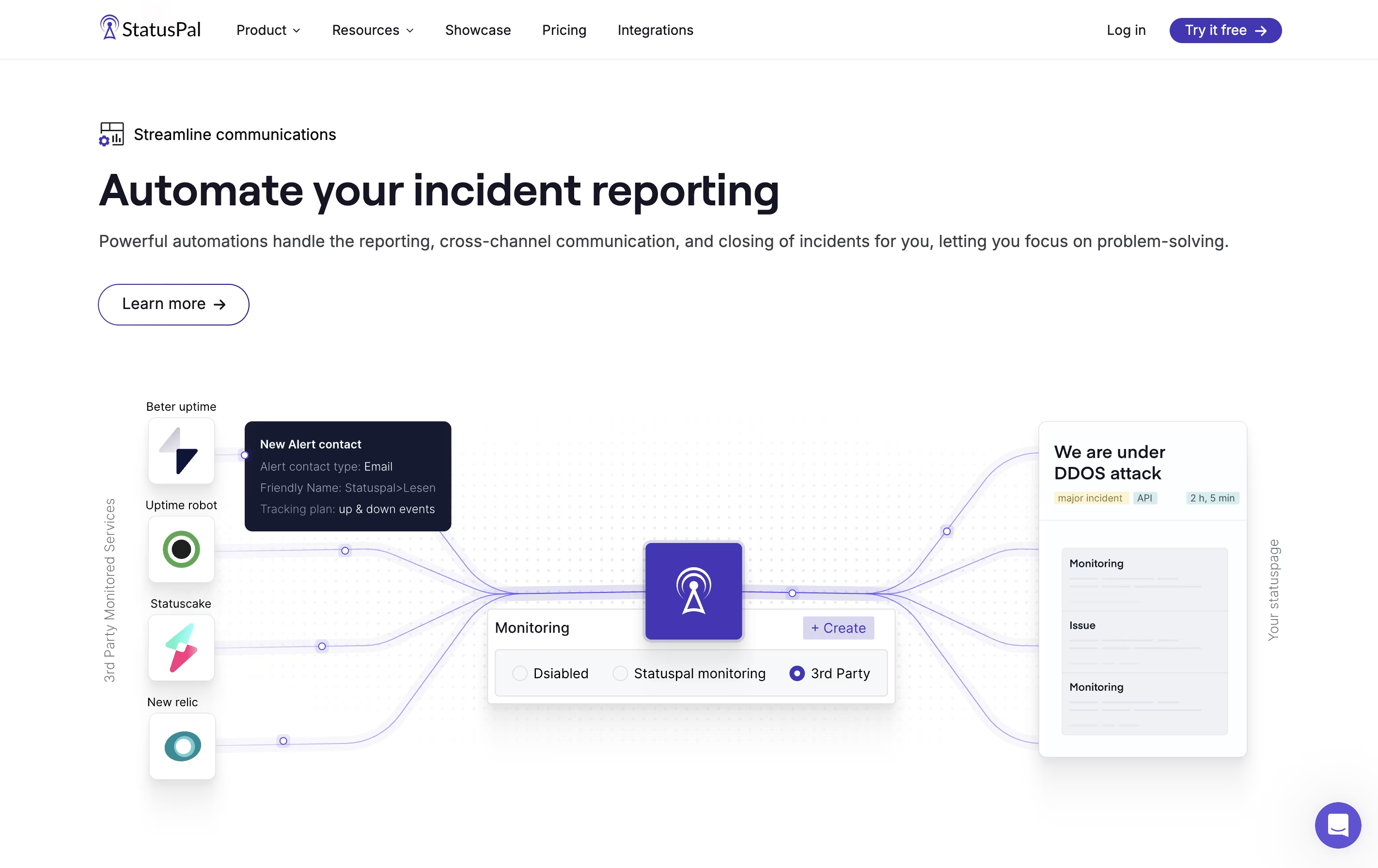
It connects with monitoring tools to detect issues automatically. When something goes wrong, StatusPal can create incident reports and send alerts without manual work. Users can subscribe to get notifications through email, SMS, or messaging apps like Slack.

There are different pricing plans available. All plans include unlimited status pages, which is helpful if you manage multiple products or services. The platform also supports multiple languages and offers private status pages for internal teams.

How to Use StatusPal

Using StatusPal is straightforward. Here are the basic steps:

  • Sign up for an account and create your first status page in under three minutes.

  • Add the services or systems you want to monitor, such as your website, mobile app, or payment system.

  • Choose your notification channels like email, Slack, Twitter, or SMS to alert subscribers.

  • Connect monitoring tools like PingDom or Better Uptime to automate incident detection and reporting.

  • When an issue occurs, create an incident report through the simple interface. You can also schedule maintenance announcements in advance.

  • Users can visit your status page to see current system status and subscribe for updates.

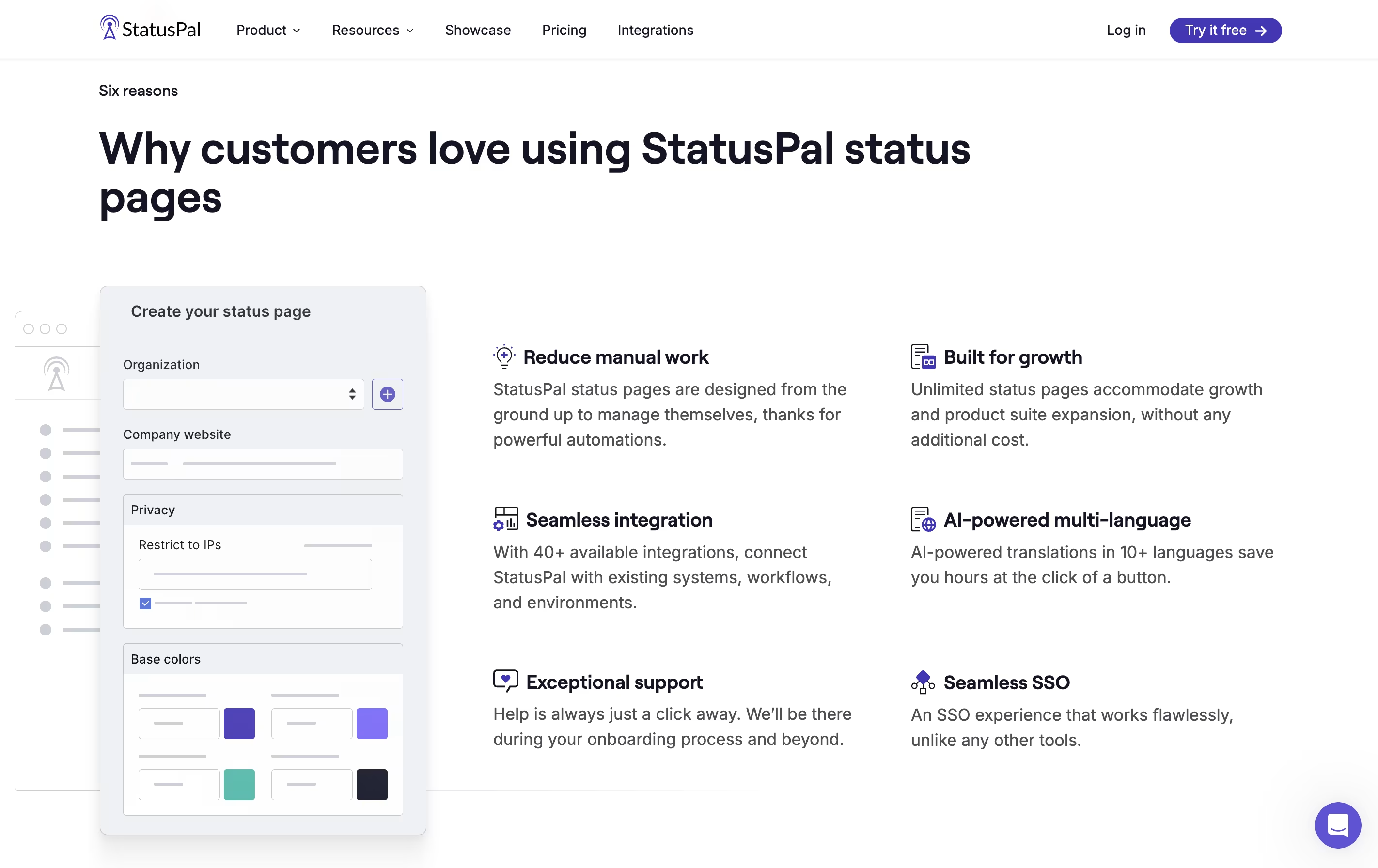
  • Use the customization options to match your brand by adding your logo, colors, and custom domain.

  • Set up Single Sign-On for private status pages if you need to restrict access to specific team members or customers.

Features of StatusPal

  • Unlimited public and private status pages

  • Real-time notifications via email, SMS, and chat apps

  • Built-in service monitoring with automated alerts

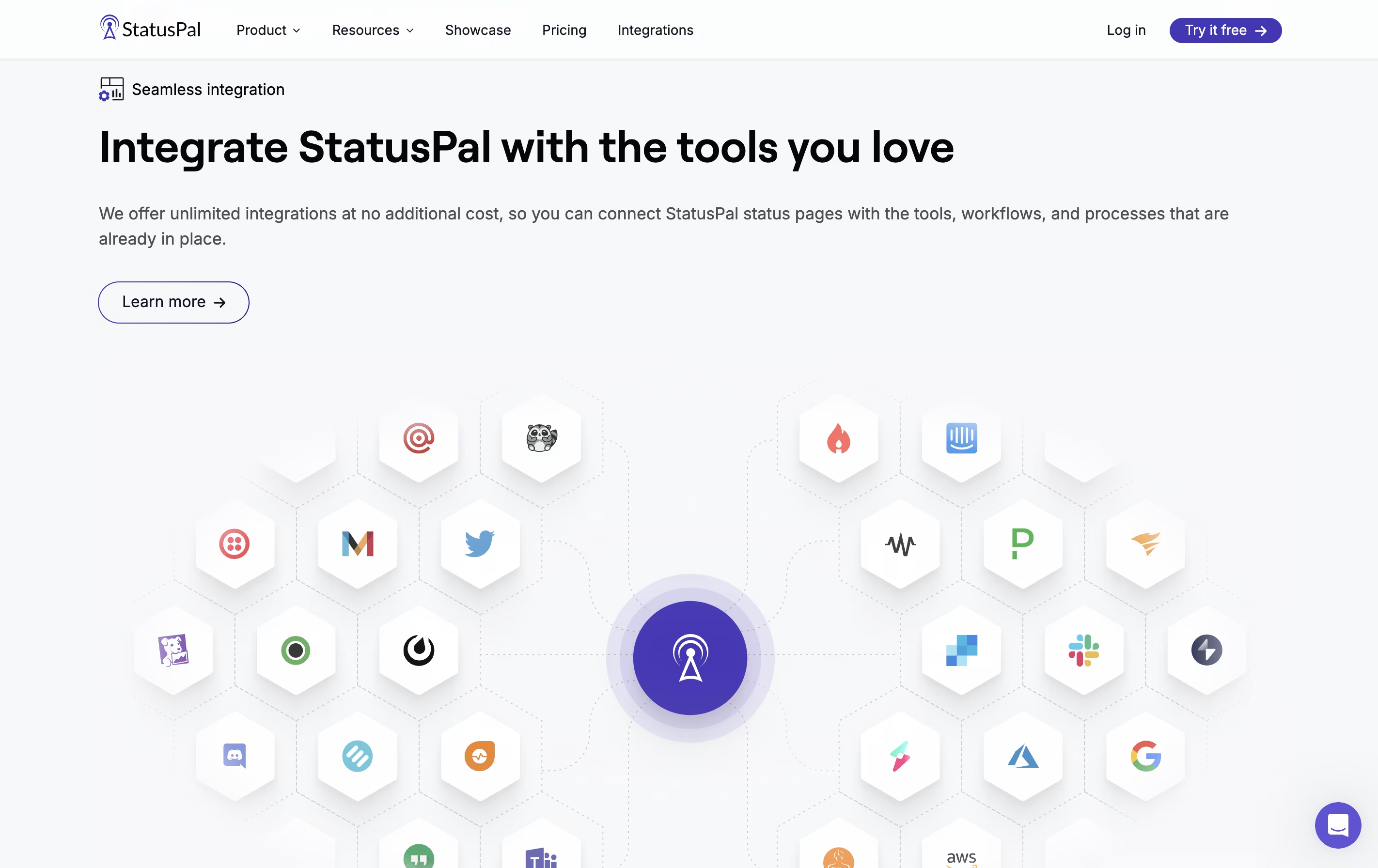
  • Integration with 40+ tools including Slack, PagerDuty, and Zapier

  • Multi-language support for global teams

  • Single Sign-On with major providers

  • Custom domain and branding options

  • Recurring maintenance scheduling

  • API and webhook support

  • Terraform provider for infrastructure as code

StatusPal Pricing

Hobby

$46 /mo

What's included:
  • Unlimited public status pages
  • 5 team members
  • 500 subscribers
  • 10 monitored services
  • Multi-language support (any language)
  • Email and SMS notifications
  • Basic integrations
  • Custom domain support
  • 14-day free trial
Most Popular
Startup

$99 /mo

What's included:
  • Unlimited public and private status pages
  • 20 team members
  • 1,000 subscribers
  • 30 monitored services
  • 2 languages support
  • External services status monitoring
  • All Hobby features
  • Private status pages
  • Advanced automation
  • Priority support
Business

$299 /mo

What's included:
  • Unlimited public and private status pages
  • 50 team members
  • 4,000 subscribers
  • 100 monitored services
  • 3 languages support
  • External services status monitoring
  • Single Sign-On (SSO)
  • All Startup features
  • Advanced customization
  • Dedicated support
Enterprise

Custom

What's included:
  • Unlimited public and private status pages
  • Custom team members (unlimited)
  • Custom subscribers (unlimited)
  • Custom monitored services (unlimited)
  • Custom languages support
  • External services status monitoring
  • Single Sign-On (SSO)
  • SSO role provisioning
  • Audience-specific pages
  • All Business features

FAQ's About StatusPal

What is a status page and why do I need one?
A status page is a website that shows the current operational status of your services. It helps reduce support tickets during outages by keeping customers informed in one central location, and builds trust by being transparent about issues.
Can StatusPal automatically detect and report incidents?
Yes, StatusPal includes built-in monitoring that can detect service issues and automatically create incident reports. You can also integrate with external monitoring tools like Pingdom, Better Uptime, New Relic, and Datadog to automate incident reporting.
How many status pages can I create?
All StatusPal plans include unlimited status pages. You can create separate pages for different products, environments (staging, production), or customer segments without additional costs.
Does StatusPal support private status pages?
Yes, starting from the Startup plan, you can create private status pages that require authentication. You can control access by email invitation, IP address restrictions, or Single Sign-On for team members and specific customers.
What notification channels does StatusPal support?
StatusPal supports email, SMS, Slack, Microsoft Teams, Discord, Google Chat, Twitter, RSS feeds, calendar feeds, and webhooks. You can send notifications across multiple channels simultaneously to ensure stakeholders receive updates where they work.

Share your experience with StatusPal

Loading...

See what users are saying about StatusPal

0.0

0 Reviews

5
0
4
0
3
0
2
0
1
0

No reviews yet

Be the first to review StatusPal

Embed StatusPal badges

Show your community that StatusPal is featured on Tool Questor. Add these beautiful badges to your website, documentation, or social profiles to boost credibility and drive more traffic.

Light Badge Preview