

Thunder Client vs Paw: Features, Pricing and User Reviews 2026

Paw
Native macOS HTTP Client for API Testing and Development
Paw
Native macOS HTTP Client for API Testing and Development
What are Thunder Client and Paw?

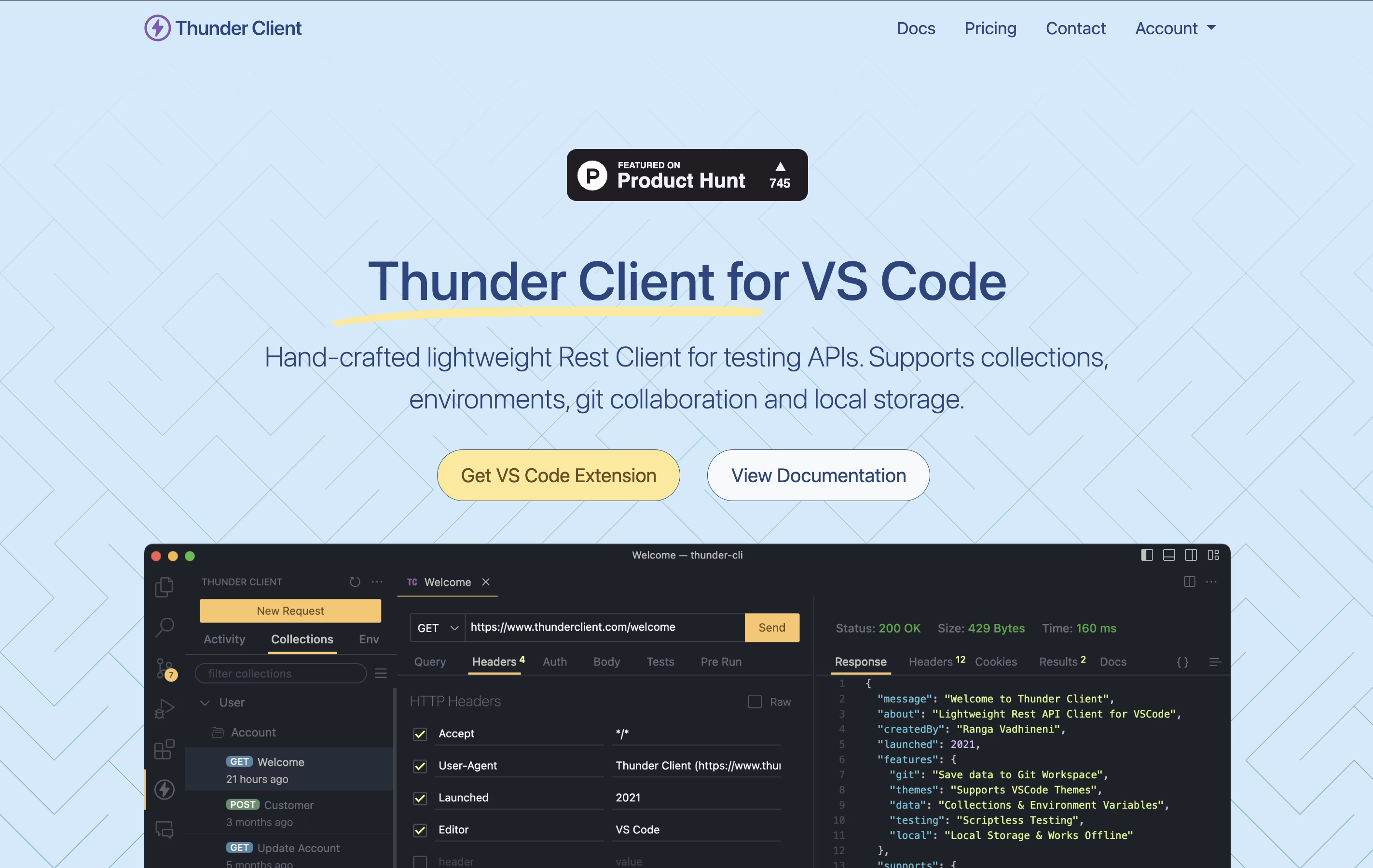
Thunder Client is a REST API testing tool that lives inside Visual Studio Code. You can send requests, check responses, and organize your API tests without opening another program. It works just like other API testing tools but runs directly in your code editor.
The extension saves all your requests and settings on your own computer. This makes it fast, private, and able to work without internet. You can also save your testing data to Git repositories, making it easy to share with your team.
Thunder Client offers both free and paid versions. The free version works great for basic testing, while paid plans add features like unlimited test runs, team management tools, and advanced testing options for businesses.
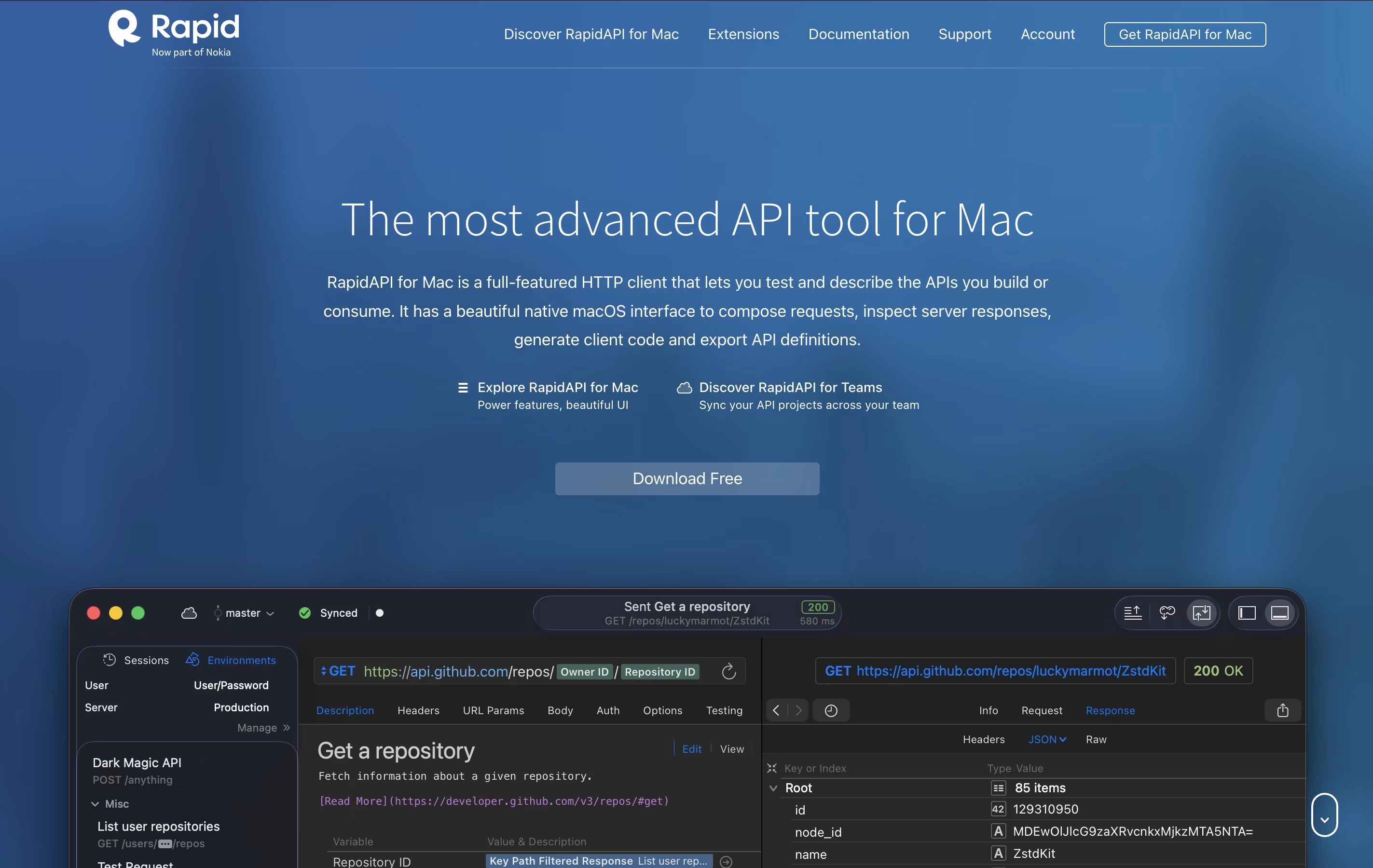
Paw is a complete API testing and development tool designed for Mac computers. You can use it to create and send HTTP requests, then see detailed responses with headers, status codes, and body content. The app supports all common HTTP methods including GET, POST, PUT, DELETE, and PATCH.
It includes features like dynamic values, environment management, and the ability to chain requests together. You can describe your APIs using JSON Schema and export documentation in standard formats. The tool also generates ready-to-use code snippets in languages like Swift, Python, JavaScript, and more.
There's a free version for personal use and team plans with cloud sync and collaboration features for organizations that need to work together.
Features of Thunder Client and Paw
Lightweight VS Code extension for API testing
Local storage keeps data private and secure
Git sync for team collaboration
Collections organize related API requests
Environment variables for different settings
Scriptless testing with simple interface
CLI integration for automated testing
GraphQL, WebSocket, and gRPC support
Request chaining and advanced scripting
AI integration through MCP Server
Native macOS app with beautiful interface
Send and test HTTP/REST API requests
Generate client code in multiple languages
Support for Swagger, RAML, and API Blueprint
Environment variables and dynamic values
Team collaboration with cloud sync
Request chaining and response validation
Import from Postman and cURL
Free for personal use
Premium team plans available
Use Cases of Thunder Client and Paw
Pricing of Thunder Client and Paw
Thunder Client offers flexible pricing to match different needs. The Free plan gives you the extension with 30 collection runs and basic features, but it is limited to personal, non-commercial use only.
The Individual plan costs $49 per year and includes 100 collection runs, advanced scripting, request chaining, and access to WebSocket, SSE, and gRPC testing. This plan works well for freelance developers.
For teams, the Business plan is $7 per month per user and includes 500 collection runs, team features, CLI integration, and the ability to pay by invoice.
The Enterprise plan at $16 per month per user offers unlimited collection runs, priority support, offline activation, encrypted environments, secrets manager integration with Azure and AWS, and enterprise single sign-on capabilities.
Paw offers flexible pricing to fit different user needs. After being acquired by RapidAPI, the tool became free for personal and professional individual use. This free version includes all core features like HTTP testing, code generation, and API documentation.
Free Plan: Includes full HTTP client features, API description tools, code generation, and personal cloud sync for your own projects across multiple machines.
Team Plans: Monthly subscription plans are available for teams that need collaboration features. These plans include robust team sync, branch management similar to Git, conflict-free merging, real-time updates, and secure cloud storage with encryption. Team plans allow unlimited team members to work together on API projects.
Contact RapidAPI directly through their website for specific team pricing and enterprise volume licenses based on your organization's needs.
FAQs: Thunder Client vs Paw
Reviews: Thunder Client vs Paw
Based on 0 reviews
Based on 0 reviews
Compare Thunder Client With Other Tools

Postman
Complete API Development Platform for Testing & Collaboration

Bruno
Fast Offline API Client for Developers

Hoppscotch
Open Source API Testing Tool for Fast Development

Insomnia
Open-Source API Client for REST, GraphQL & More

Testfully
Affordable API Testing & Monitoring Platform for Developers

Katalon
AI-Powered Test Automation for Web, Mobile, API & Desktop Apps

HTTPie
Free Open-Source API Testing Tool

Firecamp
Open Source API Testing Platform for REST, GraphQL & WebSocket

SoapUI
Free Open-Source API Testing Tool for SOAP and REST Services
Compare Paw With Other Tools
Postman
Complete API Development Platform for Testing & Collaboration
Bruno
Fast Offline API Client for Developers
Insomnia
Open-Source API Client for REST, GraphQL & More
Hoppscotch
Open Source API Testing Tool for Fast Development
Testfully
Affordable API Testing & Monitoring Platform for Developers
Katalon
AI-Powered Test Automation for Web, Mobile, API & Desktop Apps





