

Thunder Client vs Postman: Features, Pricing and User Reviews 2026

Postman
Complete API Development Platform for Testing & Collaboration
Postman
Complete API Development Platform for Testing & Collaboration
What are Thunder Client and Postman?

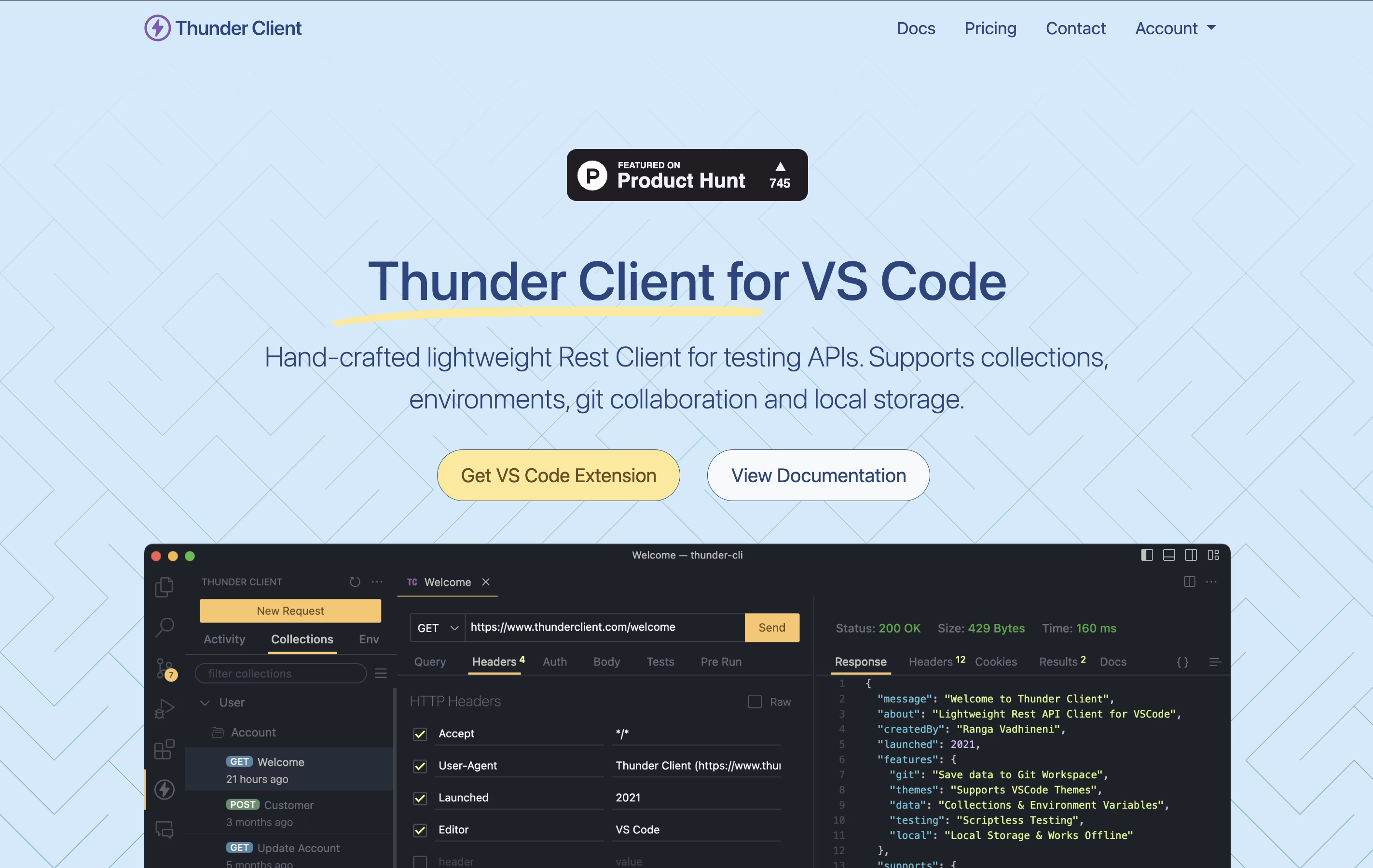
Thunder Client is a REST API testing tool that lives inside Visual Studio Code. You can send requests, check responses, and organize your API tests without opening another program. It works just like other API testing tools but runs directly in your code editor.
The extension saves all your requests and settings on your own computer. This makes it fast, private, and able to work without internet. You can also save your testing data to Git repositories, making it easy to share with your team.
Thunder Client offers both free and paid versions. The free version works great for basic testing, while paid plans add features like unlimited test runs, team management tools, and advanced testing options for businesses.
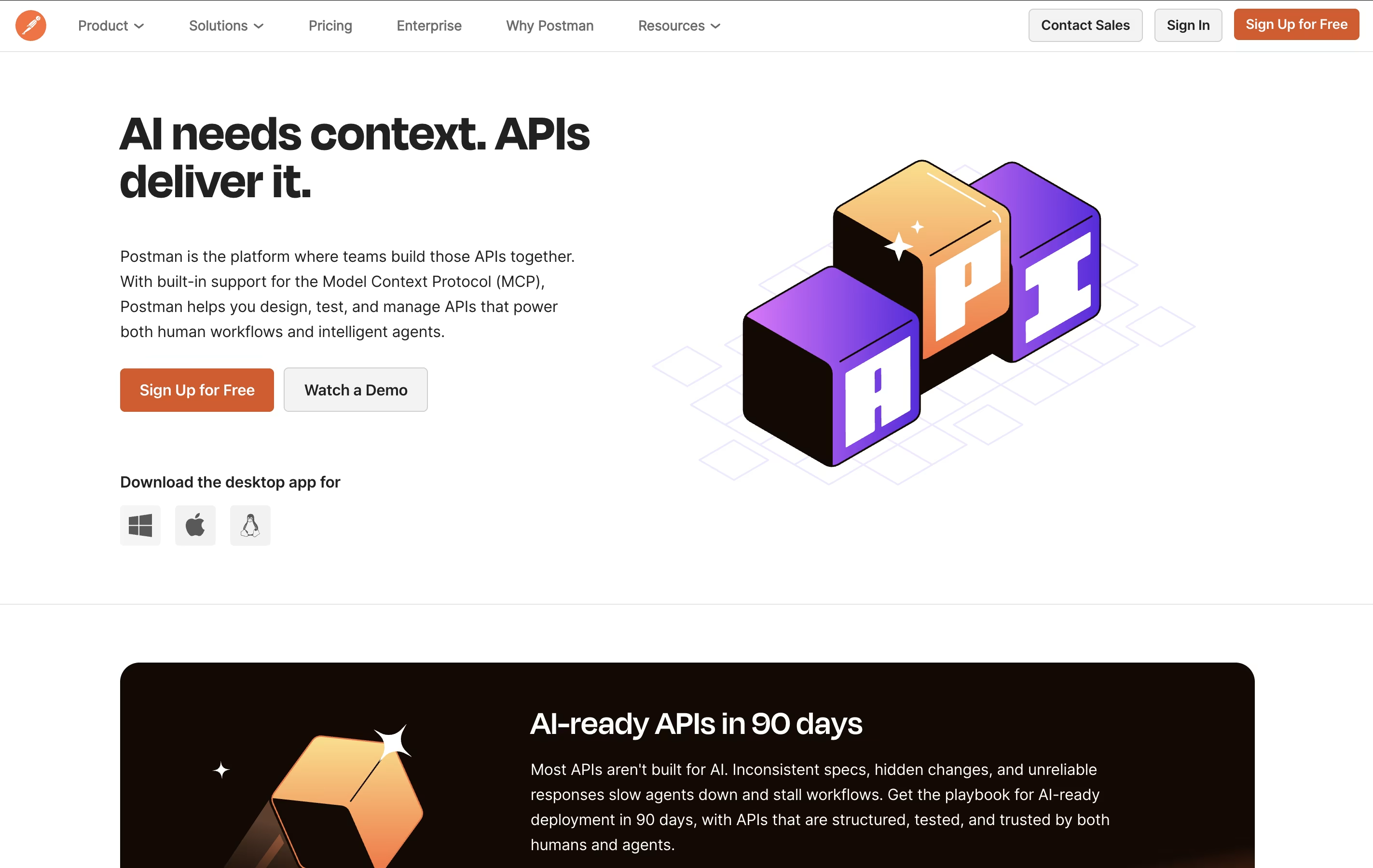
Postman is an all-in-one platform for working with APIs throughout their entire lifecycle. It provides tools to send API requests, view responses, write tests, create documentation, and monitor performance. Unlike basic HTTP clients, Postman offers a complete environment where teams can organize their work into collections, share them with teammates, and automate testing.
The platform includes an easy-to-use interface where you can build requests without writing code, though it also supports advanced scripting when needed. Postman works as a desktop app, web app, or through command-line tools for automation. It integrates with popular development tools and supports team collaboration through workspaces, making it ideal for both individual developers and large organizations building complex API systems.
Features of Thunder Client and Postman
Lightweight VS Code extension for API testing
Local storage keeps data private and secure
Git sync for team collaboration
Collections organize related API requests
Environment variables for different settings
Scriptless testing with simple interface
CLI integration for automated testing
GraphQL, WebSocket, and gRPC support
Request chaining and advanced scripting
AI integration through MCP Server
Complete API client for REST, GraphQL, SOAP, WebSocket
Automated testing with JavaScript support
Auto-generated documentation with code samples
Mock servers for early testing
API monitoring and alerts
Team collaboration workspaces
Version control and history
Environment variables and secrets management
AI-powered assistant (Postbot)
Integrations with 50+ development tools
Command-line collection runner (Newman)
API governance and security features
Use Cases of Thunder Client and Postman
Pricing of Thunder Client and Postman
Thunder Client offers flexible pricing to match different needs. The Free plan gives you the extension with 30 collection runs and basic features, but it is limited to personal, non-commercial use only.
The Individual plan costs $49 per year and includes 100 collection runs, advanced scripting, request chaining, and access to WebSocket, SSE, and gRPC testing. This plan works well for freelance developers.
For teams, the Business plan is $7 per month per user and includes 500 collection runs, team features, CLI integration, and the ability to pay by invoice.
The Enterprise plan at $16 per month per user offers unlimited collection runs, priority support, offline activation, encrypted environments, secrets manager integration with Azure and AWS, and enterprise single sign-on capabilities.
Postman offers flexible pricing to fit different team sizes and needs.
Free Plan: Includes unlimited basic API requests, up to 3 collaborators, and 50 free AI assistant activities per month. Perfect for individuals and small teams getting started.
Basic Plan ($14 per user/month): Adds unlimited collaborators, 10,000 mock server requests, 10,000 monitor requests, and 30-day collection recovery. Ideal for growing teams.
Professional Plan ($29 per user/month): Includes everything in Basic plus internal workspaces, partner workspaces, advanced access controls, and 90-day collection recovery. Best for established teams working with external partners.
Enterprise Plan ($49 per user/month): The complete package with unlimited private APIs, single sign-on, advanced security, dedicated customer success, and 100,000 mock server requests. Built for large organizations.
Additional add-ons available include Postbot AI ($9-19/user/month), Collection Runner ($49/user/month), and Advanced Security ($29/user/month).
FAQs: Thunder Client vs Postman
Reviews: Thunder Client vs Postman
Based on 0 reviews
Based on 0 reviews
Compare Thunder Client With Other Tools

Bruno
Fast Offline API Client for Developers

Hoppscotch
Open Source API Testing Tool for Fast Development

Insomnia
Open-Source API Client for REST, GraphQL & More

Testfully
Affordable API Testing & Monitoring Platform for Developers

Katalon
AI-Powered Test Automation for Web, Mobile, API & Desktop Apps

HTTPie
Free Open-Source API Testing Tool

Paw
Native macOS HTTP Client for API Testing and Development

Firecamp
Open Source API Testing Platform for REST, GraphQL & WebSocket

SoapUI
Free Open-Source API Testing Tool for SOAP and REST Services
Compare Postman With Other Tools
Insomnia
Open-Source API Client for REST, GraphQL & More
Hoppscotch
Open Source API Testing Tool for Fast Development
Bruno
Fast Offline API Client for Developers
Testfully
Affordable API Testing & Monitoring Platform for Developers
Katalon
AI-Powered Test Automation for Web, Mobile, API & Desktop Apps
Firecamp
Open Source API Testing Platform for REST, GraphQL & WebSocket
Paw
Native macOS HTTP Client for API Testing and Development
HTTPie
Free Open-Source API Testing Tool
SoapUI
Free Open-Source API Testing Tool for SOAP and REST Services





