

Best 10 Tools for API Debugging in 2026
Last Updated: October 5, 2025
Tracking down why an API call is failing or returning unexpected data takes careful inspection of requests and responses. API Debugging tools help trace and identify issues within API calls.
Developers use API debugging tools to resolve integration issues faster.
 SoapUI
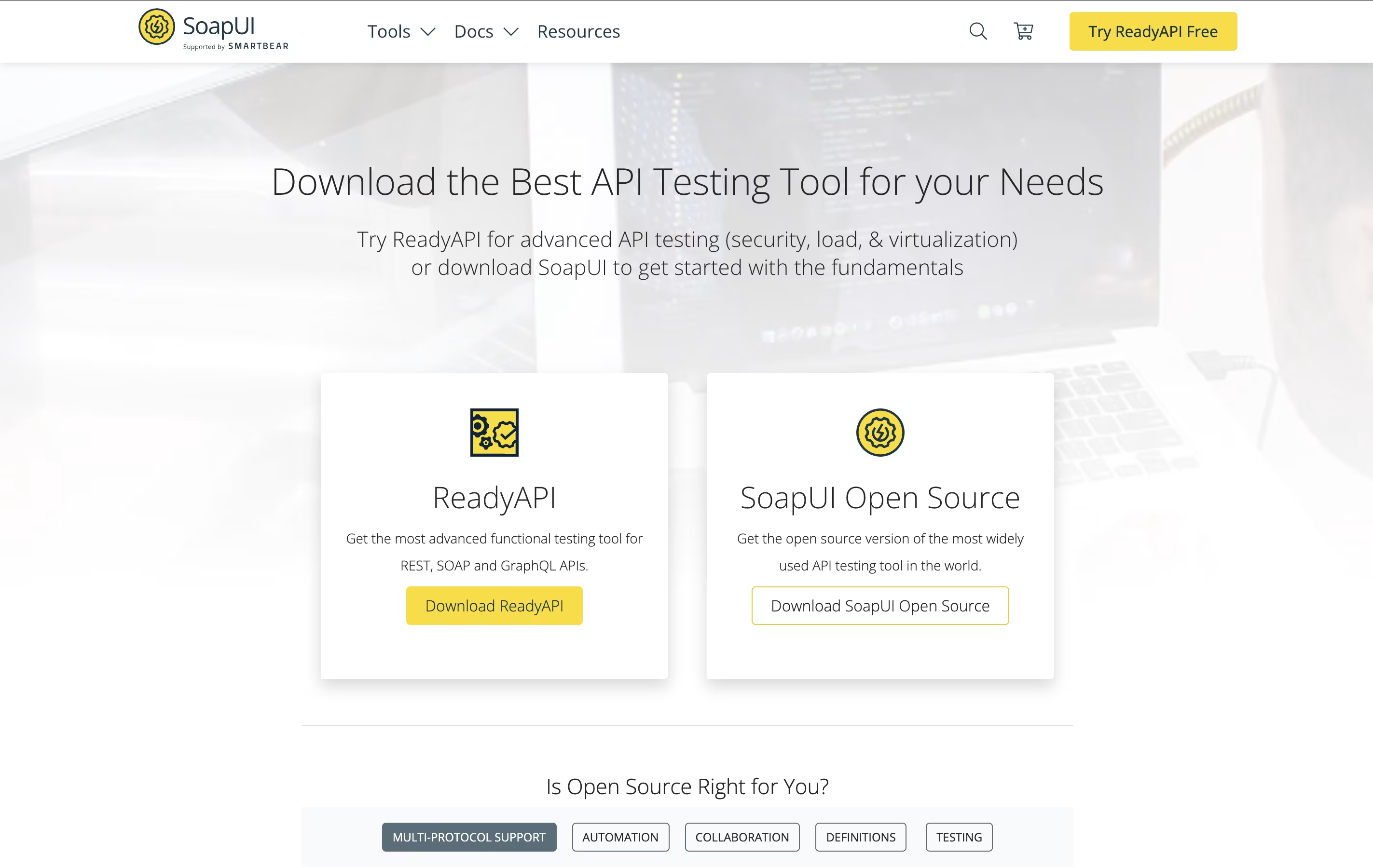 SoapUIFree Open-Source API Testing Tool for SOAP and REST Services,
  Apidog
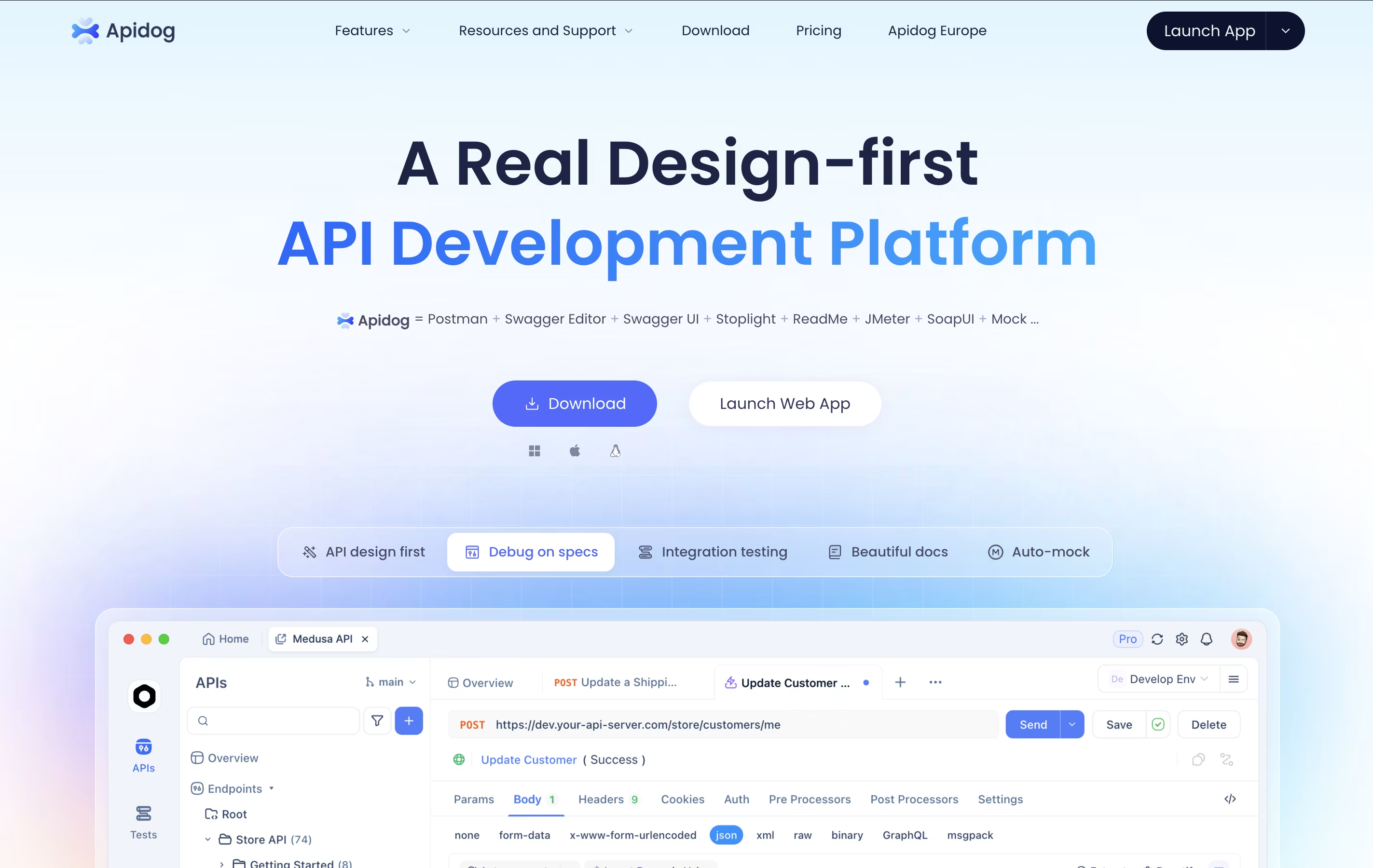 Apidog, and
  Thunder Client
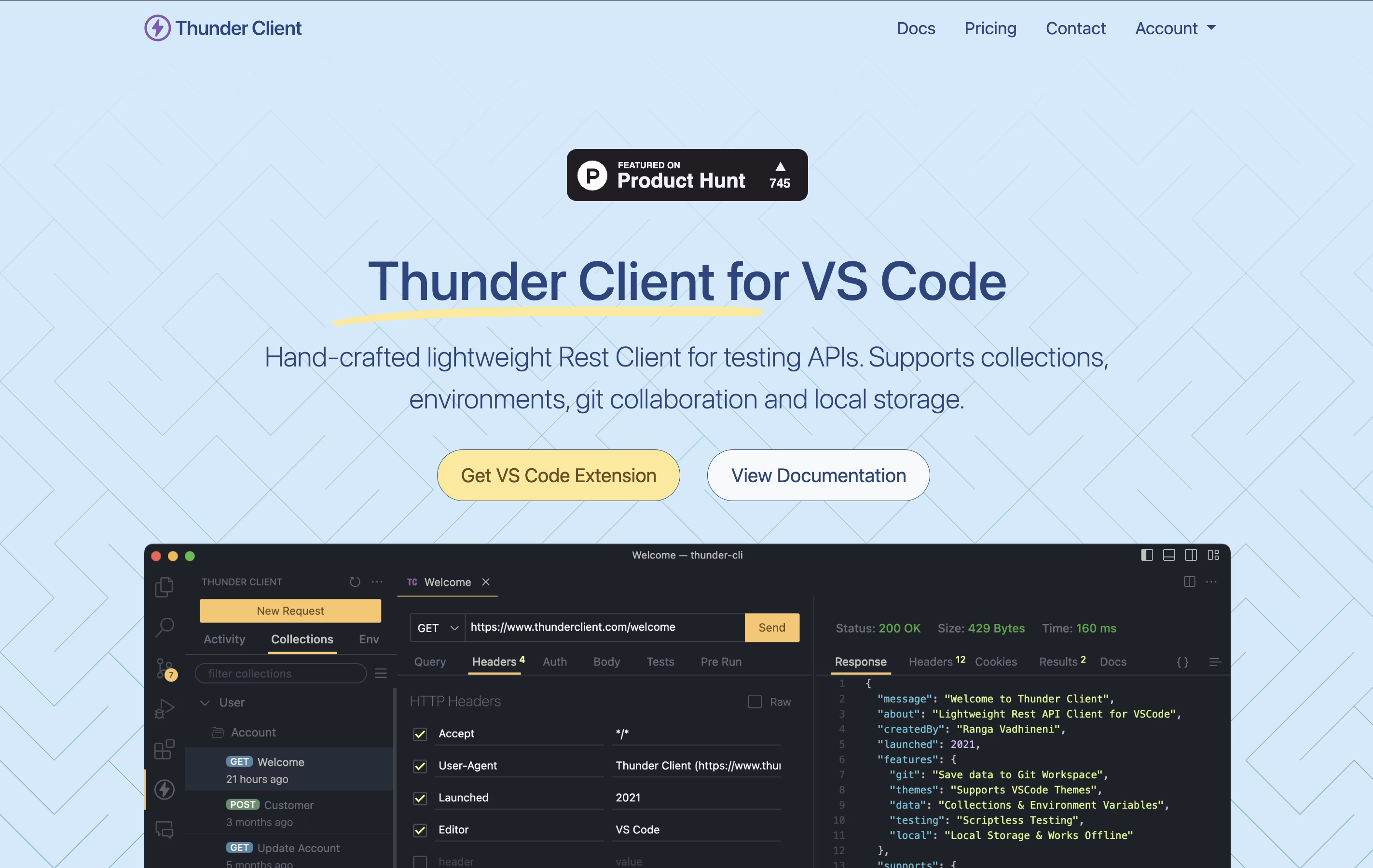 Thunder ClientLightweight API Testing Extension for VS Code are the best for API Debugging. So, let’s take a closer look at all 10 tools.
SoapUI is a testing platform that checks how APIs and web services perform. You can use it to send requests to your API, check the responses, and make sure everything works as expected. It runs on Windows, Mac, and Linux computers because it is built using Java.
The tool lets you do functional testing to verify your API works correctly, load testing to see how it handles many users, and security testing to find weak points. You can also write custom test scripts using Groovy programming language for more complex scenarios.
SoapUI works well with popular tools like Jenkins for continuous testing in your development process. The open-source version is completely free, while ReadyAPI offers extra productivity features.
Apidog is a platform that handles the complete process of creating and managing APIs. You can design your API structure, test how it works, create clear documentation, and share it with your team, all from one application.
The platform follows a design-first approach, which means you plan your API before writing code. This helps catch problems early and keeps everyone on the same page. It automatically creates mock servers so front-end developers can start working before the back-end is ready.
There is a free version that works great for small teams and individual developers. Paid plans add more features like unlimited projects, advanced testing tools, and priority support for growing businesses.
Thunder Client is a REST API testing tool that lives inside Visual Studio Code. You can send requests, check responses, and organize your API tests without opening another program. It works just like other API testing tools but runs directly in your code editor.
The extension saves all your requests and settings on your own computer. This makes it fast, private, and able to work without internet. You can also save your testing data to Git repositories, making it easy to share with your team.
Thunder Client offers both free and paid versions. The free version works great for basic testing, while paid plans add features like unlimited test runs, team management tools, and advanced testing options for businesses.

HTTPie is a tool designed for testing APIs and HTTP servers with an easy-to-understand approach. You type commands that look similar to the actual HTTP requests you want to make, and HTTPie handles the technical details for you. The responses come back formatted with colors, making JSON and other data easy to read.
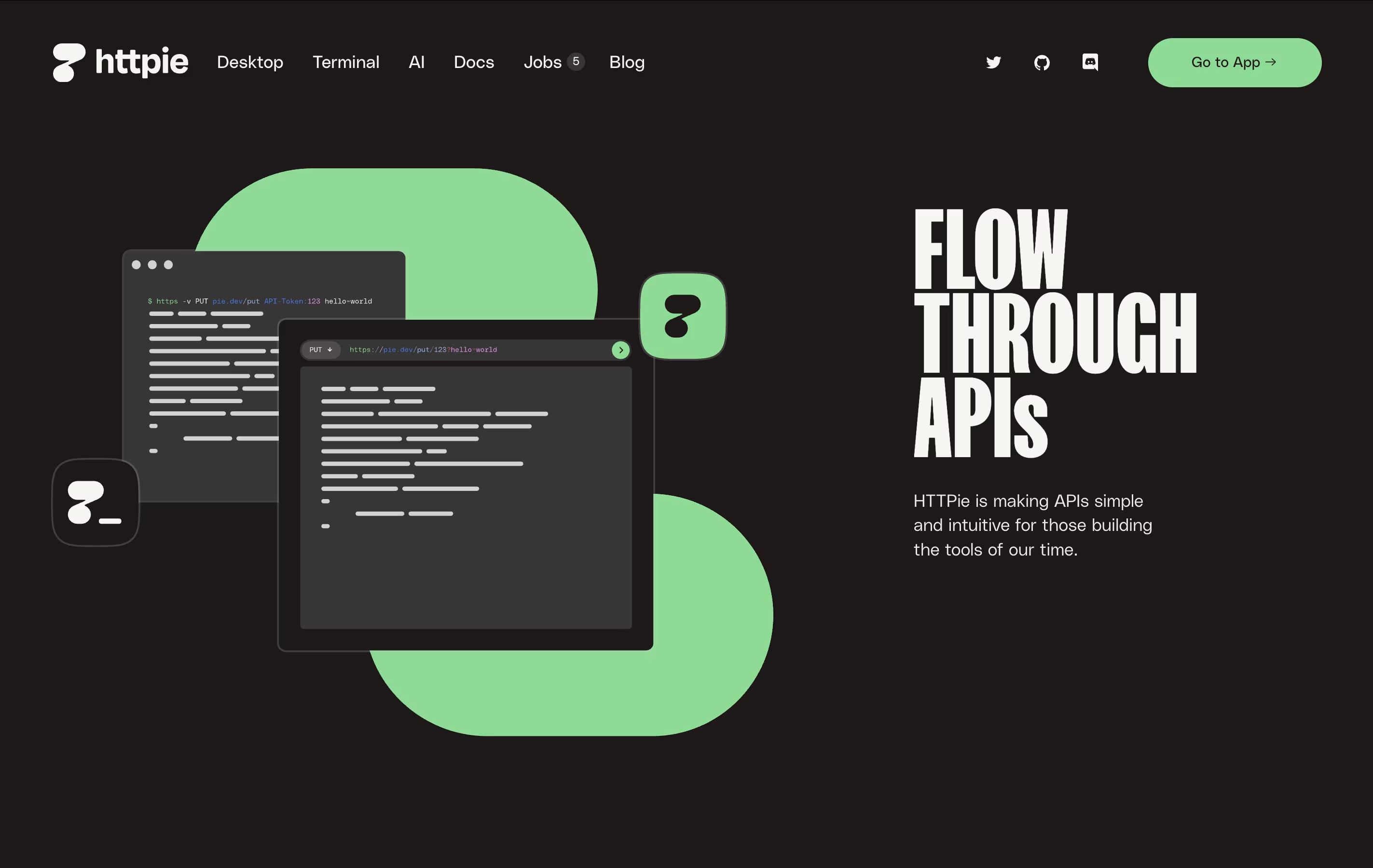
The command-line version is completely free and open-source, meaning anyone can use it and even modify it. The web and desktop versions offer a visual interface with the same friendly approach. HTTPie supports everything developers need: authentication, custom headers, file uploads, session management, and more. It works on all major operating systems and integrates well with development workflows.

Paw is a complete API testing and development tool designed for Mac computers. You can use it to create and send HTTP requests, then see detailed responses with headers, status codes, and body content. The app supports all common HTTP methods including GET, POST, PUT, DELETE, and PATCH.
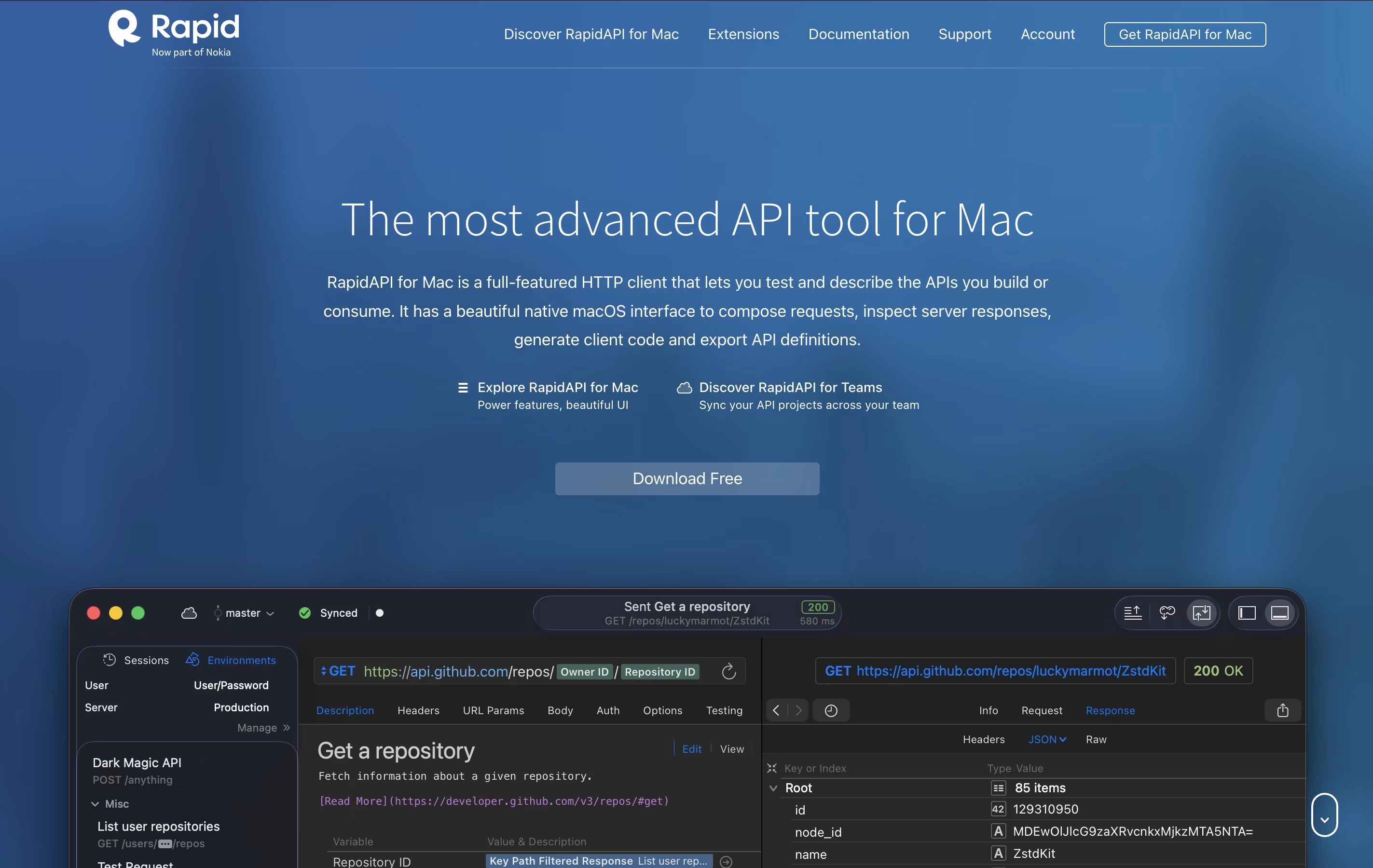
It includes features like dynamic values, environment management, and the ability to chain requests together. You can describe your APIs using JSON Schema and export documentation in standard formats. The tool also generates ready-to-use code snippets in languages like Swift, Python, JavaScript, and more.
There's a free version for personal use and team plans with cloud sync and collaboration features for organizations that need to work together.

Insomnia is a desktop application that lets you test and work with APIs. Think of it as a specialized tool for developers who need to send requests to APIs and check the responses they get back. It supports all major API types, so you don't need different tools for different projects.
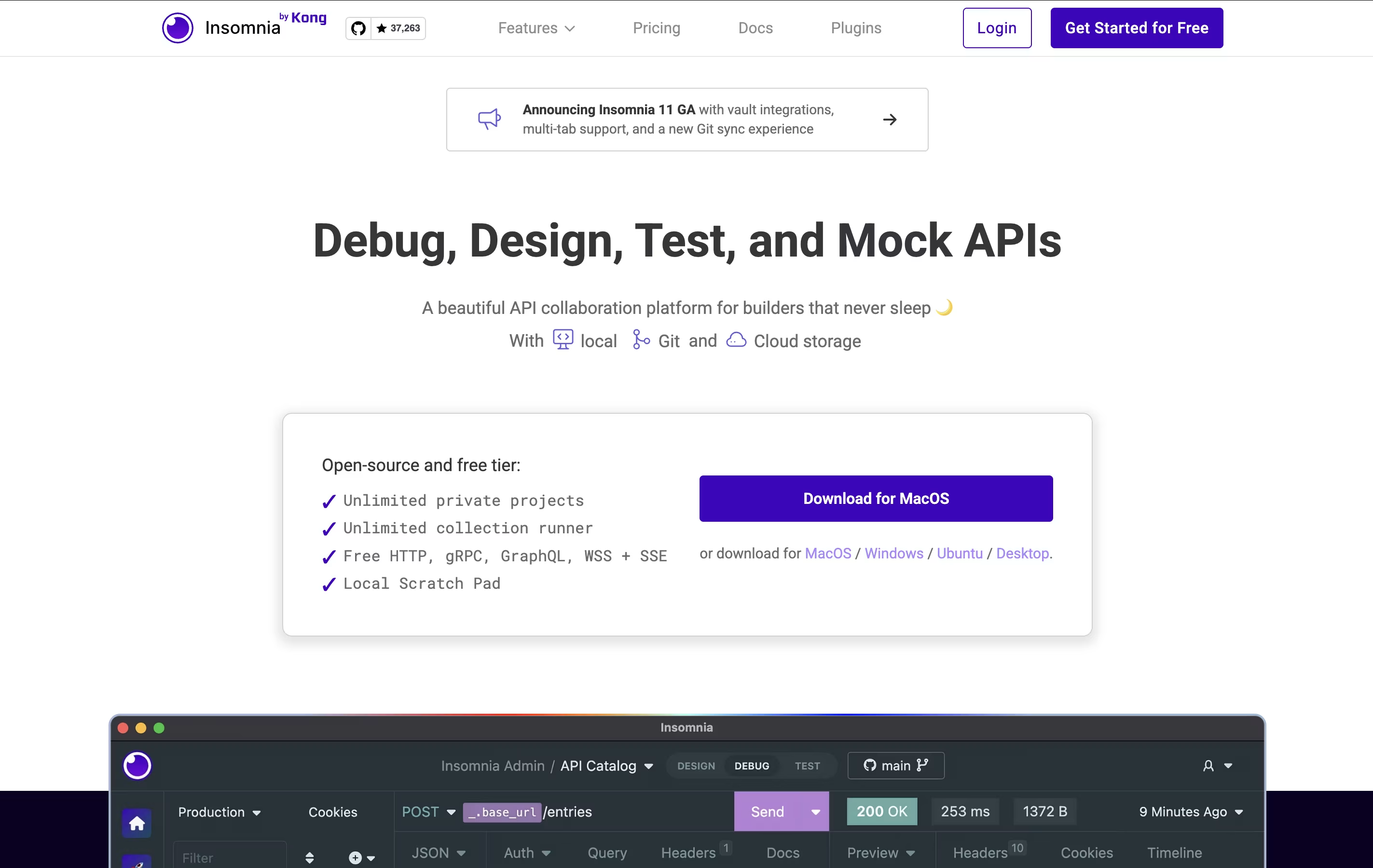
The tool includes helpful features like environment variables (which let you switch between different settings easily), code generation (which creates code snippets you can use), and authentication helpers (which handle login details). You can also create mock servers to test your APIs before they're fully built.
Insomnia offers both free and paid versions. The free version works great for most individual developers, while paid plans add team features and extra tools.

Katalon is a complete testing solution that automates the process of checking if software works correctly. Instead of testing applications manually every time, Katalon lets you create automated tests that run on their own.
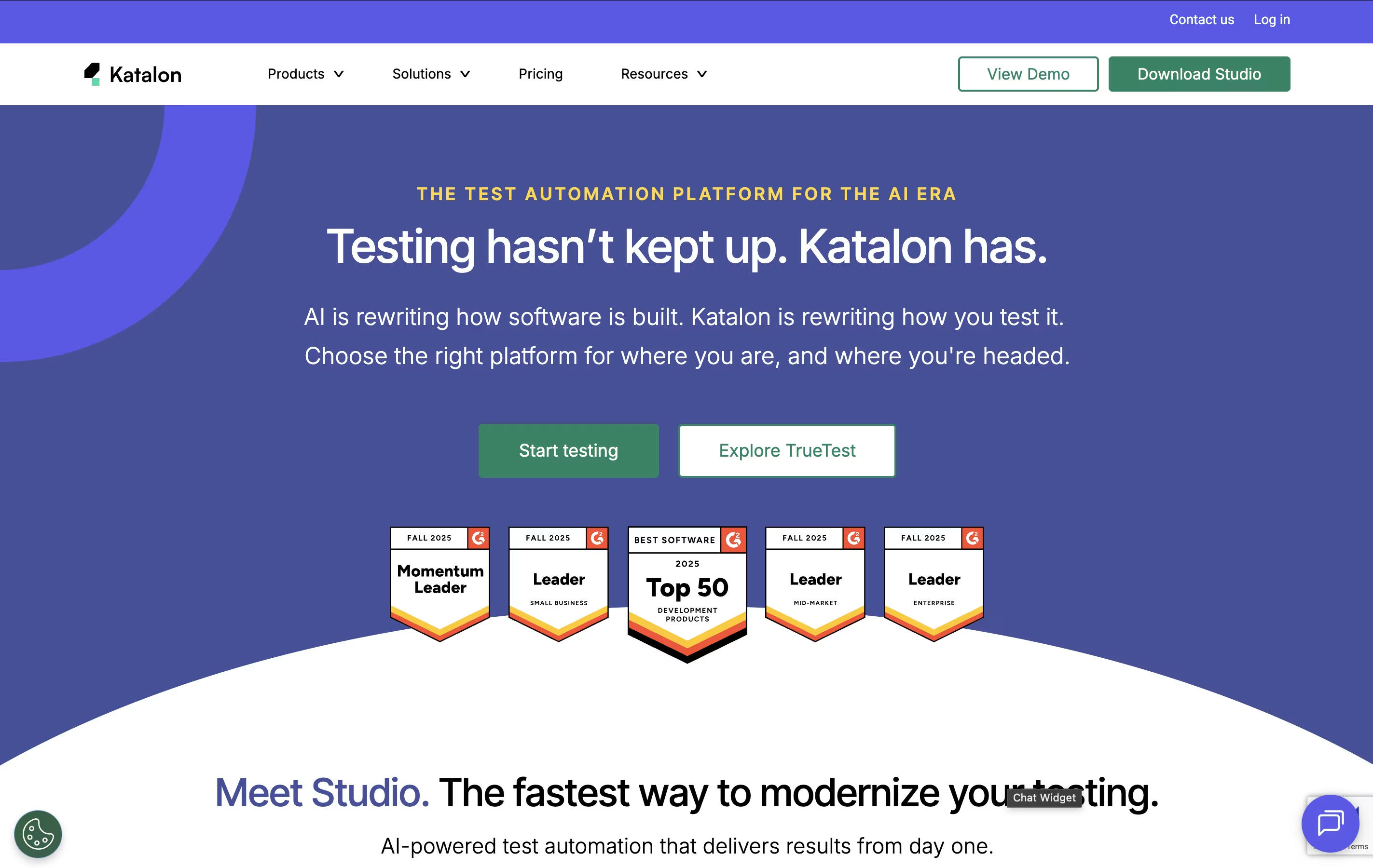
The platform supports four main types of testing in one place: web applications, mobile apps (Android and iOS), APIs, and desktop programs. You can create tests using simple point-and-click recording, basic drag-and-drop actions, or by writing code if you prefer more control.
Katalon uses artificial intelligence to make testing easier. The AI can write test code from simple instructions, explain existing code, fix tests when websites change, and spot problems automatically. Tests can run on your computer or in the cloud.

Bruno is an "offline-first API client" that revolutionizes how developers test and manage APIs. Instead of forcing you to create accounts or store data in the cloud, Bruno saves everything directly on your device using a simple text format called "Bru."
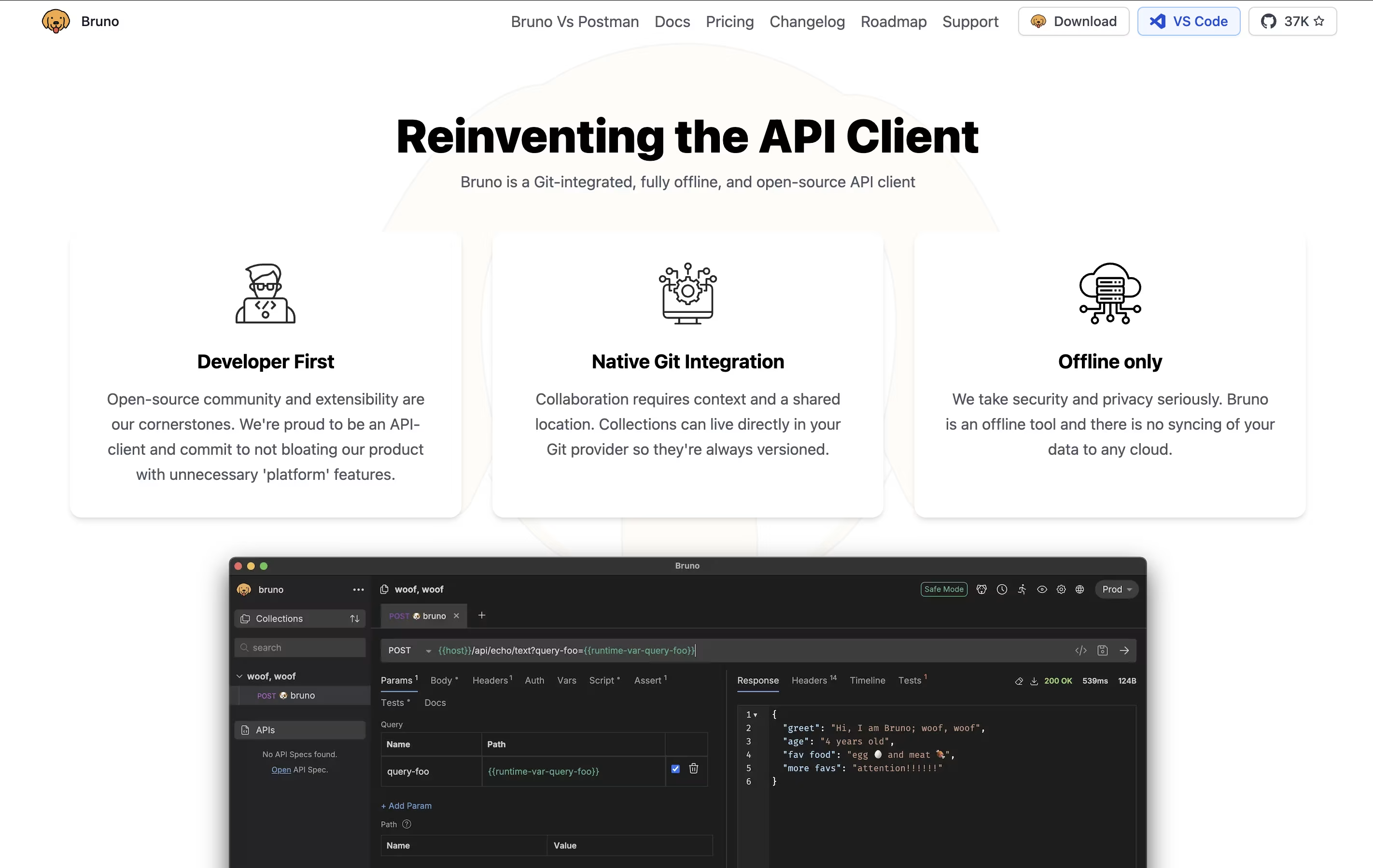
This approach means your API collections, tests, and sensitive data never leave your computer unless you choose to share them. Bruno supports all major API types including REST, GraphQL, and gRPC, making it versatile for any project.
The tool integrates seamlessly with Git and other version control systems, allowing teams to collaborate on API collections just like they do with code. Bruno also includes JavaScript-based testing, environment management, and command-line support for automation and continuous integration workflows.

Hoppscotch is an API development environment that runs in your web browser. You can test any API by sending requests and viewing the responses instantly. Unlike traditional tools, Hoppscotch is completely free and open-source, meaning anyone can use it or even contribute to improving it.
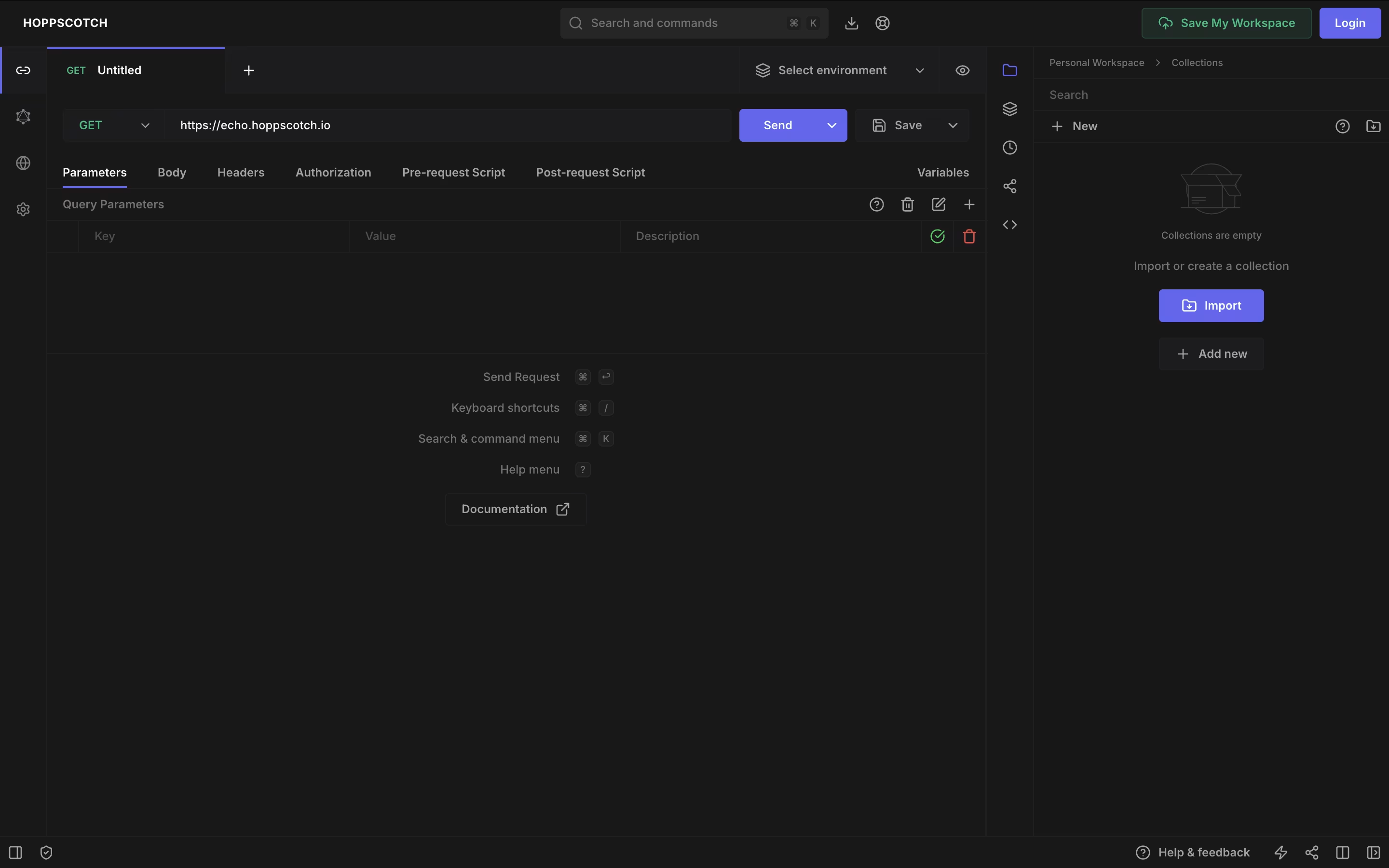
The platform supports various API types including REST, GraphQL, WebSocket, Socket.IO, MQTT, and Server-Sent Events. This makes it useful for testing modern real-time applications as well as standard web services. You can organize your API requests into collections, use environment variables for different setups, and write tests to check if APIs work correctly.
Hoppscotch offers both a free version with full features and an Organization plan for teams needing extra collaboration tools and support.

Postman is an all-in-one platform for working with APIs throughout their entire lifecycle. It provides tools to send API requests, view responses, write tests, create documentation, and monitor performance. Unlike basic HTTP clients, Postman offers a complete environment where teams can organize their work into collections, share them with teammates, and automate testing.
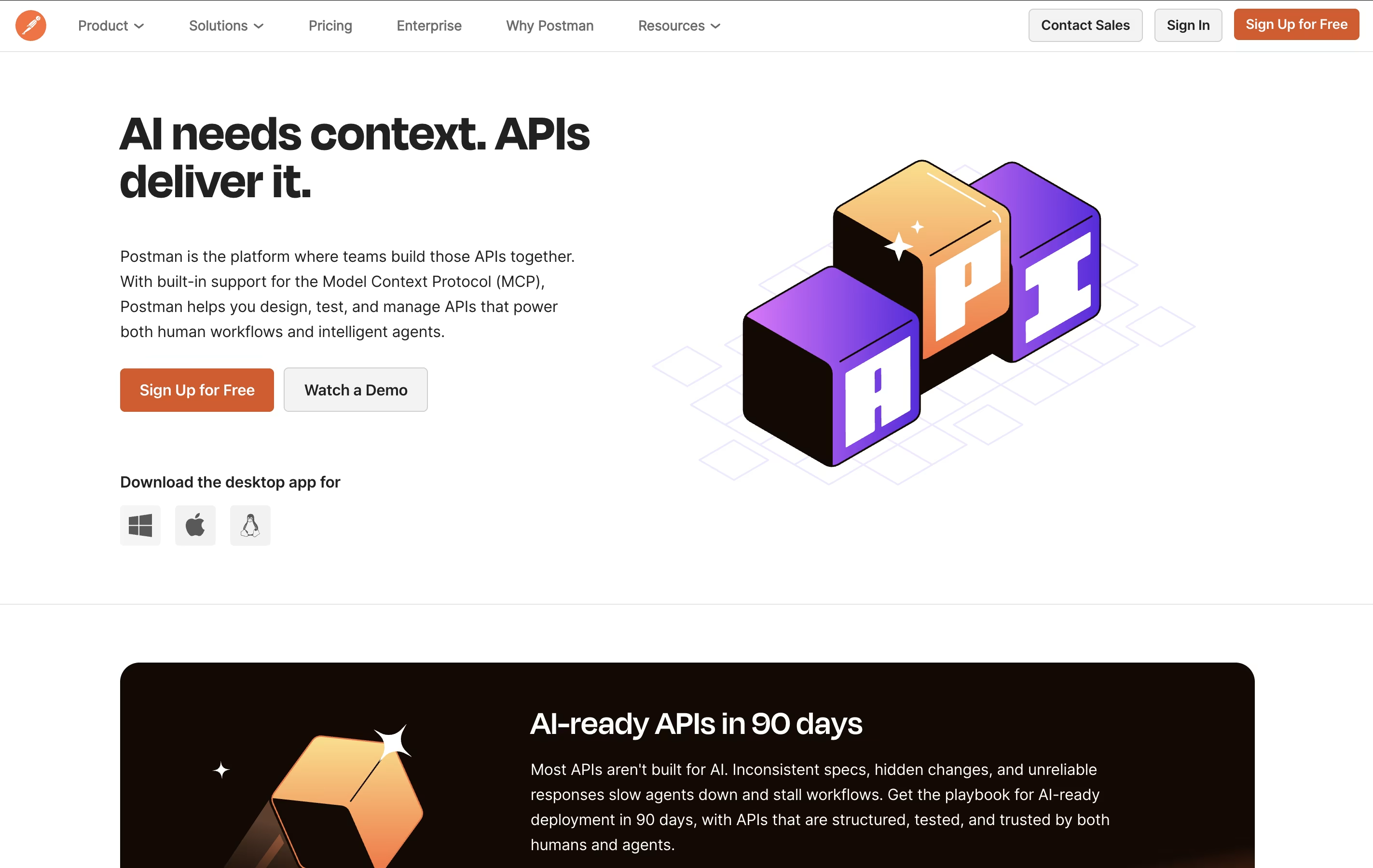
The platform includes an easy-to-use interface where you can build requests without writing code, though it also supports advanced scripting when needed. Postman works as a desktop app, web app, or through command-line tools for automation. It integrates with popular development tools and supports team collaboration through workspaces, making it ideal for both individual developers and large organizations building complex API systems.





