

Z AI vs Claude: Features, Pricing and User Reviews 2026
What are Z AI and Claude?

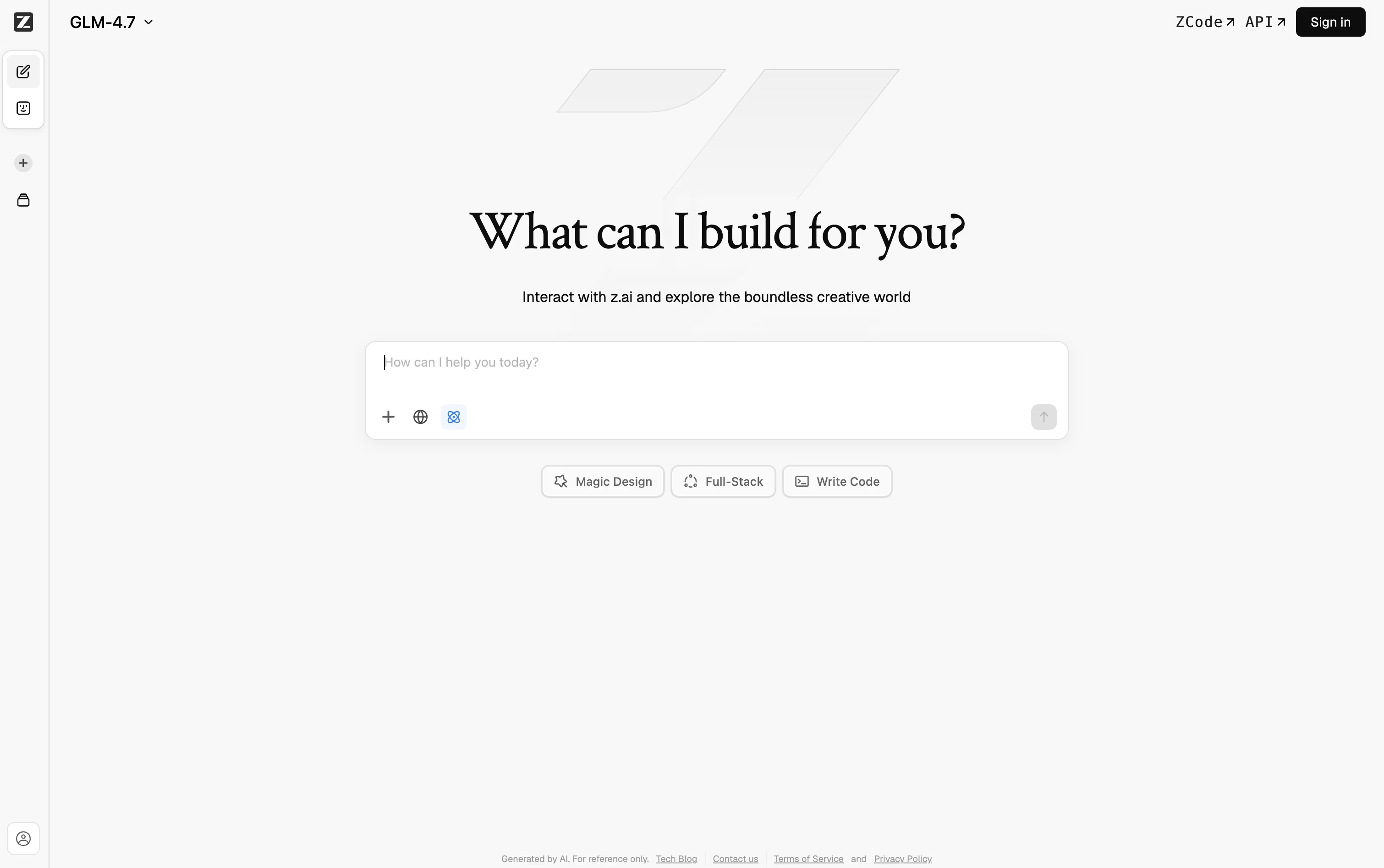
Z AI is a platform built by a Chinese AI company that creates advanced language models called GLM. You can chat with it to get help with coding, writing, research, and design tasks. It also offers a desktop coding agent called ZCode, which plans, writes, and checks code on its own for bigger projects.
Another tool, AutoClaw, helps automate tasks like document work, browser actions, and messaging app tasks. Developers can also connect through an API that works with many existing coding tools.
Many of the GLM models are open source, so you can download and run them yourself if you want more control. The platform is built for long, complex tasks that need many steps to finish.

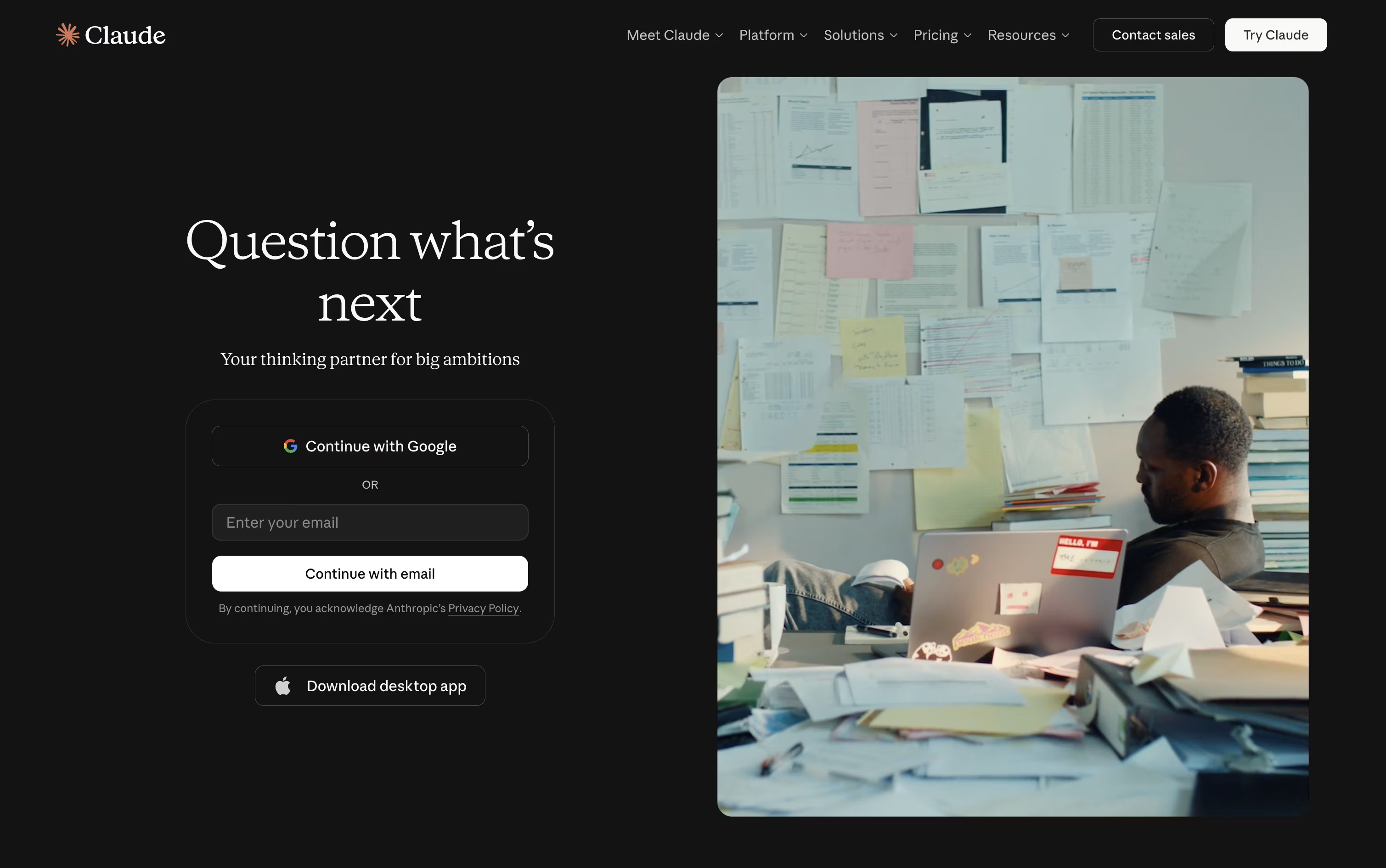
Claude is an AI assistant built by Anthropic that helps with chat, writing, coding, research, and everyday work tasks. You can use it on the web, desktop, or mobile app, and it remembers context across conversations through memory and projects.
Claude can search the web, write and edit code, analyze files, and create documents like reports or spreadsheets. It also has agent tools called Claude Code for developers and Claude Cowork for general knowledge work, which let it complete multi step tasks on its own.
Claude connects with tools like Slack, Google Workspace, and Microsoft 365, and supports extensions that add more skills. There is a free plan, along with paid plans for more usage and features.
Features of Z AI and Claude
GLM chat and agent platform
ZCode desktop coding agent
AutoClaw automation agent
OpenAI-compatible API access
Open source GLM models
1M token context window
Image and video generation
Works with Claude Code, Cursor, and more
Multi-agent collaboration support
Available on Windows, macOS, and Linux
Chat, writing, and editing help
Code generation and debugging support
Real time web search
Claude Code for developer tasks
Claude Cowork for everyday work tasks
Memory across conversations
File creation and code execution
Connects with Slack, Google Workspace, and Microsoft 365
Multiple AI models to choose from
Available on web, desktop, and mobile
Use Cases of Z AI and Claude
Pricing of Z AI and Claude
Z AI's coding plans come in three tiers, Lite, Pro, and Max, each available monthly or yearly.
Lite ($16.20/month): 10% off the regular $18 price, with a base usage allowance, access to the latest models, and support for over 20 coding tools including Claude Code.
Pro ($64.80/month): Everything in Lite, plus 5 times the usage, priority access to new models, a curated set of MCP tools, and faster generation speeds.
Max ($144/month): Everything in Pro, plus 20 times the usage, first access to new models, and dedicated resources during busy times.
Choosing yearly billing saves 30%, bringing Lite down to $12.60 a month, Pro to $50.40 a month, and Max to $112 a month.
Claude offers a free plan that includes chat, web search, memory, and basic file creation at no cost.
Pro Plan ($20/month): Adds Claude Code, Claude Cowork, Claude Design, Claude Science, unlimited projects, and research access. Costs $17 a month when billed yearly.
Max Plan (from $100/month): Gives 5 times or 20 times more usage than Pro, higher output limits, and priority access during busy times.
Team Plans ($25 to $125 per seat/month): Built for groups of 2 to 150 users, with admin controls, single sign on, and central billing.
Enterprise: Custom pricing with admin spend limits, audit logs, compliance tools, and a HIPAA ready offering.
Developers can also use the Claude API, billed by usage, with different rates depending on the model chosen.
FAQs: Z AI vs Claude
Reviews: Z AI vs Claude
Based on 0 reviews
Based on 0 reviews
Compare Z AI With Other Tools

ChatGPT
OpenAI's AI Chat, Code and Work Tool

Gemini
Google's AI for Chat, Research & Create

Kimi
AI Agent Platform for Coding & Research

Grok
xAI's Real-Time AI Assistant & Chatbot

DeepSeek
Fast, Free AI Chat and Coding Help

MiniMax
Smart AI Agent for Work and Creativity
Mistral AI
Powerful Open AI Models and Agents
Qwen
Free AI Chat, Code, and Image Assistant

Perplexity
AI Powered Search With Real Answers
Compare Claude With Other Tools
ChatGPT
OpenAI's AI Chat, Code and Work Tool
Gemini
Google's AI for Chat, Research & Create
Grok
xAI's Real-Time AI Assistant & Chatbot
Kimi
AI Agent Platform for Coding & Research
Perplexity
AI Powered Search With Real Answers
DeepSeek
Fast, Free AI Chat and Coding Help
MiniMax
Smart AI Agent for Work and Creativity
Mistral AI
Powerful Open AI Models and Agents
Qwen
Free AI Chat, Code, and Image Assistant





