

Best 6 Open Source Focusee Alternatives in 2026
Last Updated: November 18, 2025
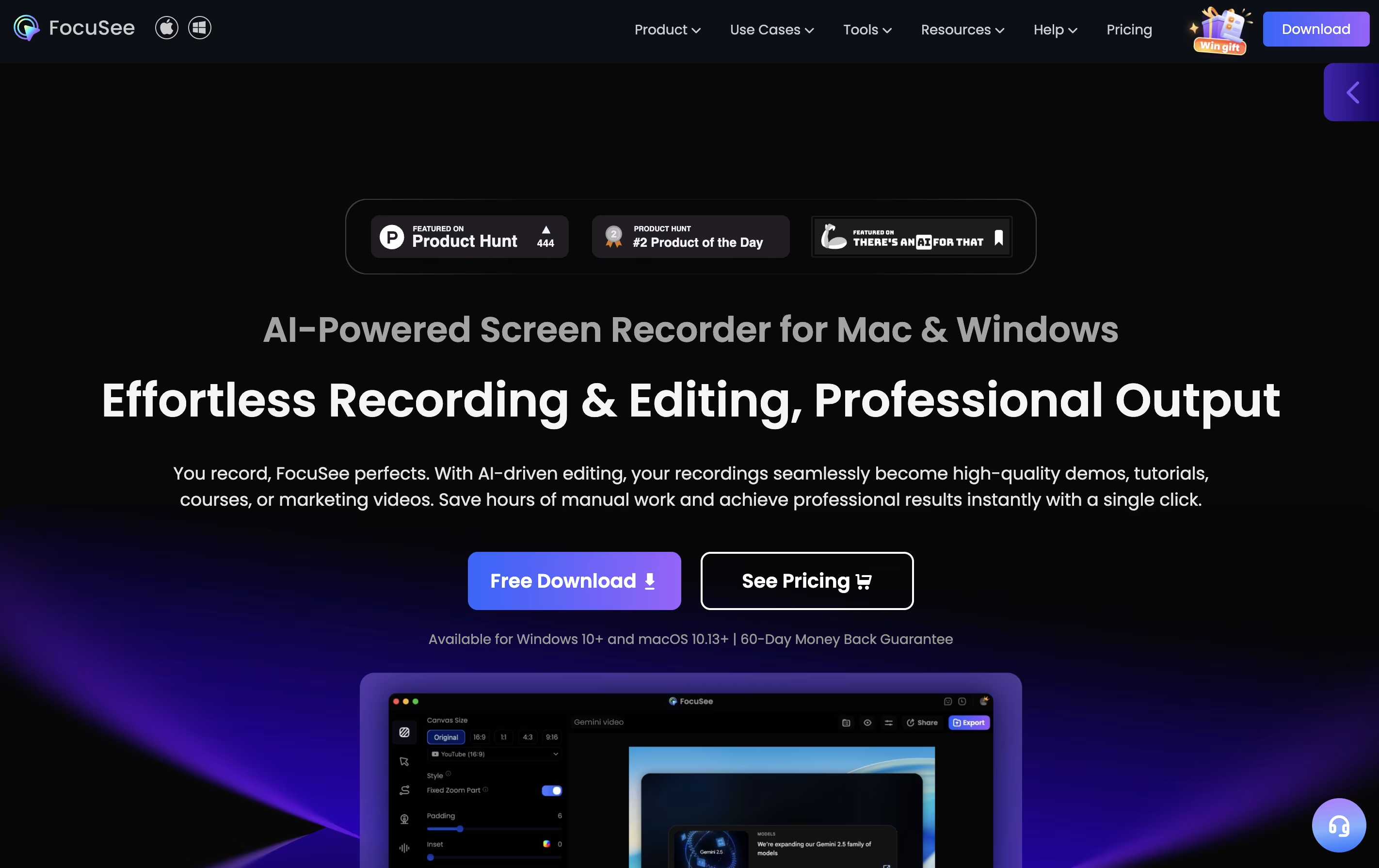
Focusee is a screen recording and video editing program that runs on your computer. When you record your screen, it watches where you click and automatically zooms in to show important details. This happens without any extra work from you.
The software records your screen, webcam, and voice all at once. After recording, it gives you a video that looks professionally edited, complete with smooth movements, nice backgrounds, and clear focus on key actions. You can customize colors, add effects, and change the layout to match your style.
The best alternative to Focusee is  Cap
Cap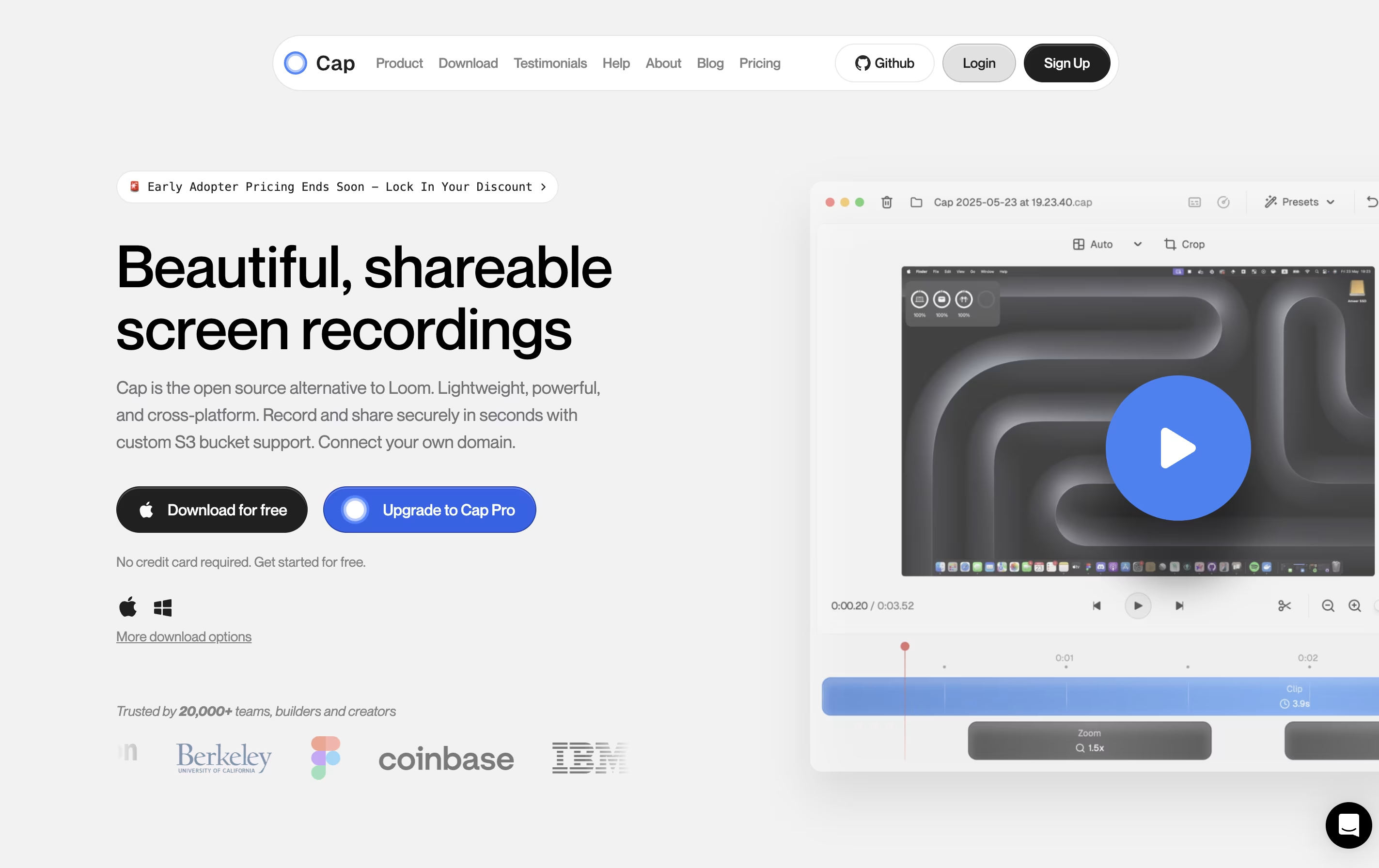 CapOpen Source Screen Recording with AI Features.
  OBS Studio
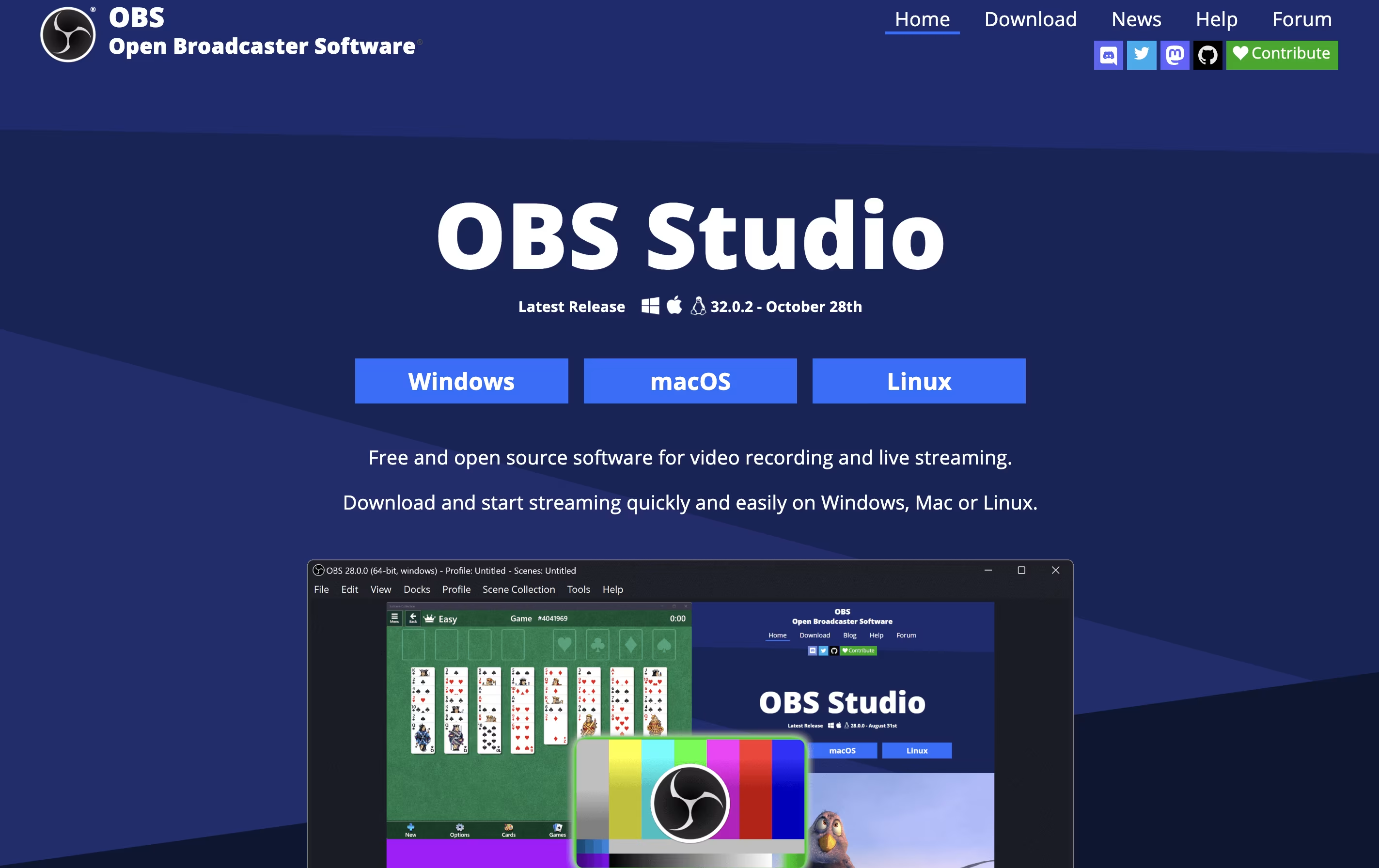 OBS StudioFree Streaming & Recording Software and
  ShareX
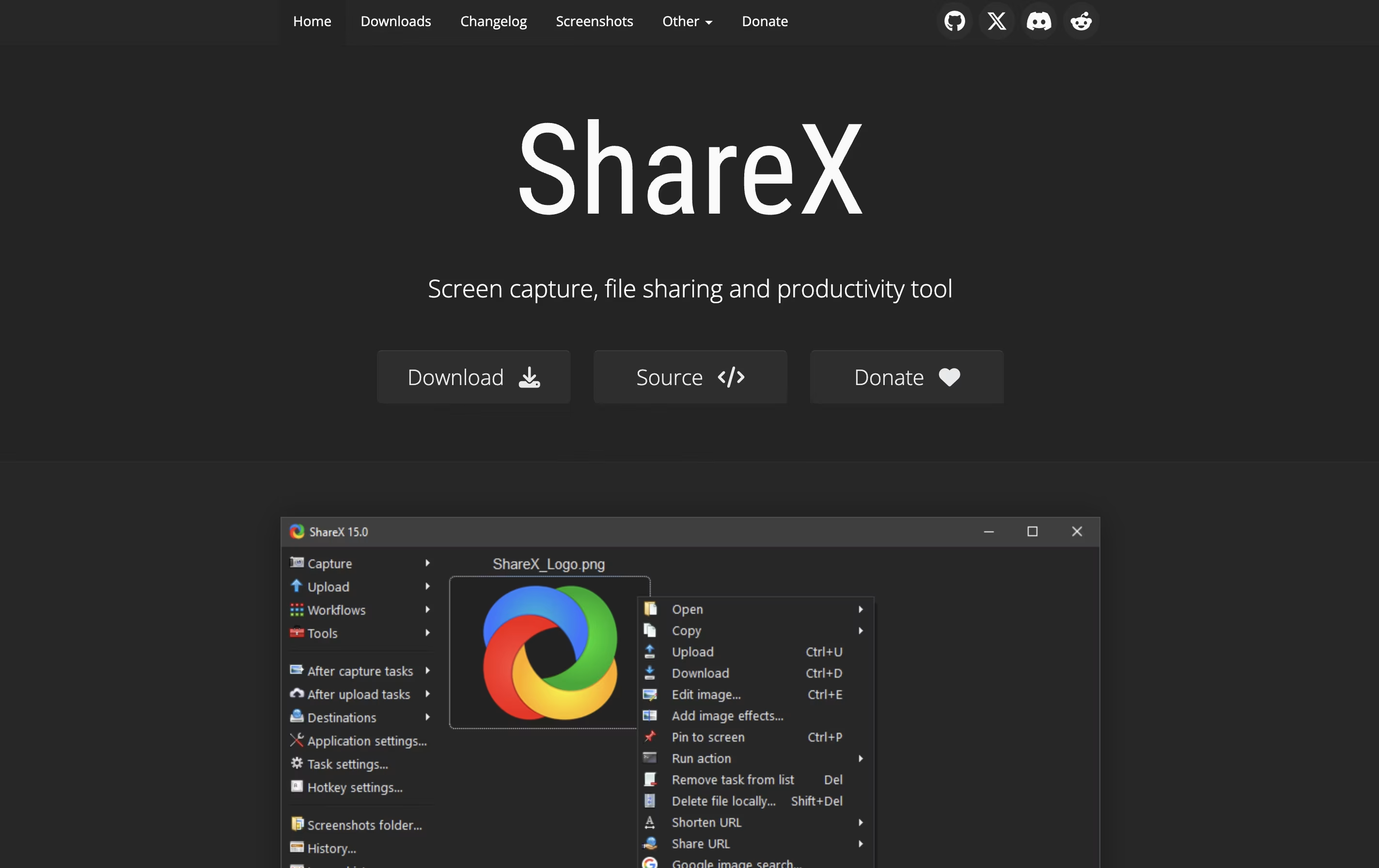 ShareXFree Screenshot & Screen Recording Tool are also among the best options for Screen Recording.
So, here are the 6 best alternatives to Focusee:

Cap is a screen recording application that offers two recording modes for different needs. Instant Mode lets you record and share immediately with automatic transcription and chapter generation. Studio Mode provides local recording with a full editing timeline for professional content creation.
The tool includes AI-powered features that automatically create titles, summaries, and chapters for each recording. You can record in up to 4K resolution at 60 frames per second, with separate tracks for screen, webcam, and audio.
Cap is completely open source, meaning you can see how it works and even host it yourself. It supports both quick team communication and high-quality content production in one application.
OBS Studio is a free software that helps you record your screen or stream live video to the internet. You can use it to capture games, presentations, tutorials, or any activity on your computer. The software lets you add your webcam, microphone, images, and other elements to create professional-looking broadcasts.
Unlike simple screen recorders, OBS Studio offers advanced features like scene switching, audio mixing, and custom transitions. You can organize different layouts for various parts of your stream and switch between them smoothly. The software also includes tools for adjusting video quality, managing audio levels, and adding filters.
Being open-source means the software is constantly improved by a community of developers. It is trusted by millions of users worldwide for both personal and professional streaming needs.
ShareX is a Windows application that captures your screen and helps you share content online. You can take screenshots of your full screen, a specific window, or any custom area you select. The software also records screen videos in different formats, including regular videos and animated images.
What makes ShareX different from simple screenshot tools is its extra features. It includes a built-in image editor where you can add arrows, text, shapes, and effects to your captures. The software can automatically upload your screenshots to image hosting sites like Imgur, cloud storage like Google Drive, or your own server.
ShareX is lightweight, runs quietly in the background, and uses keyboard shortcuts for quick access. Everything is customizable to match how you work.

Screenity is a Chrome browser extension that records your screen and adds helpful tools for creating better videos. You can record any tab, a specific area, your desktop, applications, or your camera with your microphone or system audio.
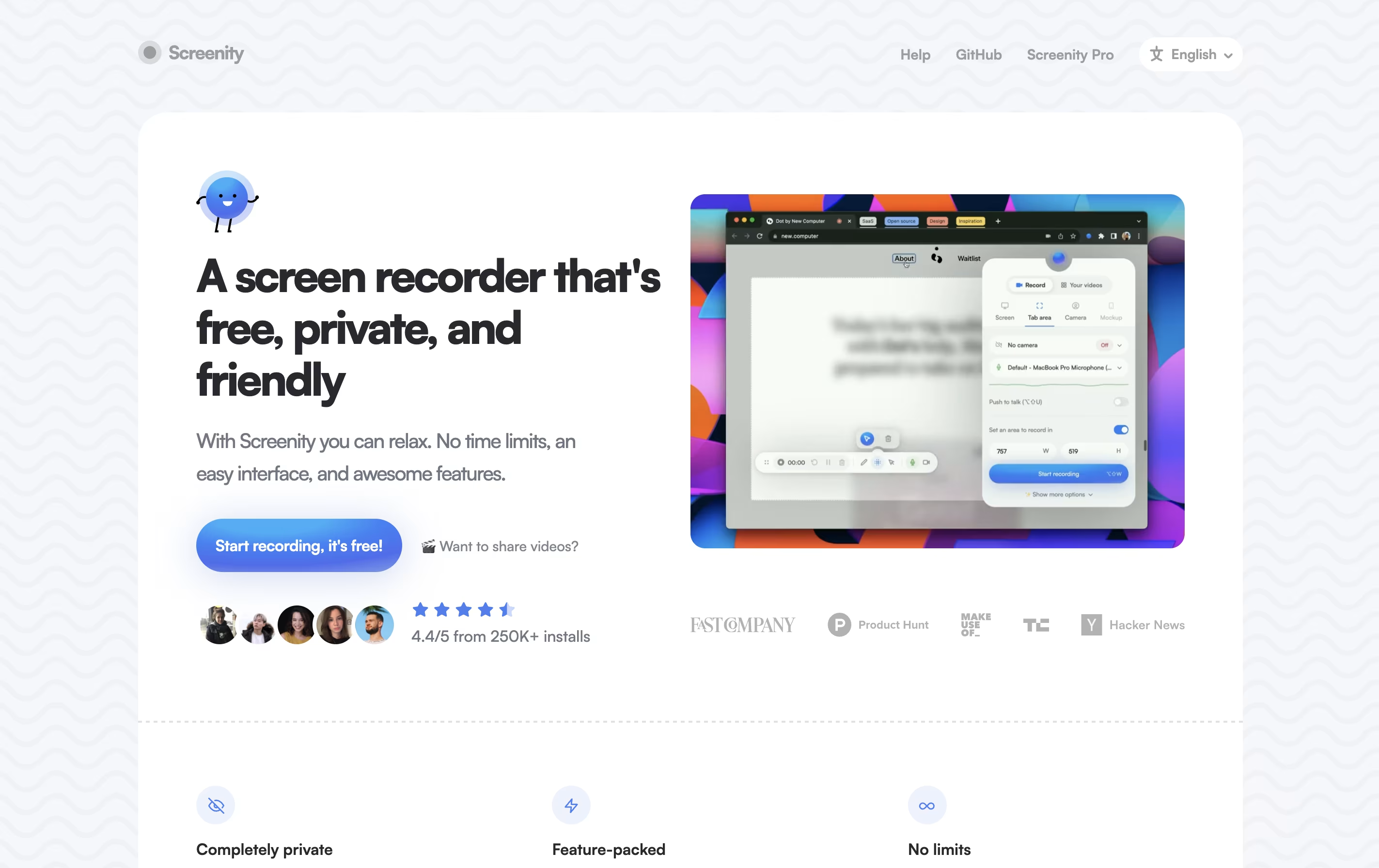
What makes Screenity special is its annotation features. While recording, you can draw, add text, arrows, and shapes directly on your screen. It also highlights your clicks and cursor, which is helpful for tutorials. After recording, you can edit videos with trim, crop, and audio tools.
The extension is open source, meaning anyone can view and modify its code. All recordings stay on your computer unless you choose to save them elsewhere, keeping your content completely private.

Kap is a desktop screen recording application exclusively for Mac computers. It allows you to capture your screen activity and save it in different formats like GIF, MP4, WebM, or APNG. The application lives in your menu bar and activates quickly with a keyboard shortcut.
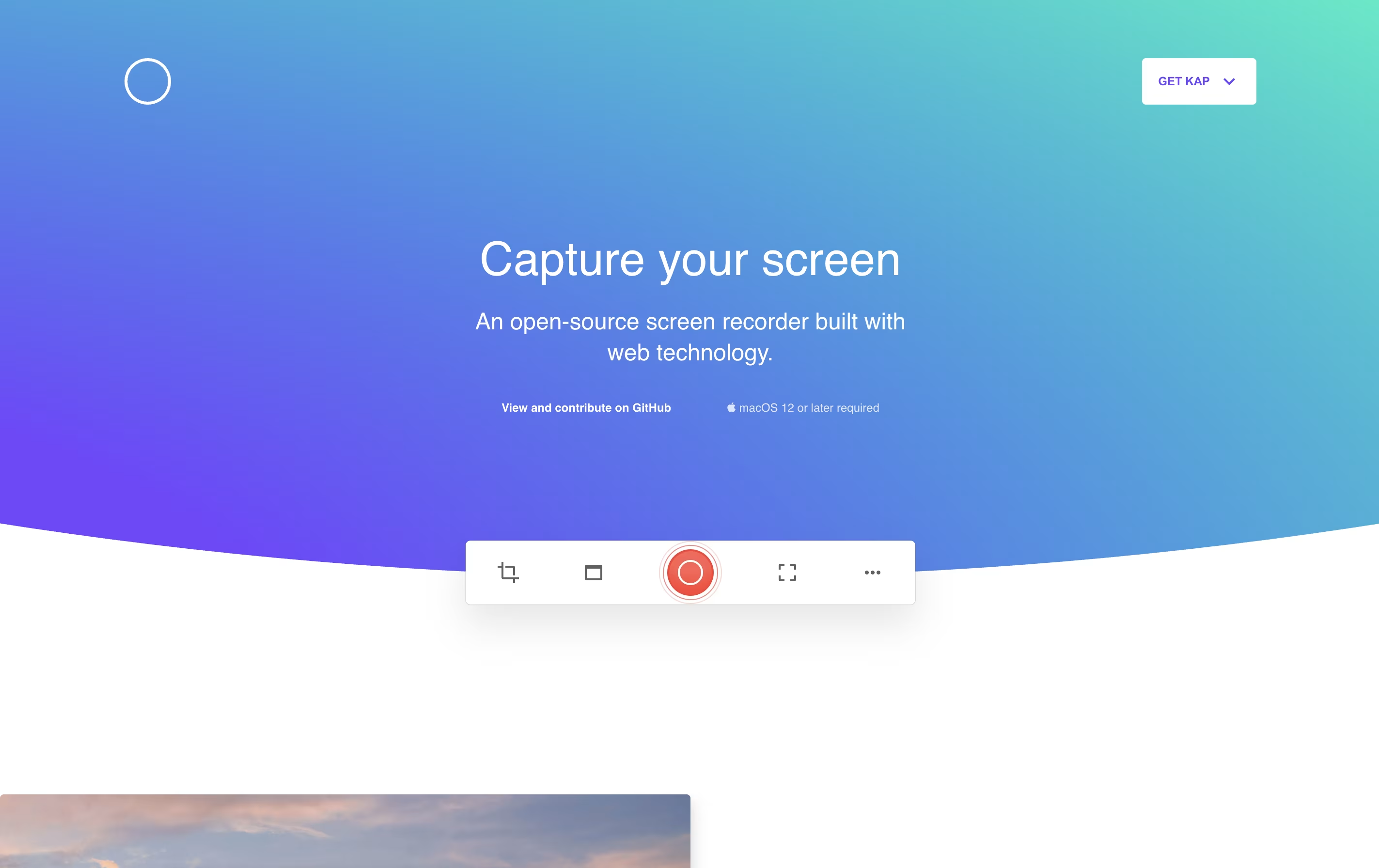
Unlike heavy commercial screen recorders, Kap focuses on being fast and lightweight. It uses minimal system resources while still producing high-quality recordings. The tool includes basic editing features like trimming and the ability to highlight mouse clicks during recordings.
One standout feature is its plugin system, which lets you extend functionality. You can add plugins to upload directly to services like Giphy or share your recordings instantly. Being completely free and open-source, anyone can use it without limitations.

Snapify is a web-based screen recording platform that captures your screen activity, webcam, and audio simultaneously. You can use it to create video messages, tutorials, product demos, or bug reports in seconds. The tool runs entirely online, so there is no software to install on your computer.
One of the best features is instant sharing. After you finish recording, Snapify generates a unique link that you can send to anyone. They can watch your video immediately without signing up or downloading anything. The tool also supports self-hosting, which means companies can run Snapify on their own servers for better privacy and control. There is a free option for basic use and a paid plan for unlimited recordings and extra features.


