ToolQuestor Logo
Kit
No reviews yet
0 Saved
Added:2/28/2026
Type:Saas
Monthly Traffic:-
Pricing:
FREEFREEMIUMSUBSCRIPTION
AI-PoweredCollaborationAutomationCustomizableEmail MarketingCRM
OpenArt AI

OpenArt AI

FEATURED
Vidnoz AI

Vidnoz AI

FEATURED
Wispr Flow

Wispr Flow

FEATURED
Kit screenshot 2
Kit screenshot 3
Kit screenshot 4
Kit screenshot 5

What is Kit

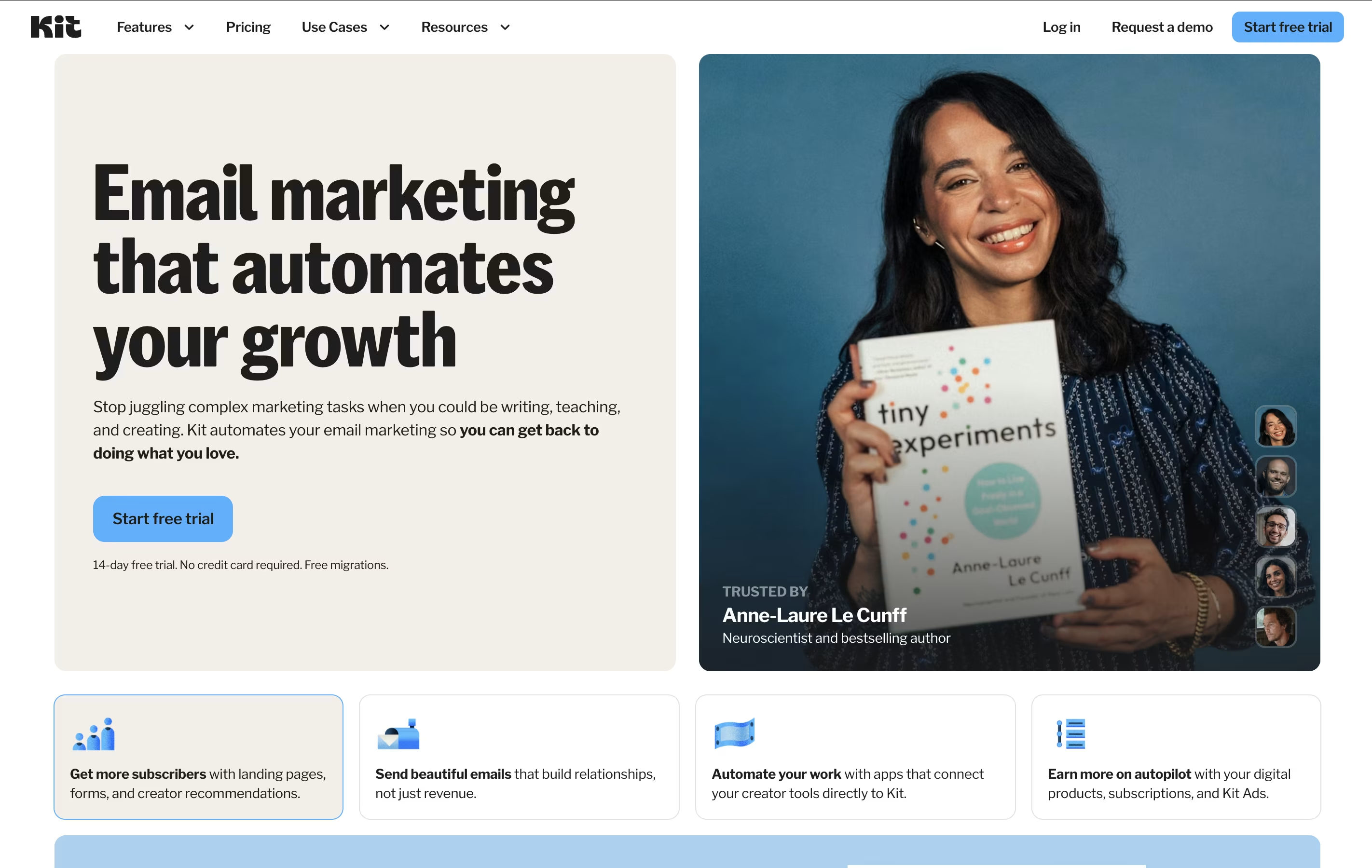
Kit is a platform that helps you build and manage an email list. You can create signup forms and landing pages to collect email addresses, then send messages to your subscribers. It works differently from other email tools because it focuses on what creators need.

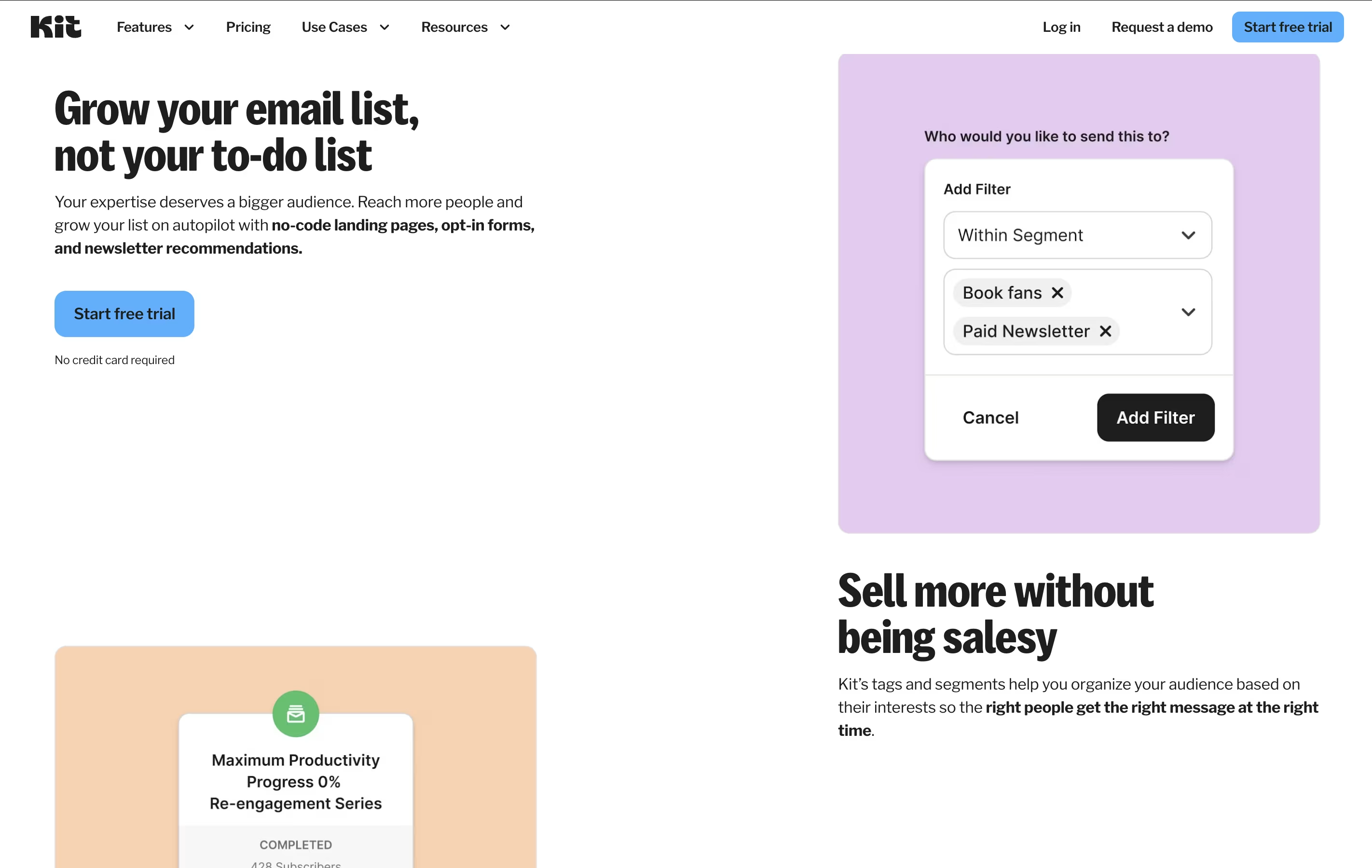
The platform uses a system called tags and segments. This lets you organize your subscribers based on what they're interested in. So if someone clicks on a cooking article, you can tag them and send them more cooking content later.

You can also sell digital products directly through Kit. This includes ebooks, online courses, or paid newsletter subscriptions. Everything is in one place, which saves time and money.

How to Use Kit

Getting started with Kit is straightforward. Here's what you need to do:

  • Create an account on the website and verify your email address. The free plan lets you have up to 10,000 subscribers.

  • Build a signup form using their templates. You can add this form to your website, blog, or social media pages.

  • Create your first email using the simple editor. You can write plain text emails or add some basic formatting.

  • Set up tags to organize your subscribers. When someone clicks a specific link or downloads a certain file, Kit can automatically add a tag to them.

  • Use the automation builder to create sequences. This is a series of emails that go out automatically when someone subscribes or takes a specific action.

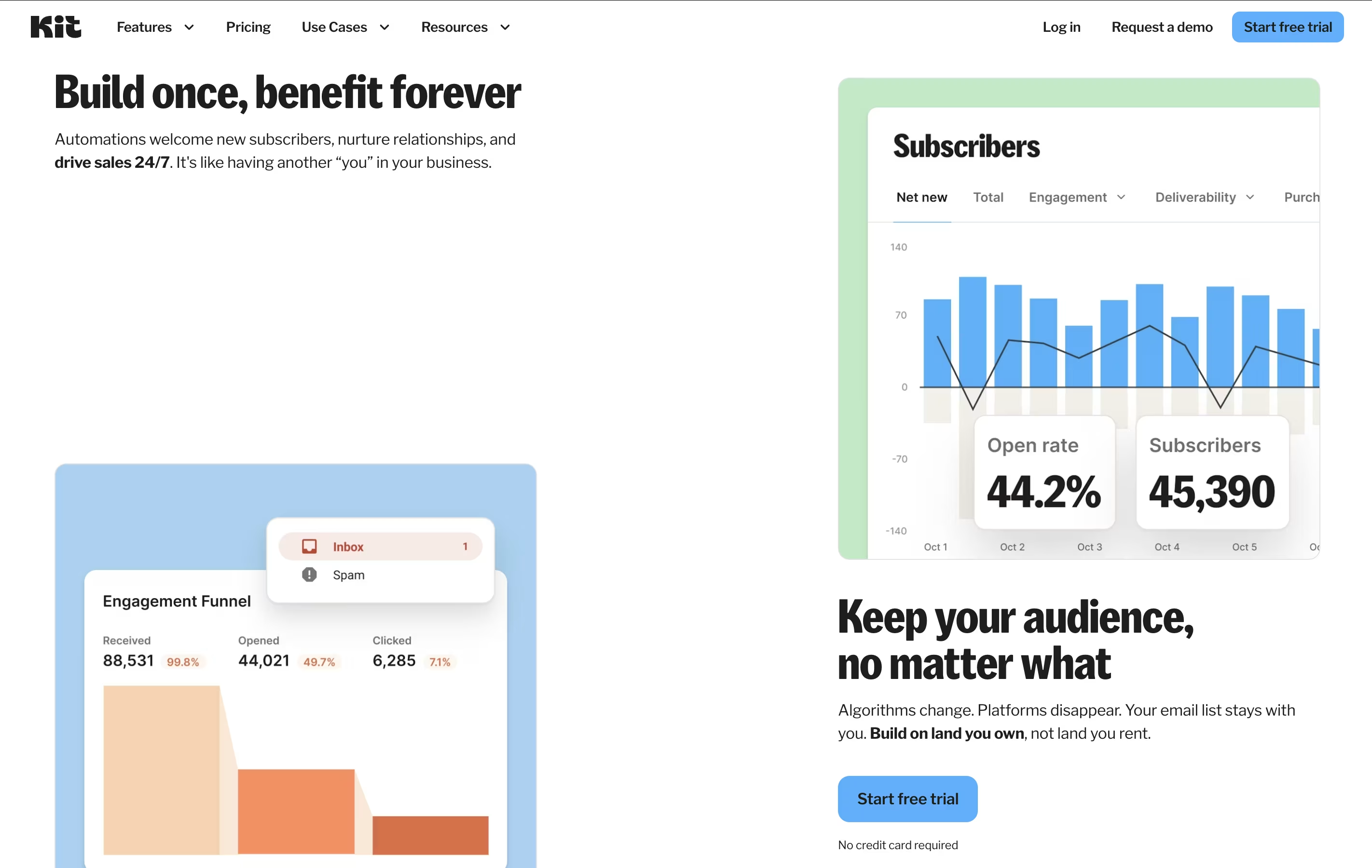
  • Check your reports to see who opened your emails and what they clicked on. This helps you understand what your audience likes.

Features of Kit

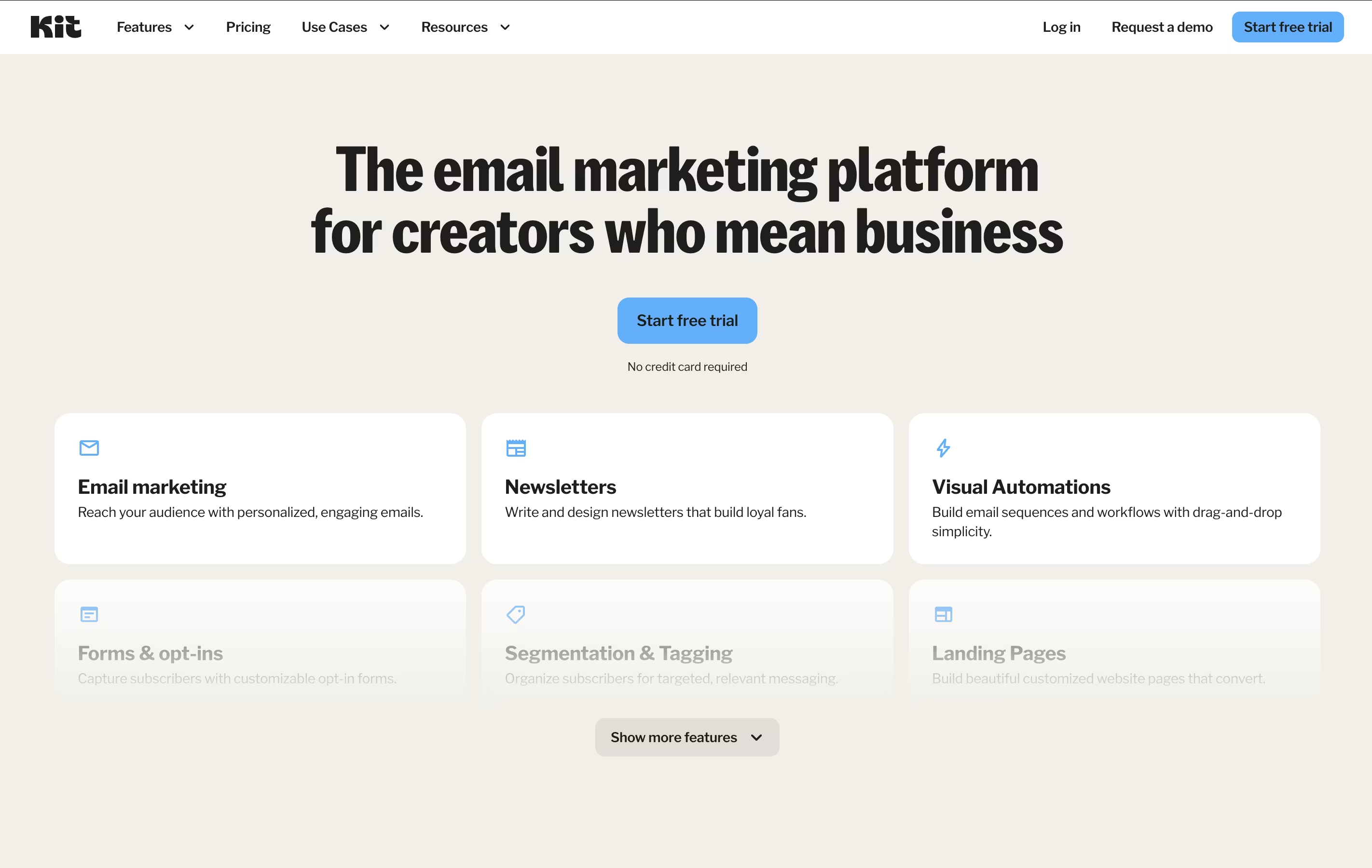
  • Unlimited email broadcasts and landing pages

  • Visual automation builder with sequences

  • Smart tagging and subscriber segments

  • Creator Network for audience growth

  • Sell digital products and subscriptions

  • Integration with 90+ tools

  • Mobile and desktop responsive

  • Custom domains for landing pages

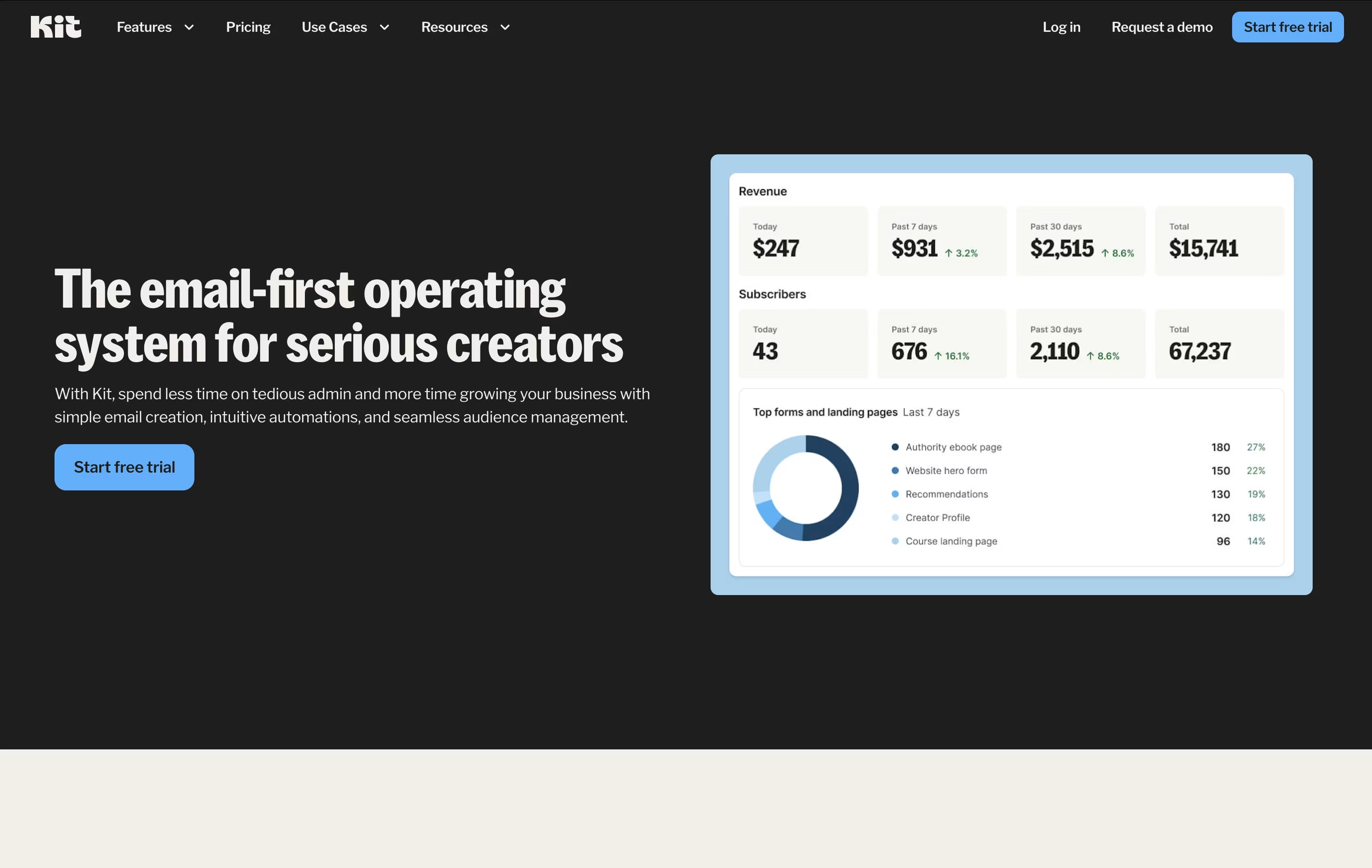
  • Analytics and reporting dashboard

  • 24/7 email and chat support on paid plans

Kit Pricing

Newsletter

Free

What's included:
  • Up to 10,000 subscribers
  • Unlimited email broadcasts
  • Unlimited landing pages
  • Unlimited opt-in forms
  • 1 basic Visual Automation
  • 1 email Sequence
  • 1 user
  • Audience tagging & segmentation
  • Sell digital products
  • Run paid newsletters & subscriptions
Most Popular
Creator

$39 /mo

What's included:
  • Up to 1,000 subscribers
  • 14-day free trial
  • Unlimited Visual Automations
  • Unlimited email Sequences
  • 2 users
  • All Newsletter plan features
  • Free Recommendations
  • Paid Recommendations
  • Remove Kit branding
  • Smart Recommendations
Creator Pro

$79 /mo

What's included:
  • Up to 1,000 subscribers
  • 14-day free trial
  • Unlimited Visual Automations
  • Unlimited email Sequences
  • Unlimited users
  • All Creator plan features
  • Advanced A/B testing
  • Facebook custom audiences
  • Newsletter referral system
  • Edit links in sent broadcasts

FAQ's About Kit

Is Kit really free for up to 10,000 subscribers?
Yes, the Newsletter plan is completely free for up to 10,000 subscribers with unlimited emails, landing pages, and forms. You get one automation and one sequence. The only requirement is showing creator recommendations when people sign up. You can upgrade anytime to remove limits.
What's the difference between Kit and other email tools?
Kit focuses specifically on creators rather than businesses. It uses a tagging system instead of traditional email lists, making it easier to send targeted content. The interface is simpler, and features like the Creator Network and digital product sales are built in. It's designed for solo creators and small teams.
Can I sell products through Kit?
Yes, you can sell digital products, subscriptions, and paid newsletters directly through Kit. It connects with Stripe for payment processing and charges a 3.5% + 30¢ transaction fee on the free plan. Paid plans have lower fees. You can host your products on Kit or link to external platforms.
How does the Creator Network work?
The Creator Network lets you recommend other creators to your subscribers and earn money when they sign up. Similarly, other creators can recommend you. It's built into the signup process. Free plan users must show recommendations, while paid plans can choose whether to participate and earn.
Does Kit integrate with my existing tools?
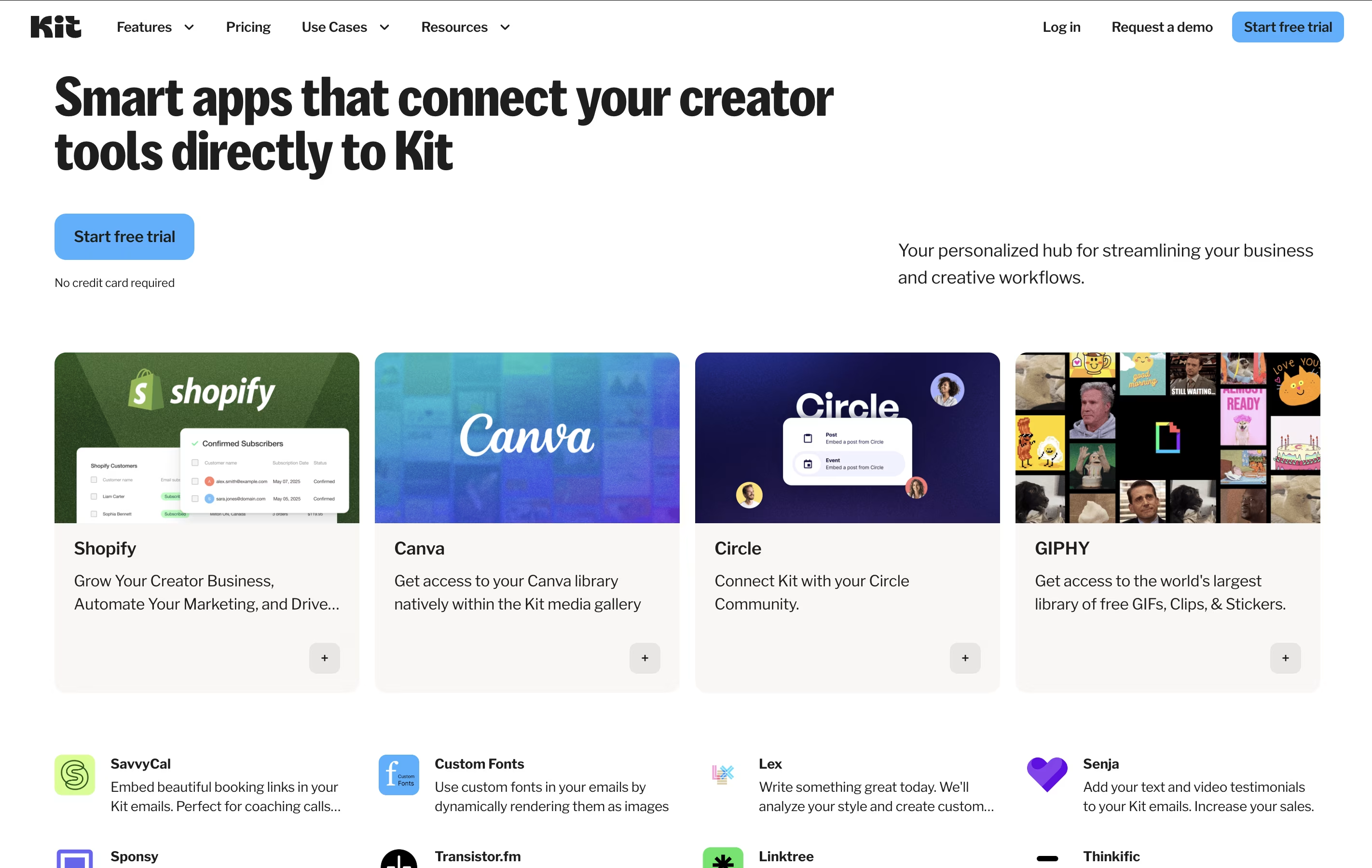
Kit integrates with over 90 platforms including Shopify, WordPress, Teachable, Gumroad, Stripe, and many more. It also connects with Zapier for additional integrations. You can connect your website, e-commerce store, course platform, and other tools to automate your workflows.

Share your experience with Kit

Loading...

See what users are saying about Kit

0.0

0 Reviews

5
0
4
0
3
0
2
0
1
0

No reviews yet

Be the first to review Kit

Embed Kit badges

Show your community that Kit is featured on Tool Questor. Add these beautiful badges to your website, documentation, or social profiles to boost credibility and drive more traffic.

Light Badge Preview