ToolQuestor Logo
Substack
No reviews yet
0 Saved
Added:2/28/2026
Type:Saas
Monthly Traffic:-
Pricing:
FREEFREEMIUM
SaaSWeb-BasedMobile AppContent PlanningEmail Marketing
Wispr Flow

Wispr Flow

FEATURED
Bubble

Bubble

FEATURED
BASE44

BASE44

FEATURED
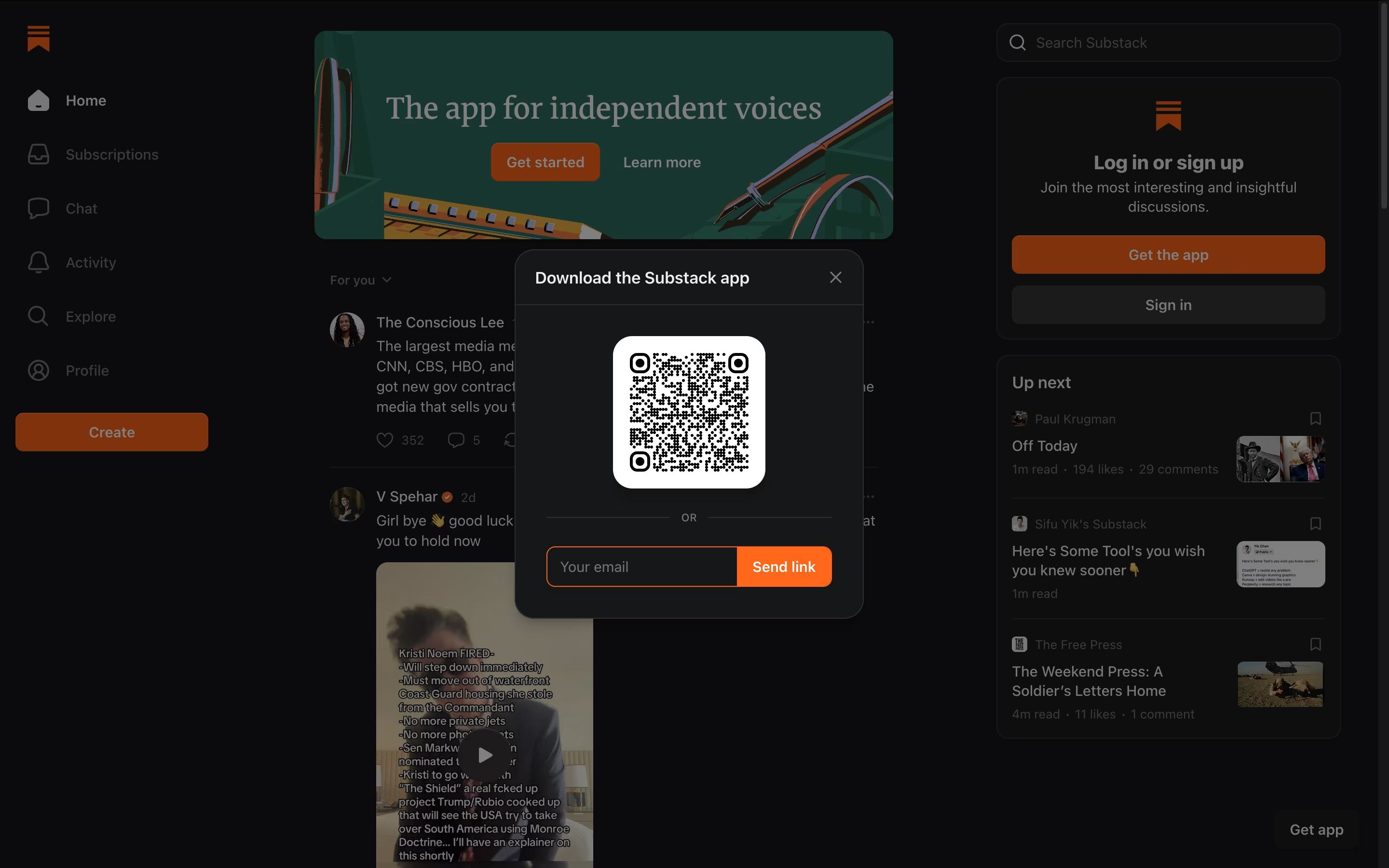
Substack screenshot 2
Substack screenshot 3
Substack screenshot 4
Substack screenshot 5

What is Substack

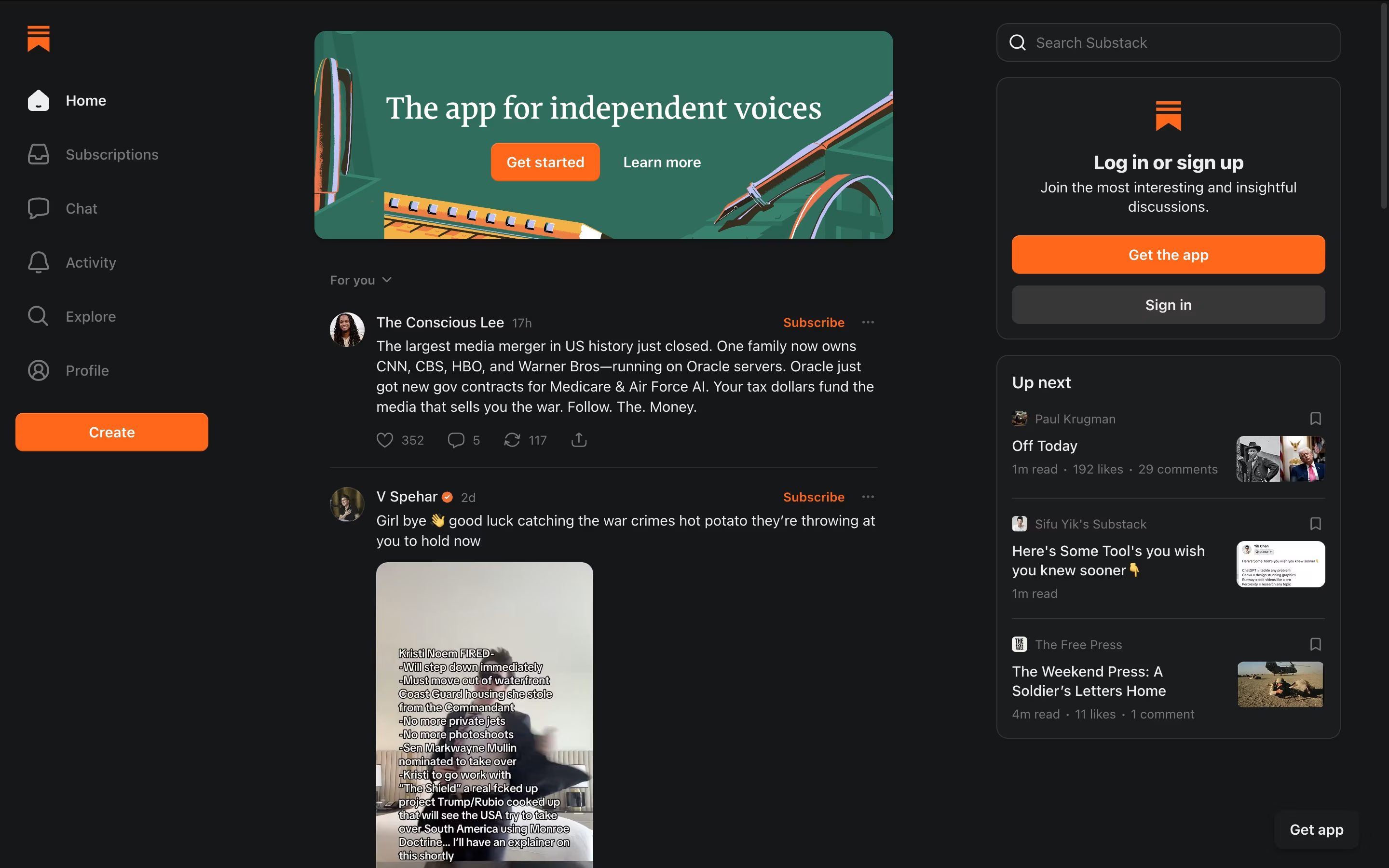
Substack is a publishing platform that helps writers create and send newsletters to their readers. Unlike traditional blogging sites, it puts email delivery at the center, ensuring your content reaches people directly in their inbox. You can write long articles, record podcasts, upload videos, or share short notes similar to social media posts.

The platform handles all the technical work like email sending, payment processing, and subscriber management. Writers own their email list and can export it anytime, which means you are not locked into the platform. Substack works on a simple business model: publishing is free, but if you charge for subscriptions, Substack takes a percentage of your earnings. This aligns their success with yours.

How to Use Substack

Getting started with Substack is straightforward. Here are the key steps:

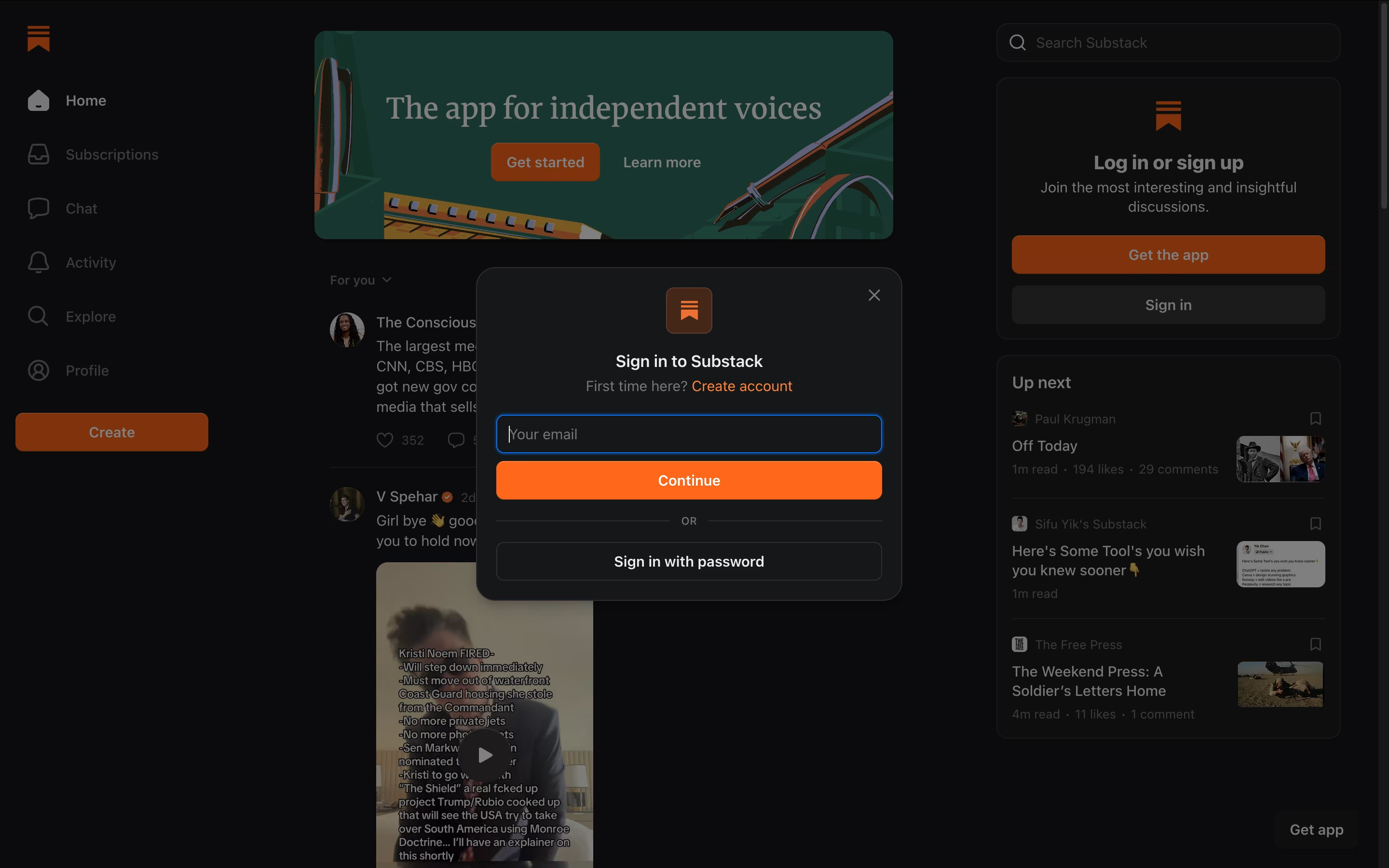
  • Visit the Substack website and create your account. Choose a custom URL for your publication like yourname.substack.com.

  • Set up your publication by adding a title, description, and design elements. You can customize colors and add your logo.

  • Write your first post using the simple editor. You can add text, images, videos, or embed content from other platforms.

  • Decide if your publication will be free or if you want to offer paid subscriptions. You can also mix free and paid content.

  • Publish your post, and it automatically goes out as an email to all subscribers. Your content also appears on your Substack page.

  • Use the Notes feature to share shorter updates and engage with the Substack community to grow your audience.

  • Track your growth using built-in analytics that show opens, clicks, and subscriber trends.

Features of Substack

  • Free newsletter publishing with no subscriber limits

  • Paid subscription options with monthly and annual billing

  • Podcast hosting and distribution

  • Video upload and recording tools

  • Short-form Notes feature for quick updates

  • Mobile app for readers

  • Comment sections and community chat

  • Built-in analytics and growth tracking

  • Custom domain support

  • Recommendation network for discovery

  • Email list ownership and export

Substack Pricing

Most Popular
Free

Free

What's included:
  • Unlimited free newsletter publishing
  • Unlimited subscribers
  • Email delivery system
  • Podcast hosting
  • Video upload
  • Notes feature
  • Comment sections
  • Basic analytics
  • Mobile app access
  • Email list ownership and export
Paid Subscriptions

Custom

What's included:
  • All free features included
  • Enable paid subscriptions at your chosen price
  • 10% platform fee on transactions
  • Stripe payment processing (2.9% + $0.30 per transaction)
  • 0.7% billing fee for recurring payments
  • Monthly and annual subscription options
  • Subscriber management tools
  • Payment analytics
  • Support for multiple currencies
  • Non-credit card payment options (iDEAL, Bancontact, SEPA)

FAQ's About Substack

Is Substack really free to use?
Yes, publishing on Substack is completely free with no limits on subscribers. You only pay fees if you enable paid subscriptions – Substack takes 10% plus Stripe payment processing fees (2.9% + $0.30 per transaction). There are no monthly fees or hidden costs.
Do I own my email list and content on Substack?
Yes, you fully own both your content and your email list. Substack makes it easy to export your subscriber list and content archive at any time. This means you can move to another platform if you decide to, without losing your audience or work.
How is Substack different from regular email marketing tools?
Substack combines publishing, email delivery, and payment processing in one platform designed specifically for writers. Unlike email marketing tools, it focuses on content creation rather than sales funnels. It also includes discovery features to help grow your audience through the Substack network.
Can I use my own custom domain instead of substack.com?
Yes, Substack allows you to use a custom domain for your publication. Instead of yourname.substack.com, you can use newsletter.yourwebsite.com or any domain you own. This helps maintain your brand identity while using Substack's infrastructure.
How do readers discover new newsletters on Substack?
Substack has built-in discovery features including a recommendations system where writers suggest other publications, the Notes feed for short-form content, and category-based browsing. The platform also has a Reader app that showcases popular newsletters. Around 20% of paid subscriptions come from within the Substack network.

Share your experience with Substack

Loading...

See what users are saying about Substack

0.0

0 Reviews

5
0
4
0
3
0
2
0
1
0

No reviews yet

Be the first to review Substack

Embed Substack badges

Show your community that Substack is featured on Tool Questor. Add these beautiful badges to your website, documentation, or social profiles to boost credibility and drive more traffic.

Light Badge Preview