ToolQuestor Logo
Odown
No reviews yet
0 Saved
Added:4/19/2026
Type:Saas
Monthly Traffic:-
Pricing:
PAIDSUBSCRIPTION
Cloud-BasedSaaSBrowser ExtensionReal-TimeAutomationAnalyticsDashboardSecurity99.9% Uptime
OpenArt AI

OpenArt AI

FEATURED
Wispr Flow

Wispr Flow

FEATURED
Vidnoz AI

Vidnoz AI

FEATURED
Odown screenshot 2
Odown screenshot 3
Odown screenshot 4
Odown screenshot 5

What is Odown

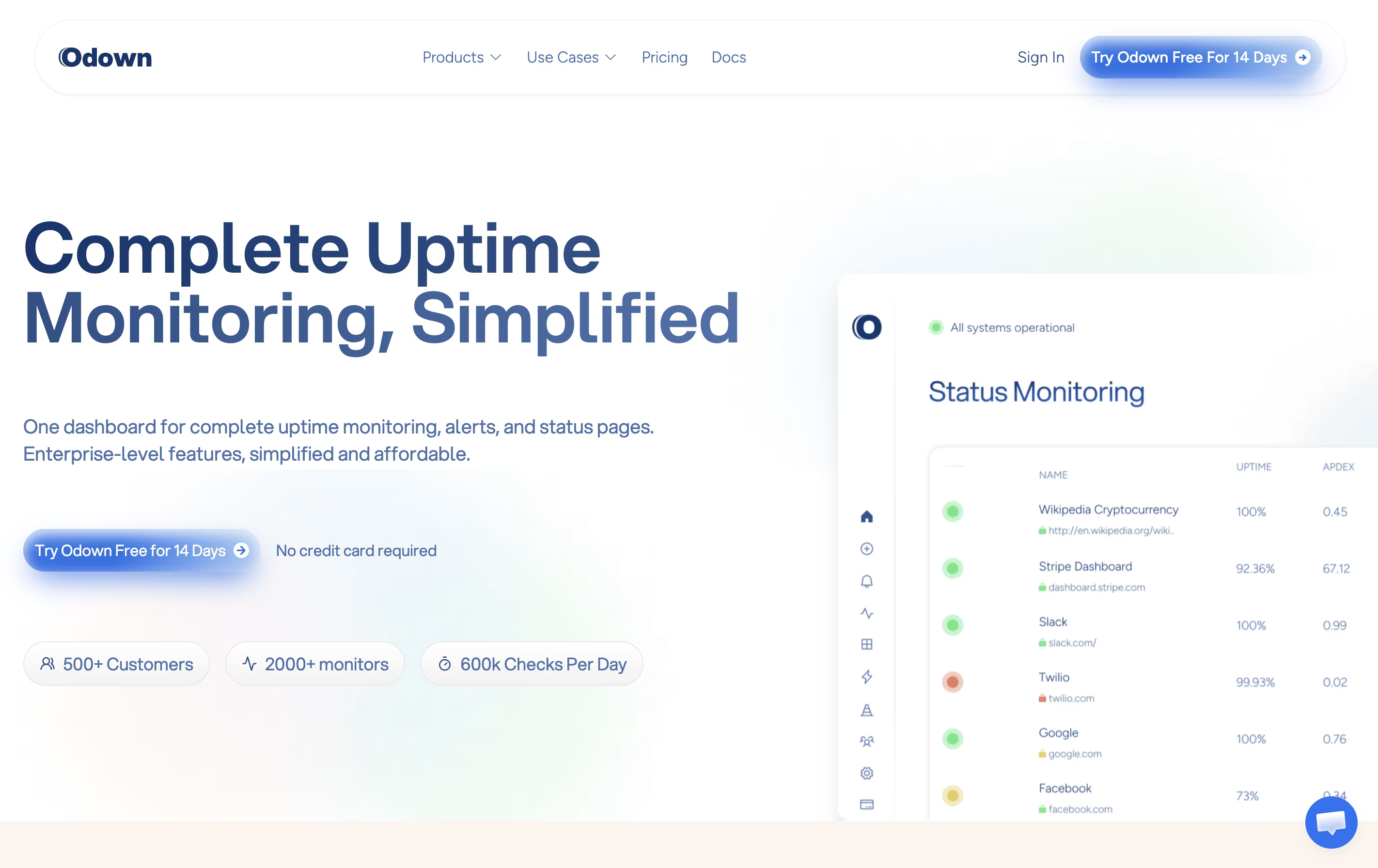
Odown is a monitoring platform that watches your websites and web services around the clock. It sends test requests to your site every minute to make sure everything works correctly. If something breaks, you get notified right away through your preferred channel.

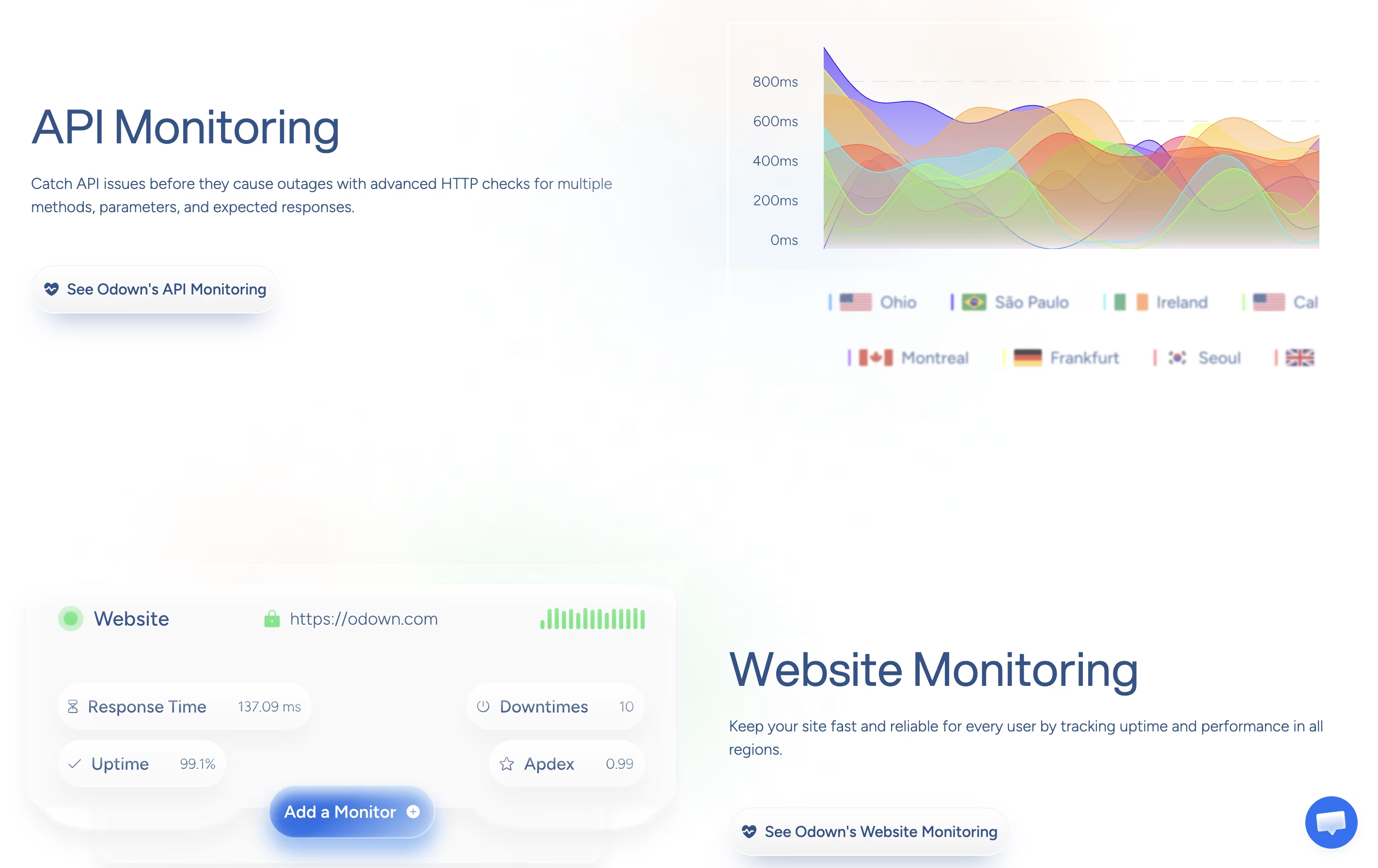
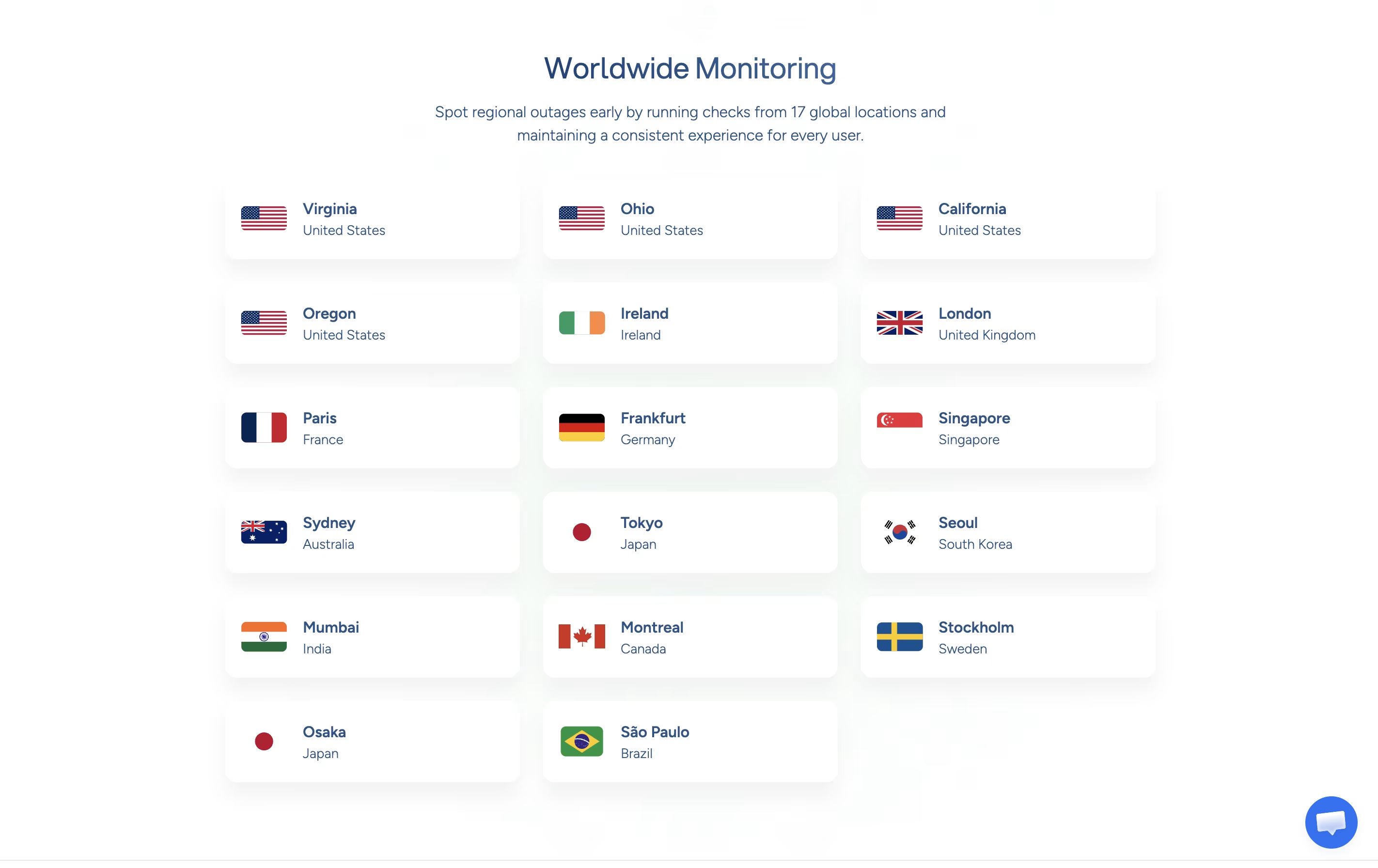
The service monitors several important things: website uptime, response speed, SSL certificate health, and API functionality. It can check simple websites or complex API requests with custom headers and data. The monitoring runs from data centers in different countries, so you know how your site performs for users worldwide.

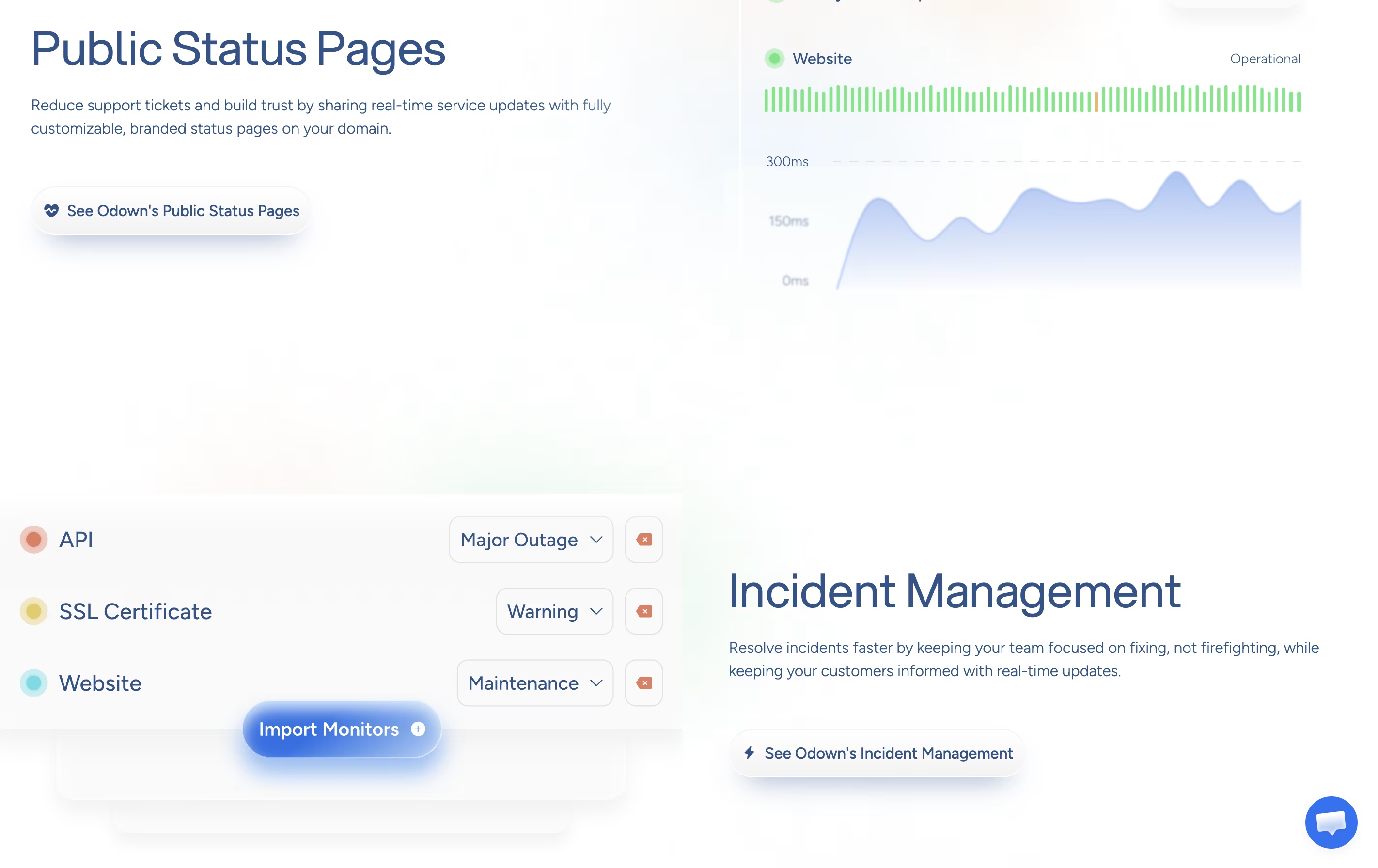
Odown also provides status pages that you can customize with your brand. These pages show your current service status and let visitors subscribe to updates. Everything runs automatically once you set it up.

How to Use Odown

Getting started with Odown is straightforward. Here's how to use it:

  • Sign up for a free trial on the Odown website. No credit card is needed for the 14-day trial period.

  • Add your first monitor by entering your website URL. Choose how often you want Odown to check your site, from every minute to every 24 hours.

  • Set up alert channels by connecting email, Slack, SMS, or webhooks. You can add multiple channels and choose who gets notified.

  • For API monitoring, specify the request method, headers, and body data. Odown will test your API endpoints and verify the responses.

  • Create a status page if you want to share your uptime information publicly. Customize it with your logo and brand colors.

  • Monitor your dashboard to see uptime percentages, response times, and incident history. The interface shows all your monitors in one place.

Features of Odown

  • Website and API uptime monitoring from 17 global locations

  • 1-minute check intervals for fast problem detection

  • SSL certificate expiration tracking and alerts

  • Customizable branded status pages on your domain

  • Email, SMS, Slack, and webhook notifications

  • Incident management and scheduled maintenance

  • Team collaboration with role-based access

  • Response time and performance analytics

  • Unlimited alert channels and recipients

  • Integration with PagerDuty, Opsgenie, and more

Odown Pricing

Basic

$12 /mo

What's included:
  • 10 monitors
  • 1-minute check interval
  • 17 data center locations
  • Custom locations
  • 50 SMS credits
  • Unlimited SSL monitoring
  • 1 status page
  • HTTPS custom domain
  • Unlimited alert channels
  • Email, SMS, Slack, and webhooks
Most Popular
Pro

$29 /mo

What's included:
  • 40 monitors
  • 1-minute check interval
  • 17 data center locations
  • Custom locations
  • 60 SMS credits
  • Unlimited SSL monitoring
  • Unlimited status pages
  • HTTPS custom domain
  • 1,000 status page subscribers
  • Subscriber notifications
Advanced

$249 /mo

What's included:
  • 300 monitors
  • 1-minute check interval
  • 17 data center locations
  • Custom locations
  • 300 SMS credits
  • Unlimited SSL monitoring
  • Unlimited status pages
  • HTTPS custom domain
  • 5,000 status page subscribers
  • Subscriber notifications

FAQ's About Odown

Does Odown offer a free trial?
Yes, Odown provides a 14-day free trial for all plans with no credit card required. You can test all features including monitoring, alerts, and status pages before choosing a paid plan.
How often does Odown check my website?
Odown can check your website as frequently as every 1 minute on all paid plans. You can also choose longer intervals like 5, 10, 15 minutes, or up to 24 hours depending on your monitoring needs.
Can I monitor APIs with custom requests?
Yes, Odown supports full API monitoring with custom HTTP methods, headers, request bodies, and authentication. You can test POST, PUT, DELETE requests and verify specific response codes or content.
What happens when my website goes down?
When Odown detects downtime, it immediately sends alerts through your configured channels (email, SMS, Slack, etc.). The incident is logged on your dashboard and status page, and you'll receive a recovery notification when the site comes back online.
Can I use my own domain for status pages?
Yes, all Odown plans support custom HTTPS domains for status pages. You can fully brand your status page with your logo, colors, and domain to match your company's identity.

Share your experience with Odown

Loading...

See what users are saying about Odown

0.0

0 Reviews

5
0
4
0
3
0
2
0
1
0

No reviews yet

Be the first to review Odown

Embed Odown badges

Show your community that Odown is featured on Tool Questor. Add these beautiful badges to your website, documentation, or social profiles to boost credibility and drive more traffic.

Light Badge Preview