ToolQuestor Logo
VibrantSnap

VibrantSnap

No reviews yet
0 Saved
Added:10/27/2025
Type:Desktop App
Monthly Traffic:-
Pricing:
FREEMIUMSUBSCRIPTION
AI-PoweredComputer VisionDesktop AppVideosVideo Generation
BASE44

BASE44

FEATURED
Bubble

Bubble

FEATURED
Wispr Flow

Wispr Flow

FEATURED
VibrantSnap screenshot 2
VibrantSnap screenshot 3
VibrantSnap screenshot 4
VibrantSnap screenshot 5

What is VibrantSnap

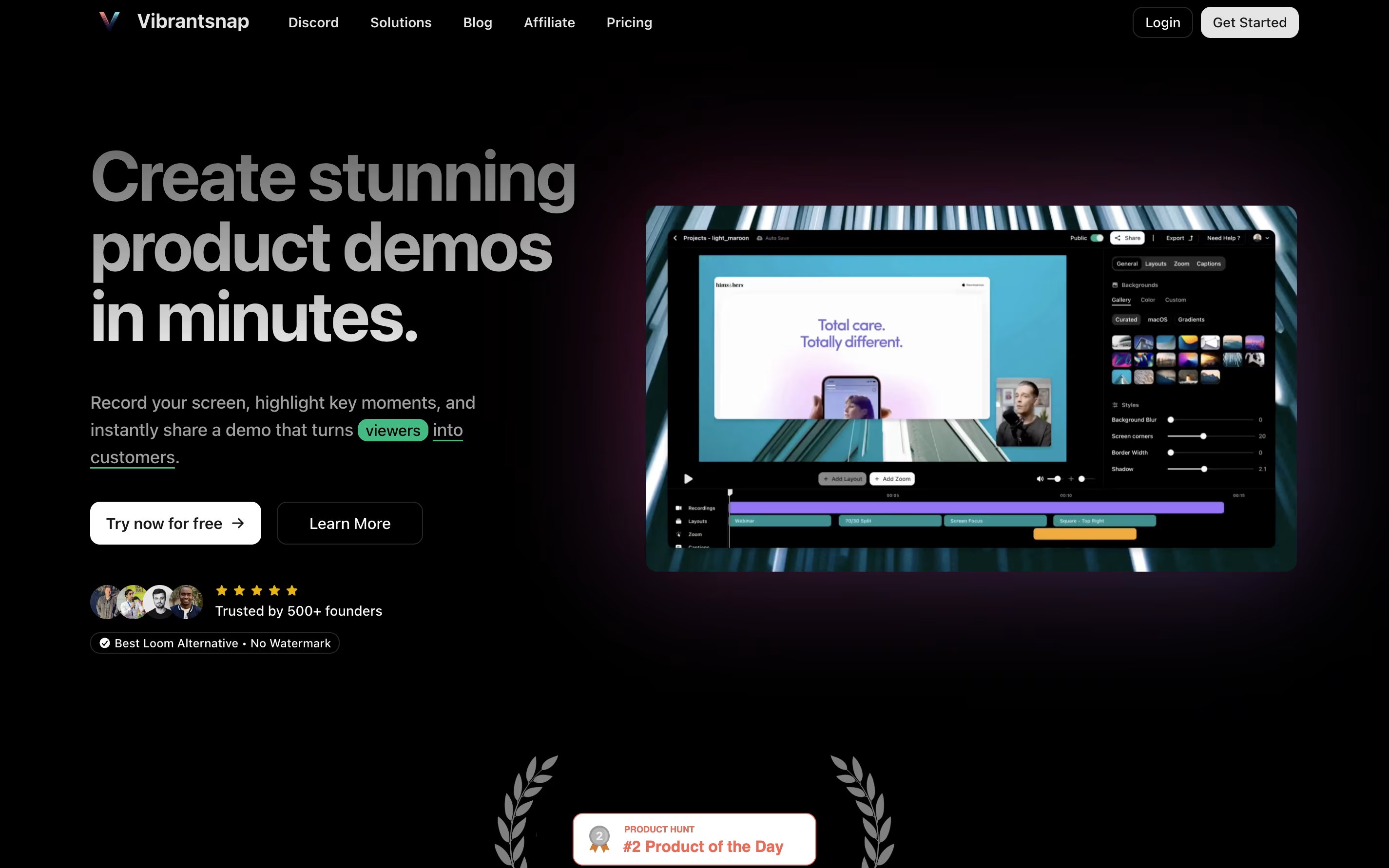
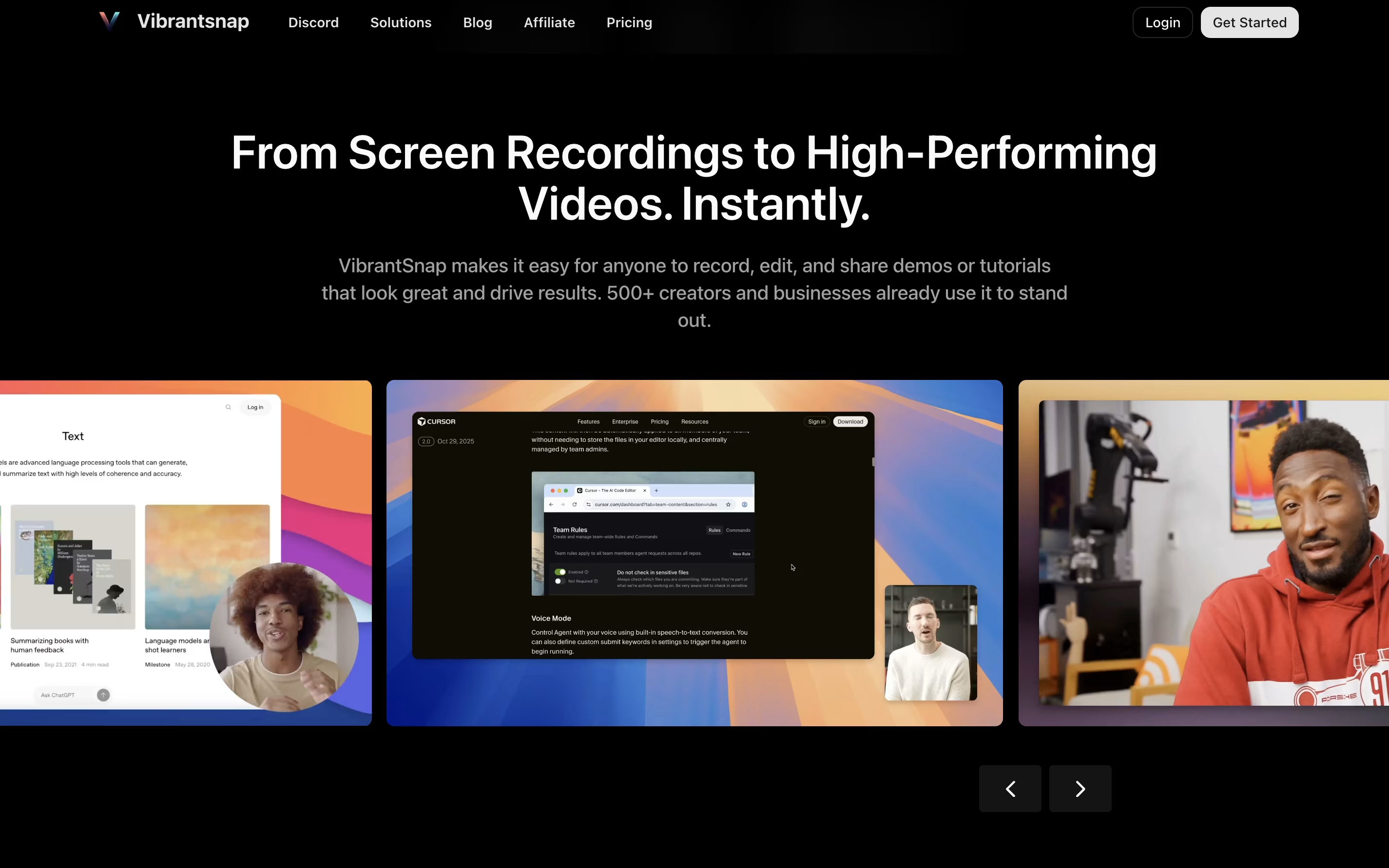
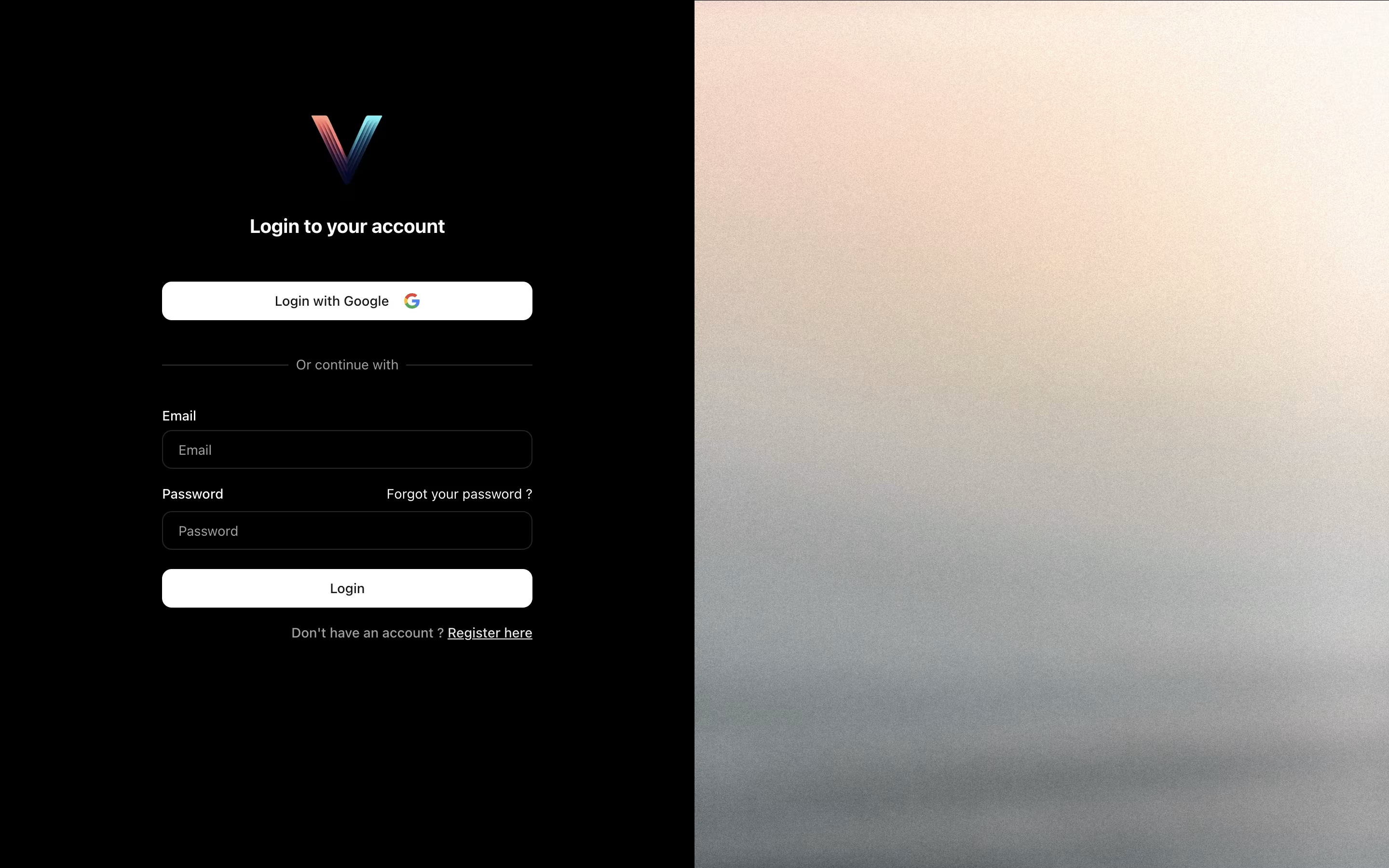
VibrantSnap is a screen recording tool that helps you create polished videos and screenshots quickly. You can capture your screen and instantly add a talking AI avatar without needing a camera or green screen. The avatar reads your script with clear audio, making your videos look professional.

Beyond recording, VibrantSnap lets you enhance screenshots with beautiful backgrounds, gradients, and motion effects. You can add rounded corners, shadows, and transparency to make visuals pop. The tool also includes automatic zoom effects that highlight important parts of your screen.

It works on both Mac and Windows computers. The interface is simple enough for beginners, yet powerful enough for professionals. You can export videos in 4K quality for any platform including YouTube, Instagram, and TikTok.

How to Use VibrantSnap

Using VibrantSnap is straightforward. Here are the steps to create great videos:

  • Download and install the app on your Mac or Windows computer from the website.

  • Click the record button in your menu bar to start capturing your screen and speak naturally.

  • The AI will clean up your audio by removing filler words and background noise automatically.

  • Add an AI avatar that will speak your script with perfect timing and clarity.

  • Choose from animated layouts, gradient backgrounds, or upload your own custom images and videos.

  • Apply smart zoom effects to focus attention on important screen areas during playback.

  • Add captions for accessibility and better engagement on social media platforms.

  • Export your video in 4K resolution with options for different aspect ratios like 16:9 for YouTube or 9:16 for TikTok.

Features of VibrantSnap

  • One-click screen recording for Mac and Windows

  • AI avatar speaks your script automatically

  • Audio cleanup removes filler words and noise

  • Animated gradient and video backgrounds

  • Smart zoom and focus effects

  • 4K export up to 60fps

  • Custom layouts with shadows and corners

  • Multi-platform aspect ratio support

  • Automatic caption generation

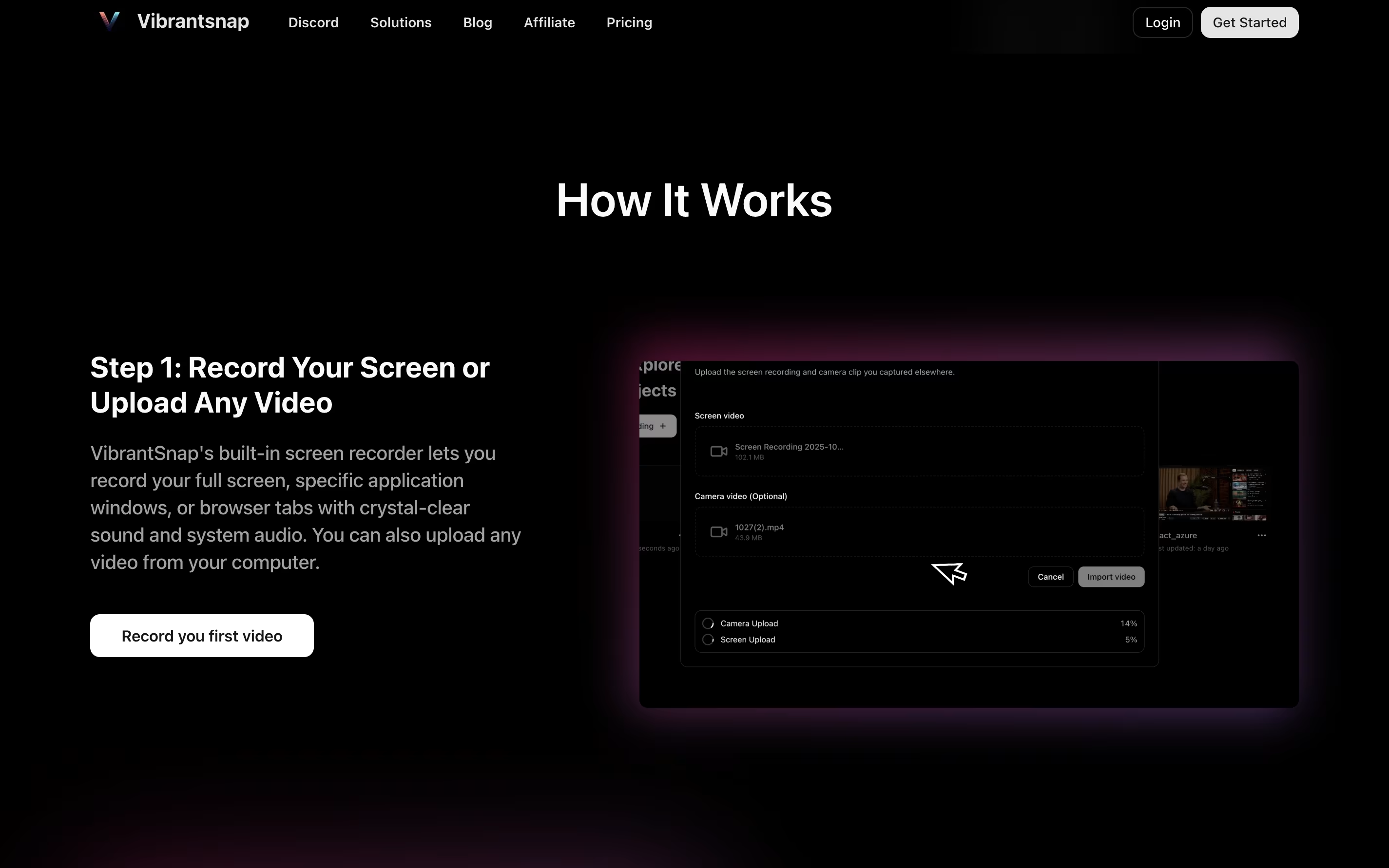
  • Upload and edit your own videos

  • Public link sharing

  • Simple drag-and-drop interface

VibrantSnap Pricing

Free

Free

What's included:
  • Unlimited projects
  • Up to 1 minute per recording
  • 4K at 30fps export
  • Basic screen recording
  • Animated backgrounds
  • Gradient effects
Most Popular
Pro

$12 /mo

What's included:
  • Unlimited projects
  • Unlimited recording duration
  • 4K with 60fps export
  • Upload your own videos
  • Public link sharing
  • AI avatar integration
  • Audio cleanup
  • Smart zoom effects
  • Custom backgrounds
  • Caption generation
Business

Custom

What's included:
  • All Pro features
  • Custom watermarks
  • Priority support
  • Custom templates
  • Custom integrations
  • Public and private link sharing
  • Team management
  • Dedicated account manager

FAQ's About VibrantSnap

Is VibrantSnap free to use?
Yes, VibrantSnap offers a free plan with unlimited projects and recordings up to 1 minute. You can export in 4K at 30fps. For unlimited recording time and advanced features, the Pro plan costs $12 per month.
What platforms does VibrantSnap work on?
VibrantSnap is available for both Mac and Windows computers. You can download the desktop application from their website and use it on either operating system.
Do I need video editing skills to use VibrantSnap?
No, VibrantSnap is designed for users without editing experience. The AI handles complex tasks like audio cleanup and avatar integration automatically. The interface uses simple controls that anyone can understand.
Can I use my own videos and images?
Yes, with the Pro plan you can upload your own videos and images as backgrounds. You can also import existing video files to enhance them with VibrantSnap's features like AI avatars and effects.
What makes VibrantSnap different from regular screen recorders?
VibrantSnap combines recording with AI-powered enhancements. It automatically adds talking avatars, cleans audio, applies smart zoom effects, and creates beautiful layouts. You get professional results without manual editing or expensive equipment.

Share your experience with VibrantSnap

Loading...

See what users are saying about VibrantSnap

0.0

0 Reviews

5
0
4
0
3
0
2
0
1
0

No reviews yet

Be the first to review VibrantSnap

Embed VibrantSnap badges

Show your community that VibrantSnap is featured on Tool Questor. Add these beautiful badges to your website, documentation, or social profiles to boost credibility and drive more traffic.

Light Badge Preview