

Best 8 Tools for Automated CRM Updates in 2026
Last Updated: August 22, 2026
Updating deal records after every call is one of those tasks that quietly eats up a rep's day. Pulling key details straight from the conversation and pushing them into the right fields removes that manual step entirely, so records stay accurate without extra effort.
Sales teams benefit most here, since CRM hygiene tends to slip when reps are busy chasing the next call. Keeping records current in real time means managers get a more reliable pipeline view, and reps spend less time on admin work between conversations.
 Circleback
 CirclebackAI Meeting Notes and Action Items,
  Timeless
 TimelessAI Meeting Notes & Agents Platform, and
  Fireflies.ai
 Fireflies.aiAI Meeting Notes & Transcription are the best for Automated CRM Updates. So, let’s take a closer look at all 8 tools.

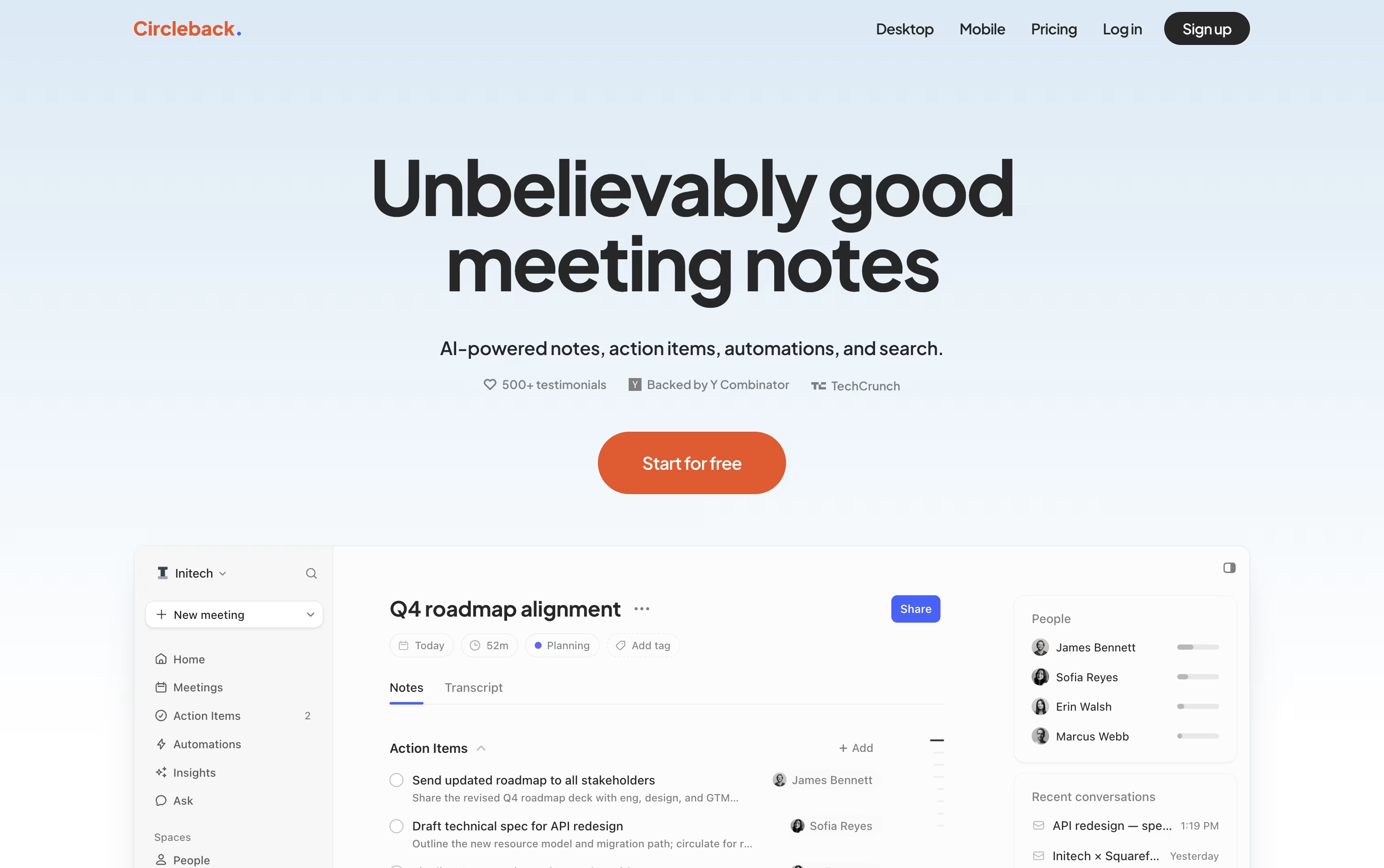
Instead of handing you a plain transcript, Circleback turns your meetings into organized notes with topics, decisions, and numbers pulled out clearly, across Zoom, Teams, Google Meet, and other platforms.
It picks out action items as people speak, assigns them to the right person, and keeps everything in one list you can check off later.
A built-in search lets you ask a question about one meeting or all of them at once, and every answer points back to the exact moment it came from.
Automations connect meetings to your other tools, so a demo call can automatically create a Linear ticket or update a deal in your CRM without extra typing.
The Individual plan starts at $25 a user per month, dropping to about $20.83 a month when billed yearly, while Team runs $30 a month, or $25 a month yearly, adding shared meetings, team search, and admin settings. Enterprise is priced by request and adds priority support and stronger security controls.
All paid plans can be tried for free before you commit to a subscription.
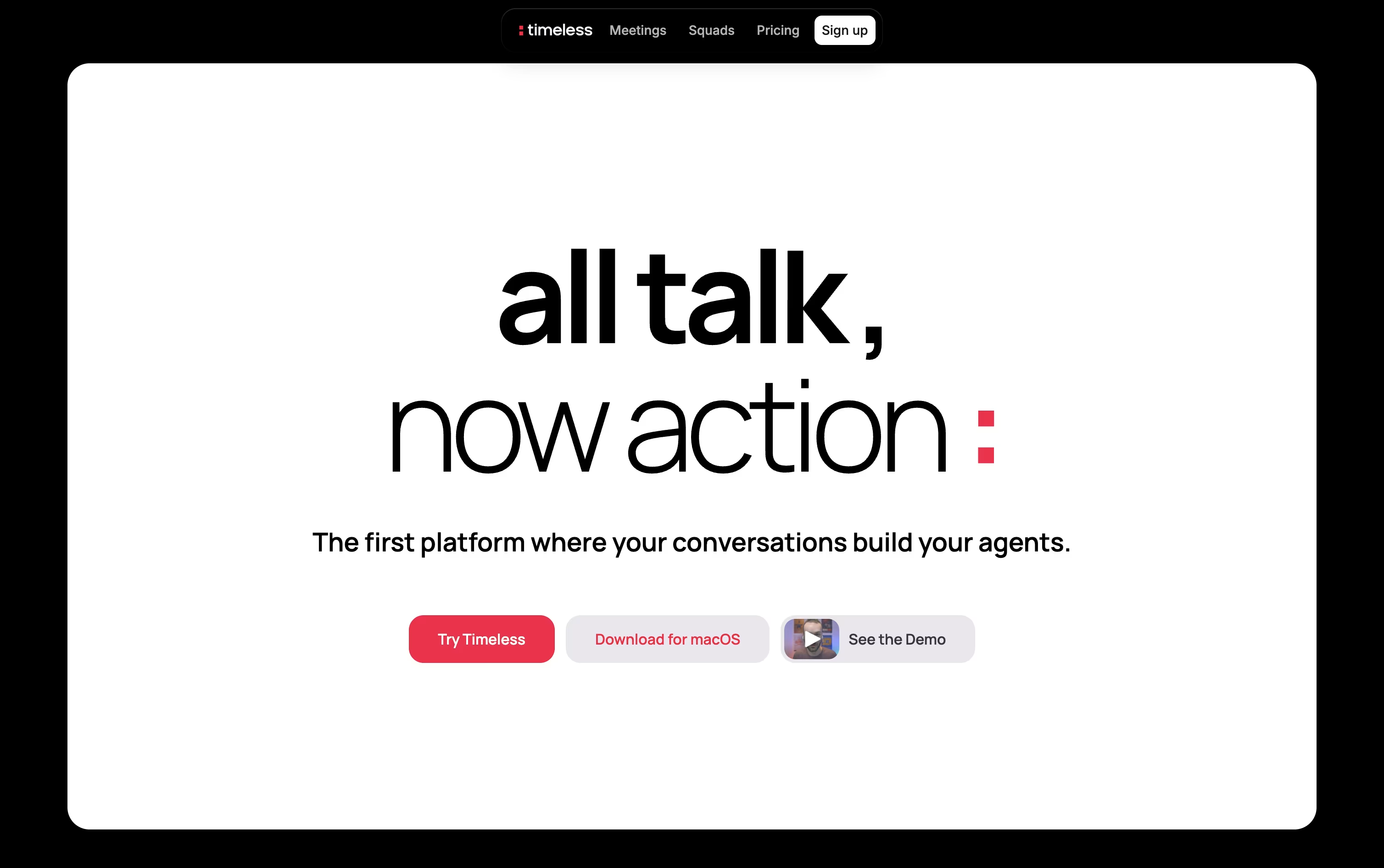
Rather than handing you another meeting transcript to sort through, Timeless organizes calls, chats, and voice notes into Rooms, living spaces built around a project or client that keep every decision and next step in one place.
AI agents inside each Room pick up on spoken commitments, such as agreeing to send a proposal, and then complete the work themselves by drafting emails, updating tasks, or messaging teammates.
Getting started costs nothing, the Free plan includes up to 5 AI meetings with no credit card required.
Individuals who need more can move to Pro at $29 a month, or $19 a month when billed yearly, which adds unlimited notes and storage.
The Max plan at $39 a month opens up unlimited API and MCP access.
Teams and larger organizations can pick from Team, Business, or a custom Enterprise plan with added security.
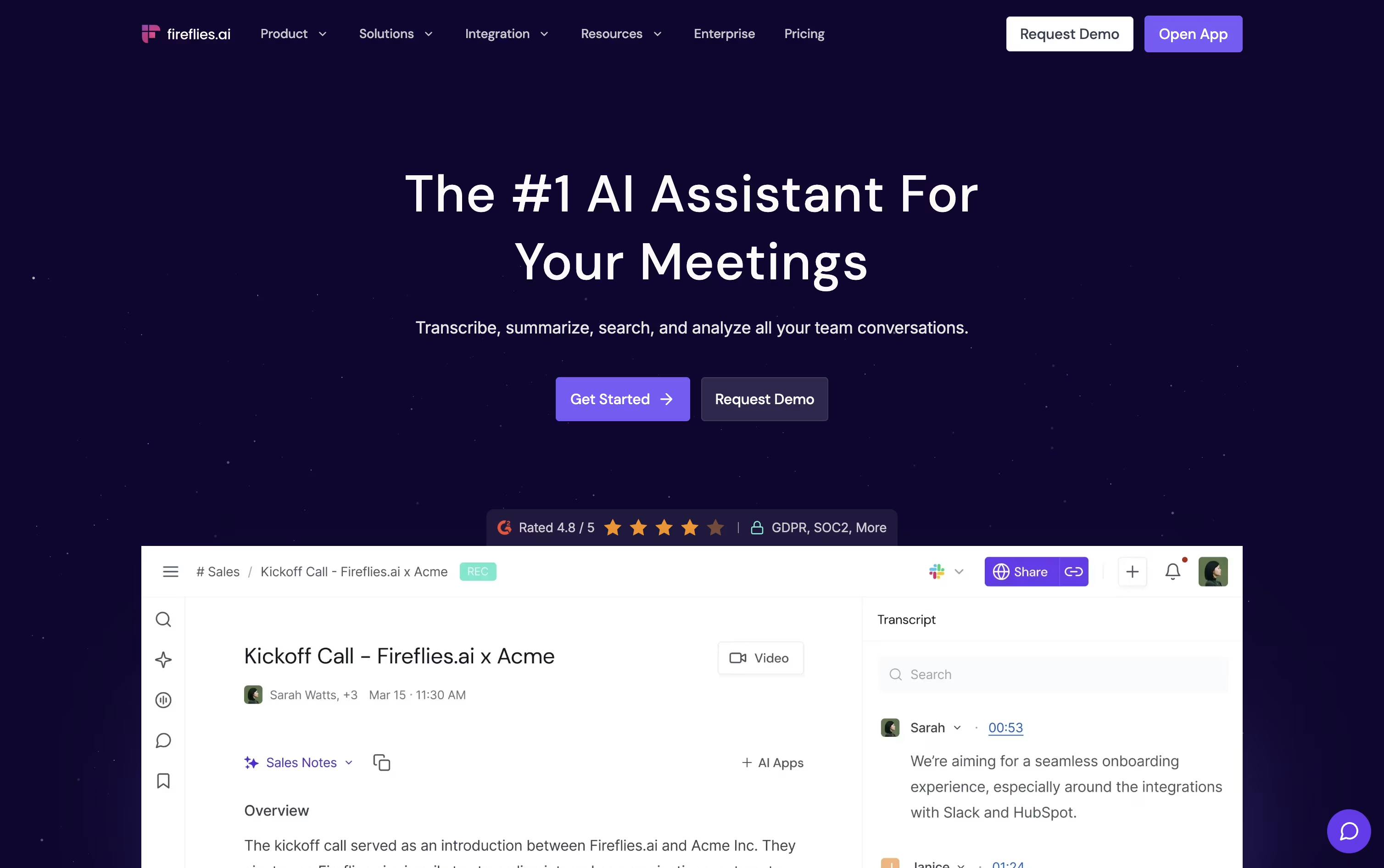
Fireflies.ai automatically joins your video calls, records them, and produces a transcript and summary without any manual effort. It works across Zoom, Google Meet, Microsoft Teams, and other tools, and it understands over 100 languages.
AskFred, the built in AI assistant, answers questions about any past meeting, while Live Assist offers real time notes and suggestions as the call happens.
The Free plan is free forever and covers unlimited transcription with 20 AI credits included. Pro is $18 a seat each month, or $10 on the annual plan, and adds video recording plus automation features like Voice Agents.
Business costs $29 a seat monthly, or $19 yearly, and brings unlimited storage along with Conversation Intelligence and team level analytics.
Enterprise is $39 a seat monthly on annual billing, adding SSO, SCIM, HIPAA compliance, and a dedicated account manager.
Because it connects with Salesforce, HubSpot, and Slack, teams in sales, recruiting, and support can push meeting insights straight into their existing workflow.

Meetings often produce information that gets lost the moment the call ends, and Grain was built to fix that.
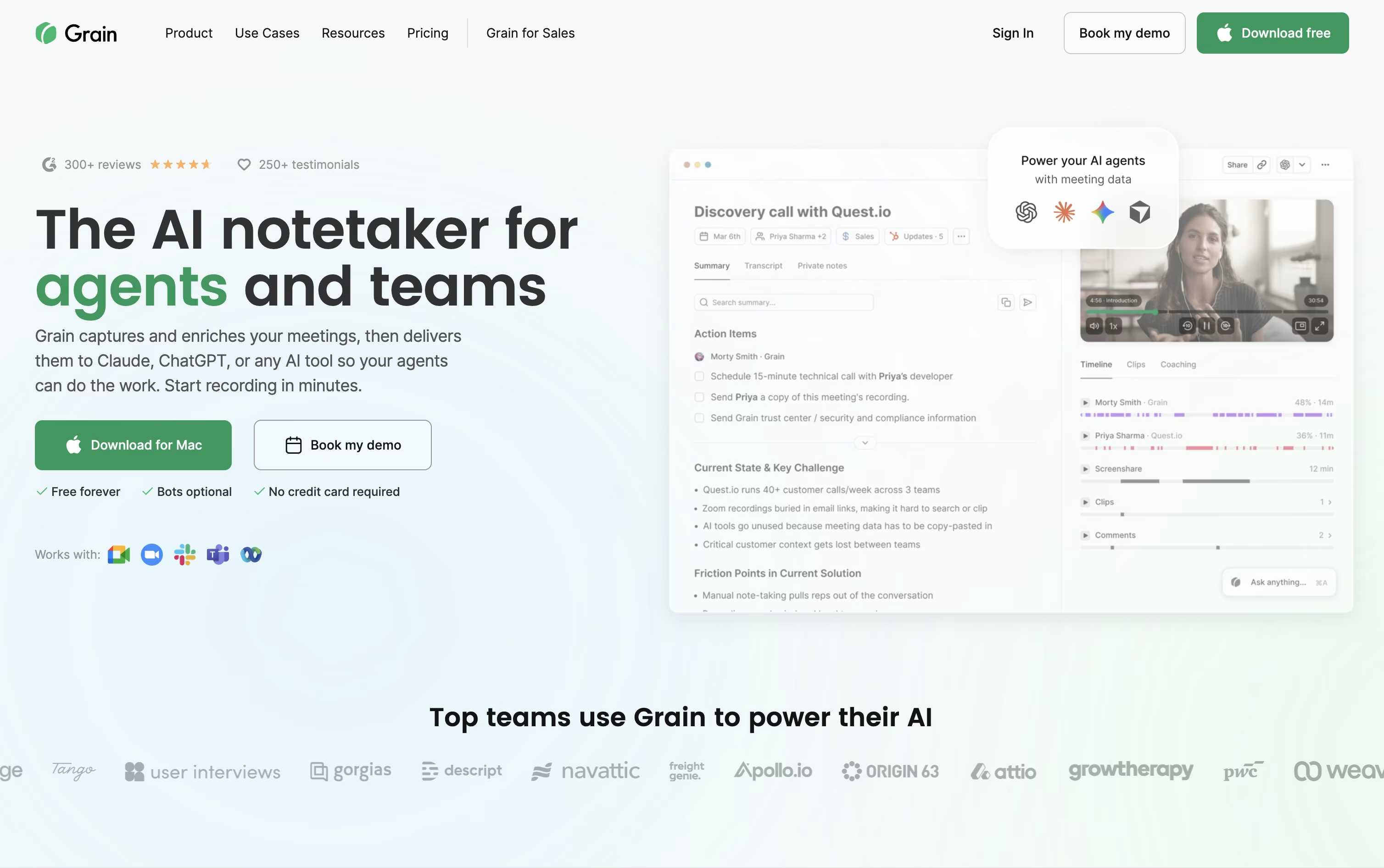
The tool records or quietly captures your calls through a desktop app, then writes clear notes, action items, and searchable transcripts without you lifting a finger.
Beyond notes, you can turn any moment into a short video clip, share it with clients or teammates, and keep a private or team library of past conversations.
Sales and customer success teams get extra value from built in coaching scorecards, trackers, and syncing straight into HubSpot or Salesforce.
Getting started costs nothing on the Free plan, which covers unlimited meetings up to 45 minutes with basic AI notes and a 30 day history.
Starter runs $15 a seat monthly when billed yearly, Business is $29 a seat monthly billed yearly with unlimited teams and AI coaching, and Enterprise adds custom pricing with SAML based SSO, audit logs, and a dedicated customer success manager.

Most meeting recorders add a visible bot to your call, but Bluedot skips that entirely and records straight from your own device instead, whether through Chrome, a desktop app, or your phone.
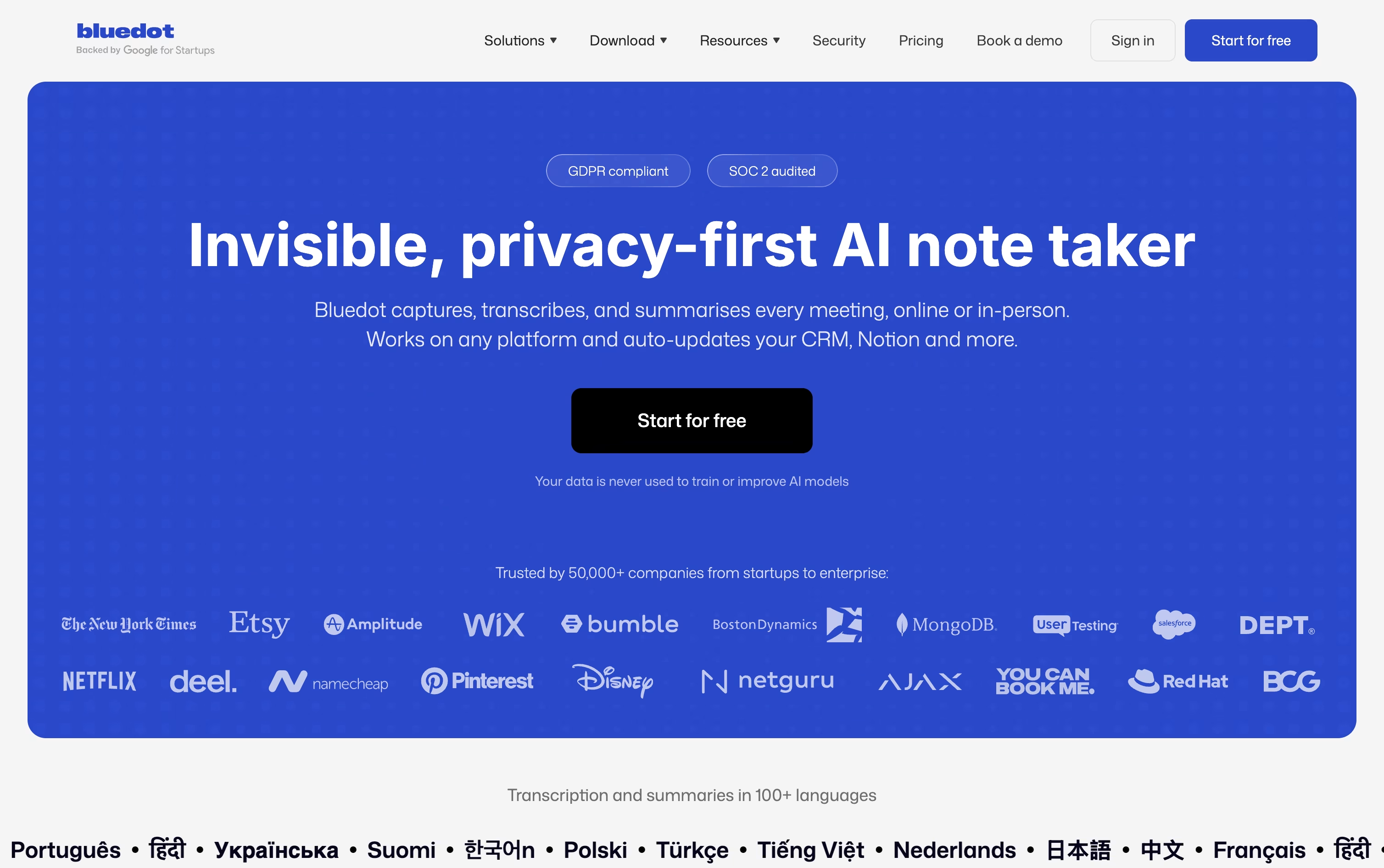
Once a meeting ends, it hands you a transcript, a plain-language summary, and a list of action items, and you can ask its AI chat questions about any single meeting or everything in your workspace at once.
The Free plan lets you try it with 5 lifetime meetings at no cost. From there, Basic runs $18 per user monthly for unlimited audio meetings, and Pro moves to $25 for unlimited video and recording length.
Business, at $39 per user a month, layers on CRM and ATS syncing, admin controls, and SSO for larger teams, and every paid plan gets noticeably cheaper if you pay yearly instead of monthly.
Companies that would rather pay one flat amount regardless of headcount can request custom pricing too.
Add in support for 100+ languages and solid privacy practices, and Bluedot works well for sales, recruiting, and support teams alike.
Sitting through a meeting and typing notes at the same time is hard, MeetGeek handles the note taking part by recording and transcribing your calls automatically.
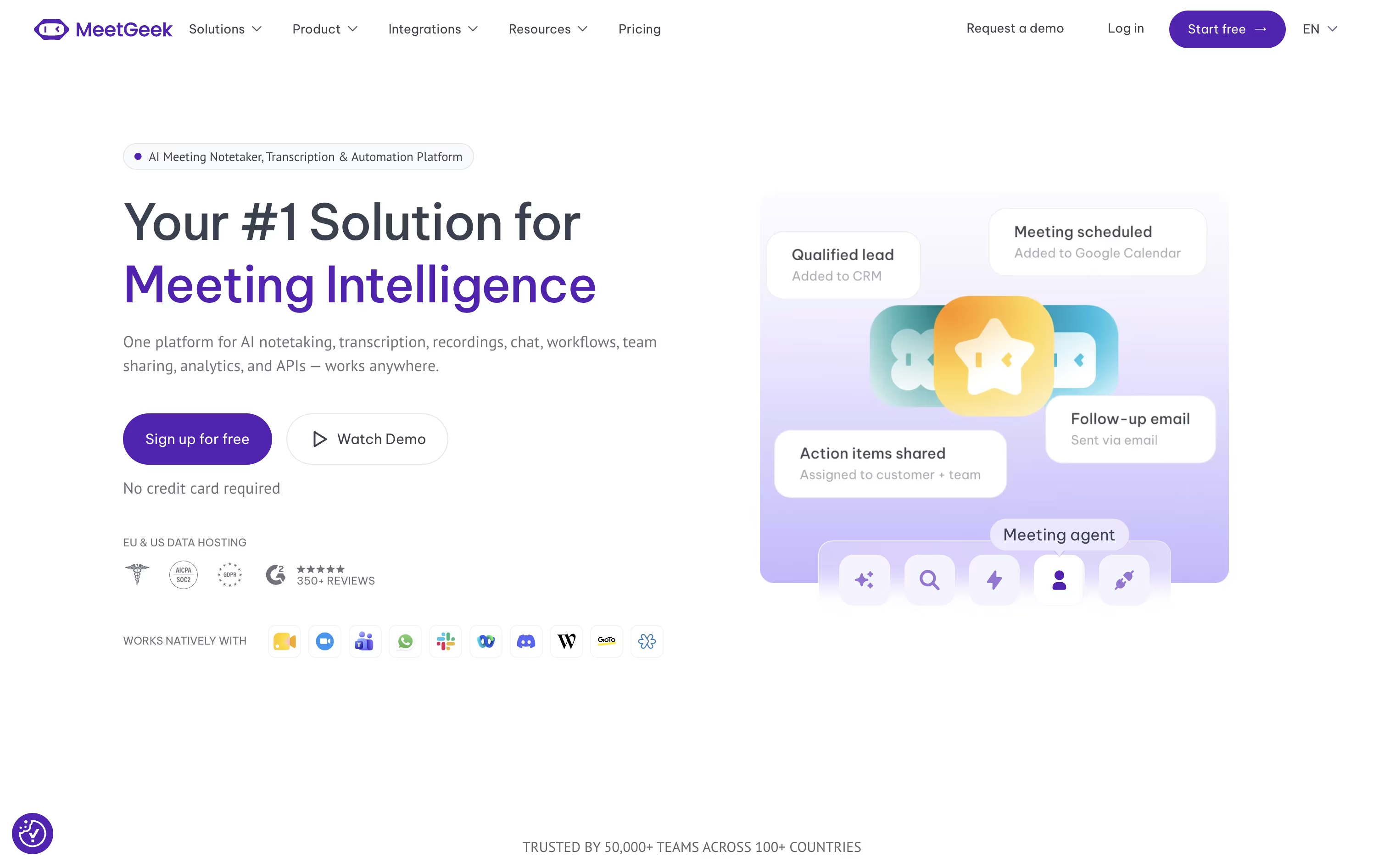
It can join scheduled meetings on Zoom, Google Meet, and Microsoft Teams, or skip the bot entirely and record through its browser extension, desktop app, or phone app instead.
Once a meeting ends, you get a written summary covering the main points, decisions made, and action items to follow up on, plus the option to chat with an AI about anything discussed.
Getting started costs nothing, the Basic plan is free forever with 3 hours of transcription each month.
Moving up, Pro costs $15.99 per user monthly, or $9.99 with yearly billing, and unlocks more storage and automation, while Business runs $27 per user monthly with a 14 day trial and adds unlimited transcription and team features.
Enterprise pricing is custom and built for organizations needing extra security and support.

tl;dv automatically records, transcribes, and summarizes meetings across Zoom, Google Meet, and Microsoft Teams, turning calls into searchable notes without a human notetaker.
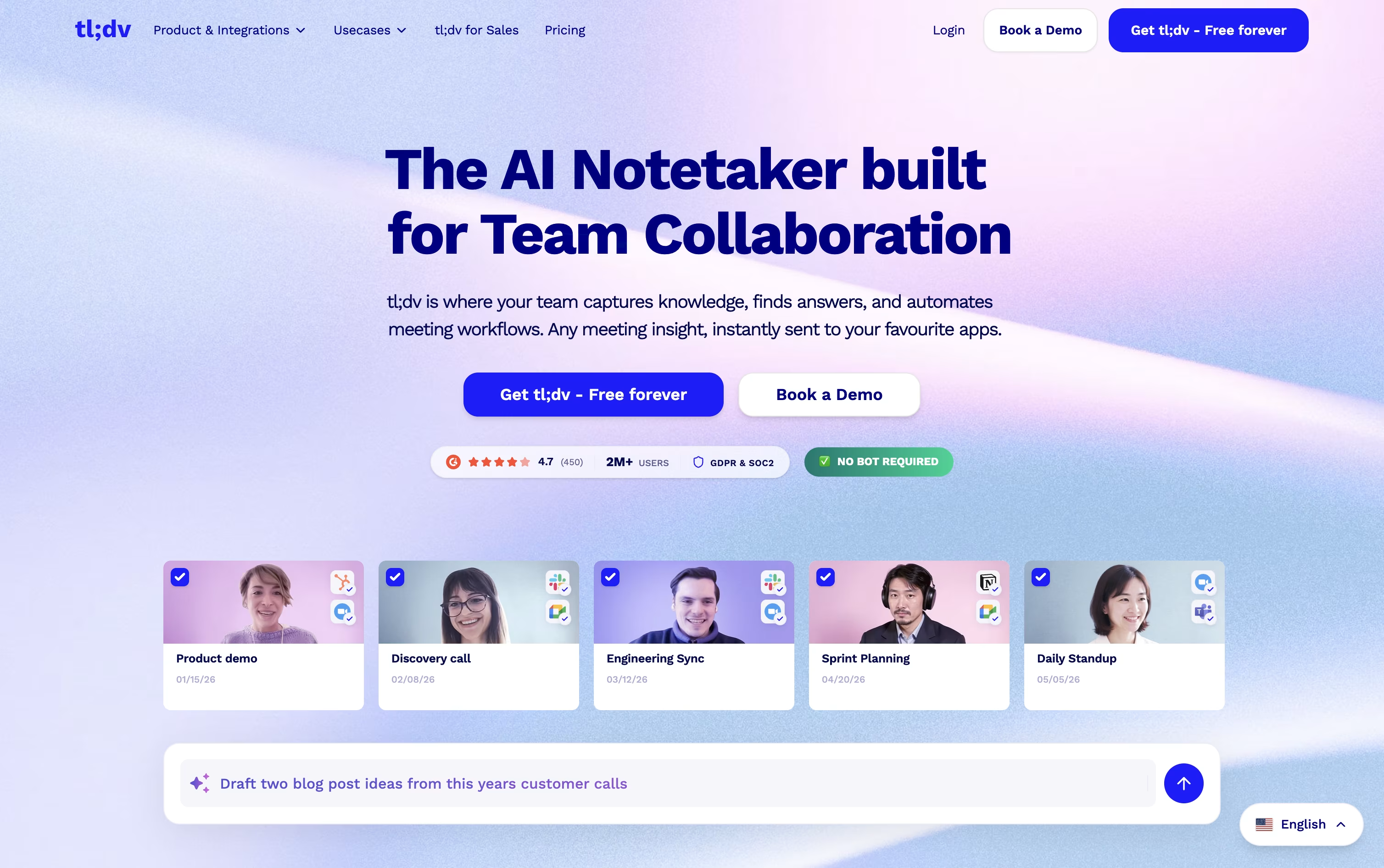
Getting started is free. The Free plan offers unlimited recordings and transcripts, though AI meeting notes are limited to 10 meetings a month and Ask AI queries are capped at 5.
Individuals and small teams often move to Pro, priced at $29 a month or $18 a month when billed annually, which removes the AI notes cap, adds unlimited single-meeting Ask AI, custom bot branding, and thousands of integrations.
Teams that need more automation choose Business, at $39 a month or $29 a month annually. It brings premium transcription, multi-language support, unlimited multi-meeting insights, coaching tools, and no usage-based AI charges.
Larger organizations can move to Enterprise, which uses custom pricing and adds org-wide admin controls, SCIM, custom SSO, privately hosted AI, and a dedicated success manager.
Backed by SOC 2 and GDPR compliance with EU data hosting, tl;dv fits everyone from solo users to enterprise teams.
Sitting through a call and typing notes at the same time is hard, and Avoma was built to take that off your plate. It records meetings, writes a live transcript, and hands you AI notes with action items right after the call ends.
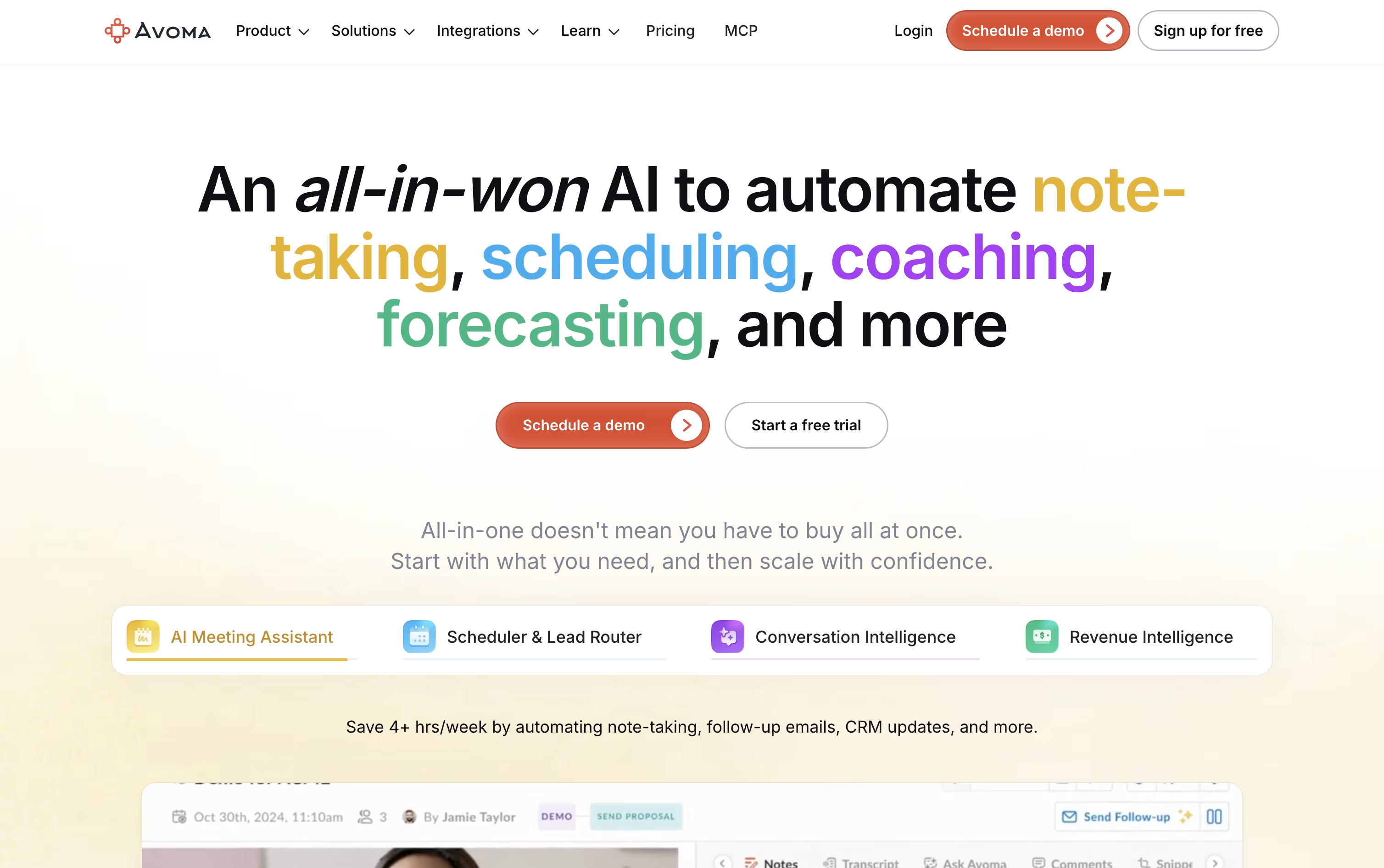
It goes further than note taking too. A built in scheduler handles 1:1, group, and round robin bookings, a lead router sends new leads to the right person automatically, and Ask Avoma lets you ask questions about any past meeting or deal.
Sales and success teams can add Conversation Intelligence for call scoring and coaching, or Revenue Intelligence for deal risk alerts, forecasting, and win loss analysis.
On price, Startup starts at $29 a seat a month, Organization is $39 a month and carries a most popular label, and Enterprise runs $39 a seat on annual billing with extras like SSO and HIPAA support.
Viewers who never record a call stay free, and a 14 day trial opens up every feature, add-ons included, without asking for a card.





