

Best 5 Tools for Task and Note Management in 2026
Last Updated: October 20, 2025
Keeping tasks and the notes related to them separate often means losing context between the two. Task and Note Management tools bring tasks and related notes together in one connected system.
Professionals use combined task and note management to keep context attached to the work itself.
 Obsidian
 ObsidianFree Note-Taking App That Connects Your Ideas,
  ClickUp
 ClickUpAll-in-One Project Management Platform, and
  Notion
 NotionAll-in-One Workspace for Teams & Projects are the best for Task and Note Management. So, let’s take a closer look at all 5 tools.
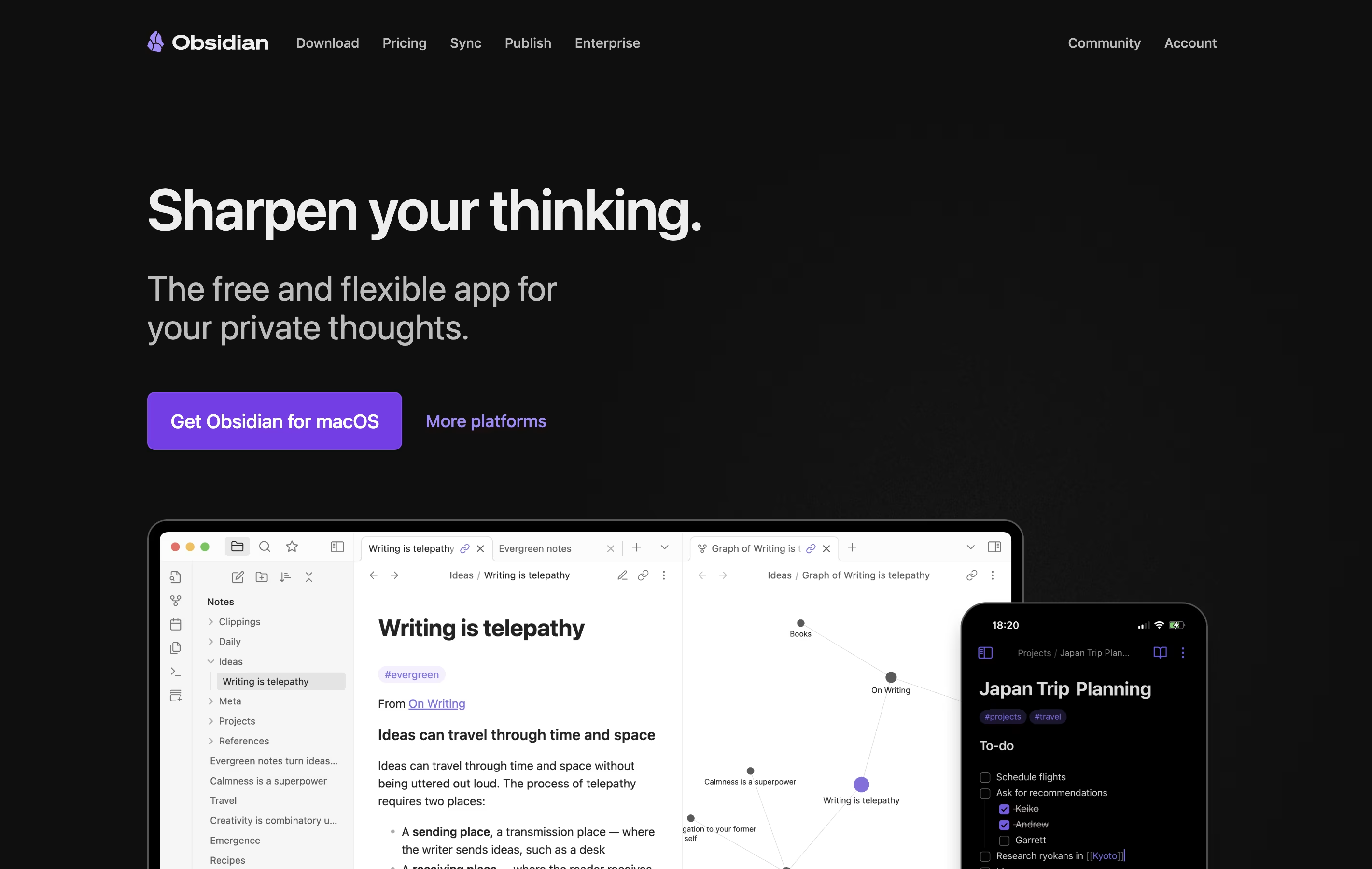
Obsidian is a note-taking app that works with plain text files stored directly on your device. You can write notes, link them together, and see how your ideas connect through a visual graph. Unlike cloud-based tools, everything stays private on your computer.
The app uses simple text files with basic formatting, which means your notes remain readable even without Obsidian. You can link any note to another, creating connections that help you discover patterns in your thinking. This makes it great for building knowledge over time.
There is a free version with all core features and optional paid services for cloud syncing and web publishing. The app works on computers, phones, and tablets.
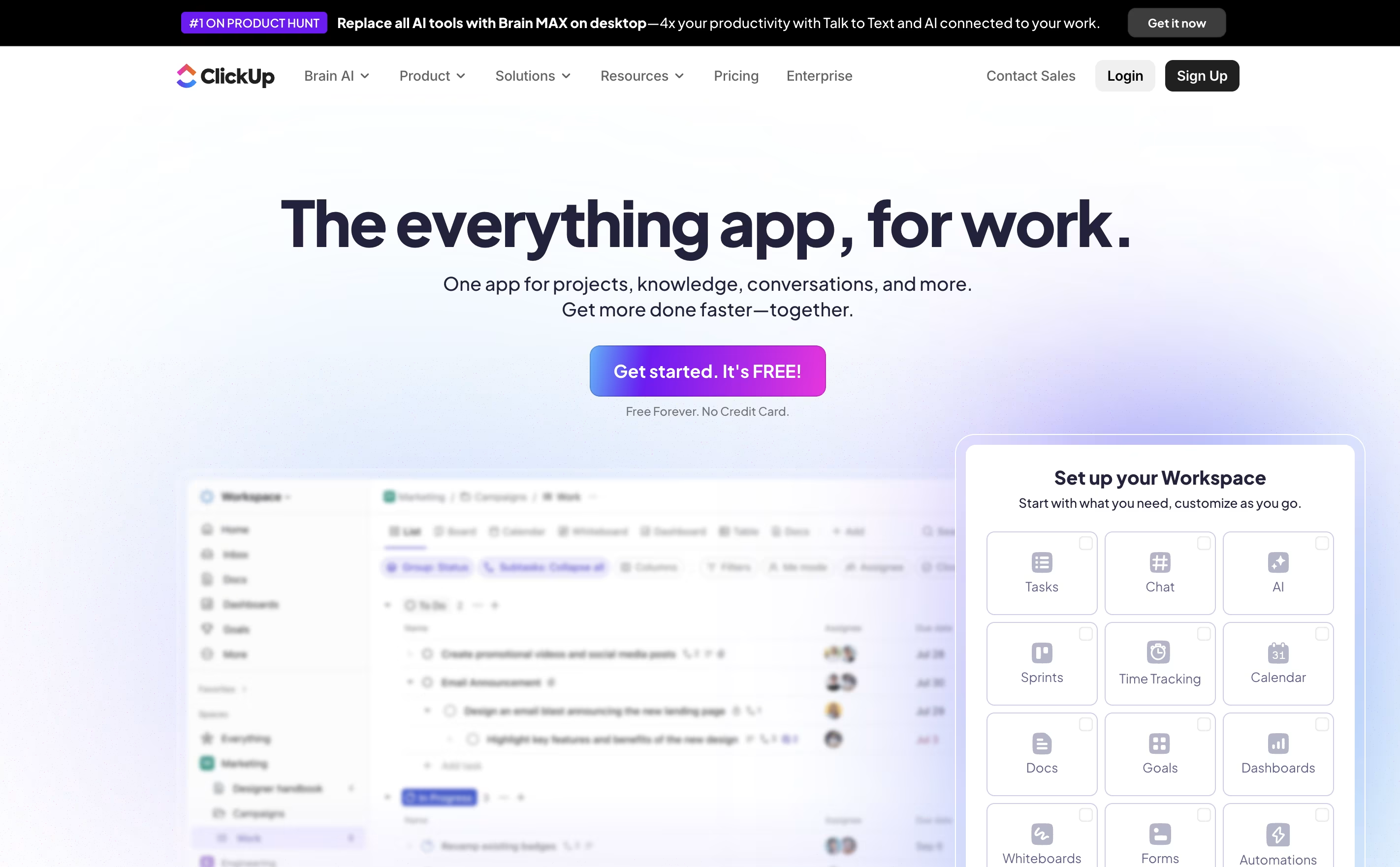
ClickUp is the world's only all-in-one productivity platform that flexes to the way people want to work. Founded in 2017 and based in San Diego, it replaces all individual workplace productivity tools with a single, unified workspace.
The platform combines project management, task tracking, document collaboration, whiteboards, spreadsheets, time tracking, and goal setting in one place. Unlike traditional project management tools that focus on just one area, ClickUp aims to be the "everything app for work" that eliminates app switching and increases team efficiency.
Used by over 10 million users and 2 million teams worldwide, ClickUp serves businesses of all sizes across different industries. The platform is designed to handle any type of work, from simple task lists to complex enterprise workflows, making it suitable for marketing teams, developers, agencies, and large corporations alike.
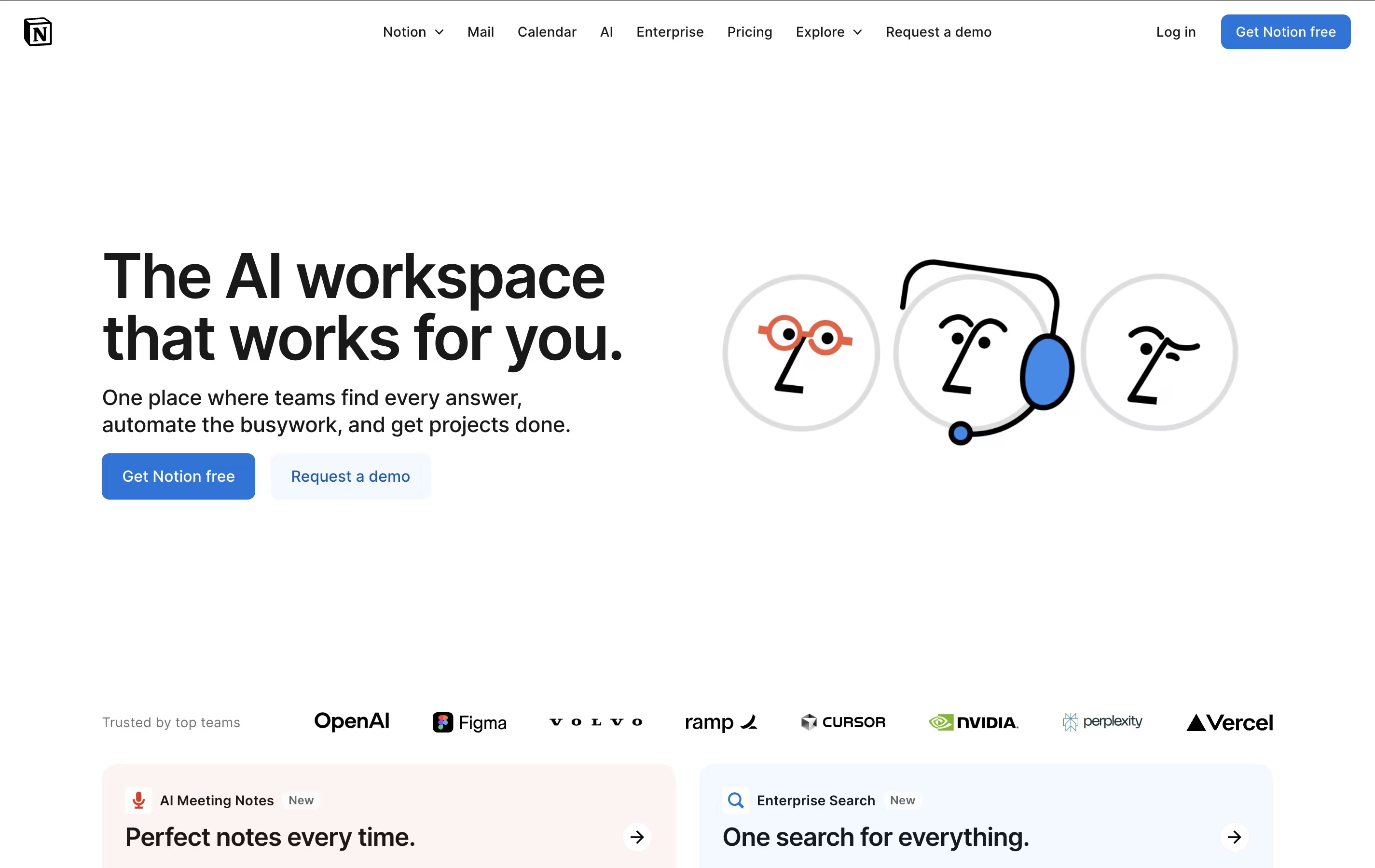
Notion is a versatile all-in-one workspace that functions like a set of digital building blocks. Think of it as a combination of Google Docs, Trello, Airtable, and Evernote all rolled into one seamless platform. Every page in Notion is built using 'blocks' - individual pieces of content like text, images, databases, or embedded files that you can arrange however you want.
What sets Notion apart is its flexibility. You can create simple notes, complex project management systems, company wikis, or personal journals using the same tool. The platform supports real-time collaboration, allowing teams to work together on documents, databases, and projects simultaneously. With templates for common use cases and the ability to create custom workflows, Notion scales from personal use to enterprise-level operations while maintaining simplicity and elegance.

Joplin is a powerful tool for capturing and organizing your thoughts, to-do lists, and information. It supports rich text and Markdown formatting, allowing you to create notes with images, attachments, tables, and even code snippets. You can clip web pages directly from your browser and save them as notes for later reference.
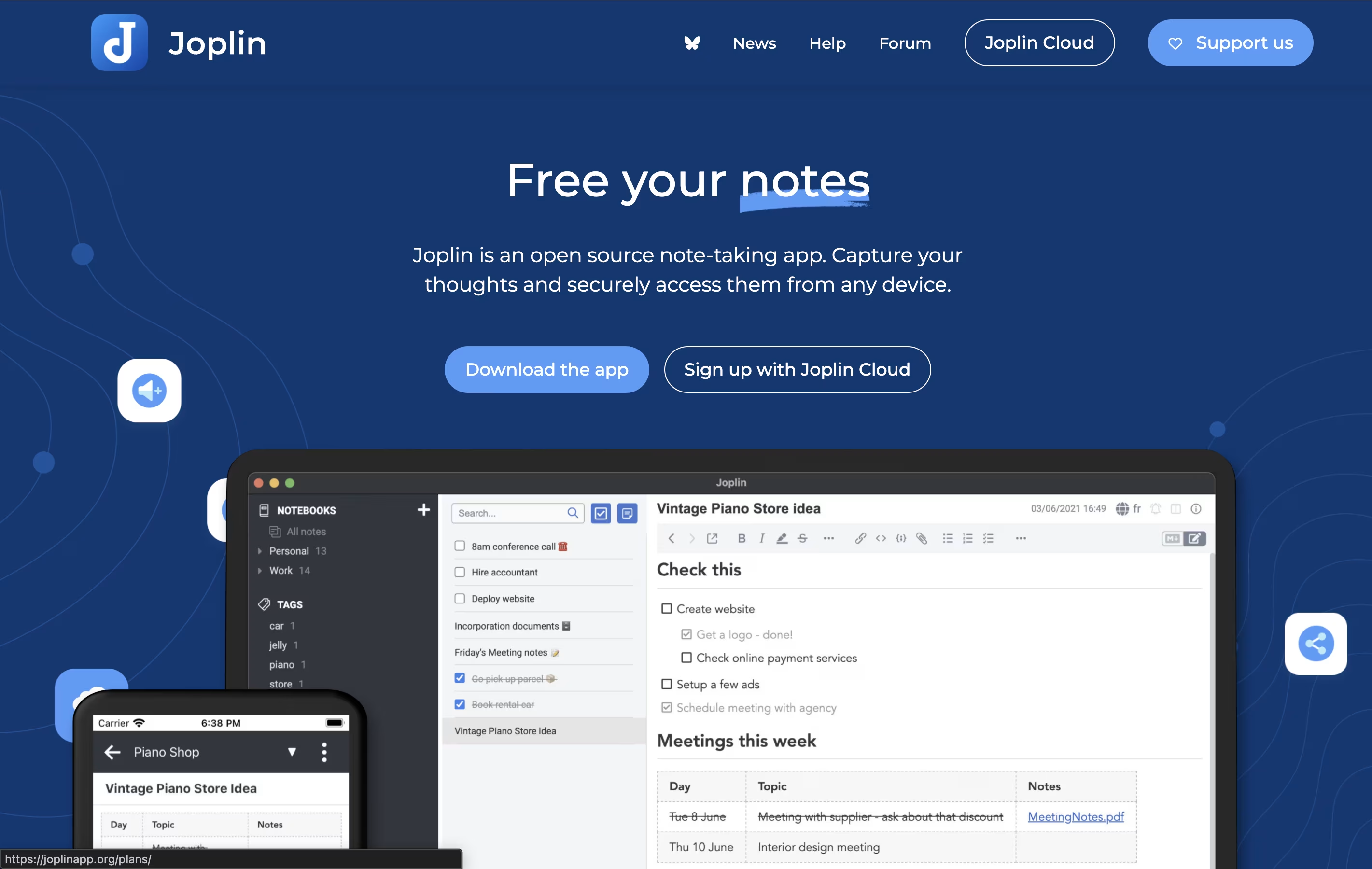
What makes Joplin special is its focus on privacy and data ownership. Your notes are stored locally on your devices, not on someone else's server. When you sync across devices, everything is protected with end-to-end encryption, meaning only you can read your content.
The app offers multiple sync options including Dropbox, OneDrive, Nextcloud, or Joplin's own cloud service. You can also customize Joplin with plugins and themes to match your workflow perfectly.
Logseq is an open-source note-taking tool that helps you capture and connect your thoughts. Everything you write is stored as plain text files on your device, giving you complete control over your data. You never have to worry about a company shutting down or changing their prices because your files belong to you.
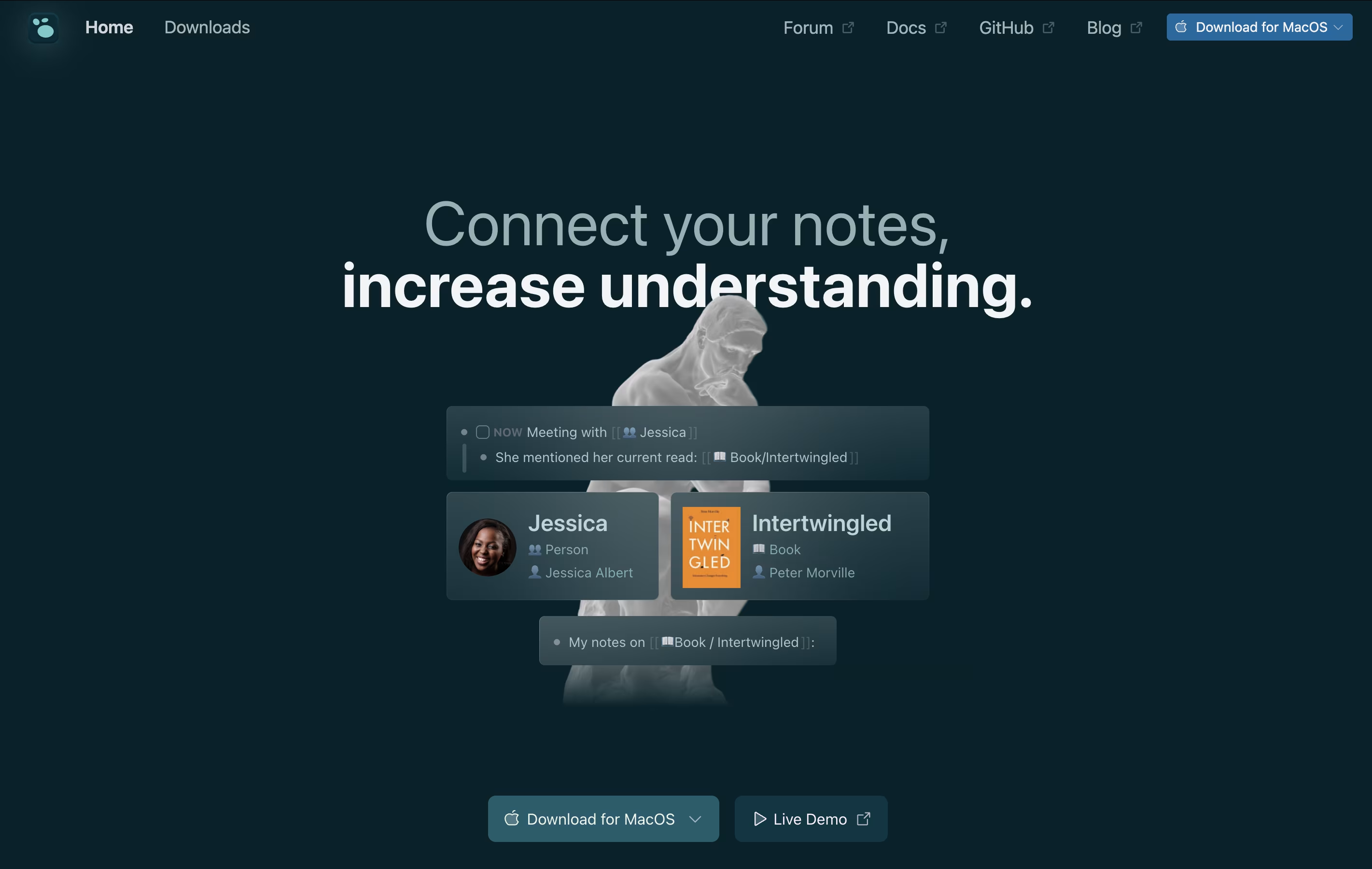
The app works with a daily journal where you can write notes, create tasks, and link ideas together. When you link notes, Logseq shows you all the connections, helping you see relationships between different topics. This creates a graph of your knowledge that grows over time.
You can use it on Windows, Mac, Linux, iPhone, and Android. The basic app is free forever, with optional paid sync to keep your notes updated across devices.





