

Best 3 Tools for Document Writing in 2026
Last Updated: October 21, 2025
Drafting a clear, well-structured document from scratch takes time most people would rather not spend on formatting. Document Writing tools help draft and structure written documents efficiently.
Professionals use document writing tools to produce polished documents faster.
 Craft
Craft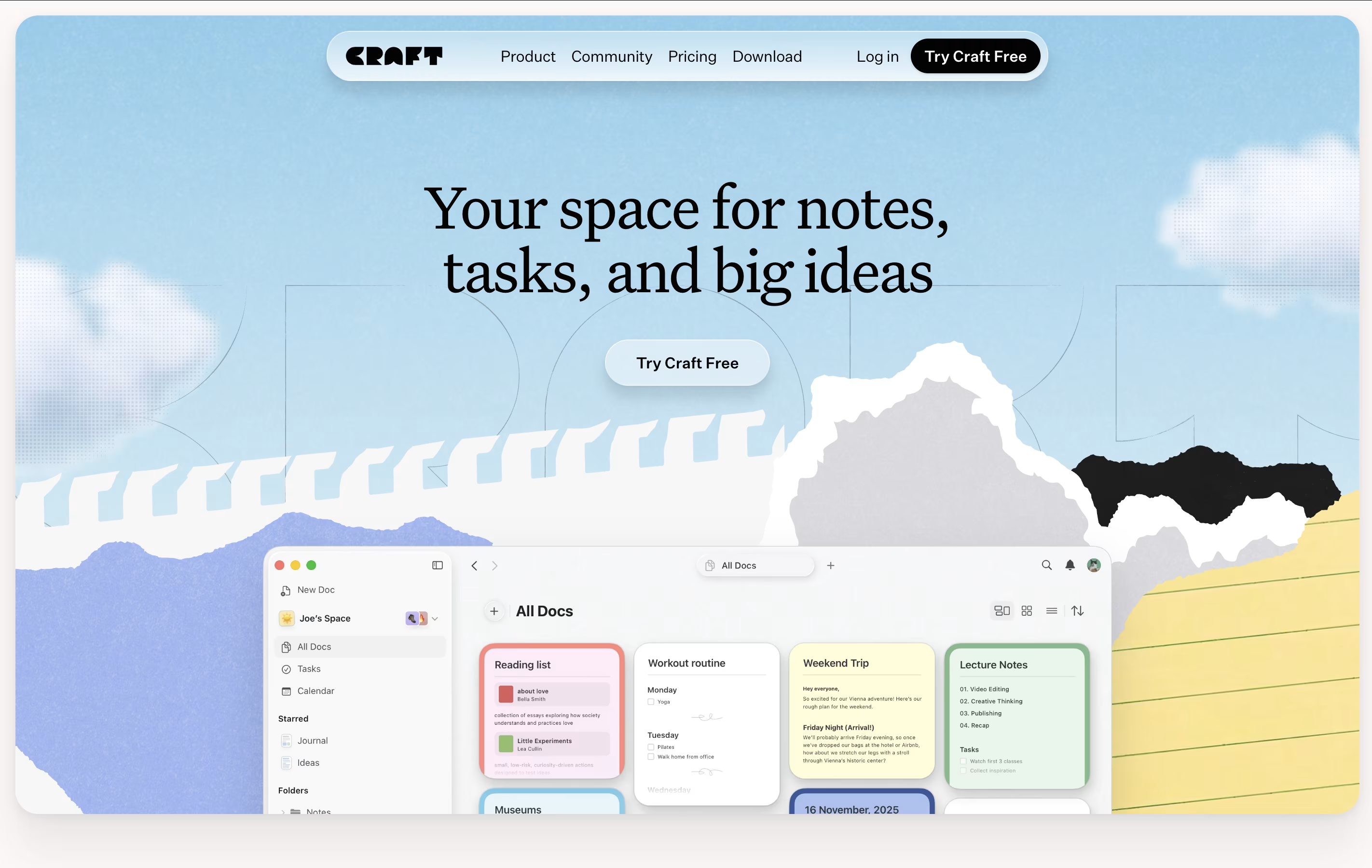 CraftBeautiful Document Editor with AI for Notes, Tasks & Collaboration,
  Typora
 TyporaSimple Markdown Editor with Live Preview, and
  AFFiNE
 AFFiNEOpen-Source Workspace for Docs, Whiteboards & Databases are the best for Document Writing. So, let’s take a closer look at all 3 tools.
Craft is a tool for creating documents that look great and work well. You can write notes, manage tasks, build collections of information, and share everything with others. Unlike basic note apps, Craft lets you organize content using cards, pages, and folders that connect together.
The app includes an AI assistant that helps with writing, editing, and organizing your work. You can format text beautifully, add images and videos, create linked pages, and build databases of information. Everything syncs across your iPhone, iPad, Mac, and web browser.
There is a free starter plan with basic features. The Plus plan removes all limits and adds advanced tools. Family and Team plans help groups work together with shared spaces and better collaboration features.
Typora is a Markdown editor that hides the formatting codes and shows you the final result while you work. When you type something like bold text or create a heading, Typora instantly displays it in the proper format instead of showing symbols and codes.
The editor supports GitHub-style Markdown, which is widely used across the web. You can add images by dragging them in, create tables with a visual interface, write code with color highlighting, and even add diagrams or math formulas.
Typora works offline on your own computer, keeping your documents private and secure. You can organize files in folders, use different themes to change how things look, and export your work to PDF, Word documents, or HTML format when finished.
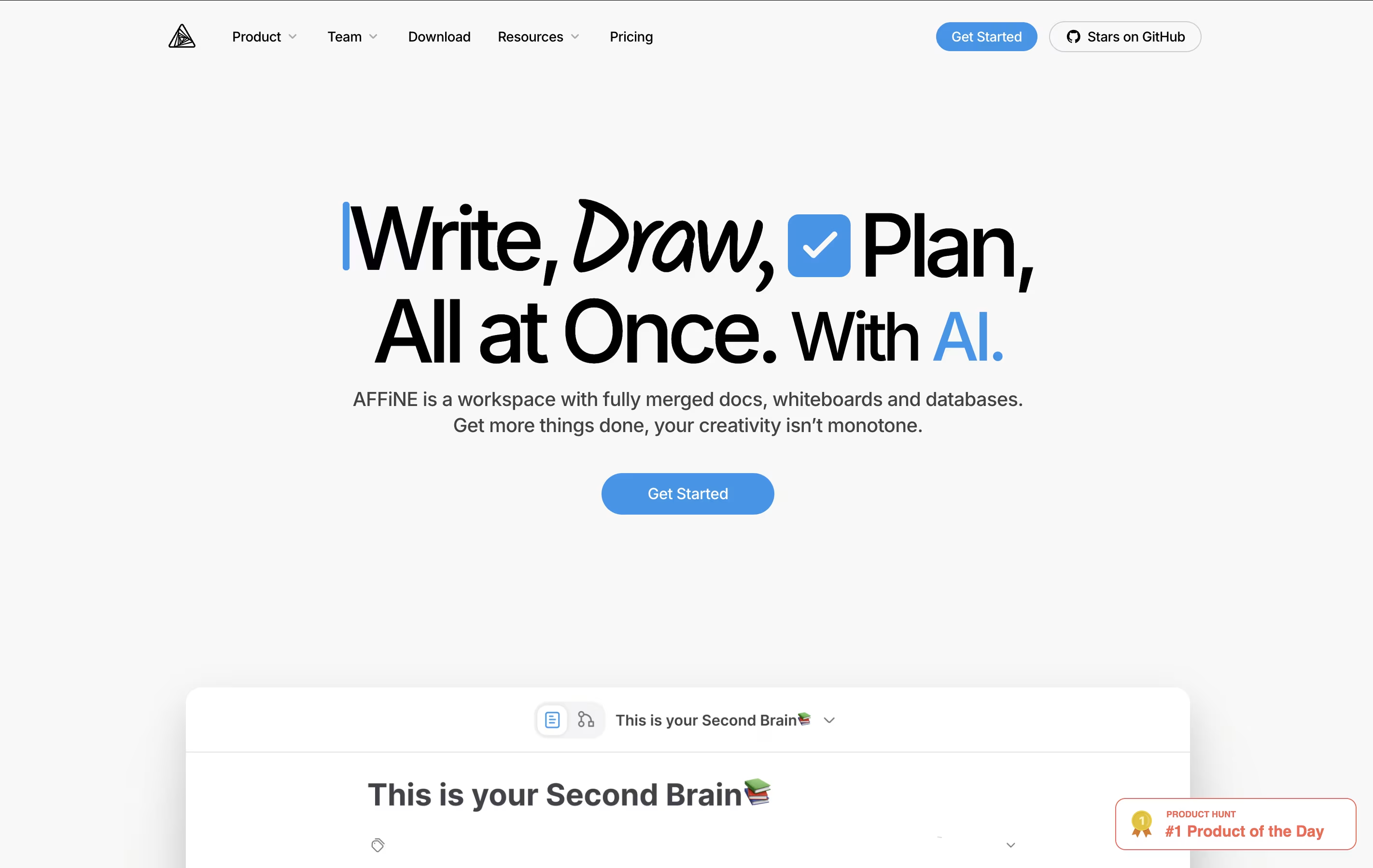
AFFiNE is a workspace application that brings together three main tools in one place: documents for writing and note-taking, whiteboards for visual thinking and drawing, and databases for organizing information. Unlike cloud-first tools, AFFiNE takes a local-first approach, which means your data lives on your computer first and only syncs to the cloud if you choose.
You can switch between document mode and whiteboard mode easily, turning any page into a drawing canvas and back again. This flexibility helps you work the way your mind works, not the way the software forces you to work. AFFiNE is completely open-source, meaning the code is public and can be customized. It works on Windows, Mac, Linux, and has mobile apps too.





