

Bit Flows vs Make: Features, Pricing and User Reviews 2026
What are Bit Flows and Make?

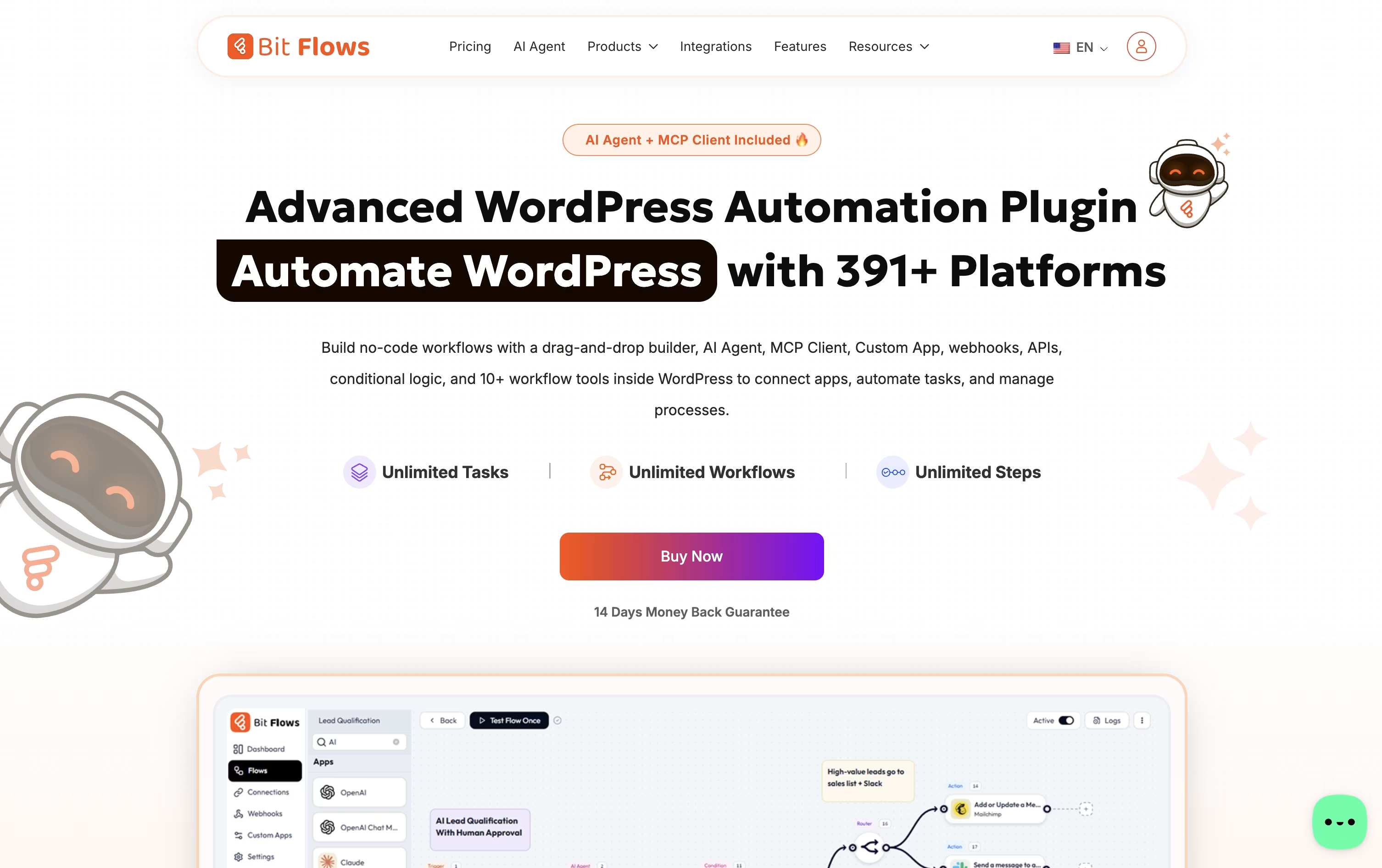
Bit Flows is a no-code workflow automation plugin built for WordPress. It lets you connect your WordPress plugins, outside apps, APIs, webhooks, and AI models on a simple drag and drop canvas, working like tools such as Zapier or n8n, but running right on your own server.
Because everything is self-hosted, your data and automation logic stay on your own site instead of passing through another company's servers. This gives you full control over privacy, speed, and how each workflow behaves.
It supports unlimited workflows, steps, and tasks with no monthly caps, so you never have to worry about running out of usage.
Built in AI tools, branching logic, and hundreds of ready made connections make it useful for beginners running one site and agencies managing many client sites at once.

Make is a cloud-based platform that lets you connect apps and automate tasks without writing code. You build workflows, called scenarios, on a visual canvas by dragging and connecting modules that represent triggers and actions.
This makes it easy to see how data moves from one app to another, even in complex multi-step processes with branching paths.
Make also includes AI tools such as Maia, a helper that builds and edits scenarios from plain language instructions, and Make AI Agents, which can be given natural language goals and use tools to complete tasks. With support for over 3,000 apps and features like routers, filters, and error handling, Make suits both simple automations and advanced AI-driven workflows for teams of any size.
Features of Bit Flows and Make
Self-hosted, no-code workflow builder for WordPress
Unlimited workflows, steps, and task runs
AI Agent with OpenAI, Claude, Gemini, DeepSeek support
MCP Client for connecting external AI tools
Human in the Loop approval steps
Router, Conditions, Delay, Repeater, and Iterator logic
Custom App Builder for any API
300+ triggers and actions across popular plugins
Detailed real time logs and failure alerts
Cloud Cron for reliable scheduled runs
Visual drag-and-drop scenario builder
3,000+ app integrations
AI Agents built with natural language
Maia AI assistant for building scenarios
MCP server and client support
Routers, filters, and iterators for logic
Make Grid for automation visibility
Full REST API access
Mobile apps for iOS and Android
Advanced error handling and rollback
Use Cases of Bit Flows and Make
Pricing of Bit Flows and Make
Bit Flows offers both yearly and one-time lifetime pricing, all built around the number of sites you need to cover, with every plan including full feature access.
Starter: $59 a year or $159 one-time for lifetime use, covering 1 site.
Plus: $99 a year or $299 one-time for lifetime use, covering 5 sites.
Agency: $129 a year or $499 one-time for lifetime use, covering unlimited sites, with an optional $169 times 3 month split payment on the lifetime plan.
Yearly plans include 1 year of support and updates, while lifetime plans include premium lifetime support and updates. Agencies and teams wanting every Bit Apps plugin, including Bit Flows, can get the Bit Apps Bundle for a one-time $1,149, discounted from $2,966. A free version is also available on WordPress.org with the core builder and many everyday triggers and actions.
Make offers five pricing plans based on how many credits you use each month.
Free ($0/month): Includes up to 1,000 credits, a visual workflow builder, and access to 3,000+ apps.
Core ($10.59/month at 10,000 credits): Adds unlimited active scenarios, minute-level scheduling, and access to the Make API.
Pro ($18.82/month at 10,000 credits): The recommended plan, adding priority execution, custom variables, and full-text log search.
Teams ($34.12/month at 10,000 credits): Builds on Pro with team roles and shared scenario templates.
Enterprise (Custom pricing): Adds single sign-on, custom functions, 24/7 support, and advanced security features.
Paying annually lowers the monthly cost by about 15% on Core, Pro, and Teams. Prices scale with your monthly credit usage, so a higher credit tier such as 150,000 credits per month raises the cost of each paid plan.
FAQs: Bit Flows vs Make
Reviews: Bit Flows vs Make
Based on 0 reviews
Based on 0 reviews
Compare Bit Flows With Other Tools

Zapier
AI Automation for Apps and Workflows

n8n
Automate Workflows with AI and Code Fast

Activepieces
AI Workflow & Agent Automation

Albato
No-Code Automation & AI Integrations

Integrately
Easy No-Code Workflow Automation

Pabbly Connect
Automate Apps Without Coding

Zoho Flow
AI Workflow Automation & Integration

IFTTT
Automate Apps, Devices, and Smart Home Tasks

Latenode
AI-Native Workflow Automation Tool
Compare Make With Other Tools
Zapier
AI Automation for Apps and Workflows
n8n
Automate Workflows with AI and Code Fast
Activepieces
AI Workflow & Agent Automation
Albato
No-Code Automation & AI Integrations
Integrately
Easy No-Code Workflow Automation
Pabbly Connect
Automate Apps Without Coding
Zoho Flow
AI Workflow Automation & Integration
IFTTT
Automate Apps, Devices, and Smart Home Tasks
Latenode
AI-Native Workflow Automation Tool


