

FLORA vs Krea: Features, Pricing and User Reviews 2026
What are FLORA and Krea?

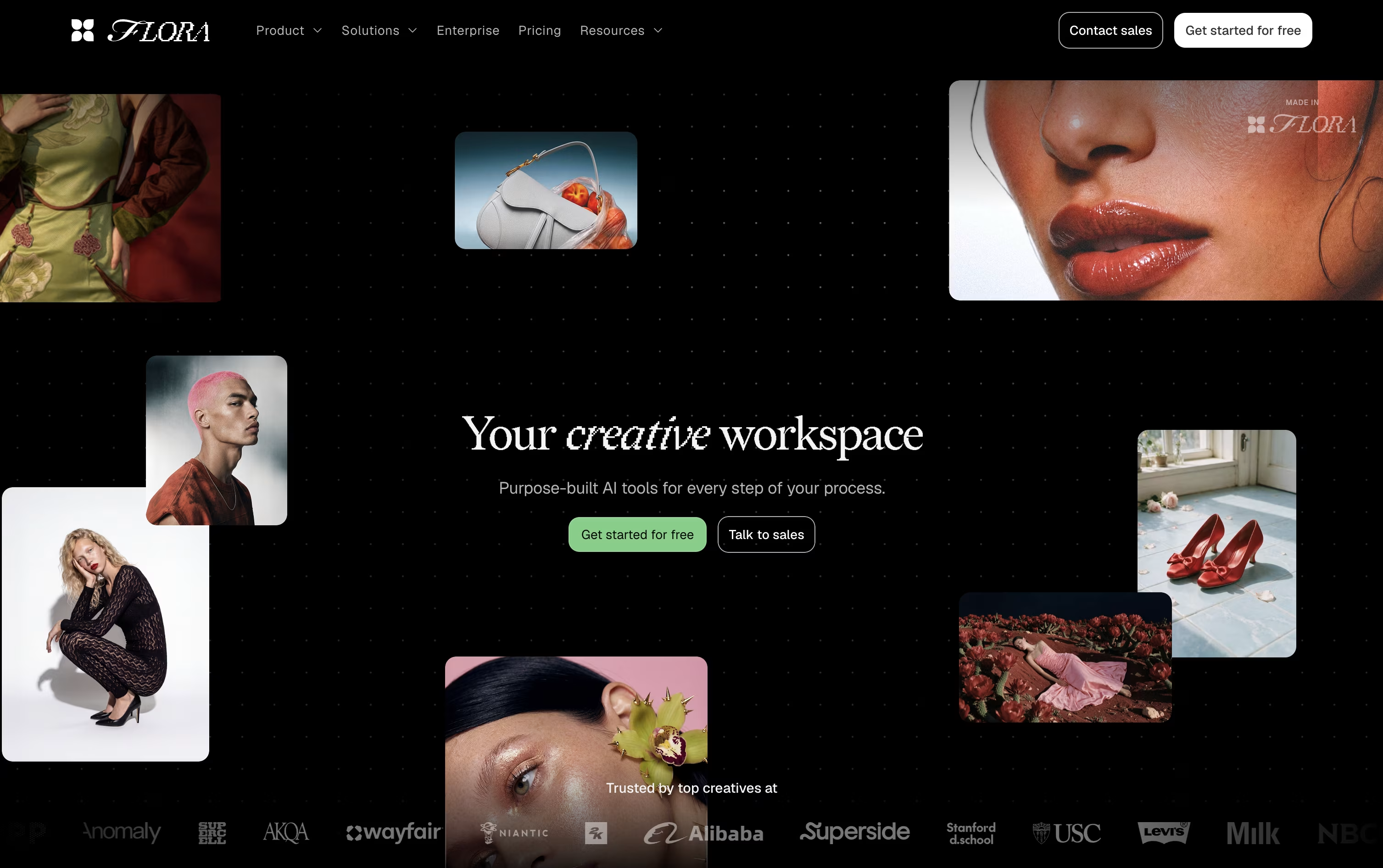
FLORA is a creative workspace built for designers, agencies, and creative teams who work with AI every day. Instead of jumping between separate apps, you get one infinite canvas where you can generate images, video, and text using more than 60 AI models from a single place.
Everything you create lives as connected nodes on the canvas, so you can branch ideas, compare results side by side, and keep a full history of every step. A built in agent called FAUNA can plan and run these steps for you when you describe what you want.
FLORA also lets teams save reusable workflows called Techniques, so a process you build once can be used again and again to produce consistent, on-brand work at scale.
Plans range from a free tier for solo exploration up to team and Enterprise options with added collaboration and security features.

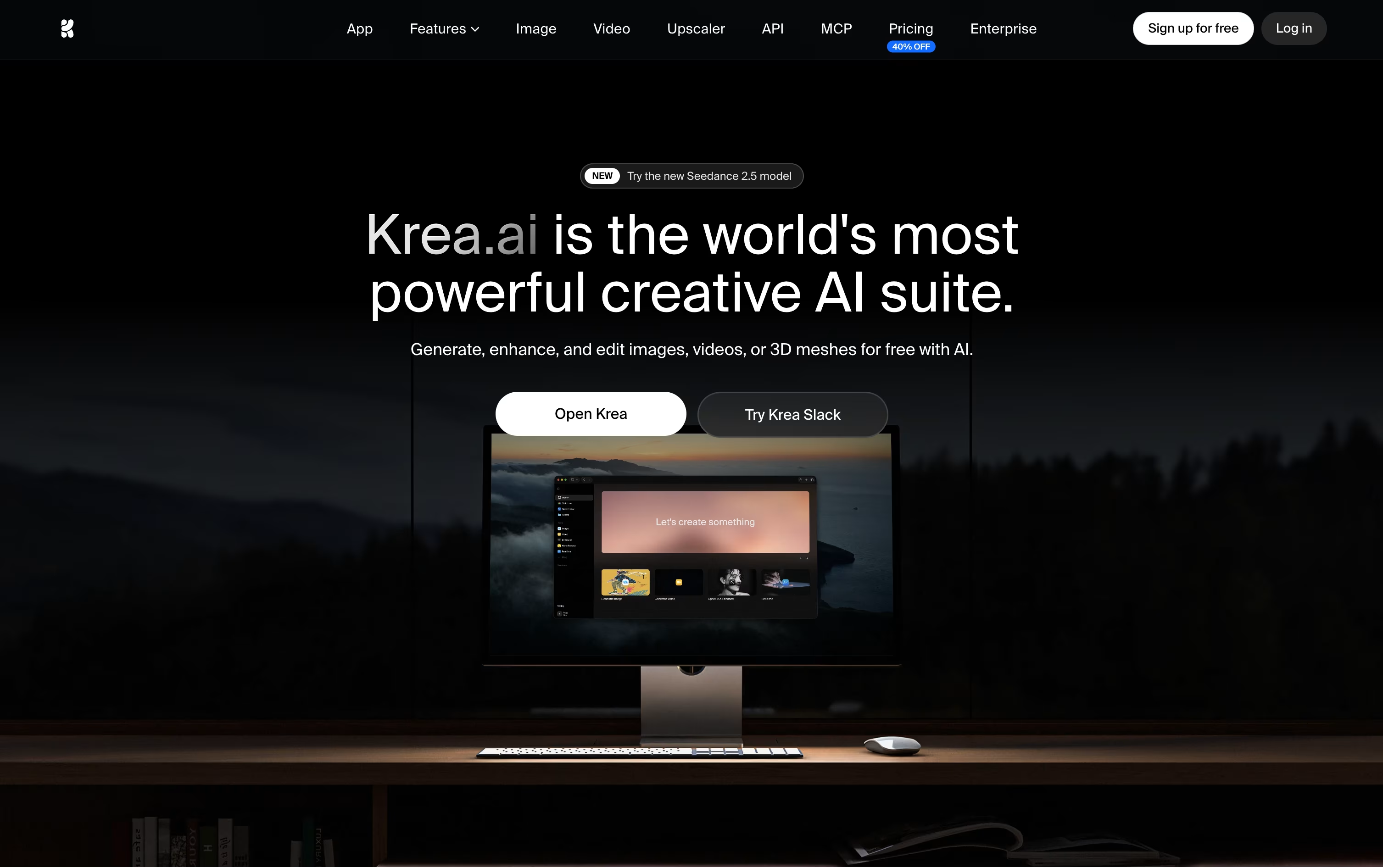
Krea is a web based platform that brings many AI creative tools together in one place. You can create images, videos, and 3D objects, edit and enhance them, and even sync lips to audio for talking videos.
Instead of jumping between different apps, you do all of this from a single, simple interface built for designers, filmmakers, and creative teams. Krea also lets you train your own custom styles, build automated workflows with visual nodes, and organize your work with an asset manager and moodboards.
It offers real time generation, so you can see images change live as you adjust your prompt. There is a free plan to start, plus paid plans for more power, and business tools built for teams.
Features of FLORA and Krea
Infinite node based canvas for AI work
FAUNA agent plans and runs generations
60+ text, image, and video models
Reusable Techniques for repeatable workflows
Real-time team collaboration and comments
Multilayer image and video editing tools
API, MCP, and CLI access
Shared team asset libraries
Export to multiple file formats
SSO, SAML, and admin controls (Enterprise)
Multiple AI image models in one place
Realtime canvas with live generation
Text and image to video creation
High resolution upscaling and enhancement
Canvas based AI image editor
Text and image to 3D generation
Lipsync for talking videos
Custom LoRA training
Visual node based workflow automation
Asset manager and moodboards
Developer API access
Free plan available
Use Cases of FLORA and Krea
Pricing of FLORA and Krea
FLORA offers five plans to match different needs, from solo exploration to full organizations.
Free ($0/month): One seat, 3 active projects, full canvas and editor, unlimited FAUNA, and up to 17 free generations.
Starter ($18/seat/month): Unlimited projects, all models, API and MCP access, and real time collaboration, dropping to $14.40/seat/month on quarterly or annual billing.
Pro ($50/seat/month): Everything in Starter plus shared team assets, per member usage caps, and usage analytics, marked as the most popular plan.
Max ($200/seat/month): Everything in Pro plus custom voices and higher included usage.
Enterprise (custom pricing): Everything in Max for teams of 9 or more, with SSO, SAML, dedicated support, and custom onboarding.
Quarterly and annual billing both save 20% compared to paying monthly.
Krea offers a free plan plus paid tiers based on monthly compute units.
Free: $0/month with 100 units a day and limited model access.
Basic ($9/month): 5,000 units a month, or $5/month billed yearly, with full image models and LoRA training.
Pro ($35/month): Krea's most popular plan, or $21/month billed yearly, with 20,000 units, all video models, Nodes Agent, and early feature access.
Max ($105/month): 60,000 units, or $63/month billed yearly, with unlimited concurrency and unlimited relaxed generations.
Business ($200/month): 80,000 units and up to 50 seats for growing teams.
Enterprise (Custom pricing): Adds SAML SSO, priority support with SLA, and advanced security controls.
Extra compute packs can also be purchased separately for individual and team plans.
FAQs: FLORA vs Krea
Reviews: FLORA vs Krea
Based on 0 reviews
Based on 0 reviews
Compare FLORA With Other Tools

OpenArt
AI Studio for Images, Video and Audio
Higgsfield
AI Video & Image Creation Studio

Runway
AI Video, Image, and Audio Creation Tool
ImagineArt
All-in-One AI Creative Suite Tool

Adobe Firefly
Create Images, Video & Audio

Recraft
AI Design Tool for Images & Vectors

Luma AI
Creative AI Video and Image Platform

Dreamina
Create AI Images, Videos & Avatars

Artlist
AI Video, Music & Stock Creative Tools
Compare Krea With Other Tools
OpenArt
AI Studio for Images, Video and Audio
ImagineArt
All-in-One AI Creative Suite Tool

Getimg.ai
The All-in-One AI Creative Platform
Runway
AI Video, Image, and Audio Creation Tool
Dreamina
Create AI Images, Videos & Avatars
Higgsfield
AI Video & Image Creation Studio

Leonardo AI
Create AI Images, Video & 3D Art
Luma AI
Creative AI Video and Image Platform
Artlist
AI Video, Music & Stock Creative Tools

